Every quilt you've ever made represents hours of careful planning, precise cutting, and deliberate stitching. Yet for most quilters, these creations end up in a folder of scattered photos, a stack of printed patterns, or simply hanging on a wall that only a few people ever see. A digital flipbook changes that entirely. It gives your patchwork portfolio the presentation it deserves, turning individual designs into a cohesive, shareable collection that clients, students, and fellow quilters can browse page by page.
Flipbooks AI makes this process straightforward, even if you've never created a digital publication before. Upload your PDF, customize the look, and share a link. That's the short version. But the real value is in what happens when someone opens your flipbook and sees your quilt collection the way you've always imagined it.
Why a Flipbook Works for Quilters
More Than a Photo Album
A static gallery on Instagram shows one image at a time. A Pinterest board is organized by someone else's algorithm. A PDF attached to an email sits unopened in someone's downloads folder. A flipbook solves all three problems at once.
When a viewer opens your flipbook, they get a page-turning experience that feels intentional and curated. Each spread can show a different quilt block design, a finished piece photographed in context, or a color story built from your fabric swatches. The sequential format creates a narrative that a grid-based gallery never can.
💡 Think of your flipbook as the printed catalog version of your quilting practice, but one that lives online, gets updated whenever you want, and can be shared with a single link.
Clients and Buyers See the Full Picture
If you sell custom quilts, teach workshops, or participate in juried shows, the way you present your work matters as much as the work itself. A well-structured quilt collection in flipbook format signals professionalism. It shows that your designs are organized, your aesthetic is consistent, and you take your craft seriously.
Buyers making a custom order decision want to see pattern variations, color options, and scale comparisons. A flipbook lets you show all of that in one place, and the reader controls the pace.
What to Include in Your Quilt Collection
Not everything deserves a page, but more qualifies than you might think. A strong quilt flipbook draws from multiple types of content to give the reader a complete view of your work.
Block Samples and Pattern Variations
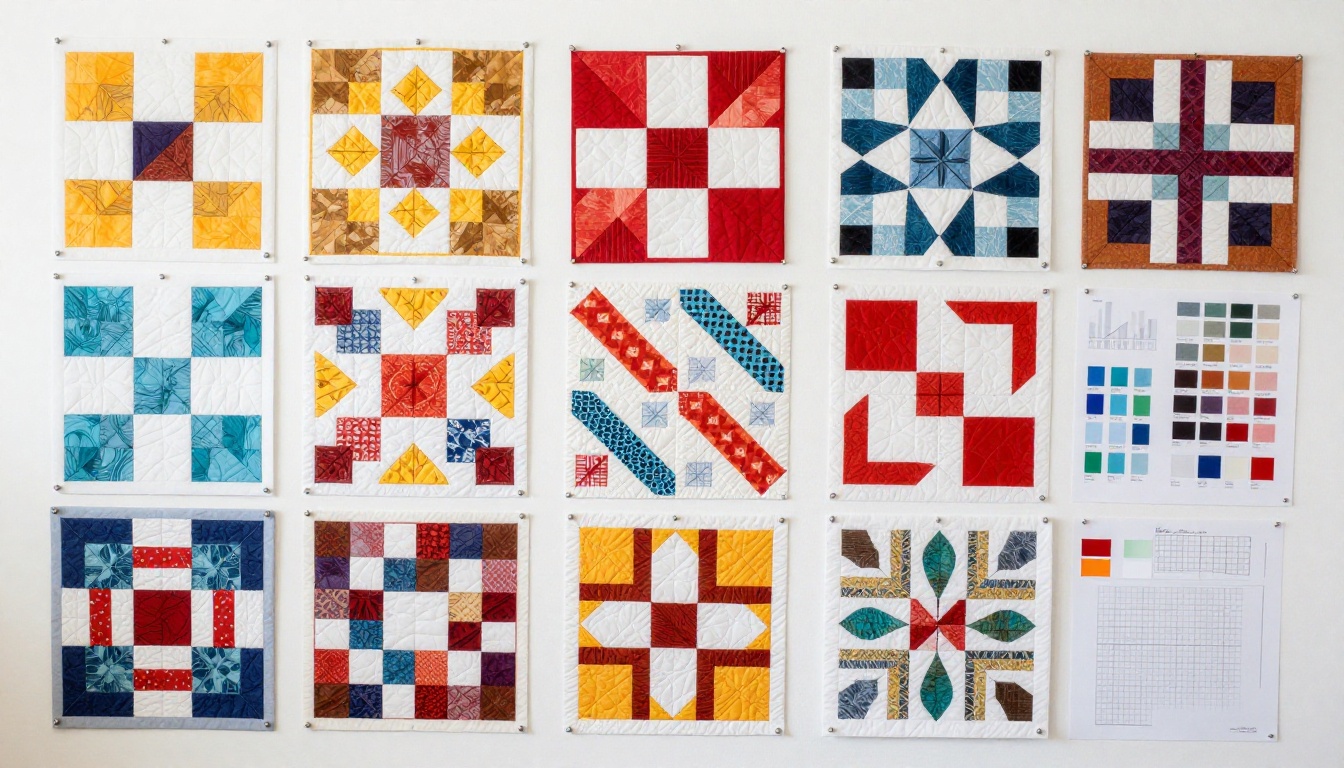
Individual quilt blocks are the building blocks of any collection presentation. Show each block design in its primary colorway, then follow it with two or three alternate fabric arrangements on the next page. This communicates both the design itself and its versatility.
✅ Best practice: Group related blocks together. Log cabin variations on one spread, star blocks on the next. This organization makes it easy for a buyer to find what resonates with them.
Fabric Swatches and Color Stories
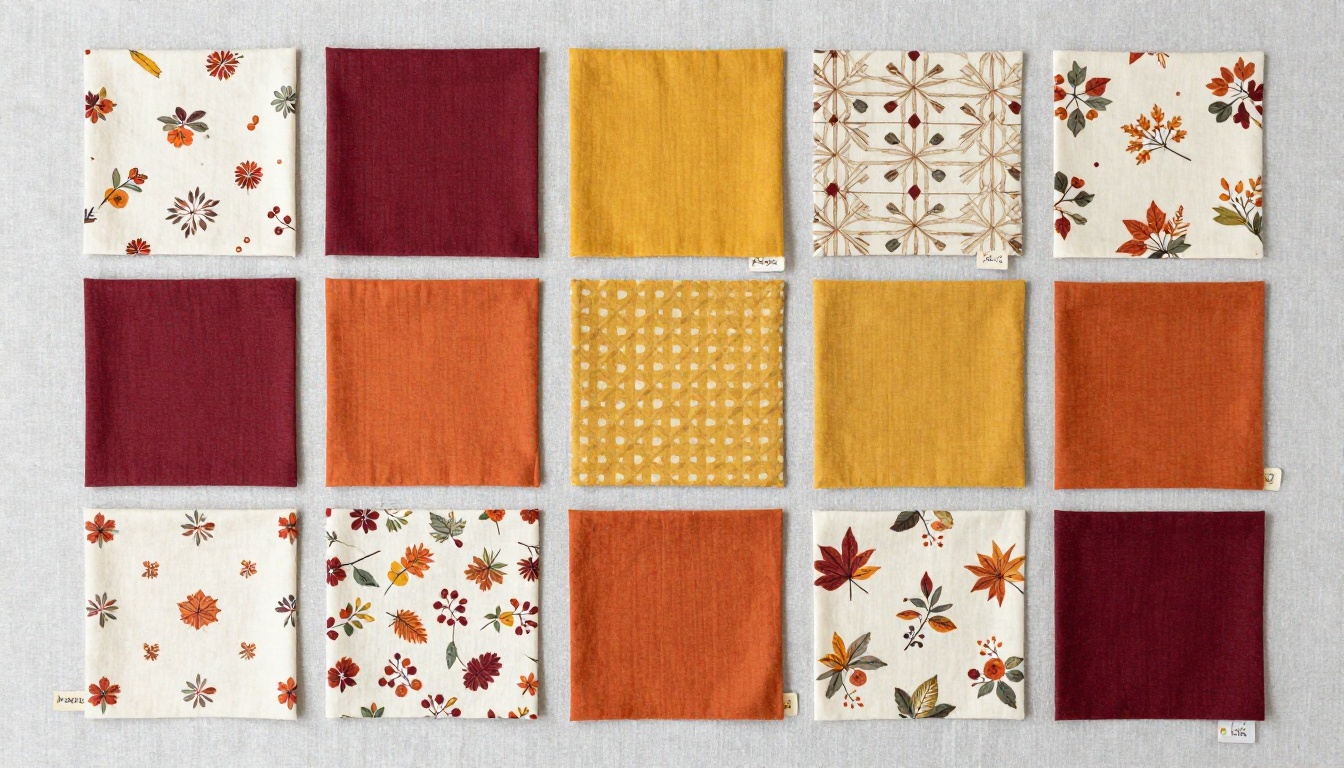
Many quilters design with specific fabric lines or color palettes in mind. Dedicating a section of your flipbook to fabric swatches gives buyers and students important context. Photograph your swatches in natural light, label them with fabric line names if relevant, and group them into the color stories you use most often.
This section functions like the palette pages in a fashion lookbook, and it helps clients visualize how a finished quilt will look in their space before committing to a commission.
Process Shots vs. Finished Pieces
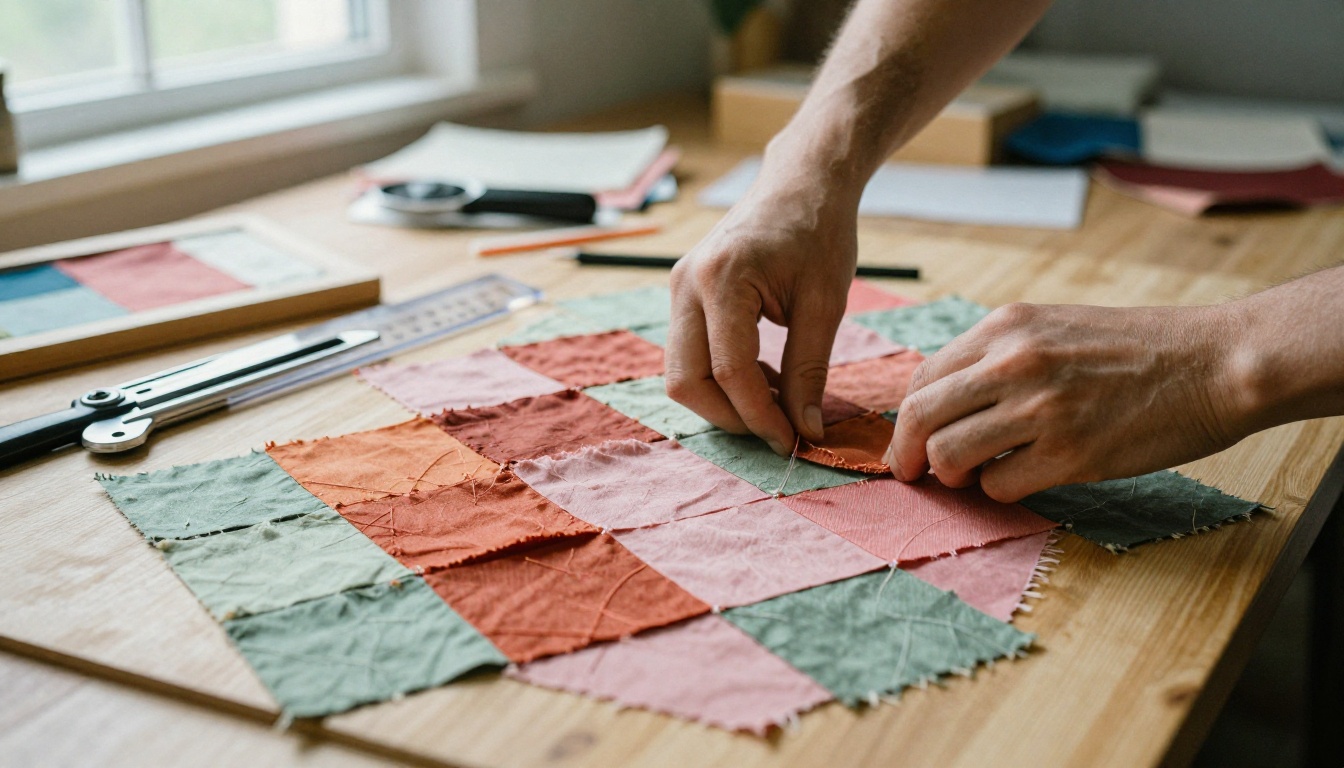
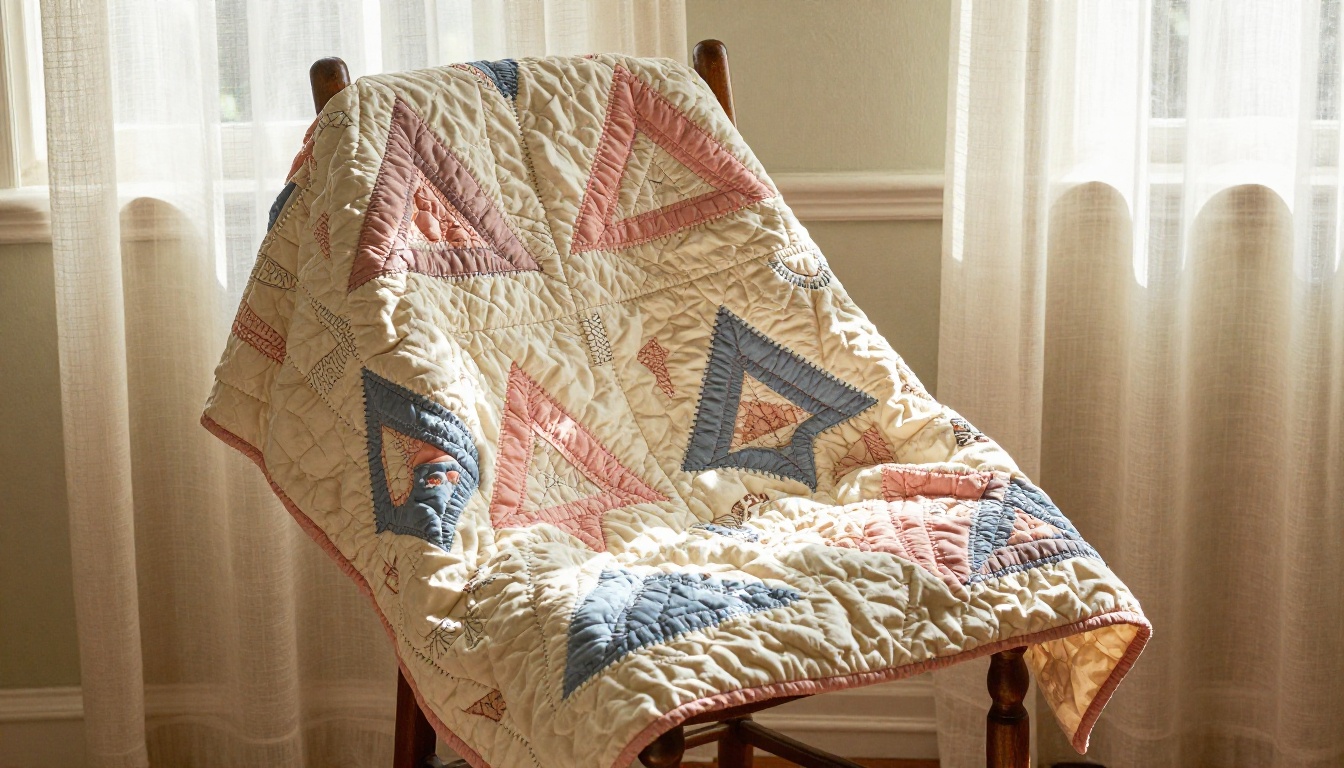
The tension between showing process and showing results is real for any craft-based portfolio. In a flipbook, you can have both without either feeling out of place. Dedicate early spreads to process: cutting fabric, pinning blocks, working at the machine. Follow those with finished piece photography that shows the quilt in a real environment, draped over a bed, hung on a wall, or spread across a porch railing.
This progression gives your collection a story arc. The reader watches something come to life across the pages.
| Content Type | Purpose | Recommended Pages |
|---|
| Block samples | Show pattern range | 4-8 pages |
| Fabric swatches | Communicate color palette | 2-4 pages |
| Process shots | Build connection and credibility | 3-5 pages |
| Finished pieces | Showcase final results | 6-10 pages |
| Care instructions | Add practical value | 1-2 pages |
| Contact and ordering info | Convert interest to inquiry | 1-2 pages |
Photographing Your Quilts Right
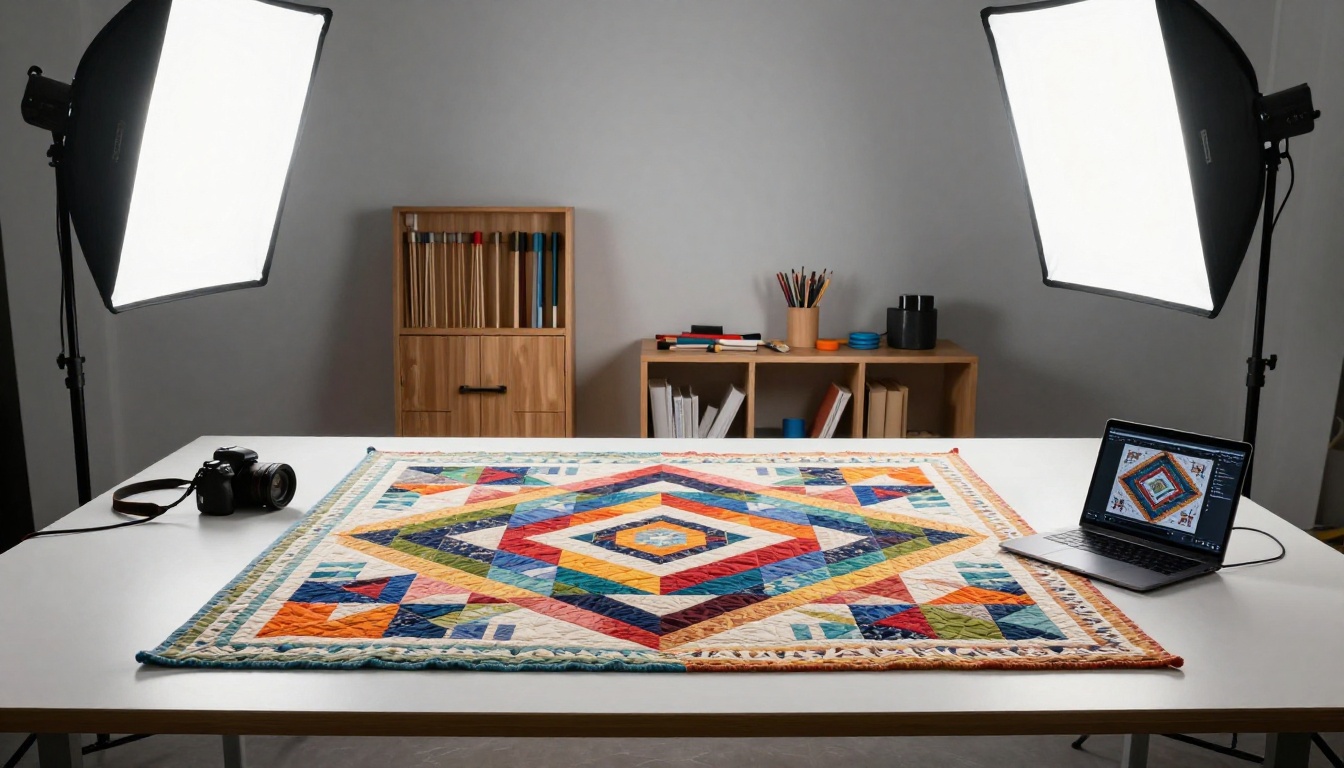
Before building your flipbook, you need images worth featuring. The quality of your photography determines whether your collection looks handmade in the best sense or just rough and unfinished.
Lighting That Shows Texture
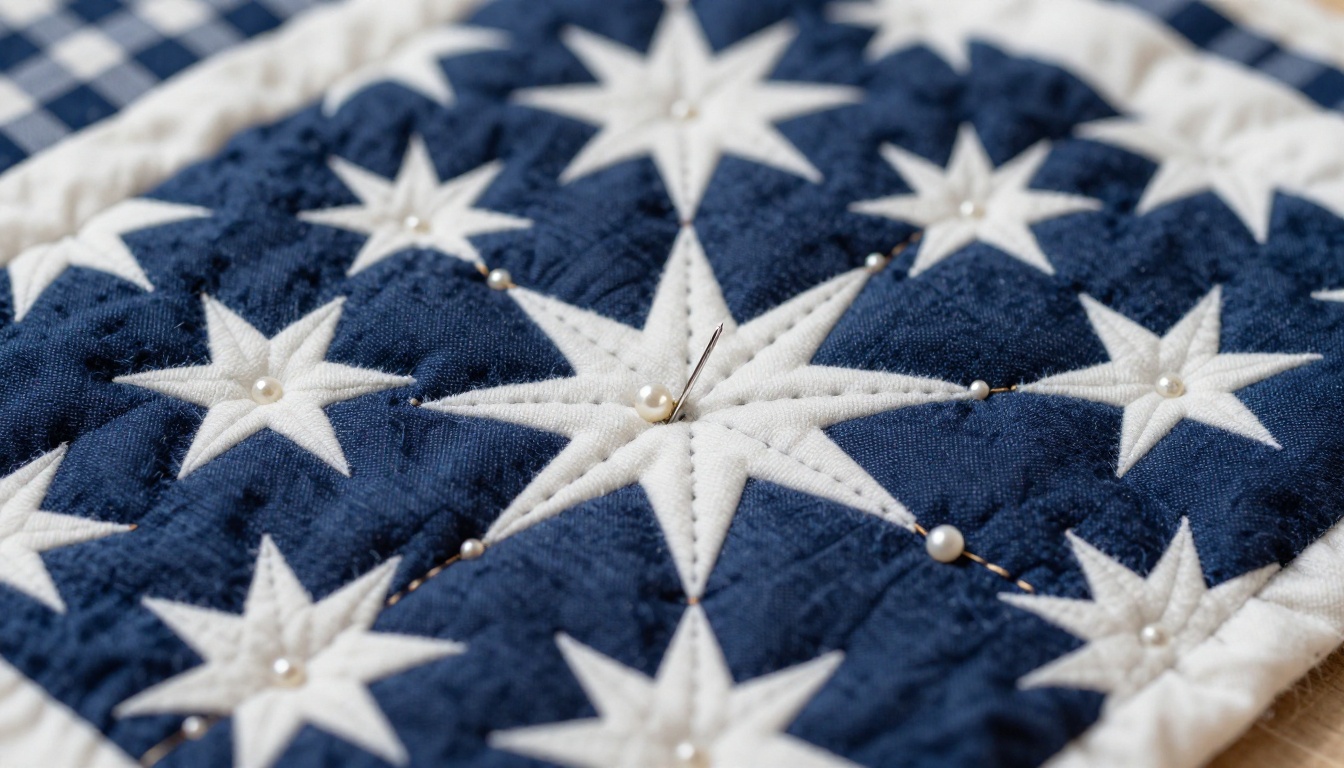
Quilts are three-dimensional objects. The batting, the stitching, the piecing seams, all of these create subtle relief that photography can either capture or erase depending on the light. Harsh direct flash erases everything. Soft natural light from a north-facing window, or a cloudy day outdoors, reveals the texture of every thread.
Shoot in the early morning or on overcast days when you're working outside. If you're indoors, position your quilt near the largest window available and turn off all artificial lights. The slight directionality of window light will cast tiny shadows across the quilting lines, making every stitch visible.
⚠️ Avoid: Overhead recessed lighting for quilt photography. It flattens the surface and eliminates the dimensional quality that makes hand quilting so impressive in person.
Flat-Lay vs. Hanging Display
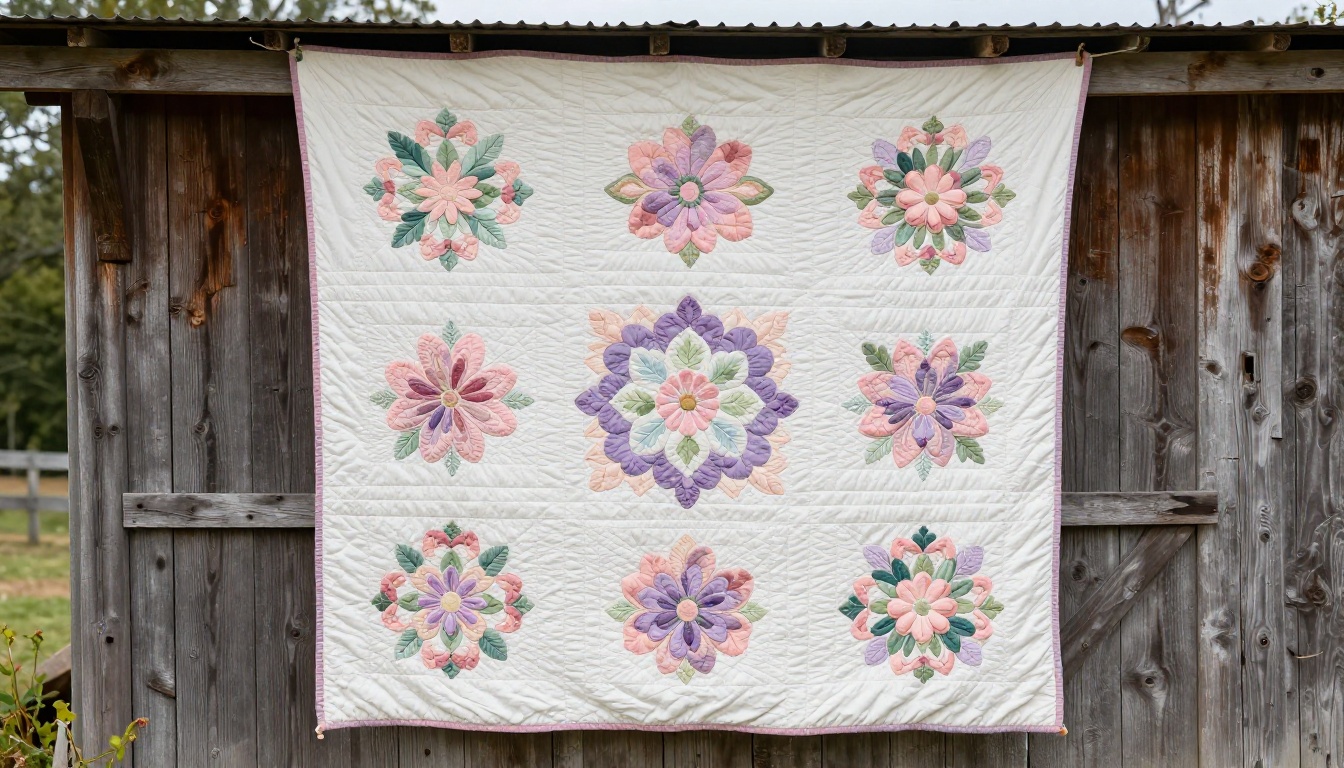
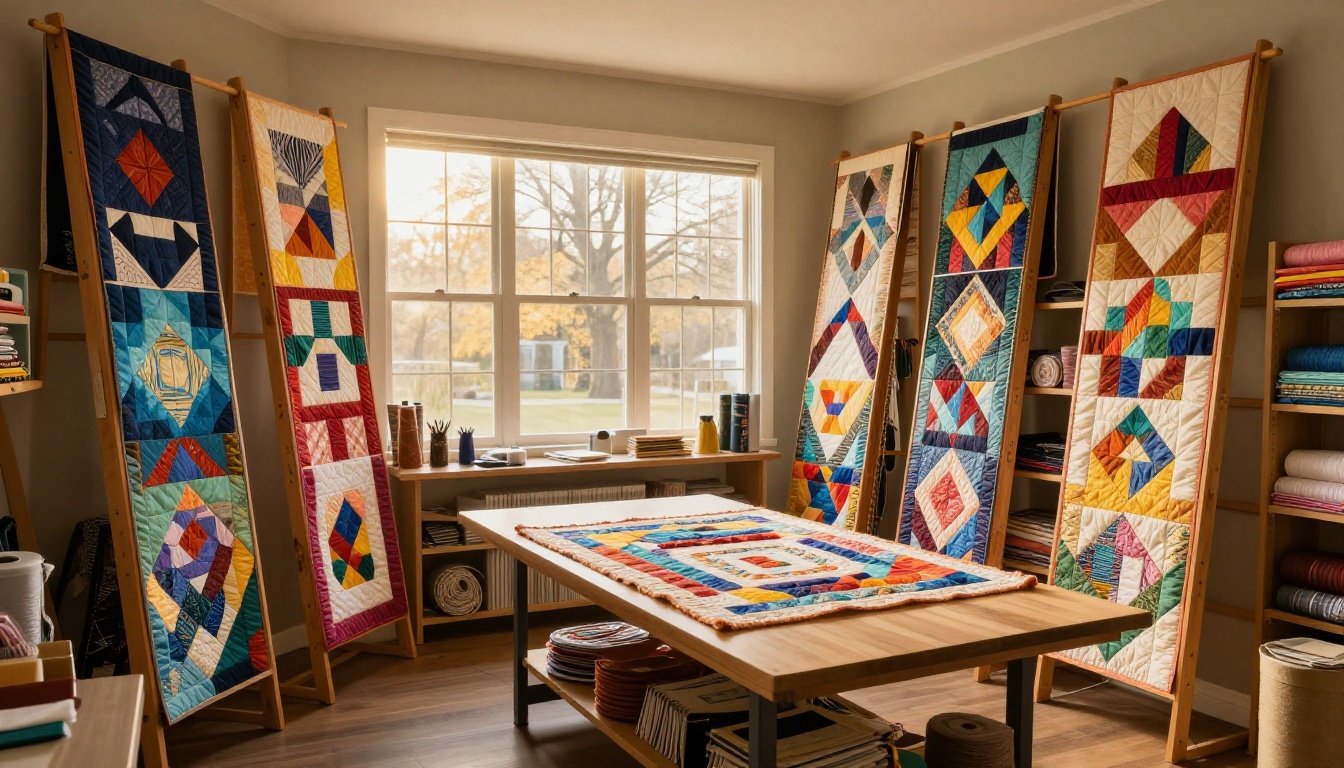
Both approaches serve different purposes. Flat-lay photography works best for block studies and detailed texture shots because it eliminates distortion and lets the pattern read clearly from above. Hanging display, whether on a wall, a ladder, or an outdoor fence, gives scale context and allows the quilt to drape naturally, showing how it moves and falls.
For a complete flipbook collection, use both. Alternate flat-lay technical shots with more atmospheric hanging or lifestyle images to keep the visual rhythm varied across pages.
How to Build Your Quilt Flipbook on Flipbooks AI
This is where your organized photos and blocks come together into a finished, shareable collection. Flipbooks AI gives you all the tools to take a PDF of your quilt designs and turn it into a professional digital flipbook.
Step 1: Organize Your Designs into a PDF
Start in any design software you already use: Canva, Adobe InDesign, PowerPoint, or even Google Slides. Create a document at standard page dimensions (letter or A4 works well) and begin placing your quilt images, block diagrams, and fabric swatches page by page.
Think of each page as a spread in a printed quilt book. Keep margins consistent, use a clean background color that complements your fabrics, and add minimal text: block names, pattern notes, or brief descriptions. When the layout feels complete, export to PDF.
💡 Pro tip: Design at 300 DPI for the sharpest image quality in your flipbook. High-resolution source files make zooming and detail viewing look polished.
Step 2: Upload and Convert
Head to Flipbooks AI and create your account. From your dashboard, click to create a new flipbook and upload your PDF. The conversion happens automatically, turning each PDF page into a flipbook page with a realistic page-turning animation.
The process takes under a minute for most quilt collections. You'll immediately see a preview of how your collection looks as a flipbook. The PDF to Flipbook Converter handles everything in the background so you never need to touch any code or technical settings.
Step 3: Brand Your Collection
Once converted, use the editor to apply your personal branding. You can set:
- Custom colors for the flipbook background and toolbar
- Your logo displayed in the corner
- A custom domain or subdomain for sharing
- Password protection if the collection is for select clients only
This is where a quilt collection stops feeling like a PDF and starts feeling like a real publication. A quilting instructor might use a soft cream background to match their linen-and-natural-fiber aesthetic. A contemporary modern quilter might go bold with high contrast black.
Step 4: Share and Embed
When your collection is ready, you have multiple options for sharing:
- Direct link: Copy the URL and paste it anywhere, in an email, on social media, or in your website bio.
- Embed code: Paste a snippet into your website and the flipbook appears directly on your page. Use the Embed Flipbook on Website tool for guidance.
- QR code: Generate a QR code pointing to your flipbook and print it on business cards, hang tags, or booth signage at craft fairs.
- Password-protected link: Share with specific clients who need to preview a custom commission before approval.
The Digital Portfolio Creator and Portfolio Flipbook Builder tools offer additional templates specifically designed for creative portfolios, which work beautifully for quilters who want a more polished starting point.

Flipbooks AI Plans for Quilters
Choosing the right plan depends on how many collections you want to maintain and whether you need advanced features like analytics or lead generation.
| Feature | Free | Standard | Professional |
|---|
| Number of flipbooks | 1 | Unlimited | Unlimited |
| Watermark | Yes | No | No |
| Password protection | No | Yes | Yes |
| Custom branding | No | Yes | Yes |
| Analytics | No | No | Yes |
| Lead generation | No | No | Yes |
| Offline download | No | No | Yes |
| Embed on website | No | Yes | Yes |
For most quilters building a portfolio collection, the Standard plan covers everything needed. The Professional plan adds value for those teaching paid workshops or selling quilt patterns, since the analytics show which pages viewers spend the most time on (useful for knowing which designs generate the most interest). Compare plans in detail at Flipbooks AI pricing.
💡 The unlimited flipbooks feature on Standard and above means you can maintain separate collections: one for finished quilts, one for patterns available for sale, one for workshop samples. Each gets its own link and branding.
Different quilting practices call for different collection formats. Here's how to match your work to the right flipbook structure.
| Quilting Focus | Recommended Format | Key Sections to Include |
|---|
| Custom commission work | Client lookbook | Design options, colorways, pricing, ordering |
| Pattern design and sales | Pattern catalog | Block instructions, yardage charts, finished sizes |
| Teaching and workshops | Course materials | Step-by-step visuals, supply lists, technique guides |
| Show and exhibition | Portfolio | Full-piece photography, artist statement, awards |
| Retail shop or Etsy | Product catalog | Multiple views, size options, care instructions |
| Guild collection | Group collection | Each member's work with name and brief bio |
The Interactive Lookbook Designer is a strong fit for custom commission quilters. The Course Material Publisher works well for teachers. Both pull from the same core platform, so switching between formats is simple.
Real Quilters, Real Use Cases
Selling at Craft Fairs
At a busy craft fair, you have about three seconds to capture a browser's attention. A physical binder of printed quilt photos works, but it's fragile, expensive to update, and takes up table space. A tablet running your Flipbooks AI collection is compact, impressive, and always current.
Print a QR code for your booth display pointing to your flipbook. Visitors who pick up your card can browse your full collection later at home, long after the fair ends. Those who fall in love with a specific quilt but aren't ready to buy can save the link and come back.
Teaching Quilting Workshops
Instructors who teach in-person or online benefit enormously from a well-structured digital collection. Instead of printing packets of pattern instructions for every student, share a single flipbook link before the class starts. Students can zoom in on stitch details, reference specific pages on their own devices during class, and keep the materials accessible indefinitely after the workshop ends.
The Training Manual Flipbook format works particularly well here, especially for multi-day workshops where you want students moving through materials in a specific sequence.
Building an Online Quilt Shop
For quilters selling finished quilts, fabric kits, or quilt patterns online, a digital catalog is more effective than a product page with flat images. A flipbook format allows you to show a quilt in multiple settings: folded, draped, on a bed, close up on texture. It communicates quality in a way that a simple e-commerce photo grid cannot.
Link your flipbook from your shop's homepage, your email newsletter, and your social media profiles. Use the Digital Catalog Maker tool to build a catalog specifically designed for product presentation.
✅ Best practice: Update your collection flipbook seasonally. A spring collection with pastel colorways and a fall collection with deep warm tones signals that your work is current, active, and worth following.
3 Common Mistakes in Quilt Portfolio Building
1. Using too many images per page: Cramming six quilt photos onto one page makes everything small and hard to appreciate. One to two images per spread, with breathing room, looks far more professional.
2. Skipping the cover page: Your flipbook's first page is its first impression. Invest time in a strong cover with a single dramatic photo of your best piece and a clean title. The rest of the collection will be judged partly on that opening frame.
3. Not updating it: A quilt collection that ends in 2022 suggests a quilter who stopped creating. Even adding two or three new pieces per year keeps the collection feeling alive and current.
Your Quilt Designs Belong Online
Your quilt designs deserve more than a folder on your hard drive or a scroll that disappears in someone's social media feed. A flipbook collection gives your work permanence, organization, and a presentation format that reflects the care you put into every stitch.
Ready to put your patchwork portfolio online? Get started for free on Flipbooks AI and build your first quilt collection today. Explore all the available creative portfolio tools to find the format that fits your work best, or compare pricing plans to find the right level for your quilting practice.



