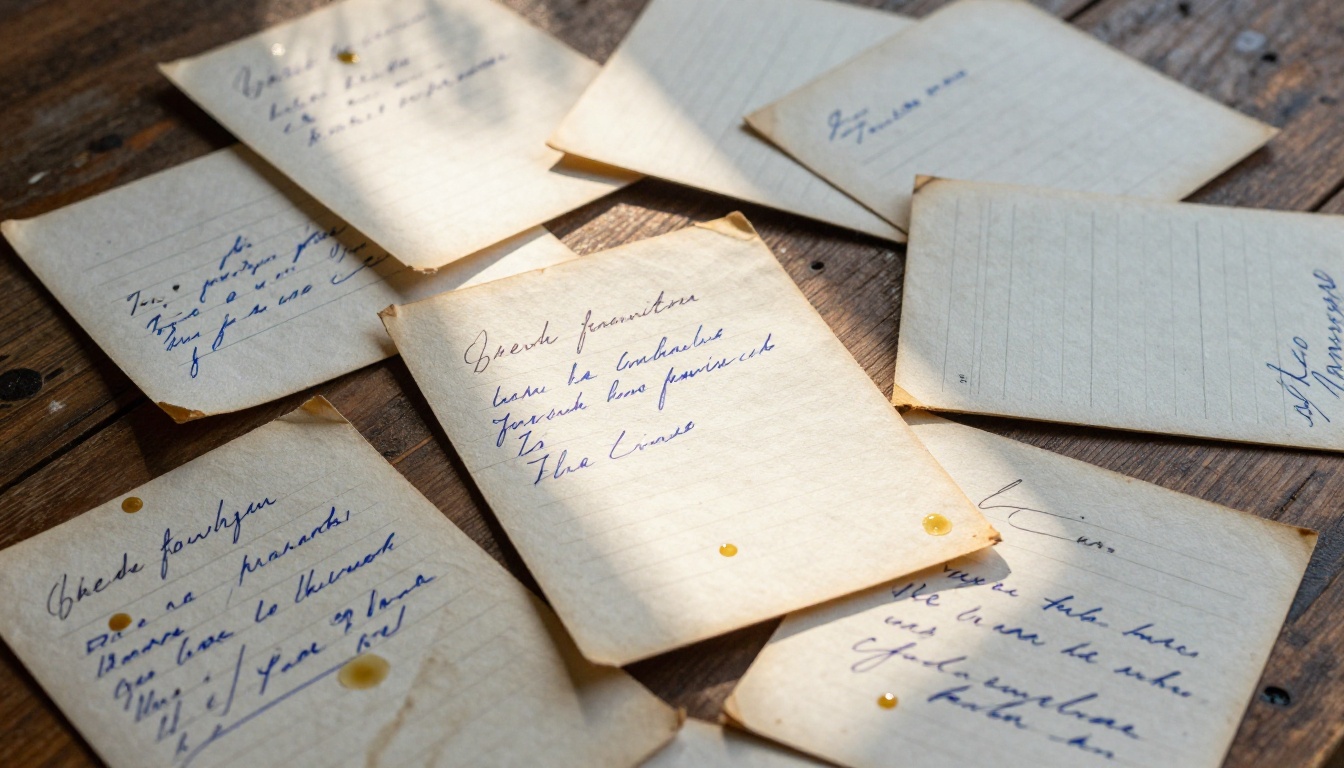
Your grandmother's chicken soup recipe lives on a yellowed index card tucked inside a shoebox. Your uncle's BBQ rub is scrawled on a sticky note stuck behind a cabinet door. Your own collection sprawls across three notebooks, a folder of phone screenshots, and a Pinterest board you haven't opened since 2021. Sound familiar?
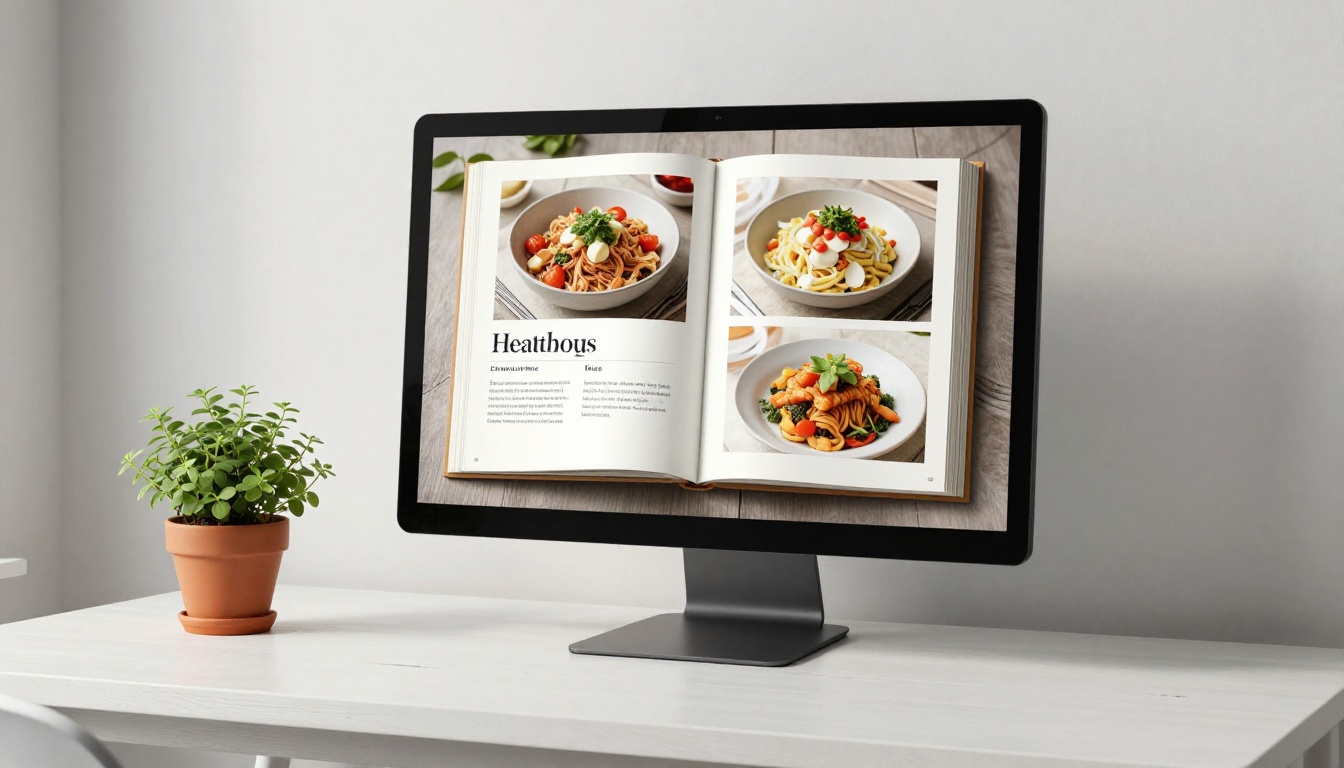
Most recipe collections die exactly like that. Scattered, fragile, impossible to share. Flipbooks AI changes that entirely by letting you take any PDF recipe collection and convert it into a polished, interactive digital cookbook with realistic page-flip effects, custom branding, and sharing options that actually work.
This article covers every step: what to include, how to format it, how to publish it, and how to share it with the people who matter most.
Why Paper Recipe Collections Always Fail
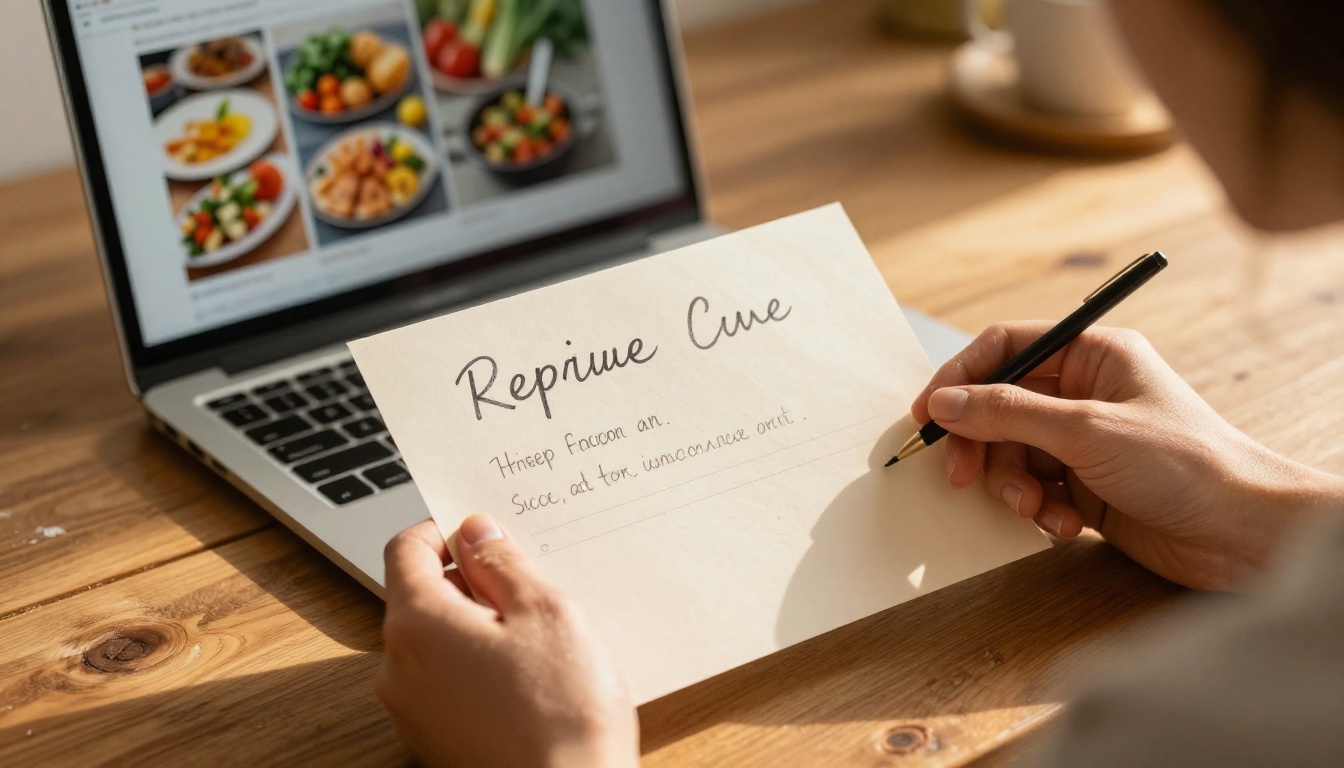
There's a reason most people never actually organize their recipes. Paper is fragile, difficult to search, impossible to update without crossing things out, and completely non-shareable at scale. You can't send your grandma's lasagna recipe to 40 family members via index card.
The problem isn't motivation. It's the format.
The real cost of paper recipes
- Recipe cards get stained, lost, or destroyed over time
- Handwriting fades or becomes illegible after years
- There's no way to search across hundreds of recipes by ingredient
- Sharing requires physical copies or retyping everything from scratch
- No photos means no visual appeal or context for the reader
What digital changes immediately
A digital cookbook solves every one of those problems at once. When you move your collection to a digital format, it becomes:
Searchable. Anyone reading can jump straight to what they need without flipping through every page.
Shareable. Send a single link to everyone in your family at the same time.
Visual. Every recipe can have a photo right next to the ingredient list and instructions.
Permanent. No stains, no fading, no physical damage from kitchen use.
Interactive. Page-flip effects make reading feel like a real book rather than a clinical document.
💡 The most effective digital cookbooks feel like real books, not exported PDFs. The page-flip animation changes how people interact with the content entirely, encouraging longer reading sessions and more return visits.
What Actually Goes Into a Great Digital Cookbook
Before opening any tool, you need to decide what belongs in the book. Quality beats quantity every time, and the curation process is where most people skip the important work.
Choosing which recipes to include
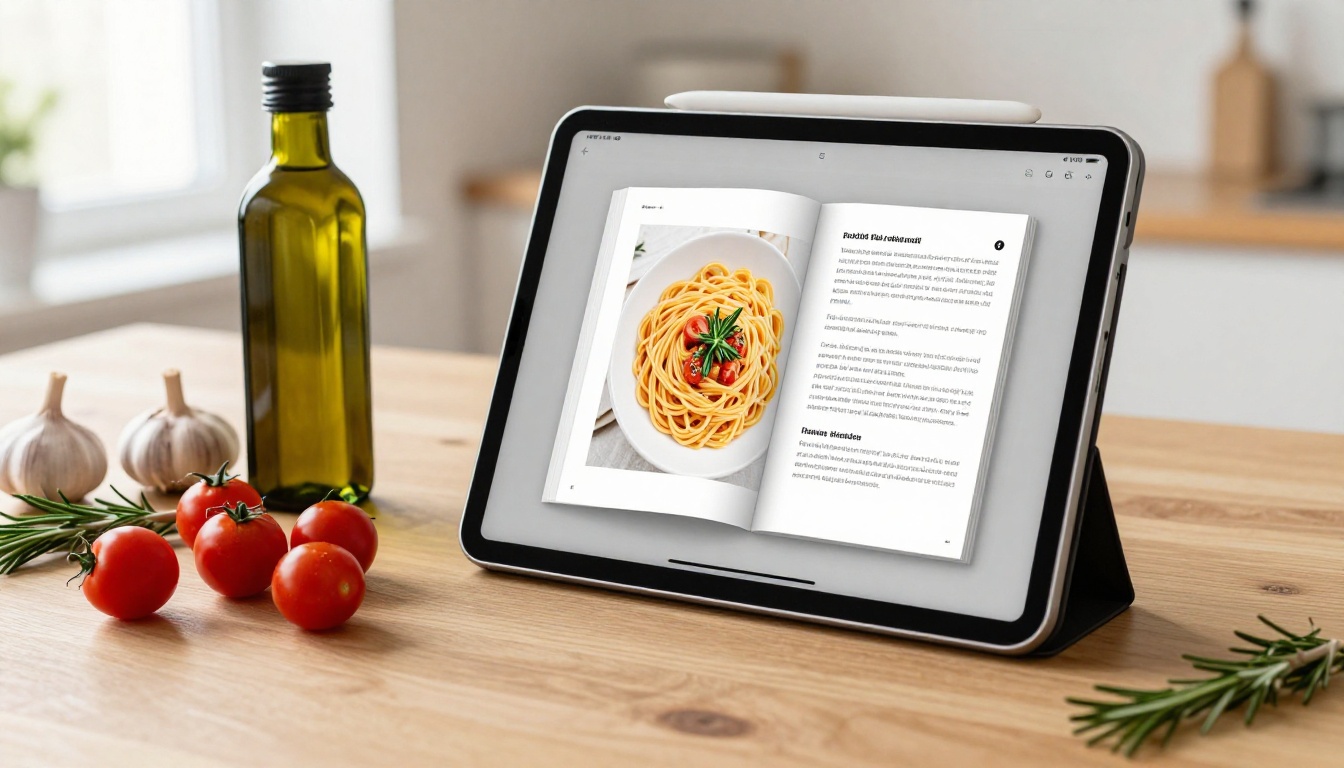
Not every recipe you've ever made deserves a spot. The strongest digital cookbooks are curated, not exhaustive. Start with these categories:
- Proven recipes: Dishes you've made at least three times with consistent, repeatable results
- Signature dishes: The recipes people specifically ask you for at gatherings or holidays
- Family heirlooms: Recipes with real history and story behind them, passed down through generations
- Seasonal collections: Group by spring and summer themes or by specific holidays
Cut the duplicates, the "never again" experiments, and the half-remembered attempts. A focused 30-recipe cookbook beats a bloated 200-recipe dump every single time. Readers feel the curation. They trust a book that feels intentional.
Organizing for the reader, not yourself
Most home cooks organize by how they personally think about cooking. Your readers don't share that mental model. The cleaner organizational structures that actually work:
| Organization Style | Best For | Example |
|---|
| By meal type | General cookbooks | Breakfast, Lunch, Dinner, Desserts |
| By cuisine | Cultural collections | Italian, Mexican, Asian, American |
| By main ingredient | Seasonal or specialty | Chicken, Pasta, Vegetables, Seafood |
| By occasion | Gift or holiday books | Christmas, Thanksgiving, Summer BBQ |
| By difficulty | Beginner cookbooks | Quick Weeknight, Weekend Projects, Advanced |
Pick one structure and stick to it across the entire book. Mixing organizational styles within the same cookbook creates confusion and forces readers to hunt for things rather than browse naturally.
Photos: the single biggest upgrade
A recipe page without a photo is forgettable. A recipe page with a well-lit, appetizing photo is bookmarked, shared, and returned to. You don't need a professional camera setup for this. You need:
- Natural side light coming from a window
- A clean, non-distracting background or surface
- The finished dish plated thoughtfully, not casually dropped on a plate
- At least one close-up shot that shows real texture and detail
⚠️ Low-quality or dark photos actively hurt your cookbook. If you don't have a good photo for a particular recipe, use a clean photo-free layout rather than including a bad image. A missing photo is far less damaging than a poor one.
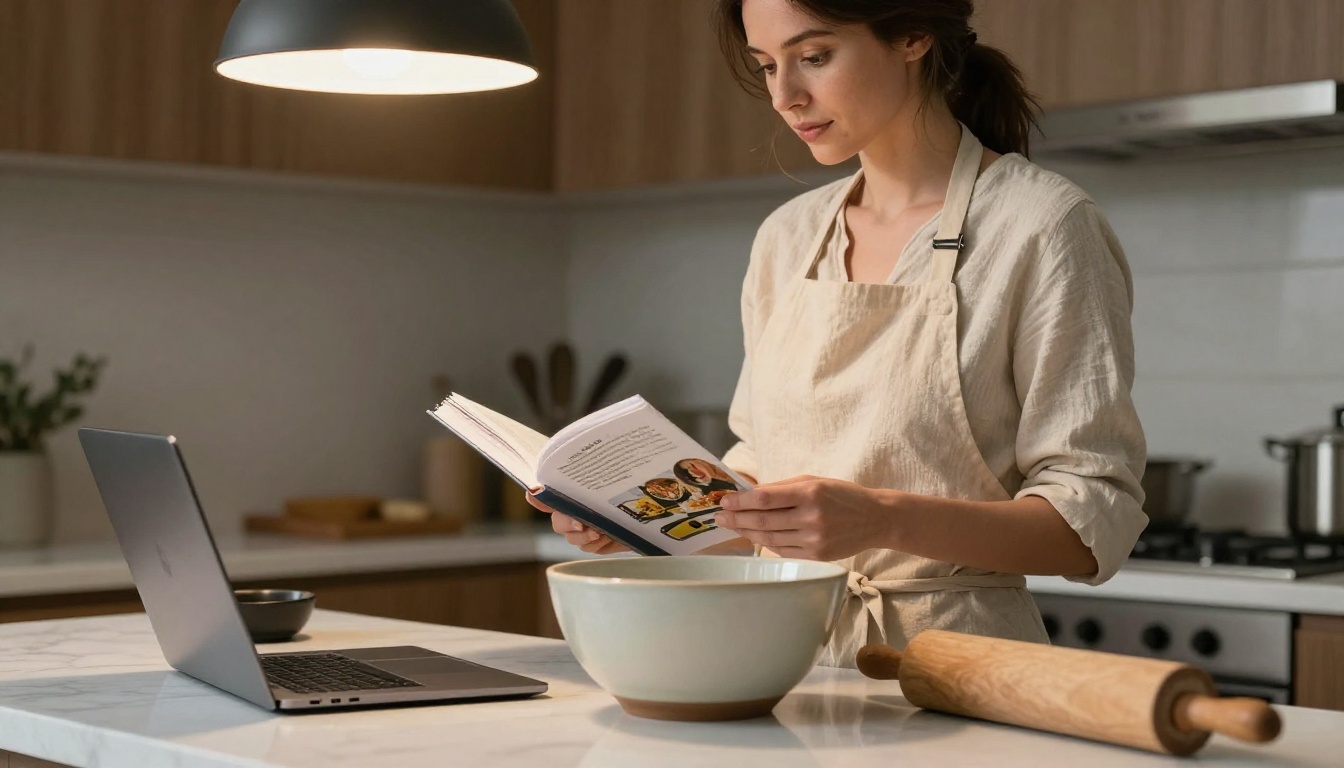
The layout of a recipe page determines whether someone can cook from it in real-time or has to keep re-reading the same lines. Good formatting is invisible. Bad formatting causes mistakes and frustration mid-cook.
The anatomy of a readable recipe page
Every recipe page should follow the same consistent structure so readers always know where to look:
- Recipe title: Large and prominent, the first thing the eye finds
- Short intro: One to three sentences covering origin, best occasion, or what makes it special
- At-a-glance stats: Prep time, cook time, servings, and difficulty level
- Ingredients list: Grouped logically (dry, wet, garnish) with exact measurements
- Step-by-step instructions: Numbered, with one specific action per step
- Notes and tips: Substitutions, storage guidance, and variations worth trying
- Photo: Either full-page, half-page, or positioned beside the ingredient list
Why consistent formatting matters
When every recipe follows the same structure, readers can navigate your cookbook intuitively without thinking. They know exactly where to look for the ingredient list without scanning the whole page. This structural consistency is what separates a professional cookbook from a stack of Word documents stapled together.
✅ Best practice: Design one master recipe template in Canva or Word, then copy it for every new recipe. Never deviate from the structure, even for simple dishes. The reader's trust is built through repetition and reliability.
How to Create Your Digital Cookbook with Flipbooks AI
This is where the physical collection becomes something genuinely impressive. The Recipe Book Flipbook tool on Flipbooks AI handles the conversion from a PDF to an interactive digital cookbook in minutes, with no technical skills required.
Step 1: Build your recipe PDF first
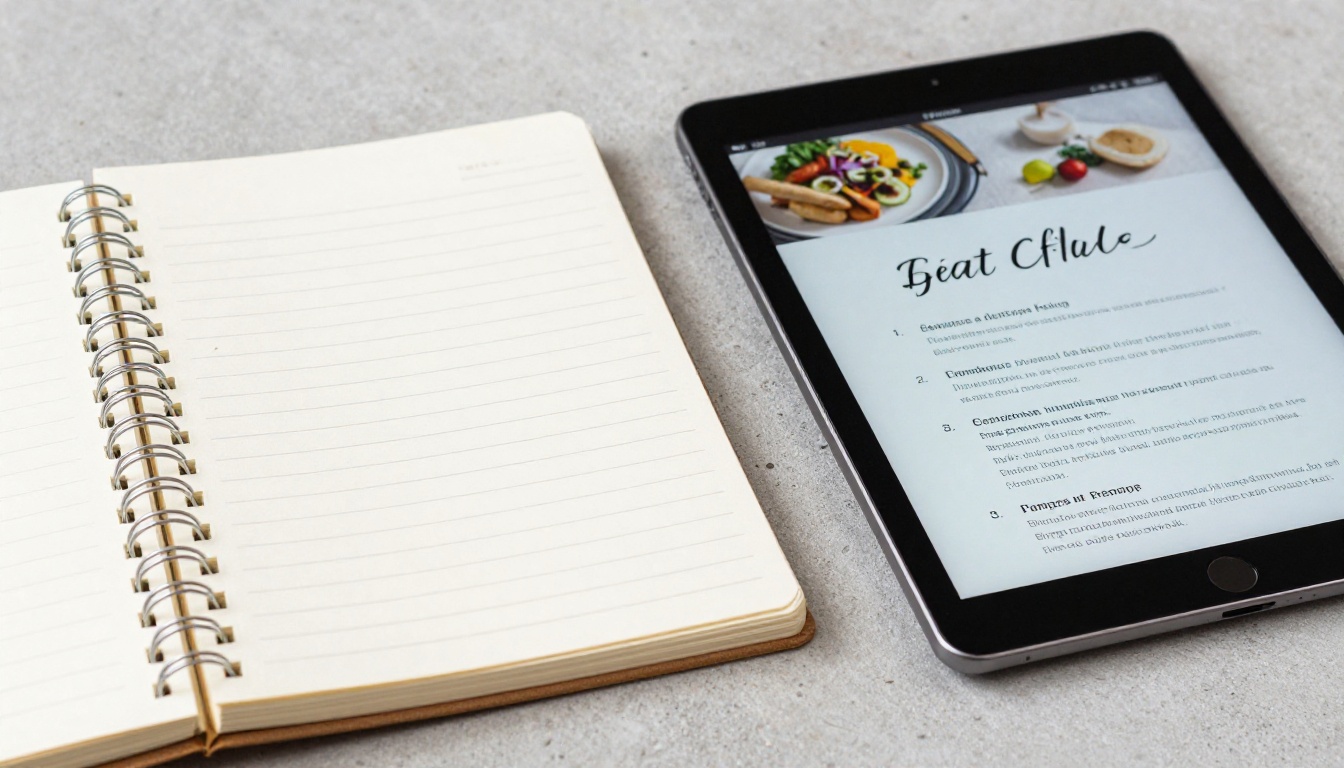
Before uploading, you need the cookbook in PDF format. The most popular tools for this:
- Canva: Free templates specifically designed for recipe books with drag-and-drop editing. The fastest starting point for most people.
- Microsoft Word or Google Docs: Simple grid layouts that export cleanly to PDF for straightforward collections.
- Adobe InDesign: For professional-level typesetting and precise photo integration across many pages.
- Notion or Obsidian: Export markdown-formatted recipes to PDF with basic styling applied.
The key requirement: your PDF must be properly paginated, with each recipe on its own page or two-page spread. Flipbooks AI converts each PDF page directly into a flipbook page, preserving all fonts, photos, and layout exactly as designed.
💡 Canva's recipe book templates give you the fastest possible starting point. Most people finish a 20-recipe PDF in under two hours when working from a template rather than starting from scratch.
Step 2: Upload and convert
- Go to Flipbooks AI and create your account
- From the dashboard, click New Flipbook
- Select your PDF file and upload it (several hundred pages supported)
- Wait for the conversion process, which typically takes under 60 seconds for a standard cookbook
- Preview the result in the live flipbook viewer to check layout and page order
The conversion preserves everything from your original PDF without any loss of quality or formatting.
Step 3: Customize the presentation
After conversion, you have full control over how the cookbook looks and feels:
- Cover design: Use your own cover page from the PDF or choose from built-in styles
- Page-turn effects: Realistic flip animation, slide transition, or fade between pages
- Background: Solid color, gradient, or a custom image behind the open book
- Branding: Add your own logo, custom colors, or a custom domain on the Professional plan
- Multimedia: Embed background music or add clickable video links directly within specific pages
This customization step is what transforms a simple PDF export into something people genuinely want to share.
Step 4: Publish and share
Once satisfied with the result, several sharing options are available:
- Direct link: One URL to text, email, or post anywhere on social media
- Embed code: Drop the cookbook directly into any website or food blog with a single code snippet using the Embed Flipbook on Website tool
- Password protection: Keep family recipes private with a password-only link
- QR code: Print on a physical card, refrigerator magnet, or table card at an event
- Offline download: Allow readers to save the cookbook for access without an internet connection
✅ The embed option is particularly valuable for food bloggers who want to showcase a recipe collection directly on their site without forcing visitors to navigate away or download a file.
Sharing Methods: How They Stack Up
Different audiences and goals call for different sharing approaches. Here's how the options compare in practice:
| Sharing Method | Best For | Privacy Control | Works On |
|---|
| Direct link | Family, friends, social media | Public or password-locked | All devices |
| Embed code | Food blogs, websites | Public | Desktop and Mobile |
| QR code | Printed materials, events | Public or password-locked | Mobile |
| Email attachment (PDF) | Quick sends, no account needed | Private | All devices |
| Offline download | No internet access required | Private | All devices |
The direct link option is the most versatile for most home cooks. For food bloggers and content creators, the embed code delivers far more value since it keeps visitors on the site longer and integrates the cookbook into the existing reading experience.
Flipbooks AI Plans: What Each Level Gives You
Most recipe cookbook projects don't need the most advanced plan. Here's a clear comparison of what matters for this specific use case:
| Feature | Free | Standard | Professional |
|---|
| Flipbooks per account | Limited | Unlimited | Unlimited |
| Watermarks | Yes | No | No |
| Custom branding | No | Yes | Yes |
| Password protection | No | Yes | Yes |
| Reader analytics | No | No | Yes |
| Lead generation forms | No | No | Yes |
| Offline downloads | No | Yes | Yes |
| Embed on website | Limited | Yes | Yes |
| Custom domain | No | No | Yes |
💡 For a personal family cookbook, the Standard plan covers everything that matters: no watermarks, unlimited cookbooks, password protection for private recipes, and full embed capability. Explore the pricing options to see exactly what fits your situation.
Who Actually Does This: Real Use Cases
Home cooks building family archives
The most common use case: someone wants to preserve a grandparent's recipes before they're lost forever. A family putting together a 40-recipe collection for a holiday gift, shared via a password-protected link so only family members can access it. Everyone gets the same version. The recipes never get lost, stained, or thrown away. Total time investment: one weekend.
Food bloggers adding a premium asset
A food blogger with over 100 published recipes creates a curated "Top 30 Weeknight Dinners" flipbook and embeds it on a dedicated landing page. Visitors spend longer on the page browsing recipes. The blogger links to it from their email newsletter as an exclusive resource. The Professional plan's analytics show exactly which recipe pages readers spend the most time on, informing which recipes to develop further.
Cooking instructors and course creators
A cooking instructor publishes a course recipe pack as a digital flipbook instead of a printed handout. Students receive a link before the first class. No printing costs, no distribution logistics. When a recipe changes between sessions, the instructor updates the source PDF and re-uploads. Every student sees the updated version immediately, with no redistribution required.
Restaurants sharing seasonal content
A small restaurant creates a seasonal recipe booklet for customers, embedded directly on their website. Customers browse it before making a reservation. The Restaurant Menu Creator handles the initial layout design, and the result looks like a professionally published booklet rather than a scanned PDF menu.
The Full Publishing Process from Start to Finish
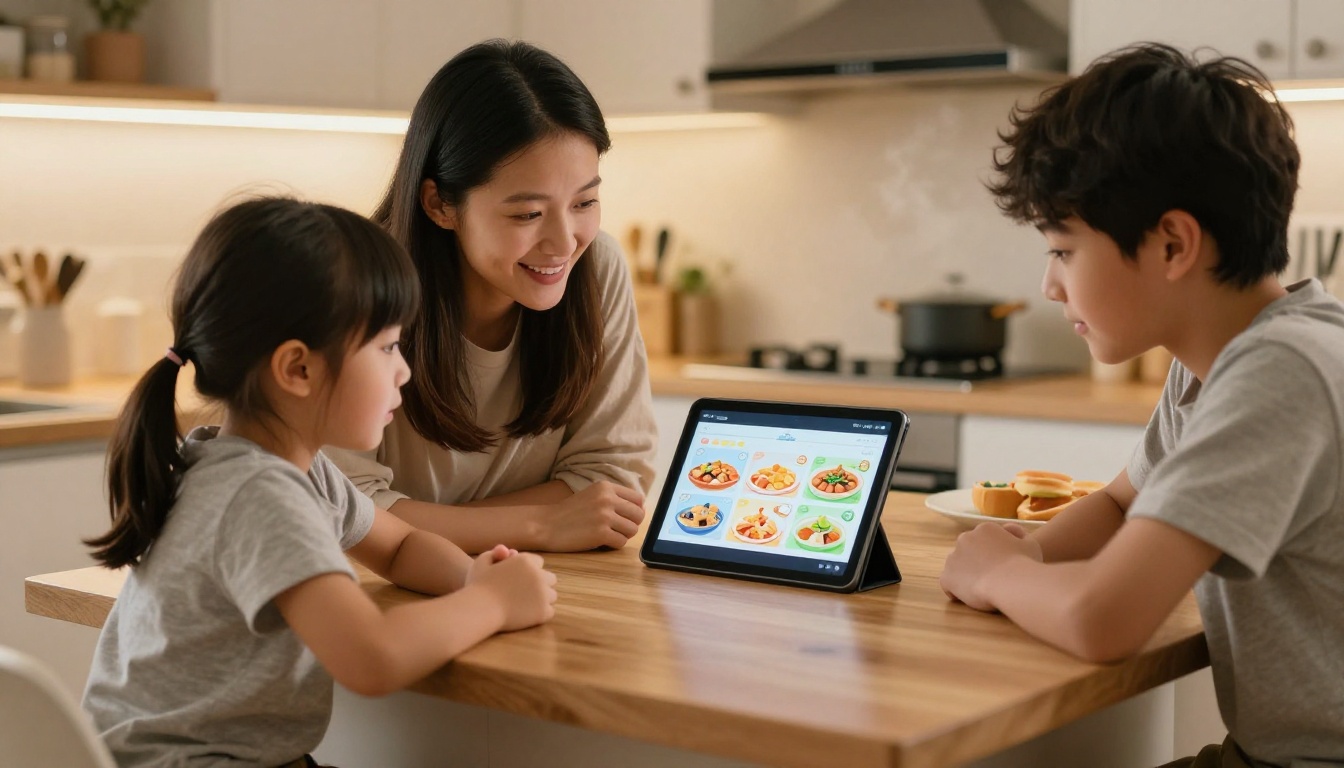
Here's the entire workflow summarized, from scattered recipes to a published digital cookbook:
- Collect and curate your recipes, aiming for 20 to 50 well-tested dishes
- Photograph your best dishes using natural window light
- Design your PDF in Canva or Word using a consistent single template
- Export as a multi-page PDF with proper page-by-page pagination
- Upload to Flipbooks AI and convert to interactive flipbook format
- Customize the presentation: cover style, page-flip effects, background, and branding
- Set privacy: choose between public access or password-protected sharing
- Publish and share: direct link, embed on a website, or generate a QR code
Most people finish steps five through eight in under 30 minutes. The real time investment goes into steps one through four, which is the actual content and design work. That effort is worth it, because it's what determines whether someone reads the book or closes it after two pages.
Common Mistakes That Make Digital Cookbooks Look Amateur
Even strong recipe collections can look amateurish when the execution misses the mark. The most frequent problems to avoid:
Too many recipes with no editing. A 200-recipe dump feels overwhelming and signals that nothing was carefully considered. Sixty well-chosen recipes beat 200 random inclusions every time.
Inconsistent formatting across pages. When some recipes list amounts in grams and others in cups, some have numbered steps and others don't, the book feels unfinished. One template applied consistently eliminates this problem entirely.
Bad photos or absent photos. Dark, blurry, or casually plated photos actively damage credibility. A clean photo-free layout beats a poor image in every case.
Walls of text in the instructions. Long paragraphs during cooking cause confusion and errors. Each instruction step should contain one specific action. One sentence per numbered step, nothing more.
No personal voice. The best cookbooks have real personality behind them. A one-line note about where a recipe came from, a tip about what not to skip, a variation you personally love. These small additions are what make readers feel connected to the book rather than just reading a list of instructions.
⚠️ A digital cookbook that looks like a hasty PDF conversion gets closed within 30 seconds. The page-flip presentation earns attention upfront; the content has to hold it after that.
Recipes Worth Preserving, Now Worth Sharing
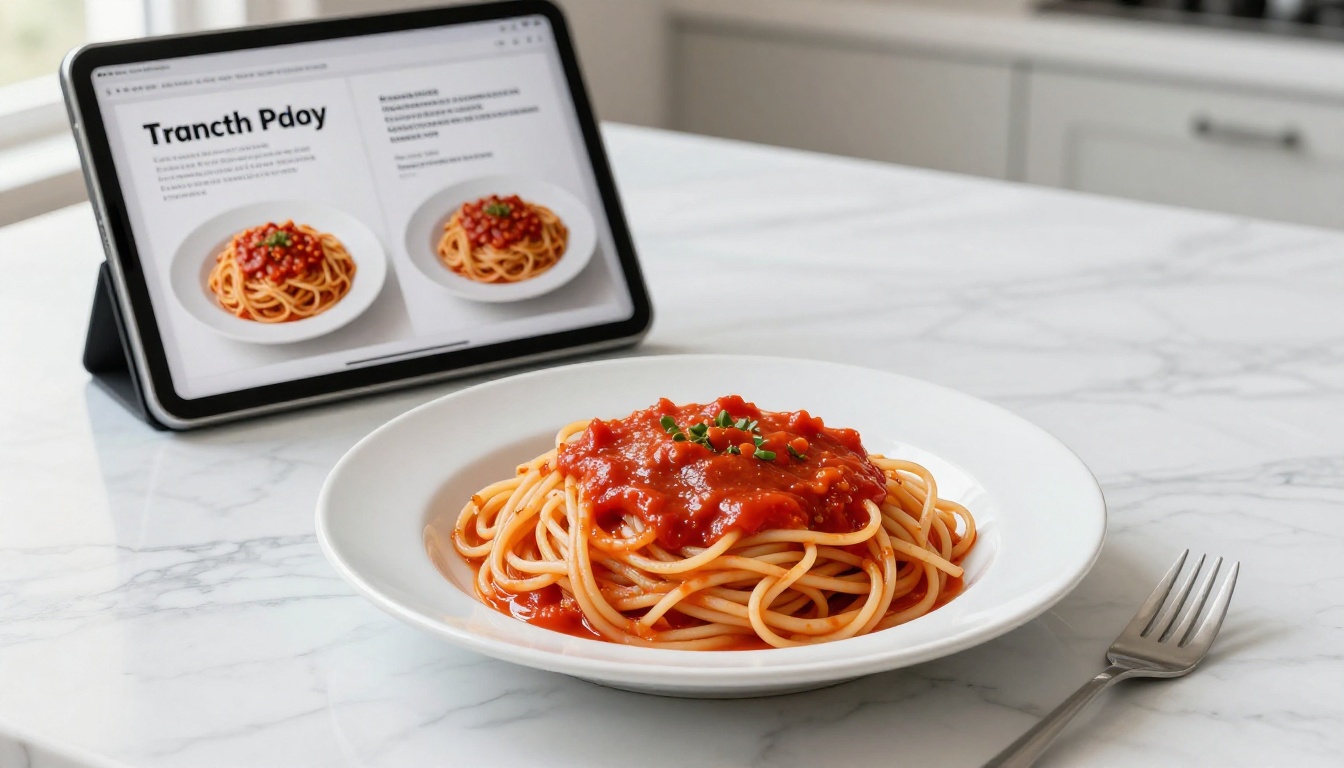
The recipes sitting in your notebooks, index cards, and phone screenshots represent real effort, real memories, and real food that people love. They deserve a format that matches their value.
A digital cookbook isn't just a prettier PDF. When built with care and shared through the right platform, it becomes something people return to, send to friends, and actually cook from on a regular basis. That's a fundamentally different outcome than a recipe card sitting in a shoebox.
Flipbooks AI handles the technical side completely: upload a PDF, customize the presentation, share a link. The meaningful work is in the content itself, and this article has given you every piece of that.
Ready to start? Create your account and have your first digital cookbook live within the hour. Browse the full set of publishing and recipe tools for more inspiration, and compare plans to find the right fit for what you're building.



