Your recipes tell a story. The sauce your grandmother perfected over forty years. The birthday cake that appears every October without fail. The weeknight pasta that somehow never gets old. Those recipes deserve more than a crumpled card in a drawer or a PDF nobody opens. Turning them into a cookbook flipbook gives them a real home, one that people actually read, share, and return to. Flipbooks AI makes this possible without design experience or technical skills.
Why Static Recipe PDFs Stop Working
The Problem Most Home Cooks Don't See
You built a beautiful PDF. You spent hours getting the fonts right, the photos cropped, the measurements formatted. Then you emailed it to family, posted it in a Facebook group, maybe printed a few copies. And then nothing. People downloaded it, put it somewhere on their desktop, and moved on.
The core issue is format, not content. Static PDFs require effort to open, they don't display well on phones, and they offer zero browsing experience. There's no sense of flipping through a book, no visual hierarchy that makes you want to stop on a page. A PDF feels like a file. A flipbook feels like a publication.
What Changes When You Use a Flipbook Format
A flipbook format adds the one thing a PDF cannot: the feeling of a real book. Page-turn animations, visual navigation, responsive zoom, and mobile-friendly reading all come built in. When someone opens your cookbook flipbook on their phone while standing at the kitchen counter, the experience is completely different from squinting at a static PDF. Pages turn. Content is scannable. The recipe they want is findable in seconds.
💡 Digital flipbooks are indexed by search engines if you set them to public. That means your cookbook can appear in Google results when someone searches for a specific recipe type.
What Goes Into a Great Cookbook Flipbook
Recipe Organization That Makes Sense
Before you think about design, think about structure. A cookbook flipbook that works has logical flow. Readers should know exactly where to go. Here are the sections that hold up across almost every type of cookbook:
- Introduction page: Your story. Why these recipes exist. Who they are for.
- Table of contents: Clickable in a digital flipbook, unlike a printed book.
- Category sections: Breakfast, mains, sides, desserts, drinks. Or organize by season, ingredient, or cuisine.
- Individual recipe pages: Consistent layout per recipe. Ingredients always in the same spot. Steps always numbered.
- Index: Especially useful for longer collections with 30+ recipes.
The recipes themselves should follow a repeating template: dish name, brief description, prep time, cook time, servings, ingredient list, numbered steps, and a photo. Consistency here is what separates a readable cookbook from a frustrating one.
Photography That Sells the Dish
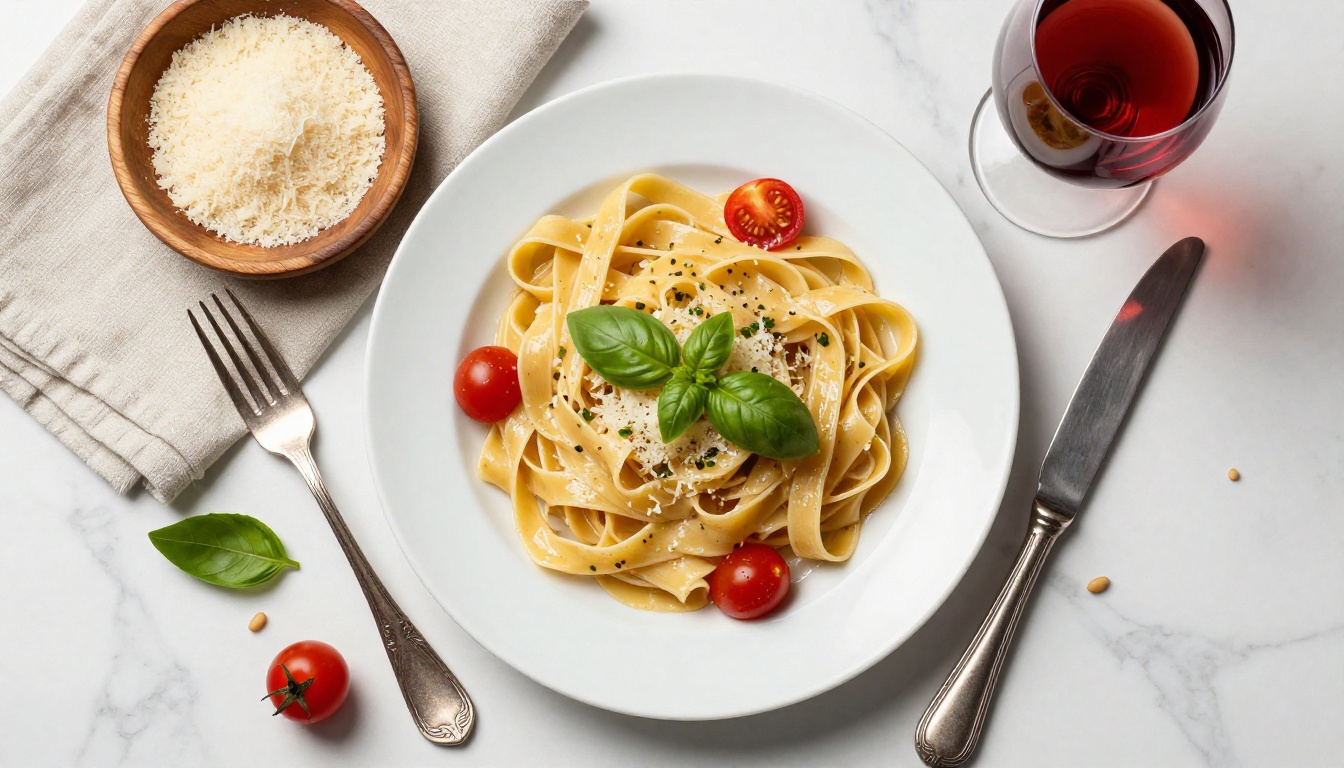
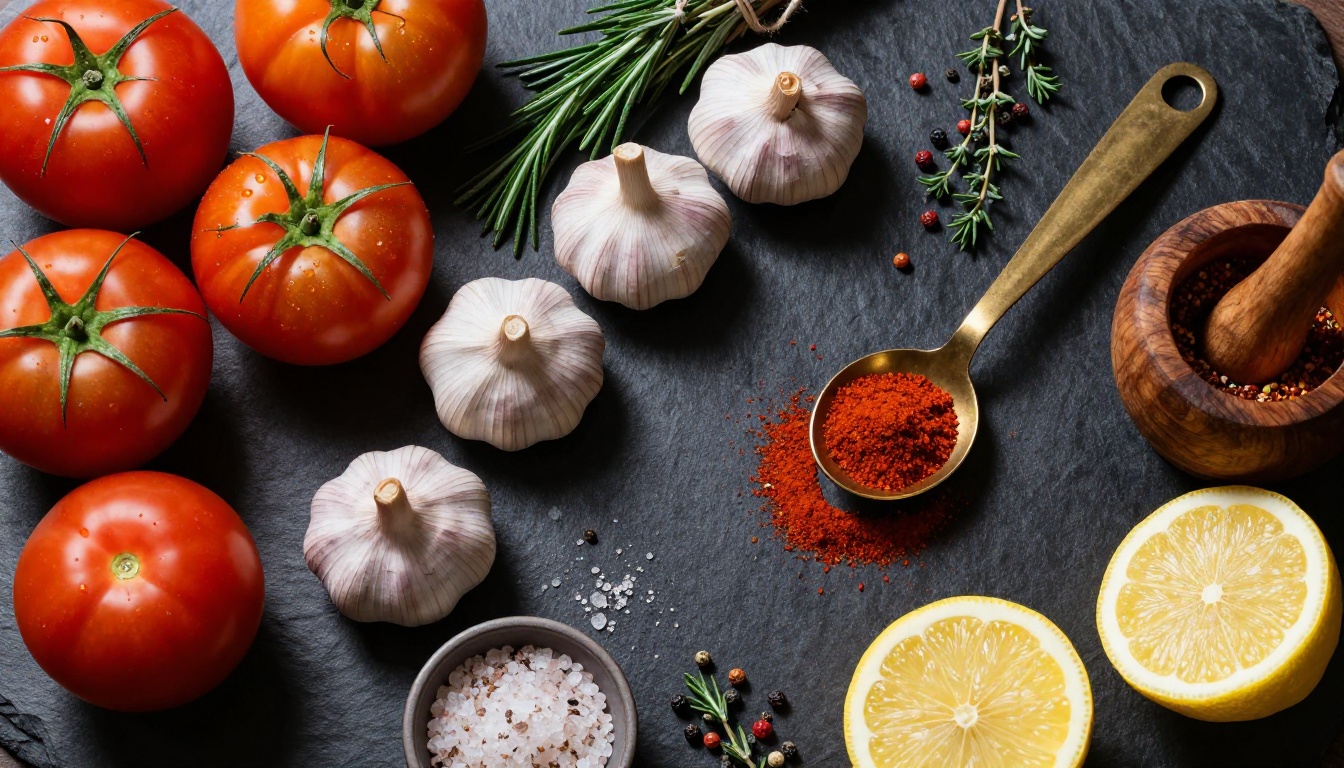
You don't need a professional photographer. You need good light and a little patience. Natural window light in the morning is the most reliable option for food photography. Avoid overhead artificial lighting, which flattens food and strips color.
A few principles that apply whether you're shooting on a phone or a DSLR:
- Shoot from above for flat dishes like soups, salads, and grain bowls
- Shoot at 45 degrees for layered dishes like burgers, cakes, and stacked pancakes
- Keep backgrounds simple: a wooden board, white marble, or a linen cloth
- Use a consistent color palette across your recipe photos so the cookbook feels cohesive
✅ Edit all your photos in the same preset or filter. Consistency in warmth and saturation creates a professional-looking cookbook even with phone photography.
Metadata That Readers Actually Use
Every recipe needs scannable information at a glance. This means clear labels for prep time, cook time, servings, and difficulty. In a digital flipbook, this information sits at the top of each recipe page and immediately tells readers whether a dish fits their situation: quick weeknight dinner or weekend project.
Tags and categories also matter. A reader who only bakes wants to find all baking recipes fast. Good metadata makes that possible.
How to Build Your Cookbook Flipbook Step by Step
Step 1: Design Your Recipe Pages
Start in any design tool you're comfortable with: Canva, Adobe InDesign, Google Slides, or Microsoft Word. The key is creating a template first, then populating it with individual recipes.
Your template should lock in:
- Font choices (one for headings, one for body text)
- Color scheme (2 to 3 colors max)
- Photo placement and size
- Ingredient and step formatting
- Page numbering style
Export everything as a single PDF when done.
Step 2: Upload to Flipbooks AI
Go to Flipbooks AI and create your account. The Recipe Book Flipbook tool is built exactly for this use case. Once you are in:
- Click Upload PDF
- Select your cookbook PDF
- Wait for the conversion, typically under 60 seconds for most cookbooks
- Your flipbook is created automatically with page-turn animations
💡 For best results, export your PDF at 150 to 300 DPI. Higher resolution means better image quality in the final flipbook, especially for food photography where texture and color detail matter.
Step 3: Customize the Look
This is where your flipbook stops looking like a converted PDF and starts looking like a real digital publication. Inside the Flipbooks AI editor you can:
- Set a custom cover: Upload a high-quality cover image different from your PDF's first page
- Choose page flip style: Soft page, hard cover, or slide transition
- Add background color or texture behind the flipbook player
- Set your branding: Logo, custom domain, and color scheme
- Enable auto-flip for presentation mode
Step 4: Share or Embed Anywhere
Once published, your cookbook flipbook lives at a clean URL you can share anywhere. Options include:
| Sharing Method | Best For | How |
|---|
| Direct link | Email, WhatsApp, social media | Copy URL from dashboard |
| Embed code | Your website or blog | Copy iframe snippet from dashboard |
| Password protection | Private family cookbook | Set password in settings |
| QR code | Physical events, printed cards | Generate in dashboard |
| Offline download | Reading without internet | Enable in Professional plan |
⚠️ Password-protected flipbooks are perfect for family recipe collections you want to share privately without making public. Only people with the link and password can access them.
Who Uses Cookbook Flipbooks
Home Cooks and Family Recipe Collections
The most common use case. A grandmother with decades of recipes. A family trying to preserve culinary traditions. A home cook who has been collecting tested recipes for years and wants to organize them properly.
A family cookbook flipbook shared with a password lets every family member access the collection from any device, phone or tablet, without downloading anything. Add new recipes by updating the PDF and re-uploading. The link stays the same.
Food Bloggers and Content Creators
Food bloggers have a unique opportunity with cookbook flipbooks. Rather than sending readers to a PDF download link, a flipbook creates a browsing experience that keeps readers on your content longer. A seasonal recipe collection, a "30 weeknight dinners" flipbook, or a dessert compilation can all function as lead magnets when gated behind an email signup.
💡 Use the Interactive E-Book Publisher tool if you want to add embedded videos like cooking demonstrations and technique clips directly inside the flipbook pages.
Restaurants and Catering Services
Restaurants use cookbook flipbooks for several distinct purposes:
- Guest recipe cards: A curated selection of signature dish recipes shared digitally with diners
- Staff training materials: Standardized recipe cards for kitchen staff
- Seasonal menu launches: A flipbook showcasing the new season's dishes before print menus are finalized
- Catering packages: A cookbook of options sent to corporate clients as part of a proposal
The Restaurant Menu Creator handles the menu side, while a recipe flipbook handles the cookbook narrative around the food.
Features That Change the Cooking Experience
Mobile-First Reading
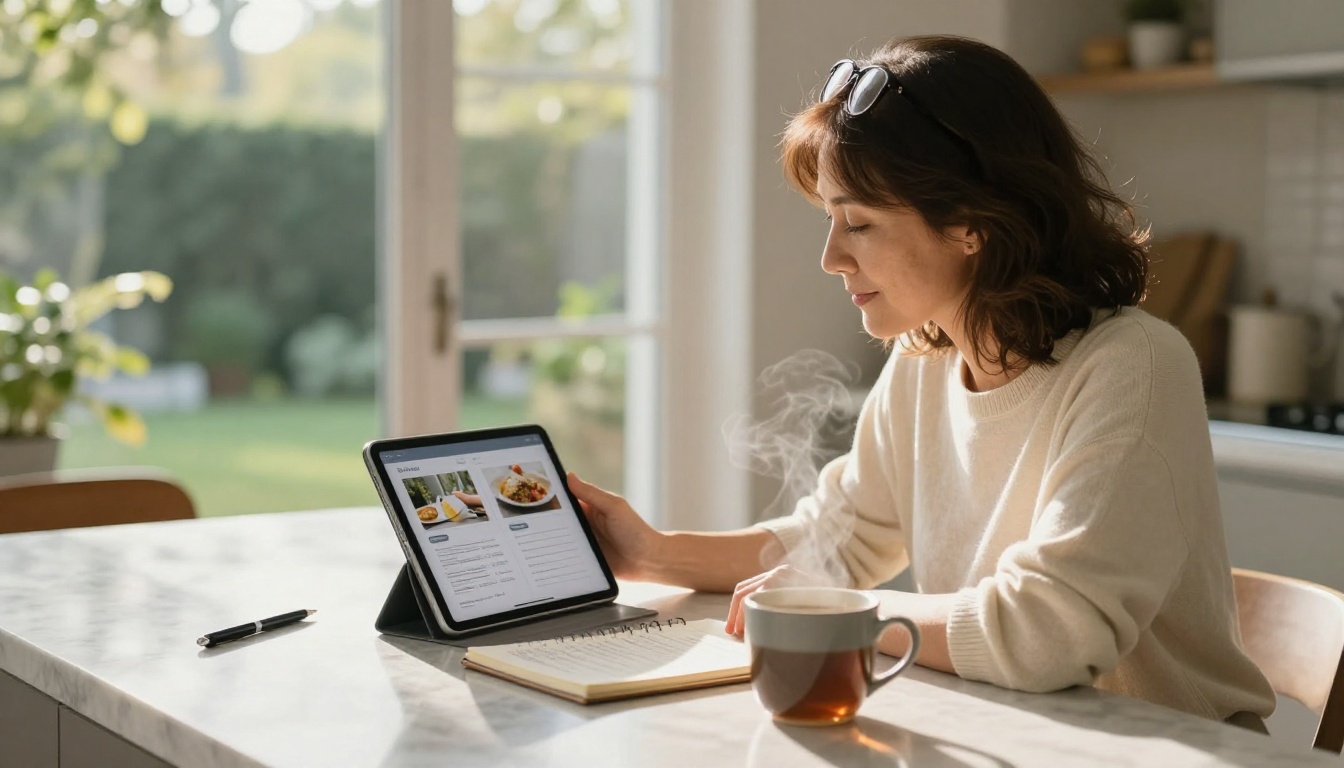
Over 60% of digital reading happens on mobile. A cookbook flipbook built on Flipbooks AI is fully responsive without any additional work on your part. Readers pinch to zoom on ingredients, swipe to turn pages, and navigate by chapter using the table of contents. It works exactly as expected on any screen size.
Password Protection for Private Collections
Some recipe collections are personal. A wedding gift cookbook. A family archive. A community cookbook for a private group. Password protection means you share the link and password only with people you choose. There's no login required, no account creation, no friction. Just a simple password prompt, and the book opens.
Analytics for Food Brands
For food brands and content creators on the Professional plan, analytics reveal which recipes readers spend the most time on, which pages have the highest drop-off rate, and how readers move through the collection. This data shapes what content to create next. The most-viewed recipe page tells you what your audience wants to cook.
The lead generation feature lets you gate specific recipes behind an email capture form, turning your cookbook flipbook into a subscriber list builder.
Cookbook Flipbook Plans Compared
Choosing the right plan depends on what you need from your cookbook. Here is how the options break down:
| Feature | Free | Standard | Professional |
|---|
| Flipbooks | Limited | Unlimited | Unlimited |
| Watermark | Yes | No | No |
| Custom branding | No | Yes | Yes |
| Password protection | No | Yes | Yes |
| Analytics | No | No | Yes |
| Lead generation | No | No | Yes |
| Offline download | No | No | Yes |
| Embed on website | Yes | Yes | Yes |
| Mobile responsive | Yes | Yes | Yes |
✅ Start on the Standard plan if you want a clean, professional cookbook with no watermarks. Move to Professional when you want analytics and lead generation, or when you are selling access to your recipe collection.
For a detailed breakdown, check the full pricing plans page.
Common Mistakes to Avoid
Skipping the Table of Contents
A cookbook without a navigable table of contents forces readers to flip through every page to find what they want. In a digital flipbook, the table of contents should be clickable, taking readers directly to sections. Most PDF design tools let you add hyperlinks between pages. Use them.
Using Low-Resolution Food Photos
Food photography at low resolution looks acceptable on a small phone screen but falls apart when a reader pinches to zoom. Shoot at full resolution, export your PDF at 150 to 300 DPI minimum, and let the flipbook platform handle optimization. A blurry recipe photo is the fastest way to make a cookbook feel unprofessional.
Ignoring Recipe Headnotes
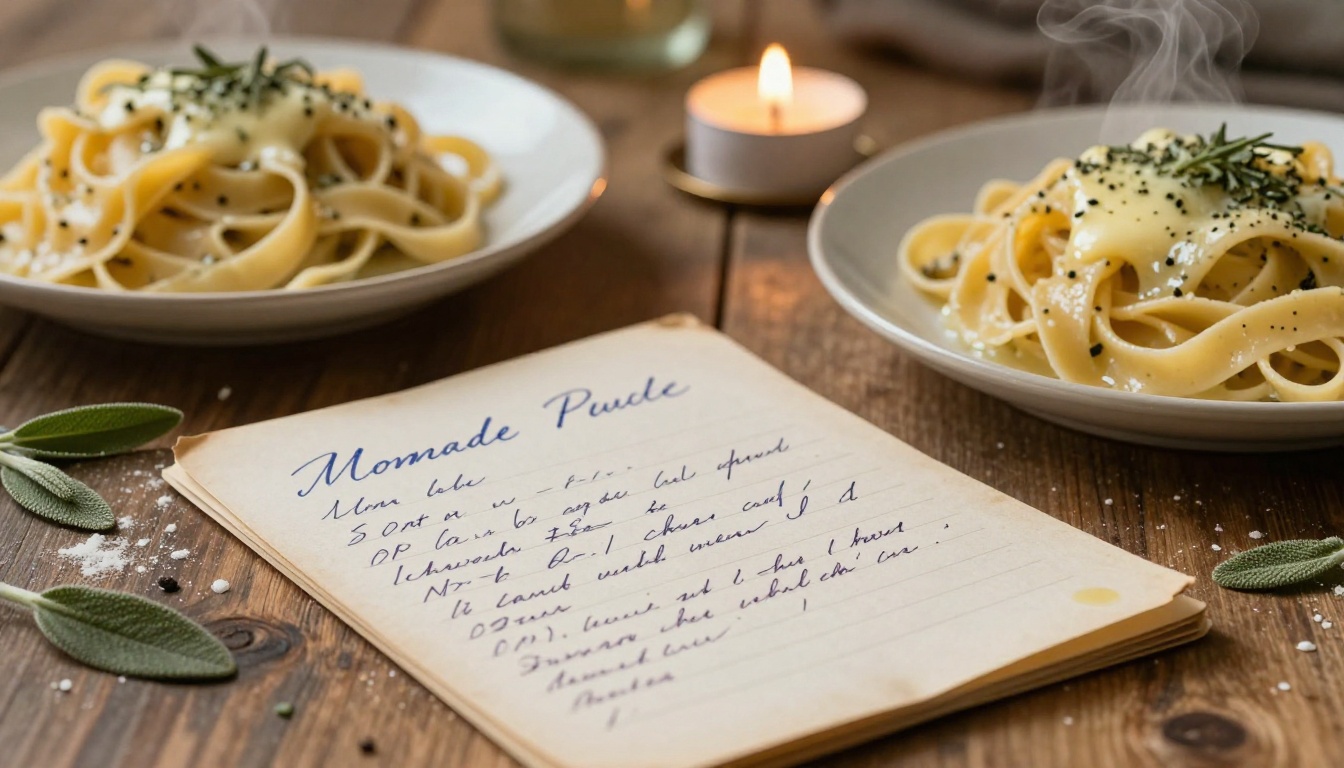
The best cookbooks include a headnote for every recipe: 2 to 3 sentences before the ingredients that explain why the recipe works, what makes it special, or a personal note about its origin. These small paragraphs are what readers remember. They turn a list of instructions into a story. Skip them and your cookbook reads like a manual.
Forgetting About Mobile Readers
Design your PDF pages to read well on a phone screen. That means font sizes of 14pt minimum for body text, generous margins, and photos that are portrait-oriented or square rather than tiny thumbnails buried in text. Test your flipbook on a phone before sharing it. What looks fine on a desktop can be unreadable on mobile without adjustment.
How Food Photographers Use Cookbook Flipbooks
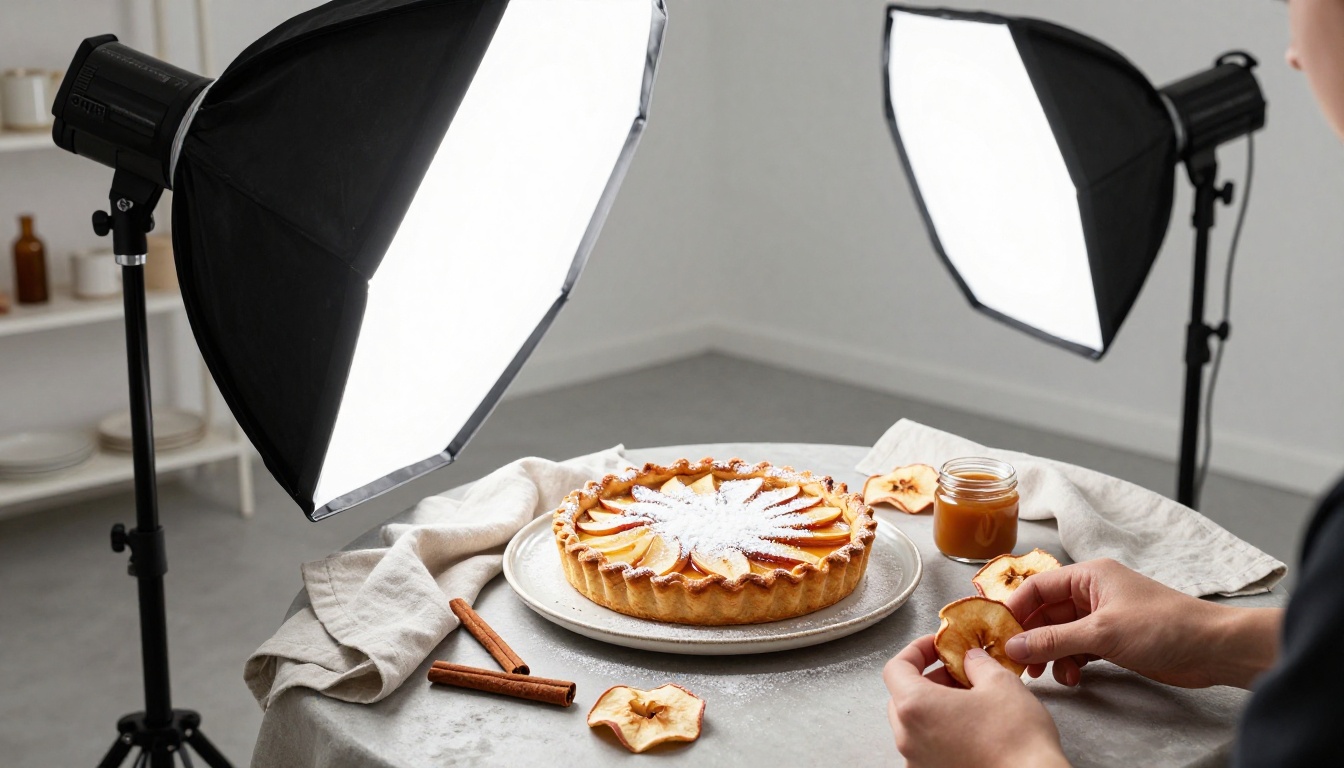
Food photographers have started using cookbook flipbooks as digital portfolio pieces that double as marketing tools. Instead of sending clients a PDF of past work and recipes, they publish a flipbook that showcases their styling, food photography, and recipe development in one browsable format.
A flipbook makes sense here for a specific reason: clients browse it like a magazine. The page-turn experience creates a narrative around the work that a static PDF grid never achieves. The Digital Portfolio Creator covers this use case for photographers who want to position their cookbook work professionally.
The Case for Embedded Video in Recipe Flipbooks
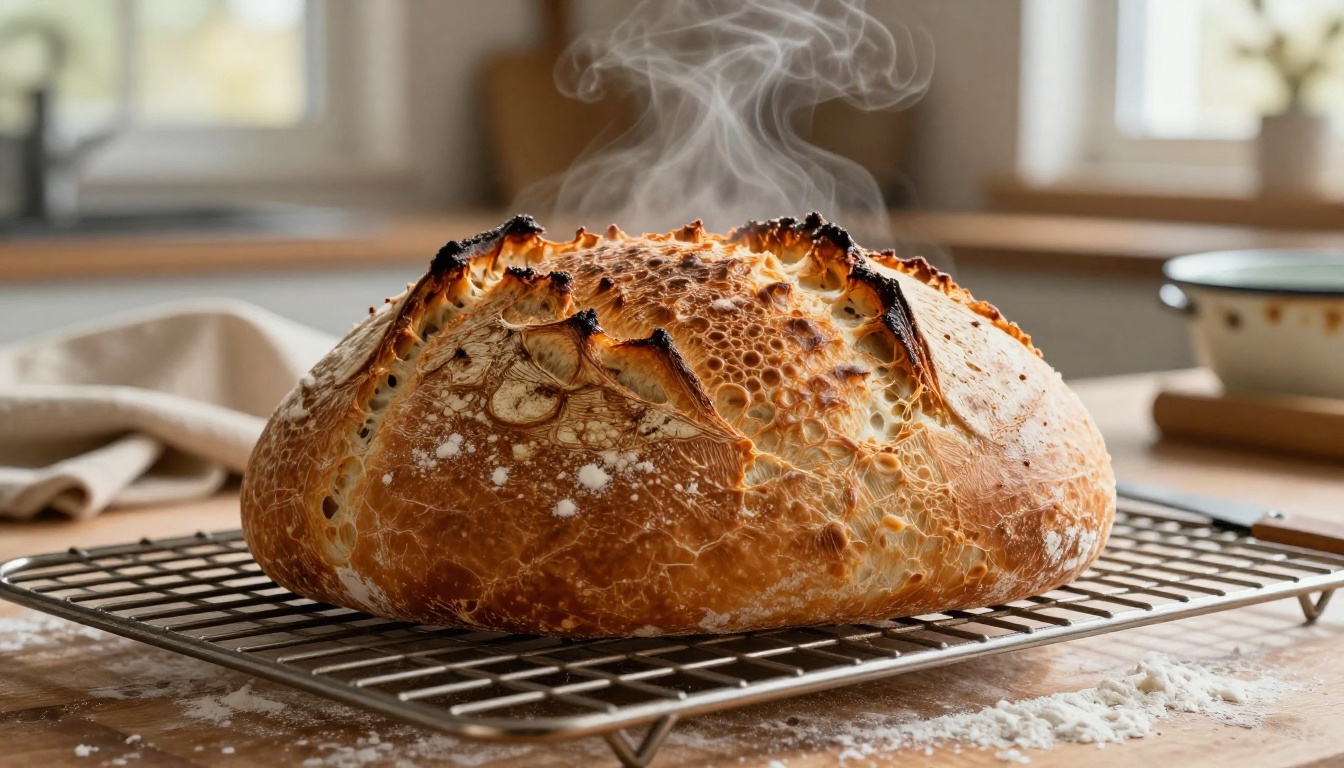
There is a specific recipe type that always struggles in plain text format: bread. Sourdough, in particular, requires precise timing, visual cues at each stage, and technique nuances that words alone cannot fully capture. A cookbook flipbook on the Professional plan solves this by allowing embedded video clips directly on the recipe page.
You can embed a short video showing the exact windowpane test for gluten development, the correct fold technique, or how the dough should look at each proof stage. This is the difference between a cookbook reader who attempts the recipe and one who actually succeeds at it.
The combination of a recipe card, high-resolution photography, and an embedded video turns your cookbook flipbook into something a printed book cannot be: a fully interactive cooking reference. Browse all flipbook tools to see which format fits your specific cookbook project.
Start Publishing Your Cookbook Today
You already have the recipes. The stories are already there. What is missing is the right format to give them the presentation they deserve.
Create your account on Flipbooks AI and start with the Recipe Book Flipbook tool. Upload your existing PDF, watch it convert in under a minute, and share a clean link with anyone you choose.
If you are not sure which plan fits your needs, browse the pricing options to compare features side by side. The Standard plan covers most personal and family cookbook use cases without watermarks or limits. Professional covers everything else, including analytics, offline downloads, and lead generation tools.
Your recipes are already good. The flipbook just makes sure people actually read them.



