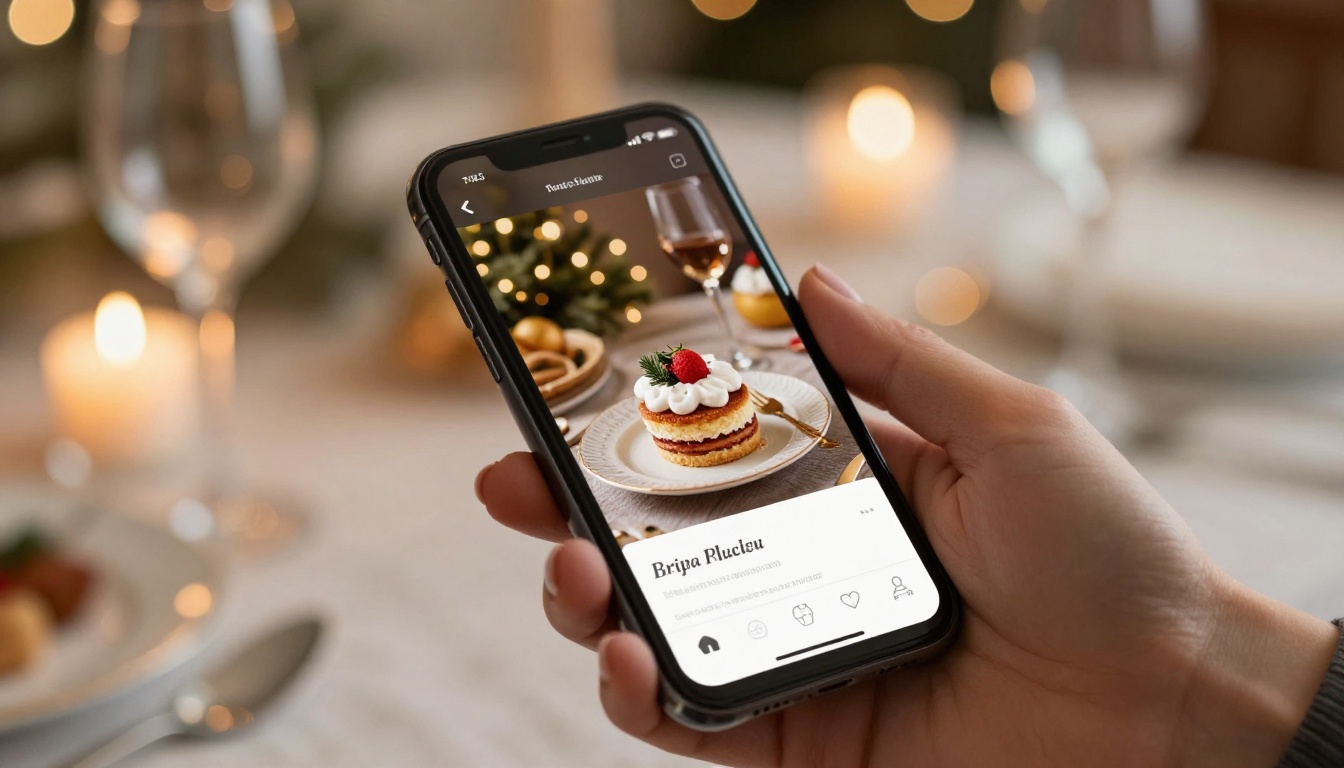
Giving someone a piece of yourself during the holidays is rarer than it sounds. A store-bought gift says "I thought of you." A recipe flipbook says "I want to feed you forever." If you have a collection of dishes that people always ask about, turning them into a holiday gift flipbook is one of the most personal, lasting presents you can put together this season. With Flipbooks AI, that collection becomes a stunning, interactive digital book in an afternoon, one the recipient can flip through on any device, share with relatives across the country, and keep for decades.
Why a Recipe Flipbook Beats Every Other Homemade Gift
The Problem with Physical Recipe Books
Handwritten recipe books are beautiful in theory. In practice, they get splattered with olive oil, tucked into a drawer, and forgotten. Printed cookbooks from big publishers feel impersonal. A spiral-bound collection from a photo service costs $40, arrives with creased pages, and has no way to update recipes once it ships.
A digital recipe flipbook solves all of those problems at once.
What a Digital Flipbook Actually Gives You
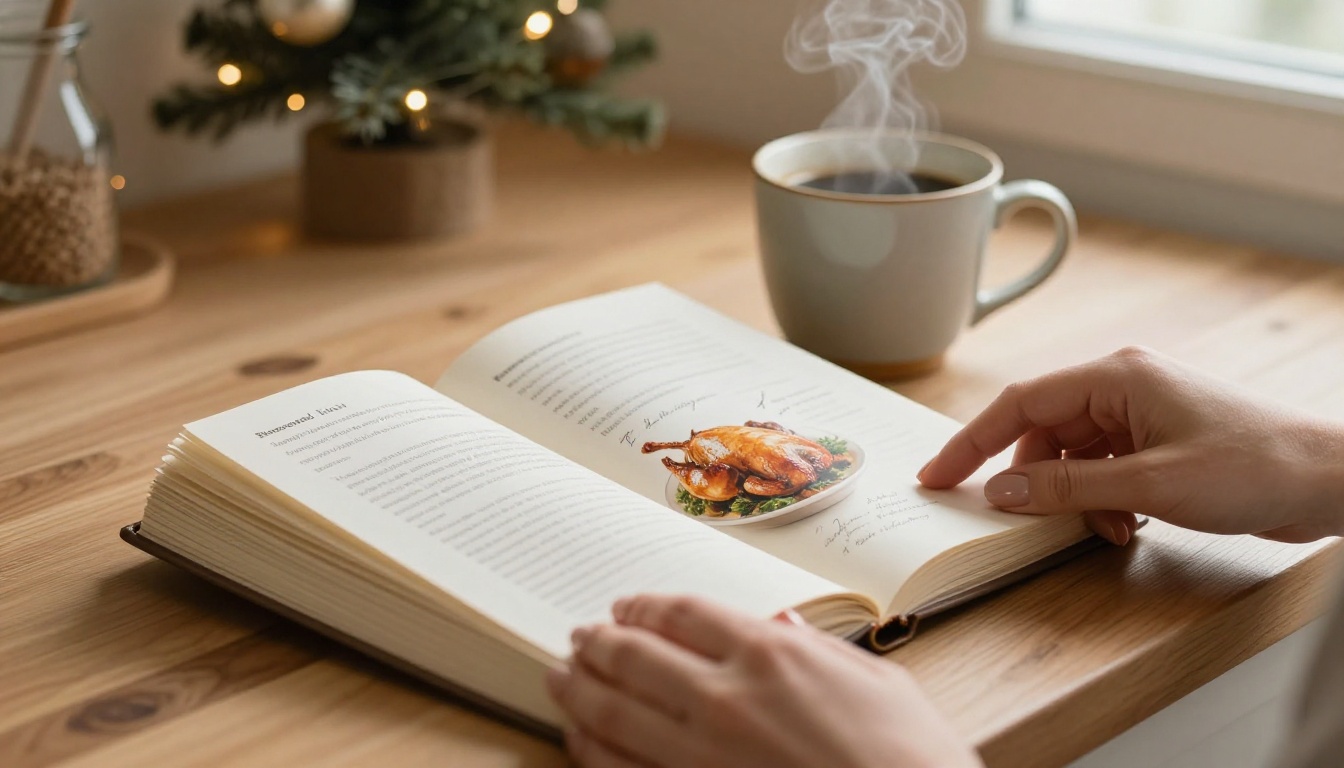
A flipbook is an interactive digital publication that mimics the satisfying page-turn of a real book, but lives on any device. The recipient can open it on their phone while cooking, on a tablet at the table, or share it with a cousin who lives across the country. It never gets coffee-stained, never yellows, and you can add to it next year with a single file update.
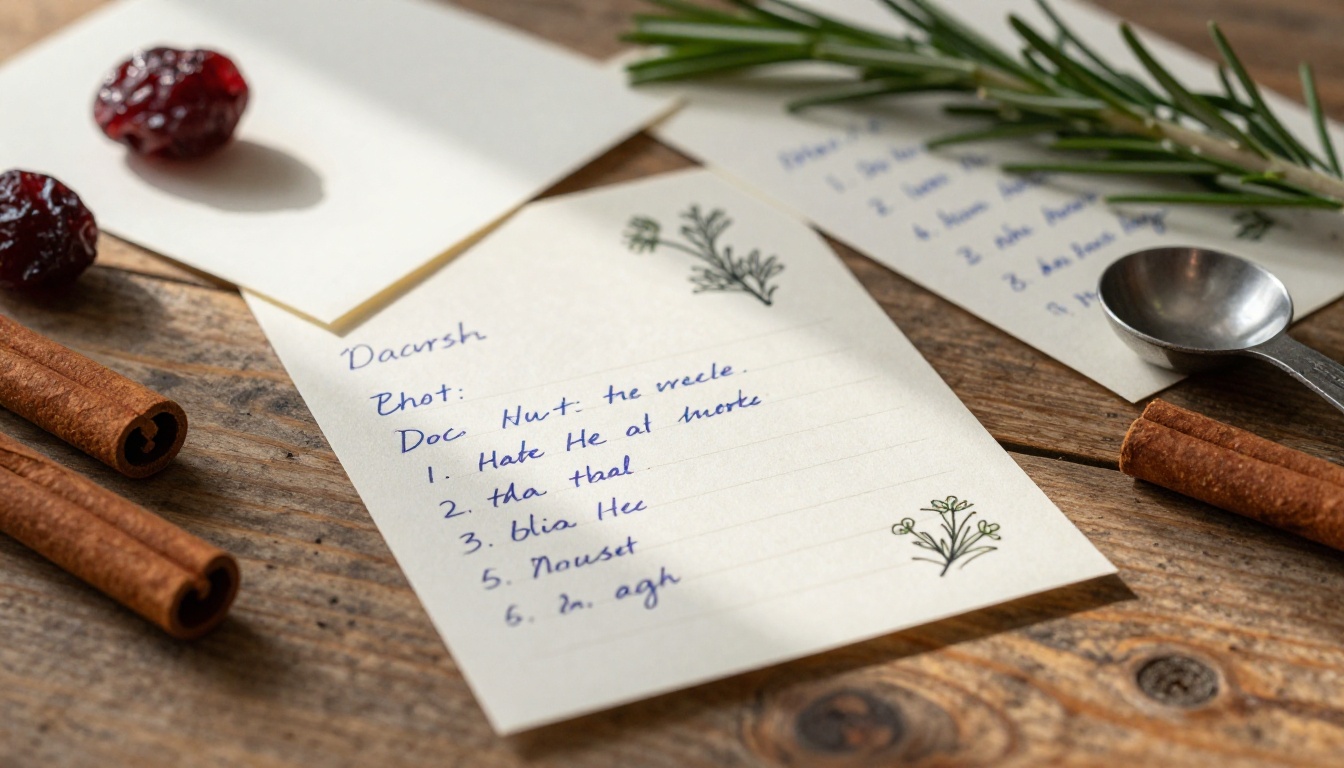
The difference in perceived value is real. When someone opens a beautifully designed digital recipe book with their grandmother's handwriting scanned in, family photos between sections, and smooth page animations, it feels like an heirloom, not a file.
💡 Pro Tip: Scan any existing handwritten recipe cards at high resolution and include them as full-page images inside the flipbook. The handwriting itself becomes the emotional heart of the gift.
What to Include in Your Holiday Recipe Flipbook
Choosing the Right Recipes
Not every recipe deserves a spot. A holiday gift flipbook should feel curated, not like a data dump. Aim for 15 to 30 recipes organized across a few categories. This structure works consistently well:
- Appetizers and Starters (3-5 recipes): The things guests always ask about at parties
- Main Dishes (4-6 recipes): The centerpiece meals, holiday roasts, family traditions
- Sides and Salads (4-6 recipes): The supporting cast that makes the meal memorable
- Desserts and Sweets (4-6 recipes): This section practically fills itself
- Drinks and Cocktails (2-4 recipes): Mulled wine, hot cocoa, spiced cider, eggnog variations
- Breads and Basics (2-3 recipes): Pie pastry, homemade stock, the foundations nobody ever writes down
Quality over quantity matters here. Ten exceptional recipes the recipient will actually cook beats forty dishes that feel obligatory.
Adding Photos That Make Food Look Beautiful
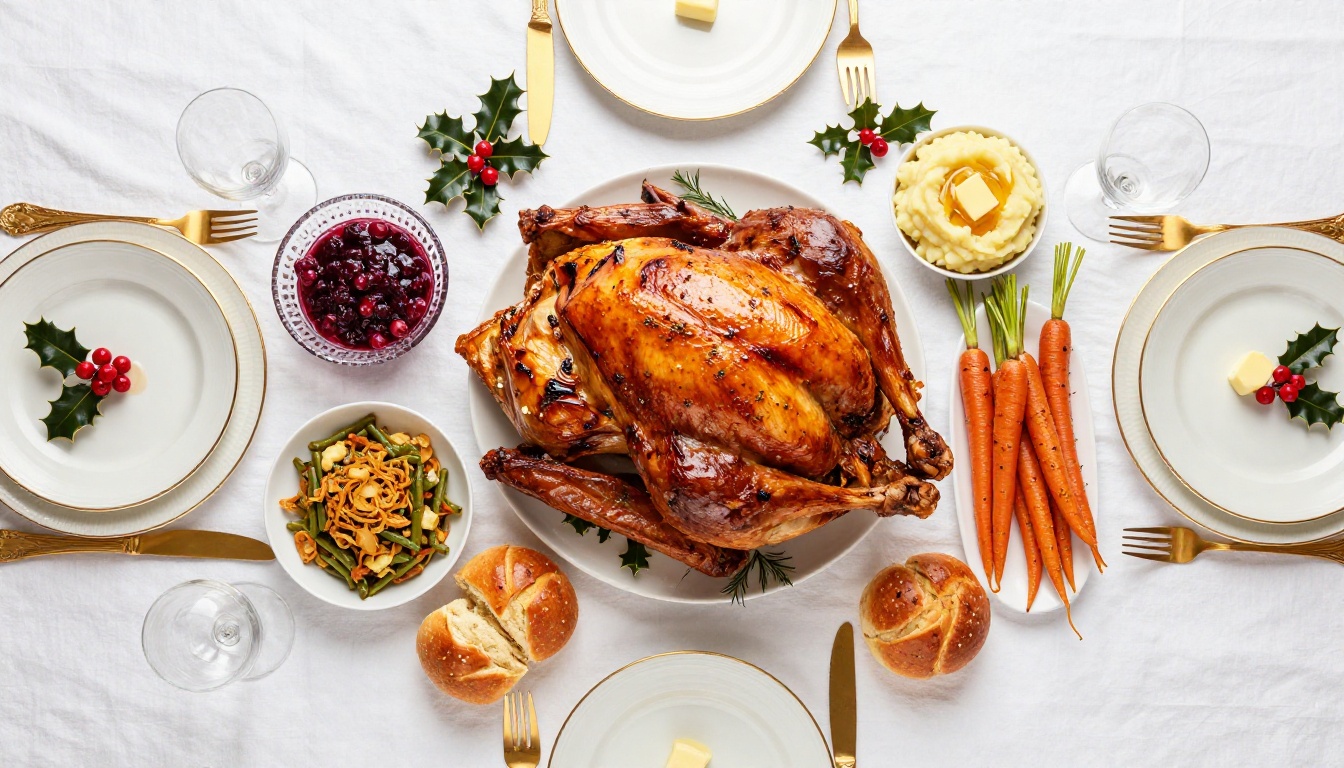
You don't need a professional food photographer. A phone with good natural light and a plain background does the job. Position dishes near a window, shoot in the morning when light is soft and directional, and keep the background uncluttered. One well-lit photo per recipe section header elevates the entire book.
If you don't have photos of every dish, use seasonal imagery as dividers instead. A close-up of fresh rosemary, a shot of a set holiday table, or a kitchen scene works perfectly as visual breathing room between categories. The Recipe Book Flipbook tool supports full-bleed images, so these divider pages can be genuinely striking.
Personal Notes and Stories Matter
The most powerful thing you can add to a recipe flipbook is not a better photo. It's a sentence or two about why the recipe exists. "This is Nonna's Sunday sauce. She never measured anything. This is our best attempt at writing it down." That context is irreplaceable, and it's what separates a recipe collection from a family document.
Add a short introduction paragraph for each section, a dedication page at the front, and a notes section at the back where the recipient can write in their own variations and comments over time. These small touches are what people actually remember.
Designing Your Recipe Flipbook Step by Step
Step 1 - Gather and Organize Everything First
Before touching any design tool, collect everything in one place. A simple spreadsheet with columns for recipe name, category, photo availability, and "tested recently" status prevents the chaotic mid-project scramble that kills momentum.
Write each recipe in a consistent format throughout:
- Recipe name and a one-line description
- Yield, prep time, and cook time
- Ingredient list with precise measurements (include weight in grams alongside volume for baking recipes)
- Numbered step-by-step instructions, not prose paragraphs
- Optional: wine pairing, storage notes, or a "what can go wrong" note for tricky recipes
Consistency in format makes the finished flipbook feel professionally edited rather than assembled.
Step 2 - Create Your PDF Layout
The input for Flipbooks AI is a PDF. You have several good options for creating it, each with its own strengths:
| Tool | Best For | Cost |
|---|
| Canva | Visual design, photo-rich layouts | Free / Pro |
| Google Slides | Simple layouts, easy sharing | Free |
| Adobe InDesign | Professional print-quality output | Subscription |
| Microsoft Word | Basic formatting, widely available | Included with Office |
| Google Docs | Quick assembly, easy collaboration | Free |
For most people, Canva hits the perfect balance of visual quality and ease. Search "recipe book" in their template library, pick a style that fits the recipient's taste, and adapt it. A clean serif font for recipe titles, a readable sans-serif for ingredients and steps, and consistent margins throughout make the PDF look polished without requiring design skills.
⚠️ Warning: Set your PDF page size before you start designing. A4 or Letter size (8.5 x 11 inches) works best with Flipbooks AI. Changing page size after hours of layout work is painful.
Step 3 - Upload and Convert with Flipbooks AI
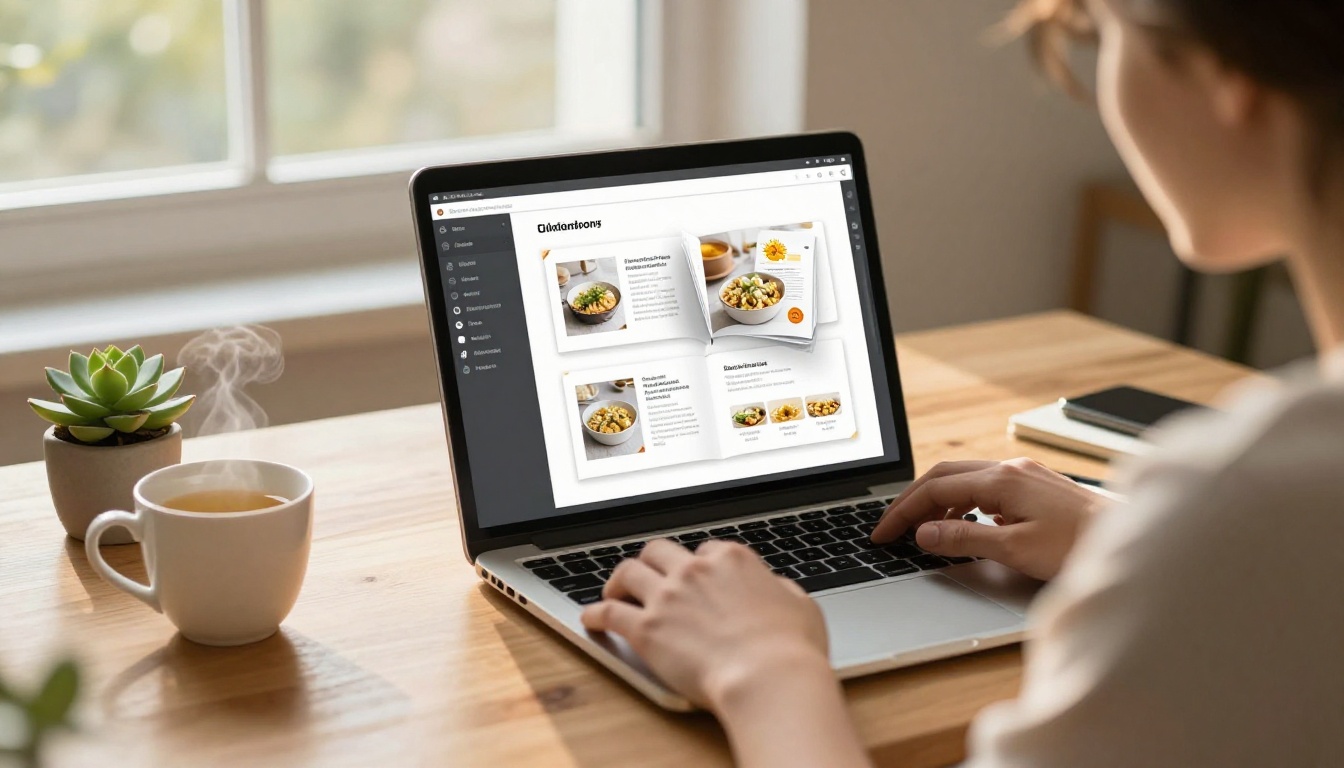
This step is where your PDF becomes something genuinely impressive. Head to Flipbooks AI and create your account, then upload your recipe PDF through the Recipe Book Flipbook tool. The conversion takes seconds.
What you get immediately after converting:
- Smooth, realistic page-flip animations
- Mobile-responsive layout that works on any phone, tablet, or desktop
- A shareable link you can text, email, or embed anywhere
- No watermarks, ever, on Standard plan and above
Step 4 - Personalize the Experience
Once converted, the customization options inside Flipbooks AI are where the flipbook goes from good to genuinely memorable:
- Front page title: The recipient's name, "The [Family Name] Kitchen," or a specific season like "Christmas 2025"
- Background color or texture: Warm cream, deep burgundy, and forest green all work beautifully for holiday themes
- Page turn animation style: Classic flip, soft slide, or a clean fade depending on the mood you want
- Password protection: Available on Standard plan, makes the shared link feel like a private gift rather than a public file
✅ Best Practice: Use password protection when sending to one specific person. They receive the link and a personal password, which makes the experience feel intentional rather than casual.
Step 5 - Choose How to Share It
When the flipbook is ready, you have several delivery options depending on how you want to present the gift:
| Sharing Method | Best For | Notes |
|---|
| Direct link | Email, text message | Instant, no download required |
| Password-protected link | Private personal gift | Standard plan feature |
| Embed code | Personal website or family blog | Copy-paste HTML snippet |
| Offline download | Gift without internet access | Professional plan feature |
| QR code | Physical card with digital gift | Print on a holiday card |
The QR code option is particularly elegant. Print a simple holiday card with the QR code on the inside, and when the recipient scans it, the flipbook opens instantly. It bridges the physical and digital in a way that feels intentional and special.
Recipe Flipbook Ideas for Different Recipients
For Mom or Grandma
The most meaningful version here is a reverse recipe flipbook: collect recipes from her that the family has always loved but never formally written down. Interview her while she cooks, take notes, photograph the dishes, and build the flipbook as a document of her culinary legacy. Gift it to the whole family as a shared artifact.
Alternatively, compile all the recipes the family has been cooking for years and present them back to her as "The [Name] Family Collection," with old family photos between sections and a dedication she'll read more than once.
For Newlyweds
A "First Year Kitchen" flipbook makes a practical and deeply personal gift. Include:
- 12 reliable weeknight dinners, one for each month of the year
- 5 recipes for impressing guests at their first dinner party
- 4 special-occasion meals for anniversaries and holidays
- A basics section covering stock, pan sauce, and a solid vinaigrette
This positions the flipbook as a living kitchen document they'll actually reach for, not a decorative object that sits on a shelf.
For Friends Who Love to Cook
For the food-obsessed friend, go specific. A flipbook dedicated to one cuisine, one season, or one ingredient is more impressive than a general collection. "A Year of Sunday Braises," "Everything We Know About Italian Pasta," or "30 Things to Do with Winter Squash" reads like a real cookbook from someone who actually thinks deeply about food.
💡 Pro Tip: For a group of close friends, create a collaborative recipe flipbook where each person contributes 2-3 recipes. Collect, design, and share. Everyone gets the same finished flipbook as a shared memory of the year.
Comparing Your Options
Digital Flipbook vs Printed Recipe Book
| Factor | Digital Flipbook | Printed Book |
|---|
| Cost | Low (free to $15/month) | $30-$80 per copy |
| Updates | Edit anytime | Reprint required |
| Sharing | Unlimited, instant | Physical only |
| Durability | Never degrades | Stains, tears, and fades |
| Photos | Full color, unlimited | Print cost increases with photos |
| Interactivity | Animations, embedded links | None |
| Multiple recipients | Same link for everyone | Per-copy cost |
Flipbooks AI Plan Comparison
| Plan | Flipbooks | Watermark | Password | Analytics | Offline |
|---|
| Free | 1 | Yes | No | No | No |
| Standard | Unlimited | No | Yes | No | No |
| Professional | Unlimited | No | Yes | Yes | Yes |
For a holiday recipe gift, the Standard plan gives you everything you need: unlimited flipbooks, no watermarks, and password protection for a private gift feel. The Professional plan adds analytics and offline downloads, which become more relevant for business flipbooks. See the full breakdown at flipbooksai.com/pricing.
Pro Tips for a Stunning Result
On writing recipes clearly:
- Use weight alongside volume for baking: 1 cup / 240g flour gives better results for less experienced cooks
- Write every instruction in active voice: "Whisk the eggs" not "The eggs should be whisked"
- Add a "what can go wrong" note for technically tricky recipes like custards, pastry, or caramel
- Test every recipe at least once before including it. An untested recipe is an embarrassing gift
On page design:
- Limit yourself to two typefaces: one display font for headings, one body font for everything else
- Use white space generously. Cramped pages look rushed and amateur
- Keep ingredient lists and instructions on the same two-page spread so the reader never has to flip mid-recipe
On photos:
- Natural window light, shot during the day, is better than any artificial lighting setup
- A neutral background such as a white cutting board, dark slate, or worn wood keeps focus on the food
- Plate from directly above or at a slight 30-45 degree angle. Straight-on shots rarely work well for food photography
On personal touches:
- Scan your handwritten introduction and insert it as an image on the opening page
- Add a "From the Kitchen of" title page with a family photo that sets the emotional tone
- Number every recipe and include a proper index at the back with page numbers
- Leave a few blank "notes" pages at the end so the recipient can write in their own variations over time
How to Deliver It as an Actual Gift
The flipbook link is practical, but presentation matters. Here are three ways to package a digital gift with real impact:
The QR Card: Design a holiday card with a printed QR code on the inside above the message "Your gift is waiting." If the flipbook is password-protected, tuck the password on a separate slip of paper inside the envelope. The physical card gives the moment a tangible quality that a forwarded link does not.
The Email Reveal: Write a personal email describing what you've made and why. Name two or three specific recipes inside and the memory or person connected to each one. Build anticipation before you share the link. People read thoughtful emails differently than they open forwarded URLs.
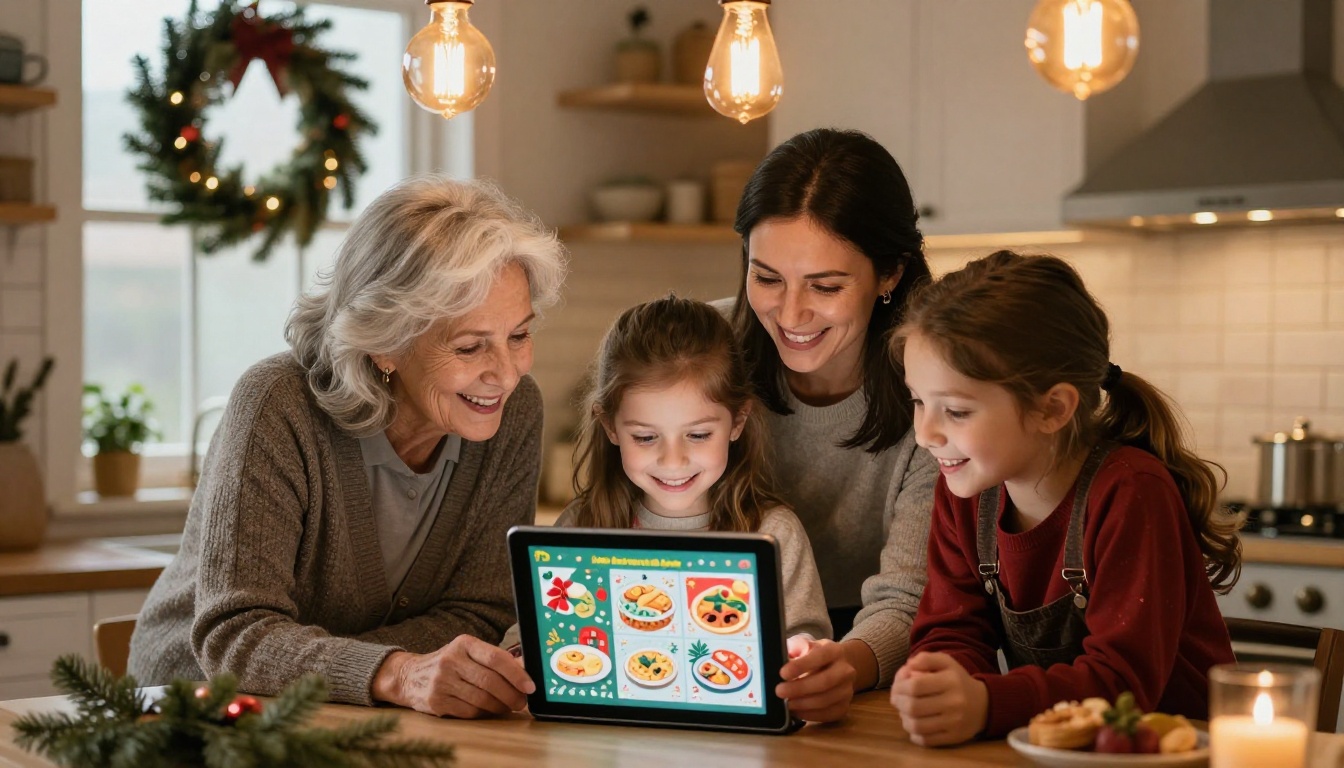
The In-Person Opening: If you're seeing the recipient at a holiday gathering, bring a tablet with the flipbook already open to the dedication page. Let them turn the first few pages themselves. The page-flip animation in person, in front of the person who built it, lands very differently than a link sent at 11pm.
Make It This Weekend
A recipe flipbook sounds ambitious. It isn't. The real work is collecting and writing out recipes, which is something you can do across a few evenings. The design takes an afternoon with a good template. The upload and conversion on Flipbooks AI takes minutes.
What you end up with is a gift that carries actual weight. It says something about the relationship. About shared meals. About the future dinners someone will cook because you took the time to write it all down.
The holidays arrive regardless of whether you're ready. Get started for free on Flipbooks AI, browse all available tools and templates, or compare pricing plans to choose what fits your project. Your recipes deserve better than a drawer. Give them pages worth turning.