Every recruiter has seen thousands of plain PDF resumes. The moment yours arrives as an interactive, page-turning visual portfolio, everything changes. Flipbooks AI makes it possible to convert a standard resume into a rich, browsable presentation that reads like a personal magazine, not a corporate form.
The visual flipbook portfolio is not just a design trend. It is a strategic career tool that lets your personality, work history, and skills speak before a single interview question is asked. This article covers why it works, how to build one from scratch, and what separates a forgettable flip from one that lands the job.
Why Plain Resumes Are Losing the Battle
The 6-Second Rule
Research from hiring studies consistently shows that recruiters spend an average of six seconds on an initial resume scan. In that window, a wall of Times New Roman on a white page competes with absolutely nothing visual. There is no hierarchy, no contrast, no reason to pause.
A visual flipbook portfolio, by contrast, does three things in the first two seconds: it shows professionalism through design, it signals digital fluency, and it creates a tactile page-turn interaction that demands attention.
What Hiring Managers Actually Want
Ask most hiring managers off the record and they will tell you the same thing: they want to see evidence, not claims. "Strong communicator" printed in a bullet point does nothing. A portfolio page with a project screenshot, a brief case study, and a measurable result does everything.
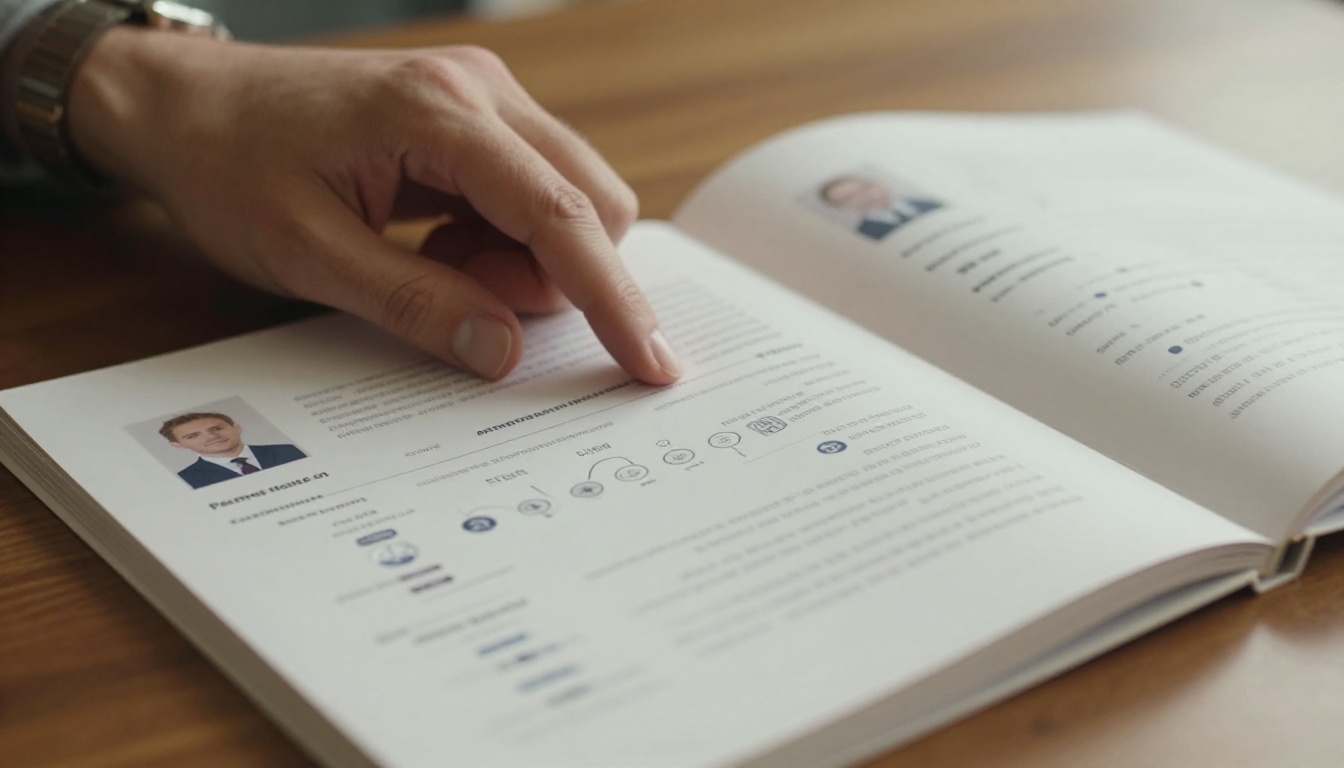
The flipbook format forces you to think visually about your career story. Every page spread becomes a chapter. Every section header becomes a headline. The result is a document that hiring managers actually read instead of scan.
Traditional Resume vs. Visual Flipbook Portfolio
| Feature | Traditional Resume | Visual Flipbook Portfolio |
|---|
| Format | Static PDF or Word doc | Interactive digital publication |
| Visual Appeal | Minimal, text-heavy | Rich media, images, infographics |
| Shareability | Email attachment | Direct link, embeddable, shareable URL |
| Personal Branding | Limited by template | Fully custom colors, fonts, layout |
| Multimedia Support | None | Videos, audio, clickable links |
| Analytics | None | View tracking (Professional plan) |
| Mobile Experience | Requires zoom and scroll | Fully responsive page-turn experience |
| First Impression | Generic | Memorable, distinctive |
What Goes Into a Strong Visual Portfolio
The Core Sections Every Portfolio Needs
A visual flipbook resume portfolio is not just a prettied-up resume. It is a structured narrative. These are the sections that consistently perform:
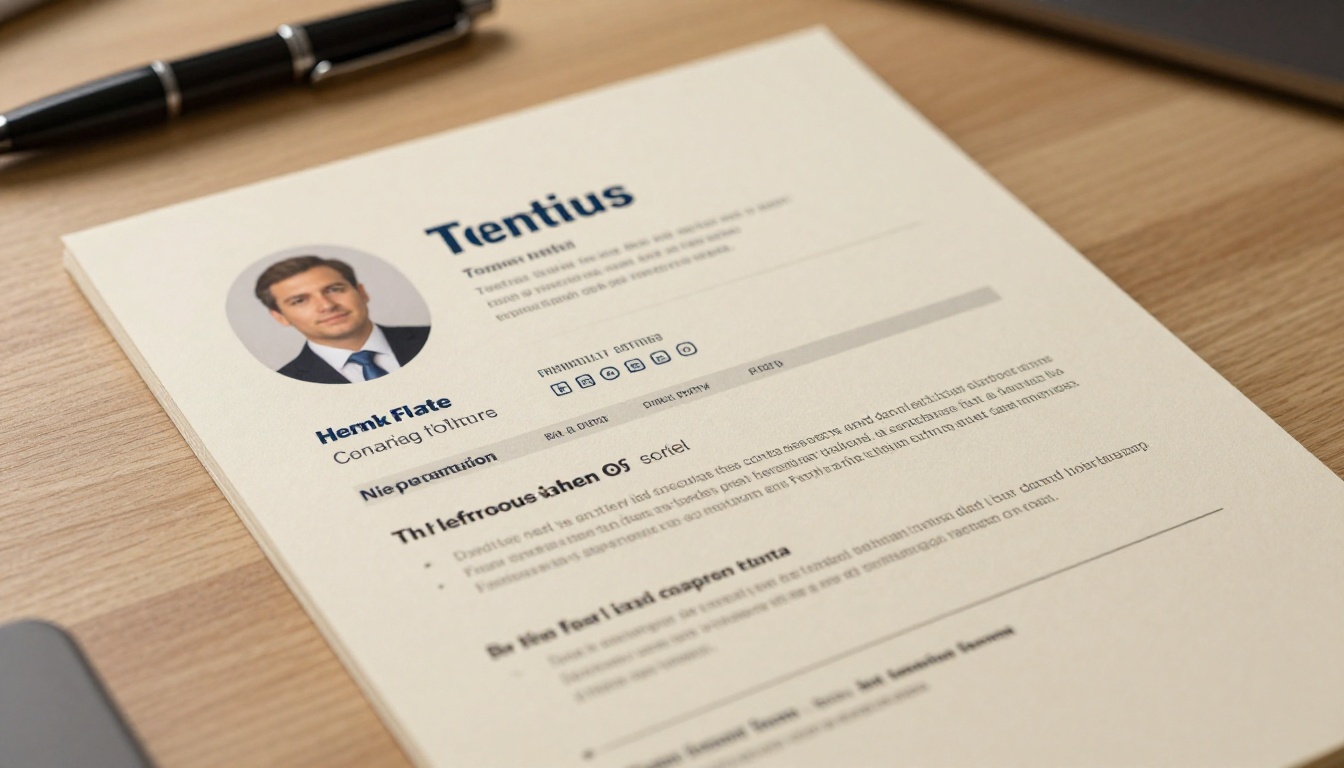
- Cover Spread: Your name, title, professional headshot, and a one-line personal statement. This is your magazine cover.
- About Me: A short, honest bio that sounds like a person wrote it, not a template.
- Work History: Presented as a timeline or card layout, with company logos and key project highlights per role.
- Skills: Visual skill bars or tag clouds, organized by category (technical, soft skills, tools).
- Portfolio Samples: The most important section. Screenshots, mockups, case study summaries with results.
- Testimonials: Pull quotes from managers, clients, or colleagues. One or two are enough.
- Contact: Clean contact information and social links, especially LinkedIn and GitHub for tech roles.
What Makes a Page Spread Pop
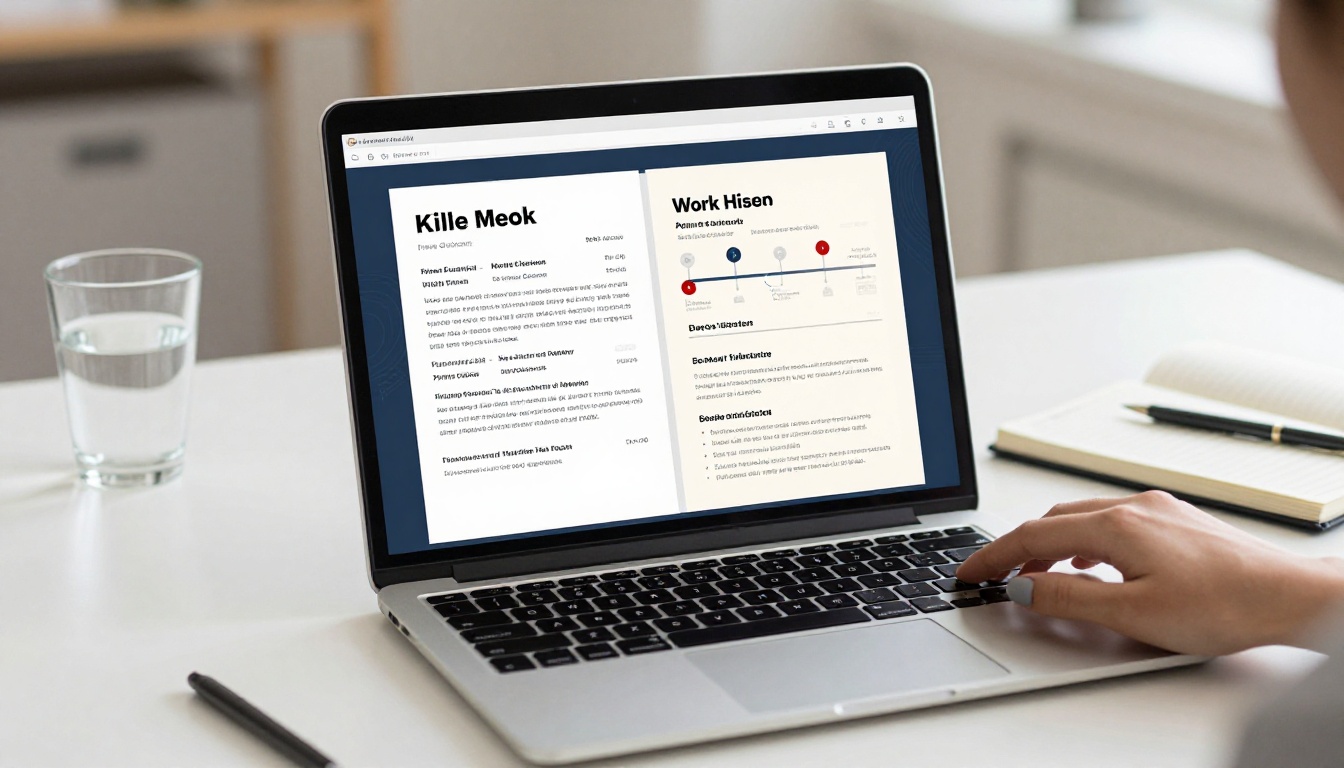
The design choices on each spread matter as much as the content. Here are the principles that separate a polished flipbook from an amateur one:
- White space is not wasted space. Cramming content into every corner signals anxiety. Breathing room signals confidence.
- Stick to a 2-3 color palette. Your personal brand should have a primary, secondary, and neutral color. Use them consistently.
- One focal point per spread. Either a visual or a stat takes center stage. Never both competing at once.
- Use numbers wherever possible. "Increased sales revenue 34% over two quarters" is worth ten bullet points of adjectives.
💡 Use your LinkedIn headline as your flipbook tagline. It is already tested, keyword-optimized, and familiar to hiring managers.
Who Benefits Most From a Flipbook Portfolio
Creative and Visual Roles
Graphic designers, photographers, UX/UI designers, art directors, and marketing professionals have used visual portfolios for years. The flipbook format elevates this further because it mirrors the way their work is actually consumed: as a visual experience with flow and pacing.
For these roles, the Digital Portfolio Creator and Portfolio Flipbook Builder are purpose-built starting points.
Tech and Product Roles
Software engineers, product managers, and data analysts can benefit just as much. The common mistake is thinking portfolio work only applies to designers. A well-structured case study showing a product decision, a technical architecture diagram, or a before-and-after dashboard comparison is incredibly compelling to a technical hiring committee.

Freelancers and Consultants
If you sell services, a flipbook portfolio doubles as a sales brochure. It can be sent to prospective clients, embedded on your website, and shared via social media without needing a custom website build. The Presentation Flipbook Designer works particularly well for this use case.
Career Changers
For someone pivoting industries, a static resume often cannot tell the transition story clearly. A visual portfolio can dedicate a full spread to the narrative of why you are making the change, what transferable skills you bring, and what you have built during the transition (courses, projects, volunteer work).
Resume to Flipbook: Design Principles That Work
Typography That Commands Attention
Typography does the heavy lifting in any document. For a flipbook portfolio, the rules are simple:
- Two fonts maximum. A strong sans-serif for headings (like Inter or Montserrat) and a readable body font (like Georgia or Source Serif).
- Size contrast is hierarchy. Your name should be the biggest thing on the cover. Section headings should be noticeably larger than body text.
- Line length matters. Keep paragraphs under 65 characters per line. Wider than that and readability drops sharply.
Color and Personal Branding
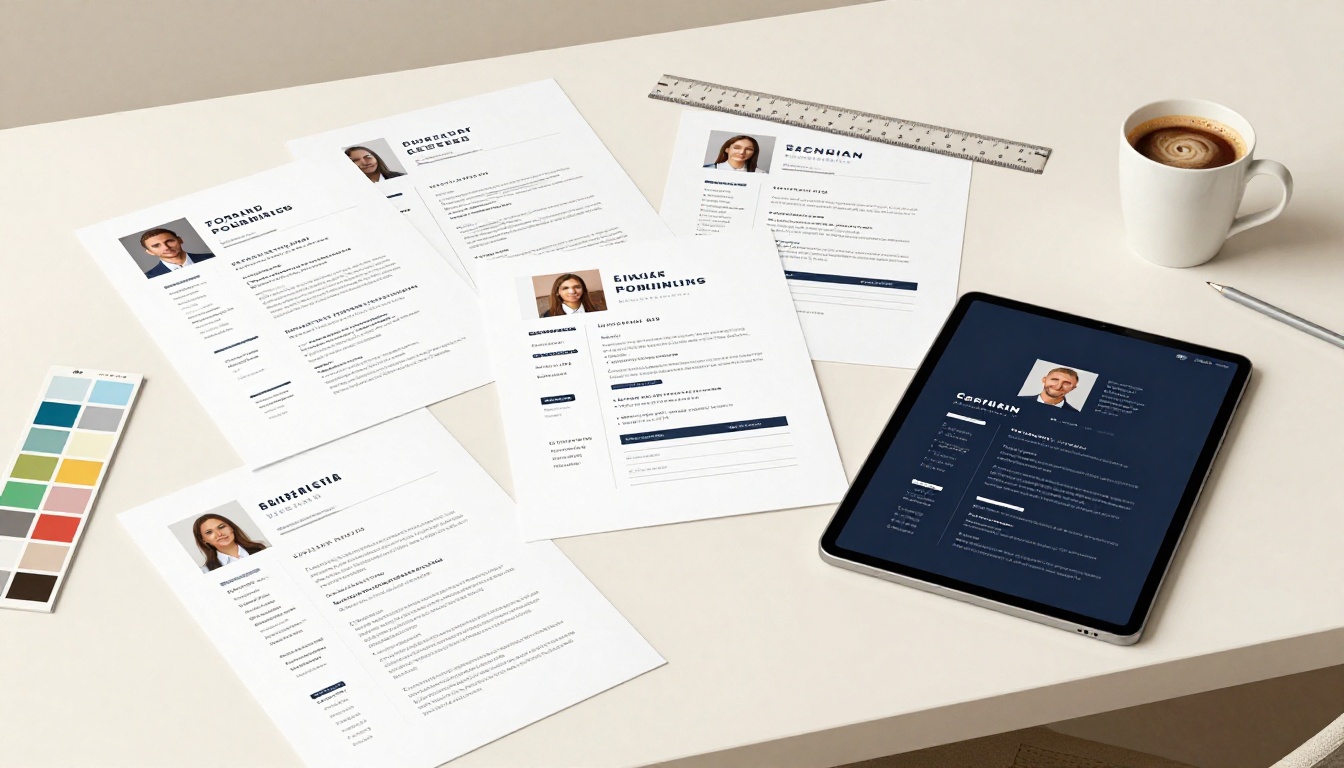
Your portfolio color palette is a personal branding decision, not just an aesthetic one. Here is a simple framework:
| Color Role | What It Communicates | Example |
|---|
| Deep Navy or Midnight Blue | Authority, professionalism, trust | #1E3A5F |
| Warm Charcoal | Sophistication, balance | #3D3D3D |
| Accent (limited use) | Energy, personality | Coral, Emerald, or Gold |
| Background Neutral | Clarity, breathing room | Ivory #FAFAF8 or White |
Avoid using more than one accent color. Pick one and use it intentionally for highlights, skill bars, and callout boxes.
⚠️ Avoid bright neon or pastel-heavy palettes unless you are in a creative industry where that aesthetic is expected. When in doubt, go darker and more minimal.
Imagery That Feels Real
The images inside your flipbook should not look like stock photos. Where possible, use:
- Your actual work samples (with permissions if client work)
- A professional headshot, not a cropped social media photo
- Screenshots of real projects with sensitive data removed
- Behind-the-scenes photos of you actually doing the work
A single authentic image of you at a whiteboard or in a design review is worth more than three generic stock photos of anonymous professionals.
How to Create Your Flipbook Portfolio With Flipbooks AI
This is where the theory becomes practice. Flipbooks AI gives you everything you need to convert your existing resume PDF into a fully interactive, shareable visual portfolio in minutes.
Step 1: Prepare Your PDF
Before uploading, make sure your PDF is well-structured. Each section should be on its own page or page spread. If you are building from scratch, design it in Canva, Adobe InDesign, or Figma using a two-page spread layout (typically 2480 x 1754px for print-quality work).
Remove any page-number footers that are not part of your design. Clean margins and consistent padding across pages will make the flipbook conversion look polished.
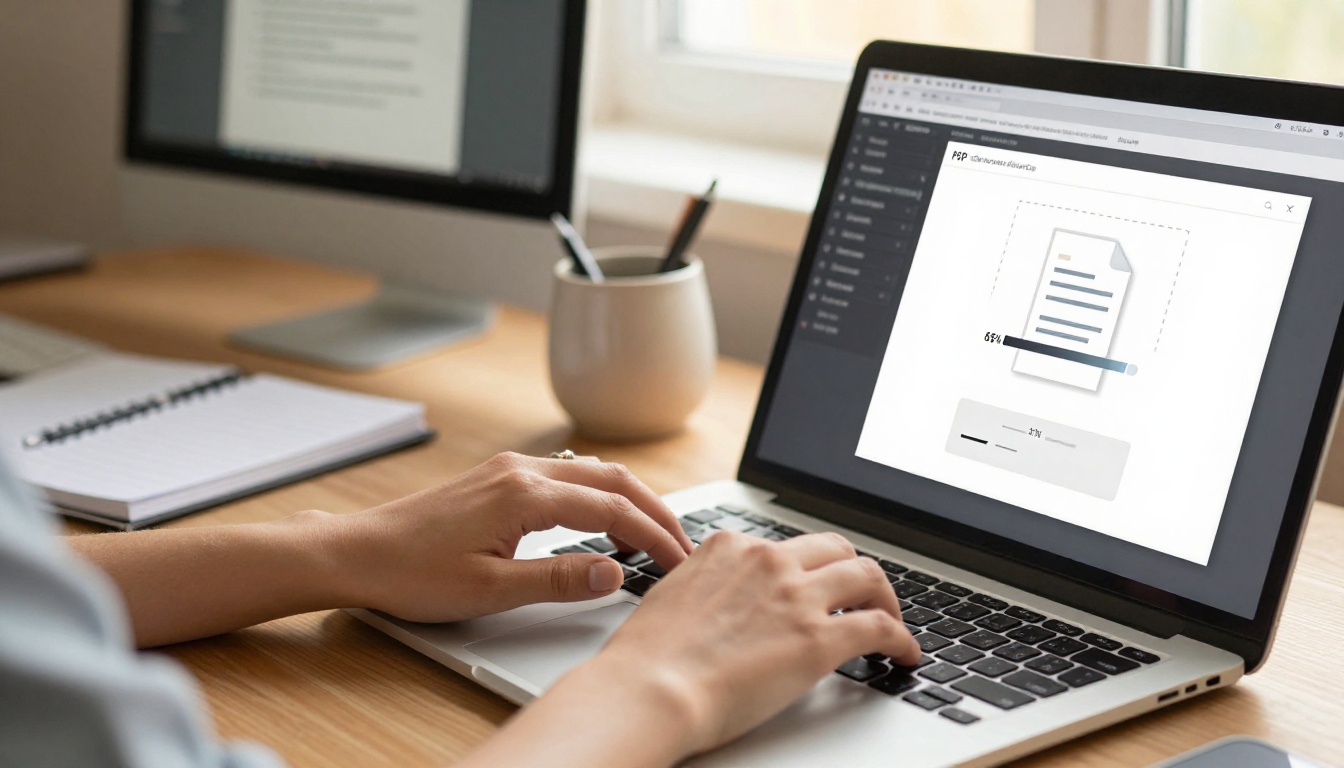
Step 2: Upload and Convert
Create an account on Flipbooks AI and log in to your dashboard.
- Click "Create New Flipbook"
- Drag and drop your PDF into the upload zone, or click to browse your files
- Wait for the conversion to complete (usually under 60 seconds for a standard resume)
- Preview the result in the built-in viewer to check page order and layout integrity
✅ Upload a high-resolution PDF (300 DPI or higher) to ensure images and text remain crisp in the flipbook viewer.
Step 3: Apply Your Branding
Once the flipbook is generated, open the customization panel:
- Set your background color to match your portfolio palette
- Upload a custom thumbnail for the cover image
- Adjust the page flip sound if you want the tactile audio effect for desktop viewers
- Add your logo or monogram in the header or footer area
Step 4: Add Multimedia
This is where the flipbook format goes far beyond any PDF. You can:
- Embed video introductions directly into your cover or about page
- Add clickable hotspots that link to project case studies or your GitHub profile
- Include audio testimonials if you have recorded client or colleague references
The Portfolio Flipbook Builder has built-in support for all of these elements through the editor panel.
Step 5: Set Up Sharing
With your flipbook ready, sharing takes three forms:
- Direct Link: Copy your unique flipbook URL and paste it into your resume, email signature, LinkedIn profile, or job application cover letter.
- Embed Code: If you have a personal website, use the embed code to place the flipbook viewer directly into your site via the Embed Flipbook on Website tool.
- Password Protection: For sensitive portfolio work with confidential client projects, enable password protection so only people with the link and password can view it.
💡 Add your flipbook URL to your LinkedIn About section and pin it as a featured link. Recruiters who visit your profile will engage with it immediately.
Step 6: Track Who Views It
With the Professional plan on Flipbooks AI, you get access to analytics that show:
- Total views and unique viewers
- Time spent per page spread
- Geographic location of viewers
- Lead generation forms embedded directly into the flipbook
This data is invaluable when you are actively applying. Knowing a hiring manager at a target company spent four minutes on your portfolio before calling you changes how you prepare for the conversation.
Flipbooks AI Plans for Portfolio Builders
| Plan | Flipbooks | Watermark | Password Protection | Analytics | Offline Download |
|---|
| Free | 3 | Yes | No | No | No |
| Standard | Unlimited | No | Yes | No | No |
| Professional | Unlimited | No | Yes | Yes | Yes |
For active job seekers sending portfolios to multiple companies, the Standard plan removes the watermark and lifts the flipbook limit. If you are a freelancer tracking proposal performance, the Professional plan pays for itself the first time you close a client. See full pricing details here.
Sharing Strategies That Actually Work
Where to Put Your Flipbook Link
Most candidates put their portfolio link in exactly one place: the bottom of their resume footer, in 10px font, after their email and phone number. That is a burial, not a feature.
Here is where your flipbook link should live:
- Top of resume: Directly beside your name, as a labeled hyperlink ("Visual Portfolio")
- Email signature: Every email you send during a job search is an opportunity
- LinkedIn About section: LinkedIn explicitly supports featured links at the top of your profile
- Cover letter: Mention it in the opening paragraph with a direct reference and link
- Business card: A QR code pointing to your flipbook is more useful than a plain website URL

How to Mention It in Applications
The best way to reference your flipbook portfolio in an application is naturally and early:
"I have included my visual portfolio below, which covers three projects relevant to this role in detail."
That sentence does two things: it signals you have done the work, and it removes any friction to viewing it. Do not bury the link. Do not make it optional. Treat it as a core part of the application, not an appendix.
Common Mistakes to Avoid
Too Much Content, Not Enough Story
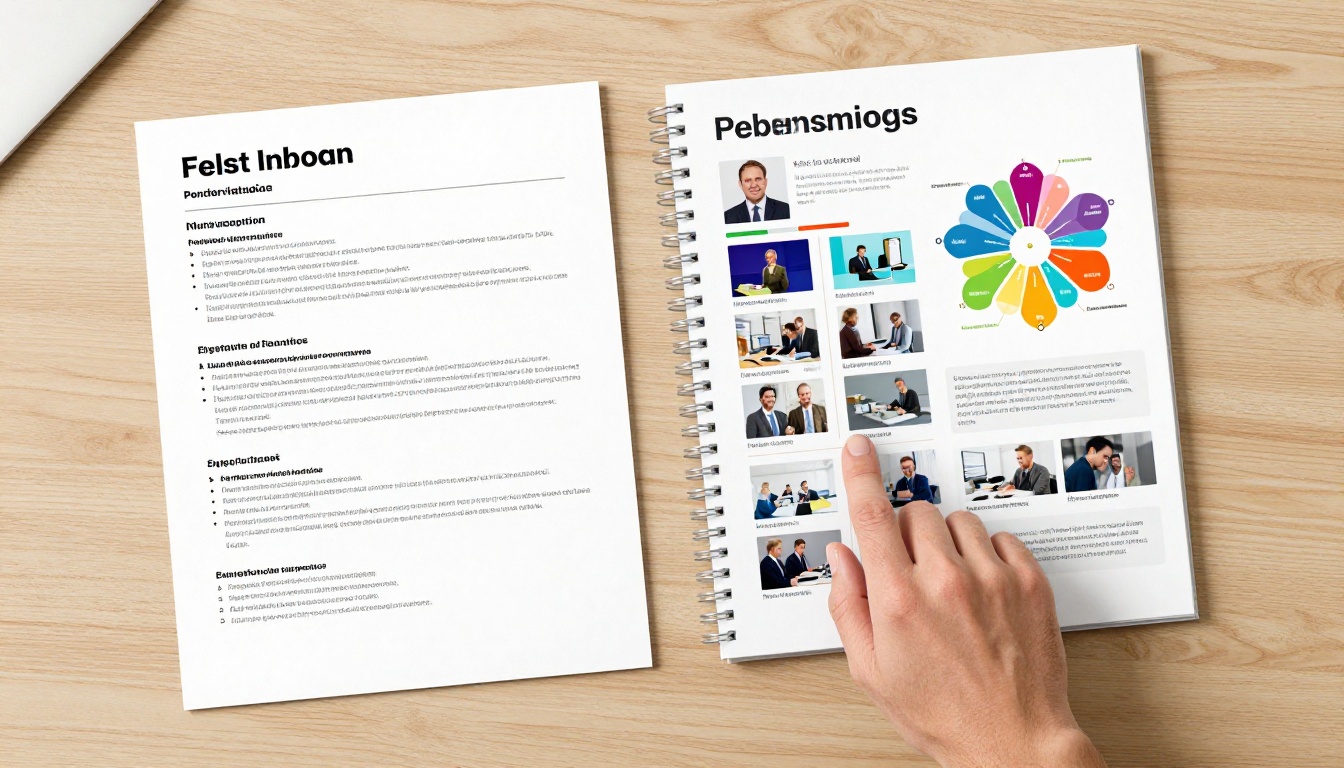
A flipbook portfolio that tries to include every job you have ever held, every skill you have ever touched, and every project you have ever contributed to is just a longer, prettier version of the same problem. Edit ruthlessly. The goal is to show your best four to six pieces of work, with enough context for each that the quality is obvious.
Ignoring Mobile Viewers
Nearly 60% of recruiter email is first opened on a mobile device. A flipbook built only with desktop in mind can render poorly on smaller screens. Flipbooks AI handles responsive design automatically, but your page content still needs to be legible at small sizes.
Test your portfolio on your phone before sending it anywhere. Check that your headshot is not cropped, that text is readable without zooming, and that any clickable elements are tap-friendly.
⚠️ Avoid placing critical content in the outer margins of your PDF pages. Flipbook viewers crop margins slightly for fit, and anything too close to the edge may be cut off.
Using Low-Resolution Images
A flipbook is a visual medium. Low-resolution project screenshots, blurry headshots, or pixelated company logos will undermine the premium feeling you are trying to create. Every image in your portfolio should be at least 1920px wide for optimal crispness in the flipbook viewer.
Not Updating It
A portfolio built six months ago and untouched since sends a signal. Update your flipbook with each significant new project or role. Because it is hosted online, every update is instant. Unlike a PDF attached to an email, your flipbook link always points to the current version.
Get Your Portfolio Working for You
The visual flipbook portfolio is not a luxury reserved for designers or creatives. It is a practical competitive tool available to anyone willing to invest two to three hours in presenting their work with intention.
Flipbooks AI removes every technical barrier between your PDF and a polished, interactive portfolio. No coding, no hosting headaches, no design degree required.

Ready to make yours? Here is exactly where to start:
Your next job interview could start with a hiring manager opening a link and saying, "I already read your portfolio." That moment starts with what you build today.



