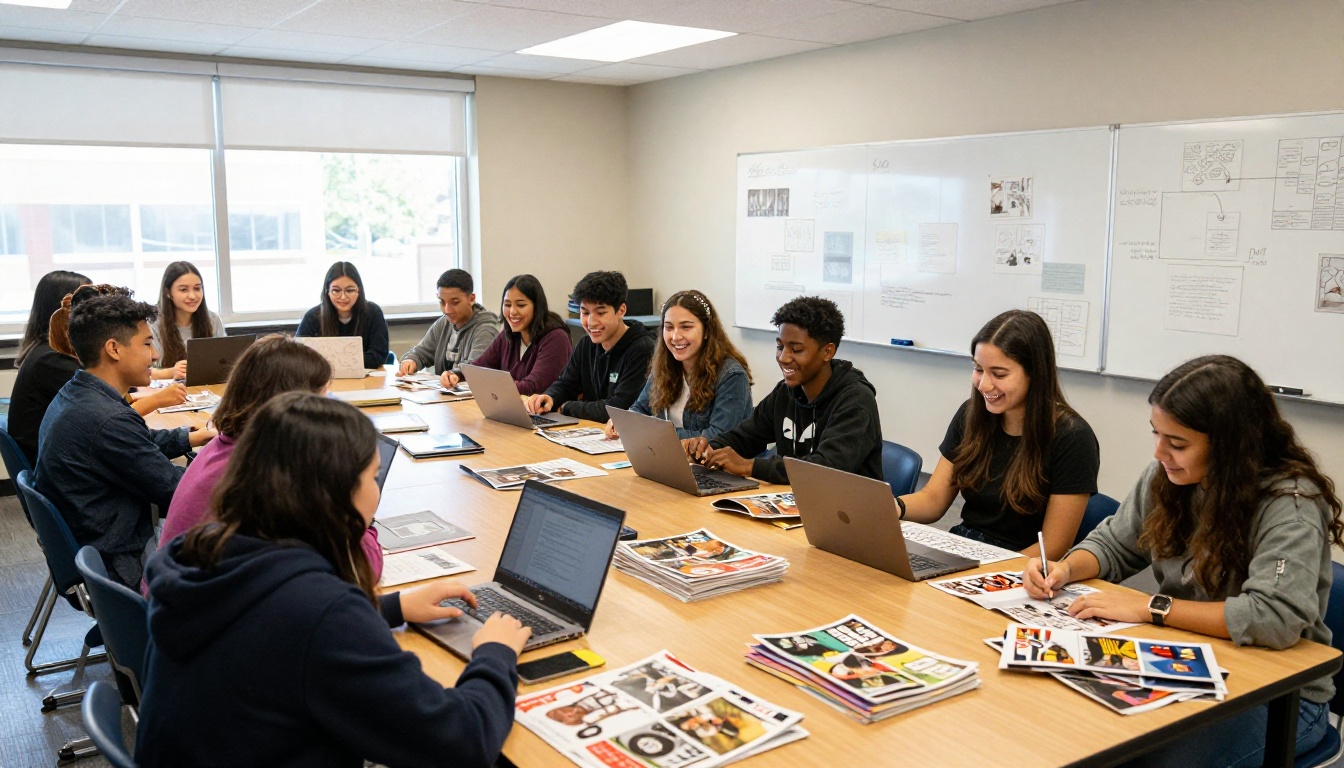
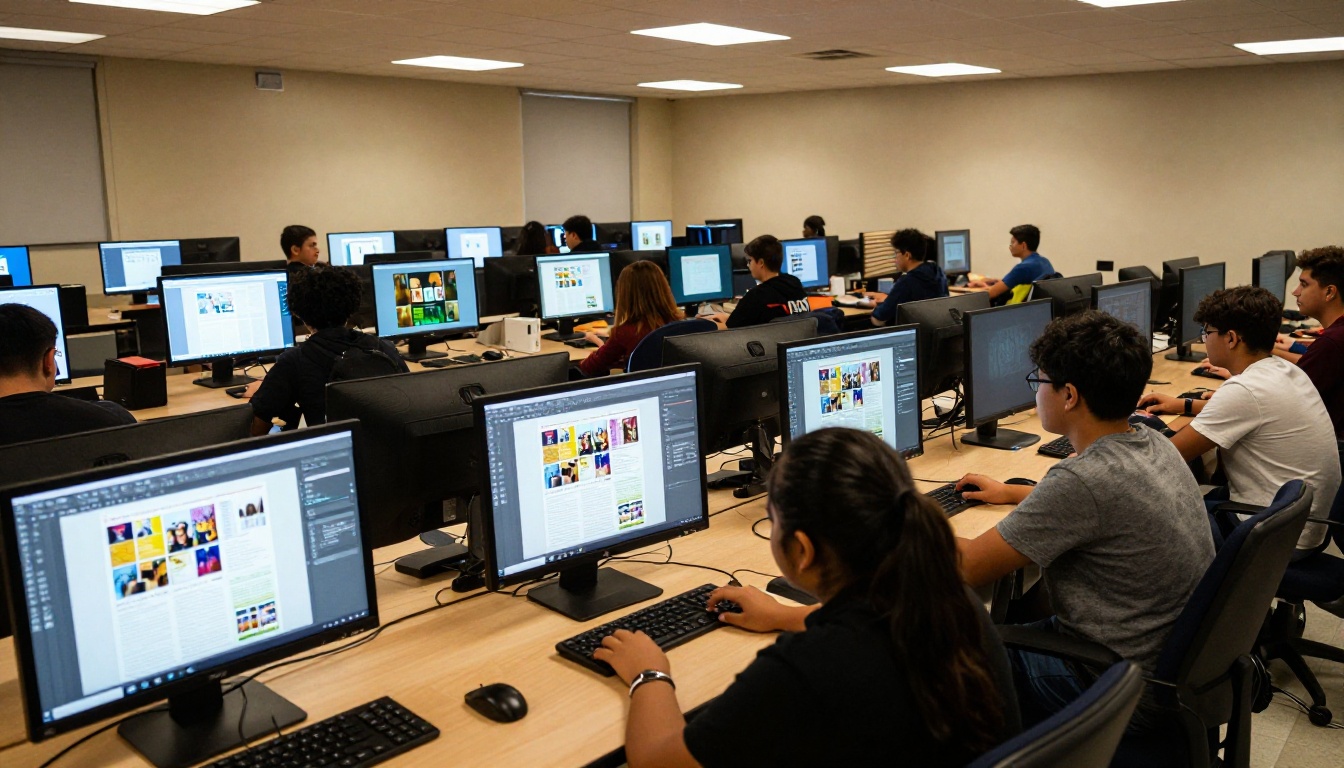
School magazines take weeks of student effort: interviewing peers, writing stories, designing layouts, sourcing photos. Then they get printed, handed out at the front office, and half the copies end up stuffed in lockers or abandoned on cafeteria tables by Friday afternoon. Flipbooks AI gives those same students a way to take that exact magazine and publish it as an interactive digital flipbook that lives online, reaches every student on their phone, and doesn't cost the school a single sheet of paper.
This article covers everything your journalism class, student council, or communications team needs to know to publish a school magazine flipbook that people actually read, from preparing your PDF to distributing it to the whole school in minutes.
Why Printed School Magazines Fall Short
School publications face a distribution problem that no amount of good writing can solve on its own. Physical copies have hard limits. Once they're gone, they're gone. A student who missed pick-up day misses the entire issue. A parent who wants to read the spring edition six months later has nowhere to find it. A reader who wants to share a specific article with a friend can only do it by physically handing over the magazine and hoping they get it back.
The True Cost of Print
Print runs cost real money. Paper, ink, and binding add up fast, especially for schools operating on tight budgets. Most school magazines get a print run sized for roughly 60 to 70 percent of the student body, meaning there is always someone who misses out. And even when students do receive a copy, print doesn't travel well. A magazine left at home doesn't follow a student to the library between classes. A digital flipbook on their phone does.
Beyond the budget issue, there's an archival problem. Physical copies degrade. They get crumpled, stained, or lost. Back issues disappear. Digital publications stay online permanently and remain as readable on the day they're published as they are three years later. A well-designed digital archive of past school magazines becomes a genuine institutional resource.
What Students Actually Do with Print
Research on teen reading habits consistently shows that students spend several hours each day on their phones, consuming content through social media feeds, messaging apps, and streaming video. A physical school magazine competes with all of that, and it starts at a significant structural disadvantage: it doesn't fit in a pocket, can't send a notification, and can't be shared with a single tap.
Digital school publications meet students where they already spend their attention. A flipbook link dropped into a class group chat on WhatsApp gets opened during lunch. A PDF attachment buried in an official school email mostly doesn't. The format of distribution shapes the readership more than the quality of the content does.
What a School Magazine Flipbook Actually Is
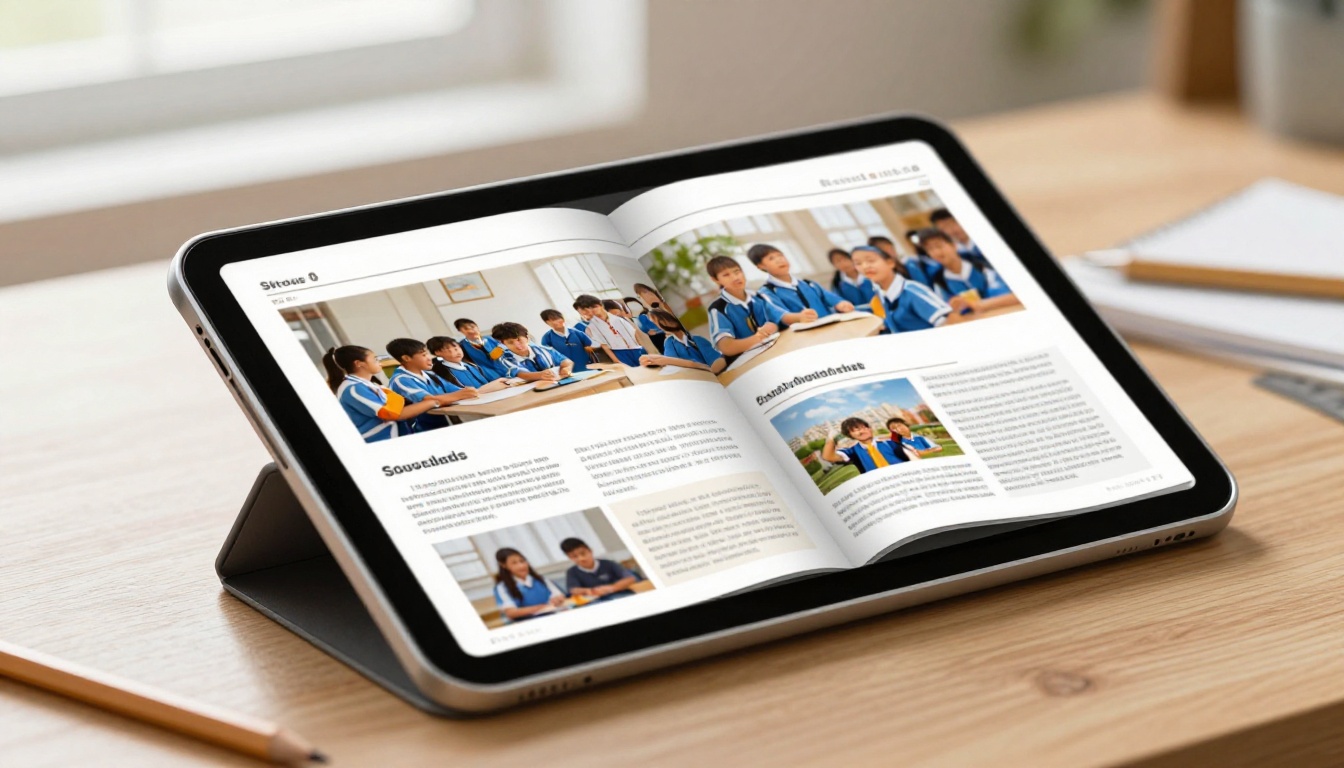
A flipbook is a digital publication that replicates the physical experience of flipping through a magazine or book. Pages turn with a realistic curl animation. Readers zoom into individual articles, click embedded links, jump to specific pages via thumbnail navigation, and share individual spreads directly to social media. It is not a flat PDF. It is not a slideshow. It is an interactive reading experience that feels like the real thing while living entirely online.
Page-Flip vs. Static PDF
| Feature | Static PDF | Digital Flipbook |
|---|
| Realistic page-turn animation | No | Yes |
| Mobile-optimized reading | Poor | Excellent |
| Shareable via single link | Limited | Yes |
| Embeddable on school websites | No | Yes |
| Read-time analytics | No | Yes (Professional) |
| Password protection | No | Yes |
| No download required | No | Yes |
| Social sharing of individual pages | No | Yes |
A PDF requires the reader to download a file, open it in a separate application, and pinch-to-zoom constantly on a phone screen. A flipbook opens instantly in any browser, renders exactly as your journalism team designed it, and works on any device without installing anything.
Interactive Features That Actually Matter
The best school magazine flipbooks go beyond replicating paper. With Flipbooks AI, a digital school publication can include:
- Clickable article links: Stories can point readers to source material, student social profiles, or upcoming school event pages
- Embedded video: Sports highlights, drama performance clips, or student interview videos play directly inside the flipbook without leaving the page
- Audio integration: Podcast-style roundtables or musical performance clips embedded within arts and entertainment coverage
- Social sharing: Students share individual spreads or the full issue directly to Instagram Stories, WhatsApp groups, or X
- Keyword search: Readers search across the entire issue by topic, name, or subject
💡 Pro tip: Embed the school's YouTube recording of the latest sports championship or theater production inside the relevant flipbook section. The digital magazine becomes a multimedia content hub, not just text and photos on a page.
How to Create Your School Magazine Flipbook
The Magazine Flipbook Creator on Flipbooks AI handles the technical conversion automatically. Here is the full process from final PDF to published flipbook, written for student editors and faculty advisors who have never done this before.
Step 1: Finalize Your PDF
Before uploading, make sure the magazine PDF is production-ready. The flipbook preserves your layout exactly as designed, so what you upload is what readers see.
- Export at 150 DPI minimum (300 DPI preferred) for sharp image quality at all zoom levels
- Use embedded fonts so typography renders correctly on every device
- Keep the file under 500MB for fast upload (most school magazines fall well under 50MB)
- Confirm page order is correct in your layout software before exporting
If your journalism class uses Adobe InDesign, Canva, or Google Slides for layout, all three export directly to PDF and work perfectly with the Flipbooks AI converter.
Step 2: Upload and Convert

- Go to flipbooksai.com/account and create a free account (no credit card required)
- Click "New Flipbook" from your dashboard
- Drag and drop your school magazine PDF into the upload zone
- Wait 30 to 60 seconds for the conversion to complete
- The flipbook opens in the editor with every page rendered at full quality
The PDF to Flipbook Converter handles multi-page documents automatically. A 32-page school magazine converts in under a minute. A 64-page yearbook supplement takes around two minutes.
Step 3: Customize Branding and School Identity
This is where your school's visual identity comes through. In the flipbook editor:
- Set the background color to match official school colors using exact hex codes
- Upload your school logo to appear in the header and navigation bar
- Choose a page-turn style: classic curl, slide transition, or fade
- Add a custom subdomain if your school has one (e.g.,
magazine.yourschool.edu)
- Set the publication title and issue date in the metadata panel
✅ Best practice: Use your school's official hex color codes for background and UI elements. Students and parents recognize school colors immediately, and it makes the flipbook feel like an authorized official publication rather than a generic PDF viewer.
Step 4: Add Interactive Elements
Before publishing, enrich the magazine with interactive content that print can't match:
- Select any text or image and attach hyperlinks to external sources, profiles, or event pages
- Navigate to any page and embed a YouTube or Vimeo video by pasting the URL directly
- Build a clickable table of contents with page jump links for issues longer than 12 pages
- Set a custom preview thumbnail for the social media link preview (use your magazine's front page image)
- Configure password protection for draft versions circulated to the editorial board for review
Step 5: Publish and Distribute
Click Publish. Your school magazine is now live as an interactive flipbook at a shareable URL. From there, distribution happens through multiple channels simultaneously:
- Direct link: Paste into school email newsletters, class group chats, or the school's official social media accounts
- Embed code: One line of HTML pasted into the school website makes the flipbook appear inline (use Embed Flipbook on Website)
- QR code: Download a QR code linking to the flipbook and print it on posters, bulletin boards, or the back of physical copies if a small print run still happens
- Password-protected private link: Lock the flipbook so only students or parents with the password can access it
Flipbooks AI Plans: Which One Fits Your School
Flipbooks AI offers plans structured around publication volume and feature depth. Here is how each tier maps to what a school publication realistically needs:
| Plan | Best For | Flipbooks | Watermark | Analytics |
|---|
| Free | First-time testing | 1 flipbook | Yes | No |
| Standard | Active school publications | Unlimited | None | No |
| Professional | High-output journalism programs | Unlimited | None | Full dashboard |
⚠️ Note: The Free plan includes a Flipbooks AI watermark on the published flipbook. If your magazine reaches parents, alumni, or the broader community, the Standard plan removes it entirely and lets your school brand stand on its own.
For most school journalism programs, the Standard plan covers everything needed to publish a polished, professional digital magazine without straining a school budget. The Professional plan makes sense for programs that want read-time analytics, which are genuinely valuable feedback for student editors learning their craft.
Feature Breakdown by Plan
| Feature | Standard | Professional |
|---|
| No watermarks | ✅ | ✅ |
| Unlimited flipbooks | ✅ | ✅ |
| Custom branding and colors | ✅ | ✅ |
| Password protection | ✅ | ✅ |
| Mobile-responsive reading | ✅ | ✅ |
| Offline downloads | ✅ | ✅ |
| Analytics dashboard | ❌ | ✅ |
| Lead generation forms | ❌ | ✅ |
Analytics are particularly useful in a journalism education context. Seeing which articles hold reader attention longest, where readers exit the flipbook, and how many total reads an issue receives gives student editors real performance data to inform future editorial decisions. It turns a school publication into a genuine learning laboratory. Check current pricing for the latest plan rates.
Real Ways Schools Use Digital Flipbooks
The workflow is straightforward. What's more interesting is how schools have actually put it to work once the friction of printing disappears.
The Weekly Student Newspaper
A high school journalism class publishes a weekly digital newspaper every Friday as a flipbook link sent to a school-wide email list. Students open it from their phones during lunch periods. The faculty advisor uses analytics from the Professional plan to track which articles hold attention. Opinion pieces consistently outperform straight news stories, which changes how the editorial board prioritizes pitches for the following issue. The data shapes the journalism, which improves the publication.
Monthly Parent Communication
The school office publishes a monthly parent newsletter as a School Newsletter Creator flipbook instead of printing 400 copies. The designed PDF converts in minutes. A QR code printed on the physical bulletin board at the school entrance links parents on-site to the digital version. A direct link goes into the weekly school email. Print costs drop to near zero. Readership increases because parents can forward the link to family members or revisit it weeks later when planning schedules around mentioned events.
Yearbook Preview Issue
The yearbook committee releases a spring semester supplement as a Yearbook Flipbook Maker flipbook before the physical yearbooks arrive from the printer. Students see candid photos from clubs, sports seasons, and school events. It builds anticipation for the physical edition and gives the committee genuine feedback on what resonated before the print run is locked.
💡 Pro tip: Password-protect the yearbook preview with a code shared only through the student portal. It creates a sense of exclusivity that drives students to actually open and read it rather than ignoring a generic link.
End-of-Year Arts Program
The drama department publishes a digital program for the end-of-year show instead of printing paper handouts that get left on seats or tossed at intermission. A QR code displayed at the venue entrance sends audience members to the flipbook on their phones. The program includes director's notes, cast biographies, rehearsal photographs, and a message from the principal. Parents screenshot pages to share on social media with the school tagged. The program becomes marketing content as well as event documentation.
Embedding Your Flipbook Everywhere
A shareable link is powerful. An embedded flipbook is better still. Here is where schools actually place their digital magazines to reach the broadest audience:
On the School Website
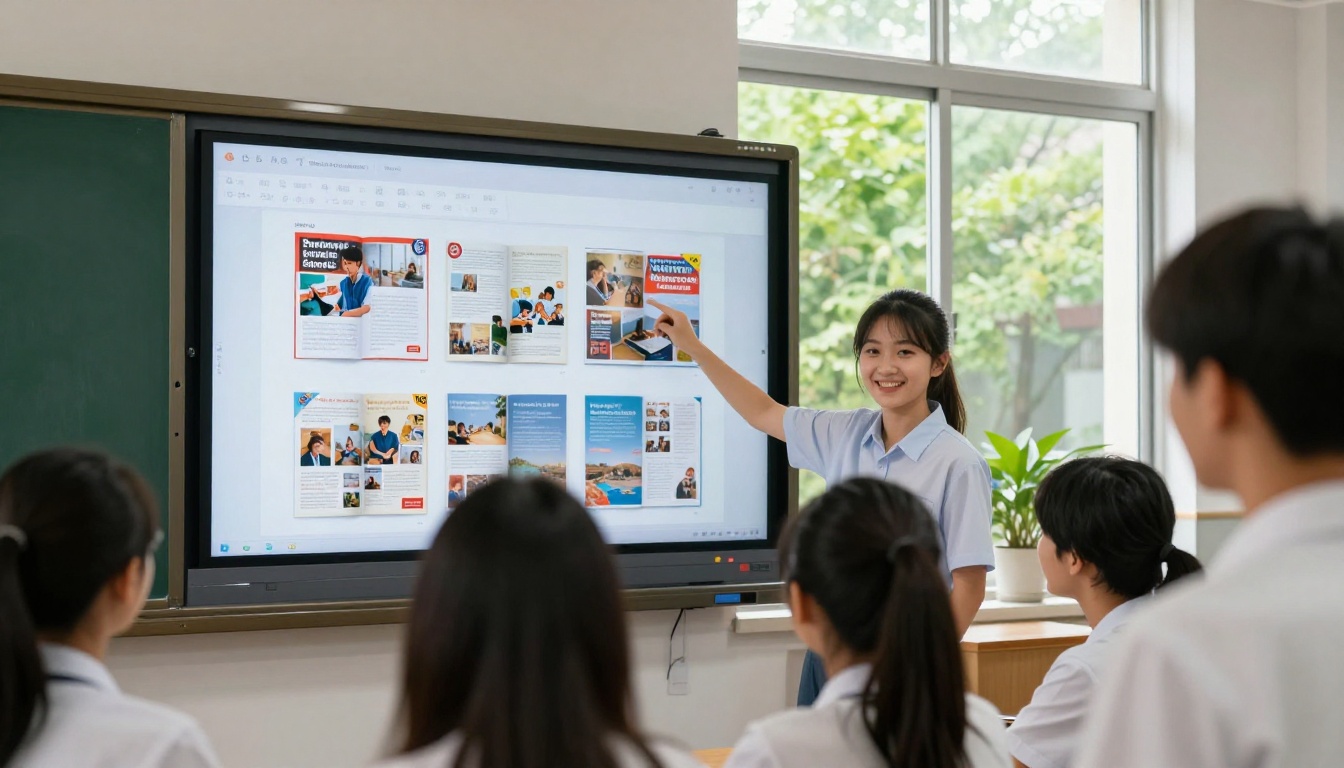
Most school websites have a student life, publications, or news section. The embed code from Flipbooks AI drops the flipbook directly inline on that page. Visitors flip through the magazine without navigating anywhere else. The flipbook becomes a native part of the school's web presence, not a PDF download link buried in a page footer.
In Google Classroom
For schools using Google Workspace for Education, paste the flipbook link as an announcement resource or assignment reference. Students click directly from Classroom without leaving the platform. Faculty can assign specific issues as reading material with discussion questions, turning the student magazine into a classroom text rather than just a co-curricular publication.
Via Messaging Apps and Social Media
Flipbook links generate rich link previews automatically on WhatsApp, Instagram, X, and iMessage. When a student shares the magazine link in a group chat, the preview displays the publication's front page image and title. That image does double work: it functions as editorial design and as organic social media promotion simultaneously.
Print vs. Digital: An Honest Comparison
| Factor | Printed Magazine | Digital Flipbook |
|---|
| Cost per issue | $2 to $8 per copy | Near-zero after creation |
| Distribution reach | Limited to physical copies | Unlimited via shared link |
| Archival lifespan | Degrades over time | Permanently accessible |
| Mobile reading experience | Poor | Excellent |
| Ability to update post-publish | Impossible | Available |
| Environmental footprint | Paper and ink waste | Minimal |
| Read analytics | None | Full (Professional plan) |
| One-tap shareability | Physical hand-off only | Yes |
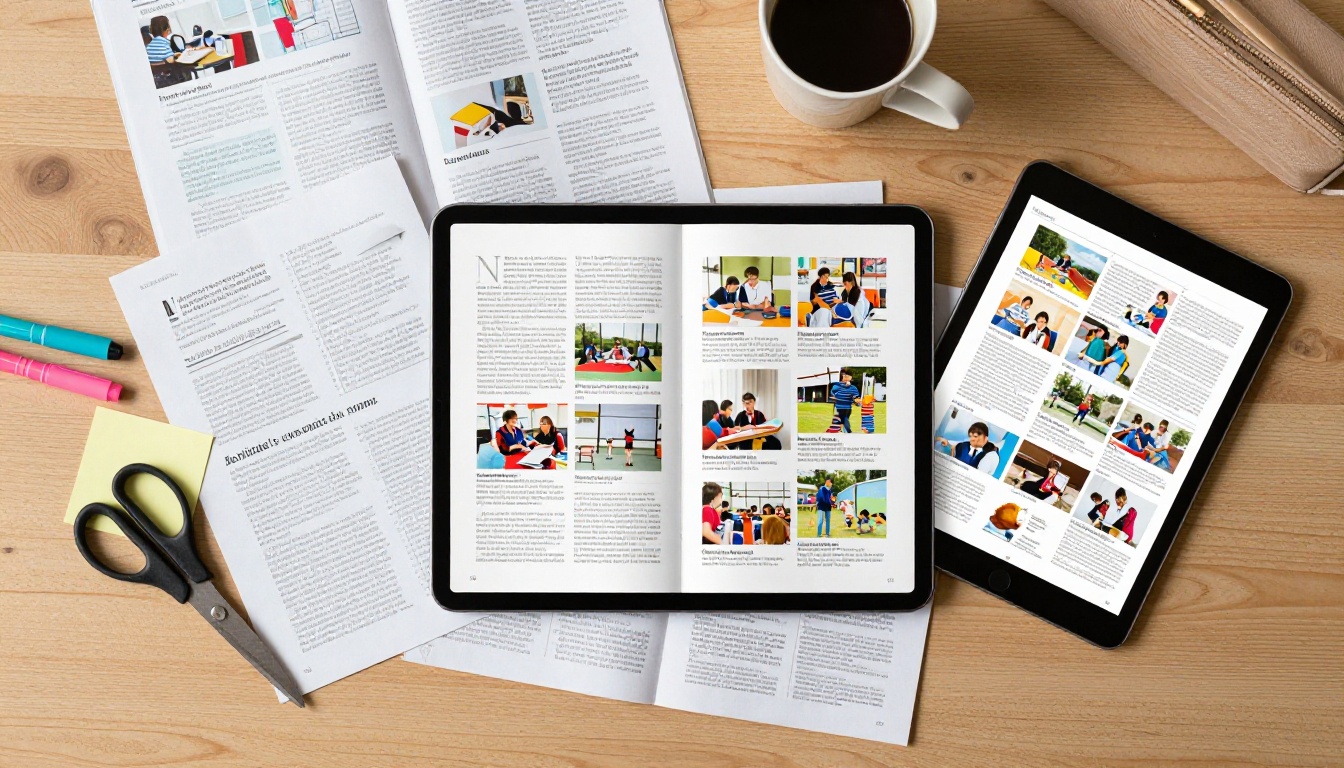
The numbers favor digital for schools with limited budgets and student populations spread across phones and devices. A digital flipbook reaches more readers, costs less per issue, and stays available indefinitely. This doesn't mean abandoning print entirely. Many schools run a small prestige print run for collectors and archives while distributing the digital edition to everyone else through link and embed.
Practical Checks Before You Publish
Before the flipbook goes live to the full student body, run through this checklist:
- Review every page in the flipbook preview mode for formatting issues such as column breaks, image cropping at page edges, or font rendering problems
- Test the link on both desktop browser and mobile before sending to anyone
- Verify embedded videos actually play within the published flipbook, not just in the editor
- Set a preview thumbnail using the magazine's front page image for the social share card
- Add a table of contents with page jump links for issues longer than 16 pages
- Password-protect any draft versions shared with the editorial team for review before publication
⚠️ Common mistake: Exporting your magazine PDF at 72 DPI for "web" optimization results in visibly blurry photographs in the flipbook, especially when readers zoom in. Always export at 150 DPI minimum, 300 DPI preferred, even for a publication that will only ever exist online.
Other School Publications That Work as Flipbooks
Once your journalism class has the workflow down, the same process applies to every other publication the school produces:
- Sports programs for home games, tournaments, and championship events
- Club and activity brochures for the annual activities or clubs fair
- Course selection catalogs for students choosing subjects for the next academic year
- Alumni newsletters for graduates and donor communities
- Music and drama show programs for performances and recitals
- Science fair project booklets summarizing student research across categories
- Class trip itineraries and information packets sent to parents
- Student council election materials and candidate information sheets
The Course Material Publisher and School Newsletter Creator tools on Flipbooks AI are built specifically for these educational publication types. Browse the full tools directory to find the right starting point for each format your school produces.
Start Publishing Your School Magazine Today
Your school magazine already has the content. It already has the design. It already has the hours of student work behind it. What it needs now is a readership, and a digital flipbook delivers exactly that.
Flipbooks AI takes the PDF your journalism class already has and converts it into a shareable, embeddable, mobile-optimized publication in under a minute. No technical knowledge required beyond what your students already use to design the magazine in the first place.
Ready to publish? Create your free account on Flipbooks AI and have your first school magazine flipbook live before the end of the school day.
Check all available plans to find the right fit for your school's publishing frequency, or browse the full tools directory to see every publication type Flipbooks AI supports across education, business, and creative sectors.



