Your TEDx talk was 18 minutes of concentrated thinking, delivered once to a room of people who were paying close attention. Then the event ended, the slides got filed away, and those meticulously crafted notes sat in a folder nobody else will ever open. That is the part worth fixing. Flipbooks AI gives speakers a direct way to convert their talk preparation into a professional interactive publication that lives online, gets shared, and keeps building credibility long after the applause fades.
Why Your TEDx Notes Are More Valuable Than You Think
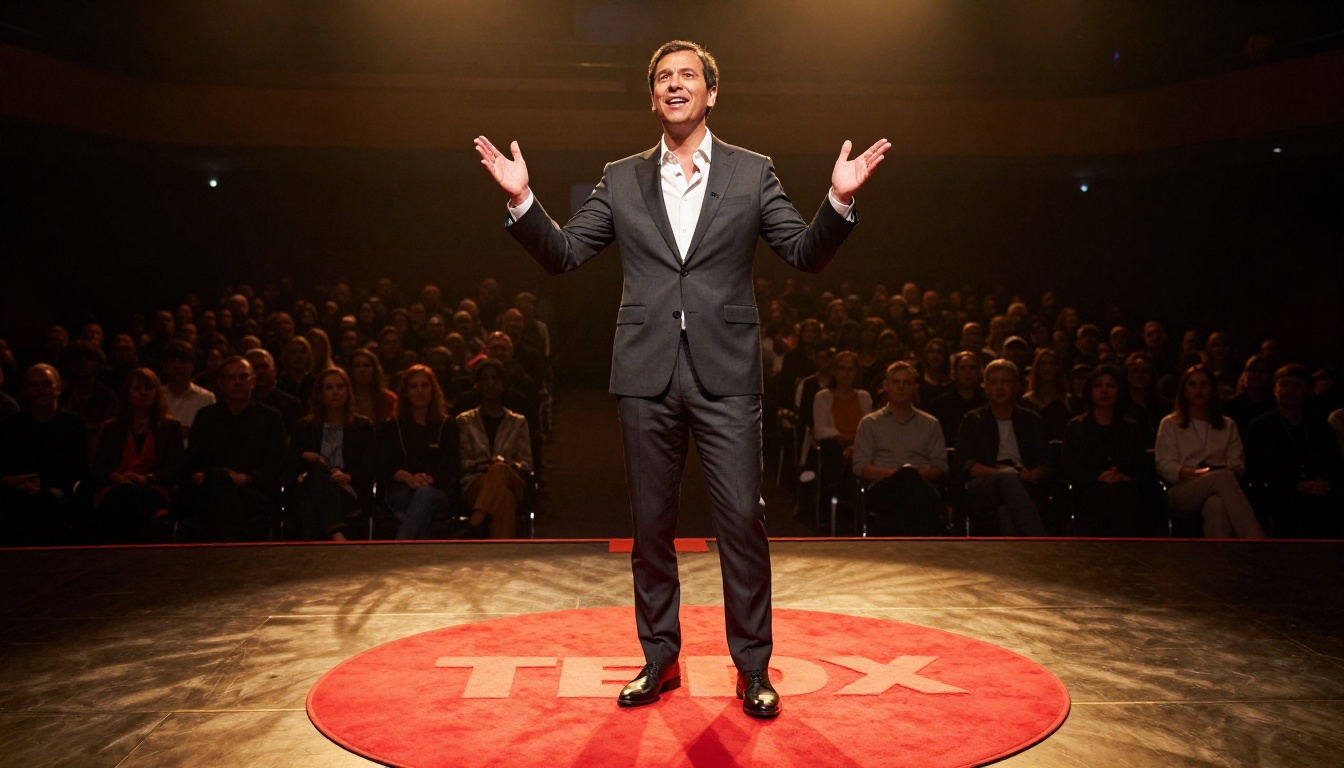
Most speakers finish their TEDx talk and feel a specific kind of deflation. The months of preparation, the index cards, the printed outlines with color-coded highlights, the speaker notes packed with citations and context that never made it into the talk itself, all of it just stops. The audience got 18 minutes. The full body of work never got a proper home.
This is a structural problem, not a personal one. The format of a live talk is designed for one-time delivery. Your notes, however, are structured differently. They contain:
- The full argument, not just the highlights you had time to cover on stage
- Research and data that you cut for time but that strengthen your position
- Practical steps your audience asked about after the talk in the hallway
- Quotes, references, and sources that make your ideas credible and shareable
- Your unique framing of a topic that positions you as the person who thinks this way
When you turn that material into a flipbook, you are not just archiving a talk. You are creating a standalone thought leadership asset that works around the clock, in every time zone, without you needing to be in the room.
What Speakers Actually Mean by "TEDx Notes"
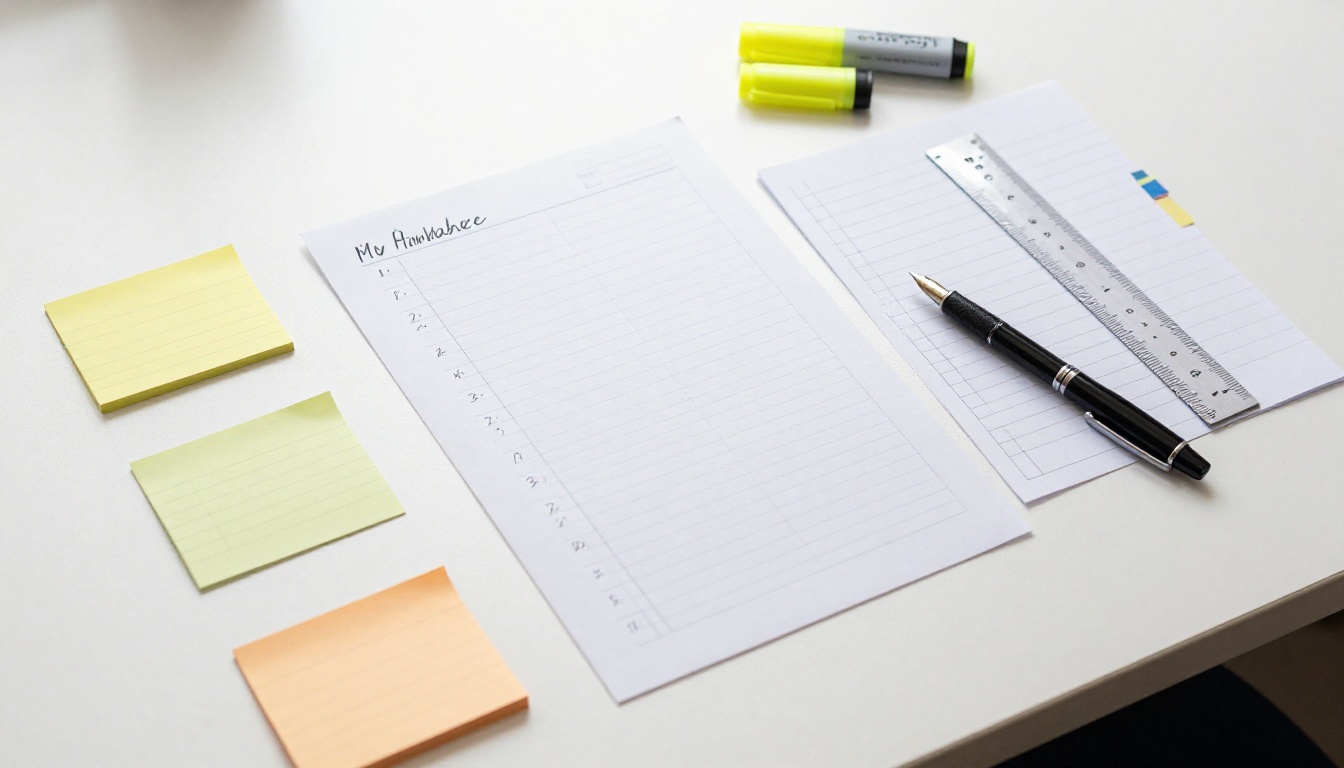
The word "notes" covers a lot of territory. Before building your flipbook, it helps to know what you are actually working with. Most TEDx speakers walk away with several distinct layers of material:
Pre-talk preparation materials:
- Full script or bullet-point outline
- Research notes and cited sources
- Slide deck (usually 15-30 slides)
- Speaker coaching notes or feedback received during rehearsals
Post-talk content opportunities:
- Questions the audience asked after the event
- Personal reflections on what landed and what did not
- Media coverage or social media responses
- Event organizer feedback and session recap
Each of these is raw material for different sections of your flipbook. The pre-talk notes become your core content. The post-talk observations become a "what I learned" section. Audience questions become an FAQ. This is how a single talk becomes a 20-30 page interactive publication with real depth.
💡 Pro tip: If your TEDx talk was recorded (most are), use the transcript as your primary source. Transcripts are already structured for clarity because you wrote the talk to be understood in real time, making them ideal for reorganizing into pages.
The Real Case for a Flipbook Over a PDF
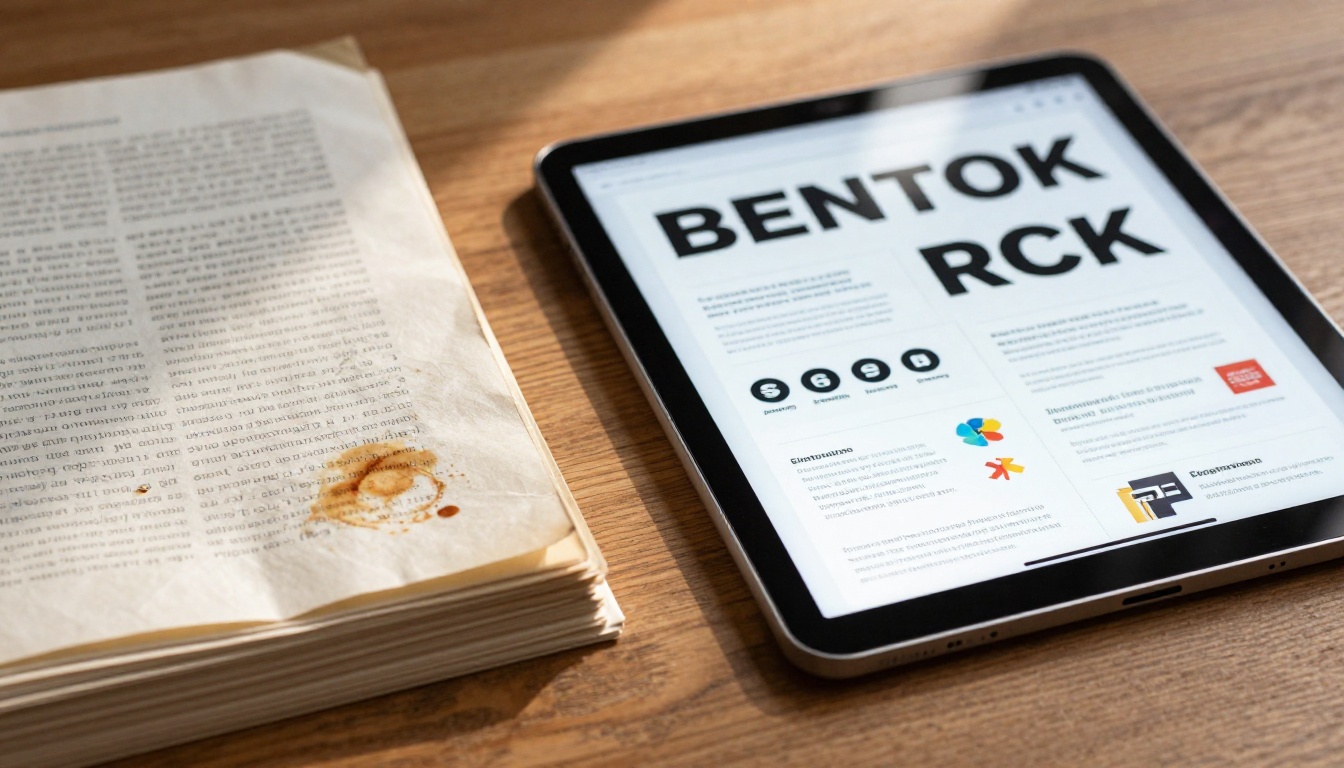
A PDF is the first thing people reach for when they want to share documents online. But for a TEDx speaker trying to build a personal brand, a PDF creates more friction than it solves. Compare what both formats actually offer:
| Feature | PDF | Interactive Flipbook |
|---|
| Page-turn experience | Scroll only | Realistic page flip animation |
| Mobile experience | Often broken layout | Fully responsive |
| Embeddable on website | Requires plugin | Native embed code |
| Analytics | None | Full viewer tracking |
| Lead capture | Not possible | Built-in lead forms |
| Password protection | Limited | Full password gating |
| Offline access | Download required | Download available |
| Branding | Static only | Full custom branding |
| Video and audio | Not supported | Fully supported |
A flipbook is a PDF made interactive. You upload the file you already have, and the platform handles everything else. That is the core workflow, and it takes about five minutes once your PDF is ready.
⚠️ Watch out: Sending your slide deck as a PDF attachment in an email means you lose all tracking data. You have no idea if it was opened, how long someone spent on each page, or where they dropped off. A flipbook link gives you all of that information.
How to Structure Your Talk Notes as a Flipbook
Before uploading anything, you need a document that works as a standalone reading experience. Your presentation slides were designed to support your voice, not replace it. A flipbook changes that requirement entirely. Here is a page structure that works consistently for TEDx speakers:
Pages 1-2: Title spread
Your name, your talk title, the event, the date. Clean, professional, memorable. This becomes your opening spread and the first thing anyone who receives the link will see.
Pages 3-5: The big idea
State your central argument in prose form, not bullet points, not slides. Write it out as if you are explaining it to someone who missed the event entirely and has no prior context.
Pages 6-10: The evidence
All the research, examples, and data you cited in your talk, plus everything you cut for time. This is where your notes finally get to breathe.
Pages 11-14: Practical application
The actionable section. What can someone do with this idea? What are the first three steps? Real-world examples work especially well here, particularly ones drawn from questions people asked you after the talk.
Pages 15-18: Resources
Books, studies, people, tools you referenced. This section alone makes your flipbook highly shareable because it saves the reader research time.
Pages 19-22: About you
Your bio, your work, your speaking topics, how to contact you. This is the section that turns readers into clients and collaborators.
Pages 23+: FAQ
Use the actual questions people asked you after the talk. These are pure gold because they are real questions from a real audience, not hypothetical ones.
✅ Best practice: Design your pages in Canva, Adobe InDesign, or Google Slides first. Export as PDF. Then upload the PDF to Flipbooks AI. This gives you full design control while keeping the workflow simple and repeatable.
How to Build Your TEDx Flipbook with Flipbooks AI

Flipbooks AI is the fastest way to turn your structured PDF into a professional interactive flipbook. Here is exactly how the process works from login to live link:
Step 1: Create your account
Go to flipbooksai.com/account and sign up. The free plan gives you a starting point, but the Standard plan removes watermarks and provides unlimited flipbooks, which is what most active speakers need.
Step 2: Upload your PDF
Click "New Flipbook" and upload your PDF. The platform converts it automatically, preserving your layout, fonts, and images. Conversion typically takes 30 to 90 seconds depending on file size.
Step 3: Customize your branding
Before publishing, personalize the presentation:
- Upload your logo (appears on the toolbar and sharing previews)
- Set your color scheme to match your personal brand palette
- Choose a background: white, dark, custom color, or a subtle texture
- Enable or disable the page-turn sound effect
Step 4: Add interactive elements
This is where a flipbook goes beyond anything a PDF can offer:
- Embed hyperlinks directly into pages (ideal for resources and references sections)
- Add a contact form to your final page
- Enable lead capture forms to collect email addresses from interested readers
- Set your headshot as the social sharing thumbnail
Step 5: Set your sharing options
You have three publishing modes:
- Public: Anyone with the link can view it
- Password protected: Ideal for premium content or paid subscribers
- Embed on your website: Add it to your speaker page with a single line of code via the Embed Flipbook on Website tool
Step 6: Share the link
Copy your unique flipbook URL and distribute it everywhere: your email signature, your LinkedIn bio, your speaker profile page, event follow-up emails, and social media posts.
💡 Pro tip: Pin the flipbook link as your first LinkedIn post after the event. TEDx audiences often look speakers up immediately after watching the recording, and a well-designed flipbook makes a far stronger impression than a bare LinkedIn profile.
Sharing Your Flipbook for Real Reach

Generating the flipbook is step one. Getting it in front of the right people is where the personal branding work actually happens. Here are the distribution channels that matter most for TEDx speakers:
LinkedIn: Post the link with a short excerpt from your "big idea" section. Explain what is inside in one sentence. LinkedIn links to interactive content consistently outperform static image posts in organic reach.
Email newsletter: If you have a list, this is your warmest audience. Send the flipbook link with context about what they will find inside. Mention specific sections by page number or title.
Speaker agency profiles: Most speaking agencies allow you to add link assets to your profile. A flipbook link is more compelling than a static PDF because it loads instantly and looks professional on any device.
Event organizer follow-up: Send the TEDx organizer your flipbook as a thank-you. They often include it in post-event newsletters sent to all attendees.
Your website speaker page: Embed the flipbook directly on your site. Visitors can read your full talk notes without downloading a single file.
Podcast and interview follow-ups: After any media appearance, send the host your flipbook link for show notes. This puts your material in front of their audience with zero extra effort from you.
Reading the Numbers: What Flipbook Analytics Tell Speakers

One of the least-discussed advantages of digital publications over PDF attachments is the data they generate. With the Professional plan on Flipbooks AI, you get access to viewer analytics that tell you things a static document never could:
- Total views: How many people opened your flipbook
- Time per page: Which pages hold attention longest (usually the practical steps section)
- Drop-off points: Where readers leave (often reveals which sections need strengthening)
- Geographic data: Where in the world your readers are located
- Device breakdown: Mobile vs desktop ratio (most flipbook traffic arrives via mobile)
- Referral source: Where the traffic originates, whether LinkedIn, email, or a direct link
This data is genuinely useful for speakers building a content strategy. If your resources section has the highest time-per-page, that signals your audience wants deeper research content. If readers consistently drop off after page 5, your central argument section may need a clearer hook.
| Analytics Feature | Standard Plan | Professional Plan |
|---|
| Total view count | Yes | Yes |
| Time per page tracking | No | Yes |
| Geographic data | No | Yes |
| Lead capture forms | No | Yes |
| Referral source tracking | No | Yes |
| Exported analytics report | No | Yes |
Using Your Flipbook to Build a Speaking Pipeline

Beyond personal branding, a TEDx flipbook is a practical tool for booking more speaking opportunities. Event organizers who are considering inviting you need to assess your ideas quickly and judge your ability to communicate them. A flipbook does both at once, before a single call is scheduled.
Here is how working speakers use their flipbook in the booking process:
As a media kit component: Add your flipbook to your press kit alongside your bio, headshot, and speaking topics. Organizers can review your thinking in their own time without scheduling a preliminary call.
As a follow-up to inquiries: When someone reaches out about a potential speaking opportunity, send your flipbook as part of your response. It demonstrates immediately that you have developed thinking, not just a talk title.
As a lead magnet: With lead capture forms enabled on the Professional plan, your flipbook collects email addresses from readers who want to stay connected. This builds your list with people who are already interested in your specific ideas.
As a workshop companion: If you run workshops or training sessions based on your TEDx content, a password-protected flipbook serves as a participant resource. The Training Manual Flipbook format is built specifically for this situation.
✅ Best practice: Keep your flipbook updated. If your thinking on the topic has evolved since the talk, add a "what I think now" page at the front. Readers appreciate speakers who show intellectual development over time.
Different audiences engage with the same material in different ways. Here is how to adapt your TEDx content depending on who is reading:

| Audience Type | Recommended Format | Sections to Prioritize |
|---|
| Corporate event organizers | Formal, data-rich | Evidence, ROI framing, credentials |
| Conference attendees | Visual, layered | Big idea, practical steps, resources |
| Media and press | Concise, quotable | Top claims, speaker bio, contact info |
| University students | Educational, thorough | Research, methodology, further reading |
| General public | Accessible, story-driven | Personal narrative, application steps |
| Podcast hosts | Short, highlight-focused | Top three points, guest bio, links |
This is where the Presentation Flipbook Designer becomes genuinely useful. You can create multiple versions of your flipbook from the same source material, each optimized for a different reader profile, without starting from scratch each time.
Plans That Work for Every Speaker
Flipbooks AI offers three plan tiers. Here is how they map to different speaker situations:
| Plan | Best For | Notable Features |
|---|
| Free | Testing the platform | Basic flipbook creation, limited flipbooks |
| Standard | Active speakers | No watermarks, unlimited flipbooks, custom branding |
| Professional | Speakers building a business | Analytics, lead generation, offline downloads, password protection |
Most working TEDx speakers find the Standard plan covers everything needed for distribution and sharing. The Professional plan becomes worthwhile the moment you want to know who is reading and capture contact information from interested readers automatically.
What Makes a Flipbook Stick in Someone's Memory
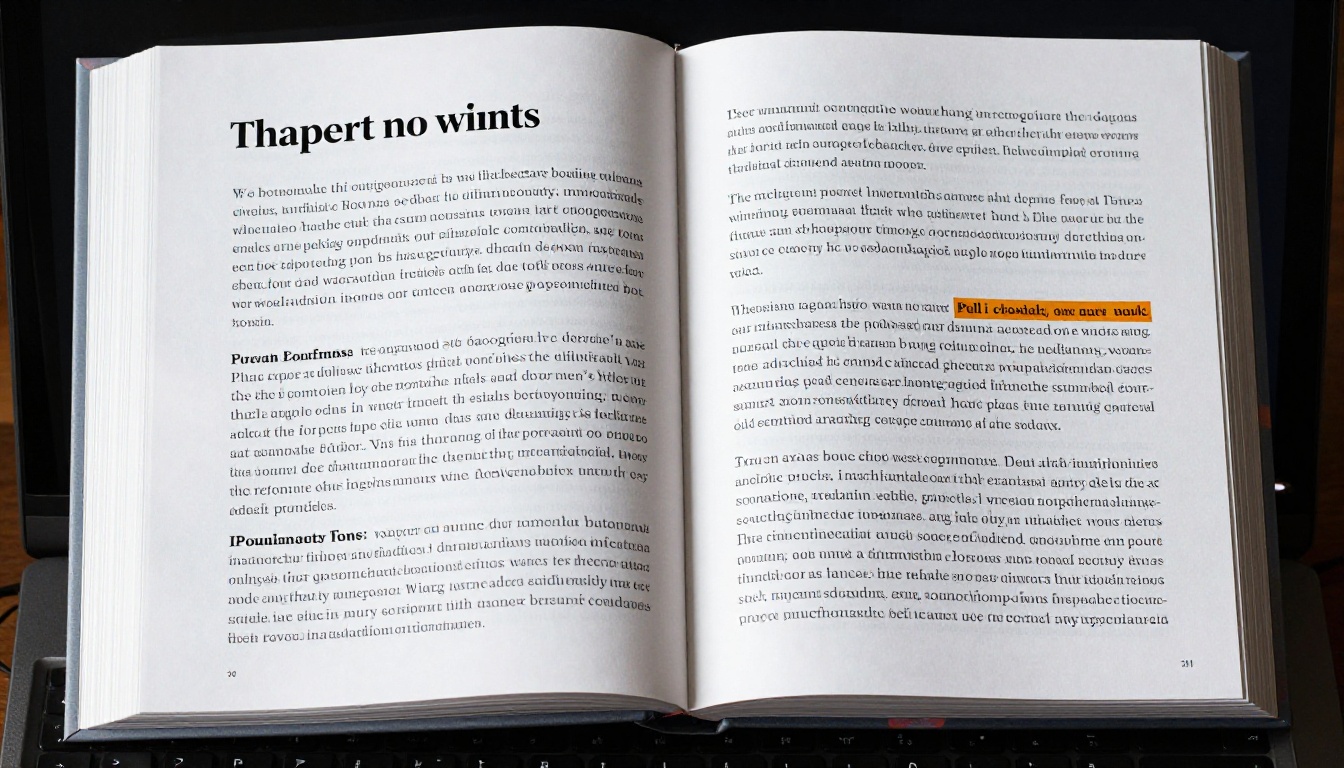
The mechanics of a flipbook create an experience that static documents cannot replicate. The page-turn animation is not decorative. It is behavioral. It signals to the reader that they are moving through something with structure and intention, which keeps them reading longer than a simple scroll.
Speakers who have built personal brands through content consistently report that their flipbook outperforms their slide deck as a sharing asset. It is readable without any context. It does not require the reader to have watched the talk first. It works as a standalone piece of thought leadership, not just as a companion to a video recording.
The most effective flipbooks from TEDx speakers share these qualities:
- A strong opening spread with a clear title that communicates the idea without the speaker's name as a crutch
- Opening pages that state the argument plainly, without assuming the reader attended the event
- Visual variety across pages, full-bleed images alternating with text-heavy pages
- A clear reading progression that mirrors the structure of the talk but adds depth at each stage
- A closing page with a specific next step: contact the speaker, subscribe, request a booking, or download a resource
If you have notes from your TEDx talk sitting in a folder right now, that is the starting material. The ideas are already there. The only thing missing is a format that lets them travel.
Ready to put your talk to work? Create your flipbook on Flipbooks AI in under an hour, or see what each plan includes to find the right fit for where you are in your speaking career. Browse the full tools directory to see everything the platform can do for speakers, educators, and content creators who want their work to reach further than a single stage.



