Theater programs are one of those things audiences grab at the door, flip through during intermission, and leave behind on their seat. After months of design work, sponsor outreach, and careful copywriting, that program spends about forty minutes in someone's hands before finding a trash can. If you've been producing shows for any length of time, you already know this feeling. The good news: there's a straightforward fix, and it doesn't require reprinting anything.
Flipbooks AI lets you turn your theater program into an interactive digital flipbook, a page-turning experience audiences open on their phones, share with friends, and actually revisit after the show. This article walks through the why, the what, and the exact steps to make it happen for your next production.
Why Paper Programs Are a Problem Worth Solving
The theater program has existed since the 19th century. It served a clear purpose: give patrons the names of performers, a synopsis, and a few notes from the director. That worked perfectly when the only alternative was asking the usher. Today, audiences carry a supercomputer in their pocket, and the physical program's limitations are hard to ignore.
The Real Cost of Printing
Printing theater programs is expensive. For a mid-sized regional production with 500 attendees per night and an eight-night run, you're looking at 4,000 programs minimum. Factor in design, print quality, folding, and delivery and the cost climbs fast. Then there's the environmental side: four thousand programs, most of which end up in a bin before the cast has finished their curtain call.
Beyond the money and waste, printed programs are static. Once they go to print, a casting change means hand-stamped corrections or a reprinted insert. A sponsor that needs to update their logo is out of luck. There's no way to add a video greeting from the artistic director or a behind-the-scenes photo gallery. The format simply doesn't allow it.
What Happens After the Curtain Call
A printed program's lifespan is roughly equal to the intermission. Once the audience is back in their seats for Act Two, most programs are tucked under the seat or left at the bar. Digital flipbooks change that equation entirely. When someone saves a link to their phone, they can revisit it weeks later, share it with the friend who couldn't make the show, or return to the sponsor pages when they're actually in a position to act on them.
What a Digital Theater Flipbook Actually Is
A digital flipbook isn't a PDF attachment. It's a browser-based, interactive publication that mimics the physical sensation of turning pages, complete with a realistic page-curl animation, while adding capabilities that paper simply can't match.
Page-Turn Experience on Any Device
When an audience member opens your flipbook link on their phone, they see the full cover of your program. They swipe or tap to turn pages, just like a physical booklet but smoother. The experience works on iOS, Android, desktop, and tablet without any app to download. That frictionless access is what makes the format so well-suited to live events: no installation barrier, no file download, just an instant, beautiful page-turning publication in the palm of their hand.
More Than a PDF
The difference between a PDF and a flipbook is not just visual. A flipbook can contain embedded video, clickable sponsor links, audio clips, and animated elements. Think about what that means for a theater program: a video trailer for the production embedded on the first page, clickable links going directly to the sponsor's website, a "Meet the Cast" page with audio clips of performer bios, and a photo gallery from rehearsals tucked between the director's note and the show synopsis.
💡 Sponsors pay more for digital placements when they can track actual engagement. The analytics built into Flipbooks AI's Professional plan show you exactly which pages get the most views, invaluable data for renewing sponsor relationships year after year.
What to Put in Your Theater Program Flipbook
The content of a digital theater program can be identical to your print version or significantly richer. Most companies find that going digital opens up sections they always wanted to include but couldn't justify the printing cost for.
Cast and Creative Team
This is the core of any program and translates directly from print. Performer headshots, bio paragraphs, credits, and creative team acknowledgments work exactly as they do on paper. The difference: performers can now have a short audio clip introducing themselves in their own voice, or a clickable link through to their personal website or social media profiles.
Sponsor Pages That Actually Get Seen
Sponsors buy space in programs hoping someone will notice their logo between the director's note and the cast page. In a printed program, that's a passive hope. In a digital flipbook, sponsor pages become fully interactive. A restaurant sponsor can link directly to their reservation page. A retailer can link to a discount code specifically for theater patrons. That kind of measurable ROI makes sponsors more likely to renew and more likely to increase their investment in future seasons.
Behind-the-Scenes Content
One of the strongest arguments for going digital is the ability to add content that has no equivalent in print: a short video from the director recorded during tech week, a photo essay from the final dress rehearsal, a playlist of music that inspired the design team. This content deepens audience connection to the production and gives people a genuine reason to share the program link before they even arrive at the theater.
How to Turn Your Theater Program into a Flipbook
If your design is already done in PDF format, this process takes under ten minutes. If you're starting from scratch, the Event Program Maker at Flipbooks AI gives you a customizable starting point built specifically for live event programs.
Step 1: Design Your Program as a PDF
Your theater program needs to exist as a PDF before you upload it. Most design tools export to PDF: Adobe InDesign, Canva, Affinity Publisher, and even Google Slides. If you're already printing, you already have a print-ready PDF. That same file is exactly what you'll use for the digital version.
For best results, design at standard booklet dimensions (5.5 x 8.5 inches or A5) and export at 150-300 DPI. Higher resolution means better image quality in the flipbook. Make sure all fonts are embedded, not linked, and all images are at full resolution before exporting.
Step 2: Upload to Flipbooks AI
Head to Flipbooks AI and create your account. The upload process is direct:
- Click New Flipbook from your dashboard
- Drag and drop your PDF or click to browse your files
- Wait for the conversion, typically 30-60 seconds depending on file size
- Preview the result in the built-in viewer before publishing
The platform converts your PDF pages into a smooth, page-turning digital publication automatically. No technical skill required at this stage — the conversion handles everything.
Step 3: Customize the Branding
Once your flipbook is generated, you have a range of customization options that let you match the program to your production's visual identity:
- Cover thumbnail: Choose which page appears as the sharing preview image
- Background color: Match your production's color palette in the viewer frame
- Logo placement: Add your theater company's logo to the reader interface
- Page effects: Adjust the page-turn animation style and speed
- Table of contents: Enable an automatic navigation panel for longer programs
For companies producing multiple shows in a season, you can create a consistent branded template so each program shares the same viewer identity while the content changes per production.
Step 4: Add Multimedia and Interactive Elements
This is where the digital format genuinely earns its place over print. In the flipbook editor, you can:
- Embed video: Paste a YouTube or Vimeo URL to add a production trailer directly on the page
- Add clickable links: Make sponsor logos and URLs fully clickable, tracked, and measurable
- Insert audio: Add audio clips for cast bios, a welcome message from the director, or pre-show music
✅ Best practice: Put your most engaging multimedia on pages 2-3, right after the cover. Audience members who open the flipbook before the show will see it immediately, and first impressions drive social sharing behavior.
Step 5: Share with Your Audience
Your flipbook is now ready to distribute. Flipbooks AI gives you several distribution channels simultaneously:
- Direct link: A clean, shareable URL you can post anywhere — email, social media, ticketing confirmation pages
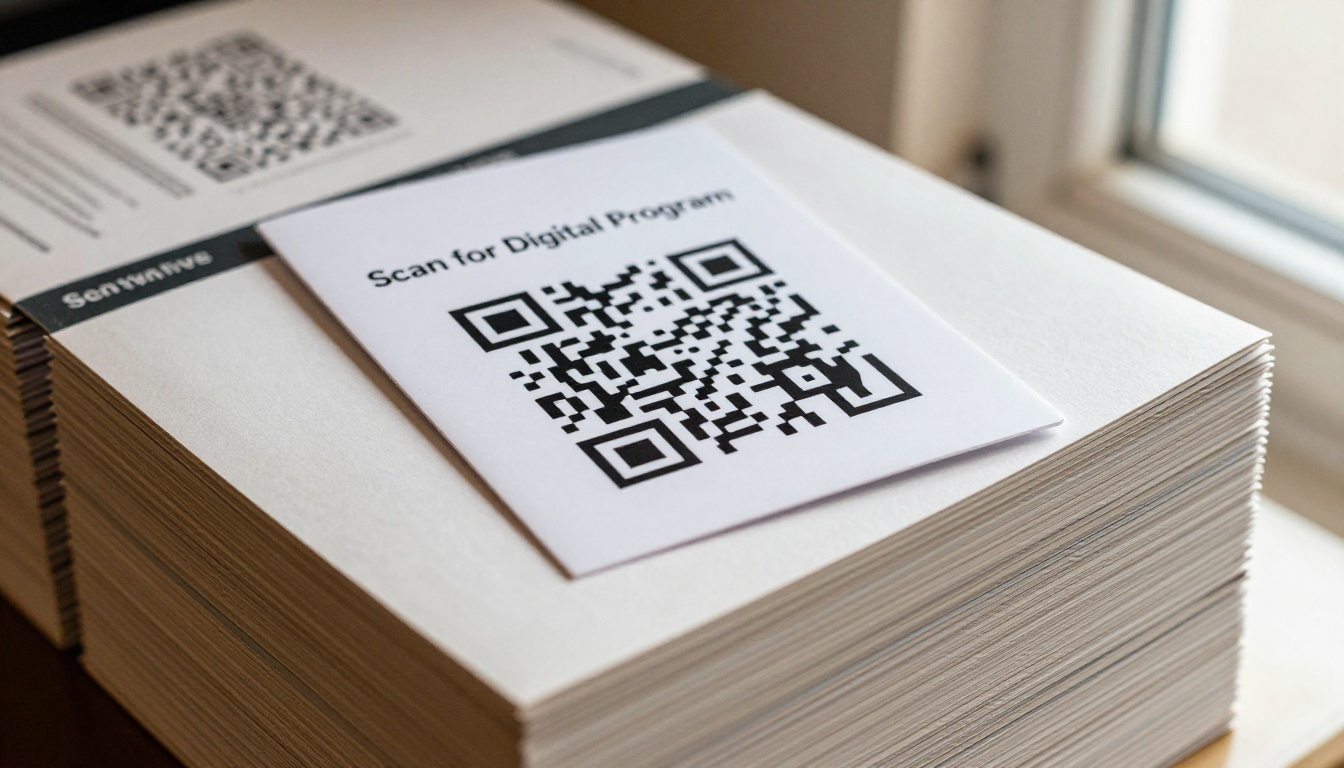
- QR code: Automatically generated for physical use on lobby signage, tickets, and posters
- Embed code: An iframe snippet you drop directly into your theater's website
- Password protection: Restrict preview access to press contacts or board members before opening night
For the lobby experience, print a simple tabletop sign with the QR code and a short line of text. Most venues find 60-80% of audience members scan within the first five minutes of doors opening.
Sharing Your Digital Theater Program
The flipbook link becomes a marketing asset before, during, and after the show. Unlike a printed program that leaves the venue with the audience — or doesn't — the digital version travels wherever the link goes.
Before the Show
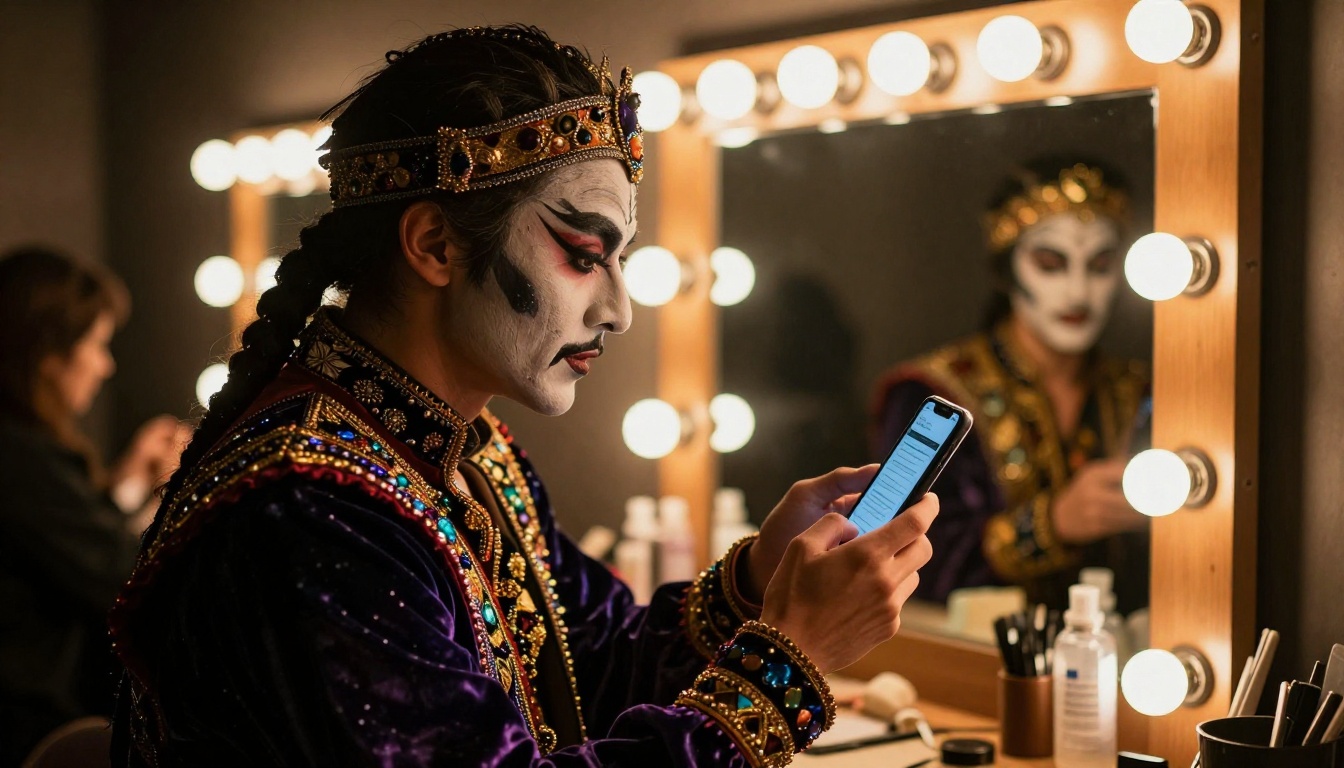
Send the flipbook link in your pre-show email to ticket holders the day before the performance. This builds anticipation, lets audiences familiarize themselves with the cast, and means they arrive already engaged with the production. Performers can share the link on their own social media, extending your reach to networks the theater might never otherwise access.
At the Venue
QR codes are the most effective in-venue distribution method for digital programs. Place them in the following locations for maximum scan rates:
- At each entrance door as a poster or banner
- On the back of printed tickets if you use physical ticketing
- On lobby signage and bar table cards
- On the front-of-house manager's desk for quick reference
⚠️ Don't rely solely on digital. Keep a small print run available for audience members who prefer paper or don't have smartphones. A practical rule: print 15-20% of your expected attendance as a physical backup.
After the Show
Post-show is where digital programs genuinely outperform print. Send a follow-up email with the program link, encouraging audiences to share their experience and revisit the cast page. The flipbook becomes a keepsake linked to the emotion of the live performance, something a creased paper booklet simply cannot replicate. Past audience members who share the link become an organic marketing channel for your next production.
Digital vs. Printed Theater Programs: A Real Comparison
| Feature | Printed Program | Digital Flipbook |
|---|
| Cost per production run | $0.80-$3.00 per copy | Fixed monthly fee, unlimited copies |
| Updates after publishing | Not possible | Real-time edits anytime |
| Clickable sponsor links | No | Yes |
| Embedded video and audio | No | Yes |
| Environmental impact | Paper waste per show | Zero physical waste |
| Audience reach | In-venue only | Shareable globally |
| Analytics and tracking | None | Page views, time on page, clicks |
| Post-show access | Rarely kept | Always accessible via link |
| QR code integration | Requires extra print step | Built-in, auto-generated |
| Mobile-responsive | Not applicable | Fully responsive on all devices |
| Casting change updates | Requires reprint | Edit and republish in minutes |
The comparison makes the practical value clear. The only category where print holds a real advantage is the tactile experience: some audience members genuinely prefer holding a physical booklet. That's exactly why a hybrid approach, a reduced print run combined with aggressive QR code placement, often works best through the transition period.
Flipbooks AI Plans: Which One Fits Your Production?
| Plan | Best For | Key Features |
|---|
| Free | Single productions testing the format | 1 flipbook, basic viewer, instant conversion |
| Standard | Small companies, school productions | Unlimited flipbooks, no watermarks, custom branding, mobile-responsive |
| Professional | Regional and touring companies | Analytics, lead generation, offline downloads, password protection, priority support |
For most theater companies producing more than two shows a year, the Standard plan pays for itself on print savings alone in the first season. The Professional plan's analytics make the investment worthwhile the moment sponsor renewal conversations become part of your calendar.
💡 See the full feature breakdown on the pricing page to compare what each plan includes before committing.
Theater Types and Their Flipbook Needs
Different kinds of theater companies face different distribution challenges. Here's how the digital program format addresses each one specifically:
| Theater Type | Primary Challenge | Flipbook Advantage |
|---|
| Community theater | Low budget, volunteer staff | Free or Standard plan, simple upload workflow, no technical skill needed |
| School productions | Large audience, parent networks | Shareable link, instant social media distribution |
| Regional and professional | Sponsors, press, reviewers | Analytics data, password-protected press previews |
| Touring productions | New venue each night | One master flipbook, venue-specific QR codes |
| Festival programming | Multiple shows in one venue | Separate flipbook per production, linked from a single landing page |
| Opera and ballet | Multilingual audiences | Multi-language page sections within a single flipbook |
Each use case benefits from a slightly different sharing strategy, but the core workflow stays identical across all of them: design your PDF, upload to Flipbooks AI, customize the viewer, share the link.
Tips That Make Your Flipbook Stand Out
Put the Best Content First
Audiences decide whether to engage in the first three seconds. Put a striking full-bleed production photo on the cover, a video trailer on page two, and the director's note on page three. Save sponsor acknowledgments and administrative details for the back half of the program, where engaged readers will naturally find them.
Use the Embed Feature on Your Website
Your theater's website is the natural permanent home for your program. The Embed Flipbook on Website tool generates a simple iframe code you paste into any page. Visitors to your site flip through the program directly without leaving the page, a powerful tool for converting casual browsers into ticket buyers for future performances.
Give Sponsors Real Data
When renewing sponsor agreements, the question sponsors always ask is: how many people saw our logo? With a printed program, the honest answer is that there's no way to know. With Flipbooks AI's Professional plan, you can show them exactly how many people viewed their page, how long they spent on it, and how many clicked through to their website. That data transforms the sponsorship renewal conversation entirely.
Archive Every Production
One underused benefit of digital programs is the permanent archive they create. Every production you convert becomes a searchable record of your company's history. Five years from now, you have an accessible library of every show you've mounted — cast lists, creative teams, director's notes, sponsor acknowledgments — available to anyone with the link. That institutional memory has real value for grant applications, anniversary materials, and building audience loyalty over time.
Password-Protect Pre-Opening Programs
Before a production opens, you might want to share the program with press, board members, or the production team without making it fully public. Flipbooks AI's password protection feature lets you distribute the link with a PIN, then remove the password once the show opens and the program goes fully public to all audiences.
Broadway productions have offered digital programs for years. Regional companies and community theaters are catching up fast, driven by audience expectation shifts and by the obvious cost savings that digital distribution provides. The question for most theater companies is no longer whether to go digital, but when — and how to do it without creating extra work for an already stretched production team.
The answer is that the workflow is genuinely simple. If you have a print-ready PDF, you can have a live flipbook in under fifteen minutes. The PDF to Flipbook Converter handles the technical conversion automatically. The customization options are intuitive enough that a production manager with no design background can handle every setting confidently.
The transition doesn't require abandoning print entirely. Many companies run a hybrid model through their first digital season: a reduced print run combined with aggressive QR code placement in the lobby and on promotional materials. As audience adoption grows, the print run shrinks until it reaches whatever minimum feels right for the venue and audience demographic.
Some companies find their audiences adopt digital programs almost immediately, particularly productions with younger audiences or in urban venues where smartphone usage is high. Others take two or three seasons to reach full adoption. Either timeline is fine, because the digital version costs the same whether fifty people access it or five thousand.
Ready to Make Your Program Digital?
The next step is straightforward: take your existing PDF program and see what it looks like as a flipbook. It costs nothing to try, and the result will tell you immediately whether this format fits your production and audience.
Create your first flipbook on Flipbooks AI and upload your theater program PDF today. If you want to see all the tools available for event-based content, browse the Event Program Maker and the full tools directory to find the right starting point for your production format.
When you're ready to add analytics, offline downloads, and lead generation features for your sponsor program, compare the pricing plans and choose the tier that matches your production scale and season volume.
Your theater program deserves more than forty minutes in someone's hands before the intermission break. Make it something audiences actually keep.



