Every trade show ends the same way. You board the flight home with a stack of notes, a pocket full of business cards, and a head full of ideas that felt urgent twelve hours ago. By Monday morning, half of those insights are buried under emails. By Friday, the notes are in a drawer. A week later, nobody on your team knows what actually happened at the event.
That cycle costs real money, and it's completely fixable. Flipbooks AI gives you a fast, professional way to convert those raw notes into a polished, interactive flipbook recap that your entire team, your leadership, and even your prospects can access on any device.
Why Your Trade Show Notes Are Worth More Than You Think
Trade shows are expensive. Booth fees, travel, accommodation, printed collateral, and staff time can easily run tens of thousands of dollars for a single event. If the only output is a loose collection of notes that nobody ever reviews, you're leaving that entire investment on the table.
The intelligence inside your notes is genuinely valuable: who stopped by your booth, which competitors were showing what, what questions attendees kept asking, which partnerships seemed promising. The problem is that raw notes are invisible. They don't travel. They don't brief new team members. They don't support a debrief meeting. A flipbook recap does all of that.
The Intelligence Gap After Every Event
Most teams operate with a significant gap between what was experienced at the event and what gets formally documented. Sales reps remember their own conversations. Marketing remembers the booth traffic. Leadership gets a two-paragraph email summary. Nobody has the full picture.
A structured flipbook recap bridges that gap. It takes fragmented individual notes and turns them into a single source of truth that anyone in the company can access, search, and share.
What Most Teams Do Wrong
The most common approach is a shared Google Doc or a hastily written email. Both have the same problem: they're static, they're easy to ignore, and they disappear into inboxes and folder structures within days.
A flipbook feels different. It has weight. The page-turning interaction, the visual layout, the branded title page, these signals tell readers that this document matters. Recipients spend more time with interactive publications than with flat PDFs, and they're far more likely to share them.
💡 Pro tip: Treat your trade show flipbook recap the same way you'd treat a client proposal. If it looks polished, people will read it. If it looks like raw notes, they won't.
What Goes Into a Great Trade Show Flipbook Recap
A strong recap is more than a summary. It's a structured document that serves multiple audiences at once: executives who need the big picture, sales who need specific lead details, and marketing who needs competitive intelligence.
Must-Have Sections
| Section | What to Include | Who Reads It |
|---|
| Event Overview | Event name, dates, location, attendance size, your team members present | Everyone |
| Booth Performance | Visitor count, lead volume, best conversations, traffic patterns | Sales, Leadership |
| Competitive Landscape | Competitor booths observed, new products announced, pricing signals | Marketing, Strategy |
| Top Leads | Contact names, companies, conversation summaries, next steps | Sales team |
| Sessions Attended | Speaker highlights, main takeaways, notable quotes | Product, Marketing |
| Action Items | Prioritized follow-ups with owners and deadlines | Team leads |
Optional Additions That Impress
Beyond the core sections, a few additions can elevate a basic recap into something people actually save and reference:
- Photo gallery: Booth photos, team shots, product demonstrations
- Quote wall: Memorable things attendees said about your product or category
- Market signals: Trends you spotted across multiple conversations
- ROI snapshot: Estimated leads, estimated deal values, cost per lead
- Recommendations: What to do differently at the next event

How to Organize Your Notes Before Creating the Flipbook
Before you open any tool, the organization step is what separates a great recap from a mediocre one. Raw notes need structure before they become a publication.
Sort by Priority
Not all notes are equal. Start by separating your notes into three categories:
- High priority: Hot leads, urgent follow-ups, time-sensitive competitive intelligence
- Medium priority: General observations, session summaries, partnership ideas
- Reference: Background context, logistics notes, general industry color
This sorting process typically takes 20-30 minutes and makes everything afterward faster and cleaner.
Group by Theme or Track
After sorting by priority, group notes by theme. If you attended sessions, those go together. If you visited competitor booths, those cluster separately. If you collected leads at your own booth, those form their own section.
This grouping maps directly to the section structure of your flipbook. When the sections are clear, building the PDF that becomes your flipbook is straightforward.
✅ Best practice: Do your note organization the evening of the event, not a week later. The context you carry in your head right after the event is invaluable for interpreting abbreviated notes.

How to Create a Trade Show Recap Flipbook with Flipbooks AI
This is where your organized notes become a shareable, interactive publication. Flipbooks AI converts any PDF into a polished digital flipbook in minutes, with no design experience required.
Step 1: Build Your PDF in Any Tool
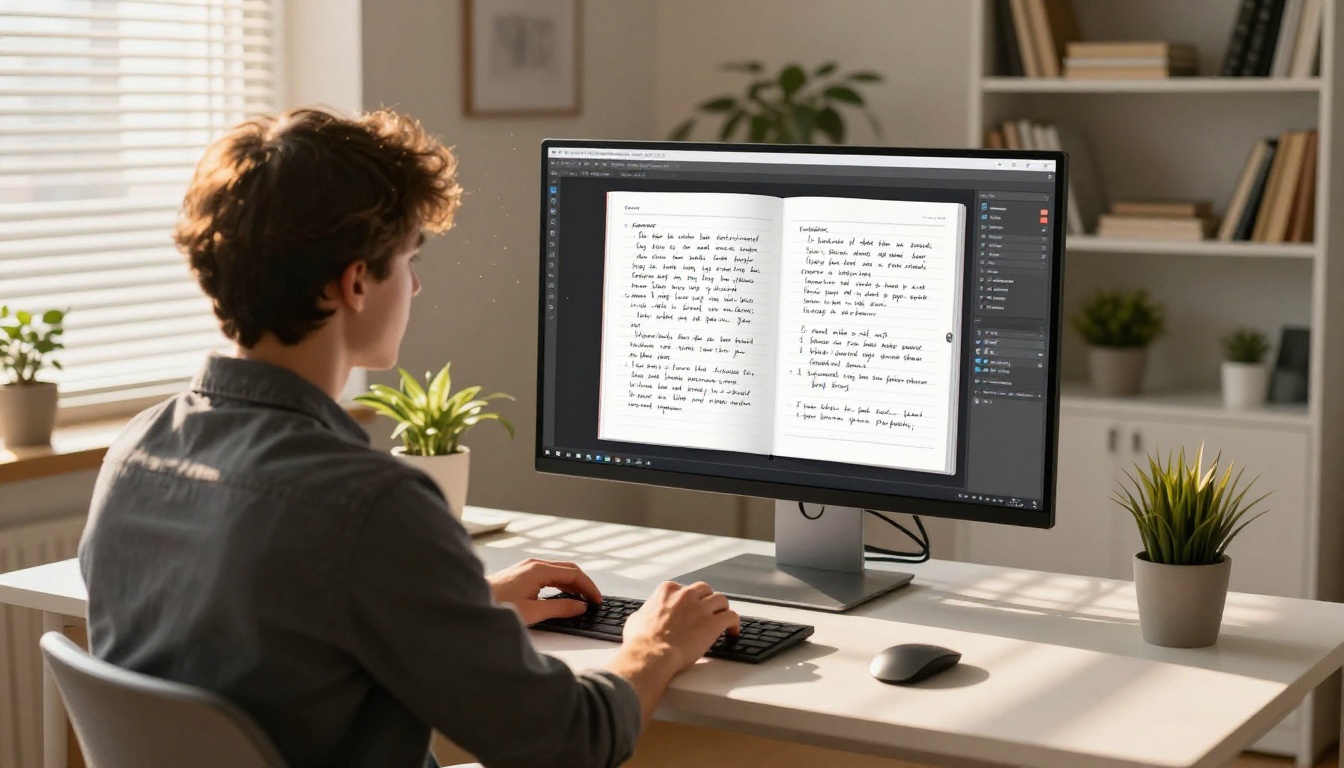
Start in whatever tool your team already uses: PowerPoint, Google Slides, Canva, Word, or any PDF export tool. Build your recap document with your sections, tables, photos, and action items. Export it as a PDF.
Your PDF doesn't need to be elaborate. A clean, well-organized document with clear headings and consistent fonts will produce an excellent flipbook. If you have brand guidelines, apply them here.
Step 2: Upload to Flipbooks AI
Go to flipbooksai.com and sign in or create a free account. The upload process is simple:
- Click Create New Flipbook
- Drag and drop your PDF, or browse to select it
- Wait for the conversion (typically under 60 seconds for most documents)
- Your flipbook is ready to customize
The PDF to Flipbook Converter handles all file sizes and preserves your fonts, images, and layout exactly as designed.
Step 3: Customize the Design
Once uploaded, you have full control over the presentation:
- Branding: Add your company logo and set your brand colors
- Opening image: Choose an event photo that sets the right tone for the recap
- Page effects: Enable realistic page-turn animations for a premium reading experience
- Background: Set a background color or texture for the reading environment
- Table of contents: Flipbooks AI auto-generates a clickable TOC from your PDF headings
💡 Pro tip: Use your actual event photos as the opening image. A photo of your booth or team at the event makes the recap immediately recognizable and personal.

Step 4: Share with Your Team and Beyond
Sharing options on Flipbooks AI are flexible enough to suit every use case:
| Sharing Method | Best For | Privacy Level |
|---|
| Direct Link | Internal team distribution, email | Public or password-protected |
| Embed Code | Intranet pages, internal portals | Controlled access |
| Password Protection | Sensitive competitive intelligence | Private |
| Offline Download | Team members without reliable internet | Local access |
For sensitive recaps that include unvetted lead details or competitor pricing data, password protection is the right call. For general event summaries you want to share with partners or prospects, a clean shareable link works perfectly.
The Embed Flipbook on Website tool makes it easy to drop your recap into any internal page, so it lives somewhere your team can always find it.
Flipbooks AI Plans at a Glance
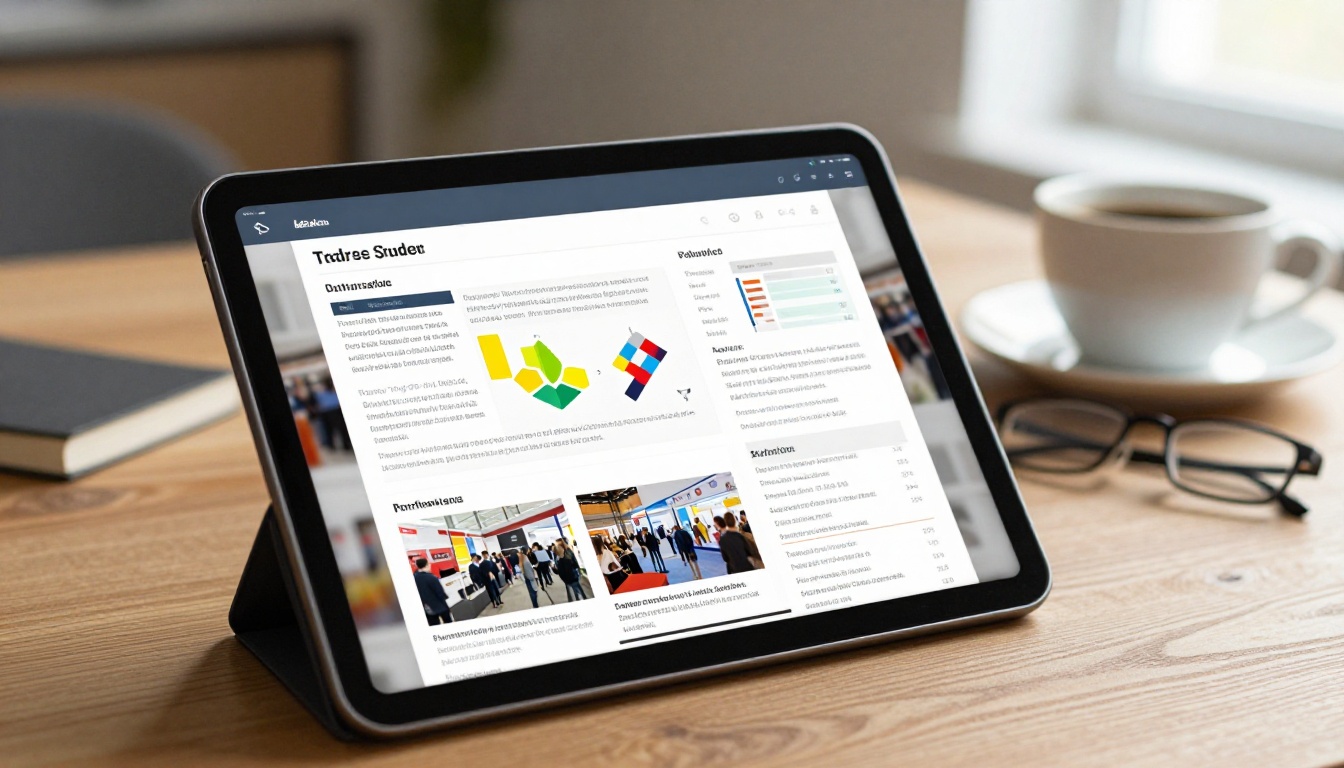
Choosing the right plan depends on how often your team attends events and how much control you need over the final product.
| Feature | Free | Standard | Professional |
|---|
| Flipbooks | Limited | Unlimited | Unlimited |
| Watermarks | Yes | No | No |
| Custom Branding | No | Yes | Yes |
| Password Protection | No | Yes | Yes |
| Analytics | No | No | Yes |
| Lead Generation | No | No | Yes |
| Offline Downloads | No | Yes | Yes |
| Embed on Website | No | Yes | Yes |
For teams that attend multiple trade shows per year, the Standard plan's unlimited flipbooks and watermark-free output makes it the practical choice. If you want to know who's reading your recap and capture leads through the flipbook itself, the Professional plan's analytics tools pay for themselves quickly.
Browse pricing plans to find the right fit for your team's volume.
Who Should Receive Your Flipbook Recap
One of the underused advantages of a flipbook recap is the ability to create audience-specific versions or use password protection to control who sees what.
Internal Teams
Different internal teams need different things from the same event:
- Sales: Full lead list, conversation summaries, competitor pricing signals
- Marketing: Brand presence observations, competitor booth messaging, attendee demographics
- Product: Feature requests heard at sessions, competitor product announcements
- Leadership: High-level ROI snapshot, top opportunities, strategic recommendations
A single well-structured flipbook can serve all of these audiences if organized with clear sections. Alternatively, create two versions: a detailed internal edition and a highlights version for leadership.
External Stakeholders
Trade show recaps aren't only for internal use. Consider sharing a version with:
- Partners: Mutual contacts you met, co-marketing opportunities identified
- Prospects you met at the show: A tailored recap that references your conversation makes for a memorable follow-up
- Advisory board members: Strategic intelligence about where the market is heading
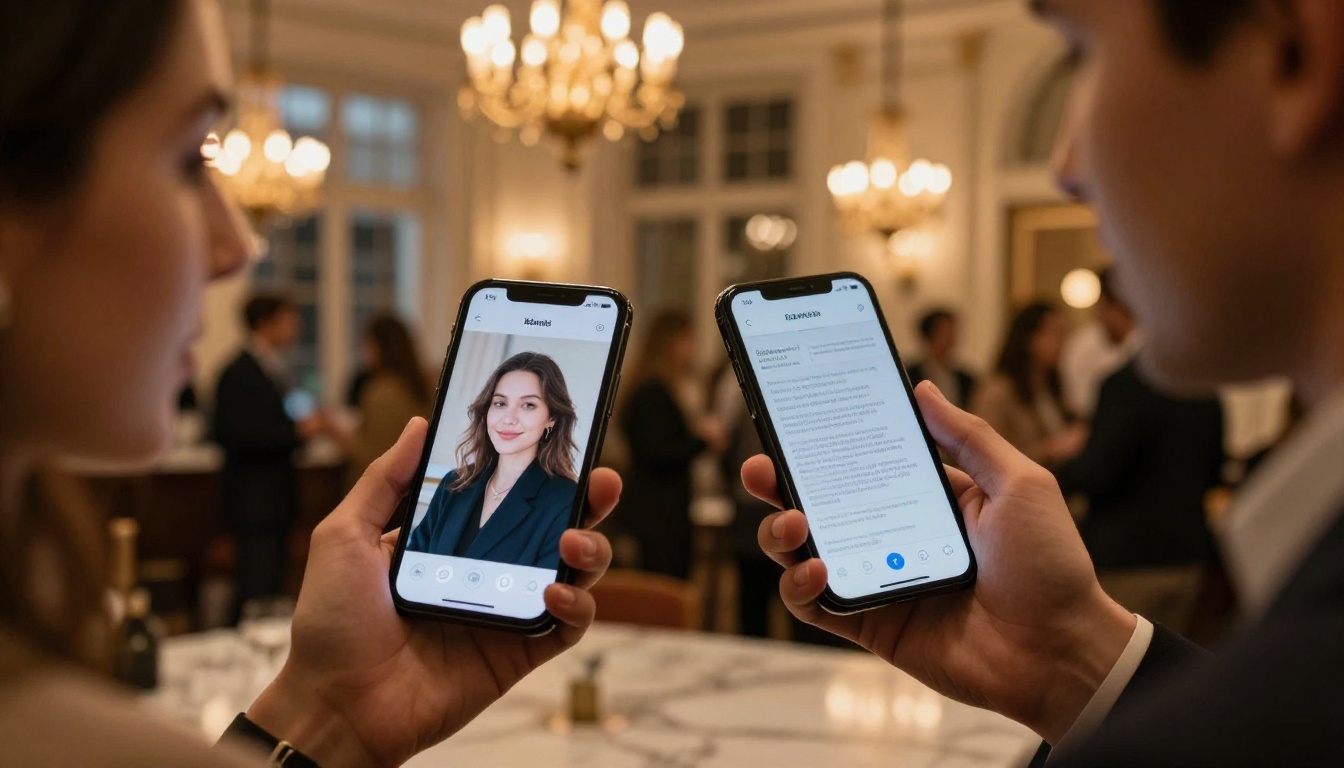
⚠️ Warning: Before sharing any version externally, review it for sensitive internal information. A separate external version of your recap is often worth the extra 30 minutes of editing.
Making Your Recap Work After the Event
Publishing the flipbook is step one. Getting people to act on it is step two.
Build a Distribution Ritual
The most effective teams treat the post-event recap as a standing deliverable with a clear deadline. Set expectations before the event:
- Notes collected during the event itself
- Organization and structure completed: the evening of day one or on the flight home
- PDF built and uploaded: within 48 hours of returning
- Flipbook distributed: within 72 hours of the event closing
This timeline keeps the intelligence fresh and shows your team that the investment in attending was taken seriously.
Track Who's Reading It
With Flipbooks AI's Professional plan analytics, you can see exactly how many people opened your recap, which pages they spent the most time on, and where they dropped off. That data tells you what your team actually cares about and what you can trim from future recaps.
💡 Pro tip: If analytics show that your Action Items page gets the most views but people drop off before the competitive section, try moving action items toward the back. You want people to read the full document before jumping straight to their personal to-do list.
Follow Up with Context
When you send the flipbook, include one sentence of context in the message: what the event was, why it matters, and what you want the recipient to do after reading. "Here's our CES recap, focus on the competitor announcements section before Thursday's strategy call" lands far better than a bare link with no context.
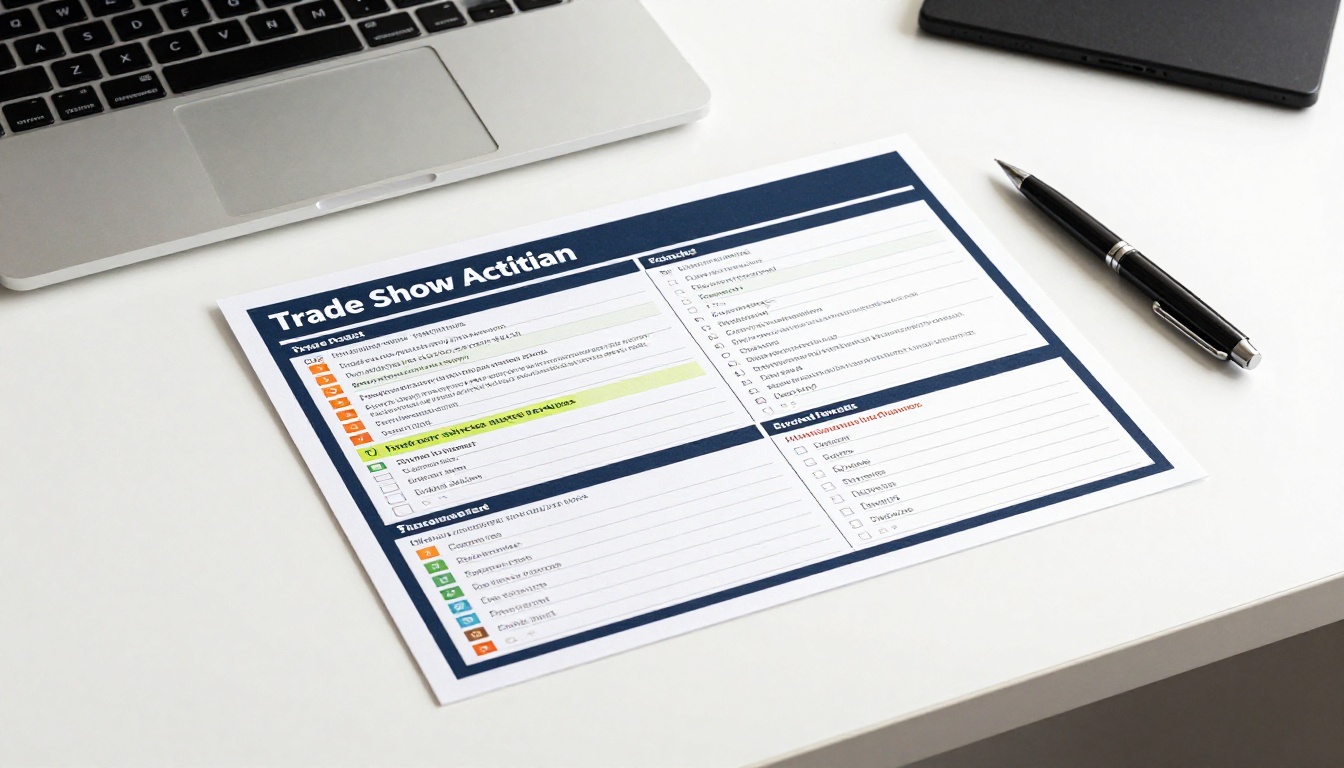
Not every trade show produces the same kind of notes, and not every flipbook recap needs the same structure.
| Event Type | Recommended Length | Focus Areas |
|---|
| Industry Trade Show | 8-12 pages, visual, data-rich | Leads, Competitive Intel, Market Trends |
| Tech Conference | 6-10 pages, session-focused | Keynote Highlights, Product Announcements, Networking |
| Regional Sales Event | 4-6 pages, action-oriented | Pipeline Additions, Customer Conversations, Next Steps |
| Vertical Industry Summit | 10-15 pages, insight-rich | Regulatory Signals, Buyer Trends, Speaker Quotes |
| International Expo | 12-20 pages, wide-ranging | Global Partnership Leads, Country Insights |
The Event Program Maker on Flipbooks AI is also useful when you want to pre-build event schedules or agendas as flipbooks before the event itself, making the whole experience more cohesive from start to finish.
For teams that create both pre-event programs and post-event recaps, having them in the same platform keeps everything organized and branded consistently across every touchpoint.
Worth Doing Every Time
Some teams create a trade show recap once, see that it works, and then let the practice slip when things get busy. The value of the recap compounds when it becomes a habit.
Over time, you build a library of events. You can compare your position at the same show year over year. You can track which competitors showed up to which events. You can see which leads from past shows eventually converted, giving you better data for deciding which events deserve your budget next year.
Flipbooks AI keeps all your flipbooks organized in one place, so building that library happens automatically. Every event gets its own publication, properly branded, properly dated, and properly accessible to the people who need it.
Ready to turn your next event's notes into something your team will actually use? Create your first flipbook for free and see how fast the process goes. Browse all tools and templates to find the right format for your recap, or check pricing plans to get the features your team needs for regular event documentation.



