Your camera roll is full of them: that sunrise over the rice terraces in Bali, the laughing street vendor in Marrakech, the silhouette of your partner standing at the edge of a Patagonian cliff. They sit in a folder somewhere, organized by date and forgotten by Tuesday. If you've ever thought "these photos deserve something better," you're right. Turning your travel shots into a coffee table flipbook is one of the most satisfying things you can do with a trip's worth of memories, and it's far simpler than most people think. Flipbooks AI makes it possible to do the whole thing online, in under an hour, without touching a print shop.
Why Your Travel Photos Deserve Better
Most trips generate hundreds of photos. Maybe thousands. The problem isn't volume; it's context. A single image out of sequence loses meaning. A gallery view strips away narrative. The photos are good, but the story they tell gets buried under algorithmic noise.
A coffee table flipbook changes that entirely. It gives your travel memories a physical weight, a sequence, and a spine you can actually hold.
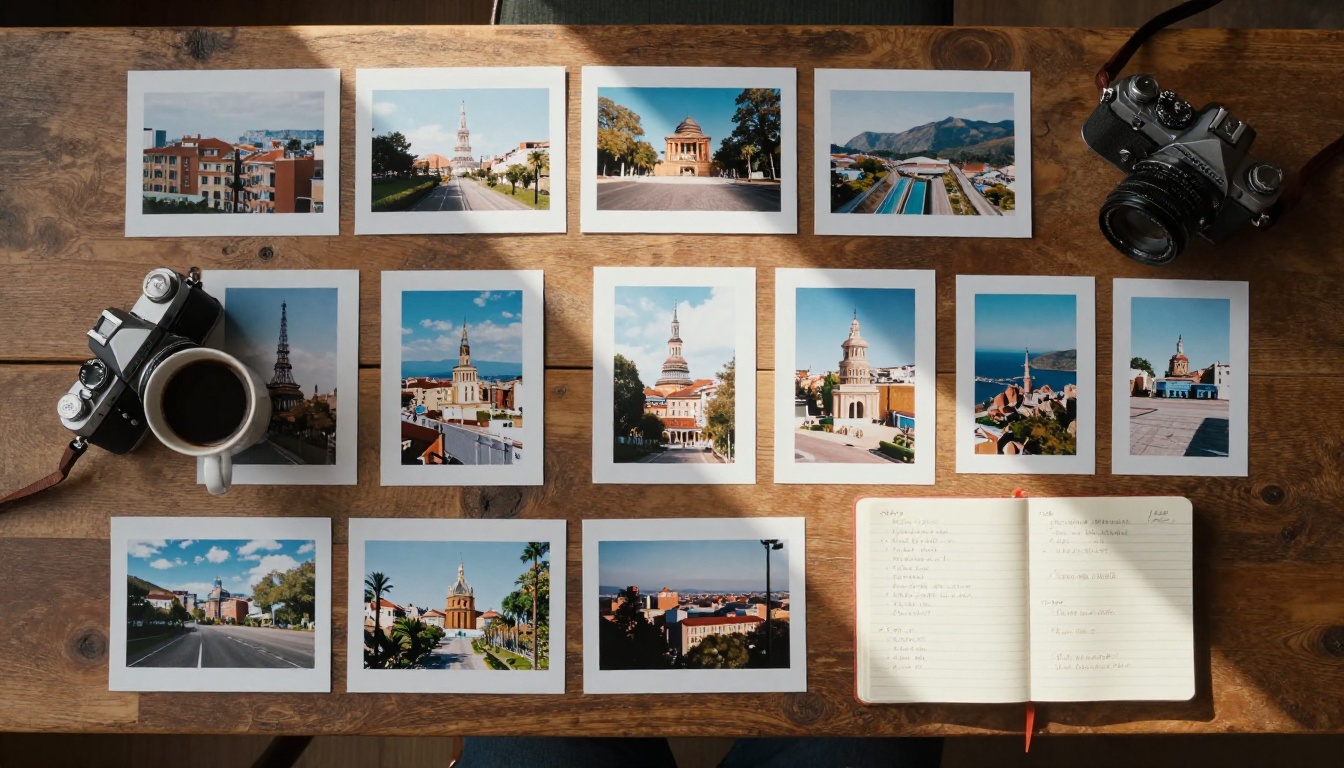
The Problem with Phone Galleries
Phone galleries are designed for storage, not storytelling. They auto-sort, compress, and bury your best work under thousands of random screenshots and blurry duplicates. Sharing them means asking someone to scroll through your camera roll while you narrate context they're missing.
There's also the discovery problem. Research consistently shows that digital photos are viewed an average of once after being taken. Printed or published formats get revisited, shared, and displayed for years.
What Makes a Flipbook Different
A flipbook is not just a digital album or PDF. It's an interactive, page-turning publication with real visual momentum. When you flip from a golden-hour portrait in the Sahara to a blue-hour cityscape of Lisbon, the transition itself tells part of the story.
💡 Pro tip: A coffee table flipbook has two audiences: the people who flip through it in your home, and the people you share a link with digitally. The best ones work beautifully for both.
The coffee table format specifically signals quality. It's large, intentional, and curated. It says: these photos were worth something more than a scroll.
Picking the Right Photos for Your Flipbook
This is where most people get stuck. They want to include everything, which means including nothing meaningfully. Curation is the skill that separates a forgettable photo dump from a stunning visual story.
How Many Photos Do You Actually Need
The sweet spot for a coffee table travel flipbook is 40 to 80 photos. Fewer than 40 and the story feels thin. More than 80 and you're back to the gallery problem: too much, too fast, too little impact per image.
For a two-week trip, that means keeping roughly 3 to 6 photos per day. For a weekend getaway, you may pull 8 to 12 per day because the trip itself was shorter and denser.
| Trip Length | Recommended Photo Count | Pages (2-up layout) |
|---|
| Weekend (2-3 days) | 20-35 photos | 12-20 pages |
| One week | 35-55 photos | 20-30 pages |
| Two weeks | 55-80 photos | 30-45 pages |
| Extended trip (1+ month) | 80-120 photos | 45-65 pages |
Which Shots Tell the Best Story
A strong travel flipbook needs variety. Not just scenery, not just portraits. You want a visual rhythm that moves from wide establishing shots to tight intimate close-ups, from action to rest.
The five photo types every great travel flipbook needs:
- Establishing shots: Wide landscapes, city skylines, airport arrivals. These open a chapter.
- Character moments: Real people in their environment. Local faces, traveling companions caught off guard.
- Detail shots: The texture of a hand-painted tile, a steaming bowl of pho, sandals on cobblestones.
- In-between moments: The train window, the map unfolded over breakfast, the queue at the museum.
- Golden hour anchors: At least one sunset or sunrise per destination. These act as emotional punctuation.
⚠️ Avoid: Heavily filtered duplicates. If you took 12 near-identical shots of the same arch, pick one and move on.
Organizing Your Travel Story
Once you've made your final photo selection, the order matters as much as the images themselves. Two photos in the wrong sequence can feel jarring. The same two photos in the right sequence feel inevitable.
Chronological vs. Thematic Order
Both work. Neither is automatically better. The choice depends on the trip itself.
Chronological order is natural for linear trips: a road trip through the American Southwest, a train journey across Japan. It mirrors memory. Viewers follow along like they're reading a diary.
Thematic order works better for multi-destination trips where jumping between cities day by day would feel choppy. Group by mood instead: open with your most dramatic landscapes, move into street life and human moments, close with the quiet, intimate scenes.
| Order Style | Best For | Risk |
|---|
| Chronological | Linear trips, journeys with a clear narrative arc | Can feel slow if early days were uneventful |
| Thematic | Multi-city trips, diverse destinations | Can confuse the timeline for viewers who were there |
| Hybrid | Long trips with multiple phases | Requires more editorial judgment to execute well |
Mixing Landscapes with People Shots
One of the most common mistakes in travel photo books is over-indexing on landscapes. Landscapes are beautiful. They also start to blur together after page 30.
The rule of three works well here: for every three landscape or architectural shots, include at least one human element. This can be a portrait, a candid moment, or even a pair of hands doing something interesting. It resets the viewer's emotional attention.
✅ Best practice: Use landscape shots to open each destination section, then transition to character and detail shots as the "chapter" deepens.
How to Create a Travel Photo Flipbook Online
This is where Flipbooks AI genuinely earns its place. The platform converts your photo collection into a fully interactive, page-turning flipbook, no design software required, no print queues, no minimum orders.
Step 1: Prepare Your Photos
Before uploading anything, do a final pass on your selected images:
- Edit for consistency: You don't need heavy editing. Just make sure exposure and white balance are roughly consistent across the set. Mixed color temperatures on facing pages look unpolished.
- Export at full resolution: Flipbooks AI supports high-resolution files. Don't compress before uploading. Let the platform do its work with the best source material.
- Name your files sequentially:
001-bali-arrival.jpg, 002-temple-morning.jpg, and so on. This saves time when ordering pages inside the editor.
- Build a PDF: Arrange your photos in a PDF first, one photo per page or two-up spreads. This is the file you'll upload. Tools like Canva, Adobe Express, or even Google Slides can do this for free.
Step 2: Upload to Flipbooks AI
Head to flipbooksai.com and create your account. The upload process is built around the PDF to Flipbook Converter:
- Click New Flipbook from your dashboard.
- Drag and drop your PDF or browse to select it.
- Wait for the conversion. For a 60-page flipbook, this typically takes under 90 seconds.
- Your flipbook appears as an interactive preview immediately.

Step 3: Customize Your Flipbook
This is where your flipbook goes from "nice" to genuinely impressive. Inside the editor:
- Cover title: Add a simple title. "Morocco 2024" or "Six Weeks in South America" works perfectly. Short, direct.
- Background color: Match it to the dominant tones of your photos. Warm sandy tones for beach trips, deep forest greens for nature-heavy journeys.
- Page effects: The default page-flip animation is already beautiful. You can adjust flip speed and shadow depth.
- Captions: Add short captions to key images. Location names, dates, one-line observations. These add context without cluttering the visual space.
- Custom branding: If this is a gift or you're sharing professionally, you can add your name or a logo to the cover.
💡 Pro tip: Use the Photography Portfolio Flipbook tool if your travel collection leans toward professional-quality work you want to showcase.
Step 4: Share or Download
Once published, Flipbooks AI gives you several ways to share your travel flipbook:
- Direct link: Share a URL with anyone. They open it in any browser, no app required.
- Embed code: Embed your flipbook on a travel blog, personal site, or family website.
- Password protection: Keep it private. Share only with people you choose.
- Offline download: Professional plan users can download the flipbook for offline viewing at events, family gatherings, or presentations.
✅ No watermarks, ever. Even on the free tier, your flipbook displays cleanly without any platform branding obscuring your photos.
Design Tips That Make Pages Pop
Getting the photos in order is half the work. How they sit on the page determines whether the book feels like a polished publication or a quick export.
Layout Rules Worth Breaking
Classic coffee table book design follows a few conventions. Most of them are worth following. A couple are worth breaking deliberately.
Follow these:
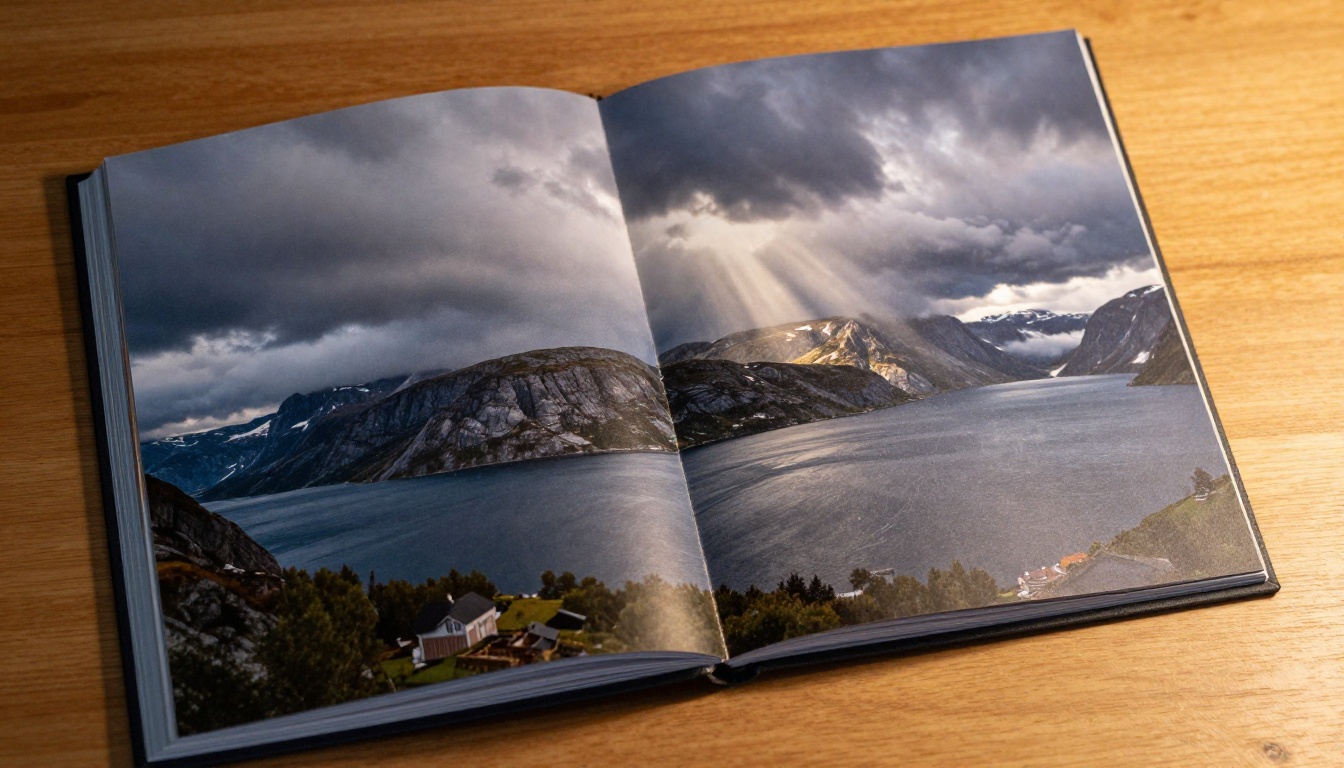
- Bleed your strongest images: Let your best landscape shots fill the full page with no margin. The impact is immediate.
- Breathing room on detail shots: Close-ups and portraits benefit from white space around them. Don't fill the page with a single small subject.
- Facing-page contrast: If the left page is a wide landscape, the right page should be a close-up or portrait. Vary the visual scale.
Break this one:
- "Never mix portrait and landscape orientations": In a flipbook, a portrait-oriented photo on one page with a landscape on the next creates dynamic energy. It's not a mistake. It's rhythm.
Captions That Add Context
Captions are underused in personal photo books. A single line at the bottom of a page, set in a small light typeface, can do extraordinary work:
- "4:47am. Worth every alarm." (under a sunrise shot)
- "Best bowl of pho I've ever had. Cost 80 cents." (under a food photo)
- "Day 12. First conversation with a stranger in their language." (under a portrait)
These micro-narratives are what people remember long after they've forgotten which mountain range they were looking at.
Comparing Your Options
Before committing to any format, it helps to see the full landscape of choices available to you.
Digital vs. Print Coffee Table Books
The debate between printed and digital photo books comes down to what you actually want the book to do.
| Factor | Printed Book | Digital Flipbook |
|---|
| Cost | $80-$300+ per copy | Free to create, share unlimited |
| Time to produce | 1-3 weeks | Under 1 hour |
| Shareability | One copy per print | Unlimited recipients, one link |
| Editability | Fixed once printed | Update anytime |
| Interactivity | Page turn only | Links, embeds, password protection |
| Storage | Physical shelf space | Cloud-hosted |
| Gift potential | High (tangible object) | High (shareable, accessible anywhere) |
💡 For many travelers, the right answer is both: create the digital flipbook first (fast, free, shareable), then use that finalized layout to order a print version if you want a physical copy.
Flipbook Formats for Different Trips
Not all trips need the same format. Here's how to match the flipbook style to the journey:
| Trip Type | Recommended Format | Key Feature to Use |
|---|
| Solo backpacking | Personal journal style | Single-page layout with captions |
| Honeymoon / anniversary | Premium spread | Full-bleed photos, minimal text |
| Family vacation | Story chapters by day | Captions, names, funny moments |
| Photography expedition | Portfolio format | Photography Portfolio Flipbook |
| Group trip (friends) | Collaborative | Shared collection, multiple perspectives |
| Business or press trip | Professional report | Travel Guide Flipbook tool |
Creative Ideas for Your Travel Flipbook
The standard "photos in order" format is fine. But these approaches take a travel flipbook from good to genuinely memorable.
Anniversary Trip Albums
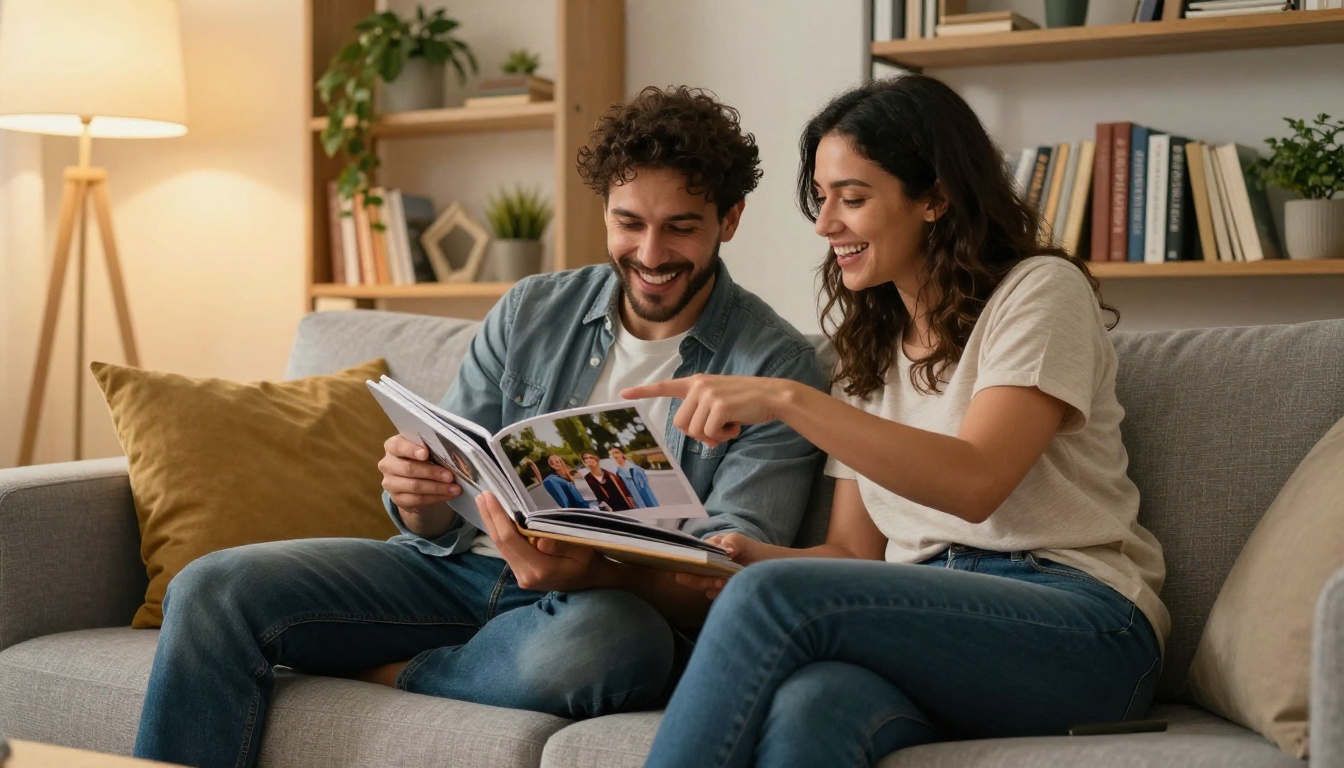
Travel is one of the most meaningful gifts couples give each other. An anniversary trip flipbook works best when it focuses on the two of you in places, not just the places themselves.
Pull the photos where you're both in frame. Let the landscapes be supporting characters. Add one line per destination: what you ate, what you argued about, what you'll never forget. Keep the tone honest and warm. These are the pages that get turned to on the couch ten years later.
Family Vacation Collections
Family trips have a different editorial problem: everyone wants to be in the photos, and nobody wants to be the one taking them. The result is a lopsided collection of scenery with occasional awkward posed shots.
Fix this before the trip: assign each family member one day as "photographer." Even a ten-year-old with a phone can capture something real. The resulting diversity of perspectives makes the flipbook far more interesting.
💡 Use the Yearbook Flipbook Maker format for large family reunion trips. It handles multiple contributors and sections naturally.
Solo Travel Journals
Solo travel photography is uniquely personal. There are no companion portraits to punctuate the narrative. The challenge is making the book feel inhabited, not lonely.
The solution: shoot more deliberately. Self-portraits (not selfies, actual considered self-portraits), shadow shots, reflections in windows and water, your own hands in context. These make you present in the story without resorting to phone-at-arm's-length shots.
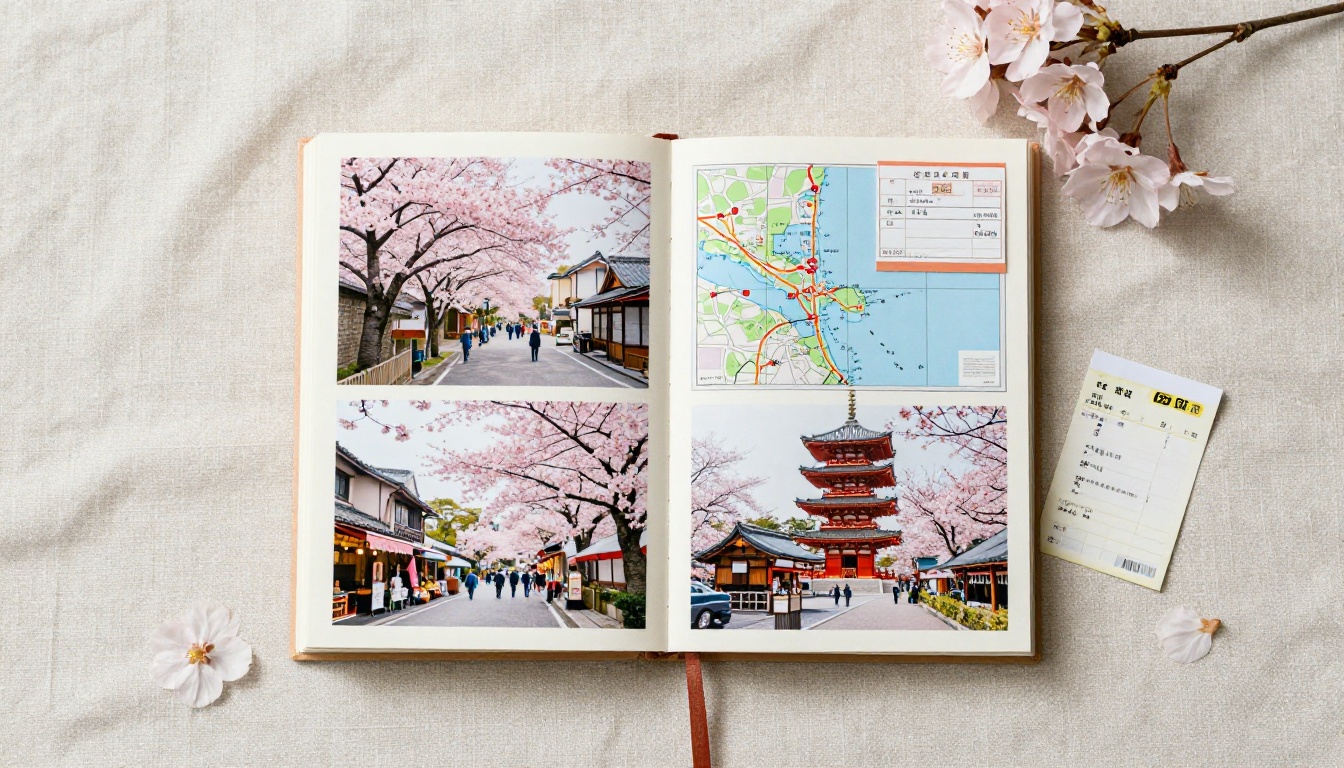
Add a short written section at the beginning of each destination chapter. Three to five sentences. Where you were going, what you were expecting, what actually happened. This is the difference between a photo book and a travel memoir.
Sharing Your Flipbook Beyond the Coffee Table
One of the biggest advantages of the digital flipbook format is that it doesn't stay on a coffee table. It travels.
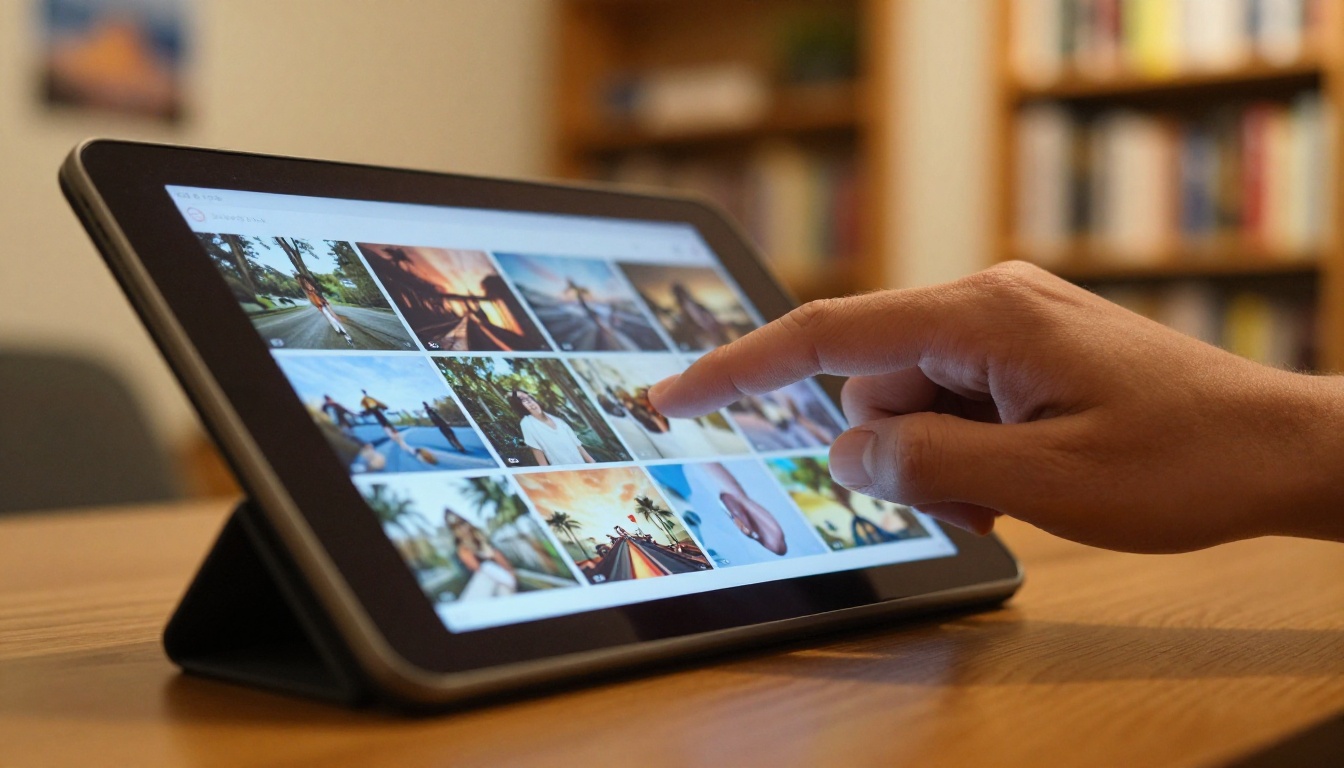
Ways travelers actually use their flipbooks:
- As a gift: Share the link with family members who couldn't travel with you. They get the whole experience in minutes, on any device.
- On a travel blog: Embed your flipbook directly into a blog post. It becomes an interactive centerpiece rather than a static image grid.
- As a holiday card: Send the link in December. A 60-page flipbook of your year's travels is far more personal than a store-bought card.
- For press kits: Travel writers and photographers increasingly use the Travel Guide Flipbook format for pitching to editors and tourism boards.
- At events: Show it on a laptop or tablet at family gatherings. The page-turn interaction draws people in immediately.
✅ Password protection lets you share sensitive or personal photos (honeymoon trips, family moments) without making them publicly searchable. Available on Standard plan and above.
The Flipbooks AI Plans: What You Actually Need
For a personal travel flipbook, you don't need the full suite of professional features. Here's an honest breakdown:
| Feature | Free | Standard | Professional |
|---|
| Flipbooks per account | 1 | Unlimited | Unlimited |
| Watermark-free | Yes | Yes | Yes |
| Password protection | No | Yes | Yes |
| Custom branding | Limited | Yes | Yes |
| Analytics | No | No | Yes |
| Lead generation | No | No | Yes |
| Offline download | No | No | Yes |
| Embed on website | Yes | Yes | Yes |
| Direct share link | Yes | Yes | Yes |
For a one-time personal travel flipbook, the free tier is genuinely useful. For anyone who travels frequently and wants to maintain a growing library of trips, the Standard plan's unlimited flipbooks make more practical sense. Compare all plans on the Flipbooks AI pricing page.
Make It Worth Revisiting
The best coffee table flipbooks are made to be picked up again, not just once. A few choices at creation time dramatically increase the chance your flipbook actually gets revisited.
Invest in the opening spread. The first two pages determine whether someone keeps flipping. Use your single best image here, full-bleed, no caption. Let it speak.
End with a quieter image. The last page shouldn't be your most dramatic shot. It should be something warm and intimate: a shared meal, a final sunset, the window of the plane on the way home. It leaves the viewer with the right feeling.
Include one page of text. Not captions. Actual prose. Three to five paragraphs about what the trip meant. This is the page people read aloud to each other. It's the reason the book matters beyond the photography.
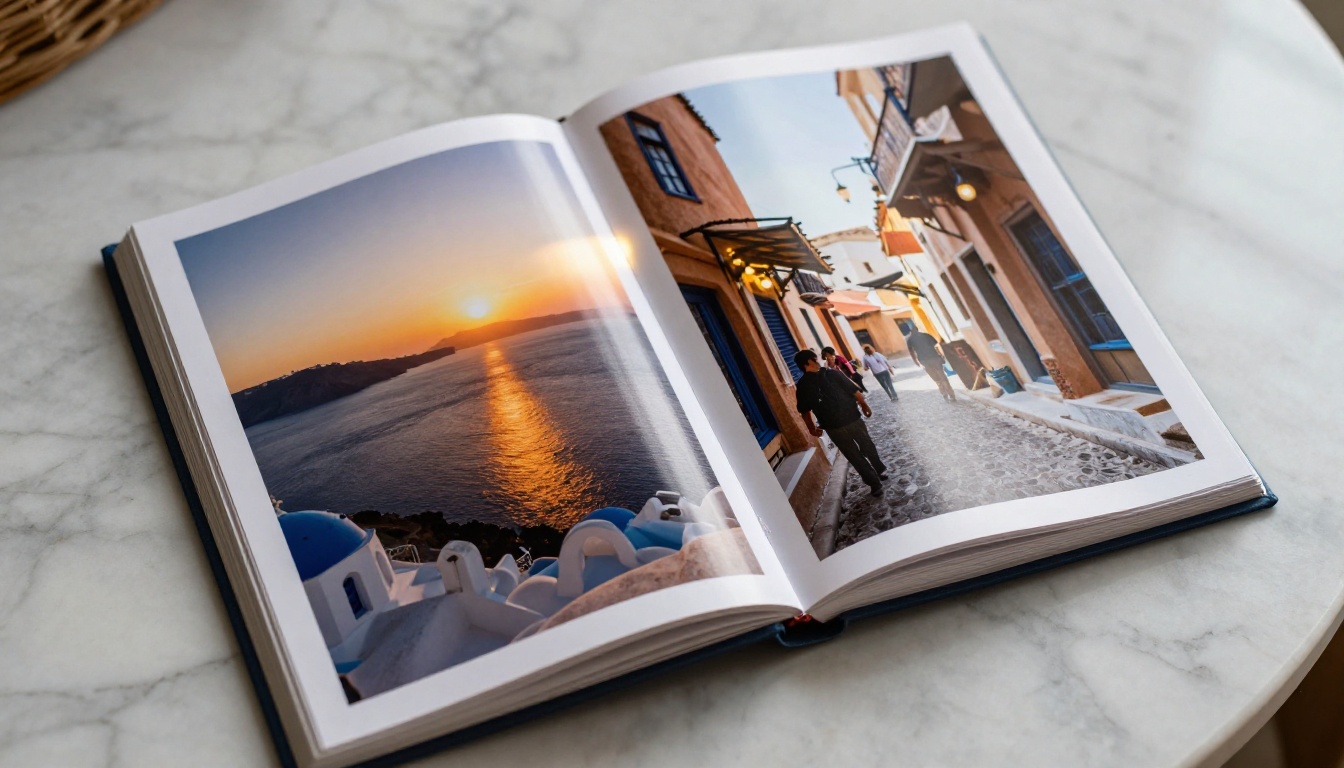
Your photos are already good enough. They captured something real. The flipbook is just the format that gives them the weight they've always deserved.
Ready to build yours? Create your travel flipbook on Flipbooks AI for free, and see your best trips in a format worth flipping through. If you want access to the full feature set, check the pricing plans and pick what fits. Browse all flipbook tools to find options built specifically for photography, travel, and personal storytelling.



