Your travel photos are sitting in a folder somewhere, probably sorted by date, probably never opened. You took hundreds of shots across five countries, fought bad weather for that perfect sunrise, and came home with memories that deserved more than a shared Google Photos link nobody clicked. That is where turning your collection into a flipbook album changes everything. Flipbooks AI gives you a way to build a real, shareable, interactive travel album that people actually open, page through, and remember.
Why Most Travel Photos Never Get Seen
The Phone Graveyard Problem
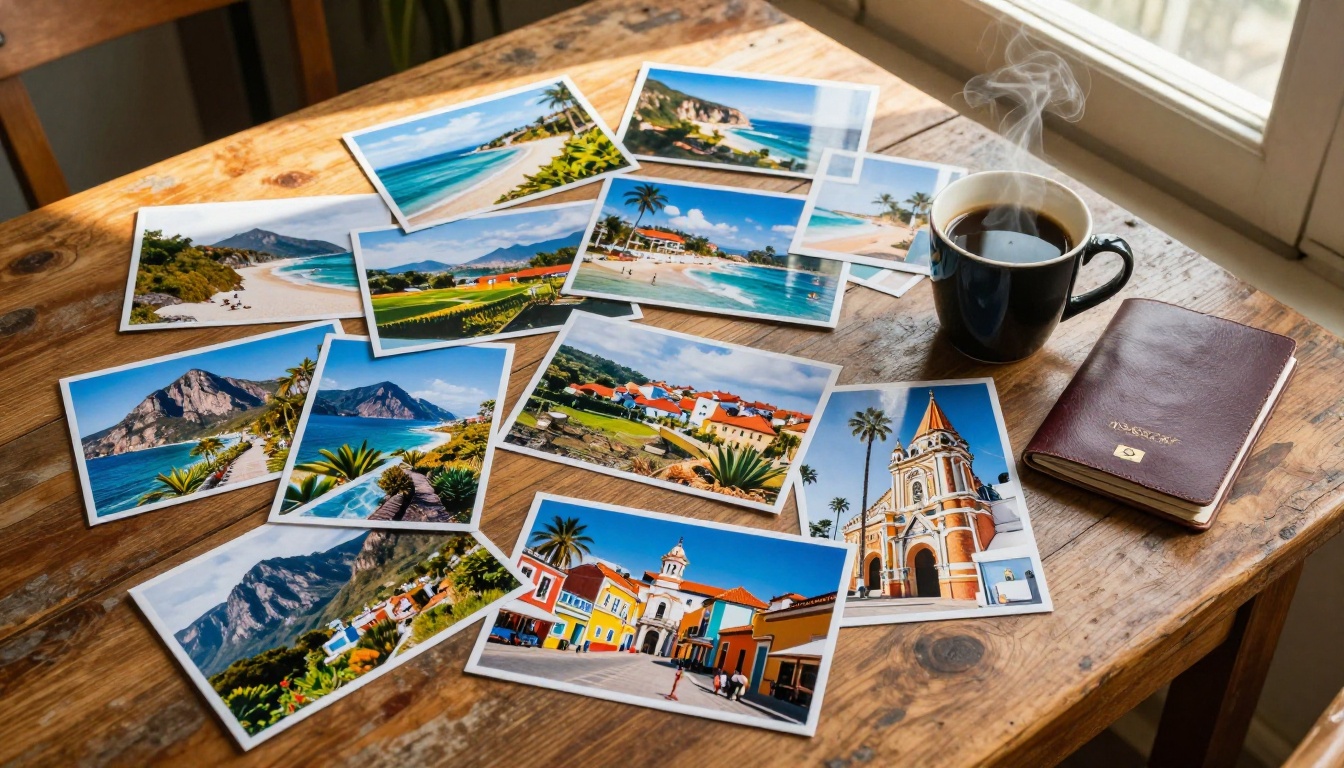
The average traveler returns home with 800 to 2,000 photos from a single trip. Of those, most families revisit fewer than a dozen within the first year. The rest disappear into camera rolls and cloud backups, seen once, then forgotten.
This is not a memory problem. It is a format problem.
Scrolling through a flat gallery is not the same as experiencing a trip. There is no narrative, no sequence, no sense of movement from one destination to the next. A flipbook album solves this by giving your photos structure, pacing, and a physical-feeling interaction that a gallery can never replicate.
💡 Pro Tip: Research on digital memory recall shows that people retain images far better when they experience them in a sequential, story-driven format rather than a random scrollable grid.
What Sharing Actually Looks Like Today
When you send someone a photo dump link, here is what usually happens:
- They open it once, skim the first 20 photos
- They close it and forget it exists
- They never go back
A flipbook album works differently. It has a beginning, a middle, and an end. People page through it the way they would a real photo book. They pause, go back, zoom in on a detail. It creates a genuine reading experience built around the actual arc of your trip, not just a pile of images dumped in chronological order.
What a Flipbook Album Does Differently
Pages That Move and Feel Real
Digital flipbooks recreate the feel of flipping through a physical photo book, with smooth page-turn animations, satisfying transitions, and a layout that respects the visual flow of your shots. Unlike a static PDF export or a basic slideshow, a flipbook:
- Reacts to touch and mouse movement naturally
- Scales perfectly across phones, tablets, and desktop screens
- Loads fast without requiring an app download
- Works on any browser without plugins
✅ Best Practice: Place your strongest photos on right-hand pages, which are the first seen when someone opens a spread. The opening spread sets the emotional tone of the entire album.
More Than a Slideshow
The main difference between a slideshow and a flipbook album is control. Slideshows push content at you on a timer. A flipbook lets the viewer move at their own pace, return to a favorite page, share a specific spread, or spend five minutes on one particularly powerful image.
This matters because different people in your family or friend group care about different parts of the same trip. Your friend who loves food will linger on the market pages. Your sister who missed the trip will zoom in on every landscape. A flipbook respects individual attention in a way no automatic slideshow can.
| Feature | Slideshow | Photo Dump | Flipbook Album |
|---|
| Sequential narrative | Partial | No | Yes |
| Viewer controls pacing | No | Partial | Yes |
| Shareable as a link | Sometimes | Yes | Yes |
| Mobile-optimized | Varies | Yes | Yes |
| Interactive page turns | No | No | Yes |
| Password protection | Rarely | No | Yes |
| Embed on website or blog | Rarely | No | Yes |
| Offline access | No | No | Yes |

Picking the Right Photos First
How Many Photos You Actually Need
This is the question everyone gets wrong. More is not better. A 400-photo flipbook is exhausting to page through. A 60 to 80 photo flipbook, curated with discipline, is the sweet spot for a trip lasting 7 to 14 days.
The practical rule: aim for 4 to 6 photos per day of travel.
- Weekend trip (3 days): 15 to 20 photos
- One-week trip: 30 to 45 photos
- Two-week trip: 60 to 80 photos
- Month-long journey: 100 to 120 photos maximum
Going over these numbers means you are including redundant shots that dilute the impact of your best ones. Going under means the story feels rushed and thin.
The 3-Type Photo Rule
Every strong travel album needs three types of images working together in rotation:
- Establishing shots: Wide angles that show where you are, like landscapes, city skylines, or market overviews. These open each section and orient the viewer.
- Story shots: People in action, food being eaten, hands on maps, moments in motion. These carry the narrative forward and build emotional connection.
- Detail shots: Close-ups of textures, handwritten signs, local dishes, passport stamps, worn boots. These add depth and serve as powerful memory triggers.
If you only have one type throughout, the album feels flat. Mix all three consistently and you have something that actually tells a story rather than just displaying images.
💡 Pro Tip: Go through your photos in one focused pass and mentally tag each as E (establishing), S (story), or D (detail). Then alternate them as you build your page layouts for natural visual rhythm.
How to Build Your Travel Flipbook on Flipbooks AI
This is where it all comes together. Flipbooks AI makes the process fast, flexible, and requires zero prior design experience.
Step 1: Set Up Your Account
Head to flipbooksai.com/account and create your free account. Once inside your dashboard, all your flipbooks are organized in one place, easy to share and revisit at any time.
For a travel album, the Photography Portfolio tool is a natural fit. It is built for visual storytelling with photo-first layouts that put your images front and center without visual clutter.
Step 2: Prepare and Upload Your PDF
Flipbooks AI converts PDF files into interactive flipbooks. Before uploading:
- Export your curated photos as a PDF using Canva, Google Slides, or any photo book builder
- Keep page size consistent (A4 landscape works well for travel albums)
- Arrange photos in the narrative order you want viewers to experience them
Once your PDF is ready, upload it directly to the platform. The conversion happens automatically, and your flipbook is live in minutes.
Step 3: Customize Your Album
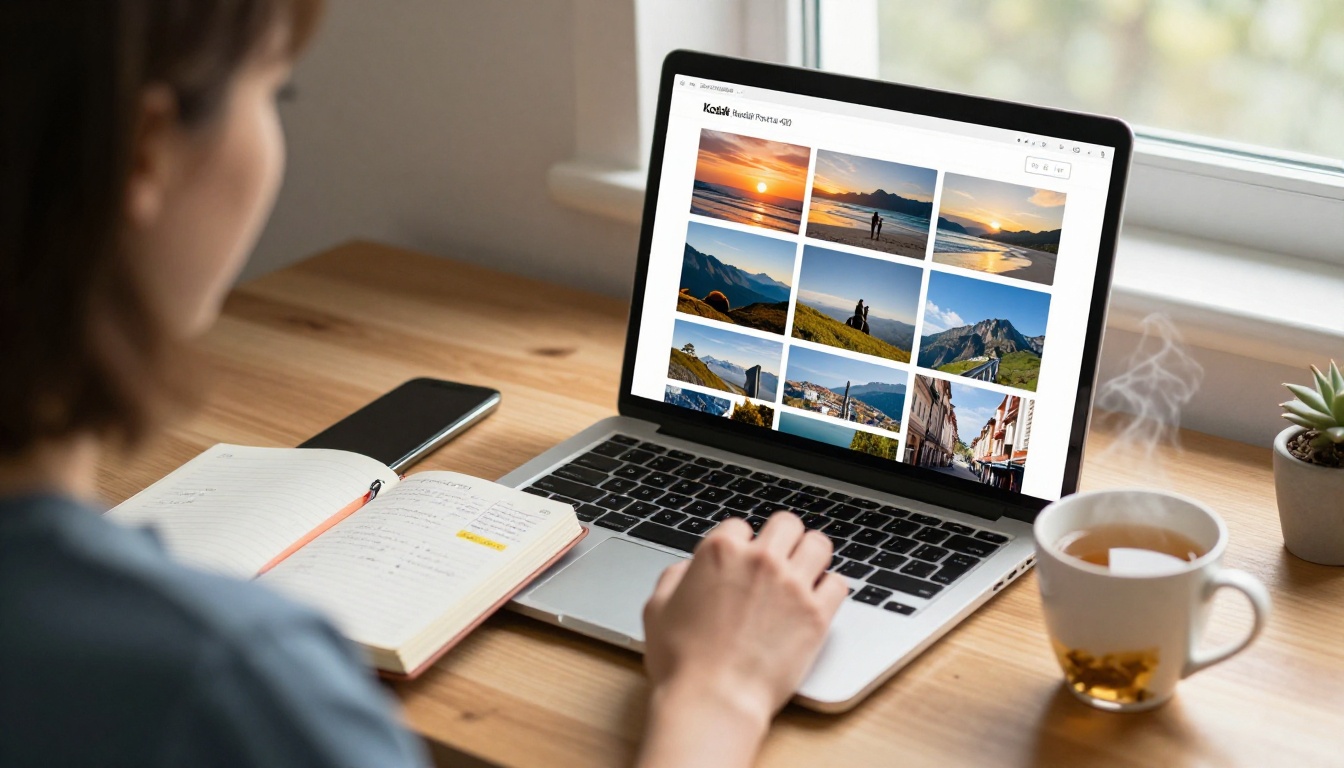
This is where your flipbook stops looking generic and starts feeling personal. Inside the editor you can:
- Add custom branding: Your name, a trip title, or a personal logo on the cover page
- Choose page-flip animations: Classic paper flip, soft fade, or slide transitions
- Set a custom background: Match the mood of your destination with warm earth tones, ocean blues, or deep forest greens
- Embed multimedia: Add a short local music audio clip or a brief video moment on any page
✅ Best Practice: Use a consistent color palette that references the dominant tones of your destination. A Greece album works in ivory and deep cobalt. A Japan spring collection feels right in pale pink and cream.
Step 4: Set Privacy and Share
Flipbooks AI gives you full control over who sees your album:
- Public link: Anyone with the URL can view it, perfect for travel blogs and social sharing
- Password protection: Share privately with family or specific groups only
- Embed code: Drop your flipbook directly into a website or blog post using the Embed Flipbook on Website tool
For sharing after a family trip, the password-protected direct link is the most elegant option. Send one link, one password, and everyone who matters gets full access instantly.
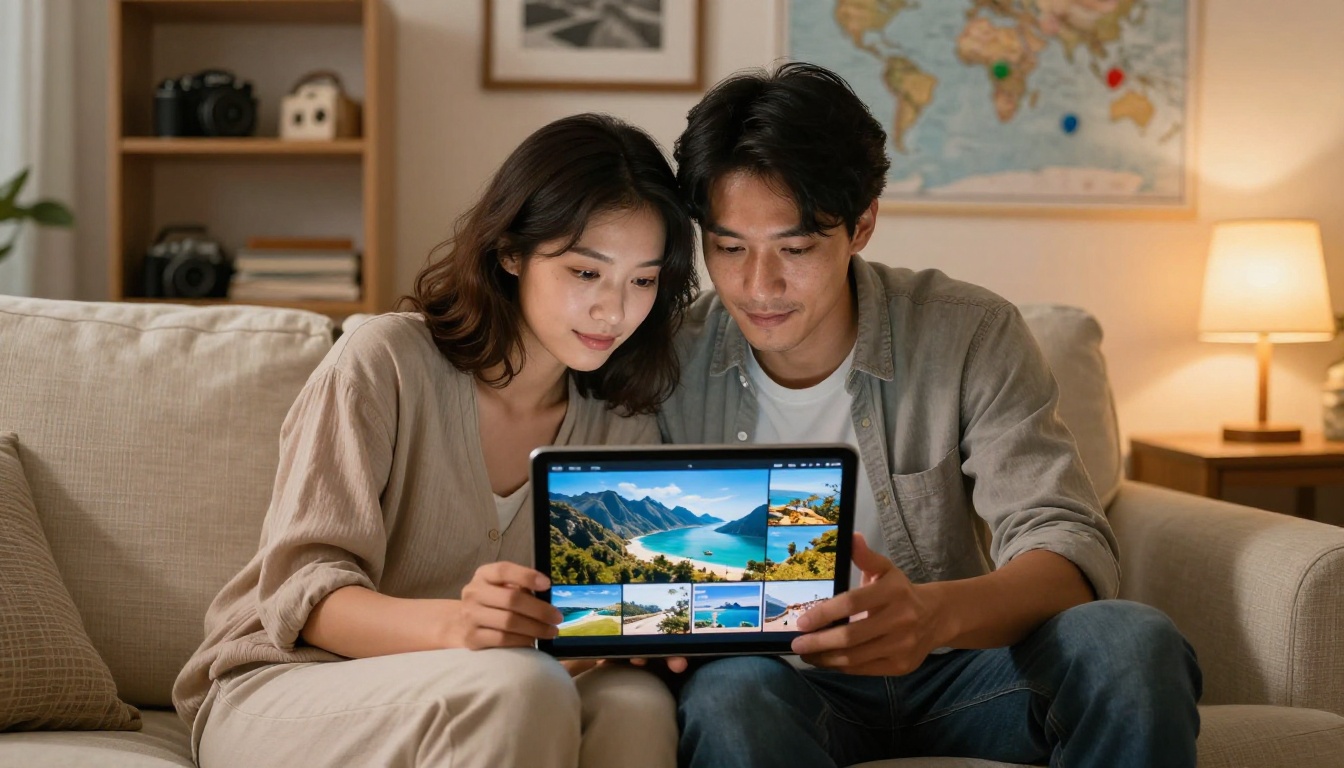
Flipbook Album Ideas for Every Trip Type
Every trip has a different rhythm, and your album structure should reflect that.
Solo Adventure Albums
Solo travel albums work best as personal visual journals. The strongest ones mix wide landscape shots with candid self-portraits and intimate detail close-ups. Think of it as a diary you can hand to someone, not just a highlight reel.
Good structure for solo adventures:
- Cover spread: your single best landscape shot
- Day-by-day sections with 4 to 6 photos per location
- A "found things" page: tickets, receipts, menus, local business cards
- A final spread: the last view before heading home
Family Vacation Collections
Family albums need faces. Children age fast, and these albums become documents as much as memories. Prioritize:
- Candid moments over posed shots
- Wide shots that capture the full group in their actual surroundings
- The small, honest moments: tired kids on trains, messy meals on balconies, morning chaos at the hotel
💡 Pro Tip: For family albums, add one brief caption page per destination using a simple text spread in your PDF. A single line like "Day 4 in Rome: nobody wanted to leave" carries more emotional weight than ten extra photos.
Cultural and Food Travel Stories
If your trips are driven by food, markets, and local immersion, your album structure should follow that rhythm.
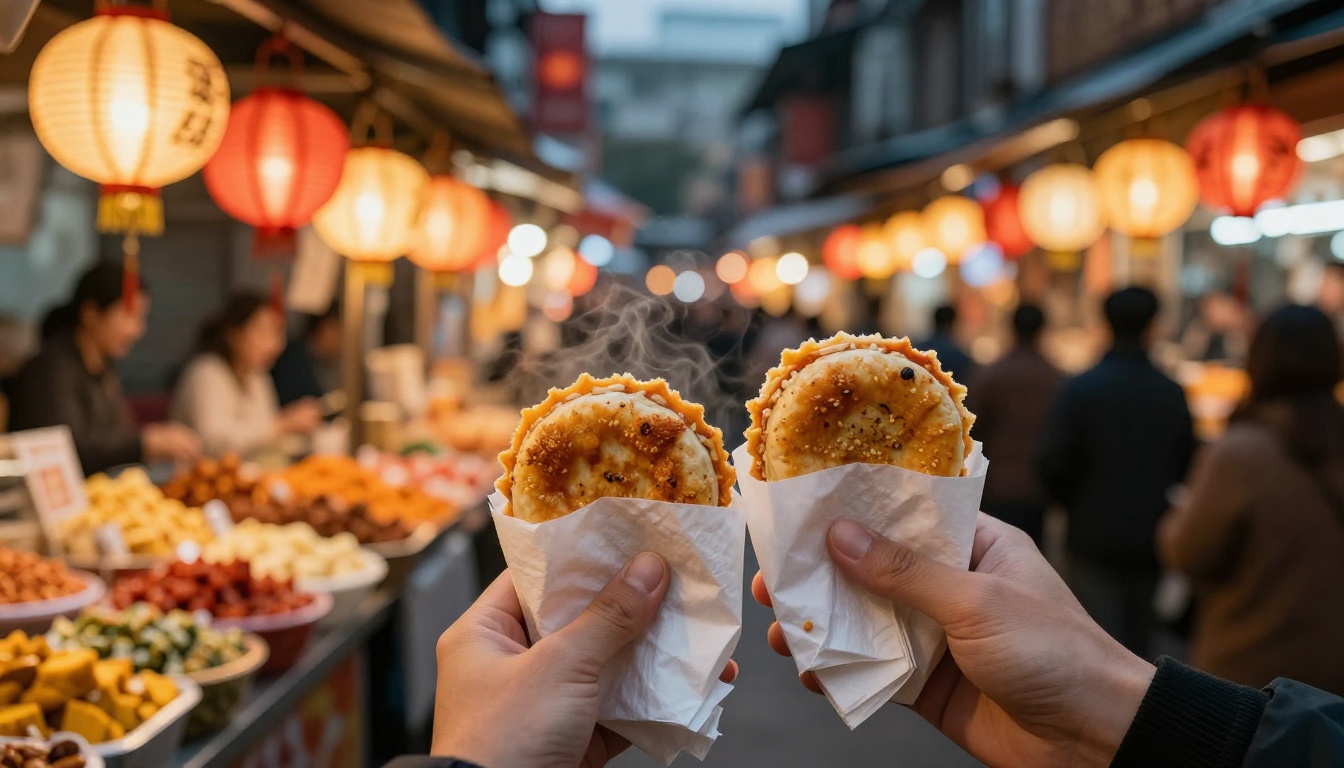
Open each destination section with a market or street scene establishing shot. Follow with 2 to 3 tight food close-ups. Add one portrait of a local vendor or artisan if you have permission. Close each section with a receipt, a menu, or a hand-written note as a detail anchor.
This rhythm gives cultural travel albums a visual quality that generic photo dumps simply cannot achieve.
Sharing Options That Actually Work
Direct Links vs. Embedded Albums
| Sharing Method | Best For | Privacy Level | Effort Required |
|---|
| Direct public link | Social sharing, travel blogs | None | Very low |
| Password-protected link | Family, close friends | High | Low |
| Embedded on website | Travel bloggers, personal sites | None | Medium |
| Offline download | Archiving, printing | Full | Medium |
For most people sharing after a trip, a password-protected link is the default choice. For travel bloggers, embedding the album directly into a post creates an immersive experience that keeps readers on the page far longer than any static gallery.
Password Protection for Private Memories
Some trips are not for public view. A honeymoon album, a family reunion collection, or a quiet personal journey are things you want to share selectively. Password protection means you control exactly who sees the content, without managing complex permissions or user accounts.
⚠️ Note: Password protection is available on Standard plans and above. See the full breakdown on the pricing page before choosing a plan.
Plans Worth Knowing About
Not all flipbook needs are equal. Here is how the plans compare for travel use cases:
| Feature | Free | Standard | Professional |
|---|
| Number of flipbooks | Limited | Unlimited | Unlimited |
| Watermarks | Yes | No | No |
| Password protection | No | Yes | Yes |
| Custom branding | No | Yes | Yes |
| Embedded multimedia | No | Yes | Yes |
| Offline downloads | No | Yes | Yes |
| Analytics and lead generation | No | No | Yes |
For casual travelers creating one album per year, the Standard plan covers everything needed. For travel bloggers or photographers who build albums regularly and want to track reader behavior, the Professional plan adds analytics showing exactly how viewers interact with each spread.
Check all options on the Flipbooks AI pricing page to find the right tier for how you travel and how often.
💡 Pro Tip: If you run a travel blog, the Professional plan analytics reveal which pages readers spend the most time on. That data helps you caption and structure future albums around what actually holds attention.
Stop Letting Good Photos Sit Unused
You put real effort into capturing those moments. The light on a mountain ridge at 5am. The chaos of a night market. The quiet of a beach before anyone else arrived. Those shots deserve a format that does them justice.
A flipbook album is not complicated to build. With Flipbooks AI, the hardest part is curating your best 60 to 80 shots. Everything after that is fast, intuitive, and produces something you will actually want to share, bookmark, and revisit years from now.
Ready to start? Create your first travel flipbook album for free. No design skills needed, no watermarks on paid plans, and your album is shareable the moment it is built.
Browse all flipbook tools and templates to find formats built specifically for photography, portfolios, and travel storytelling. For travel-specific layouts, the Travel Flipbook and Photography Portfolio tools are strong starting points.
See all pricing options to pick what fits your travel pace and how seriously you want to archive those memories.



