Most people publishing digital content have no idea whether anyone is actually reading past page three. Flipbook analytics change that entirely, giving you precise, real-time data on exactly how readers interact with every page of your digital publication. Whether you are distributing a product catalog, an annual report, an e-magazine, or a training manual, the data sitting behind your flipbook is one of the most valuable and underused assets in your marketing toolkit. Flipbooks AI puts that data front and center for every publication you create, turning passive documents into living, measurable content assets.
What Flipbook Analytics Actually Track
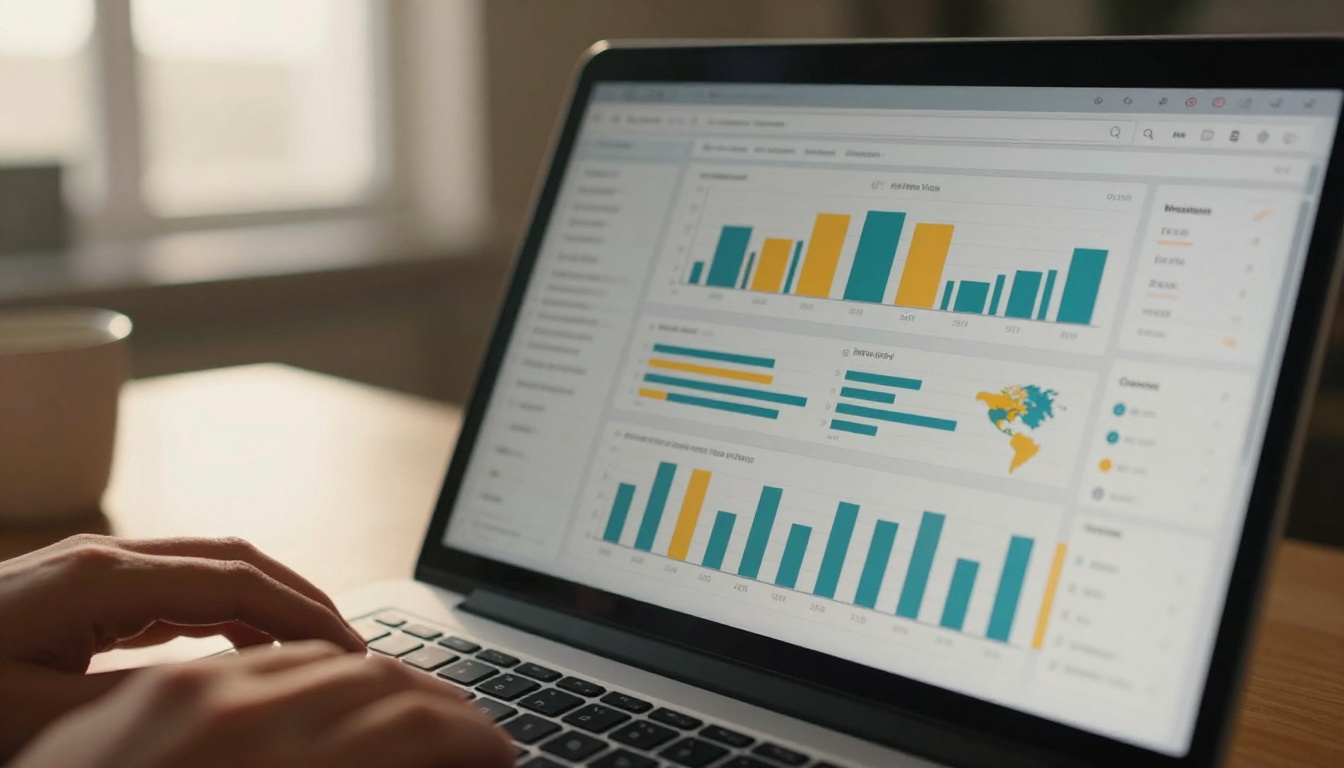
Flipbook analytics is the collection and reporting of behavioral data generated when someone reads a digital publication. Unlike traditional PDF downloads, which give you a single download event with no further visibility, interactive flipbooks track every meaningful action a reader takes from the moment they open the document to the moment they close it.
The data falls into several distinct categories:
Reader Behavior Metrics
- Page views per session
- Time spent on each individual page
- Pages most frequently skipped or abandoned
- Total reading sessions over time
- Return visits from the same reader
Audience Data
- Geographic location of readers by country, region, and city
- Device type broken down by desktop, tablet, and mobile
- Referral source showing where readers came from
- Browser and operating system breakdown
Conversion Data
- Clicks on embedded links and calls to action
- Lead generation form submissions
- Email captures within the flipbook
- Download requests for gated content
- Video play rates for embedded media
Performance Benchmarks
- Average session duration
- Completion rate showing how many readers reach the last page
- Bounce rate from the first page
- Share and embed statistics
💡 Pro Tip: Completion rate is often more informative than raw page views. A flipbook with 500 views and a 60% completion rate is far more effective than one with 5,000 views and a 4% completion rate. Volume without depth is not performance.
Why This Data Is Not Optional Anymore
The shift toward digital-first content distribution has made analytics a baseline expectation, not a premium feature. Audiences consume content across devices and channels simultaneously, and the brands that win are the ones who know exactly what is resonating and what is not. Here is why the data matters in practical terms.
It Reveals What Content Actually Works

Page-by-page dwell time data exposes the truth about your content with precision that no survey or focus group can match. If readers spend 45 seconds on a product spread featuring your best-selling item but skip past three pages of introductory copy in under two seconds, that is a clear signal. Without that data, you might assume uniform interest across the document. With it, you restructure your next catalog to frontload the high-performing content and cut what nobody is reading.
This feedback is immediate. You do not have to wait for a quarterly review or compile anecdotal sales rep feedback. The data is in your dashboard the same day your publication goes live.
It Proves ROI to Stakeholders
Marketing teams routinely struggle to justify content production budgets. A printed brochure gives you nothing measurable beyond print run numbers and a vague sense that it was useful. A digital flipbook with analytics gives you total reads, average reading time, geographic reach, lead captures, and click-through data. That is a defensible, quantified case for the investment, and it compounds with each publication cycle as your benchmarks become more refined.
It Identifies Qualified Leads in Real Time

When a prospect opens your product catalog, reads through fourteen pages at an average of 40 seconds per page, and clicks the embedded pricing link three times, that is not a casual visitor. That is a buying signal. Flipbook analytics lets you identify exactly those high-intent behaviors and route those leads to your sales team immediately. Lead scoring based on reading depth is one of the highest-value applications of this data, and it is only possible because of the granularity that flipbook tracking provides.
It Makes Each Iteration Better
The best-performing content teams treat each publication as a hypothesis. They publish, measure, and adjust. Flipbook analytics create a feedback loop that static PDFs and printed materials simply cannot provide. Over three or four publication cycles, you accumulate enough behavioral data to build a genuinely accurate picture of what resonates with your specific audience, what layout structures hold attention, and which calls to action drive the most clicks.
⚠️ Important: Lead generation analytics, including email capture and CTA click tracking, are available on the Professional plan at Flipbooks AI. Standard plan users get core page view and session data. Check the pricing page to see which tier fits your needs.
The Metrics That Actually Move Decisions
Not all analytics data carries equal weight. These are the metrics that experienced content teams prioritize when evaluating publication performance:
| Metric | What It Measures | Why It Matters |
|---|
| Page Dwell Time | Average seconds spent per page | Identifies content that captures vs. loses attention |
| Completion Rate | Percentage of readers reaching the last page | Measures overall publication effectiveness |
| Click-Through Rate | Clicks on embedded links and CTAs | Tracks conversion intent directly |
| Lead Capture Rate | Form submissions per 100 readers | Measures lead generation efficiency |
| Traffic Sources | Where readers came from | Informs distribution channel decisions |
| Geographic Data | Reader location by country and region | Reveals audience concentration and expansion opportunities |
| Device Split | Mobile vs. desktop vs. tablet breakdown | Guides layout and design optimization |
| Return Visit Rate | Readers who come back to the same flipbook | Signals high-value, reference-quality content |
| Session Duration | Total time per reading session | Reflects depth of interest in the publication |
Page Dwell Time: The Most Underrated Metric
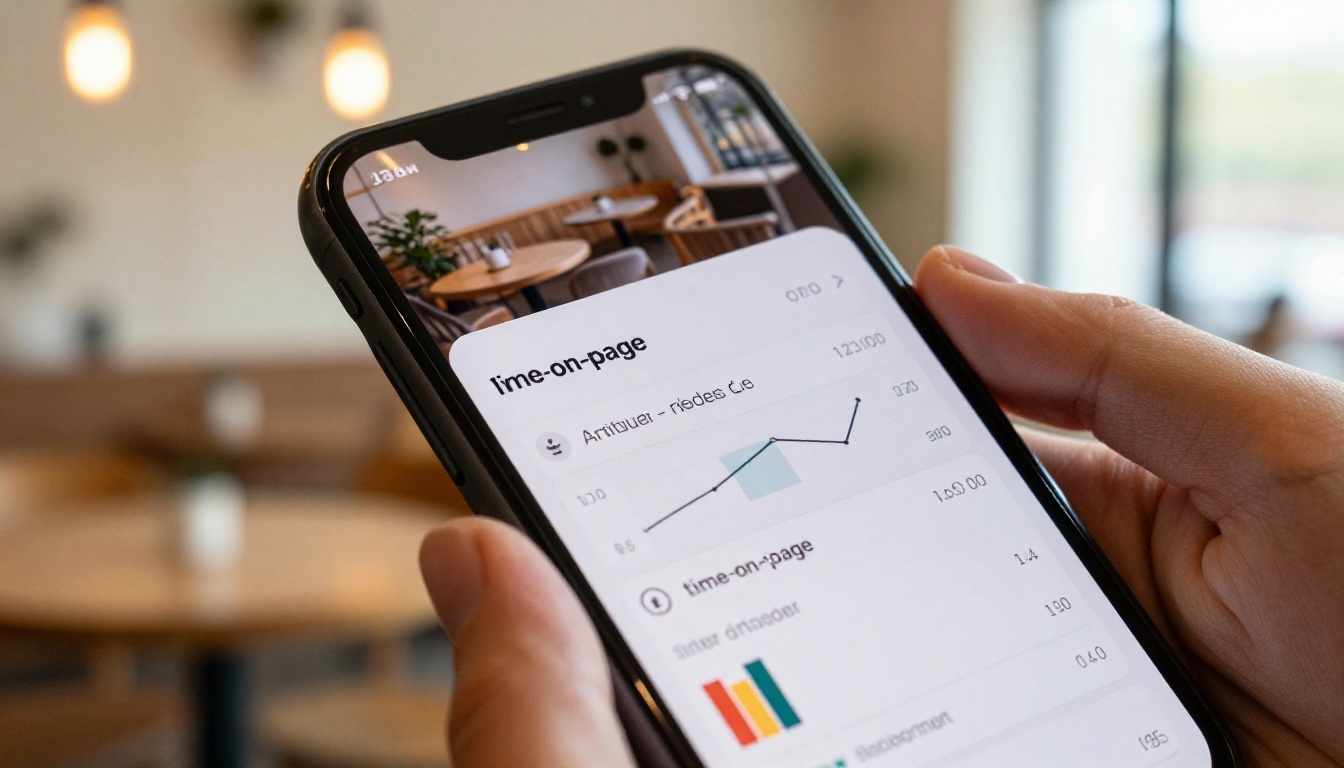
Most marketers focus on total views. Experienced ones focus on dwell time. A page with 400 views and an average 8-second dwell time is not performing. A page with 120 views and a 55-second average is generating real attention and genuine reading behavior. When you have this data across every page in your flipbook, you can run a rapid audit of your content quality. The pages with strong dwell times show you what is working. The pages with low dwell times show you what needs rethinking, whether that means a layout change, a stronger headline, or simply less copy.
Completion Rates Tell the Real Story
If your 20-page catalog has an average completion rate of 12%, that is not a distribution problem. That is a content structure problem. Readers are dropping off early because something is failing to hold their attention. Flipbook analytics shows you exactly where the drop-off happens. If page 4 loses 35% of your readers, that page needs a redesign, a stronger visual, or a more compelling hook to pull readers forward. Completion data turns vague intuition into a precise editorial brief.
💡 Pro Tip: For longer publications like annual reports or training manuals, segment your completion data by traffic source. Readers arriving from your email list often have dramatically higher completion rates than those arriving from social media. This tells you which channels are sending you genuinely interested readers vs. casual traffic.
How Flipbook Analytics Compare to PDF Tracking

Most organizations still distribute content as static PDFs. The comparison between what PDF distribution and flipbook analytics provide makes the case for the upgrade more clearly than any feature list:
| Capability | PDF Download | Flipbook Analytics |
|---|
| Confirm file was opened | No | Yes |
| Total unique reads | No | Yes |
| Time spent per page | No | Yes |
| Reader geographic location | No | Yes |
| Device type tracking | No | Yes |
| Embedded link click tracking | No | Yes |
| Lead capture and email collection | No | Yes (Professional plan) |
| Page completion and drop-off data | No | Yes |
| Return visit tracking | No | Yes |
| Real-time data availability | No | Yes |
| Traffic source attribution | No | Yes |
| Referral and campaign tracking | No | Yes |
The gap is not incremental. A PDF tells you that a file was downloaded, and nothing more. A flipbook with analytics tells you who read it, for how long, on which device, from which country, and whether they clicked through to your website. These are entirely different categories of intelligence, and organizations that have made the switch consistently report that the data changes how they write, design, and distribute content.
How to Set Up and Use Analytics in Flipbooks AI
Flipbooks AI includes an analytics dashboard built directly into every published flipbook. There is no third-party integration required and no technical setup. Here is the full workflow.
Step 1: Create Your Account and Upload Your PDF
Visit flipbooksai.com and create your account. Upload your PDF using the PDF to Flipbook Converter. The platform converts your document into a fully interactive flipbook with page-turn animations and mobile-responsive layout automatically. No design software required.
Step 2: Add Interactive Elements That Generate Data
Before publishing, add the interactive elements that make analytics meaningful: embedded links to product pages or your website, video embeds on relevant spreads, and CTA buttons that drive specific actions. These elements generate the conversion data that turns your analytics dashboard from a readership report into a sales intelligence tool.
✅ Best Practice: Place CTAs on pages that show strong organic dwell time based on previous publications. High-attention pages are the right place to drive action. Low-dwell pages are not the right place for conversion asks.
Step 3: Publish and Distribute Across Channels

Publish your flipbook and distribute it across your channels. You can share a direct link via email or social media, embed the flipbook on your website, or enable password protection for private distribution to clients or prospects. Use distinct share links for each distribution channel so your traffic source data clearly separates email readers from social media readers from website visitors.
Step 4: Read Your Analytics Dashboard
From your Flipbooks AI account, open any published flipbook and go to the Analytics tab. The overview panel shows total reads, unique readers, average session duration, and completion rate at a glance. Click into page-level data to see dwell times for each individual page. The geographic panel displays a heat map of reader locations. The traffic sources panel shows which channels and referral domains are sending you readers.
Step 5: Enable Lead Capture on the Professional Plan
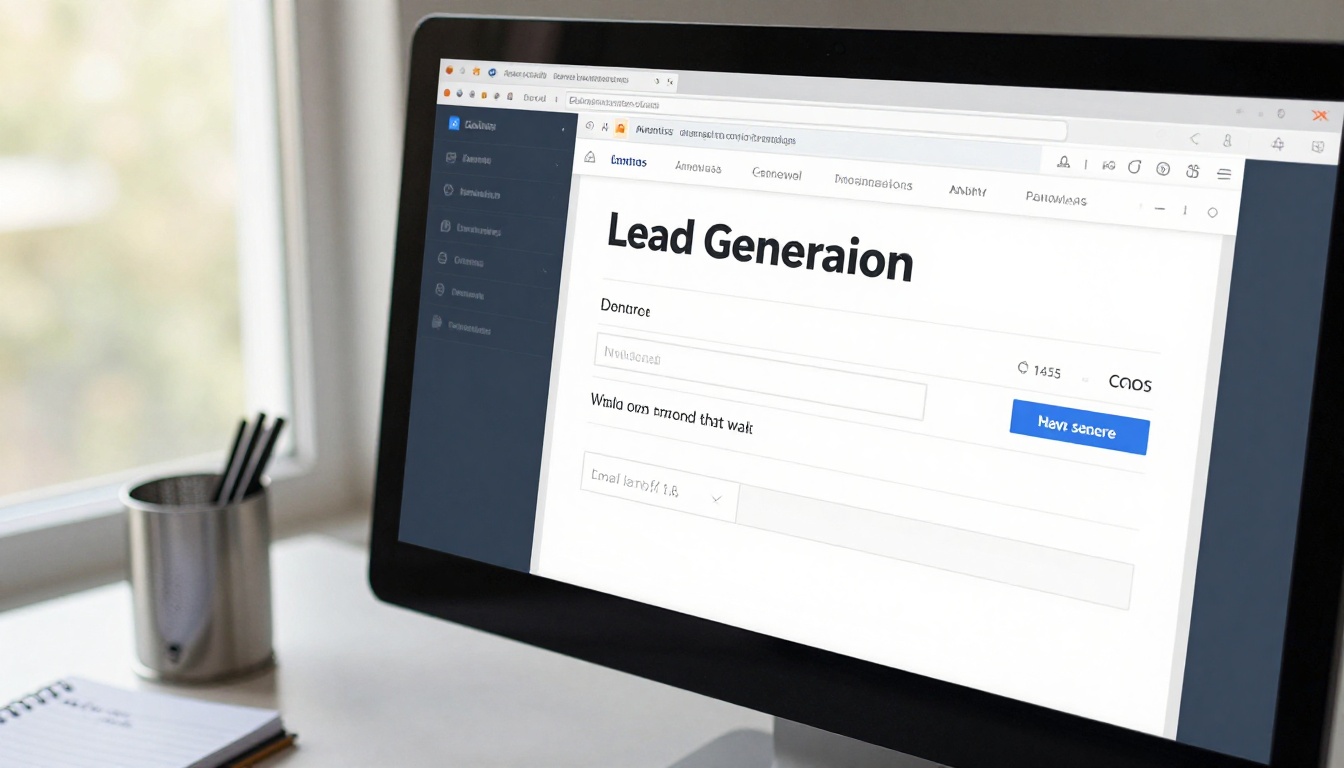
On the Professional plan, you can embed a lead generation form directly inside a page of your flipbook. Configure it to appear at a specific page or after a reader has viewed a minimum number of pages, ensuring you capture only genuinely engaged readers. Every submission is logged in the dashboard with a timestamp, the page of capture, and session context data. This integrates directly with email marketing workflows for immediate follow-up.
Step 6: Build a Publishing Review Cadence
Analytics data compounds in value over time. Set a weekly review rhythm for active publications. Track whether average dwell time is trending up or down as new reader cohorts come in. Look at which traffic sources are sending you readers with the highest completion rates. These patterns are your content strategy inputs for the next publication, and they are only visible because you have been measuring consistently.
Real-World Applications Across Content Types

Different industries extract different value from flipbook analytics depending on their content goals and audience behaviors:
| Industry | Publication Type | Primary Analytics Focus |
|---|
| Retail | Product catalog | Page dwell time on product spreads, CTA click rate |
| Real Estate | Property brochure | Geographic reader data, return visit rate |
| Hospitality | Restaurant menu | Device split (mobile-heavy audiences), completion rate |
| Finance | Annual report | Completion rate, traffic source segmentation |
| Education | Course material | Page completion sequence, time per section |
| Publishing | E-magazine | Geographic reach, return reader rate |
| B2B Sales | Sales presentation | Lead capture rate, CTA click-through |
| Non-Profit | Impact report | Donor geography, stakeholder completion rate |
A real estate agency distributing property brochures via email campaigns can use geographic data to see that the majority of engaged readers are clustered in two specific postcodes, informing their next paid advertising allocation. A restaurant using the Restaurant Menu Creator to share a digital menu can see that 81% of reads are on mobile devices, driving a decision to reformat the layout for vertical scrolling and larger tap targets.
A B2B software company sharing a sales presentation can track that a specific prospect read all 24 slides in a single 20-minute session and clicked the pricing CTA twice. That lead gets routed to sales before the end of the business day, with full reading context already available to the account executive.
Mistakes Teams Make When Reading Flipbook Data
Even with good data available, several common interpretation errors show up repeatedly across organizations new to content analytics.
Chasing volume over quality: A spike in total reads looks encouraging, but if completion rate drops at the same time, you have attracted the wrong audience or set misleading expectations in your distribution copy. Always read volume and quality metrics together.
Ignoring device data before publishing: If 70% of your reads happen on mobile but your flipbook was designed for desktop-first layout, the mobile reading experience is broken for most of your audience. Check device data early and optimize layout accordingly before a major distribution push.
Treating first-week data as representative: Reader behavior in the first week of a publication is often skewed by your core audience, who are most likely to open content immediately. Let data accumulate for three to four weeks before drawing conclusions about average engagement metrics.
Not comparing across publications: A single completion rate number has limited meaning in isolation. Its value comes from comparison: is this publication performing better or worse than the previous one? That trend line is what tells you whether your content is improving.
✅ Best Practice: Build a simple internal benchmark sheet that records key metrics for every publication: completion rate, average dwell time, lead capture rate, and primary traffic source. After five to six publications, you will have a reference set that makes every new data point meaningful.
Building a Data-Informed Content Strategy

The practical output of flipbook analytics is a content strategy that stops operating on assumptions and starts operating on evidence. Most teams move through four phases as they integrate this data into their workflow.
Phase 1: Baseline Measurement
Publish your first flipbook with analytics enabled and resist the urge to act on early data immediately. Let it run for three to four weeks to establish your baseline metrics for completion rate, dwell time, and traffic sources.
Phase 2: Content Experimentation
Use baseline data to identify your weakest pages. Redesign those pages with stronger visuals, sharper copy, or clearer calls to action. Publish the revised version and measure the delta. This is how content gets meaningfully better over time.
Phase 3: Audience Segmentation
As your dataset grows, segment analytics by traffic source, device type, and geography. You will typically find that different channels deliver readers with meaningfully different engagement patterns. These segments guide where you invest distribution resources.
Phase 4: Automated Lead Workflows
Integrate lead capture data from your Professional plan with your CRM. Readers who reach a certain reading depth enter a nurture sequence automatically. Readers who click a pricing CTA get flagged for direct outreach. At this stage, your flipbook is not just a publication; it is an active pipeline tool running continuously in the background.
💡 Pro Tip: Tools like the Annual Report Creator, Corporate Report Maker, and Interactive E-Book Publisher are particularly well-suited for organizations that need to demonstrate concrete audience reach and stakeholder attention as part of their reporting or governance obligations.
Start Measuring What Your Content Is Doing
Publishing without analytics is like running an advertising campaign with no tracking. You are investing time, budget, and creative effort with no feedback mechanism to tell you what is working or how to improve. The data available through flipbook analytics covers every meaningful question a content team needs to answer: who is reading, how deeply they are reading, where they are dropping off, which devices they are using, and whether they are taking the actions you designed them to take.
Flipbooks AI makes all of this accessible without any technical configuration. The analytics dashboard is live the moment you publish, and the data starts building with the first reader session. Every flipbook you create on Flipbooks AI comes with core analytics built in, no plugins or third-party tools required.
Ready to put real data behind your digital content? Get started for free on Flipbooks AI. Compare pricing plans to choose the tier that fits your team. Browse all available tools and templates to find the right format for your next publication and publish a flipbook that tells you exactly how well it is performing from day one.



