When businesses replace static PDFs with interactive catalogs, something measurable happens to their sales cycle. Buyers spend more time on individual product pages, share catalogs with colleagues, and reach out with more specific, purchase-ready questions. The shift is not cosmetic. It directly changes how buyers experience your products, and that experience has a direct line to revenue. Flipbooks AI was built to help businesses create these interactive experiences without hiring design agencies or learning new software.
This article breaks down what actually changes in your sales process when you make the switch, which businesses see the most impact, and how to set up a catalog that moves buyers forward rather than one that collects dust in an email archive.
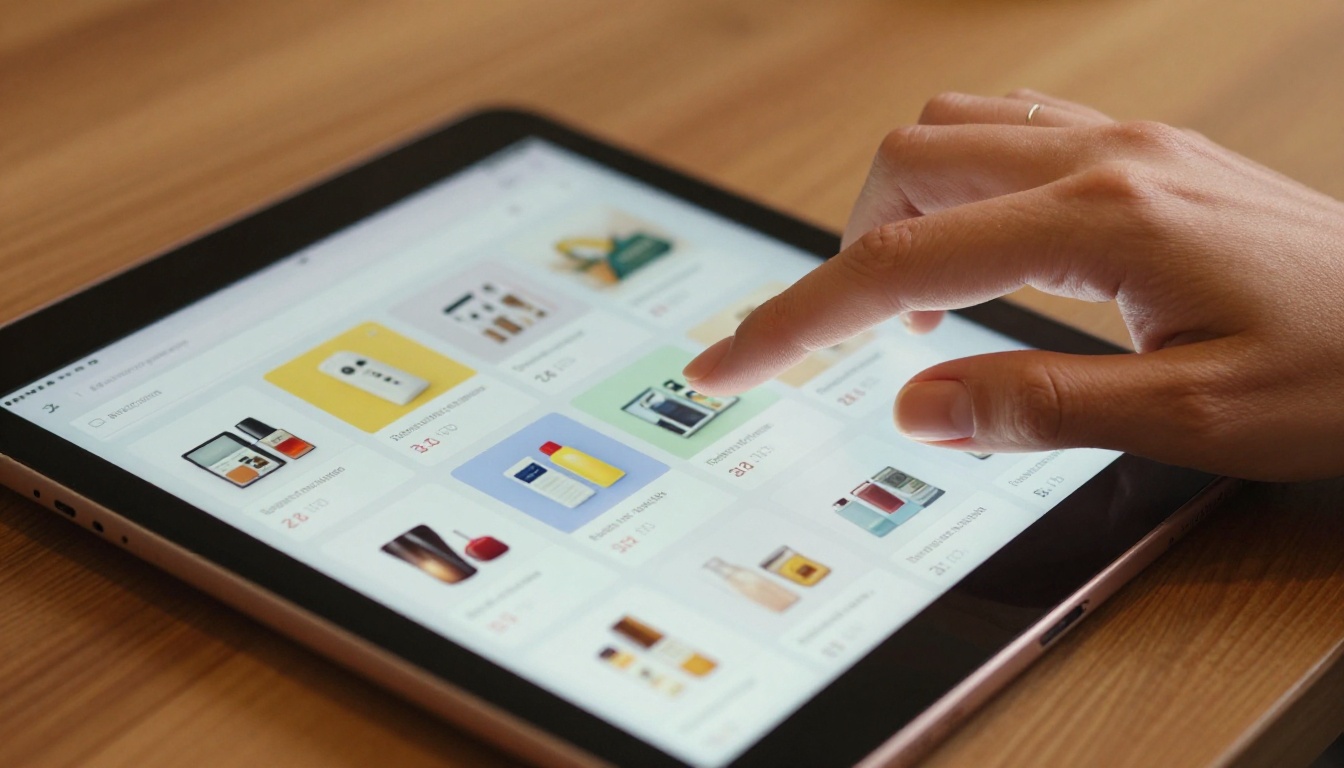
Why Static Catalogs Quietly Cost You Sales
A printed catalog or a flat PDF is a passive document. It sits there. The buyer has to do all the work: flip through pages, try to remember a product, write down a SKU number, and then go find your website to check current pricing or availability. Every extra step in that journey is a point of friction, and friction kills conversions.
The core problems with static formats:
- No clickable links to product pages or checkout flows
- No embedded videos showing products in use or in context
- No search functionality within the document itself
- No way to track which products buyers actually looked at
- No mobile optimization for most print-to-PDF conversions
- No built-in sharing mechanism that keeps the catalog active in distribution
- No ability to update pricing or availability without re-sending the file
⚠️ Warning: Sending a buyer a large PDF attachment does not make it easy for them to buy. It makes it easy for them to close the email and move on.
The result is a catalog that looks professional but consistently underperforms. Buyers lose interest mid-browse, lose the document entirely after a week, or cannot remember which product they saw when they finally decide to order. The sales team, meanwhile, has zero visibility into what resonated, who engaged, or which products need a better pitch.
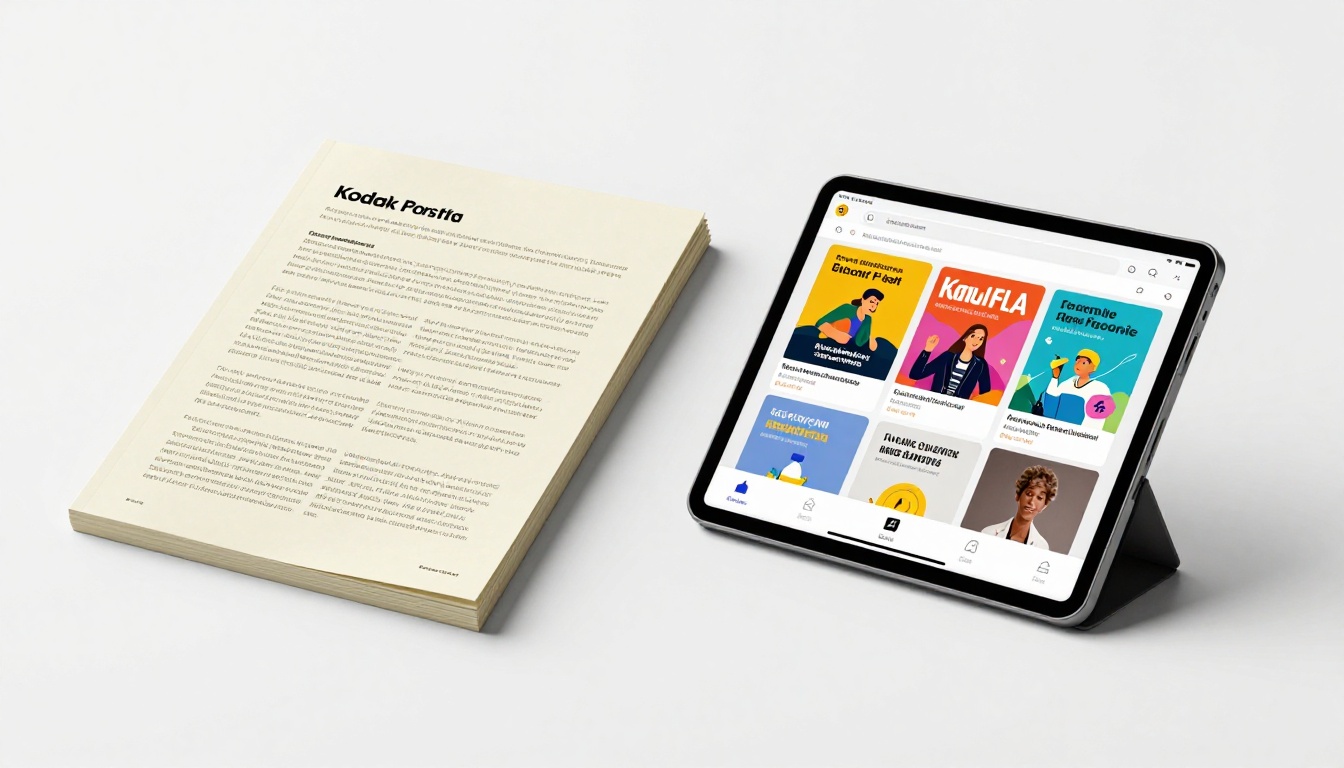
The Sales Numbers Behind Interactive Catalogs
The data from businesses that adopted interactive digital catalogs tells a consistent story. While individual results vary by industry, catalog quality, and distribution strategy, the directional trends are strong and repeatable across categories.
| Metric | Static PDF Catalog | Interactive Digital Catalog |
|---|
| Average time-on-catalog | 2 to 4 minutes | 8 to 12 minutes |
| Product click-through rate | Near zero | 15 to 35% of viewers |
| Catalog sharing rate | Low (email attachment friction) | High (single shareable link) |
| Mobile-friendly experience | Poor to unusable | Fully responsive on all devices |
| Analytics and tracking | None available | Full page-level analytics |
| Repeat view rate | Rare | Common (bookmarked links) |
| Lead capture capability | None | Built-in forms on Professional plan |
| Sales call quality | Generic, early-stage questions | Specific, product-level inquiries |
💡 Pro tip: Longer time spent inside a catalog directly correlates with higher purchase intent. When a buyer spends 10 minutes flipping through your products, they are not doing it out of boredom. They are building a mental list.
The single biggest shift businesses report is not conversion rate in isolation. It is the quality of inbound inquiries. Buyers who came through an interactive catalog already know which products they want, in which variants, and often at what price point. That changes the nature of the sales conversation from "let me tell you about our range" to "when can we get this shipped?" That difference shortens the average sales cycle by a meaningful margin.
Repeat views are another underrated metric. Because an interactive catalog lives at a permanent shareable link, buyers bookmark it, share it with decision-makers in their organization, and return to it before placing an order. A PDF attachment cannot do any of that.

How Buyers Behave Differently with Interactive Catalogs
The psychology here is straightforward. When a catalog responds to a buyer's actions, they feel in control of their browsing experience. That sense of control reduces decision-making anxiety and increases confidence in the brand behind the catalog.
What buyers do differently when the catalog is interactive:
- They browse longer. The page-flip animation and smooth navigation keep buyers engaged in a way flat scrolling does not. The physical metaphor of turning pages is familiar and satisfying.
- They go deeper into the product range. Clickable category navigation and a table of contents let buyers jump directly to what interests them instead of scrolling past irrelevant sections. They discover more SKUs as a result.
- They share more readily. A clean shareable link is easy to forward to a spouse, a manager, or a procurement colleague for a joint decision. A PDF attachment creates extra steps that most people skip.
- They return. Bookmarked catalog links get revisited days or weeks later. Print catalogs and downloaded PDFs typically get discarded.
- They ask better questions. Sales conversations start further down the funnel because buyers arrive already informed about specific products, pricing tiers, and features.
- They trust the brand more. A polished interactive catalog signals that the business invests in its presentation. That professionalism carries over into the buyer's perception of product and service quality.
✅ Best practice: Place your highest-margin products or newest arrivals on the first five to eight pages. Interactive catalogs see the highest engagement rates on early pages, following the same attention curve as a physical magazine or newspaper.
This behavioral shift has a compound effect on your sales cycle. Faster-moving buyers, higher-quality sales conversations, and shorter time-to-close all originate from the same source: a catalog designed to work actively for the buyer instead of passively sitting in their inbox.

Industries With the Biggest Sales Impact
Not every business sees the same magnitude of results, but certain industries consistently report strong performance improvements when they switch to interactive digital catalogs.
Fashion businesses benefit enormously because clothing is inherently visual and contextual. When a lookbook lets a buyer zoom into fabric texture or see a complete outfit across a two-page spread, it recreates the in-store browsing moment that online shopping typically loses. Buyers linger, compare, and build wishlists in a way that a product grid on a website never achieves.
Furniture and home decor retailers see similar results because context photography inside a digital catalog creates desire in a way that a simple product list never could. Seeing a sofa styled in a warm living room is more persuasive than seeing its dimensions listed in a table.
B2B wholesalers perhaps see the most dramatic sales cycle improvements. When a procurement buyer needs to place a large order across hundreds of SKUs, a well-structured interactive catalog with clear category navigation cuts order preparation time significantly and reduces errors from misread product codes or outdated pricing.

How to Build an Interactive Catalog That Sells
Creating an effective interactive catalog with Flipbooks AI takes minutes, not weeks. Here is how to approach it in a way that supports sales outcomes rather than just producing a digital brochure.
Step 1: Prepare your PDF with sales intent
Start with a well-designed PDF. Your catalog layout matters as much as the platform you use to convert it. High-quality product photography, clear pricing, and logically organized sections are the foundation. Design at A4 or Letter size in landscape format for best results on screens.
Step 2: Upload and convert
Go to Flipbooks AI and create your free account. Upload your PDF using the PDF to Flipbook Converter. The conversion is automatic. Within minutes you have a page-flip digital catalog ready to share with anyone on any device.
Step 3: Customize for your brand
Set your brand colors, upload your logo, and choose your background style. The catalog should feel like an extension of your brand identity. Custom branding removes generic template aesthetics and makes your catalog look like a premium production, even on a startup budget.
Step 4: Add interactive elements
This is where the sales difference comes from. Add:
- Clickable links on products directing buyers to product pages, a shopping cart, or a contact form
- Embedded videos showing products in use, demonstrations, or brand storytelling
- Table of contents for large catalogs with multiple product categories
- Call-to-action buttons at strategic moments within the catalog flow
Step 5: Configure sharing and privacy
For public-facing retail catalogs, use the direct link or embed the flipbook directly on your website using the embed code. For confidential trade catalogs or exclusive client presentations, enable password protection. Your catalog stays private until you choose to distribute it.
Step 6: Monitor and optimize with analytics
With the Professional plan at Flipbooks AI, you get full page-level analytics showing which sections buyers viewed, how long they spent on each spread, and which links they clicked. Use this data to refine placement of high-priority products in your next edition.
💡 Pro tip: Products with high page-dwell time but low click-through rates are signaling that buyers are interested but not yet convinced. That is your cue to improve the product page they are landing on or add a stronger call-to-action in the catalog itself.

Features That Drive Sales Conversions
Not every interactive catalog feature carries the same weight when it comes to converting browsers into buyers. Based on buyer behavior patterns across industries, here is how key features rank in terms of sales conversion impact.
| Feature | Conversion Impact | Available On |
|---|
| Clickable product links | Very High | All plans |
| Embedded product videos | High | All plans |
| Mobile-responsive design | High | All plans |
| No watermark (custom brand) | Medium to High | Standard and above |
| Password protection | Medium (trust signal) | Standard and above |
| Built-in page analytics | High (for optimization) | Professional |
| Lead capture forms | Very High | Professional |
| Offline download for reps | Medium | Professional |
The two features with the most direct sales impact are clickable product links and lead capture forms. Links remove the friction between catalog browsing and purchasing. A buyer should never have to leave the catalog, hunt for your website, search for the product they saw, and then add it to a cart. The fewer steps between "I want this" and "I ordered it," the higher your conversion rate.
Lead capture forms allow you to collect buyer information at exactly the moment interest is highest: while they are inside your catalog, actively looking at your products. That is a fundamentally different quality of lead than a cold inquiry form on a contact page.
Custom branding matters more than most businesses initially expect. A catalog with no third-party watermark and your own logo and color scheme creates a professional impression that builds purchase confidence. That trust signal is not a soft metric when you are asking a buyer to place a $3,000 or $30,000 order.

Even businesses that adopt interactive catalogs sometimes see underwhelming results because of avoidable mistakes in how they build or distribute them.
Design mistakes that reduce sales impact:
- Cramming too many products onto a single spread without visual breathing room
- Using low-resolution images that look blurry on high-density screens and retina displays
- Writing product descriptions in small font that is difficult to read on mobile devices
- No clear call-to-action on high-priority or high-margin product pages
- Burying bestsellers deep in the catalog where engagement rates are lower
Distribution mistakes:
- Sharing the catalog once via email and never promoting it again
- Not embedding it on the website, especially on category or landing pages
- Skipping the QR code option that connects print materials, packaging, or point-of-sale displays to the digital catalog
- Not updating the catalog when prices, SKUs, or availability change
Analytics mistakes:
- Publishing a catalog and never reviewing which pages had the highest drop-off rates
- Ignoring which products received the most click-throughs when planning inventory or promotions
- Not testing different cover page designs to measure which drives more opens from shared links
⚠️ Warning: Sending buyers to an outdated catalog link destroys trust faster than a bad product review. With Flipbooks AI, you can update your catalog content at any time without changing the shared URL. Buyers always see the current version at the same link they bookmarked.

The mindset shift matters as much as the technology. A static PDF is a brochure: informational, passive, and forgettable. An interactive catalog is a sales asset: active, trackable, and built to move buyers toward a decision at every page turn.
When you treat your catalog as a sales tool, every design decision changes. You ask "what should the buyer do on this page?" instead of "how do we fit more products on this spread?" You add a call-to-action beneath the high-margin items. You use a short video to demonstrate the product that buyers always call in asking about. You place the seasonal sale items on the first spread because that is where attention is highest.
What changes when your team thinks in sales terms:
- Every page has a purpose beyond product listing
- High-value items get more space, better photography, and clearer CTAs
- The catalog opens with your strongest offer, not an alphabetical index
- Distribution is intentional: website embed, email campaigns, sales team sharing links, QR codes on packaging and print, social media previews
- Analytics from each campaign inform the next catalog edition
The businesses that see the biggest sales impact from interactive catalogs are the ones that treat them like sales assets, not design projects.
Real estate agents using an interactive property brochure can send a personalized catalog link to each prospective buyer, track which property pages they spent the most time on, and follow up with targeted information about exactly those listings. That is a sales capability that no printed brochure or static PDF can replicate.
A wholesale fashion brand can equip each sales representative with a catalog link instead of a physical sample book. The rep presents on a tablet in the buyer's office, the buyer bookmarks the link, shares it with their buying team, and the brand gets analytics on exactly which collections generated the most interest before the follow-up call.

Start Seeing the Difference in Your Numbers
If your current catalog is not generating click-throughs, inbound inquiries, or measurable buyer engagement, the format is likely the problem, not the products. Switching to an interactive catalog removes the friction between browsing and buying, gives your team data to optimize with, and creates an experience buyers actually want to save and share.
Flipbooks AI makes this transition straightforward. Upload your existing PDF, customize it to your brand, and share it with a link that works on any device, any browser, and any screen size. No technical skills required. No designers on retainer. No watermarks on any plan above free.
Ready to see what happens to your numbers?
Your next catalog does not have to be a document buyers forget by Tuesday. It can be the first thing they share with their buying team and the last thing they review before placing an order.



