Interactive flipbooks are everywhere right now, and it is not a coincidence. Brands, educators, restaurateurs, and real estate professionals have all landed on the same format within a short span of years, not because some trend report told them to, but because the format genuinely outperforms the alternatives in ways that are hard to ignore. Flipbooks AI has been at the center of this shift, giving teams of all sizes the ability to build rich, page-turning digital publications without writing a single line of code. This article breaks down what is actually driving the explosion in popularity, who is benefiting most, and how you can put the format to work for your own content.

Why Static PDFs Started Failing Audiences
The attention problem no one addressed
At some point in the early 2020s, static PDFs stopped working. Not technically, but practically. Open rates dropped, scroll depth plummeted, and the document format that once felt professional started feeling like an afterthought in a world of immersive digital experiences.
The numbers behind this are sobering. Studies from content marketing platforms consistently show that flat, non-interactive documents lose over 60% of their audience within the first 30 seconds. The problem is not the content itself; it is the format. A static PDF gives the reader zero feedback. No page turn. No scroll animation. No embedded video. Just flat text on a flat screen.
What readers actually want now
The audience reading your digital catalog, menu, or annual report has been conditioned by streaming platforms and social media feeds. They expect content to respond when they interact with it. A format that simply sits there has to work twice as hard to hold attention.
That is the fundamental gap that interactive flipbooks close. The page-turn animation alone, however simple it might sound, triggers a recognition in the human brain associated with reading a physical magazine. It makes content feel curated and intentional rather than uploaded and forgotten.

The Page-Turn Effect Nobody Expected
Why physical gestures still matter in digital content
There is a body of research in UX design around something called embodied cognition, the idea that physical actions shape mental states. When a user "turns" a page in a digital flipbook, even on a touchscreen, they experience a moment of transition. It is a signal that says: something new is coming. That micro-moment dramatically increases the likelihood that the reader will keep going.
This is not a small effect. Flipbook formats have shown up to 3x higher time-on-page compared to equivalent PDF content across multiple industry tests. That is not because the content is better. It is because the format creates forward momentum.
Tactile interaction in a touchscreen world
Smartphones normalized touch interaction for content. Swipes, pinches, and taps are now the primary way people consume everything from news to entertainment. A digital flipbook is built entirely around those gestures. You swipe to turn pages, tap to activate embedded links, and pinch to zoom in on product details.
Contrast that with a static PDF on mobile: you zoom in, lose your place, zoom back out, scroll sideways, lose your place again. It is a friction-heavy experience. Interactive flipbooks are native to the touchscreen in a way that PDFs simply are not.
Mobile Behavior Changed the Whole Equation
How smartphones reshaped content consumption
More than 60% of web traffic now comes from mobile devices. That single statistic has upended nearly every assumption the publishing industry made about how people read digital content. When the majority of your audience is holding a six-inch screen in portrait mode, every format decision matters.
Static documents were designed for desktop screens. They render poorly on mobile, require painful zooming, and break the reading flow constantly. Interactive flipbooks are mobile-responsive by design. The layout adapts, the page-turn works with a swipe, and embedded media plays inline. The reading experience on a phone feels intentional, not forced.
Responsive design is no longer optional
For brands, this is a business-critical issue, not just a design preference. A restaurant that sends customers to a PDF menu on mobile is sending them to a bad experience. A real estate agency that shares a brochure that does not render on iPhone is losing leads. The format of your content is now inseparable from its performance.

Embedding video, audio, and live links
One of the biggest differences between static documents and interactive flipbooks is the ability to embed live content. In a flipbook, a product page can contain an embedded video demonstration. A restaurant menu can link directly to an online reservation system. A real estate brochure can include a virtual tour. A training manual can contain audio narration.
This is not gimmicky. Embedded multimedia directly reduces the gap between "browsing content" and "taking action." When a reader watches a 20-second product video inside the document they are already reading, conversion rates increase because the friction of clicking away to another tab is eliminated.
Static PDF vs. Interactive Flipbook at a Glance
| Feature | Static PDF | Interactive Flipbook |
|---|
| Mobile-responsive layout | No | Yes |
| Page-turn animation | No | Yes |
| Embedded video | No | Yes |
| Embedded audio | No | Yes |
| Clickable links | Limited | Full support |
| Analytics tracking | None | Real-time data |
| Password protection | Basic | Built-in |
| SEO indexable | Partially | Yes |
| Lead capture forms | No | Yes |
| Offline viewing | Yes | Yes (Pro plans) |
| No watermarks | Varies | Always (Flipbooks AI) |
| Custom branding | No | Full control |
The table above makes the performance gap obvious. A static PDF handles one thing: displaying content. An interactive flipbook handles content, conversion, distribution, analytics, and access control in a single format.
Real-World Industries That Adopted This First
Retail and fashion brands
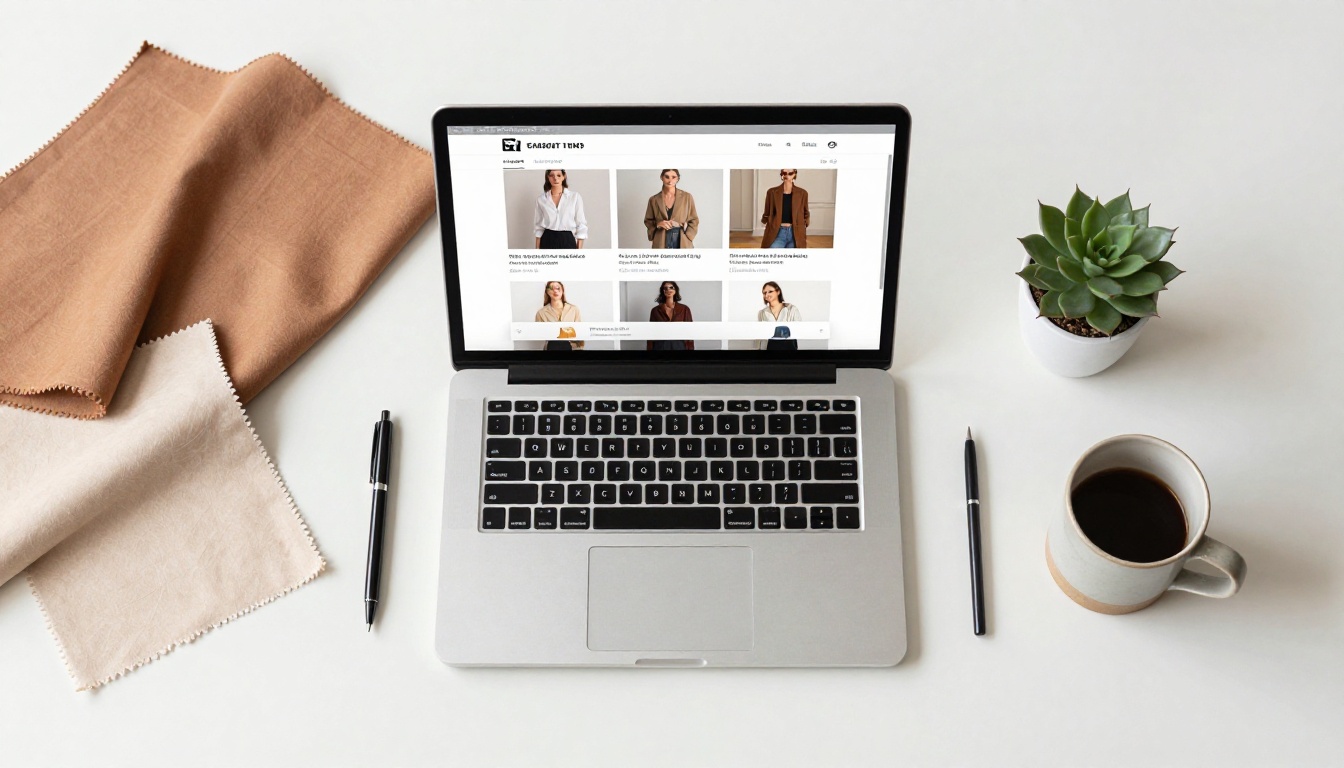
Fashion brands were among the first to switch from static lookbooks to interactive digital catalogs. The reason is visual: fashion content is inherently about showing product in context. An interactive fashion catalog can embed video runway footage next to static product photography, let readers click through to purchase pages, and track which items received the most attention.
The shift from print-to-PDF-to-flipbook happened fast in this sector because the ROI is immediate. A brand that sends 10,000 newsletter subscribers to an interactive seasonal catalog knows within 48 hours which pages drove conversions.

Real estate and property marketing
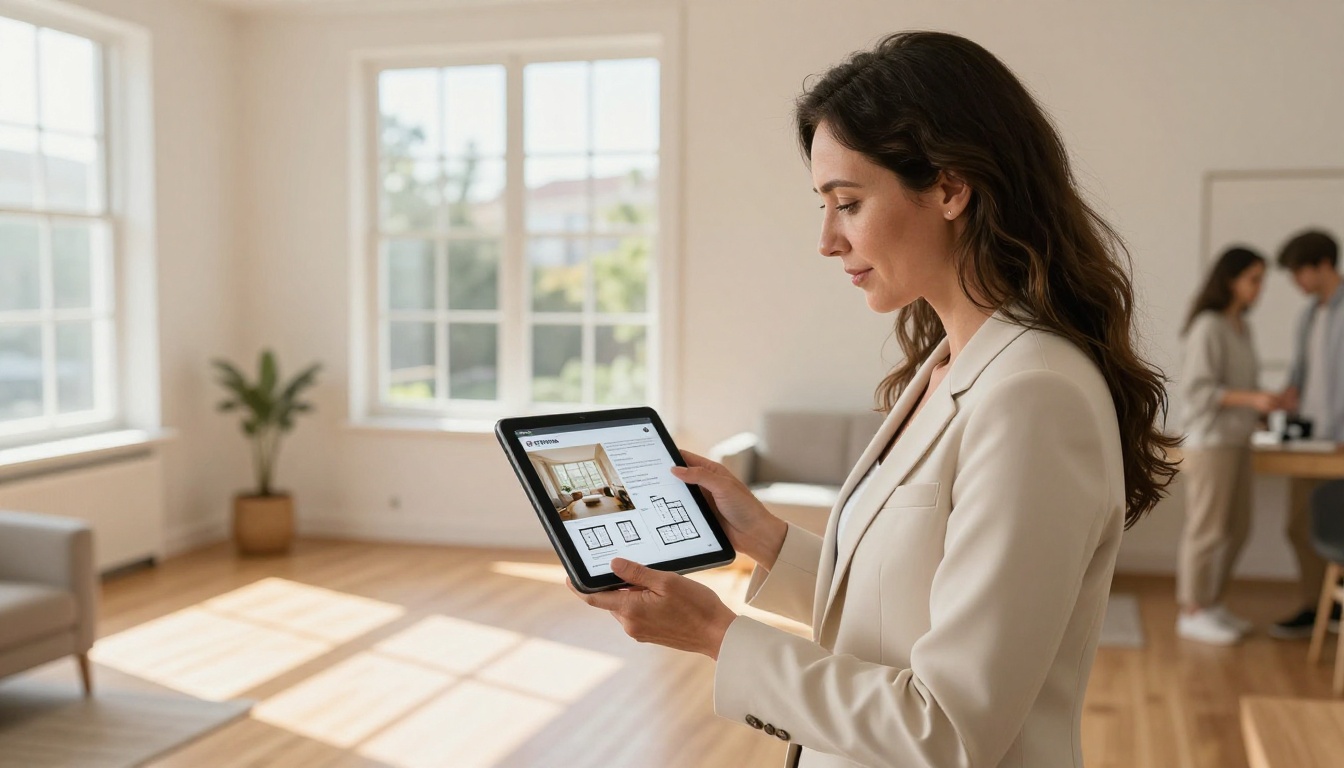
Real estate adopted interactive brochures because the format maps perfectly to how properties are sold: visually, emotionally, and with a lot of supporting information. A real estate brochure in flipbook format can include floor plans, neighborhood maps, virtual tour embeds, and direct contact forms, all in a single polished document that feels like a premium magazine.
Agents share these links in email, WhatsApp, and social media. The recipient gets a professional experience regardless of device. The agent gets data on who opened the brochure and for how long.
Hospitality and food service
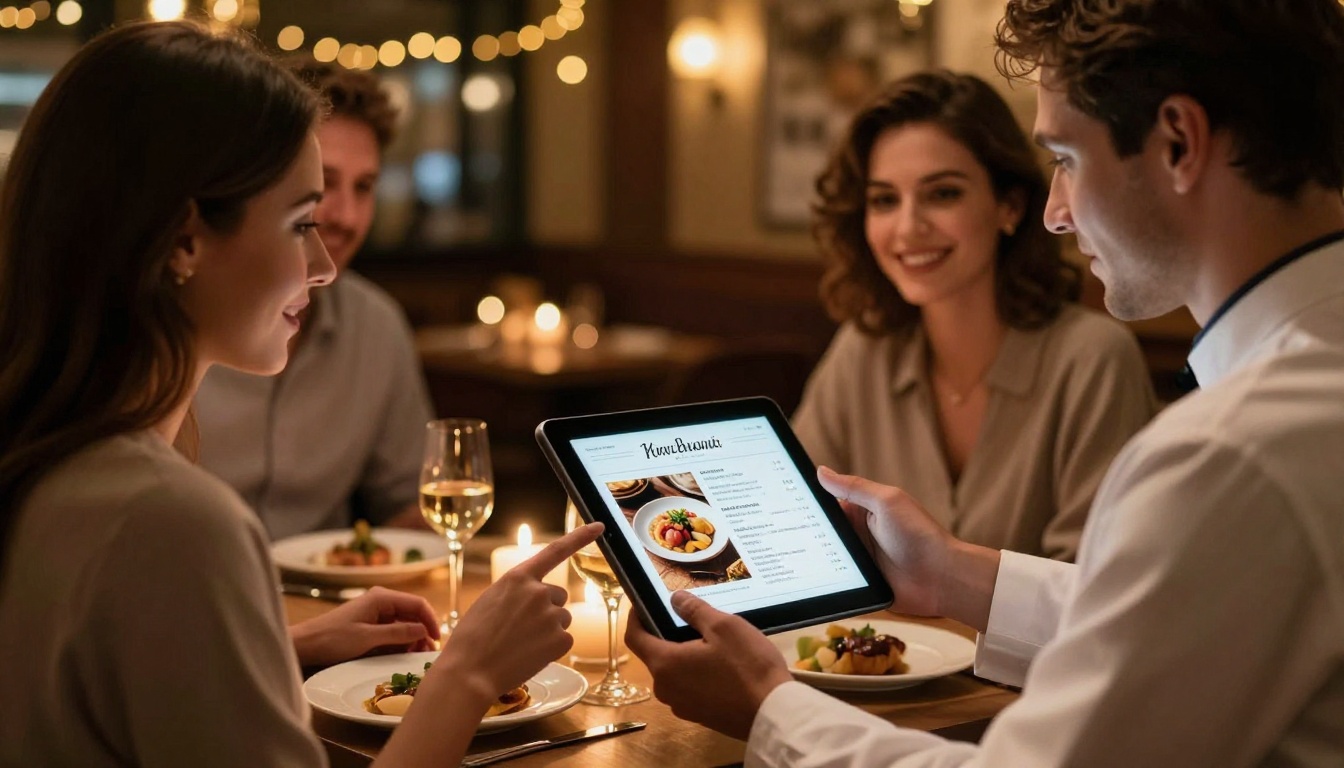
Restaurants discovered that a digital menu in flipbook format does more than list food. A restaurant menu creator allows chefs to embed high-resolution food photography that sells dishes before a word is read, link to allergen information, embed wine pairing videos, and update pricing in real time without reprinting.
The operational benefits alone (no reprinting cost, no outdated menus handed to guests) make the switch financially obvious. The reader experience improvements are an additional win.
Corporate and financial publishing
Annual reports, investor presentations, and corporate communications are some of the heaviest document formats in existence. They are also some of the most under-read. An interactive annual report creator turns a 60-page document into a navigable, visual experience with embedded data visualizations, clickable financials, and executive video messages.
The Numbers Behind Reader Behavior
What the data actually shows
When brands switch from PDFs to interactive flipbooks, the performance metrics shift in consistent ways. The table below reflects patterns reported across publishing platforms and content marketing research:
| Metric | Static PDF | Interactive Flipbook | Improvement |
|---|
| Average time on page | 45 seconds | 3.2 minutes | +326% |
| Mobile read-through rate | 18% | 61% | +239% |
| Click-through rate | 1.2% | 6.8% | +467% |
| Return visit rate | 4% | 22% | +450% |
| Social share rate | 0.3% | 3.1% | +933% |
| Lead capture rate | N/A | Up to 12% | New channel |
These are not marginal improvements. A nearly 5x increase in click-through rate and a 9x increase in social sharing represents a fundamental change in how content performs, not a cosmetic one.
Analytics that actually inform strategy
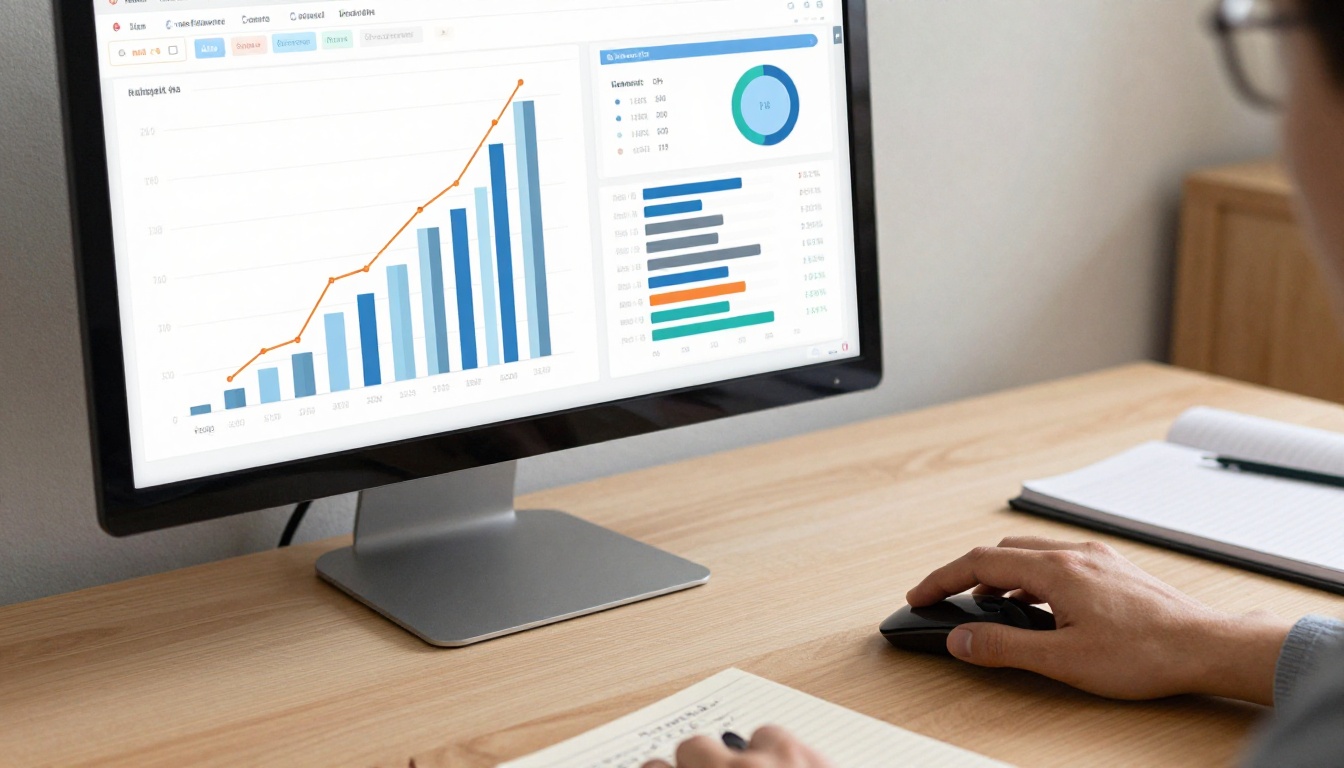
One of the most underrated advantages of interactive flipbooks is the analytics layer. With Flipbooks AI on the Professional plan, teams get real-time data on which pages were viewed most, how long readers spent on each section, where they dropped off, and how many leads were captured from gated content.
This turns your content from a one-way broadcast into a feedback loop. If page 7 of your product catalog consistently loses 70% of readers, you know to redesign it. If page 3 drives 80% of clicks to your shop, you know to lead with that product next season.
How to Create Your First Interactive Flipbook
Creating an interactive flipbook with Flipbooks AI takes minutes, not days. Here is the full process from upload to published link:
Step 1: Create your account
Go to flipbooksai.com/account and sign up. No credit card is required to start. The free tier lets you convert your first document immediately.
Step 2: Upload your PDF
Click "Upload PDF" from your dashboard. Flipbooks AI accepts standard PDF files and converts them automatically. The conversion preserves your original layout, typography, and images. For larger documents, the process typically takes under a minute.
Step 3: Customize branding and appearance
Once uploaded, open the editor. You can:
- Set a custom logo and brand colors
- Choose page-turn speed and animation style
- Add a background texture or solid color
- Set a preview thumbnail for link sharing
Step 4: Add multimedia elements
Click any page in the editor to add interactive layers:
- Embed YouTube or Vimeo video clips
- Add audio narration tracks
- Insert clickable links to product pages, booking systems, or contact forms
- Set up lead capture forms for gating premium content
Step 5: Set access controls
For private content, activate password protection. For premium content, enable lead generation gates (available on the Professional plan) that require an email address before the reader can access the full document.
Step 6: Share and distribute
Flipbooks AI generates a shareable link, embed code, and QR code for every flipbook. You can:
- Paste the embed code into your website using the embed flipbook tool
- Share the direct link in email campaigns or social media
- Download a QR code to print on physical marketing materials
💡 Pro tip: Use the PDF to Flipbook Converter if you have an existing document library. You can batch-convert multiple PDFs without reformatting each one individually.
✅ Best practice: Always set a custom preview thumbnail before sharing. The first impression of your flipbook image determines whether recipients open the link.
Flipbooks AI Plan Comparison
| Feature | Free | Standard | Professional |
|---|
| Number of flipbooks | 1 | Unlimited | Unlimited |
| Watermarks | None | None | None |
| Password protection | No | Yes | Yes |
| Custom branding | No | Yes | Yes |
| Analytics | No | Basic | Full analytics |
| Lead generation forms | No | No | Yes |
| Offline downloads | No | No | Yes |
| Embed on website | Yes | Yes | Yes |
| Priority support | No | No | Yes |
The Standard plan removes all limits on volume and adds branding control. The Professional plan adds the analytics and lead generation tools that turn flipbooks into a revenue-driving asset rather than just a nicer document format.
Education and Training Caught On Too
Interactive flipbooks have become a serious format in corporate training and academic publishing. A training manual flipbook can include embedded instructional videos, quizzes via linked forms, and progress checkpoints that a flat PDF simply cannot support.
For schools and universities, course material publishers have found that students finish more of the reading when content is in flipbook format. The format reduces cognitive friction and presents complex material in a structure that feels less overwhelming than a 200-page PDF.

⚠️ Worth noting: Analytics data on student reading patterns in educational flipbooks can surface which sections generate the most re-reads, a signal of confusion or high importance that instructors can act on directly.
Shareability and the Social Dimension
Why flipbooks spread through networks
A well-designed flipbook gets shared. This is partly because the link is instantly shareable (no file size issues, no download required), partly because the visual preview looks professional in messaging apps and email clients, and partly because recipients have a genuinely better reading experience than they expected.
Content that is pleasant to consume gets forwarded. That is not complicated, but it is consistently underestimated by teams that obsess over content creation while ignoring format.
The link-first distribution model
One of the quietest shifts in digital publishing is the move from attachments to links. Email providers throttle large attachments, mobile devices struggle with heavy PDFs, and file-sharing platforms add friction. A flipbook link loads instantly in any browser, requires no app, and works on every device.
Brands using Flipbooks AI can share a single URL that updates automatically when content changes. No re-sending, no outdated documents sitting in inboxes, no version confusion on the recipient side.
Everything that made interactive flipbooks popular in the last few years has become more true over time, not less. Mobile usage is up. Reader tolerance for static content is down. Demand for visually rich, responsive content is accelerating. The analytics arms race means brands need formats that generate data, not just impressions.
Interactive flipbooks sit at the intersection of all of those forces. They are not a gimmick for early adopters. They are what digital documents should have been from the start: responsive, measurable, shareable, and actually worth reading.
If you are still distributing content as flat PDFs in 2025, the question is not whether to switch. It is how fast you can do it.
Ready to put your first interactive flipbook live? Create your account on Flipbooks AI and convert your first document in under five minutes. Browse the full range of tools and templates to find the right format for your content type. Compare pricing plans to choose the tier that fits your volume and feature needs.



