Something shifted around 2012, and most marketers didn't notice until their metrics started telling a different story. Static documents were losing attention. Pages that people could turn, drag, and interact with were winning it. The rise of digital flipbooks didn't happen in a single moment. It built up across years of technological shifts, changing user behavior, and a growing frustration with the limitations of the humble PDF. Today, Flipbooks AI sits at the center of that shift, giving any brand the ability to publish content that actually holds attention.
From Paper Pages to Digital Screens
The original flipbook concept has a surprisingly old story. Long before smartphones and tablets, a flipbook was a stack of printed pages that, when rapidly thumbed, created the illusion of motion. Children's novelty items, advertising materials, and political pamphlets all used the format because it was tactile, immediate, and visual.
Print's Long Shadow
For most of the 20th century, printed catalogs, brochures, and magazines dominated how brands communicated with their audiences. A thick Sears catalog arriving in the mail was an event. People spent hours with it. The act of turning pages created a relationship between reader and content that plain text on a screen never could.
That intimacy is exactly what early digital publishing tried to replicate. For a long time, it failed.
The PDF Era and Its Ceilings
When the PDF arrived in 1993, it seemed like the perfect digital stand-in for the printed page. It preserved layout, traveled by email, and looked identical on every device. For nearly two decades, PDFs were the standard for sharing formatted content online.
But the format had structural ceilings. PDFs didn't work well on mobile screens. They couldn't be embedded natively in a webpage without awkward plugin behavior. Sharing them meant sending a file attachment, which broke the browsing flow entirely. Analytics were nearly impossible. And reading a PDF felt like reading a document, not experiencing content.
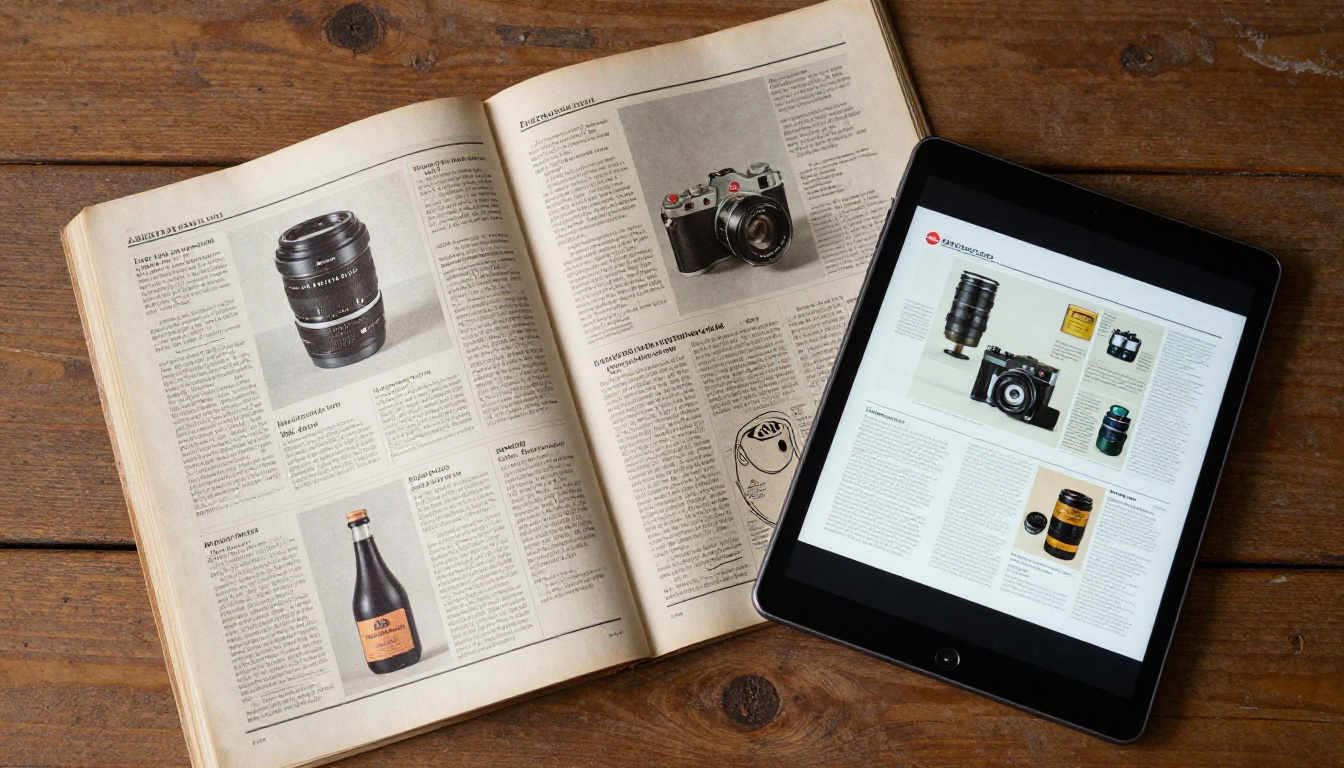
The Turning Point for Interactive Content
The real turning point happened in two waves: one technical, one behavioral.
HTML5 Changed the Equation
When Apple removed Flash from iOS in 2010, the entire web had to rethink its approach to rich, interactive content. Flash had been the backbone of early interactive flipbook software, allowing smooth page-turn animations with realistic physics. Without Flash support on mobile, developers moved to HTML5 and CSS3, which ultimately produced something better: lightweight, fast, universally compatible page-flip experiences that worked on any device without plugins.
By 2012 to 2014, a new generation of HTML5 flipbook tools had arrived. They rendered smooth, realistic page-curl animations using nothing but standard web technologies. The barrier to creating a digital flipbook dropped from "hire a Flash developer" to "upload a PDF."
Mobile Devices Forced the Shift
The second wave was behavioral. By 2015, mobile devices accounted for more than half of global web traffic. People weren't sitting at desks reading email attachments anymore. They were scrolling, swiping, and tapping on phones and tablets. Content that demanded a download first was content people skipped.
Interactive flipbooks loaded in a browser, responded to touch gestures, and scaled beautifully to any screen size. The format didn't just survive the mobile transition. It was built for it.
Why PDFs Lost Their Grip
The Limits of Static Documents
A PDF is a container for information, not an experience. It doesn't track who read it or how far they got. It can't be updated after distribution without resending the file. It won't display embedded video or audio. It requires a dedicated app to open properly on many mobile devices. And it delivers no data back to the creator.
What Interactivity Actually Adds
Digital flipbooks changed this entirely. When content is published as an interactive flipbook:
- Page-level analytics show exactly which sections hold readers' attention
- Embedded video and audio play directly within the reading experience
- Clickable links send readers straight to product pages or booking forms
- Real-time updates allow content to change after distribution without resending files
- Lead capture forms can be embedded inside the reading flow
- Password protection keeps sensitive content visible only to the right audience
The difference isn't cosmetic. It's structural.
| Feature | Static PDF | Digital Flipbook |
|---|
| Mobile-friendly reading | Poor | Excellent |
| Page-turn animation | None | Realistic physics |
| Page-level analytics | None | Full data |
| Video and audio embedding | No | Yes |
| Real-time updates | Requires redistribution | Instant |
| Shareable via link | File download required | Browser URL |
| Custom branding | Limited | Full control |
| Lead capture | No | Yes (Professional) |
| Password protection | Third-party tools only | Built-in |

Industries That Adopted Flipbooks First
Publishing and Magazines
Digital magazines were among the first major adopters. Print publications facing declining subscriptions saw digital flipbooks as a way to preserve the tactile reading experience of a magazine while reaching a global online audience at near-zero distribution cost. Readers could browse full-spread layouts, click on ads, and watch embedded video trailers, all within the same reading window.
The Interactive E-Book Publisher and Magazine Flipbook Creator tools emerged directly from this publishing demand.
Retail and Product Catalogs
Retailers followed quickly. A 200-page product catalog as a PDF was unwieldy and effectively useless on a phone. That same catalog as a flipbook loaded fast, looked sharp, and let customers tap directly to product pages. Seasonal lookbooks, new arrival spreads, and promotional offers all found a natural home in the format.
The Digital Catalog Maker and Fashion Catalog Creator tools serve exactly this demand.
Real Estate and Property Brochures
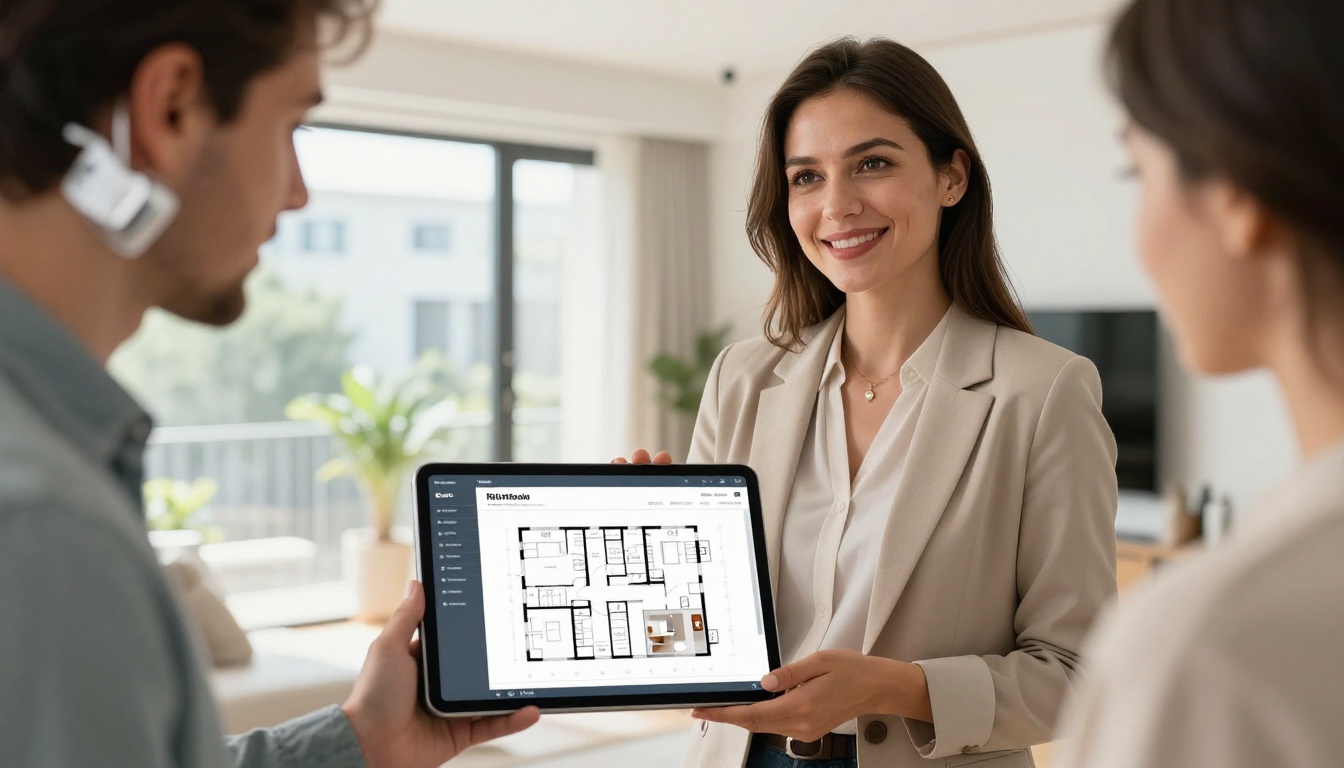
Property marketing shifted noticeably. Agents who previously mailed printed brochures began sending links instead. A digital property brochure could include virtual tour videos, floor plan diagrams, neighborhood photography, and a contact form, all within a single shareable URL. The Real Estate Brochure Creator made this possible without a technical team.

What Makes Flipbooks Spread So Easily
Sharing That Removes Friction
The single most important factor in the spread of digital flipbooks is how frictionless sharing became. A flipbook lives at a URL. You copy it, send it, post it, embed it. No file attachment. No download prompt. No version control problems. The recipient opens a browser and the content is there, looking exactly as intended on any device.
💡 Pro Tip: Flipbooks shared via direct link consistently outperform email attachments in click-through rates. The preview thumbnail that appears in messaging apps when a link is pasted provides immediate visual context that a ".pdf" filename never does.
The Embed Advantage
Embedding a flipbook directly on a website or landing page is one of the format's most powerful distribution mechanisms. With the Embed Flipbook on Website tool, brands can place a fully interactive flipbook inside a webpage without any coding. Visitors never leave the page.
This matters for dwell time, for conversion, and for brand consistency. A reader who stays within an embedded flipbook stays within your environment. A reader who downloads a PDF has left it entirely.
| Sharing Method | Requires Download | Works on Mobile | Trackable | Embeddable |
|---|
| Email attachment PDF | Yes | Poor | No | No |
| Google Drive link | No | Moderate | Limited | Limited |
| Digital Flipbook link | No | Excellent | Yes | Yes |
| Printed document | N/A | N/A | No | No |
| Social media post | No | Excellent | Platform only | No |
Who Uses Flipbooks Today
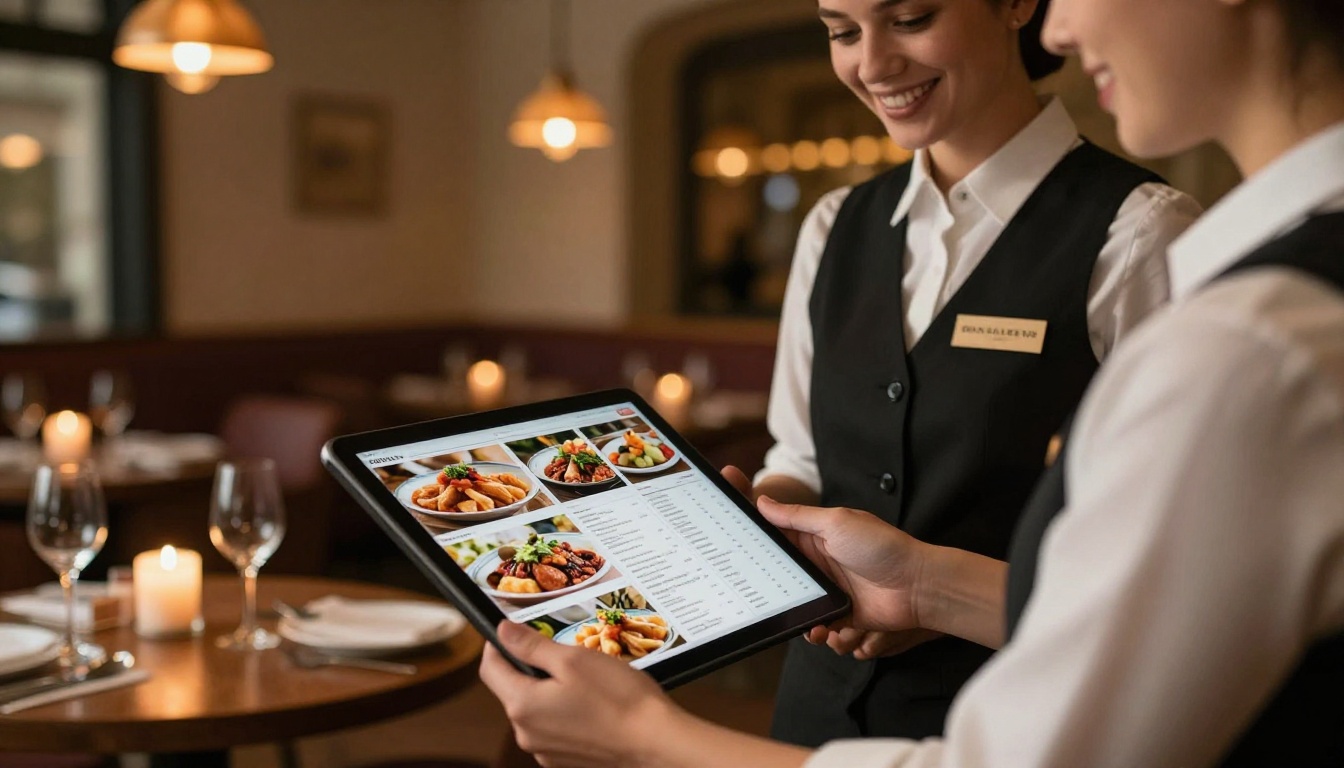
The format has expanded well beyond its early adopters. Today, flipbooks are used by:

✅ Best Practice: Any content that benefits from visual layout and sequential reading is a strong candidate for the flipbook format. If you're currently sending it as a PDF, it should probably be a flipbook.
How to Create Your First Flipbook with Flipbooks AI
Flipbooks AI converts any PDF into a fully interactive, shareable flipbook in minutes, with no technical skills required. Here's how it works from start to publish.
Step 1: Create Your Account
Head to flipbooksai.com/account and sign up. The Standard plan gives you unlimited flipbooks with no watermarks, which is the right foundation for serious content publishing.
Step 2: Upload Your PDF
From your dashboard, click New Flipbook and upload your PDF. The conversion engine processes the file and generates a page-turn animation with realistic physics. Most conversions complete in under two minutes.
Step 3: Customize Your Branding
Once converted, the customization panel lets you:
- Set a custom background color or image
- Add your logo to the flipbook viewer
- Choose from page-turn styles and speeds
- Add title page text and thumbnail
- Embed video or audio directly onto specific pages
Step 4: Set Privacy and Sharing
Choose your visibility settings:
- Public link: Anyone with the URL can view it
- Password protected: Ideal for clients, internal teams, or premium content
- Embed code: Drop the flipbook directly into your website or landing page
Step 5: Publish and Track Results
Hit publish and share your link. On the Professional plan, full analytics show you which pages were read, for how long, and by how many unique viewers. The lead capture feature lets you collect email addresses mid-read without sending readers to a separate page.
⚠️ Note: Analytics and lead generation are available on the Professional plan. Review the pricing page to compare what each tier includes before upgrading.
Real-World Use Cases by Industry
The Numbers Behind the Trend
Why Brands Are Switching
The evidence for flipbooks is in the behavioral data. Content shared as interactive flipbooks consistently sees higher completion rates compared to static documents. When readers can interact physically with pages, even digitally, they stay longer and retain more.
Patterns observed across publishing and content marketing show:
- Average time-on-document increases 2 to 3 times compared to equivalent PDFs
- Sharing rates are significantly higher for link-based flipbooks than for file attachments
- Conversion rates on landing pages with embedded flipbooks outperform pages with static downloads
- Mobile readability scores are dramatically higher since flipbooks are natively responsive
💡 Pro Tip: Replace every PDF download button on your website with an embedded flipbook. Track the difference in average session duration over 30 days. The data will make the case for you.
The SEO Benefit
A flipbook embedded on a webpage contributes to dwell time, which is a positive signal for search rankings. A PDF downloaded and read offline contributes nothing to that signal. For brands investing in content marketing, this is a meaningful compounding advantage over time. The PDF to Flipbook Converter tool makes the switch straightforward regardless of your existing content library.
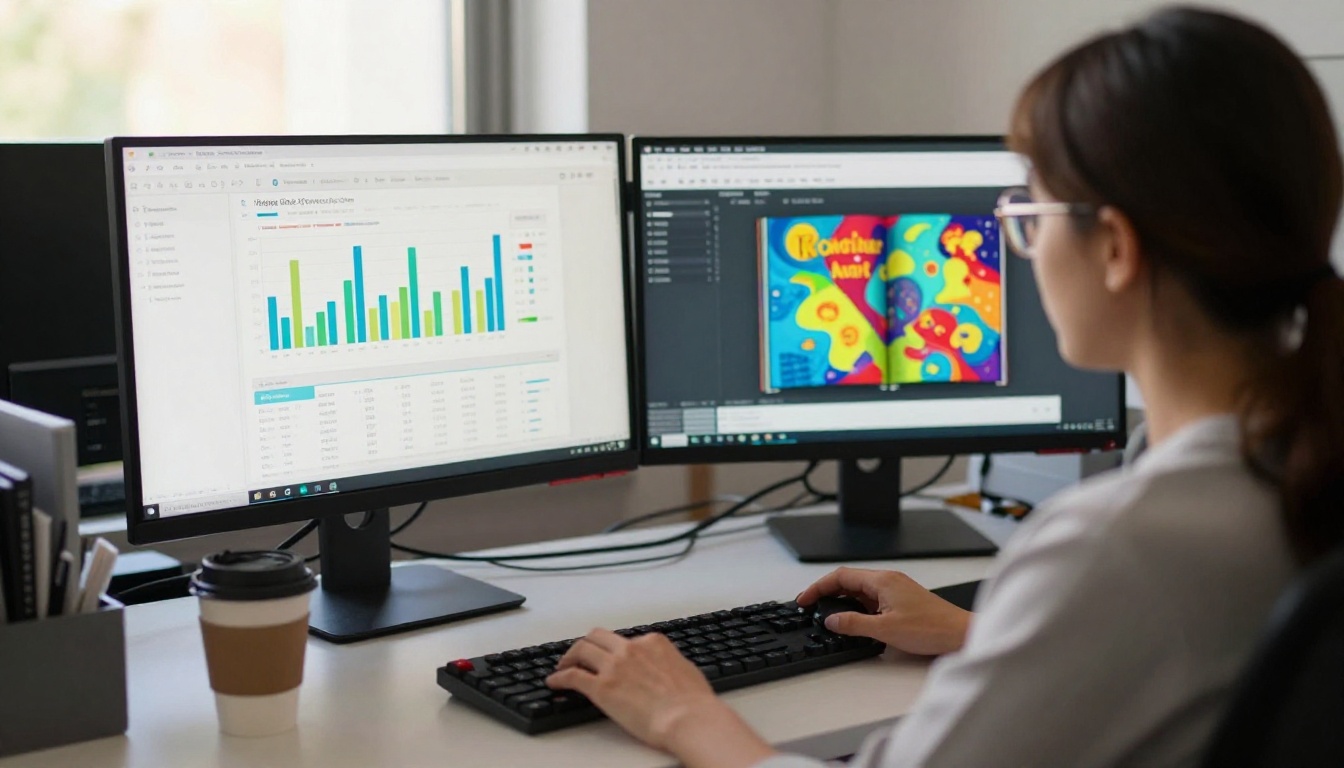
Not every document benefits equally from the format. Here's a practical breakdown to help you prioritize your conversion efforts.
| Content Type | PDF Score | Flipbook Score | Notes |
|---|
| Product catalog | 3/10 | 9/10 | Visual browsing is the primary behavior |
| Legal contract | 8/10 | 5/10 | Precision matters more than interactivity |
| Brand magazine | 4/10 | 10/10 | Layout and visuals are the whole point |
| Training manual | 5/10 | 8/10 | Navigation and media support retention |
| Annual report | 4/10 | 9/10 | Charts and graphics benefit from proper layout |
| Portfolio | 2/10 | 10/10 | Visual impact is the entire purpose |
| Recipe book | 3/10 | 9/10 | Photography and navigation are critical |
| Price list | 6/10 | 8/10 | Searchable, shareable, easy to update |
✅ Best Practice: If your document has more than 8 pages and contains images, charts, or visual layouts, it will perform better as a flipbook than as a PDF in nearly every measurable way.
The Social Sharing Factor
When Did Flipbooks Become the New Way to Share Content is partly a question about social media behavior, too. When platforms like LinkedIn, WhatsApp, and Instagram made visual content the default expectation, a link shared to a flipbook generated a rich preview with an actual page-spread thumbnail. That attracted clicks in a way that a document icon never could.
Content That Travels
A well-designed flipbook behaves more like a webpage than a document. It has its own URL. It can be indexed by search engines when published publicly. It renders correctly in any country, on any device, in any browser. These properties make it categorically better suited for content that needs to reach an audience across networks and devices.
Password Protection for Private Sharing
Not all content should be public. Sales proposals, internal training materials, member-only publications, and client deliverables all need controlled distribution. Built-in password protection on Flipbooks AI handles this without requiring a separate system or third-party tool.
Creators Who Built an Audience on It
Independent Publishers
The rise of independent digital publications in the 2020s owes a real debt to the flipbook format. Newsletter writers expanded into digital magazines. Bloggers created annual trend reports with full editorial design. The barrier that once required a print-on-demand budget or a dedicated web developer simply disappeared.
The Newsletter Flipbook Publisher and E-Magazine Publishing Tool make this accessible to anyone with a PDF and an idea worth sharing.
The Creative Professional's Portfolio
For photographers, designers, and artists, the portfolio flipbook became something that static image galleries never could: a curated, sequenced story. The viewer moves through the work the way the creator intended, not by scrolling a grid in whatever order they happen to choose.
The Portfolio Flipbook Builder and Photography Portfolio tools were built for precisely this need, allowing creatives to present work with the same intentionality as a printed book.

Lead Generation Inside the Content
The ability to embed a lead capture form inside a flipbook at a specific page changed content marketing workflows entirely. Instead of using content to push readers toward a separate landing page form, the form lives inside the content itself. Readers who reach a certain point in a catalog or report can be prompted to leave an email address in exchange for a discount, a download, or a callback.
This is a fundamentally different relationship between content and conversion. It's also available on the Professional plan, which is worth reviewing if lead generation is part of your content strategy. Brands using this feature report that opt-in rates from within a flipbook consistently outperform standalone landing page forms, because the reader is already engaged with the material when the prompt appears.
The Offline Download Option
Professional plan users can also enable offline downloads, allowing readers to save a local copy of the flipbook for access without an internet connection. This is particularly valuable for sales teams presenting in environments with unreliable connectivity, or for distributing training materials to staff in the field.
The combination of online accessibility, password protection, analytics, lead capture, and offline availability in a single platform is what separates a modern digital flipbook tool from a simple PDF-to-flipbook converter. Browse all tools and templates to find the right fit for your specific use case.
Ready to stop sending PDFs and start sharing content that actually performs? Get started for free on Flipbooks AI and turn your first document into an interactive flipbook in minutes. Compare pricing plans to see which tier matches your publishing volume and feature needs.



