Flipbooks have been a classroom staple for decades, and for good reason. Whether paper-based or digital, they give students and teachers a structured, visual format that works across subjects, grade levels, and learning styles. Knowing when to reach for a flipbook, rather than a worksheet or a slideshow, is what separates purposeful teaching from filler activity. Flipbooks AI makes it easier than ever to create polished, professional digital flipbooks in minutes, and this article breaks down exactly when and where they belong in your teaching practice.
The Right Moments for Flipbooks
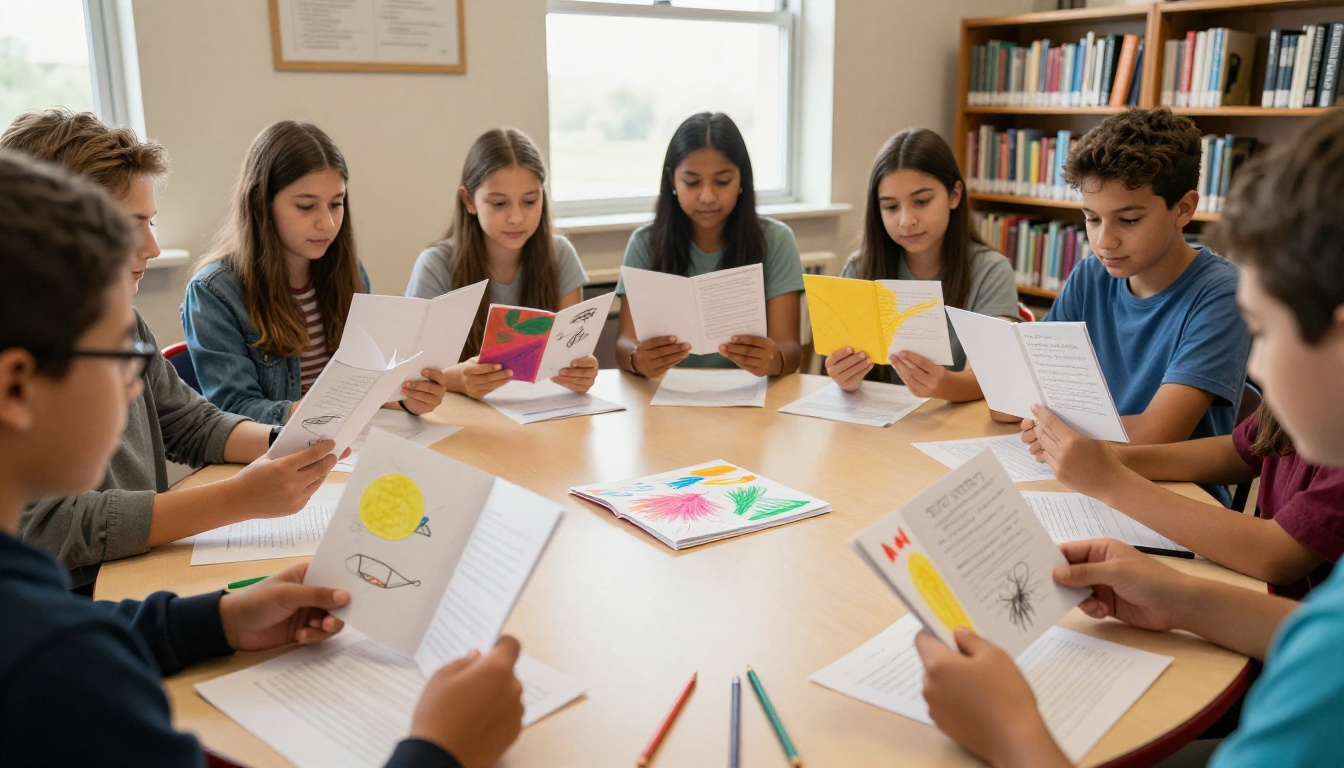
Not every lesson calls for a flipbook, and that is perfectly fine. The power of this format lies in specificity: flipbooks shine brightest when the content has a sequential or layered structure, or when students need a portable reference tool they can return to repeatedly.
Introducing New Topics
When presenting a brand-new concept, a flipbook gives students an organized framework before they dive into detail. Each tab or flap represents one sub-topic, and students can absorb new information in small, digestible chunks. This works especially well at the start of a unit because it previews the full scope of what is coming without overwhelming learners all at once.
A biology teacher introducing the human body systems, for example, could build a flipbook with one flap per system: circulatory, digestive, nervous, and so on. Students flip through it, write notes inside each section, and already have a mental map of the unit before the first full lesson.
Reviewing Before Tests
Flipbooks serve as exceptional review tools. Unlike a wall of notes, a well-built review flipbook is compact, categorized, and student-friendly. Active recall, physically flipping through and testing yourself, consistently outperforms passive re-reading for long-term retention.
💡 Pro tip: Have students build their own review flipbooks as a study activity. The act of organizing and writing the content is itself a powerful memory exercise.

Which Subjects Fit Best
Flipbooks are versatile, but they reach their highest potential in subjects where information is naturally grouped into categories or follows a clear sequence.
Science and Social Studies
These two subjects are practically made for flipbooks. In science, topics like the water cycle, states of matter, animal classification, and the scientific method all have clear stages or categories that translate directly into a flipbook structure.
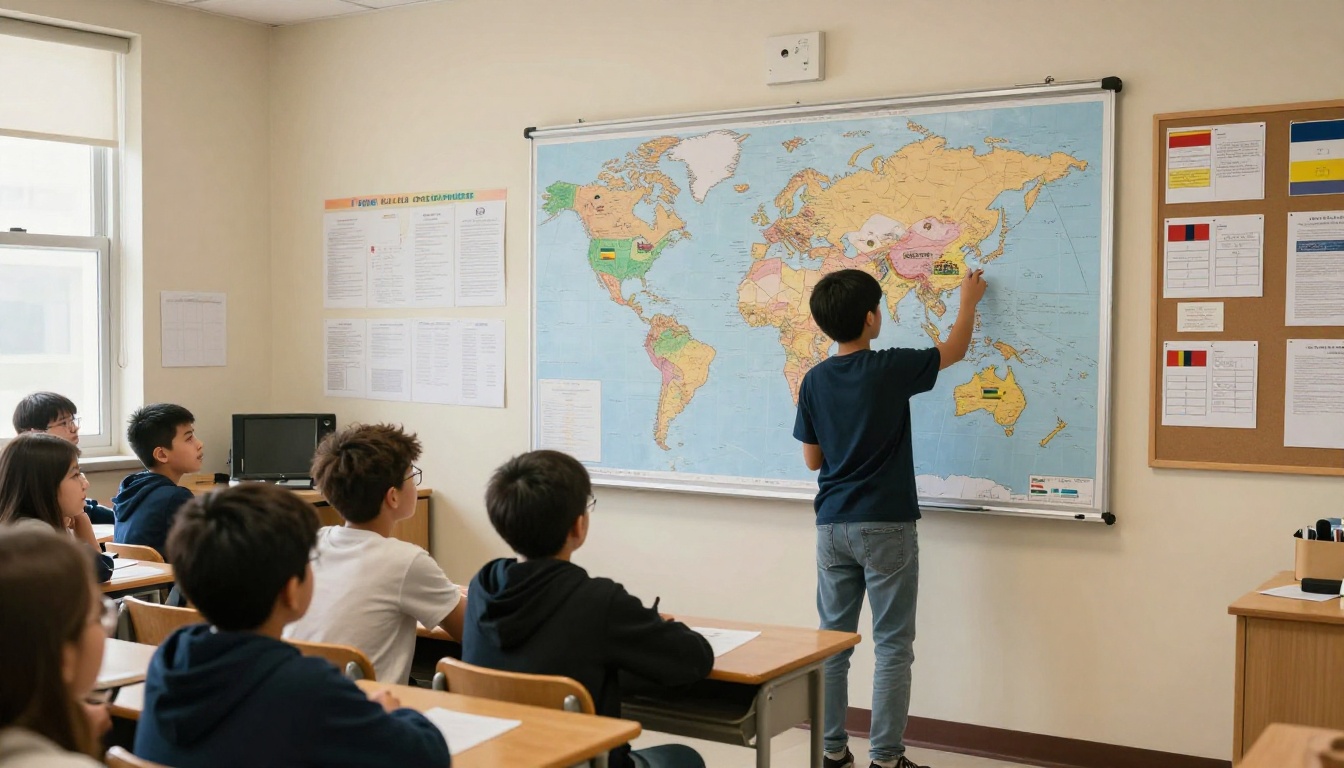
Social studies benefits from flipbooks during geography units (one country per flap), historical periods (one era per section), and government branches (one branch per page). The format encourages comparison, which is a foundational thinking skill in both subjects.
Language Arts and Reading
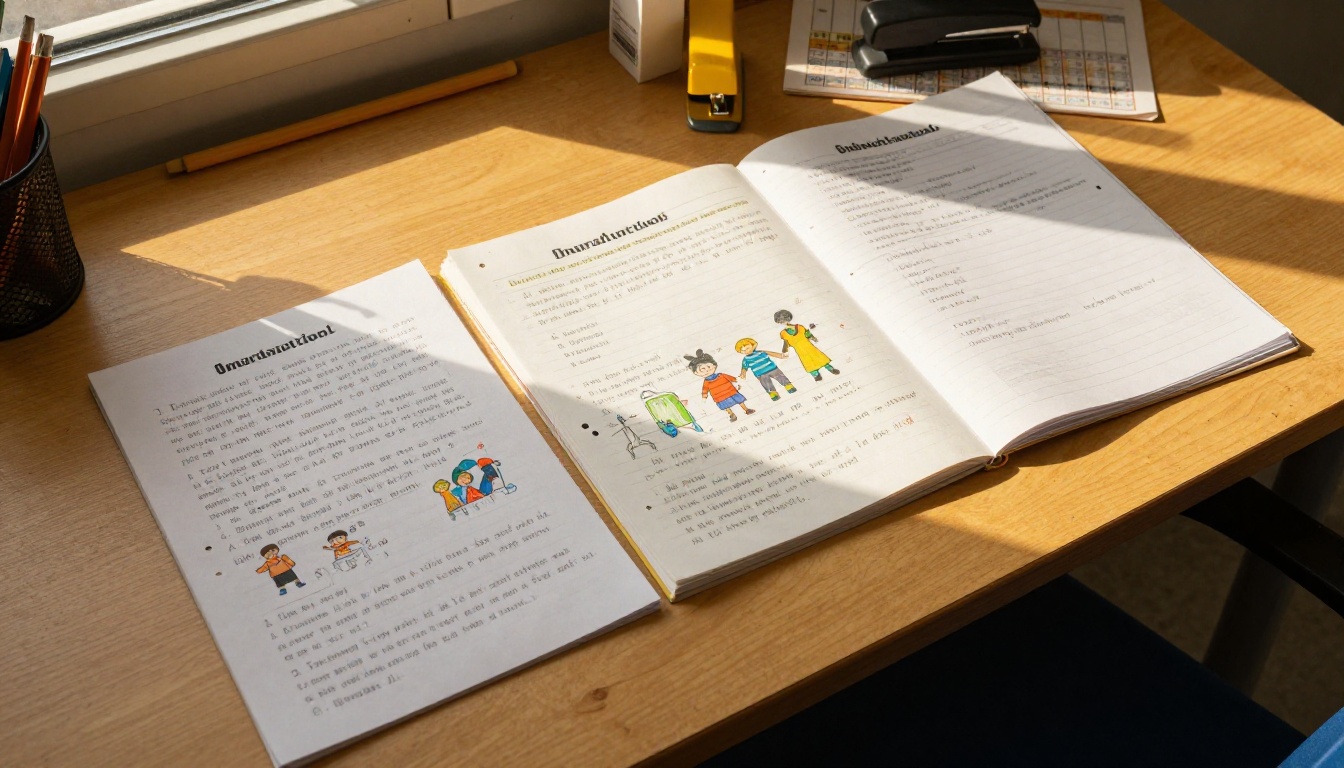
Vocabulary flipbooks are among the most popular formats in language arts classrooms. Each page shows a word, its definition, a sentence using it, and a small drawing, all organized so students can quickly flip to the word they need.
Story element flipbooks work beautifully for fiction: one section each for character, setting, conflict, rising action, climax, and resolution. Students build these as they read a novel, filling in each section progressively.
Math Vocabulary and Concepts
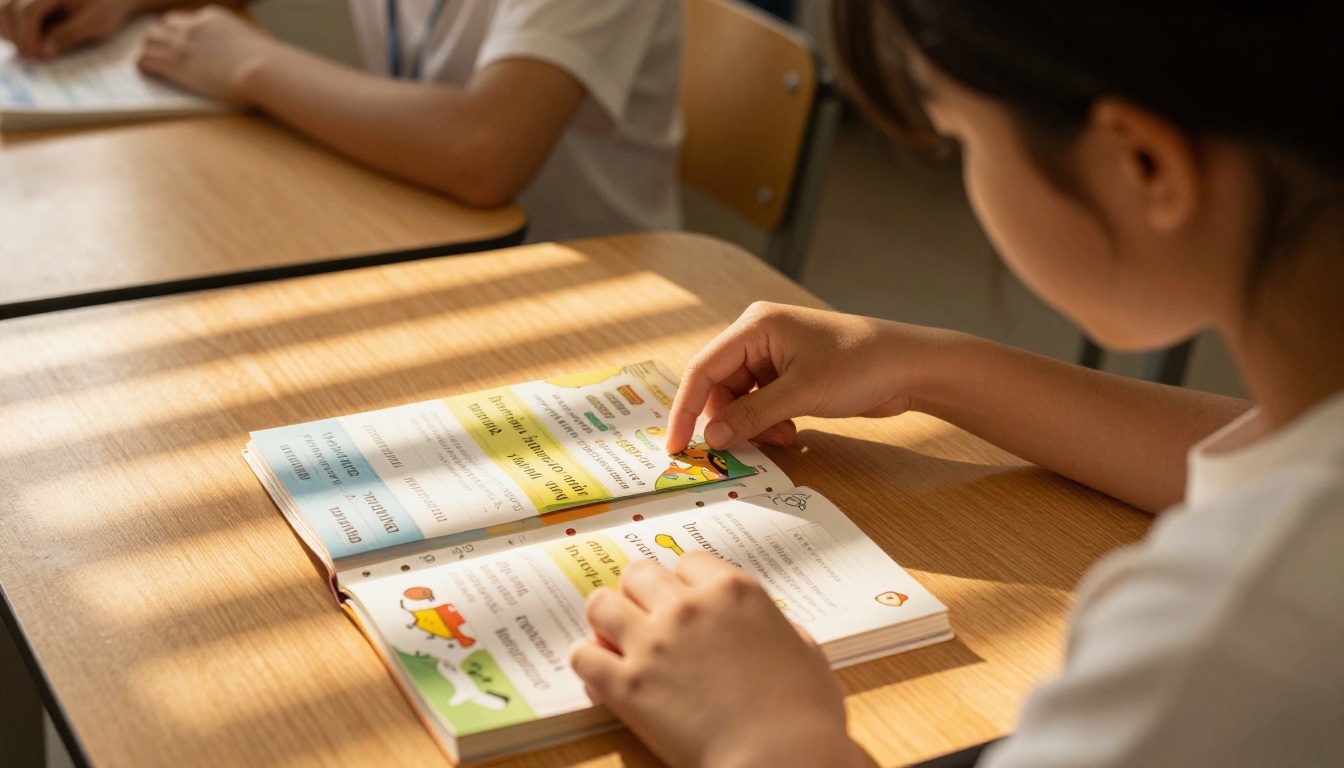
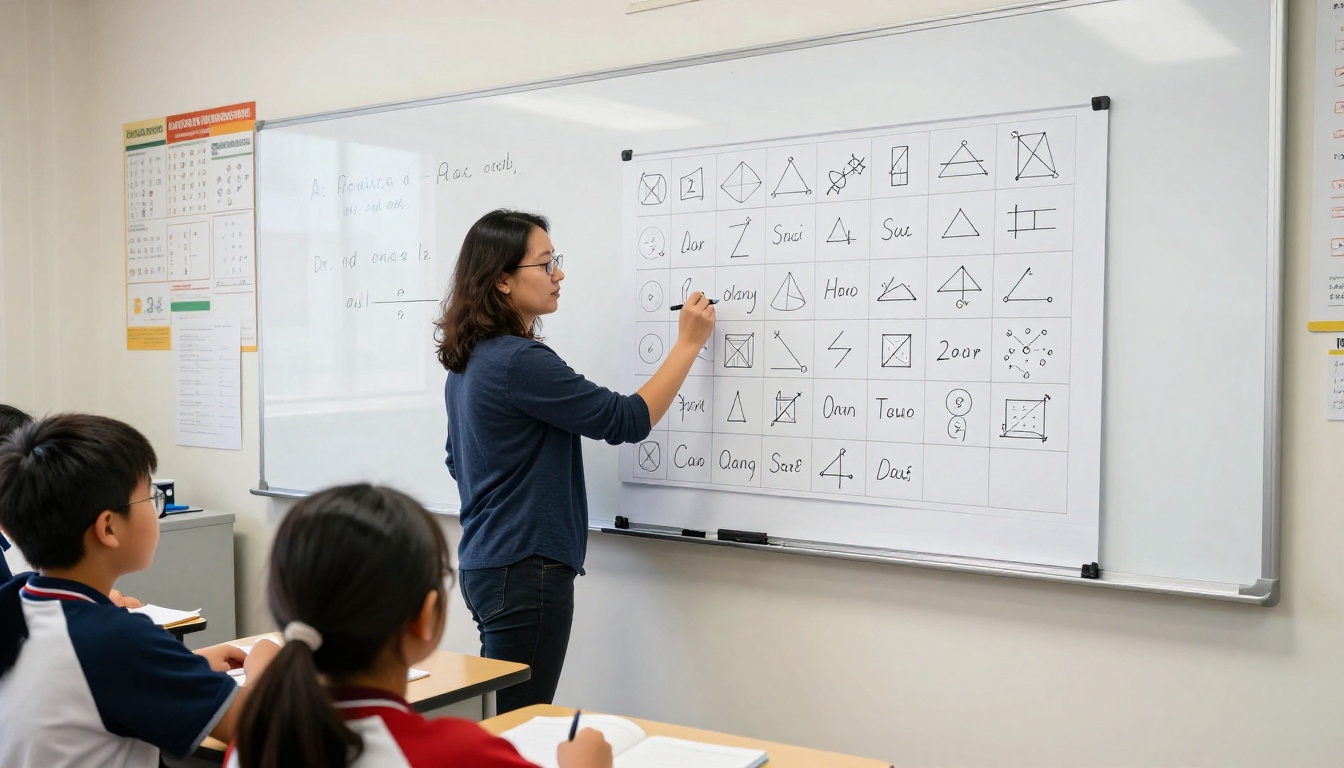
Math might seem like an odd fit, but flipbooks are remarkably effective for organizing formulas, properties, and vocabulary. A student struggling with geometry can keep a flipbook of shapes with their formulas and diagrams, flipping to the right one during problem-solving practice.
Teachers can also create flipbooks for step-by-step problem types: one flap per step for long division, fraction operations, or algebraic solving. Students who get stuck open the flipbook and find exactly where to pick back up.
Student-Made vs. Teacher-Made Flipbooks
How a flipbook gets created matters as much as the content inside it. There are two distinct use cases, and each has its own ideal moment.
When Students Build Them
Student-created flipbooks are most effective as synthesis activities, meaning they work best at the end of a unit, after students have absorbed enough information to organize and present it themselves. Building a flipbook requires a student to decide what is important, how to categorize it, and how to represent it visually, which is a higher-order thinking task.
Use student-built flipbooks for:
- End-of-unit summaries
- Research projects
- Book reports
- Vocabulary review collections
- Science lab observation records
✅ Best practice: Give students a clear template or structure to follow. A blank flipbook with labeled sections reduces cognitive overload and keeps the focus on content, not format decisions.
When Teachers Build Them
Teacher-created flipbooks work best as instructional scaffolds: tools provided to students at the start of or during a lesson so they can focus on what matters most, absorbing and processing new material, rather than spending energy on organization. They are ideal for differentiated instruction because a teacher can create versions with varying levels of detail or reading complexity.
| Situation | Best Flipbook Type | Timing |
|---|
| Introducing a new unit | Teacher-made scaffold | Beginning of unit |
| Reviewing before a test | Student-made summary | End of unit |
| Vocabulary building | Teacher-made reference | Ongoing |
| Research project | Student-made synthesis | Mid-to-end of unit |
| Differentiated instruction | Teacher-made (tiered) | Throughout unit |
Paper Flipbooks vs. Digital Flipbooks
For years, the only option was paper: cut, fold, staple, and distribute. Digital flipbooks have changed the equation significantly. Both formats have a place in the classroom, but the right choice depends on your goals.
| Factor | Paper Flipbooks | Digital Flipbooks |
|---|
| Cost | Low (paper, scissors, staplers) | Requires device access |
| Prep time | High (manual cutting and assembly) | Low (upload PDF, done) |
| Durability | Can tear or get lost | Always accessible online |
| Multimedia | Text and hand-drawn images only | Supports video, audio, links |
| Shareability | In-person only | Share via link or embed |
| Customization | Limited by manual skill | Extensive (colors, fonts, branding) |
| Accessibility | Physical only | Works on any device |
| Student ownership | Strong tactile experience | Strong digital portfolio item |
Paper flipbooks still win on tactile involvement, which matters for younger students and kinesthetic learners. But for units requiring multimedia, remote access, or content you want students to reference at home, digital flipbooks are the clear choice. The Course Material Publisher on Flipbooks AI makes creating polished digital flipbooks as simple as uploading a PDF.
Grade Level Breakdown
Not all flipbook activities suit every age group. Here is a practical breakdown:
| Grade Level | Recommended Flipbook Use | Notes |
|---|
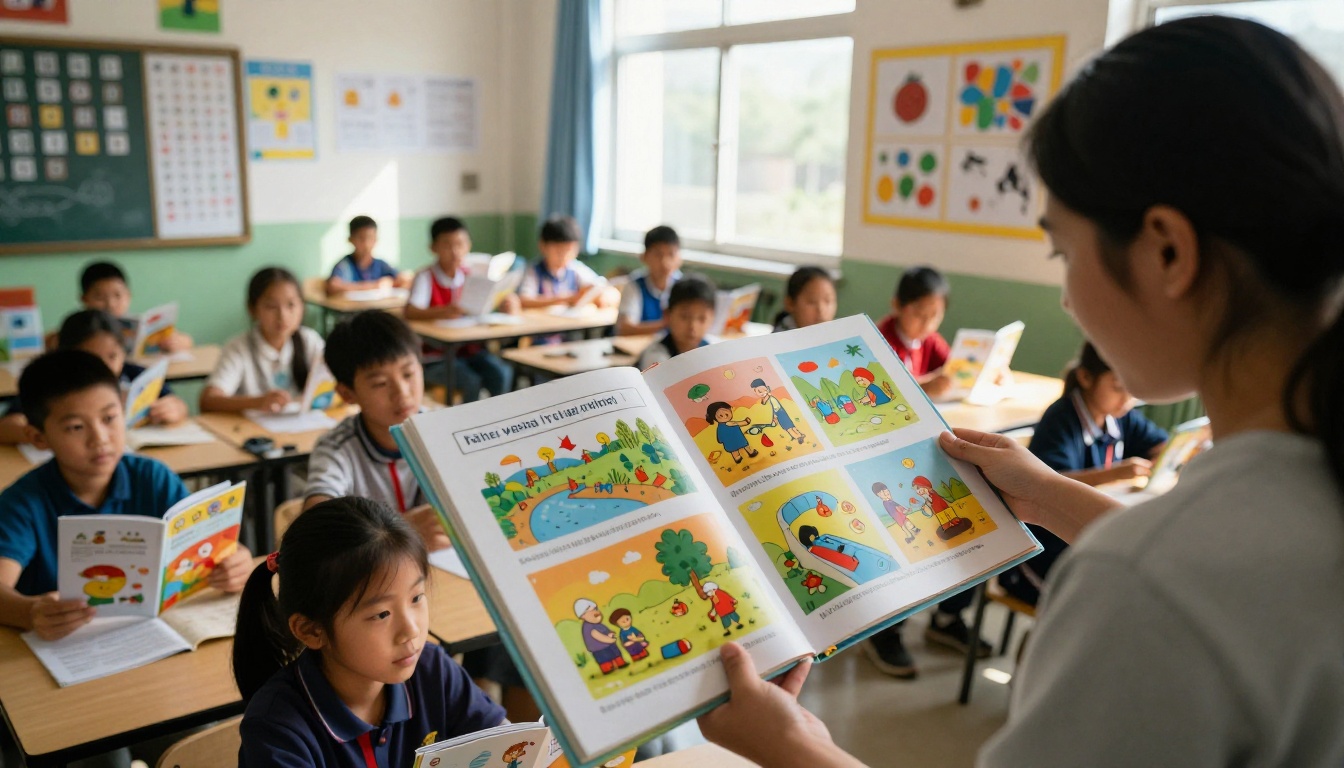
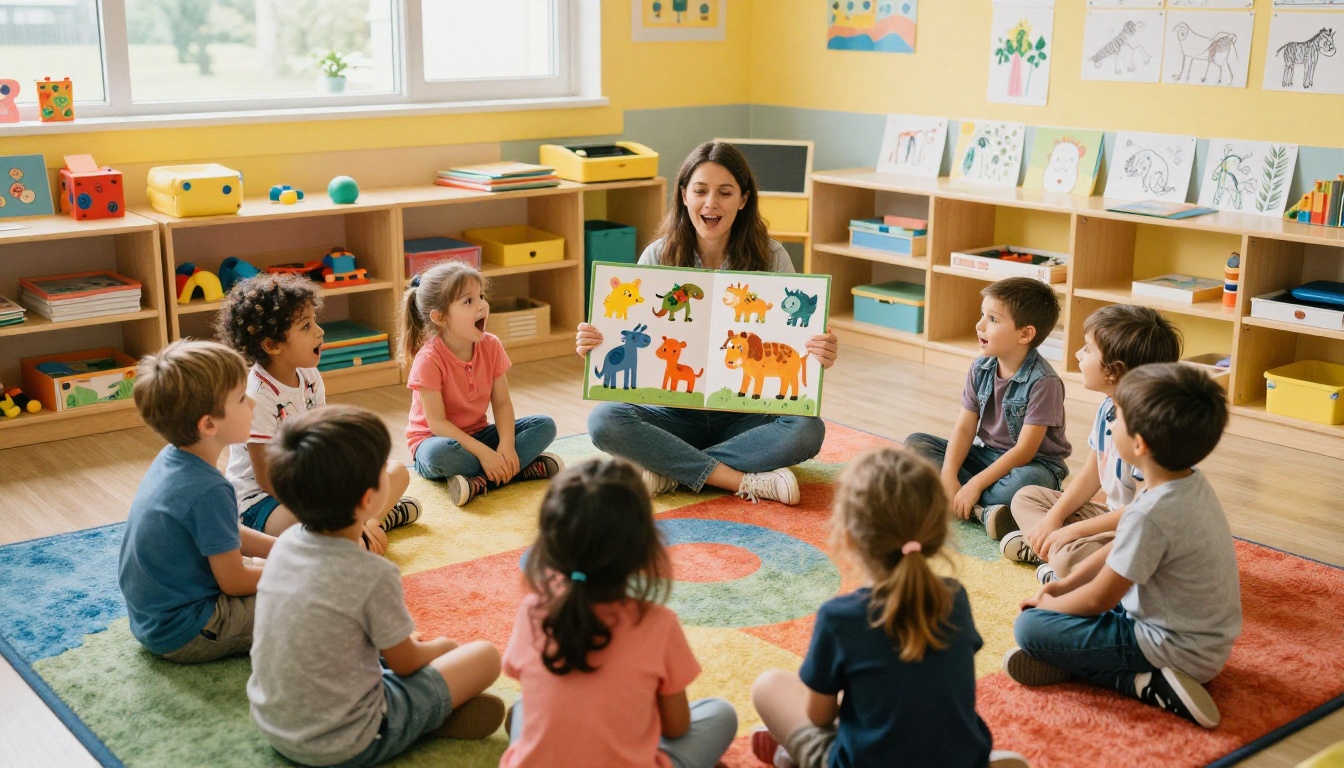
| Kindergarten to Grade 2 | Teacher-made, picture-heavy, read-aloud format | Keep sections to 3-4 max. Focus on visuals. |
| Grades 3 to 5 | Teacher-made scaffolds plus simple student-made | Introduce vocabulary and story element flipbooks |
| Grades 6 to 8 | Student-made research and summary flipbooks | Higher complexity, multi-step projects |
| High School | Digital flipbooks for reports and presentations | Use for research, lab reports, and portfolio work |
| Special Education | Simplified teacher-made with visuals | Use as daily reference and communication tool |
⚠️ Watch out: Teachers often underestimate how long it takes younger students to create a flipbook from scratch. For grades K-3, pre-assembling the blank flipbook and handing it out saves 20-30 minutes and reduces frustration considerably.
How to Create a Classroom Flipbook with Flipbooks AI
If you want to go beyond paper and give students a polished, shareable digital flipbook, Flipbooks AI is built for exactly this. Here is how to do it step by step.
Step 1: Create Your Account
Go to Flipbooks AI and sign up. No credit card required. Once inside, your dashboard stores and organizes all your flipbooks in one place.
Step 2: Prepare Your PDF
Design your flipbook content in any tool you already use: Google Slides, Canva, PowerPoint, or Word. Export it as a PDF. Each slide or page becomes one page of your flipbook. Lay out your content clearly, one section per page, so the structure makes intuitive sense to students.
Step 3: Upload and Convert
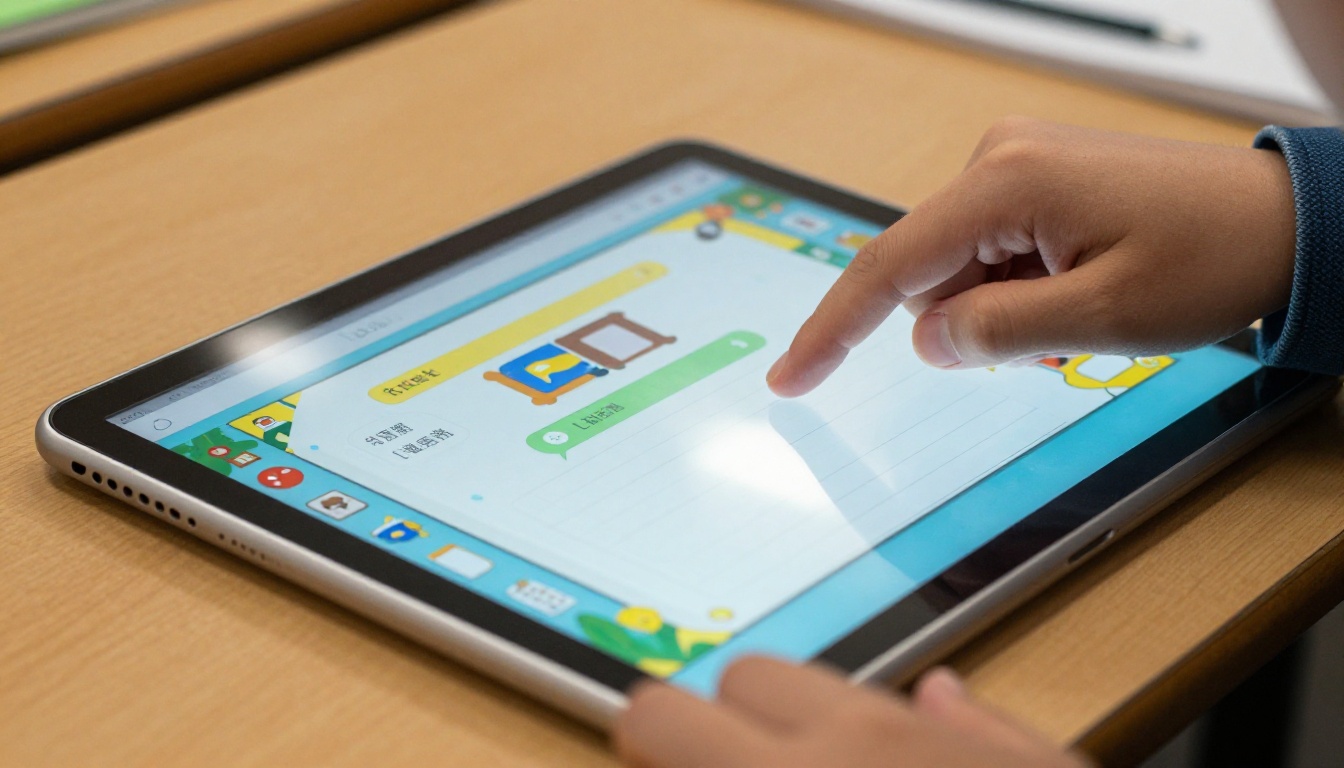
Use the PDF to Flipbook Converter to upload your file. The platform converts it instantly into a page-turning flipbook with smooth animations. No design experience needed.
Step 4: Customize for Your Classroom
Add your school colors, upload your logo, and adjust fonts. You can also embed audio explanations directly into pages, which is particularly useful for differentiated instruction or flipped classroom models. The Training Manual Flipbook tool works well for structured instructional materials and course packets.
Step 5: Share with Students
Once published, your flipbook gets a direct link you can paste into your LMS (Google Classroom, Canvas, Schoology) or share via email. Use the Embed Flipbook on Website feature to place it directly on a class website. For assessment-based or private content, enable password protection to control who can access it.
Step 6: Track Student Interaction
With the Professional plan on Flipbooks AI, you get page-level data showing which sections students spend the most time on and where they drop off. This is genuinely useful for identifying which parts of your instructional material need more reinforcement before the next class period.
Flipbooks AI Features for Educators:
- No watermarks, ever
- Unlimited flipbooks on Standard plan and above
- Password protection for private or assessment content
- Page-level analytics on the Professional plan
- Offline downloads so students can access without internet
- Embed video and audio directly into pages
- Mobile-responsive design on phones and tablets
- Custom branding with your school colors and logo
Mistakes Teachers Should Avoid
Even a well-designed flipbook falls flat if used at the wrong time or for the wrong purpose. These are the most common errors:
Using flipbooks as busy work. If an activity does not require students to think, organize, or recall information, it is just coloring with extra steps. Every flipbook task should have a clear cognitive goal tied to your instructional objectives.
Overloading sections. Flipbooks work because they chunk information. If each section is crammed with text, the format loses its advantage over a regular worksheet. Aim for three to five points per section at most.
Skipping the model. Show students a finished example before they build their own. Without a model, students spend half the time asking procedural questions instead of engaging with the content.
Using the same structure every time. Once students have made a dozen flipbooks with the same format, novelty fades. Rotate layouts: layered flaps, accordion folds, step books, and shutter folds all offer different visual structures that keep the activity fresh.
Not connecting to assessment. A flipbook that students build but never refer to again was a one-time activity, not a study tool. Plan how students will actually use it: during a quiz review, a partner discussion, or as a reference during open-note assessments.
Specific Classroom Scenarios That Work
Beyond grade level, certain teaching contexts consistently produce strong results with flipbooks:
ELL classrooms: Bilingual vocabulary flipbooks where one side shows the English term and the other shows the native language translation are invaluable for English Language Learners. Add a small illustration and you have a visual dictionary students actually reach for.
Flipped classroom models: Teachers who assign video-based instruction at home can give students a digital flipbook to fill out while watching. The Course Material Publisher makes it straightforward to distribute structured note-taking formats this way.
Special education: Simple, picture-supported flipbooks with three to four sections work as daily reference and communication tools for students with IEPs. They are predictable, portable, and low-anxiety.
Project-based learning: A student team presenting on a country, historical event, or science topic can produce a digital flipbook as their final deliverable. It looks polished, it is shareable with families, and it goes well beyond a poster or slideshow.
School newsletters and event programs: Teachers organizing class events or school publications can use the School Newsletter Creator or Event Program Maker to give printed communications a digital life that parents can access from any device.
Put Flipbooks to Work in Your Class
Flipbooks belong in your classroom toolkit, but their real impact depends on matching the format to the right instructional moment. Use them to introduce structured content, build review materials, scaffold note-taking, or let students synthesize what they have absorbed. Whether you go paper or digital, the format respects both how information is best organized and how students actually retain it over time.
If you want to move beyond paper and give your students something accessible anywhere, shareable with families, and buildable across an entire unit, get started for free on Flipbooks AI. The platform was built with exactly these classroom scenarios in mind, and you can have your first digital flipbook ready before your next class.
Browse all tools and templates to find the right format for your subject area, or compare pricing plans to choose what works best for your school or department.



