Most websites serve static content. You upload a PDF, link to it, and hope someone clicks through. They rarely do — or when they do, they close it within seconds and bounce back to Google. The problem isn't the content itself. It's the delivery. A flipbook changes that equation entirely, and Flipbooks AI makes adding one to your website faster than you'd expect.
But timing matters. Not every page needs a flipbook, and not every business is at the right stage. This article breaks down exactly when adding a flipbook makes sense, what signals tell you it's overdue, and which pages will see the biggest payoff.
The Real Cost of a Static PDF

You've spent weeks designing a catalog, brochure, or annual report. It looks beautiful in print. You export it as a PDF and upload it to your website. Then the analytics tell you the truth: average time on page, 12 seconds. Downloads, 3 this month.
A PDF is not a web experience. It opens in a separate tab or triggers a download. It's not designed for scrolling, tapping, or browsing. Visitors don't skim it the way they would flip through a magazine. They treat it like an attachment — and most attachments go unread.
Why the Page-Turn Changes Behavior
A flipbook presents the exact same content but through a format the brain recognizes as something worth exploring. The page-turn animation creates a sense of narrative, of pages yet to be discovered. Readers stay longer. They explore further. They click the links embedded inside.
This isn't just aesthetics. It's behavioral psychology applied to content delivery.
What You Lose by Waiting
Every month you run a PDF-based catalog or brochure is a month of lost dwell time, missed embedded CTAs, and no visibility into who actually read what. Static PDFs give you zero analytics. A flipbook embedded through Flipbooks AI shows you page views, time spent per spread, and reader flow — all in one dashboard.
💡 Pro Tip: If your PDF has more than 4 pages and contains visual content (products, menus, portfolios), it almost certainly performs better as a flipbook than as a raw file download.
8 Situations That Call for a Flipbook

1. You Have a Product Catalog That People Need to Browse
If your business sells multiple products and you've been handing out PDFs or static image galleries, a flipbook solves both problems at once. Shoppers browse naturally, page by page, the same way they would a physical catalog. You can embed links to individual product pages directly on each spread.
A furniture retailer, for example, can turn a 48-page seasonal catalog into an interactive experience where each room layout links to the products shown. The Digital Catalog Maker makes this conversion from PDF to embedded flipbook take minutes, not hours.
2. A Seasonal Campaign Is About to Launch
Before a product launch, a holiday promotion, or a flash sale period, add a flipbook to your campaign landing page. It creates a premium feel that generic banners and email blasts don't. It also gives you a shareable URL with a preview thumbnail, making it more clickable in emails and on social.
Seasonal lookbooks, gift guides, and collection previews work especially well in this format. The Interactive Lookbook Designer is built specifically for this type of campaign content.
3. Your Service Page Isn't Converting
If a high-traffic service page has decent sessions but low conversion, you're probably losing people between interest and action. Adding a flipbook that acts as a visual service brochure — walking through your process, team, case studies, and pricing overview — gives visitors something to engage with before making contact.
Professional services firms, agencies, and consultancies see this regularly. The content exists in pitch decks and sales documents. The only missing step is converting it with a tool like the Online Brochure Designer and embedding it on the page.
4. You Publish Regular Content

Newsletters, internal magazines, member reports, school bulletins — any recurring publication that currently gets exported as a PDF belongs on your website as a flipbook. The Newsletter Flipbook Publisher and E-Magazine Publishing Tool let you build a consistent reading experience that readers return to each month.
The SEO benefit is real too. A flipbook embedded on a dedicated page is indexable content, not a binary file that search engines largely ignore.
5. You're in Real Estate or Tourism

Property listings, destination guides, and hotel room category showcases are all high-consideration content. Buyers and travelers spend a long time comparing before deciding. A flipbook that presents a property portfolio or a destination travel guide keeps them on your site rather than clicking to a competitor.
The Real Estate Brochure Creator and Travel Guide Flipbook tools are purpose-built for these industries. Hotels using digital room guides embedded on their site see lower phone inquiry volume (since guests self-serve information) and higher direct booking rates.
6. Your Training or Course Content Lives in PDFs
Training manuals, onboarding documents, course workbooks — if these live as PDF downloads, they get opened once and forgotten. A flipbook stays on your internal portal or learning platform as a living, browsable document. You can update the content without redistributing new files.
The Training Manual Flipbook and Course Material Publisher work for HR teams, online course creators, and educational institutions alike.
7. You Want to Capture Leads from Document Views
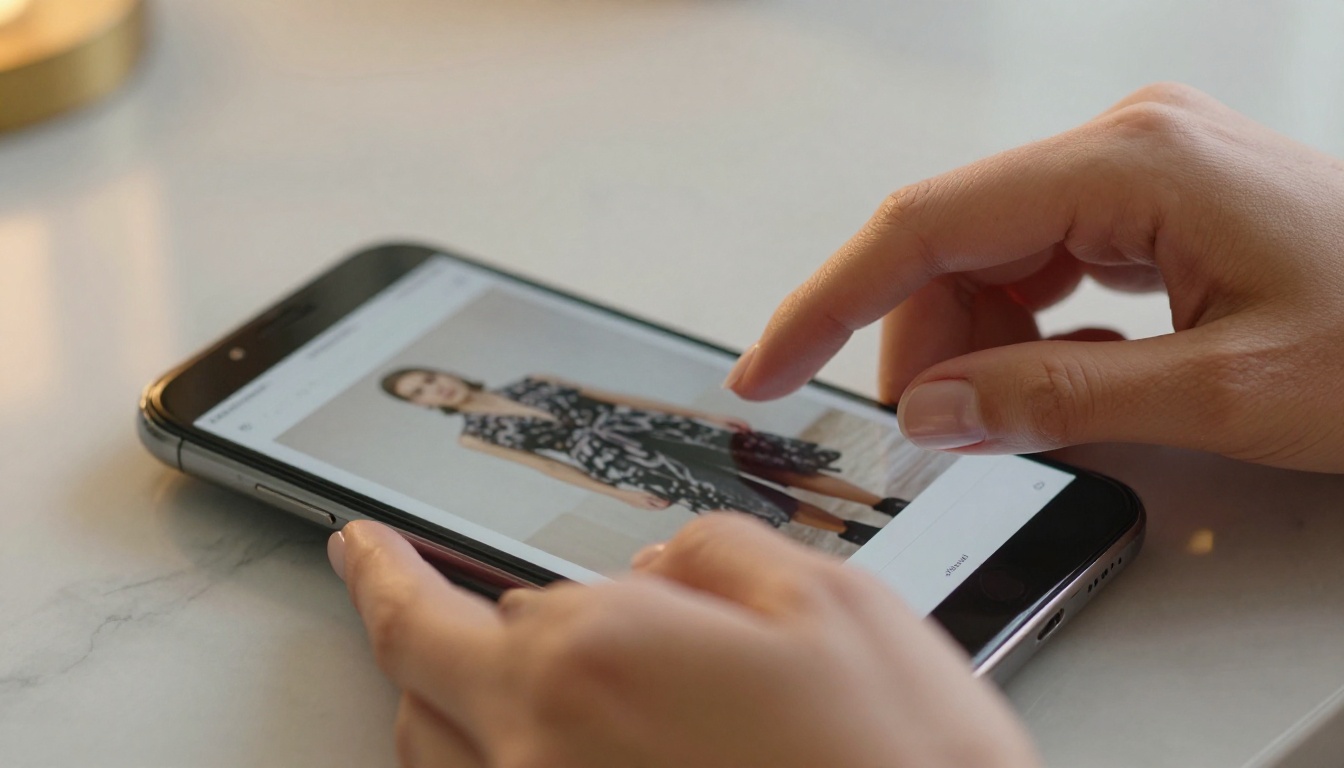
This is where a flipbook becomes a genuine sales tool rather than just a presentation format. With Flipbooks AI's Professional plan, you can add a lead generation gate to your flipbook — requiring a name and email before the reader accesses the full document. This works exceptionally well for:
- High-value product catalogs
- Pricing documents and service packages
- Premium content like white papers, lookbooks, and annual reports
Rather than giving away your best content for free, a gated flipbook builds your list while delivering value. Check out the pricing plans to see exactly how the lead generation feature works across each tier.
8. You're Launching a New Brand or Collection
A brand launch is your highest-visibility moment. Instead of a static "coming soon" page or a generic press kit PDF, a flipbook gives press contacts, buyers, and early fans something to genuinely browse. It creates a first impression that feels intentional and premium.
The Press Kit Designer is specifically designed for this moment. Combine it with a Digital Portfolio Creator for fashion, photography, or creative brands and you have a launch package that does most of the talking for you.
Flipbook vs Static PDF: What the Data Says
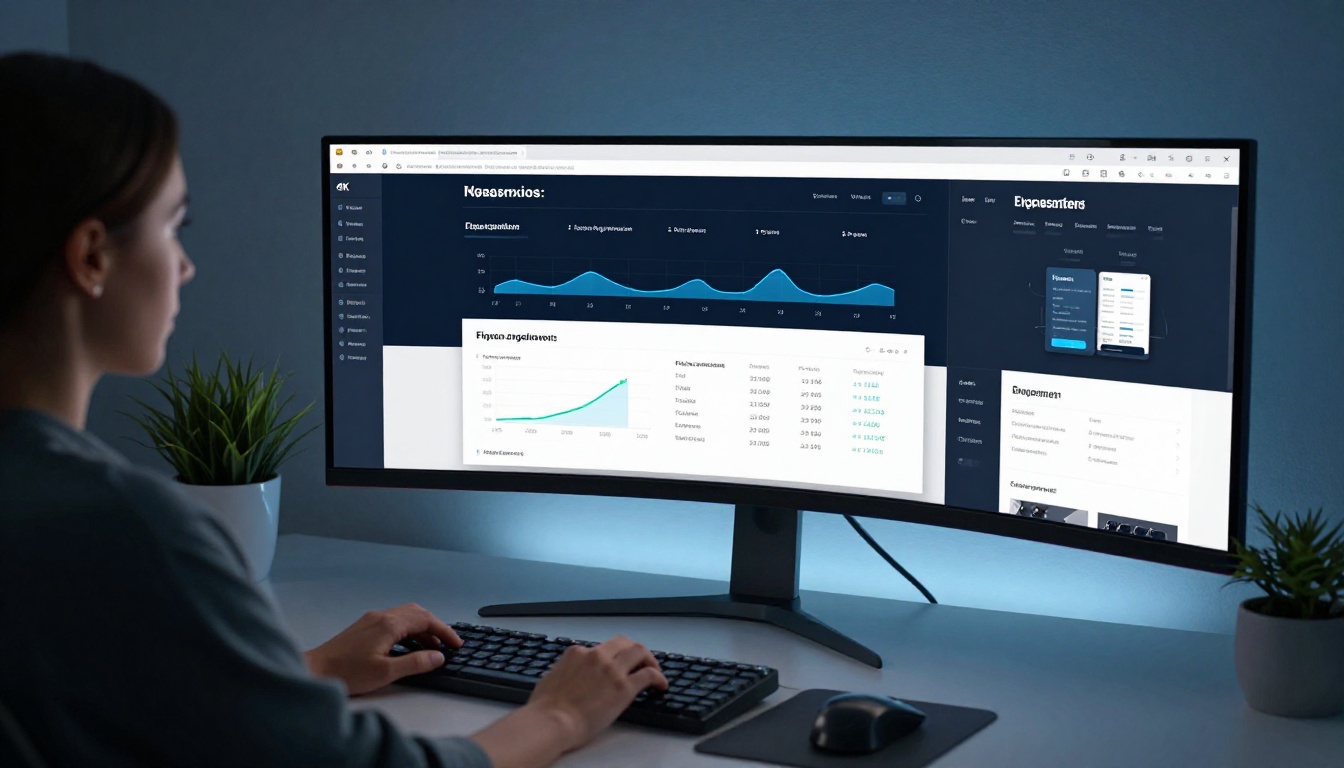
The gap between PDF performance and flipbook performance is not subtle. Here's how the two formats compare across the metrics that matter most:
| Metric | Static PDF | Embedded Flipbook |
|---|
| Average time on content | 12–30 seconds | 3–8 minutes |
| Mobile experience | Poor (requires zoom/scroll) | Fully responsive, tap-to-turn |
| SEO indexability | Low (binary file) | High (embedded HTML content) |
| Analytics available | None | Page views, time-per-spread, exits |
| Shareability | Download link only | Shareable URL with thumbnail |
| Lead capture | Not possible | Available (Professional plan) |
| Embedded links | Static only | Clickable hyperlinks per page |
| Branding control | Fixed from design | Customizable colors, logo, domain |
The right column wins on every metric. The question isn't whether a flipbook performs better. It's whether your specific content and audience make it worth adding right now.
⚠️ Warning: Don't add a flipbook just because it looks impressive. If your content is fewer than 4 pages or purely text-based, a well-formatted webpage will outperform a flipbook every time.
Which Pages on Your Site Benefit Most
Not every page is a good candidate. Here's a practical breakdown:
| Page Type | Flipbook Fit | Why |
|---|
| Product catalog page | Excellent | Natural browse behavior, embeds CTAs |
| Campaign landing page | Excellent | Premium feel, shareable, trackable |
| About / brand story page | Good | Visual narrative, timeline-friendly |
| Contact page | Poor | No content volume to justify it |
| Blog post | Moderate | Only if the post IS the flipbook content |
| Pricing page | Poor | Static comparison tables work better |
| Portfolio page | Excellent | Visual-first, page-turn suits browsing |
| Training / HR portal | Excellent | Persistent access, no redistribution |
| Homepage hero section | Good | Works as a visual teaser, not full catalog |
Landing Pages vs Interior Pages
On a dedicated campaign landing page, a flipbook acts as the primary content piece. The whole page exists to put that flipbook in front of the visitor. This is the highest-performing placement.
On an interior product or service page, the flipbook is supplementary. It sits alongside other content and catches visitors who want more detail before committing. Both placements work. The difference is in how central the flipbook is to the page's goal.
How to Add a Flipbook to Your Website
This is the part most people overthink. It takes less time than designing the original document. Here's the full process with Flipbooks AI:
1. Create your account
Go to flipbooksai.com/account and sign up. The free plan lets you publish immediately with no watermarks.
2. Upload your PDF
Click "New Flipbook" and upload your PDF file. Flipbooks AI converts it automatically, page by page, into an interactive flipbook with the page-turn effect applied. No design skills required.
3. Customize the appearance
Set your brand colors, upload your logo, choose the page-turn style (soft page, hard cover, or automatic), and add a custom cover image. On Standard and Professional plans, you can remove all platform branding completely.
4. Add embedded content (optional)
On any page of your flipbook, you can embed:
- Clickable links to product pages
- Video players for product demos
- Audio clips for guided tours or narration
- Lead capture forms (Professional plan)
5. Get your embed code
Once published, open the "Share" tab. Copy the iframe embed code or the direct URL. The Embed Flipbook on Website tool provides ready-to-paste code for any website platform.
6. Paste it on your page
Drop the iframe code into any HTML block on your website — WordPress, Shopify, Webflow, Squarespace, or custom HTML. The flipbook is fully responsive and adjusts to any container width automatically.
7. Track performance
On the Professional plan, open your analytics dashboard to see how readers move through your content. Which page do most people stop at? Where do they click? This tells you exactly what's working and what needs improving in the next version.
✅ Best Practice: Set a fixed height for your embed container (600–800px works for most layouts) so the flipbook displays correctly without requiring the visitor to scroll inside it.
Choosing the Right Plan

Flipbooks AI offers three main tiers. Here's how to think about which one fits your current situation:
| Feature | Free | Standard | Professional |
|---|
| Flipbooks | Limited | Unlimited | Unlimited |
| Watermarks | None | None | None |
| Custom branding | Partial | Full | Full |
| Password protection | No | Yes | Yes |
| Analytics | No | Basic | Advanced |
| Lead generation | No | No | Yes |
| Offline downloads | No | Yes | Yes |
| Embed on website | Yes | Yes | Yes |
| Video & audio embed | No | Yes | Yes |
If you're testing whether a flipbook fits your site, start free. If you're running it as a permanent catalog or campaign asset, Standard gives you everything needed for a clean branded experience. Professional makes sense the moment lead capture or detailed analytics become part of your strategy.
Explore the full breakdown at flipbooksai.com/pricing.
3 Mistakes That Undercut Your Flipbook

Even when the timing is right, execution errors can kill the impact. These are the three most common ones:
Mistake 1: Using a low-resolution PDF
A flipbook magnifies whatever quality your PDF has. If the original is 72 DPI or has compressed images, the flipbook will look blurry on retina displays. Always export your source PDF at 150–300 DPI before uploading.
Mistake 2: Embedding without a defined container size
A flipbook set to 100% width inside a fluid layout can render unpredictably on mobile. Always set explicit width and height in your embed container, and test on a real mobile device before going live.
Mistake 3: Forgetting to add internal links
The biggest advantage a flipbook has over a PDF is the ability to embed clickable links on every page. If you embed a 20-page product catalog with zero internal links, you've left significant conversion opportunity unused. Every product spread should link directly to that product's page.
💡 Pro Tip: Use analytics data from your first month to identify which page readers exit on most. That's your weakest spread. Redesign it with a stronger visual or add a CTA button before the next version goes live.
Is Right Now the Right Time?
You're ready to add a flipbook to your website if any of these are true:
- You have a PDF document (catalog, brochure, portfolio, menu, report) that you currently link to as a download
- You're about to launch a campaign, collection, or seasonal promotion
- Your service or product pages have decent traffic but below-average session duration
- You publish recurring content (newsletters, reports, lookbooks) that needs a permanent home on your site
- You want to start capturing leads from document views rather than giving content away for free
You're probably not ready if:
- Your content is fewer than 4 pages
- Your target audience is exclusively non-visual (legal documents, terms of service, raw data)
- You don't have a designed PDF yet — create the document first, then convert it
The technical barrier is effectively zero. Get started for free on Flipbooks AI, upload your first PDF, and have a live embedded flipbook on your site within the hour. Browse all available flipbook tools to find the specific format that fits your use case, and compare pricing plans when you're ready to add branding or advanced features.
Your content deserves more than a download link.



