Flip a stack of drawings with your thumb and a stick figure starts to run. That small trick is older than cinema, older than the light bulb in most homes, and it has quietly shaped how we read on screens today. So when were flipbooks invented? The short answer is 1868, but the full story runs from Victorian parlor toys to the page-turning publications you can build in minutes on Flipbooks AI. This article walks through each stage, with dates, inventors, comparison tables and a practical tutorial at the end.
The Short Answer: 1868
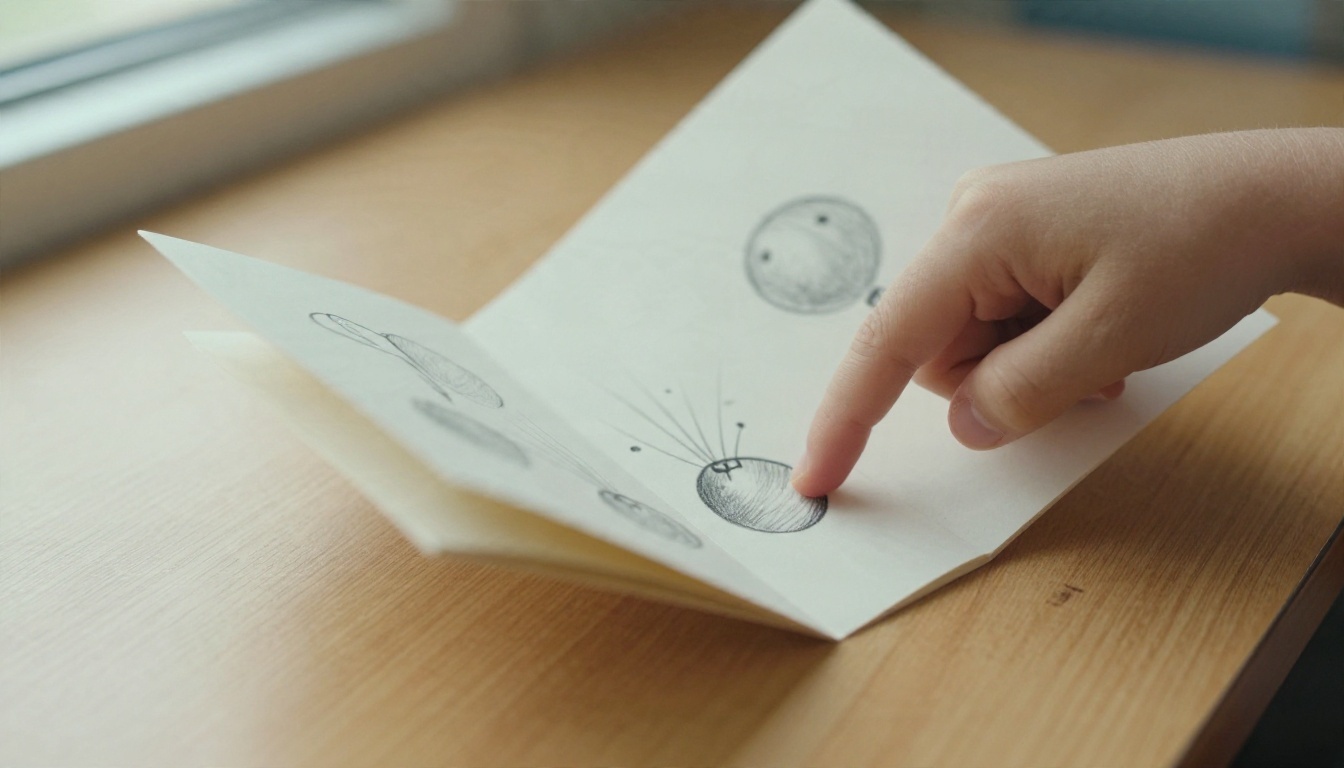
The first patented flip book arrived in September 1868, when English printer John Barnes Linnett registered a British patent for a hand-held device he called the kineograph. The name comes from Greek roots meaning "moving picture," which tells you what he was selling: motion you could hold in your fingers.
💡 Quick fact: The patent describes a small bound booklet of sequential drawings that creates the illusion of movement when the pages are released quickly. That is exactly how a modern flip book works.
Who Was John Barnes Linnett?
Linnett was a printer, which matters. He did not come from a laboratory. He understood paper, binding and cheap reproduction, so his kineograph could be printed in quantity and sold as an affordable novelty. Printing know-how is the real invention here: a flip book is a publishing format before it is an animation device.
Why the Name Kineograph Faded
The word "kineograph" never survived in everyday speech. In the United States the booklets were sold as "flip books" and "flick books," and those plain names stuck. The product outlived the brand, a pattern you will see again with digital flipbooks.
Motion Toys Before the Flip Book
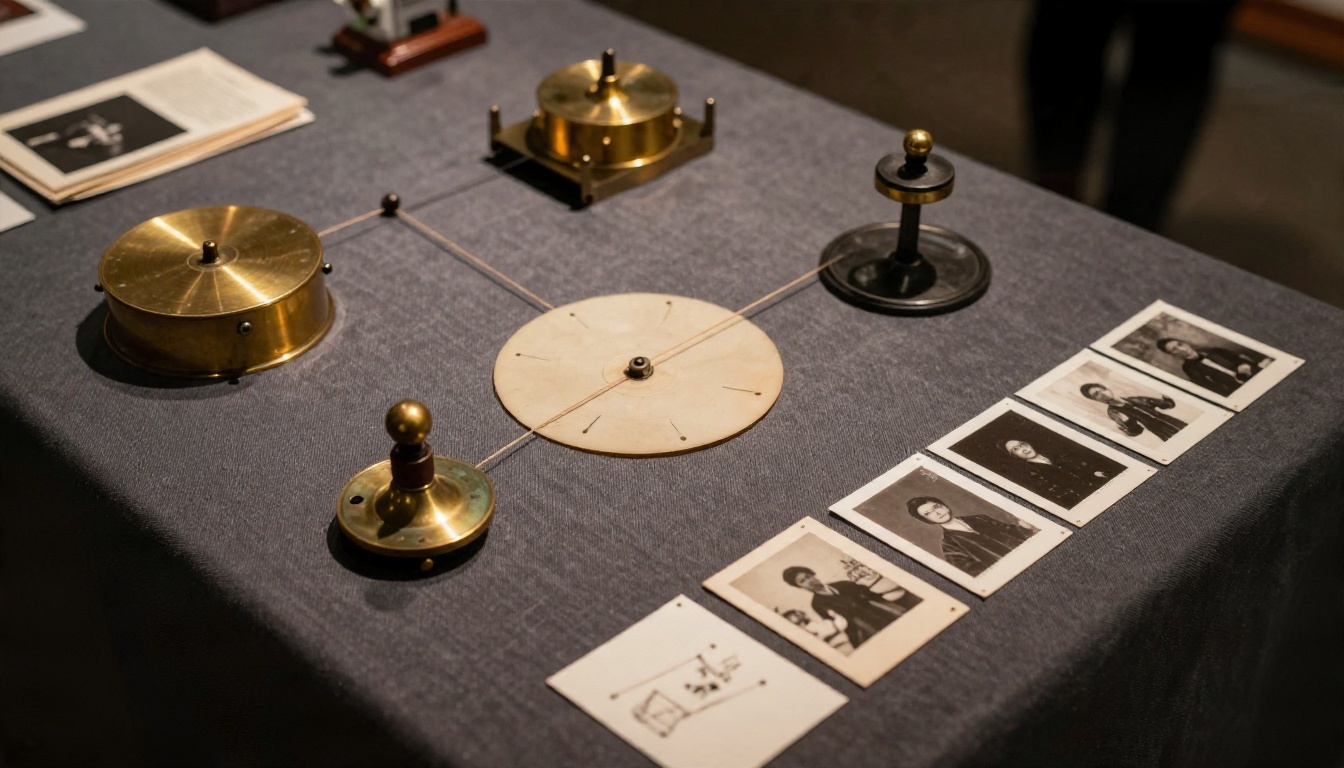
Linnett did not start from nothing. The early nineteenth century was packed with optical toys that exploited persistence of vision, the brief afterimage the eye keeps when pictures change quickly. Flip books borrowed the idea and replaced spinning parts with paper.
Thaumatrope to Zoetrope
| Year | Device | Inventor | How it worked |
|---|
| 1824 | Thaumatrope | John Ayrton Paris (popularized) | A disc with two images, spun on strings, merged into one |
| 1832 | Phenakistiscope | Joseph Plateau | A spinning disc viewed in a mirror through slits |
| 1834 | Zoetrope (daedaleum) | William George Horner | A slotted drum with a strip of drawings inside |
| 1868 | Kineograph (flip book) | John Barnes Linnett | A booklet of drawings flipped with the thumb |
| 1877 | Praxinoscope | Émile Reynaud | A drum with mirrors for a brighter, steadier image |
Notice the pattern in the table. Every earlier device needed a mechanism: strings, slits, drums or mirrors. Linnett's booklet needed only a thumb. That simplicity is why it spread so widely.
The Photograph Problem Muybridge Solved
Drawings are slow to produce. In 1878, photographer Eadweard Muybridge used a row of cameras to capture a galloping horse in sequence, proving that real motion could be frozen frame by frame. Suddenly a flip book did not need an artist. It could be made from photographs, and that single shift paved the way for the next big machine.
The Mutoscope Turns Flip Books Into Cinema
In 1894, inventor Herman Casler patented the Mutoscope, developed with W.K.L. Dickson, who had worked on early film projects for Thomas Edison. It was, in plain terms, a giant flip book inside a cabinet.
How the Mutoscope Worked
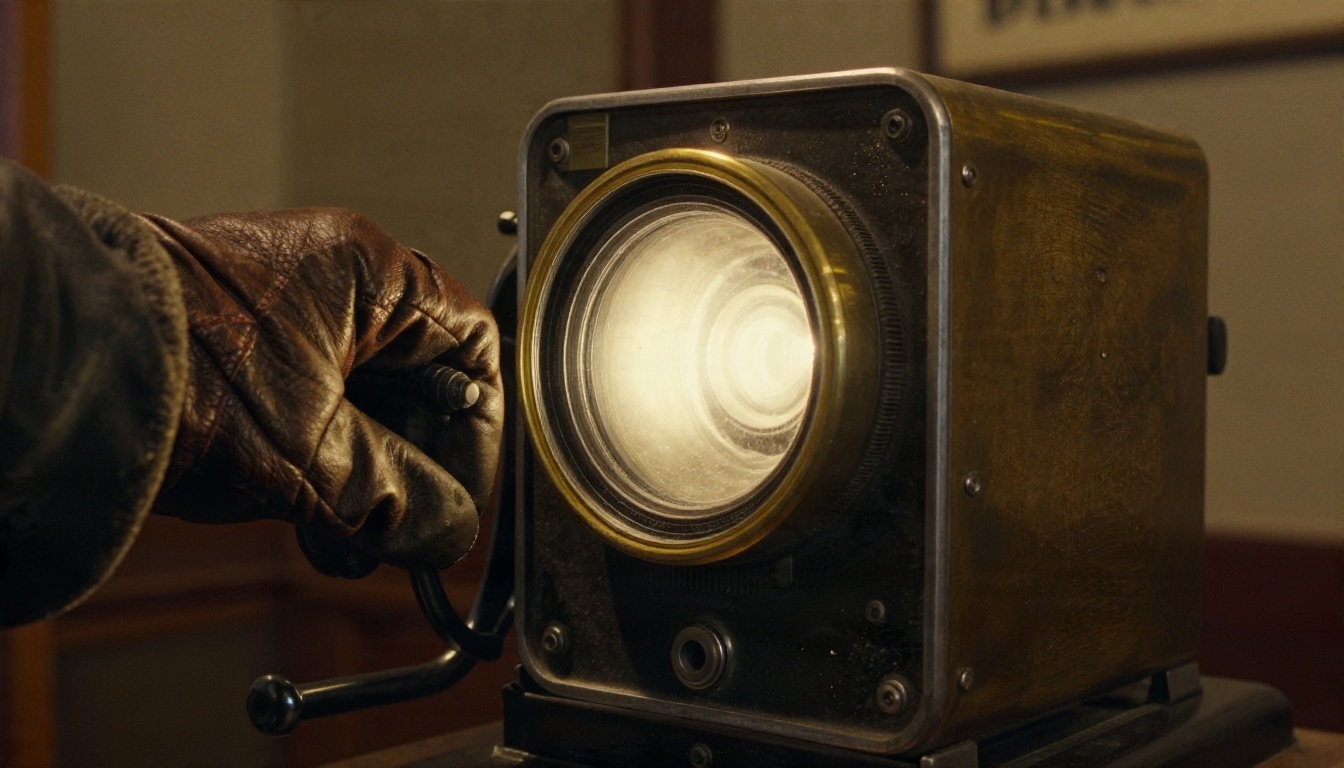
A series of photographic cards was mounted around a rotating drum. A customer dropped a coin, looked through a viewer and turned a hand crank. Each card flicked past a small stopper and dropped into view, one after another, producing a short moving scene. Subjects ranged from comic sketches to dance routines and street scenes.
Why Film Replaced It
The Lumière brothers held their first paid public film screening in Paris in December 1895, and projection beat peepholes. A whole room could watch at once. Even so, Mutoscopes stayed in amusement arcades for decades, which is a lesson worth keeping: a format rarely disappears, it moves to a new niche.
Flip Books in the Twentieth Century
Once cinema took over the mainstream, the paper flip book settled into a happy second life:
- Advertising giveaways. Brands printed short animated booklets as handouts and trade promotions.
- Souvenirs. Tourist attractions sold pocket-sized motion booklets of landmarks and events.
- Corner doodles. Generations of students animated the margins of textbooks during boring lessons.
- Animator training. Professional animators have long used quick flip tests to check timing before committing to final frames.
In other words, the flip book split into a toy, a marketing tool and a practical testing device. Each of those roles has a digital descendant today.
✅ Best practice that still applies: Whether you use paper or screens, the best flip book is short, clear and visually surprising on the first few pages.

From PDF to Page-Flip Software
The word "flipbook" took on a second meaning when publishing moved online. The page-turn idea did not die. It simply changed shape.
The Flash Era
Adobe introduced the PDF in 1993, giving publishers a reliable way to share a fixed layout. PDFs were accurate, but they scrolled like a long sheet of glass. They did not feel like paper. By the mid-2000s, developers had started using Flash to build page-curl viewers that mimicked the look and sound of a real publication. Online publishing platforms such as Issuu, launched around 2006, helped make that reading style familiar to ordinary people.
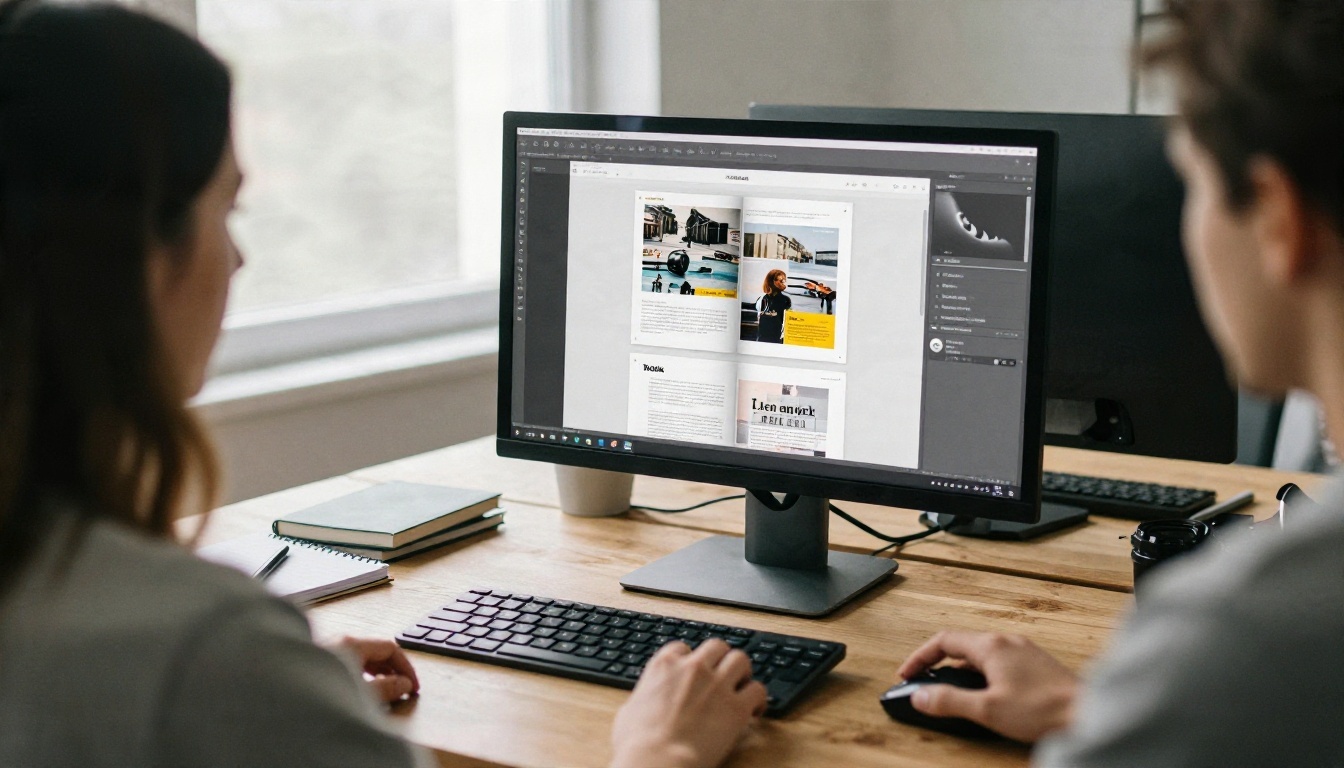
The problem was that Flash did not work on iPhones or iPads, and the plugin carried well-known security and performance issues. Adobe formally ended support on 31 December 2020, and a generation of page-flip viewers stopped working overnight.
HTML5 Ends the Plugin Problem
Browsers had been gaining native abilities, so developers rebuilt page-turn viewers with HTML5, CSS3 and JavaScript. Open-source libraries in the early 2010s showed that a convincing page curl could run in any modern browser with no plugin. Today's digital flipbooks work on phones, tablets and desktops, load quickly, and can include video, audio and links.
| Era | Format | Strength | Weakness |
|---|
| 1868 to 1900s | Paper flip book | Cheap, hand-held, no power needed | Short loops, one image sequence |
| 1894 to 1960s | Mutoscope | Photographic realism | Bulky machine, one viewer at a time |
| 1993 onward | PDF | Exact layout, easy to share | Flat scrolling, no page-turn feel |
| 2000s | Flash page-flip | Realistic page curl | No mobile support, security risks |
| 2010s onward | HTML5 flipbook | Works everywhere, interactive | Needs a good conversion tool |
How to Create a Digital Flipbook Today
If you want to see the 1868 idea at work in 2027, the quickest route is to convert a PDF. Here is the process on Flipbooks AI, which has no watermarks, ever.
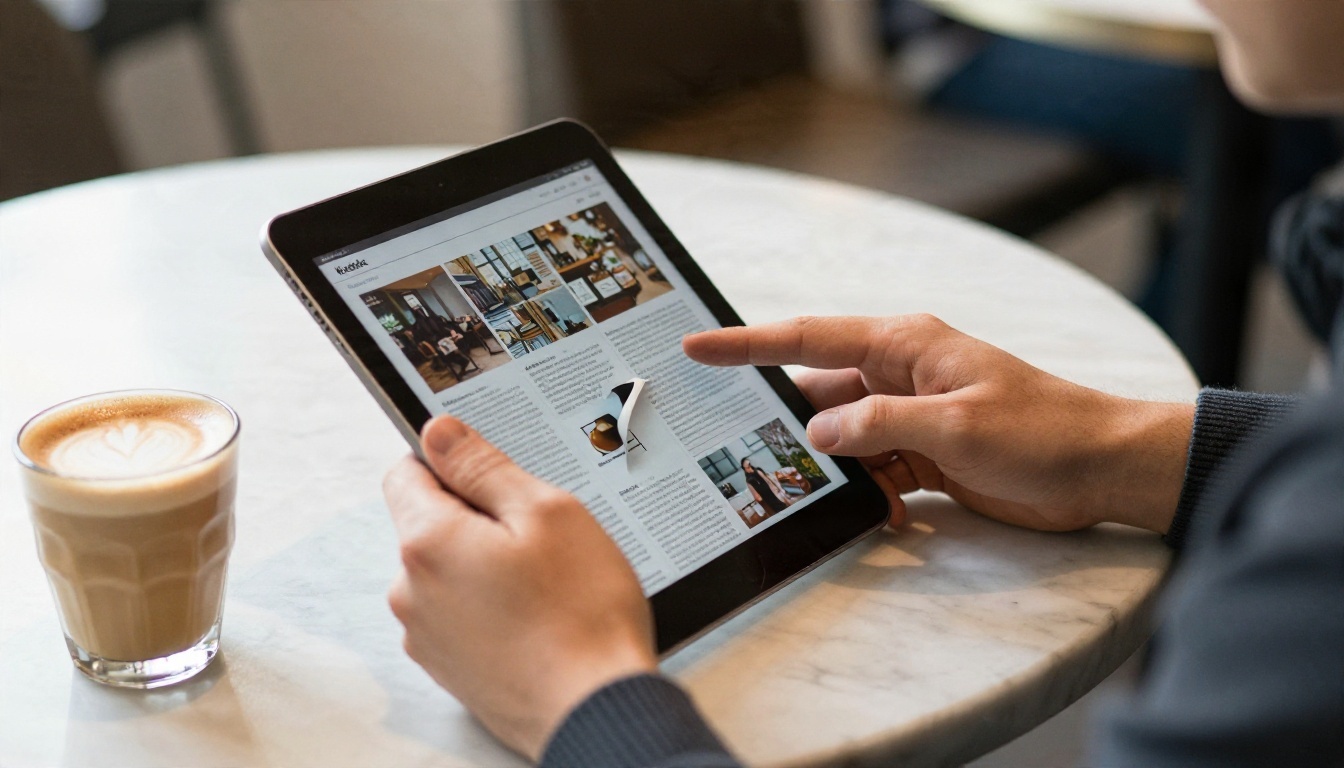
Upload and Convert
- Go to the PDF to Flipbook Converter or create an account to open your dashboard.
- Click the upload button and choose your PDF. Brochures, catalogs, magazines and reports all work.
- Wait a few moments while the pages are converted. Your pages appear as a flippable publication with a natural page-turn effect.
💡 Pro tip: Export your PDF at the final page size and keep images at reasonable resolution. Huge files load slowly on mobile, which is where most readers will open your flipbook.
Brand It Your Way
- Add your logo and pick background and toolbar colors that match your brand.
- Choose page effects, such as a soft curl and sound, to recreate the feel of real paper.
- Embed videos and audio on specific pages so a static layout becomes a multimedia experience.
- Check the mobile-responsive preview before you publish.
Share It Safely
Once the flipbook is ready, you have several sharing choices:
- Direct link for email and social posts.
- Embed code to place it on your site. The Embed Flipbook on Website tool shows how.
- Password protection for private content such as investor decks and internal manuals.
- Offline downloads for readers who travel or lack a signal.
Track Results
On the Professional plan, you get analytics and lead generation. You can see which pages people read longest and collect contact details before a reader opens the full document. Check the pricing plans to see which tier fits your needs, and note that the Standard plan and above include unlimited flipbooks.
⚠️ Watch out: A flipbook made from a poorly designed PDF will still be poorly designed. Fix layout issues in the source file first, then convert.
Real-World Uses of Digital Page-Flip
Linnett's booklet turned drawings into motion. Modern flipbooks turn static documents into interactive publications. Here are practical examples:

Paper, PDF or Flipbook?
| Feature | Printed booklet | Plain PDF | Digital flipbook |
|---|
| Page-turn feel | Real | None | Realistic effect |
| Printing and shipping cost | High | None | None |
| Video and audio | No | Limited | Yes |
| Mobile friendly | N/A | Often awkward | Responsive |
| Reader analytics | No | Basic downloads only | Detailed on Professional plan |
| Updates after release | Reprint | Resend file | Edit and republish |
| Password protection | No | Sometimes | Yes |
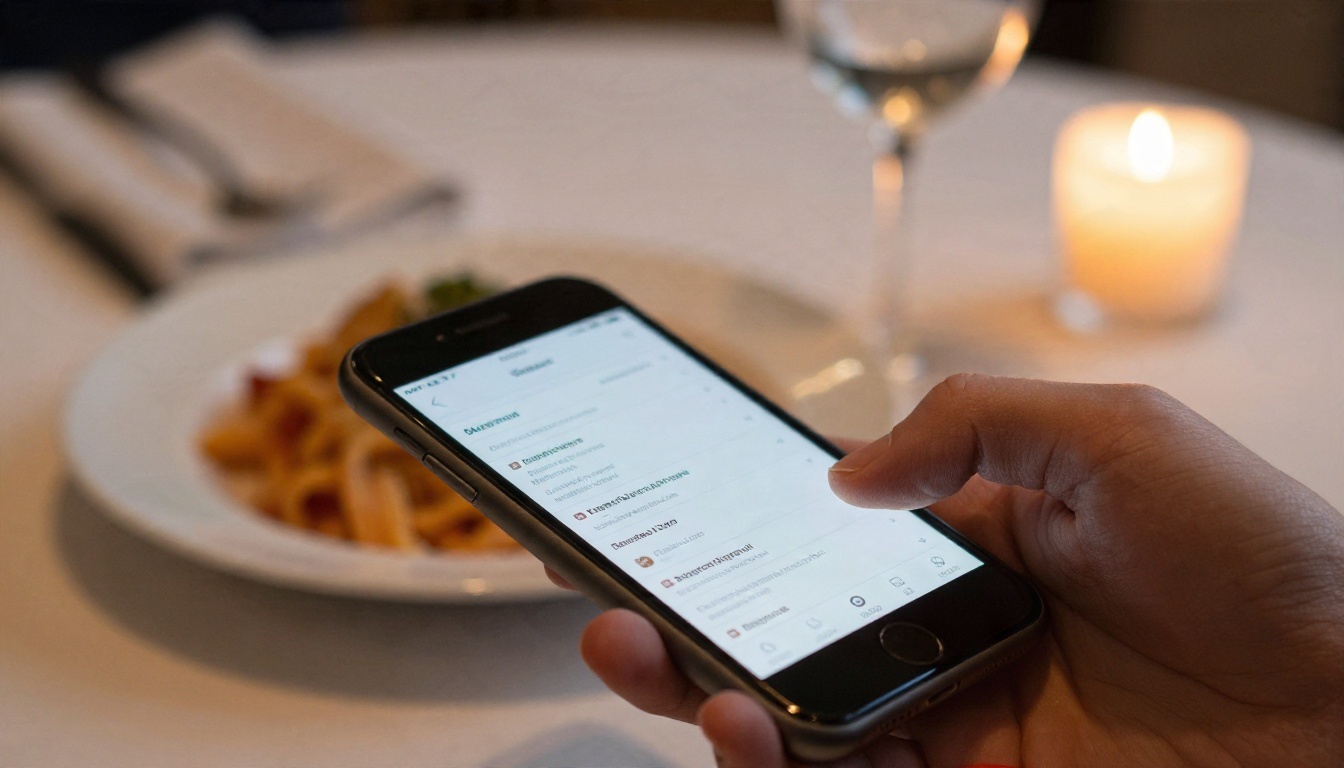
The pattern is consistent. Every time a technology made sharing images in sequence cheaper or easier, the flip book returned in a new body: paper, drum, PDF, plugin, and now browser.

Why the History Still Matters
Looking back at 1868 teaches three practical lessons for anyone publishing today:
- Simplicity wins. The kineograph beat fancier toys because it needed no equipment. A flipbook link beats a software download for the same reason.
- Motion captures attention. From Mutoscope cranks to page-curl animations, people respond to visual movement.
- Format follows device. When screens changed, the format changed. Make sure your documents work on the devices your readers actually use.
Create Your Own Flipbook Now
The flip book began as a printer's patent in 1868 and keeps reinventing itself every time reading changes. You can join that chain in a few minutes.
One PDF, one upload and a few clicks are all that stand between your document and a page-turning publication that Linnett himself would recognize.


