School projects have changed. What used to mean poster boards, printed photos, and spiral-bound reports now has a digital dimension that teachers actively reward. One format that students across every grade level are turning to: the interactive flipbook. If you're searching for where students can create flipbooks for school projects, you're in the right place. This article breaks down the best platforms available today, including free options, browser-based tools, and the features that actually matter when you're working against a deadline.
Flipbooks AI is one of the strongest options out there for students who need a polished, shareable result without wrestling with complicated software. But there are others worth knowing about, and the right choice depends on your project type, grade level, and how much time you have.
Why Students Use Flipbooks for School Projects
Flipbooks hit a sweet spot between effort and impact. They look professional, they're interactive, and they work on any device, which means teachers can open them on a laptop, phone, or tablet without needing special software.
Here's why students specifically choose them:
- They stand out in a sea of standard slide presentations
- They're shareable via link, making submission easy
- They organize content naturally with page-by-page structure
- They support embedded media like images and text in a single document
- They can be printed if a physical copy is also required
For history reports, science projects, book reports, art portfolios, and research papers, a flipbook format gives structure without being rigid. You design the pages, add your content, and share a single link.
💡 Pro Tip: Many teachers specifically note "creative format" as a grading criterion. A digital flipbook immediately signals that you put effort into presentation, not just content.
Not all flipbook tools are built with students in mind. Before picking a platform, check these criteria:
| Feature | Why It Matters for Students |
|---|
| Free plan available | Budget matters when you're a student |
| No download required | School computers often restrict installs |
| Easy to share | Submitting via link is standard now |
| Mobile-friendly | Work from anywhere, any device |
| PDF import | Repurpose existing documents instantly |
| No watermarks | Professional-looking output for submissions |
| Quick to use | Deadlines don't wait |
The tools below are evaluated against all seven of these criteria.
The Best Places Students Can Create Flipbooks
1. Flipbooks AI (Best Overall for Students)
Flipbooks AI is purpose-built for creating polished digital flipbooks from PDFs. Upload your document, customize the look, and share a link. No software to install, no technical skills required.
What makes it particularly useful for school projects:
- PDF to flipbook in seconds: If you already have a Google Slides export or Word doc as a PDF, it converts instantly
- Page-turning animation: The realistic flip effect immediately elevates how your project looks
- No watermarks: Your project looks professional from the start
- Shareable link: Submit your project to any teacher via a single URL
- Mobile-responsive: Teachers can view it on any device
For students specifically, the Course Material Publisher and School Newsletter Creator tools are worth bookmarking. If you're putting together a school report or class newsletter, these tools have templates specifically designed for educational content.
The PDF to Flipbook Converter is the fastest path for most students. Design your project in any app you already know (Google Slides, Canva, Word), export it as a PDF, and convert it in seconds.
✅ Best for: High school and college students who want a professional result fast
2. Canva (Best for Design-First Students)
Canva has a presentation mode that works well for visually-driven projects. It's particularly good for art class portfolios, creative writing presentations, and visual reports. The free tier is generous, and most students already have accounts.
Limitations: Canva's output doesn't have the same interactive page-turning experience as a true flipbook. It's closer to a slideshow. For pure design work, it's excellent; for a real flipbook feel, it falls short.
3. Google Slides (Simplest Option)
Every student with a school Google account already has access. Google Slides isn't technically a flipbook tool, but with the right theme and transitions, it can approximate the format for basic projects.
Limitations: No page-curl effect, no real flipbook interactivity. Works for simple presentations but doesn't create the impact that a real flipbook tool delivers.
4. Issuu (Good for Longer Publications)
Issuu converts PDFs to digital flipbooks with a realistic page-turning effect. It's popular for school newspapers, literary magazines, and longer reports. The free tier includes basic functionality.
Limitations: Branding and watermarks on free accounts can look cluttered. The interface is less intuitive for younger students.
5. FlipHTML5 (Feature-Rich but Steeper Curve)
FlipHTML5 offers customization including embedded video and audio. It's a solid option for tech-savvy students working on multimedia projects.
Limitations: The setup takes more time to figure out than other tools. Free accounts have storage limits and branding restrictions.
Here's a direct comparison of the top platforms for student use:
| Platform | Free Plan | No Watermark | PDF Import | Page Flip Effect | Best For |
|---|
| Flipbooks AI | Yes | Yes | Yes | Yes | All project types |
| Canva | Yes | Yes | Limited | No | Visual/design projects |
| Google Slides | Yes | Yes | Limited | No | Simple presentations |
| Issuu | Limited | No | Yes | Yes | School newspapers |
| FlipHTML5 | Yes | No | Yes | Yes | Multimedia projects |
⚠️ Warning: Always check if the free plan includes watermarks before investing time in a project. A watermark on a school submission looks unprofessional and may affect your grade.
How to Create a School Project Flipbook with Flipbooks AI
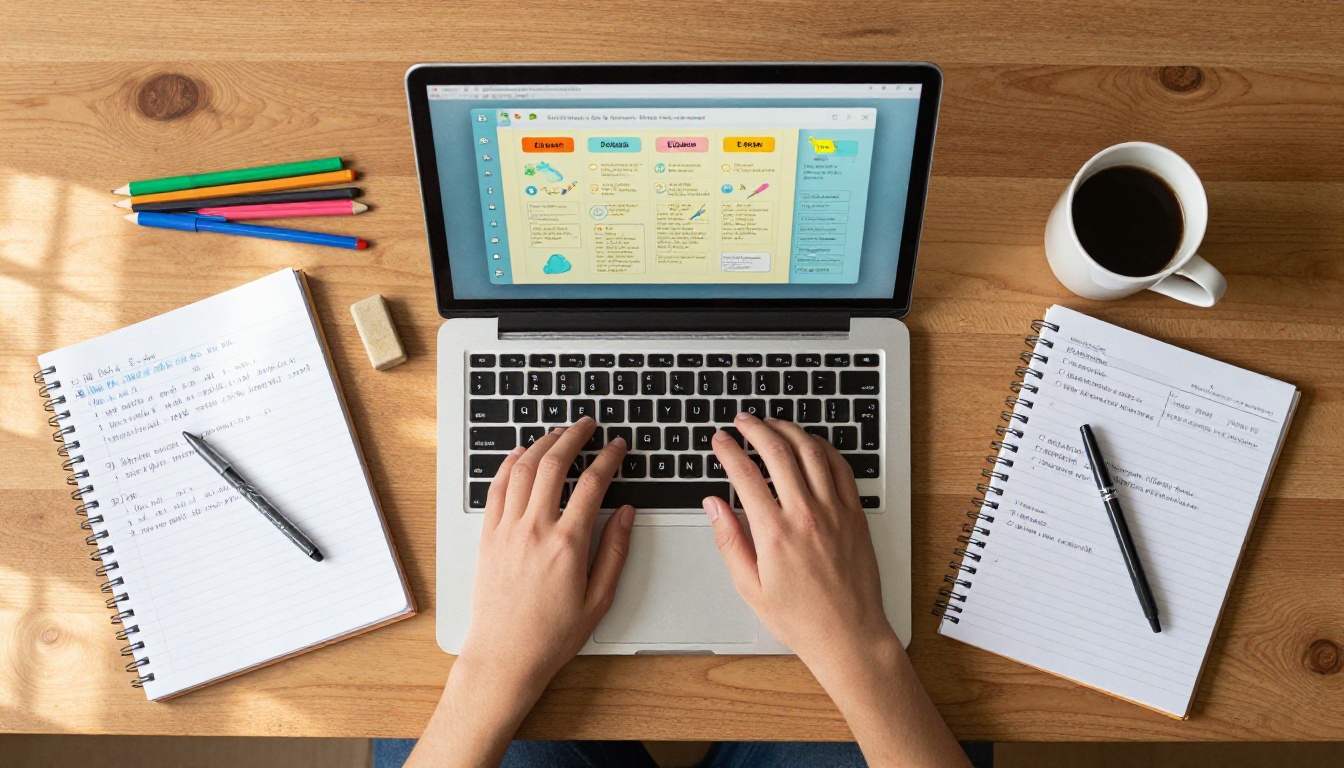
Here's exactly how to take a school project from idea to finished flipbook using Flipbooks AI:
Step 1: Create your account
Go to flipbooksai.com/account and sign up. The process takes under two minutes and requires only an email address.
Step 2: Prepare your PDF
Design your project content in whatever tool you're comfortable with, such as Google Slides, Canva, or Microsoft Word. When you're done, export it as a PDF. This is usually under File > Download > PDF.
Step 3: Upload and convert
Use the PDF to Flipbook Converter to upload your PDF. The tool processes it automatically and creates the interactive flipbook in seconds. Each page of your PDF becomes a page in the flipbook.
Step 4: Customize the appearance
Adjust the opening page, choose your page background, and add any personal touches. For school projects, keeping it clean and readable is usually the right call.
Step 5: Share your flipbook
Once you're happy with it, click Share. Flipbooks AI generates a direct link you can copy and paste into your submission email, Google Classroom, Canvas, or wherever your teacher accepts work.
Step 6: Embed if needed
If your teacher has a class website or portal that accepts embed codes, use the Embed Flipbook on Website tool to get the embed code. This lets your flipbook live directly on any web page.
💡 Pro Tip: If you're working on a group project, share the Flipbooks AI link with your teammates so everyone can review the final version before submitting.
What Types of School Projects Work Best as Flipbooks

Not every project benefits equally from the flipbook format. Here's a breakdown by subject:
Science Projects
Science reports with multiple sections (hypothesis, method, results, conclusion) translate perfectly to flipbook pages. Each section gets its own page, diagrams are easy to embed, and the result looks more like a real research publication than a standard essay.
History Reports
Timelines, primary source analysis, and historical narratives work well when organized page-by-page. A flipbook lets you pair text with images on each page, which history teachers tend to appreciate.
Book Reports
Instead of a flat essay, a book report flipbook can include chapters for plot summary, character analysis, themes, and your personal rating. It reads like a mini-review magazine, and that presentation alone sets it apart.
Art Portfolios
The Digital Portfolio Creator and Photography Portfolio tools from Flipbooks AI are specifically built for showcasing creative work. For art class final projects, these are ideal.
Class Newsletters
For group assignments that require a published format, the School Newsletter Creator gives you a structured template that mimics a real publication without needing a graphic designer.
Yearbook Projects
The Yearbook Flipbook Maker is a natural fit for end-of-year class projects or school memory books. Students can collaborate by contributing pages and merge them into a single polished publication.
Flipbooks AI Pricing for Students
One of the first questions students ask: does this cost money?
Flipbooks AI offers plans at different levels. Here's how they break down for student use:
| Plan | Best For | Features Included |
|---|
| Free/Starter | Occasional projects | Basic PDF conversion, shareable link |
| Standard | Regular assignments | Unlimited flipbooks, no watermarks, custom branding |
| Professional | Ongoing publications | Analytics, offline downloads, password protection |
For most school projects, the entry-level options are sufficient. If you're working on something ongoing, such as a school newspaper or a semester-long portfolio, the Standard plan at flipbooksai.com/pricing gives you unlimited flipbooks with no restrictions on how many projects you run at once.
💡 Pro Tip: If you're submitting a single project, the free conversion option may be all you need. Check what's available without an account first before committing to a paid plan.
Sharing and Submitting Your Flipbook
Once your flipbook is created, the submission process is straightforward. Here are the most common submission scenarios students face:
Via Google Classroom: Copy the direct link from Flipbooks AI and paste it into the "Add Link" option when submitting your assignment.
Via email: Copy and paste the link directly into your email body. Teachers can click it and view the flipbook in their browser, no downloads required.
Via Canvas or other LMS: Most learning management systems accept URL submissions. Paste your Flipbooks AI link into the submission field.
Via class website: Use the embed code from the Embed Flipbook on Website tool if your school has a student portfolio page or class site.
✅ Best practice: Always test your link before submitting. Open it in an incognito browser window to confirm it works without logging in to your account.
Group Projects and Collaborative Flipbooks
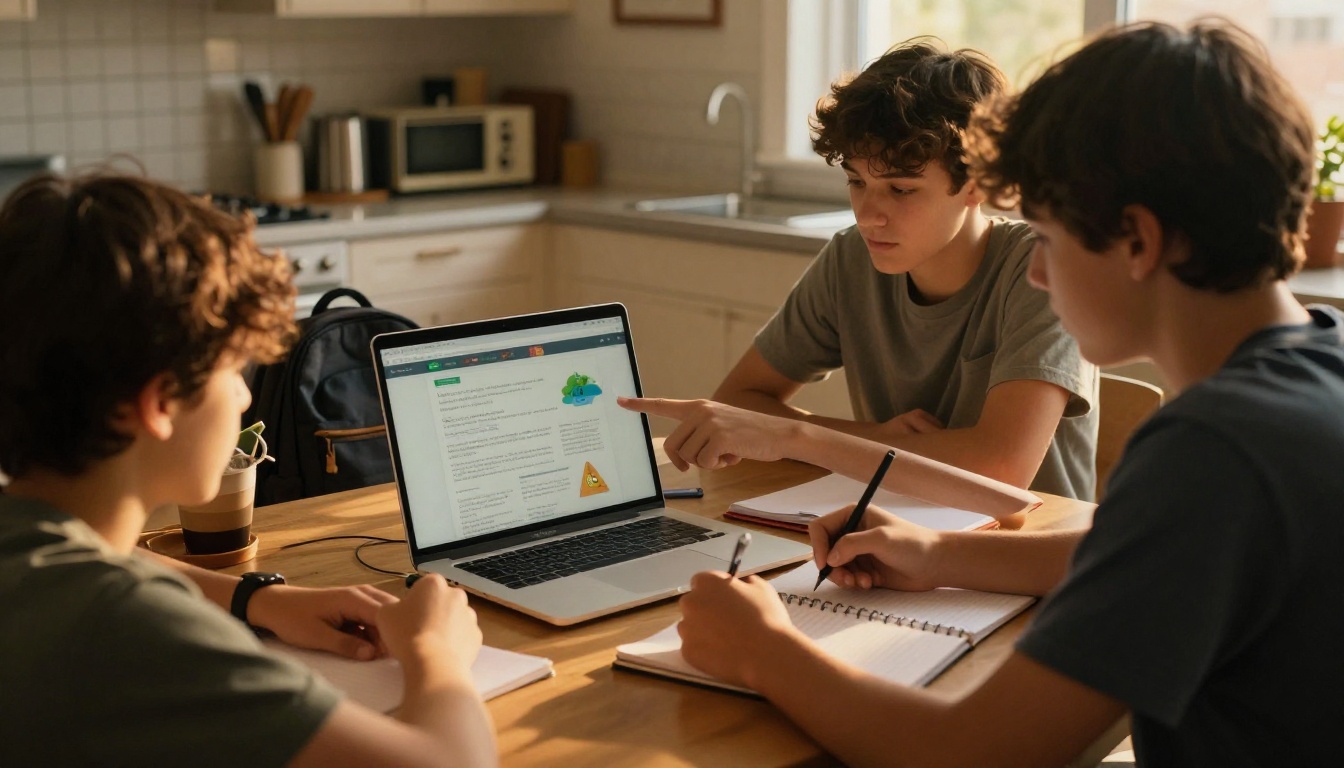
Group projects add a layer of complexity. Here's how teams of students can use flipbooks effectively:
Divide by sections: Each team member designs their pages in Google Slides or Canva, then merges all PDFs before uploading to Flipbooks AI. Free online PDF merge tools make this simple.
One account per group: Designate one person to own the Flipbooks AI account for the project. They upload the final merged PDF and share the link with the rest of the team.
Review before submission: Share the flipbook link with all team members at least a day before the due date. This gives time to catch any errors without rushing.
Password protection: If your group project contains draft content you don't want publicly accessible, the Professional plan includes password protection so only your teacher can access it with a set password.
Tips for Making Your School Flipbook Stand Out
The flipbook format is already a step above the average submission. These details push it further:
- Consistent fonts: Pick two fonts and stick with them throughout. Mixing five different typefaces looks chaotic.
- Opening page impact: Your first page is what the teacher sees immediately. Spend extra time on it. A compelling title, clear subject, and clean design set the tone.
- Page count discipline: More pages isn't always better. A tight 10-page flipbook is stronger than a padded 25-page one.
- Image quality: Low-resolution images look pixelated in the flipbook view. Use high-resolution images whenever possible.
- Readable text size: Don't go below 12pt equivalent in your design. Teachers often view on smaller screens.
- Table of contents: For longer projects, add a simple table of contents on page 2. It shows organization and lets teachers go directly to specific sections.
- Consistent color palette: Pick two or three colors that match your topic. A science project might use blues and greens. A history project might use warm browns and creams. Consistency signals intentional design.
Where to Go From Here
School projects are practice for real professional communication. The skills you build creating a flipbook for a history report or science presentation, such as organizing information, designing for your audience, and sharing work digitally, translate directly to the workplace.
The best place to start today is Flipbooks AI. Create a free account, upload any PDF, and see how quickly a flat document becomes something genuinely interactive and worth submitting.
If you want to see all the tools available for different project types, browse the full flipbook tools directory. There are specific tools for portfolios, newsletters, presentations, yearbooks, and more, each built for a different use case.
For students who want more features as their projects get more ambitious, take a look at the pricing plans to find what fits your needs without overpaying for features you won't use.
Ready to make your next school project actually stand out? Get started for free on Flipbooks AI and turn your next assignment into something your teacher actually wants to read.



