You created a beautiful flipbook, spent real time on the design and content, hit publish, and then waited. Nothing. This is the most common trap in digital publishing: great content with zero distribution. Getting views on your flipbook is not about luck or going viral. It is about placing your content in the specific spots where your audience already spends time.
Flipbooks AI gives you a shareable link and embed code the moment your flipbook is ready. What you do with that link determines whether ten people see it or ten thousand. Below is every channel worth using, how to approach each one, and what to realistically expect from each.
Why Most Flipbooks Get Zero Views
The problem is rarely the flipbook itself. It is distribution. Most creators share once on one platform, get modest results, and assume the content underperformed. In reality, the content never reached the right people.
Three things kill flipbook reach before it starts:
- Single-channel thinking: Sharing only on Instagram or only on LinkedIn limits you to one audience slice.
- No SEO consideration: A flipbook that cannot be found through search is invisible to people actively looking for what you offer.
- No call-to-action: Publishing without directing people to take the next step means even interested readers do not click.
Fix these three and your view counts will shift significantly.
Not all platforms treat document-style content equally. Some actively suppress links. Others reward visual, shareable formats. Here is where flipbooks perform best.

LinkedIn: Where Professionals Actually Read
LinkedIn is the single highest-performing platform for flipbook promotion, particularly for B2B content. Annual reports, product catalogs, case studies, and company newsletters all perform well here. The audience is in a reading mindset, unlike Instagram where users are scrolling passively.
What works on LinkedIn:
- Post the direct flipbook link with a compelling opening line, not a generic caption
- Add 3-5 relevant hashtags but avoid stuffing
- Tag colleagues or collaborators to expand initial reach
- Re-share to relevant LinkedIn Groups in your industry
The Corporate Report Maker and Sales Presentation tools on Flipbooks AI produce content that fits naturally into the LinkedIn feed.
💡 LinkedIn posts with a question in the first line get 40-60% more comments on average. Open with something worth responding to.
Pinterest: Visual Content That Keeps Working
Pinterest is a search engine, not a social feed. A pin you create today can drive traffic 18 months from now. For visually rich flipbooks like lookbooks, recipe collections, wedding albums, or travel guides, Pinterest is a long-term distribution machine.
How to approach Pinterest:
- Create a board dedicated to your flipbook topic
- Pin a strong preview image from your flipbook with the direct URL in the pin
- Write descriptive, keyword-rich pin descriptions
- Repin to group boards with large followers in your niche
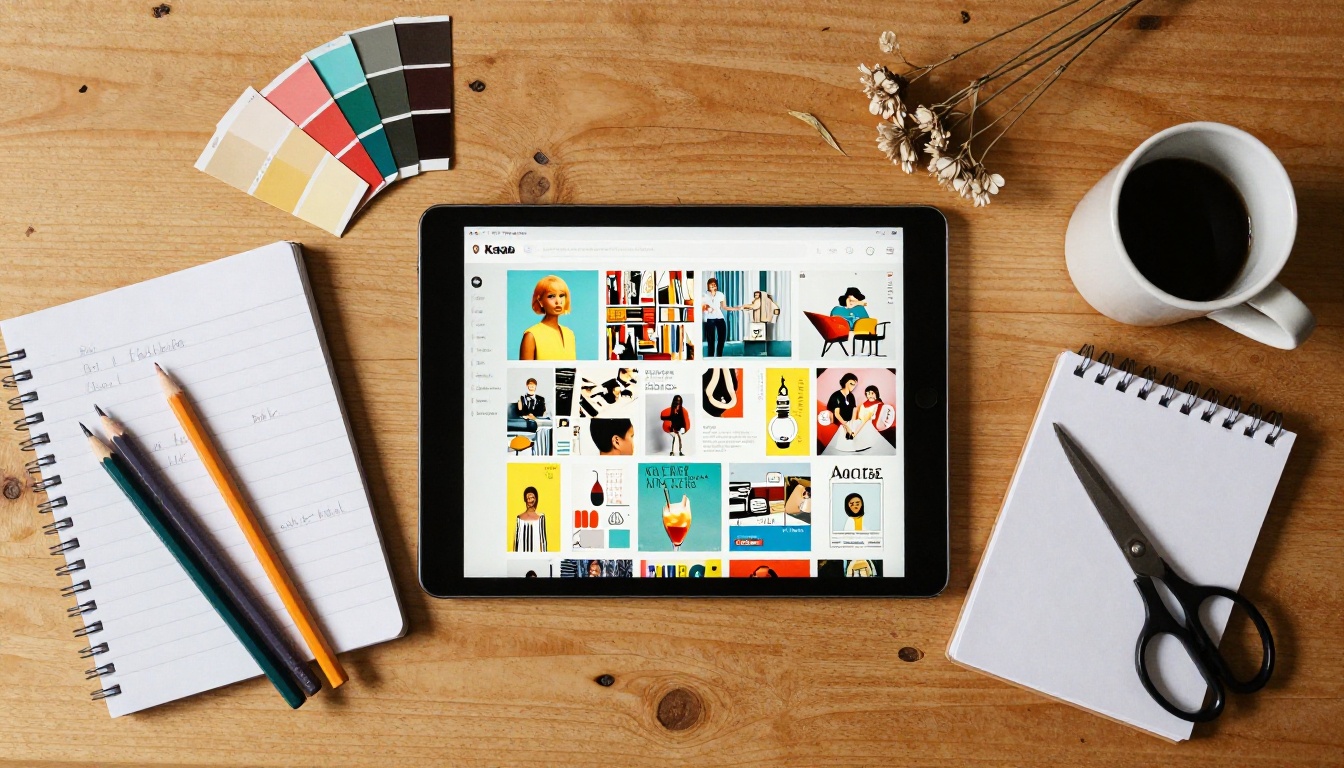
The Interactive Lookbook Designer and Photography Portfolio tools create content that photographs beautifully for Pinterest pins.
Facebook Groups: Targeted and Free
Facebook Groups have lost general appeal but gained incredible niche depth. There are active groups for every industry, interest, and profession. A well-placed post in the right group can drive hundreds of views in 24 hours.
The approach that works:
- Find 5-10 groups where your target audience is active
- Participate genuinely for at least a week before posting your flipbook
- Frame the share as a resource, not a promotion
- Respond to every comment within the first hour to boost the algorithm

⚠️ Many Facebook Groups ban direct self-promotion. Read group rules before posting. A ban from a high-quality group costs more than getting zero views from that post.
Instagram and TikTok: Use Them for Teasers
Instagram and TikTok do not support clickable links in posts. But they do support bio links and story link stickers. Use short video clips or image slideshows as teasers, then direct people to the link in bio.
Show two or three pages of your flipbook as a carousel post, then add "Full flipbook in bio" in the caption. For Instagram, a link management tool in your bio makes this workflow seamless.
Email Lists Beat Every Algorithm
An email list is the only audience you truly own. No algorithm changes will kill your reach. A newsletter send goes directly to subscribers who already want to hear from you.
Building the Right Email Format
Do not just paste a link and call it a newsletter. The format matters significantly:
- Subject line: Treat it like a headline. Include a number or a specific benefit. "The 2024 lookbook is live" beats "New content for you."
- Preview text: This is the line that appears in the inbox before the email is opened. Use it strategically.
- Thumbnail image: Show a preview image of your flipbook in the email body. Visual content increases click-through rates by 200-300%.
- Single CTA: One button, one link. Do not give readers three places to click.
✅ Embed the flipbook preview image as a clickable link pointing directly to your Flipbooks AI hosted URL. It looks polished and gives readers an immediate visual hook.
Segmenting for Better Open Rates
If your email list has different audience types, segment before you send. A product catalog is more relevant to existing customers than cold leads. A training manual matters to employees, not your public newsletter subscribers.
Sending to the right segment means higher open rates, better click-throughs, and less unsubscribe risk.
| Audience Segment | Flipbook Type | Expected CTR |
|---|
| Existing customers | Product catalog, seasonal lookbook | 8-14% |
| Warm leads | Case study, sales presentation | 4-8% |
| Newsletter subscribers | Magazine, company report, editorial | 3-6% |
| Internal team | Training manual, onboarding material | 15-25% |
Your Website Is Your Best Asset
Your website has an audience that already trusts you enough to visit. Embedding your flipbook on relevant pages puts it in front of warm traffic with zero additional cost.
Where to Embed for Maximum Impact
Not all pages are equal. The best placements for a flipbook embed:
- Product pages: A product catalog embedded on a category page increases time on site and purchase intent.
- Blog posts: A flipbook that expands on a blog topic naturally extends reading sessions.
- Homepage: For publications like magazines or annual reports, a homepage feature makes an immediate impression.
- Resources page: Visitors on these pages have high intent. They came looking for something to read.
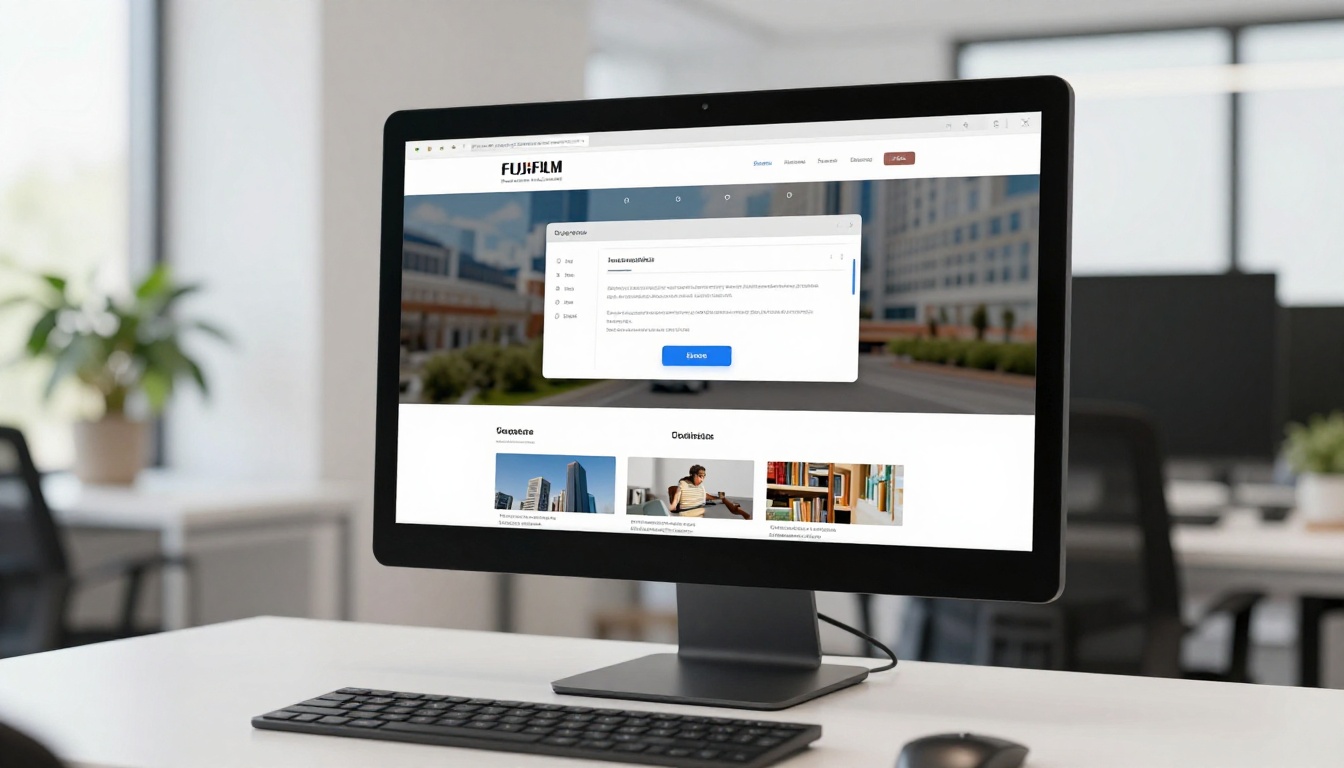
Flipbooks AI provides a clean embed code from your dashboard. Copy, paste, done. The Embed Flipbook on Website tool makes this straightforward even without developer help.
How Flipbooks Help Your SEO
A flipbook embedded on your website increases dwell time. Dwell time, meaning how long visitors stay on a page, is a positive ranking signal. More time on page signals to search engines that the content is valuable.
Additionally, the text content inside your flipbook, when indexed properly, can contribute to the page's keyword relevance.
💡 Create a dedicated landing page for each major flipbook you publish. Include a description, table of contents, and keywords around the topic before the embed. This gives search engines context to index it properly.
Online Communities and Forums
Niche communities offer some of the highest-quality traffic available. These are people with specific interests actively looking for resources.
Reddit: High Intent, High Skepticism
Reddit readers are smart, skeptical of self-promotion, and extremely vocal when content is genuinely useful. The deciding factor is context. Share your flipbook in a subreddit where it solves a real problem.
A restaurant menu flipbook shared in r/Restaurants as "here is a digital menu format I put together" will land well. The same post framed as "check out my product" will get downvoted immediately.
Subreddits worth targeting based on flipbook type:
- r/marketing, r/digital_marketing for business publications
- r/graphic_design for portfolios and lookbooks
- r/education for training materials and course content
- r/photography for photography portfolios
- r/startups for company profiles and reports
Slack and Discord Niches
Industry-specific Slack and Discord servers exist for almost every profession. Designers, marketers, educators, real estate professionals, restaurateurs. Each community has channels for sharing resources.
Get into 3-5 communities relevant to your audience. Contribute regularly first. Then share your flipbook as a resource when it genuinely fits the conversation.
Partner and Influencer Sharing
Your network multiplies your reach for free.
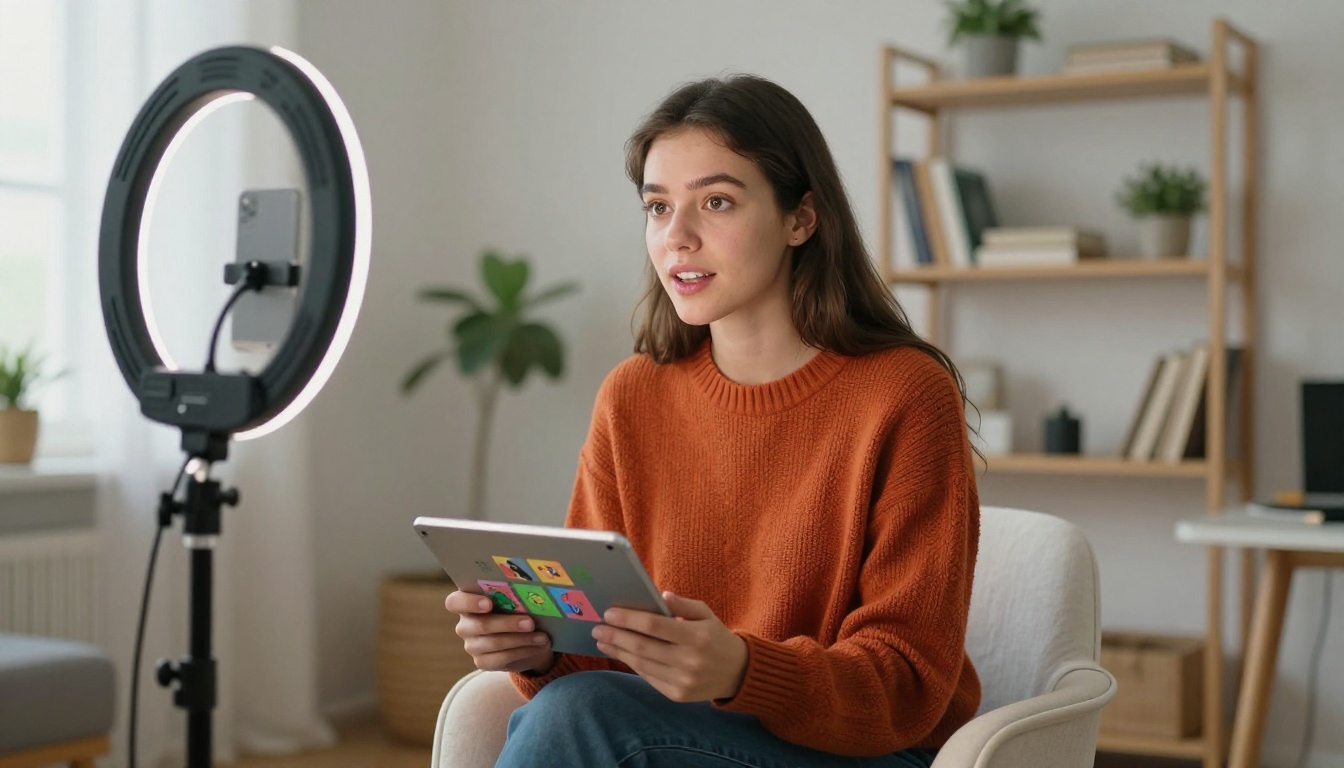
Three partnership models that work:
- Cross-promotion: Partner with a complementary business to feature each other's content. A real estate agency and a mortgage broker share the same audience. A restaurant and a local events company do too.
- Influencer shares: Micro-influencers with 5,000 to 50,000 followers in your niche often share relevant content for free or a small fee. The audience trust factor is high.
- Guest features: Include a partner's content or perspective in your flipbook, then they have a natural reason to share it with their own audience.
Track What Actually Works
Publishing without tracking is guessing. You need data to know which channels drive real views.
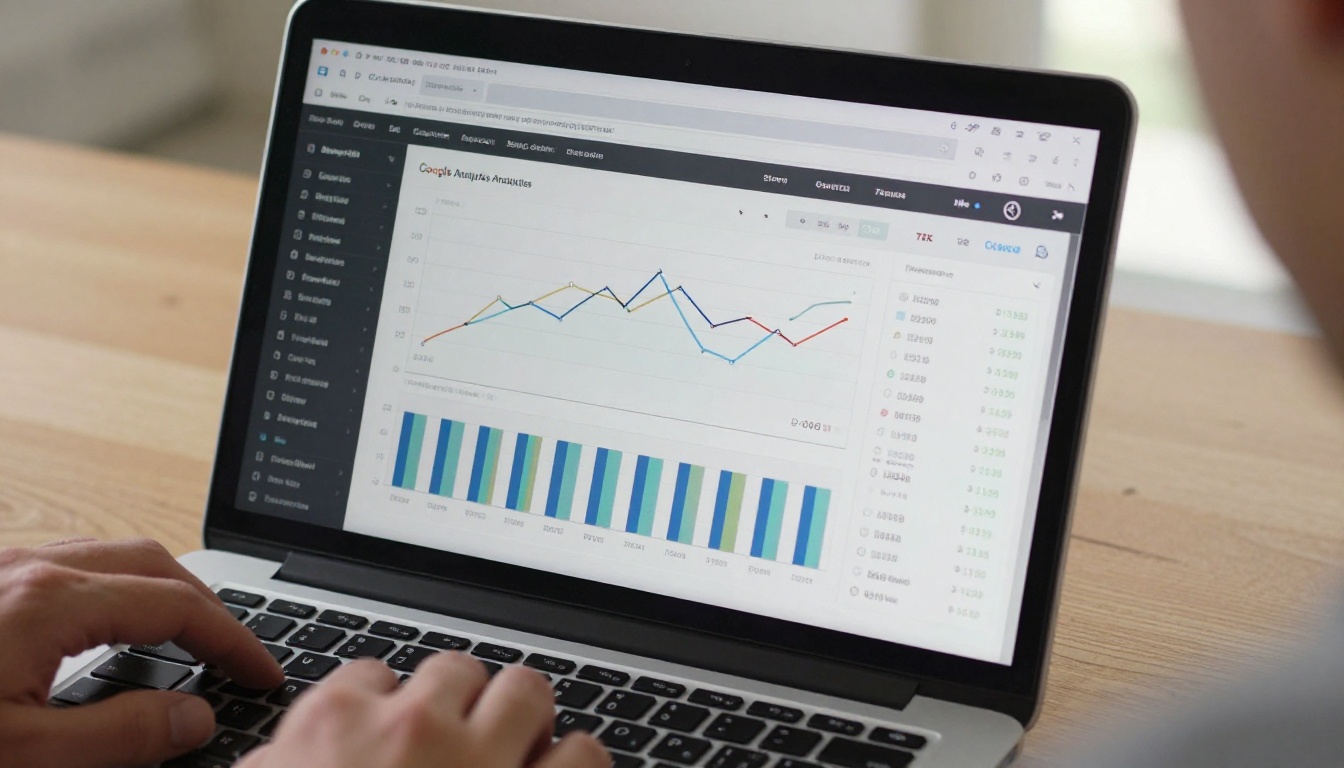
With the Professional plan on Flipbooks AI, you get built-in analytics showing how many people viewed your flipbook, how long they spent reading, and which pages held their attention. This data tells you which promotion channel is driving traffic and which content keeps readers hooked.
Metrics to track per channel:
| Channel | Primary Metric | Secondary Metric |
|---|
| LinkedIn | Post impressions | Link clicks |
| Email | Open rate | Click-through rate |
| Website embed | Page dwell time | Scroll depth |
| Pinterest | Monthly views | Outbound clicks |
| Facebook Group | Post reach | Comments and shares |
| Reddit | Upvotes | Direct link visits |
Use UTM parameters on your flipbook links to track exactly which channel each visitor came from in Google Analytics or your preferred analytics tool.
How to Publish and Share with Flipbooks AI
Flipbooks AI streamlines the entire process from PDF to shareable flipbook in minutes. Here is exactly how to go from file to published and ready to distribute.
Step 1: Create your account
Go to flipbooksai.com/account and sign up. No credit card required to start.
Step 2: Upload your PDF
From your dashboard, click "New Flipbook" and upload your PDF. The system converts it automatically into a page-turning digital flipbook with smooth animations. Catalogs, magazines, reports, portfolios, all formats work.
Step 3: Personalize your flipbook
Before publishing, customize the details:
- Branding: Add your logo and brand colors
- Page effects: Choose your preferred page-turn animation style
- Multimedia: Embed videos or audio into specific pages if needed
- Password protection: Lock it for private distribution if required
For specific formats, use dedicated tools like the PDF to Flipbook Converter or purpose-built creators for product catalogs, menus, brochures, and portfolios.
Step 4: Publish and share
Once published, you receive:
- A direct shareable link ready for social media, email, and messaging apps
- An embed code for your website
- Offline download options on Professional plan
- Lead generation forms on Professional plan to capture viewer contact info
Step 5: Distribute across all channels
Take that link and the embed code and distribute using every channel in this article. Set up UTM tracking, schedule your email send, post to LinkedIn, pin to Pinterest, and share in relevant communities.
✅ Publish your flipbook at least 48 hours before your main promotion push. This gives the URL time to stabilize and lets you preview everything on mobile and desktop before mass distribution.
What you get with each plan:
| Feature | Free | Standard | Professional |
|---|
| Flipbooks | 3 | Unlimited | Unlimited |
| Watermark | Yes | No | No |
| Custom branding | No | Yes | Yes |
| Password protection | No | Yes | Yes |
| Analytics | No | No | Yes |
| Lead generation | No | No | Yes |
| Offline downloads | No | No | Yes |
| Embed on website | Yes | Yes | Yes |
View full pricing details to choose what fits your needs.
What to Post on Each Platform
Knowing where to share is half the equation. Knowing what to say is the other half.

Platform-specific framing that converts:
- LinkedIn: Lead with a professional insight, then position the flipbook as supporting material. "Here is what we found in our 2024 customer survey. Full report here:"
- Email: Write a 3-sentence teaser about what is inside the flipbook. Create enough curiosity to click but not enough to satisfy without reading.
- Reddit: Frame it as a resource, not a promotion. "Thought this might be useful here given how often this topic comes up in this sub."
- Pinterest: Write a keyword-rich description that answers a specific question. "How to create a restaurant menu that increases average order value" beats "Our new spring menu."
- Facebook Groups: Ask a question before sharing. "Has anyone tried converting their print catalog to digital? Here is what we learned when we did it:"
Every channel rewards a different tone and structure. Taking ten minutes to adapt your post for each platform will triple your click-through rate compared to copy-pasting the same caption everywhere.
Channels That Compound Over Time
Some channels give you a quick spike. Others build slowly and then consistently.
Short-term spikes: Email sends, LinkedIn posts, Facebook Groups, Reddit posts. These drive traffic in the first 24 to 72 hours and then drop off.
Long-term compounders: Pinterest, SEO through website embeds, YouTube mentions, evergreen blog posts. These take longer to build but keep sending traffic for months or years.
A smart distribution strategy uses both. Get the quick views to build early momentum. Invest in the long-term channels to build sustainable reach.
Ready to put your flipbook in front of the right audience? Create your free account on Flipbooks AI and get your flipbook published and shareable in minutes. Browse all available tools and templates to find the right format for your content. When you are ready to add analytics, lead capture, and unlimited publishing, check pricing plans to scale up.



