Most digital content leaves a substantial chunk of its potential audience behind before a single page is read. A flipbook that cannot be navigated with a keyboard, lacks alt text on images, or displays text in a muddy low-contrast font does not just inconvenience some readers. It walls them out entirely. With over 1.3 billion people worldwide living with some form of disability, and billions more using mobile devices in challenging lighting conditions, building accessible flipbooks is not a courtesy. It is the single biggest thing you can do to grow your readership.
Flipbooks AI makes this achievable without requiring a degree in web accessibility. This article breaks down exactly why accessibility directly increases how many people read your content, which specific features matter most, and how to put them into practice starting today.

The Readers You Are Currently Losing
Here is something most content creators never think about: the World Health Organization estimates that 15% of the global population lives with a disability. That is roughly 1.3 billion people. In the United States alone, one in four adults has some form of disability that affects how they interact with digital content.
Add to that number:
- Adults over 65, who represent the fastest-growing internet demographic and frequently experience reduced vision, motor control challenges, or cognitive changes that affect how they read
- Situational impairment users: anyone reading in bright sunlight, operating a phone one-handed on a commute, or in a noisy environment without headphones
- Non-native speakers who rely on clear typography and structured layouts to process content more easily
- People with temporary conditions like a broken arm, eye surgery recovery, or a migraine that makes bright screens painful
- Users on low-cost devices with small screens, limited processing power, or older operating systems that cannot render complex interactive elements
When you account for all these groups, the number of people affected by poor accessibility is not a niche 5%. Research from the World Wide Web Consortium (W3C) consistently shows that accessibility improvements benefit 20 to 40 percent of a typical audience in measurable, documented ways. That is not a rounding error. That is a significant fraction of your potential readership walking away because your flipbook was not built with them in mind.
💡 Pro tip: The Web Content Accessibility Guidelines (WCAG) 2.1 framework exists precisely because inaccessible content affects far more users than most publishers realize. WCAG compliance is not a legal technicality. It is a description of what readable, usable content actually looks like.

What Accessibility Actually Means for Flipbooks
Accessibility is not one single checkbox. It is a set of overlapping standards that, when met together, create a reading experience that genuinely works for everyone. For digital flipbooks, the critical pillars are screen reader support, keyboard navigation, color contrast, font readability, and mobile responsiveness.
Screen Reader Compatibility
Screen readers convert text and interface elements into spoken audio or Braille output. For a flipbook to work with a screen reader, its underlying structure must be semantic. Every image needs descriptive alt text. Every interactive element needs a label. Navigation must be logical and announce page changes clearly as the user moves through the document.
A flipbook that skips this is functionally invisible to blind and low-vision users. They open it, hear nothing meaningful, and close it within seconds. That reader is gone, and they are not coming back.
Keyboard-Only Navigation
Many users cannot use a mouse. This includes people with motor disabilities such as Parkinson's disease or repetitive strain injury, power users who prefer keyboard shortcuts for speed, and anyone using a keyboard-connected device like a smart TV or Bluetooth keyboard with a tablet. A flipbook should allow users to turn pages, activate links, open menus, and close overlays using only Tab, Enter, Escape, and arrow keys.
⚠️ Warning: If pressing Tab on your published flipbook does nothing, or if focus indicators are invisible, keyboard users have already abandoned your content. This is one of the most common and most damaging accessibility failures in digital publishing.
Color Contrast and Visual Clarity
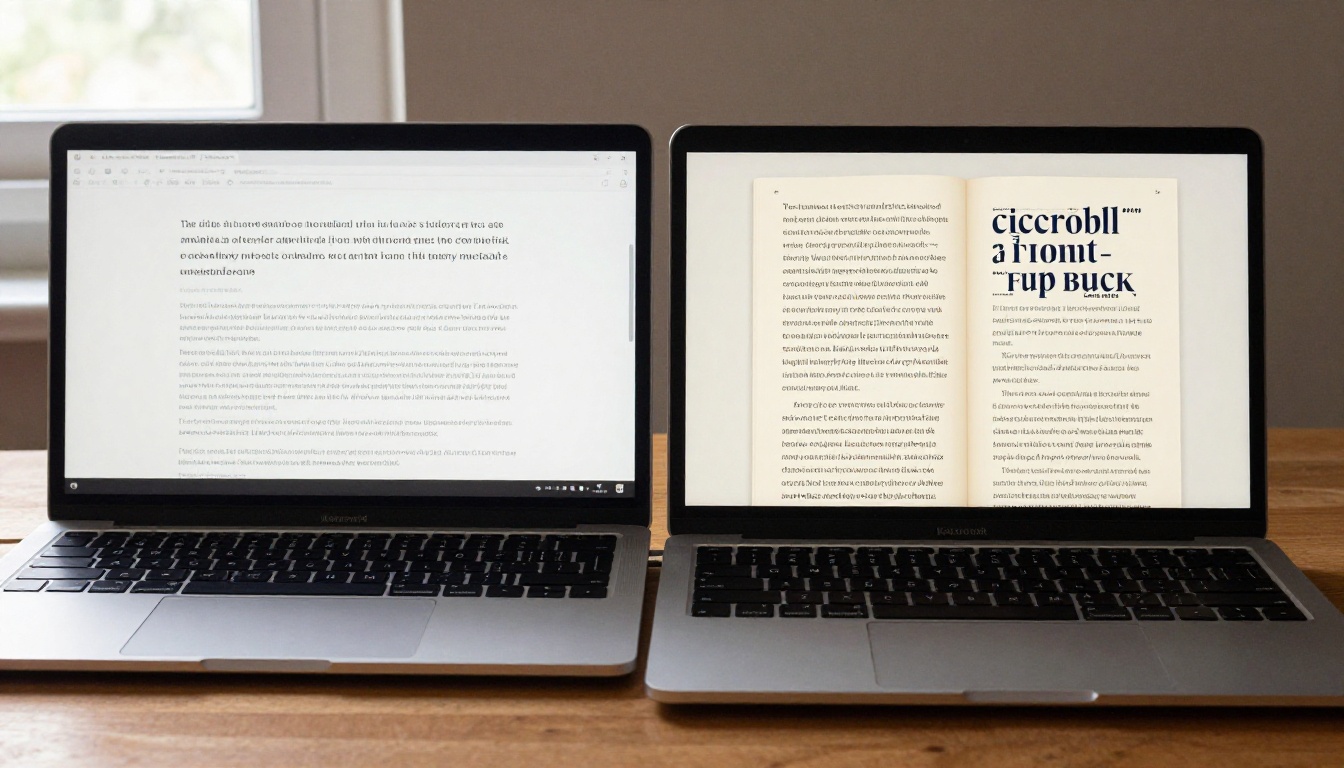
WCAG 2.1 requires a minimum contrast ratio of 4.5:1 for normal text and 3:1 for large text. Light gray on white, or dark brown on black, both fail this threshold. The result is text that is difficult or impossible to read for anyone with low vision, any form of color vision deficiency, or anyone reading in a poorly-lit room or outdoors in daylight.
| Contrast Ratio | WCAG Level | Who Can Read It |
|---|
| Below 3:1 | Fails all levels | Only users with perfect vision in ideal conditions |
| 3:1 to 4.5:1 | AA Large text only | Users with mild vision differences in good conditions |
| 4.5:1 and above | AA Standard | The vast majority of users across conditions |
| 7:1 and above | AAA | Virtually all users including significant low vision |
Font Size and Typographic Readability
Tiny fonts are not a design aesthetic. They are a readability barrier dressed up as restraint. Best practice sets a baseline body font size of 16px minimum, with clear visual hierarchy distinguishing headings from body copy at a glance. Line spacing of at least 1.5x the font size improves reading speed and comprehension for everyone, with particularly pronounced benefits for users with dyslexia.
Avoid font families with thin strokes or highly decorative letterforms for body text. Save those for headings where they are read at a glance, not sustained over paragraphs.
Mobile Responsiveness as Accessibility
Over 60% of global web traffic now comes from mobile devices. A flipbook that requires pinch-zooming to read body text, whose navigation buttons are too small to tap accurately on a touchscreen, or whose pages overflow the viewport horizontally is not just inconvenient. It is inaccessible. Accessible design and mobile-responsive design are the same problem viewed from different angles, and solving one almost always advances the other.
Why Accessibility and SEO Move Together
This is where accessible flipbooks deliver a return that goes well beyond doing the right thing. Search engines and screen readers share a fundamental requirement: structured, labeled, semantic content. That shared requirement is what makes accessibility and search optimization inseparable in practice.
When you add proper alt text to images, you are giving screen reader users meaningful context for what they cannot see, and you are also giving Google indexable text that contributes directly to your search rankings. When you use proper heading hierarchy across your flipbook content, both assistive technology and search engine crawlers can parse your document structure and assign relevance to your content accurately.

The connection is not coincidental. Google's web crawlers are, in effect, the most sophisticated screen reader ever built. They cannot see images. They read alt text. They cannot infer visual hierarchy from font size alone. They read heading tags. They do not experience a page the way a sighted user does. They experience it the way an assistive technology user does: through the underlying semantic structure.
💡 Pro tip: Every image in your flipbook without alt text is a missed SEO signal. A flipbook with 20 images and no alt text has essentially hidden those images from search engines entirely. That is 20 opportunities to rank for descriptive visual content, all wasted.
SEO benefits that come directly from accessibility improvements:
- Higher crawl efficiency and indexability of your full content
- Richer structured data that search engines use to assign relevance
- Lower bounce rates when users can actually read and navigate your content
- Increased time-on-page as navigation becomes intuitive for more user types
- Better performance in voice search, which relies entirely on semantic structure
- Backlink potential from accessibility-focused publications and directories
3 Common Accessibility Mistakes
Most flipbook creators make the same errors. Here is where content typically breaks down, and what to do about each one:
1. Low Color Contrast
The most frequent WCAG violation across all digital content. Designers choose color combinations that look elegant on calibrated studio monitors and become unreadable on phones in daylight. Always test your color pairs with a dedicated contrast checker such as the WebAIM Contrast Checker before publishing. Target 4.5:1 or higher for all body text, without exceptions for "branding reasons."
2. Images Without Alt Text
Every image in a flipbook that lacks a descriptive alt attribute is a gap in the content for screen reader users. The description should convey what the image shows and why it matters in context, not just say "image" or repeat the file name. An image of a restaurant menu should have alt text like "Handwritten lunch specials menu board with today's pasta and soup options" rather than "menu.jpg."
3. No Keyboard or Touch Navigation
Pages that only respond to mouse clicks or swipe gestures exclude keyboard users entirely. Interactive elements including page-turn buttons, embedded links, popup menus, and lead capture forms must be operable without a pointing device. Test by unplugging your mouse and seeing if you can use your flipbook fully with Tab and Enter alone.
✅ Best practice: Run your published flipbook through a free accessibility checker like WAVE or the axe DevTools browser extension before it goes live. Most critical issues take under 30 minutes to fix once identified, and the difference in reach is immediate.
How to Build an Accessible Flipbook with Flipbooks AI
Flipbooks AI gives you the structural foundation for accessible digital publications from the moment you upload your PDF. Here is how to use the platform to build something every reader can use.

Step 1: Start with an Accessible Source PDF
Accessibility begins before you upload. In your PDF authoring tool, whether that is Adobe InDesign, Canva, or PowerPoint, apply actual heading styles rather than just making text visually large and bold. Tag images with alt text at the source document level. Set meaningful reading order so that screen readers encounter content in the correct logical sequence, not the order elements were placed on the page.
Step 2: Upload and Convert
Create an account and upload your PDF using the PDF to Flipbook Converter. The platform processes your file and preserves the underlying text layer, which is the layer screen readers use to interpret and vocalize content. A flipbook built on a solid text layer is immediately more accessible than one that treats every page as a flattened image.
Step 3: Set Custom Branding with Contrast in Mind
In the customization panel, choose brand colors for UI elements and navigation that meet WCAG contrast requirements. Flipbooks AI allows full control over interface colors. Prioritize legibility and contrast over visual novelty. A navigation button in a low-contrast color is harder to find for all users, not just those with visual impairments.
Step 4: Embed Multimedia Thoughtfully
Flipbooks AI supports embedded video and audio. If you add video, include captions. Captions serve users who are deaf or hard of hearing, users in environments where audio is not an option, and users who simply read faster than spoken content plays. YouTube's automatic caption generation is a reasonable starting point, though manual review improves accuracy significantly.
Step 5: Configure Sharing and Embedding
Use Flipbooks AI's sharing options to distribute your flipbook wherever your audience lives. The Embed Flipbook on Website tool lets you place your flipbook directly into a webpage. You can also share direct links or apply password protection for private content. All embedding methods preserve the accessibility features built into the flipbook player.
Step 6: Use Analytics to Find Friction Points
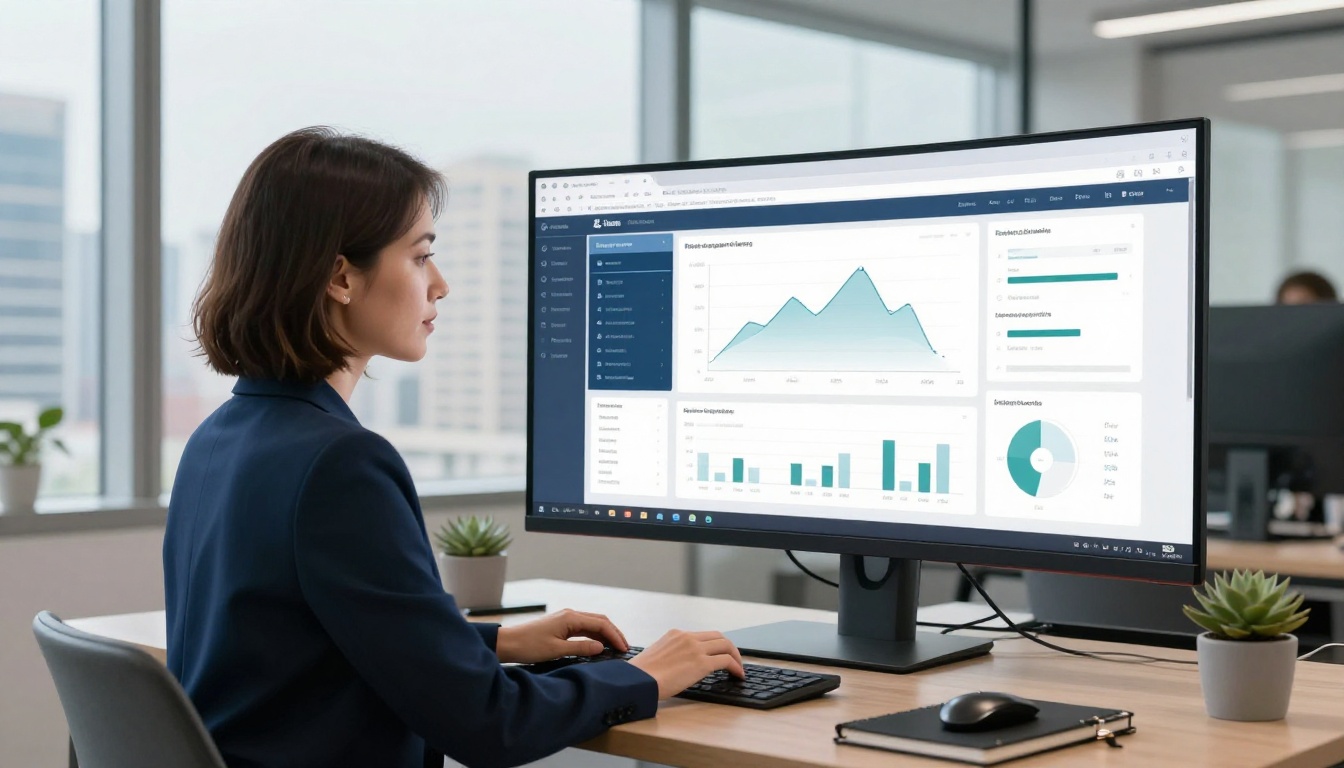
On the Professional plan, analytics reveal reader behavior across your flipbook. Pages with abnormally high exit rates or very short time-on-page are worth investigating for accessibility issues. A page where readers consistently stop engaging may have a contrast problem, a navigation dead-end, or content that is simply too dense to read on mobile.
Flipbooks AI Plan Comparison for Accessible Publishing
Different publishing needs call for different feature sets. Here is how Flipbooks AI's plans compare for accessibility-focused content:
| Feature | Free | Standard | Professional |
|---|
| Mobile-responsive player | Yes | Yes | Yes |
| Unlimited flipbooks | No | Yes | Yes |
| Custom branding and colors | Limited | Yes | Yes |
| No watermarks | No | Yes | Yes |
| Embed on external websites | No | Yes | Yes |
| Password protection | No | Yes | Yes |
| Embed video and audio | No | Yes | Yes |
| Analytics and reader data | No | No | Yes |
| Lead generation forms | No | No | Yes |
| Offline downloads | No | No | Yes |
💡 Pro tip: For organizations that need to demonstrate ADA compliance or WCAG conformance for digital publications, the Professional plan's analytics provide documented evidence of content reach, usage patterns, and audience geographic distribution.
Review the full pricing breakdown to find the plan that matches your publishing volume and feature requirements.
Real-World Impact Across Industries
Accessibility is not abstract. Here is what it looks like in practice across different sectors:
Education: A professor using the Course Material Publisher creates accessible course packets that students with visual impairments, dyslexia, or motor disabilities can read without filing accommodation requests. Clearer formatting benefits the entire cohort, not just students with identified needs.
Restaurants: A restaurant using the Restaurant Menu Creator builds a high-contrast digital menu with large, readable type. Older guests read it without asking for their glasses. Screen reader users hear menu items announced clearly. The restaurant gets fewer requests to read the menu aloud and fewer complaints about small print.
Real Estate: An agency using the Real Estate Brochure tool creates property brochures with descriptive alt text on every photo. The images become indexable by search engines, the brochures rank higher in local property searches, and prospective buyers with visual impairments can use the materials independently without assistance.
Corporate Publishing: A company using the Annual Report Creator produces a WCAG-conformant annual report. Shareholders with disabilities read it without assistance. The report also signals genuine commitment to inclusion to institutional investors increasingly scrutinizing ESG practices.
Creative Portfolios: A photographer using the Photography Portfolio tool adds descriptive alt text to each image so that screen reader users receive a vivid, meaningful description of each photograph rather than silence or a useless file name.
The Pre-Publish Accessibility Checklist
Before any flipbook goes live, run through this list:

- Text contrast: All body text meets 4.5:1 contrast ratio minimum
- Heading structure: Content uses logical H1 through H3 hierarchy without skipping levels
- Alt text: Every image carries a descriptive, meaningful alternative text attribute
- Font size: Body text is at minimum 16px with adequate line spacing
- Touch targets: All interactive buttons and links are at least 44x44 pixels
- Keyboard navigation: All interactive elements reachable and operable without a mouse
- Captions: All embedded video includes closed captions or an available transcript
- Mobile test: Content viewed and verified on an actual phone screen
- No autoplay: Audio and video do not play without user-initiated action
- Descriptive links: Link text says what the destination is, not just "click here" or "read more"
| Accessibility Problem | Quick Fix | Where to Fix It |
|---|
| Low contrast text | Adjust palette to 4.5:1 ratio minimum | Design tool before PDF export |
| Missing alt text | Add image descriptions | PDF authoring software |
| No keyboard navigation | Use an accessible flipbook platform | Flipbooks AI |
| Missing video captions | Add subtitle tracks | YouTube or manual SRT file |
| Small tap targets | Increase button size and spacing | Design tool before PDF export |
| Untagged heading structure | Apply correct heading styles | InDesign, Word, or Canva |
Accessible Content Is a Growth Strategy
The fundamental mistake is treating accessibility as a compliance burden to satisfy legal minimums. Every improvement you make to serve readers with disabilities simultaneously serves readers with slow connections, readers on budget phones, readers in noisy or bright environments, older readers, non-native speakers, and the search crawlers that determine whether anyone finds your content in the first place.
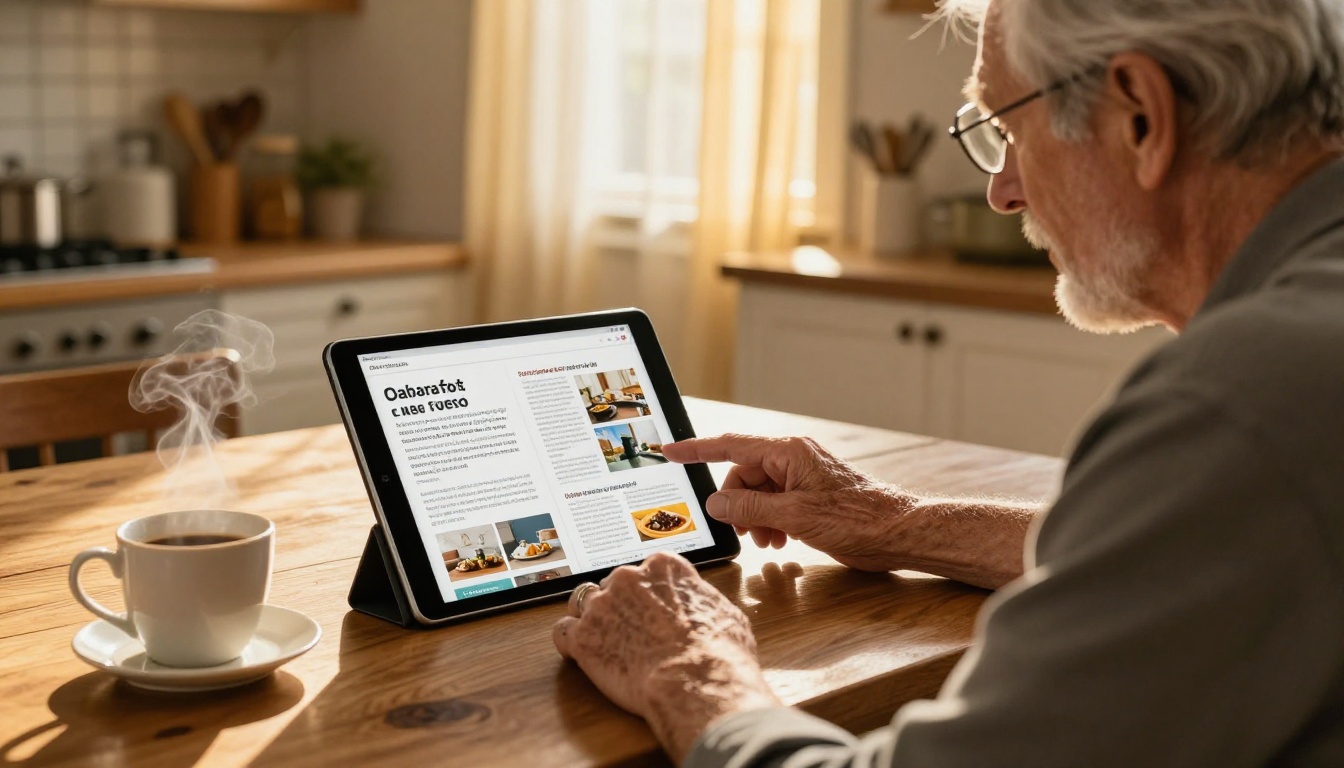
More readable flipbooks hold attention longer. More structured content ranks higher in search results. More accessible publications reach readers you did not know you were excluding. The audience does not shrink when you build for everyone. It grows, and it grows with readers who return because your content actually worked for them.
When you publish a flipbook that works for a person using a screen reader in São Paulo, a senior reading on a tablet in rural Japan, and a one-handed commuter in London, you are not making a sacrifice in the name of inclusion. You are building content that earns its readership across every context it reaches.
Flipbooks AI gives you the platform to do exactly that. Every flipbook you create is mobile-responsive by default, built on a player designed to work with assistive technology, and ready to embed anywhere your audience is.
Ready to build content that every reader can access? Create your first flipbook and see what accessible publishing does for your numbers.
Browse all available flipbook tools to find the right format for your content type, from interactive e-books and product catalogs to digital portfolios and restaurant menus.
Compare pricing plans and choose the level that fits your publishing volume and feature needs.



