The architecture industry has always been built on the power of presentation. A beautifully assembled project book, a perfectly arranged portfolio, the tactile weight of a printed binder handed across a conference table, these things have long shaped how firms win clients and communicate vision. But the game has changed. Architects across the world are trading those printed binders and flat PDF files for something that does the job better: interactive flipbooks. And the reasons go well beyond aesthetics.
The Real Problem with Traditional Project Books
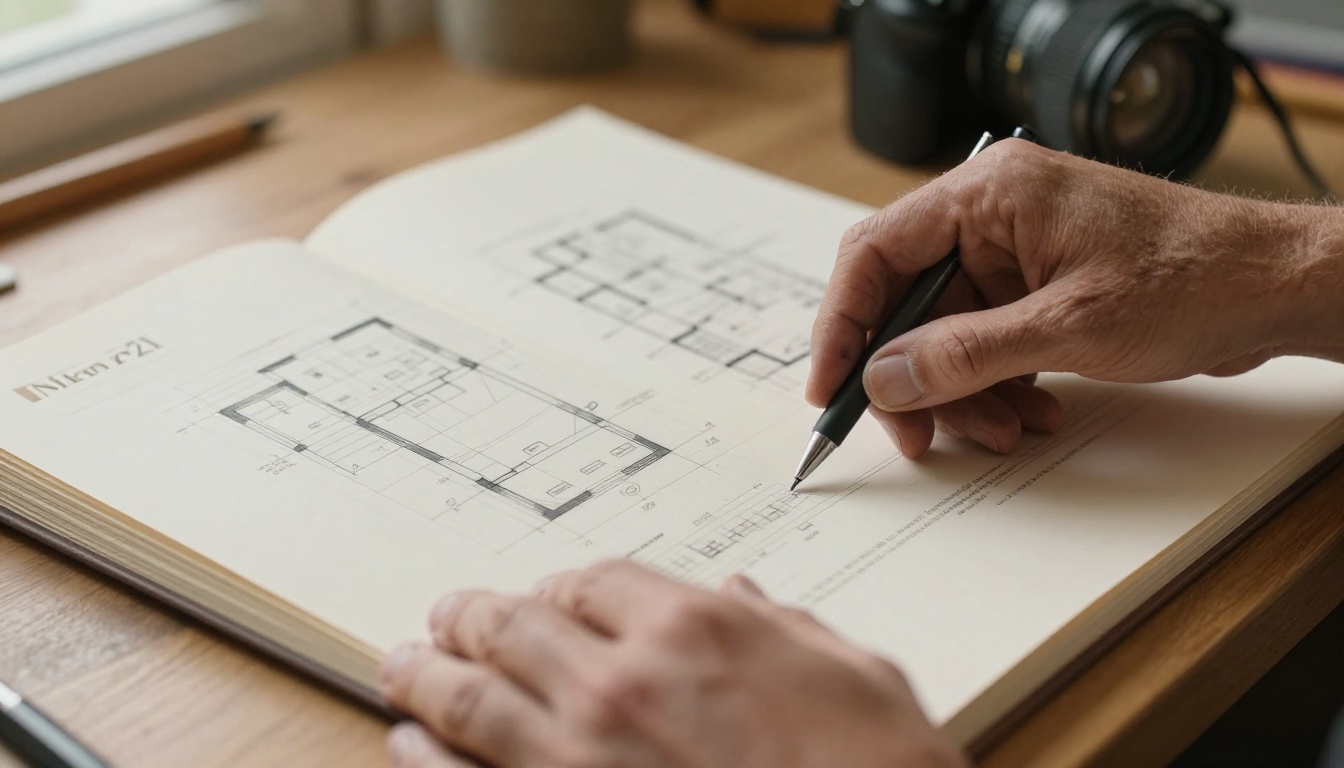
Architecture project books are notoriously difficult to manage. They are expensive to print, slow to update, and fragile by nature. A firm presenting to three different clients in the same month might print three separate binders, each costing hundreds of dollars in materials and time. Change a floor plan after printing? Start over.
Printed binders cost more than you think
The hidden cost of physical project books stacks up quickly. Consider a mid-size firm bidding on five projects per year:
| Cost Factor | Printed Binder | Digital Flipbook |
|---|
| Printing per copy | $80-$250 | $0 |
| Binding and materials | $20-$80 | $0 |
| Shipping to client | $15-$60 | $0 |
| Update after revision | Full reprint | Instant |
| Client access 24/7 | No | Yes |
| Analytics on viewing | No | Yes (Pro plan) |
Over time, those printing costs compound. A firm producing ten project books per year, at $150 average per binder, spends $1,500 before accounting for courier fees, storage, or the inevitable reprints after design revisions.
Static PDFs miss the mark too
PDFs solved the printing problem but introduced new ones. They are heavy files that clog email inboxes. They open flat and cold, with no visual hierarchy, no page-turn experience, no way to embed a walkthrough video of a building. Clients receive a 45-page PDF and may never open it. There is no way to know. There is no way to follow up meaningfully.
A static PDF gives no insight into whether a client spent four minutes on the section plan or skipped it entirely. For an architect trying to tailor a follow-up conversation, that silence is a strategic disadvantage.
What Flipbooks Actually Do Differently
The core appeal of a digital flipbook is not the page-turn animation, though that does help. The real value is in what the format enables: interactivity, accessibility, analytics, and speed.
The page-turning experience changes perception
There is real psychology behind the page-turn effect. Research on digital reading behavior shows that navigating content through physical metaphors, such as flipping pages, increases perceived value and time-on-content. For architects whose entire business depends on how clients feel about their work, that perception shift matters considerably.
When a client opens a flipbook version of a project book, they move through it the way they would a high-end architecture magazine. Pages respond to their touch or mouse. The experience signals professionalism in a way a PDF attachment does not.
Embedded media changes what a project book can hold
A printed project book shows still images. A digital flipbook can hold:
- Embedded video walkthroughs of completed buildings
- Time-lapse clips of construction progress
- Clickable links to 3D model viewers
- Audio narration layered over site plans
- Embedded maps for location context
For a firm presenting a hospitality project, this means the client can watch a thirty-second drone flyover of the site, right inside the project book, without switching tabs or applications. That kind of contextual richness is simply not possible on paper.

How Architects Win More Pitches with Flipbooks
The practical advantages show up most clearly in competitive pitching situations, where a firm is presenting alongside several competitors for the same project.
First impressions in a competitive market
Architecture is a referral-driven industry, but initial presentations to new clients often happen cold. In those moments, the quality and modernity of a firm's presentation materials signal competence before a single word is spoken.
An architect pulling up a beautifully formatted digital flipbook, complete with embedded renders and a smooth page-turn interface, stands out against competitors still attaching PDFs. The format itself communicates that the firm operates at a high level.
💡 Pro tip: Share your flipbook link before the in-person meeting. Clients who have already spent time with your project book arrive more informed and more ready to engage meaningfully.
Real-time sharing with remote clients
Post-pandemic architecture practice has normalized remote client relationships. Firms in New York regularly present to clients in Dubai, Singapore, or London. Emailing a 60MB PDF is not a professional solution.
A flipbook link, sent in seconds, opens instantly in any browser on any device. No downloads. No compatibility issues. No compressed images. The client in Singapore sees the same rich renders as the client across the table in New York.

How to Create Your Project Book with Flipbooks AI
Flipbooks AI is built specifically for this use case. The platform converts any PDF into a fully interactive digital flipbook in minutes, with no technical skill required. Here is exactly how architecture firms use it.
Step 1: Upload your PDF
Start by heading to Flipbooks AI and creating a free account. Once inside, upload your project book PDF directly. The platform accepts files of any size and automatically converts them into a page-turning digital flipbook.
The PDF to Flipbook Converter handles the heavy lifting: page layout, image resolution, and document structure are all preserved exactly as you designed them.
Step 2: Apply your firm's branding
After conversion, apply your visual identity. Add your logo, set brand colors for the interface, and choose from multiple page transition styles. For architecture firms, the ability to match the flipbook chrome to a project's material palette, say, warm terracotta tones for a Mediterranean residential project, adds another layer of intentional presentation.
Flipbooks AI also supports custom domain embedding, so you can host the flipbook on your own firm website and keep clients within your branded environment.
Step 3: Add interactive media
This is where digital project books leave print entirely behind. Within the Flipbooks AI editor, embed video clips directly onto specific pages. Place a construction progress video on the site documentation page. Embed a walkthrough render on the floor plan spread. Add a clickable link to a 3D model viewer on the section detail page.
For firms using the Digital Portfolio Creator or the Portfolio Flipbook Builder, these tools come pre-configured for portfolio-style layouts that work especially well for architecture project documentation.
Step 4: Share, embed, or protect
When your project book is ready, Flipbooks AI gives you three sharing options:
- Direct link: A clean URL you drop into an email or message. No attachments, no file size limits.
- Embed code: Paste it into your firm website to host the flipbook on a portfolio page. The Embed Flipbook on Website tool makes this straightforward.
- Password protection: For confidential projects or NDA-covered work, password-protect the flipbook so only authorized clients can access it.
✅ Best practice: Use password protection for any project book containing proprietary site analysis, unpublished designs, or client-specific financial data.
Step 5: Track how clients interact with your work
On the Professional plan, Flipbooks AI includes built-in analytics that show exactly how clients move through your project book. You can see which pages held their attention longest, when they stopped reading, and how many times they returned.
For an architect preparing a follow-up client call, knowing that the client spent eleven minutes on the structural detail section and barely touched the interior finishes page is actionable information that changes the conversation completely.
Not every presentation context calls for the same format. Here is how digital flipbooks compare across the most common architecture presentation scenarios:
| Scenario | Printed Binder | Standard PDF | Digital Flipbook |
|---|
| In-person pitch meeting | Good | Acceptable | Excellent |
| Remote client review | Poor | Acceptable | Excellent |
| Ongoing project documentation | Poor | Good | Excellent |
| Confidential project sharing | Good | Poor | Excellent (password) |
| Post-presentation follow-up | Poor | Acceptable | Excellent (analytics) |
| Portfolio on firm website | Not applicable | Poor | Excellent (embed) |
| Client revision review | Very Poor | Good | Excellent (instant update) |
| Multi-stakeholder distribution | Poor | Acceptable | Excellent (single link) |
The pattern is consistent. Digital flipbooks perform at least as well as other formats in every scenario and significantly better in most.
Which Plan Fits Your Firm
Flipbooks AI pricing is tiered to suit solo practitioners, boutique studios, and large firms.
| Feature | Free | Standard | Professional |
|---|
| Number of flipbooks | Limited | Unlimited | Unlimited |
| Watermark | Yes | No | No |
| Custom branding | No | Yes | Yes |
| Password protection | No | Yes | Yes |
| Analytics dashboard | No | No | Yes |
| Lead generation forms | No | No | Yes |
| Offline downloads | No | Yes | Yes |
| Embedded video and audio | No | Yes | Yes |
| Mobile responsive | Yes | Yes | Yes |
For most architecture firms actively using flipbooks for client presentations, the Standard plan covers the essentials: unlimited flipbooks, no watermarks, custom branding, and password protection. Firms running business development campaigns or wanting to track which prospects interact with which project books benefit most from the Professional plan's analytics.
⚠️ Note: The free plan includes Flipbooks AI watermarks on all published flipbooks. For professional client-facing presentations, a paid plan is the right move.
Real-World Wins for Architecture Professionals
The theoretical advantages of digital project books are clear. What do they look like in practice?
Solo practitioners and small studios
A solo architect running a residential practice often presents to clients who are not architects themselves. These clients sometimes struggle to read technical drawings or interpret floor plans without context. A flipbook allows the architect to layer explanatory callouts, embedded video walkthroughs, and reference images directly onto the same pages as the technical drawings, creating a project book that clients can actually connect with emotionally and intellectually.
For a solo practitioner with no marketing team, the Digital Portfolio Creator provides a structured starting point that makes producing a professional project book achievable without a dedicated graphic designer.
Large firms and multi-project studios
At the other end of the scale, large architecture studios managing dozens of active projects benefit from the operational efficiency of digital project books. Rather than maintaining print inventories or tracking which version of a binder was sent to which client, a shareable link always points to the current, updated version.
For firms managing relationships with developers, municipalities, or international clients, the ability to produce project-specific books for each stakeholder audience without reprinting is a genuine operational win. A firm might create fifteen variations of a project book for a large mixed-use development, each tailored to a different reader, using the same base PDF with targeted edits.
Both scenarios share a common thread: digital project books reduce the friction between doing excellent design work and communicating it effectively to the people who need to approve and fund it.

Three Architecture-Specific Flipbook Use Cases Worth Stealing
Beyond the standard project book, architects are finding the format useful in ways that go further:
1. Competition submission portfolios: Many architecture competitions require digital submission packages. A flipbook link delivers an immersive experience that stands out against folders of attached PDFs in a review committee's inbox.
2. Planning and permit documentation: Complex permit applications often require extensive documentation packages. A flipbook version of the submission, shared as a link with the planning authority, is easier to move through than a multi-document PDF bundle and simpler to reference in follow-up meetings.
3. Post-occupancy reports: After a building is completed and occupied, some firms produce post-occupancy evaluation reports for institutional clients. A flipbook version of that report, complete with photography, user feedback data, and performance metrics, reads as a premium deliverable that reinforces the firm's long-term relationship with the client.
For each of these, the Portfolio Flipbook Builder and the Annual Report Creator provide purpose-built templates that reduce production time significantly.
💡 Pro tip: Use the same flipbook format for internal team documentation as for client presentations. Project books shared as flipbooks within a firm keep everyone on the same updated version without version-control confusion across email threads.
What the Shift Tells Us About Architecture Practice
The move toward digital project books is not purely about format preference. It reflects a broader shift in how architecture firms think about communication and business development.
Clients in 2027 arrive at their first architect meeting having already done hours of online research. They have seen the firm's website, scrolled through project images, maybe watched a few video walk-throughs. They are visually sophisticated and time-constrained. A project book that works like a premium digital magazine, immediately accessible from any device, responsive to their pace, rich with embedded context, meets that expectation directly.
Firms that still rely primarily on printed binders or static PDF attachments are not just behind on technology. They are communicating, unintentionally, that their practice operates on older assumptions about how clients want to receive information.
The architects winning pitches with flipbooks are not doing so because the tool is novel. They are winning because the format removes every obstacle between their best work and the person who needs to see it.
Start Presenting Your Work the Right Way
Architecture is a profession where presentation quality directly reflects perceived design quality. Clients make assumptions about a firm's attention to detail based on how their project book looks and works, before a single conversation happens.
The shift toward digital flipbooks among architecture firms is a practical response to how clients actually work, how projects actually evolve, and how firms actually win business in a competitive market. The tools are there. The process is fast. The results are immediately visible.
If you are still printing binders or attaching PDFs, the easiest first step is converting one existing project book to a flipbook and sharing it with your next client. The response usually makes the case better than any data can.
Ready to make that first flipbook? Get started for free on Flipbooks AI and convert your first project book in under ten minutes. When you are ready for the full feature set, compare pricing plans to find what works for your firm. And if you want to see the full range of tools built for design professionals, browse all flipbook tools and find the ones that fit your workflow.



