Art teachers carry a unique burden every semester: they spend months nurturing student creativity, only to watch the results hang on a gym wall for one evening before being rolled up and forgotten. That gap between the work students put in and the visibility their art actually receives is exactly why digital flipbooks are taking over art departments in schools everywhere. Flipbooks AI has become one of the go-to platforms for educators who want student work to live beyond the classroom, reach families who could not attend in person, and look as polished as a professional gallery.
This article breaks down exactly why art teachers love flipbooks for showcases, how the format solves real problems that physical displays never could, and how to set one up from scratch in under an hour.
The Problem With Traditional Art Showcases
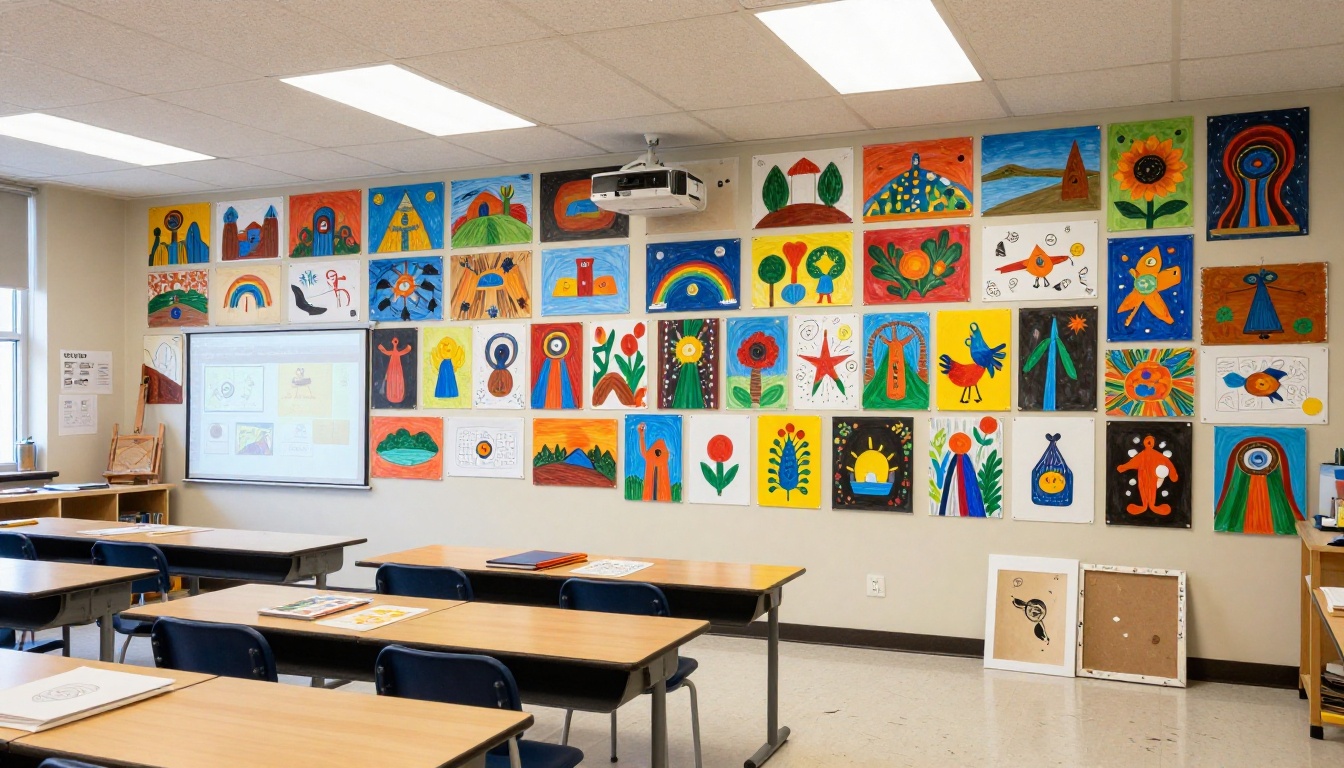
Every art teacher has been there. You spend weeks coordinating a showcase, borrowing folding tables from the cafeteria, printing labels, arranging parking logistics, and hoping the gymnasium's fluorescent lighting does not wash out the watercolors. The night arrives, attendance is good, and then it is over. The art goes home in a plastic bag.
Paper Portfolios Fall Apart
Physical portfolios are expensive to produce and fragile to maintain. Cardstock gets bent. Paintings crack when rolled. Charcoal smears. And when a student wants to send their portfolio to a summer arts program or show their grandparents three states away, there is no practical way to share it.
Gym-Wall Displays Reach Very Few Eyes
Even a well-attended school showcase might draw 200 people on a Friday evening. But a digital flipbook shared via a link? It can reach thousands, including extended family members, past teachers, prospective high school art programs, and community members who never would have shown up on a rainy Tuesday in November.
Families Spread Across Distances
Today's student body includes families where parents work multiple jobs, grandparents live across the country, and divorced families split between cities. A single shared link solves all of that. A physical showcase solves none of it.
What Makes a Flipbook Perfect for Art
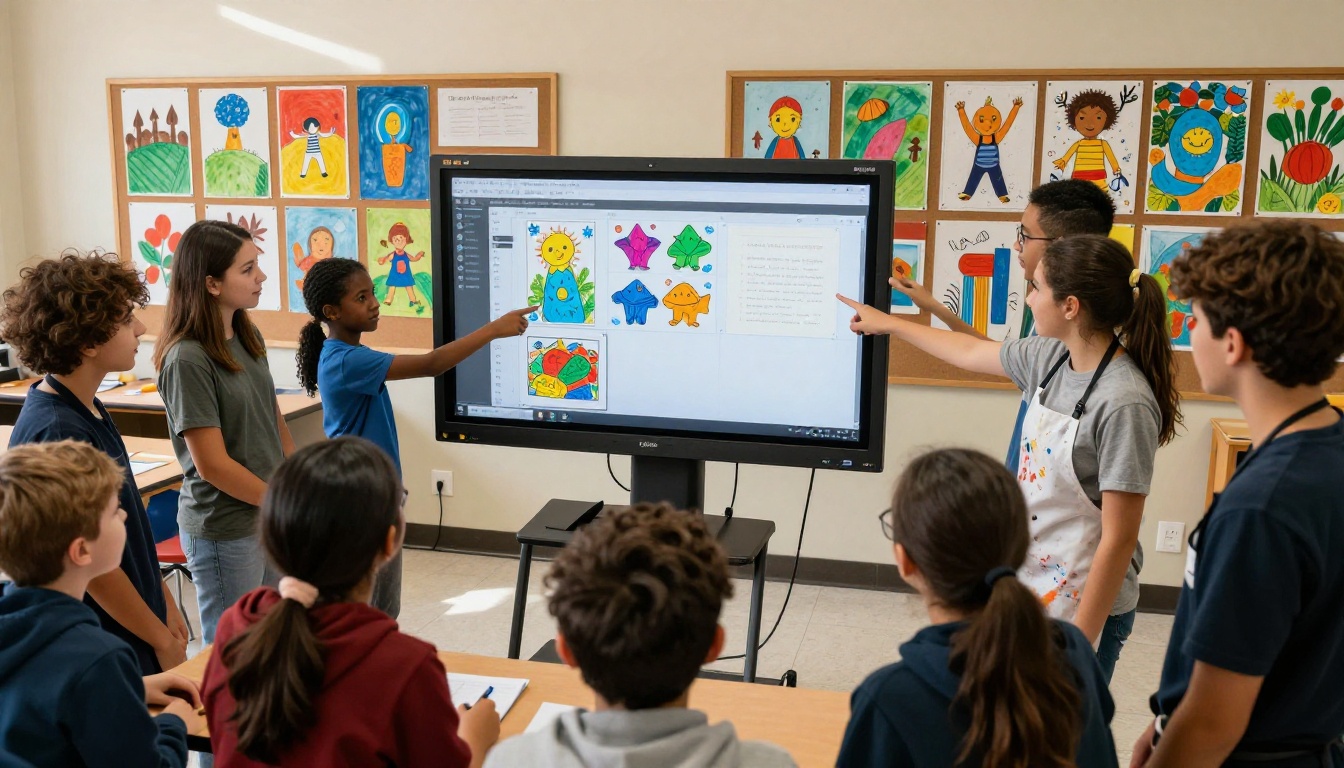
The flipbook format is not just a digitized PDF. It is an interactive, page-turning experience that mimics the physical sensation of leafing through a gallery catalog. That tactile-feeling interface does something important for artwork: it slows the viewer down.
The Page-Turning Experience Matters
When parents scroll through a flat image gallery, they move fast. But when a flipbook page turns with a satisfying animation, people pause. They read the title card. They look at the piece. That extra second or two of attention is exactly what student artwork deserves.
Visual Impact That Print Cannot Match
A 24-inch canvas scanned at high resolution and displayed on a 15-inch laptop screen can look more impressive than the physical piece hanging under bad gymnasium lighting. Digital flipbooks let the work shine under consistent, perfect viewing conditions every single time.
💡 Pro Tip: Scan student artwork at 300 DPI minimum and use consistent white or neutral backgrounds for photos. The quality difference in a flipbook is immediately visible.
7 Reasons Art Teachers Choose Flipbooks
Art teachers are practical people who value tools that save time without sacrificing quality. Here is why flipbooks keep winning them over:
- Zero setup cost for distribution. No printing, no postage, no USB drives. One link reaches everyone.
- Password protection for sensitive work. Student artwork shared only with families and staff, not the open internet.
- Professional appearance without design skills. Flipbooks AI templates make any collection look gallery-quality.
- Accessible from any device. Parents view it on their phone during a lunch break. Grandparents open it on a desktop.
- Permanent record of student growth. A flipbook from September sitting alongside one from June tells a story no report card can.
- Shareable to social and email. Teachers can share a class showcase without sharing individual student data.
- No physical storage headaches. A USB drive gets lost. A cloud-hosted flipbook link lives indefinitely.
How to Build a Student Art Showcase Flipbook
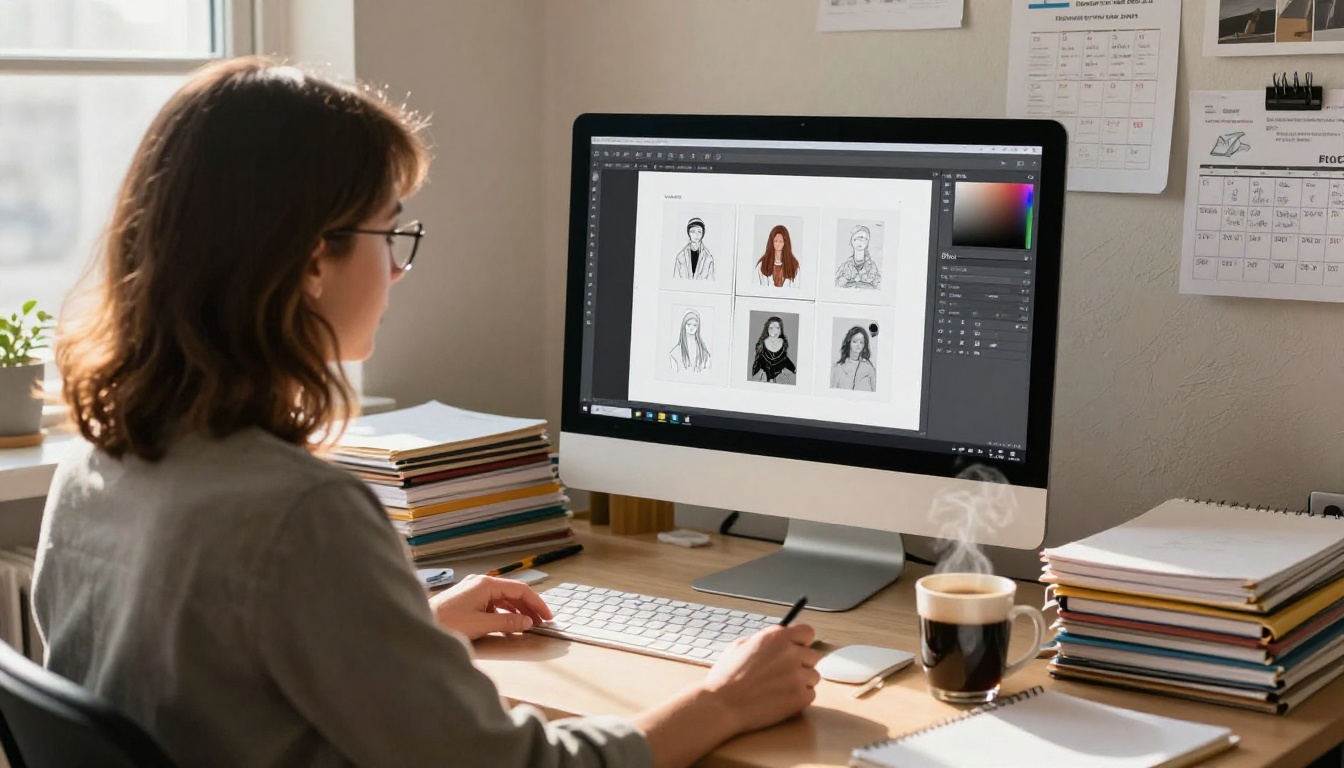
This is where flipbooks go from interesting to genuinely useful. The process is straightforward enough that most art teachers can have a polished showcase ready within an afternoon.
Step 1: Collect and Organize Student Work
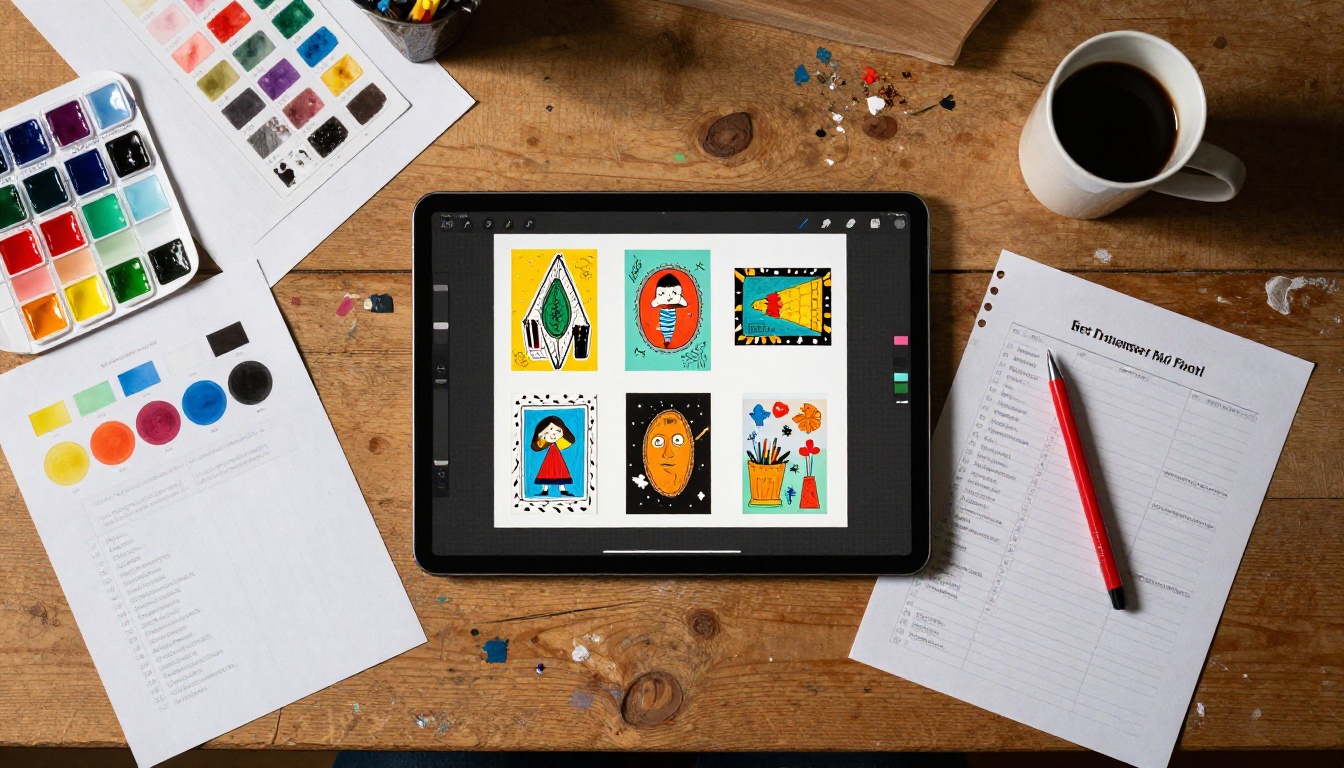
Photograph or scan all student artwork at high resolution. Group images by student, theme, or medium depending on how you want to structure the showcase. Create a simple PDF using any layout tool, with one or two artworks per page and a name card or brief description below each piece.
✅ Best Practice: Add a short artist statement from each student. Even one sentence per artwork transforms a photo gallery into a true portfolio experience.
Step 2: Upload to Flipbooks AI
Head to Flipbooks AI and create a free account. Once inside, use the PDF to Flipbook Converter to upload your prepared PDF. The conversion takes under two minutes regardless of page count.
Step 3: Customize the Look
After conversion, you have full control over the flipbook's appearance. Choose a front page style that matches your school colors, add the school name or art program title, and select a page-turn animation style. For class showcases, the clean minimal theme works best because it keeps focus on the student work rather than the interface.
Step 4: Set Privacy and Sharing Options
For student showcases, password protection is strongly recommended. Under sharing settings, create a password and include it in the email you send to families. This keeps the showcase within your intended audience without requiring anyone to log in or create an account.
The Portfolio Flipbook Builder and Digital Portfolio Creator tools are specifically built for this kind of use case and include gallery-style layouts that work beautifully for art collections.
Step 5: Share and Check Results
Once published, copy the shareable link and send it to families via your school's communication platform. On the Professional plan, you get access to analytics showing how many people viewed the flipbook, which pages they spent the most time on, and where traffic came from. This data is genuinely useful for understanding which artwork resonated most with your audience.

Not every showcase serves the same purpose. Here is how different flipbook formats map to different art education goals:
| Flipbook Format | Best For | Top Highlight |
|---|
| Class Portfolio | Year-end showcase for all students | Gallery layout, multiple artists |
| Individual Student Portfolio | College applications, arts programs | Artist statement, curated selection |
| Progress Documentation | Parent-teacher conferences | Before/after spreads by semester |
| Themed Exhibition | Unit-based showcases (still life, portrait, abstract) | Consistent visual theme across pages |
| Digital Art Catalog | Mixed media or digital art units | High-resolution zoom capability |
Each type serves a different audience with different needs. A class portfolio shown at an open house is very different from an individual student's portfolio sent to a summer arts program admissions committee.
Digital vs. Physical Showcases
Art teachers often feel caught between tradition and practicality. Here is an honest comparison of how the two formats stack up:
| Factor | Physical Showcase | Digital Flipbook |
|---|
| Setup Time | 4-8 hours | 1-2 hours |
| Audience Reach | 50-300 people (one night) | Unlimited (any time) |
| Cost | $50-$200 (printing, materials) | Free to low cost |
| Artwork Safety | Risk of damage | Zero risk |
| Accessibility | In-person only | Any device, anywhere |
| Permanence | Temporary display | Permanent, shareable link |
| Family Inclusion | Limited by schedules | 100% inclusive |
| Professional Appearance | Variable (lighting, space) | Consistent, gallery-quality |
The numbers tell a clear story. And yet, the physical showcase still has emotional value as a live community event. The best approach many art teachers now use: run the physical event AND publish a digital flipbook so neither the community moment nor the wider reach is sacrificed.
How Students Respond to Flipbook Portfolios
Here is something art teachers do not always anticipate: students take their work more seriously when it is going into a flipbook.
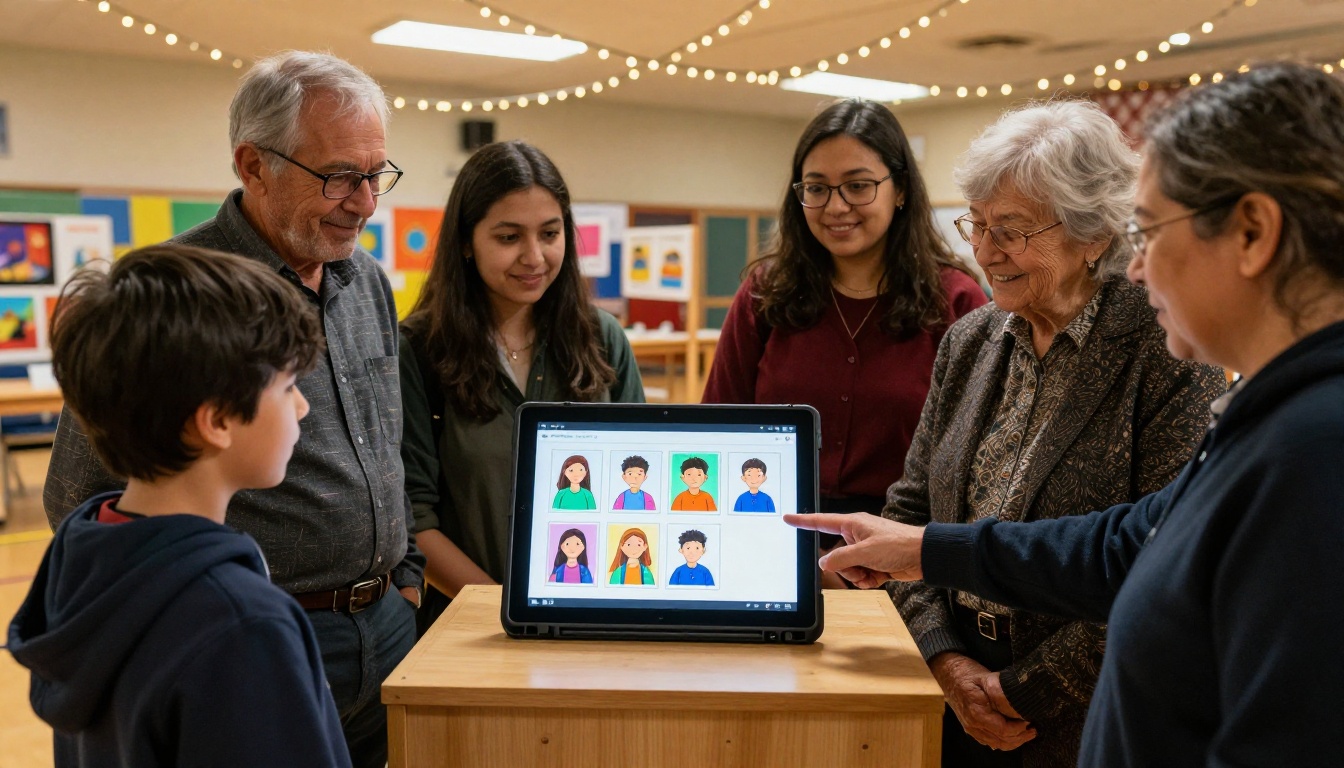
There is a psychological shift that happens when a student knows their artwork will be published in a polished digital format that their family will see on their phones. Suddenly the piece is not just a class assignment. It is something that represents them publicly. That shift in mindset produces better work, more careful finishing, and stronger investment in the creative process.
Student Ownership of Their Own Showcase
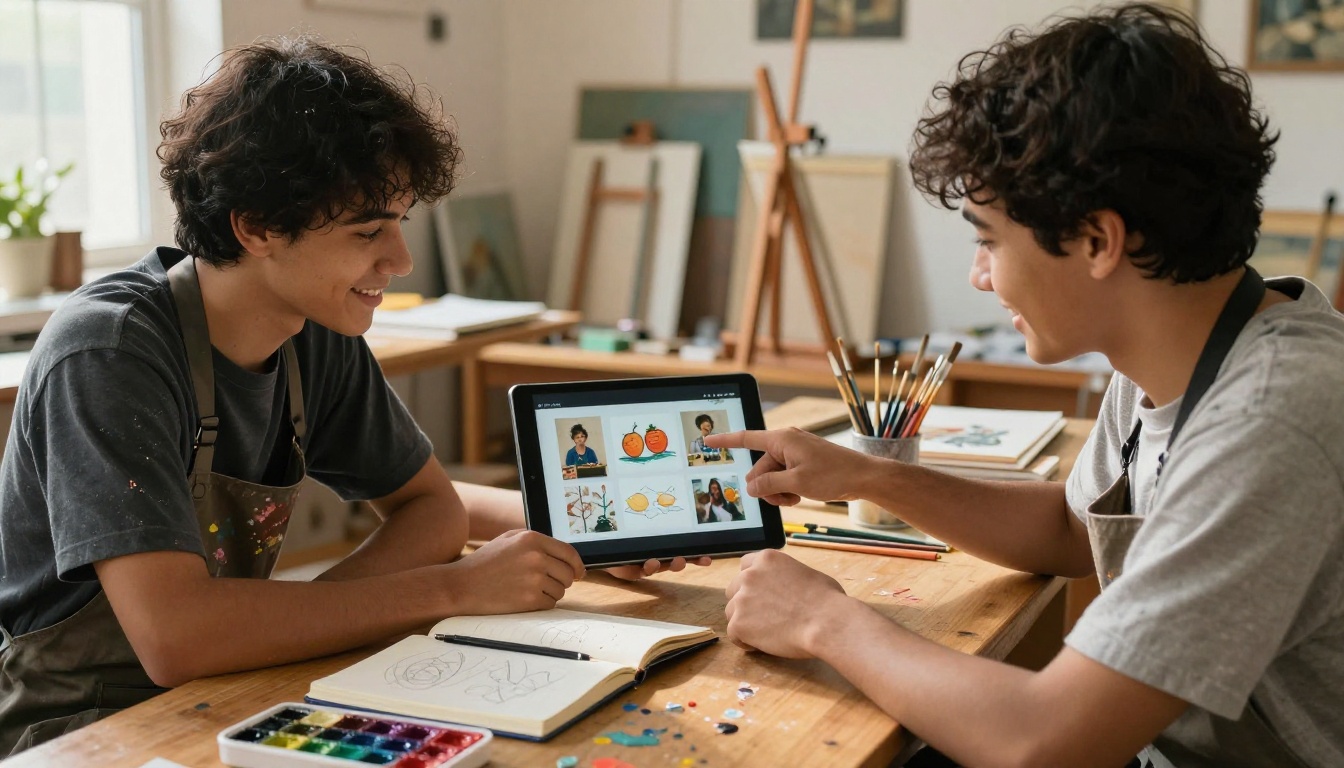
When students are involved in building their own individual portfolios using tools like the Digital Portfolio Creator, they make curatorial decisions. They choose which pieces to include. They write their own descriptions. That act of selection and reflection is one of the most valuable parts of an arts education, and flipbooks make it feel natural rather than forced.
💡 Pro Tip: Have students write a one-paragraph artist statement for their flipbook before the semester ends. It becomes a powerful college application asset and a memory they will keep for years.
Pricing: What Does It Cost?
One of the biggest hesitations art teachers have is cost, especially when working with limited department budgets. Here is how Flipbooks AI pricing breaks down for educational use:
| Plan | Price | Best For | Features Included |
|---|
| Free | $0 | Testing and small personal projects | Limited flipbooks, watermark present |
| Standard | Low monthly fee | Individual teachers with multiple classes | Unlimited flipbooks, no watermark, custom branding |
| Professional | Mid-range monthly | Department or school-wide use | Analytics, lead generation, offline downloads, all Standard features |
⚠️ Note: The free plan includes a watermark on published flipbooks. For student showcases presented to families and community members, the Standard plan is the minimum recommended tier, as it removes watermarks completely and allows unlimited flipbook creation.
Many schools negotiate a Professional plan for a shared department account, splitting the cost across the art budget. Given that it replaces printing costs for multiple showcases per year, it almost always pays for itself within the first semester.
Time Savings That Add Up
For overworked art teachers juggling lesson planning, supply orders, grading, and event coordination, time is the most precious resource. Here is where flipbooks make the biggest practical difference:
Before a showcase with physical materials:
- Coordinate printing (2-3 days advance)
- Arrange physical display materials and tables
- Set up room night-of (1-3 hours)
- Break down and store materials after the event
- Field calls and emails from families who missed the event
With a digital flipbook showcase:
- Upload PDF and publish (30-60 minutes)
- Send a single link to all families
- Done
The hours saved are real. And unlike a gym display that exists for one night, the flipbook keeps delivering value every time a family member opens it, whether that is the night of the event or six months later when a grandparent wants to share it with friends.
Beyond the Showcase: Other Uses in Art Education
Once art teachers see how flipbooks work for showcases, they tend to find a dozen other uses for them:
- Artist research projects: Students build flipbooks about artists they studied, including reproductions, timelines, and written interpretation of their work
- Technique documentation: Step-by-step process documentation for complex projects photographed at each stage
- School newsletters and art department updates: The School Newsletter Creator is a natural fit for art departments wanting to share news visually
- Yearbook art sections: The Yearbook Flipbook Maker makes it easy to create a standalone digital art yearbook section
- Grant applications and department reports: The Annual Report Creator helps art departments document their impact for administrators and grant committees
Each of these use cases adds value without adding complexity. Once teachers are comfortable with the platform, building a new flipbook takes less time than writing an email explaining what students worked on this semester.
✅ Best Practice: Build one flipbook per unit or month rather than one massive year-end showcase. Smaller, more frequent shares keep families connected year-round and reduce the pressure of a single end-of-year event.
Not every digital tool serves the same purpose in an art program. Here is how flipbooks compare against common alternatives:
| Tool Type | Ease of Use | Visual Quality | Shareability | Cost |
|---|
| Digital Flipbook | Very Easy | Excellent | One link, no login | Free to low |
| Google Slides | Easy | Good | Requires Google account | Free |
| PDF sent by email | Easy | Good | File attachment only | Free |
| Dedicated art portfolio app | Moderate | Very Good | App download required | Varies |
| Physical binder | Difficult to duplicate | Variable | In-person only | $10-$30 per student |
Flipbooks win on shareability every time. No one needs an app. No one needs an account. A grandparent in another country opens the same link on the same device they already have and sees their grandchild's artwork in a polished, gallery-style presentation.
Ready to Start?
The art teacher who still relies entirely on a Friday night gym showcase is leaving most of their students' audiences unreached. Digital flipbooks do not replace the community moment of a live event. They extend it permanently, to every device, in every time zone, for anyone who cares about the student's work.
Flipbooks AI makes the process fast enough to fit into an already-packed teacher schedule, polished enough to impress parents and administrators, and accessible enough that any student or teacher can build one without technical skills.
Start with a single class showcase. Upload the PDF, publish it with a password, and send the link to families tonight. The response you get will answer the question of why art teachers love flipbooks for showcases better than any article can.
Create your first student showcase flipbook and see the difference firsthand. Browse all available tools to find the format that fits your art program best. Not sure which plan works for your department? Compare pricing plans and choose the one that fits your budget and goals.



