If your product catalog is living as a PDF attachment in a sales email, you are already losing buyers before they reach page three. The format itself is working against you. Interactive flipbook catalogs change that equation completely, and the difference in sales results is not subtle.
Flipbooks AI has helped thousands of businesses convert their static documents into immersive digital experiences that readers actually finish. And finished catalogs sell more than abandoned ones.
This article breaks down exactly why flipbook-format catalogs outperform their PDF and print counterparts, what the data shows, and how you can build your own in minutes.
What Makes a Flipbook Different
The page-turn effect is not cosmetic
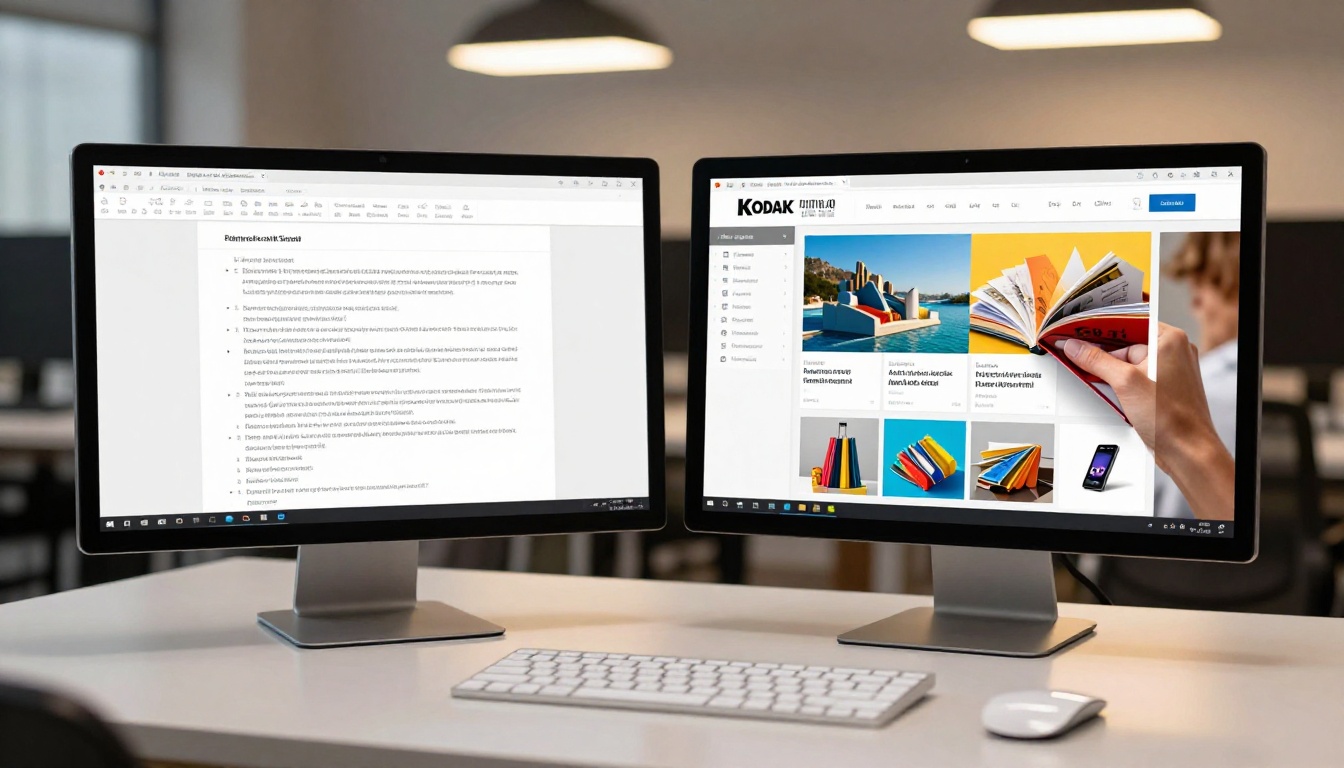
The animated page-turn in a flipbook is not a gimmick. It replicates the cognitive experience of browsing a physical magazine or print catalog, which decades of retail research show activates a different mode of attention than scrolling. When a reader physically "turns" a page, even digitally, they commit to the content in a way that downward scroll does not encourage.
Scrolling is passive. Turning is active. That single behavioral difference explains much of the attention gap between PDF and flipbook formats, and it has a direct impact on how much of your product range a buyer actually sees.
Static PDFs vs. interactive catalogs
A PDF catalog requires the reader to:
- Download a potentially large file
- Wait for it to open in an external viewer
- Zoom in and out manually on mobile
- Find no clickable links to product pages
- Share a cumbersome file attachment
A flipbook catalog:
- Opens instantly in any browser
- Renders beautifully on any screen size
- Allows embedded hyperlinks on every product
- Can include video, audio, and lead capture forms
- Shares as a clean URL or embed code
⚠️ PDF abandonment is a real metric. Industry data consistently shows that PDF attachments in B2B emails have open-to-read rates below 30%. A link to a web-based flipbook performs significantly better because the friction is nearly zero.

Time on page tells the whole story
Average time spent on a PDF catalog is under 90 seconds. Average time spent on a well-designed flipbook catalog is 3 to 5 minutes. That difference is enormous when you consider the sales funnel: more time equals more product exposure, more emotional investment, and higher purchase intent.
Flipbook catalogs achieve this because:
- The page-by-page format creates natural chapter breaks
- Readers have a sense of progress through the catalog
- Visual layouts trigger curiosity about what comes next
- The browser-native experience removes friction from start to finish
Click-through rates change the conversion math
A static PDF cannot contain clickable product links that open in a new tab. An interactive flipbook can. Every product image, price tag, or "Buy Now" prompt in a flipbook catalog can link directly to a product page, a contact form, or a checkout flow.
This turns a passive reading experience into an active sales channel. Businesses using interactive catalogs with embedded CTAs report click-through rates of 12 to 25% from catalog to product page, compared to near-zero from traditional PDF formats.
Mobile behavior favors flipbooks
Over 60% of catalog browsing now happens on mobile devices. PDF catalogs on mobile are a difficult experience: pinch-zoom navigation, misaligned text, and no responsive layout. Flipbook catalogs built on modern platforms render in fully responsive layouts, adapt page sizes automatically, and support swipe-to-turn navigation that feels native on touchscreens.
💡 Pro tip: A mobile-optimized catalog flipbook reduces bounce rates from mobile users by up to 40% compared to PDF equivalents, because the experience feels intentional rather than broken.

Why Buyers Respond to Flipbook Catalogs
The psychology of page turning
Humans are wired for physical media patterns. The act of turning a page, even simulated digitally, triggers a sense of narrative progression. Readers are more likely to finish a flipbook because it feels finite and sequential, like a book or magazine, rather than infinite and amorphous like a scrollable document.
This sequential psychology works in favor of product discovery. A buyer who turns to page 12 has already mentally committed to the catalog. They are past the decision point of "should I keep reading" and are now in full browse mode, which is exactly where you want them.
Embedded links that close the sale
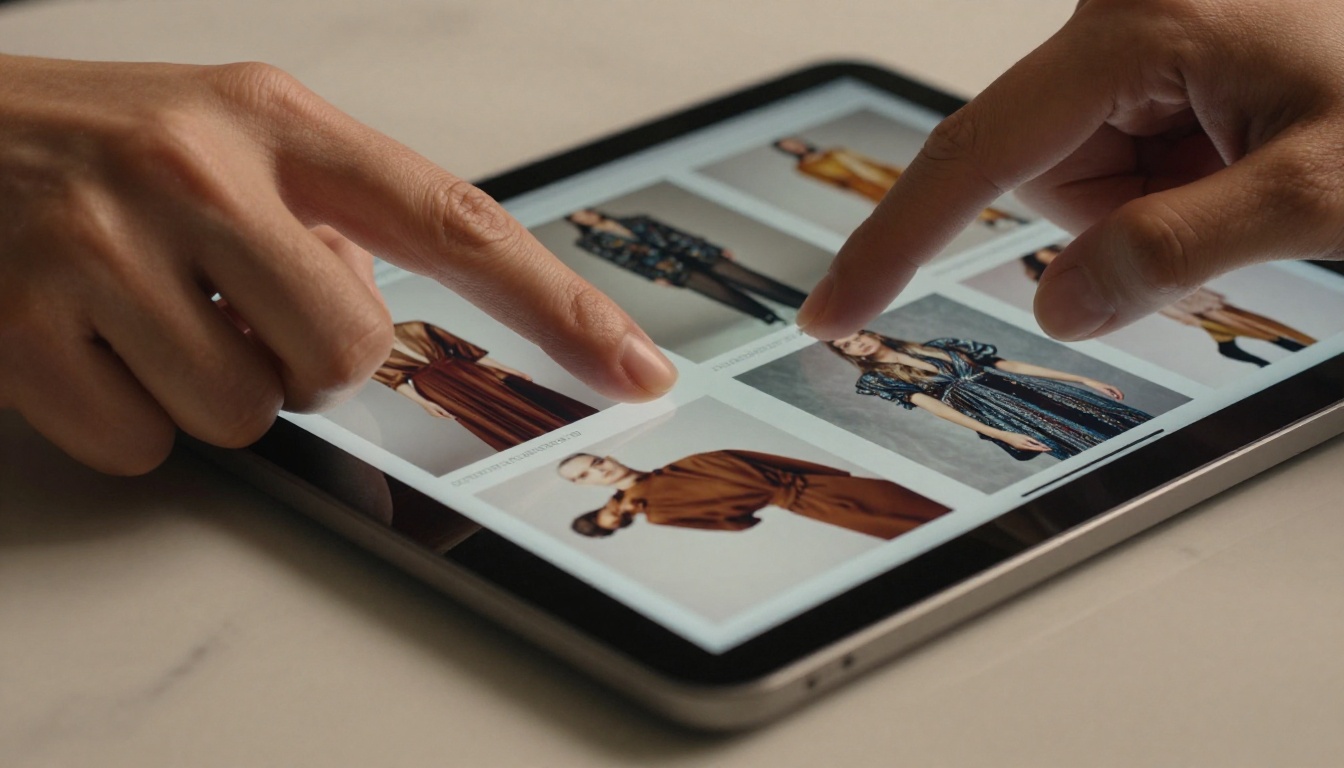
The most powerful sales feature of a flipbook catalog is the ability to embed clickable links on any element. A fashion retailer can make every garment image link to its product page. A furniture brand can link to room configurators. A B2B supplier can link to spec sheets or quote request forms.
This collapses the buyer's journey. Instead of: catalog, then search, then find the product, then purchase, the path becomes: catalog, click, purchase. Every step removed from that journey increases conversion rates significantly.
Product discovery flows naturally
Print catalogs have a discovery problem: you only see what you decide to flip to. Digital flipbooks with a table of contents sidebar solve this. Readers can jump to sections, search by keyword, and move through the catalog non-linearly while still experiencing the designed layout of each page.
✅ Best practice: Structure your flipbook catalog with a clickable table of contents on the opening spread. Readers who can find what they want quickly are buyers, not browsers.
Which Industries Benefit Most
The catalog-to-flipbook conversion pays off across many sectors, but some industries see disproportionate returns. The common thread is that buyers in these categories want to browse before they commit, and flipbooks make that experience premium without requiring a large production budget.
| Industry | Use Case | Primary Sales Benefit |
|---|
| Fashion / Retail | Seasonal lookbooks, new arrivals | Embedded product links, social sharing |
| Real Estate | Property portfolios, development brochures | Clickable floor plans, video walkthroughs |
| Food & Beverage | Restaurant menus, wine lists | Visual food photography, online ordering links |
| Automotive | Model sheets, dealer catalogs | Spec comparison, test drive booking links |
| B2B / Wholesale | Product catalogs, price lists | Quote request forms, spec sheet links |
| Interior Design | Furniture catalogs, room lookbooks | Mood board sharing, direct product links |
| Education | Course catalogs, training materials | Module navigation, enrollment links |
| Travel | Destination brochures, tour packages | Booking links, itinerary downloads |
Each of these sectors sees the same outcome: more of the product range gets seen, more of it gets clicked, and more of those clicks convert because the path to purchase is short.

Flipbook vs PDF vs Print: The Full Picture
Before deciding on a format, it helps to see the complete comparison across every factor that affects sales performance. The differences are not marginal.
| Factor | Print Catalog | PDF Catalog | Flipbook Catalog |
|---|
| Cost to distribute | High (print + shipping) | Low (email) | Very low (URL share) |
| Mobile experience | N/A | Poor | Excellent |
| Clickable links | None | Limited | Full support |
| Analytics / tracking | None | Basic | Full page analytics |
| Update speed | Weeks (reprint) | Days (redesign + resend) | Minutes (live edit) |
| Video / audio embed | None | Limited | Full support |
| Lead capture | None | None | Built-in forms |
| SEO visibility | None | Limited | Indexable pages |
| Sharing ease | Requires mailing | File attachment | Clean URL or embed code |
| Password protection | N/A | Basic | Custom access control |
The table is clear: flipbook catalogs outperform on every digital metric that influences a modern buyer's path to purchase. And unlike print, they can be updated the moment a price changes, a product sells out, or a new collection launches.
💡 Pro tip: If your competitors are still sending PDF attachments in sales outreach, switching to a flipbook link gives you an immediate differentiation advantage that buyers will notice before they even open the content.
How to Build Your Catalog Flipbook with Flipbooks AI
This is where theory meets action. Flipbooks AI converts your existing PDF catalog into a fully interactive flipbook in minutes, with no technical skills required.
Step 1: Create your account
Go to flipbooksai.com/account and sign up. No credit card required to start. You can test the full upload and conversion process on the free tier before committing to a plan.
Step 2: Upload your PDF catalog
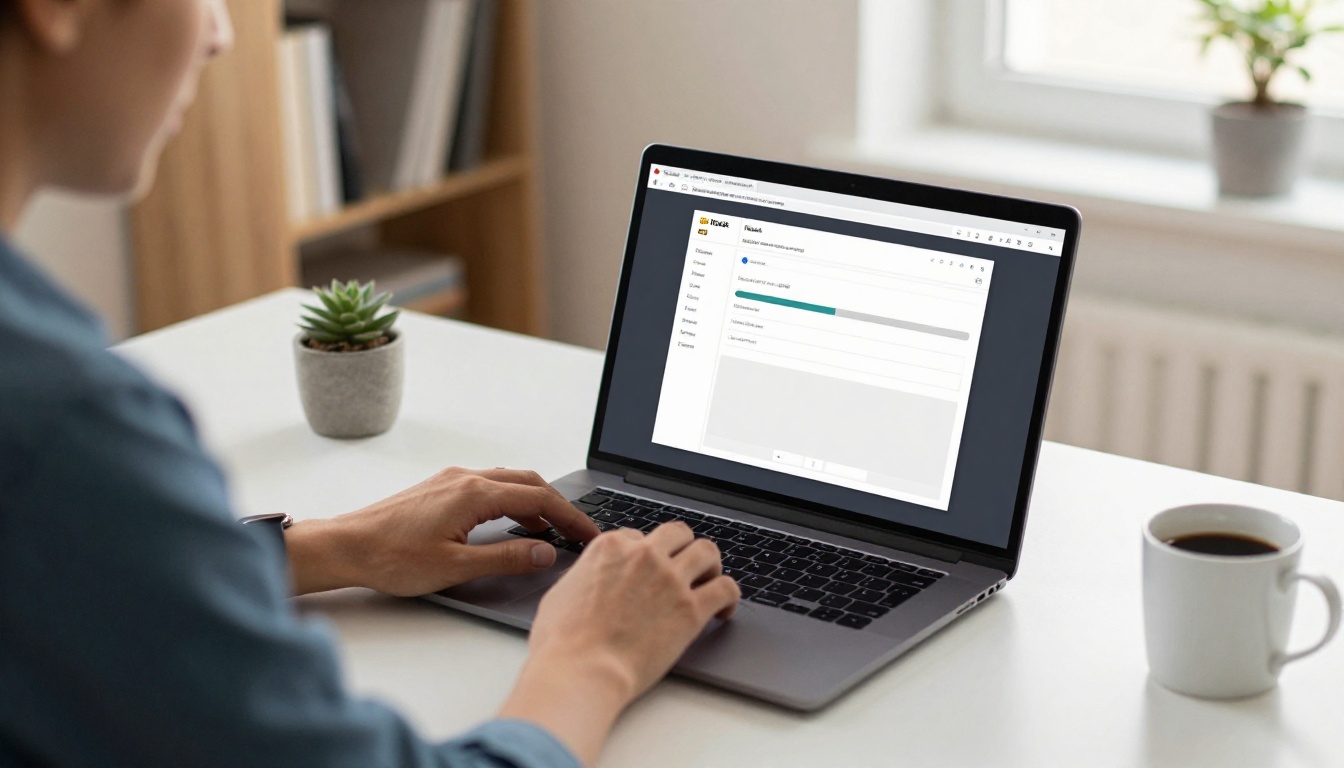
Once logged in, click New Flipbook and drag-and-drop your catalog PDF into the upload zone. The platform accepts any PDF, regardless of page count or file size. The conversion engine processes each page and generates the interactive flipbook automatically.
For product catalogs specifically, the Catalog Flipbook Creator tool is optimized for multi-page product layouts with embedded link support. The Product Catalog Generator and Digital Catalog Maker are also built for this exact use case.
Step 3: Add your branding
After conversion, open the Customize panel to:
- Set your brand colors on the toolbar and navigation
- Add your logo to the front page and footer
- Choose page-turn style (classic flip, slide, or fade)
- Set the background color or gradient
This step takes your catalog from "converted PDF" to "branded digital asset" in under five minutes.
Step 4: Embed product links
Select any image or text area on any page and use the Link tool to add a clickable URL. Point this to:
- Individual product pages
- Category pages on your store
- Contact or quote request forms
- Video demos or product walkthroughs
- Pricing pages or configurators
For fashion businesses, the Fashion Catalog Creator includes pre-built link zones that align with typical garment catalog layouts. For furniture and interiors, the Furniture Catalog Maker handles room-based product organization with ease.
Step 5: Configure sharing and analytics
In the Share panel:
- Copy your shareable URL for email and social campaigns
- Get the embed code to place the flipbook on your website
- Set password protection if the catalog is for approved buyers only
- Turn on lead capture (Professional plan) to collect viewer emails
In the Analytics panel (Professional plan), you can see:
- Total views and unique visitors per day
- Average time spent per page
- Most-viewed and least-viewed pages
- Click-through counts by link
✅ Best practice: Check your analytics after the first week to identify which pages have the lowest attention. These are your weak spots. Update the layout or photography on those pages and watch session duration climb.

Features That Directly Impact Sales
Not all flipbook platforms are equal. Here is what Flipbooks AI includes on each plan, and which features matter most for sales performance.
| Feature | Free | Standard | Professional |
|---|
| Unlimited flipbooks | No | Yes | Yes |
| Custom branding, no watermark | No | Yes | Yes |
| Embedded product links | Yes | Yes | Yes |
| Password protection | No | Yes | Yes |
| Analytics dashboard | No | No | Yes |
| Lead generation forms | No | No | Yes |
| Offline downloads | No | Yes | Yes |
| Video embed in pages | No | Yes | Yes |
| Mobile-responsive layout | Yes | Yes | Yes |
The analytics and lead generation features on the Professional plan are the ones most directly tied to revenue. Being able to see which products get the most attention, and which readers request information, turns your catalog from a brochure into a sales intelligence tool.
💡 Pro tip: Use password-protected catalogs for wholesale buyers or VIP clients. This creates a perception of exclusivity that reinforces premium positioning, and the analytics let you see exactly what your most important buyers are looking at.
See the full breakdown of plans at flipbooksai.com/pricing.
Real-World Scenarios Worth Knowing
Fashion retailer with a 120-page seasonal catalog: Before converting to a flipbook, the sales team emailed PDF attachments that averaged a 22% open rate with near-zero click-throughs. After switching to a shareable flipbook link with embedded product URLs, the same catalog achieved a 61% view rate and an average of 4.2 product page visits per catalog session. The change in format alone drove a measurable lift in attributed revenue.
B2B furniture wholesale supplier: The procurement teams at retail clients found it difficult to work with large PDF price lists on mobile. After converting to a flipbook with a sidebar table of contents and embedded quote request forms, the supplier saw a 34% increase in inbound quote requests in the first quarter. No sales process change, no new pricing strategy — just a better format.
Independent restaurant group: Replacing printed menus and PDF menu attachments with a Restaurant Menu Creator flipbook allowed the group to update prices and seasonal items in real time without reprinting. The flipbook was embedded directly on the website, reducing the friction that previously caused high bounce rates on the menu page.
Luxury condo development project: The development team used an interactive property flipbook with embedded video walkthroughs and floor plan downloads. The flipbook became the primary sales tool during the pre-launch phase, generating 280 qualified leads before the showroom opened, all tracked through the built-in analytics.
Online furniture retailer: The catalog team used the Digital Catalog Maker to produce seasonal collections embedded directly into email campaigns. Conversion from email to product page increased by 3x compared to campaigns that used PDF attachments.

Choosing between PDF and flipbook is not a technology choice. It is a sales choice. Every barrier between a buyer and a product reduces conversion probability. Flipbook catalogs remove barriers that PDF and print formats cannot eliminate: file size friction, non-clickable pages, poor mobile rendering, and zero analytics feedback.
The catalog is often the first serious interaction a buyer has with your full product range. It sets the tone for your brand, your professionalism, and your attention to the buyer's experience. A PDF says "here is a file." A flipbook says "here is an experience built for you."
If you have a catalog that is not converting the way you want it to, the format is the most likely culprit, and it is the easiest thing to fix.
Ready to see what your catalog looks like as a flipbook? Get started for free on Flipbooks AI and finish your first conversion in under five minutes. Browse the catalog tools built for specific industries, or compare pricing plans to find the right fit for your business.



