Paper menus had a good run. But the math no longer works. Every time a restaurant raises a price, adds a seasonal special, or runs out of an item, those laminated cards become a liability. Flipbooks AI and other digital menu platforms have made it easy and affordable to switch, and the reasons to do so are hard to argue with.
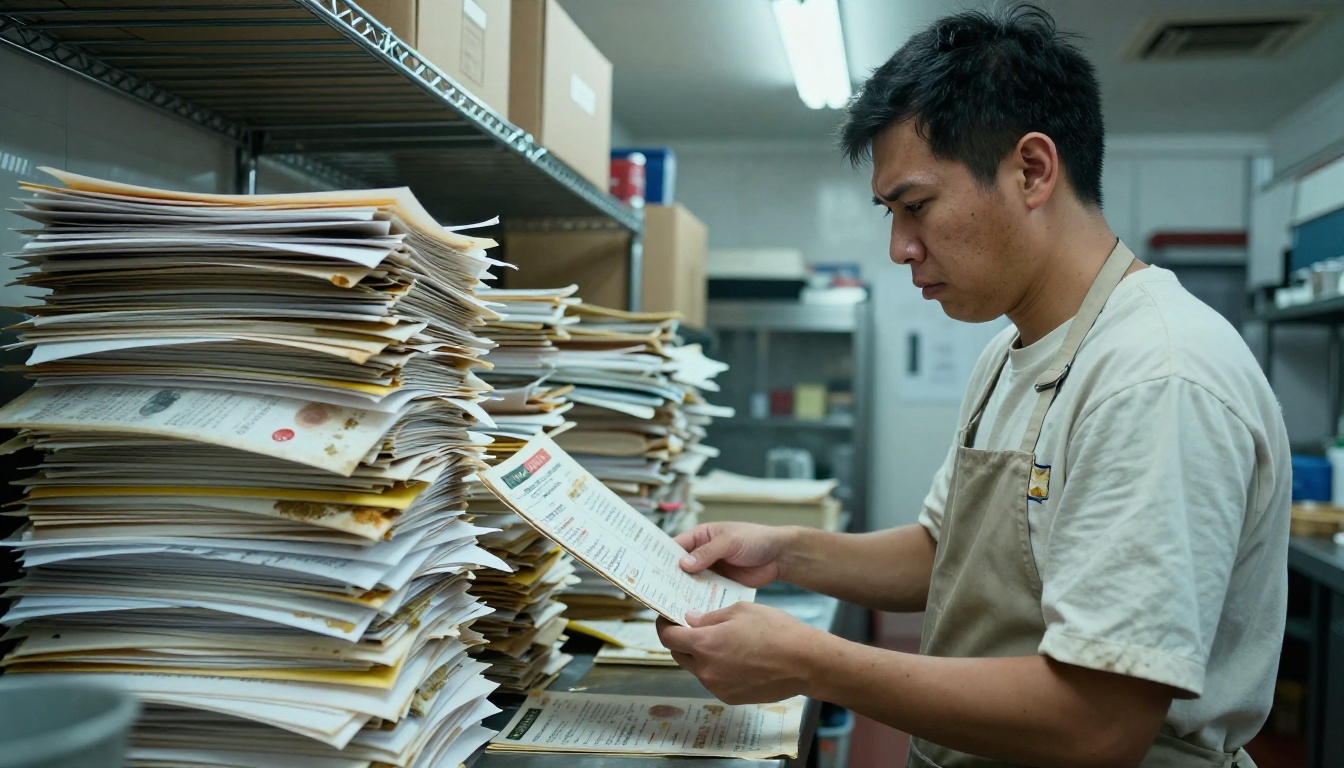
Printing bills add up fast
Most restaurants print anywhere from 50 to 300 menus per location. At $3 to $8 per laminated menu, that is $150 to $2,400 just to get started. And that is before the reprints.
Every price change, seasonal update, or dish removal means another round of printing. Restaurants that update their menus quarterly spend between $600 and $9,600 per year just to keep their paper menus current. High-end restaurants that refresh monthly spend far more.
| Scenario | Paper Menu Cost (Annual) | Digital Menu Cost (Annual) |
|---|
| Small café (50 menus, 4 updates/year) | $600 - $1,600 | $0 - $200 |
| Mid-size restaurant (150 menus, 6 updates/year) | $2,700 - $7,200 | $0 - $200 |
| Full-service restaurant (300 menus, monthly updates) | $10,800 - $28,800 | $0 - $300 |
The numbers are not close.
Outdated information, zero flexibility
A paper menu printed in January cannot tell a customer that the sea bass sold out at 7 PM on a Friday. It cannot reflect the price increase that happened last week. It cannot show a new seasonal cocktail added this morning.
Digital menus update in seconds, from any device, anywhere. A manager sitting at home can pull up a dashboard and swap out an item before the next day's service. That kind of control has no equivalent in print.
⚠️ The hidden cost: Restaurants using paper menus often keep selling items they have run out of, leading to disappointed customers and wasted service time. Digital menus eliminate this problem entirely with real-time availability updates.
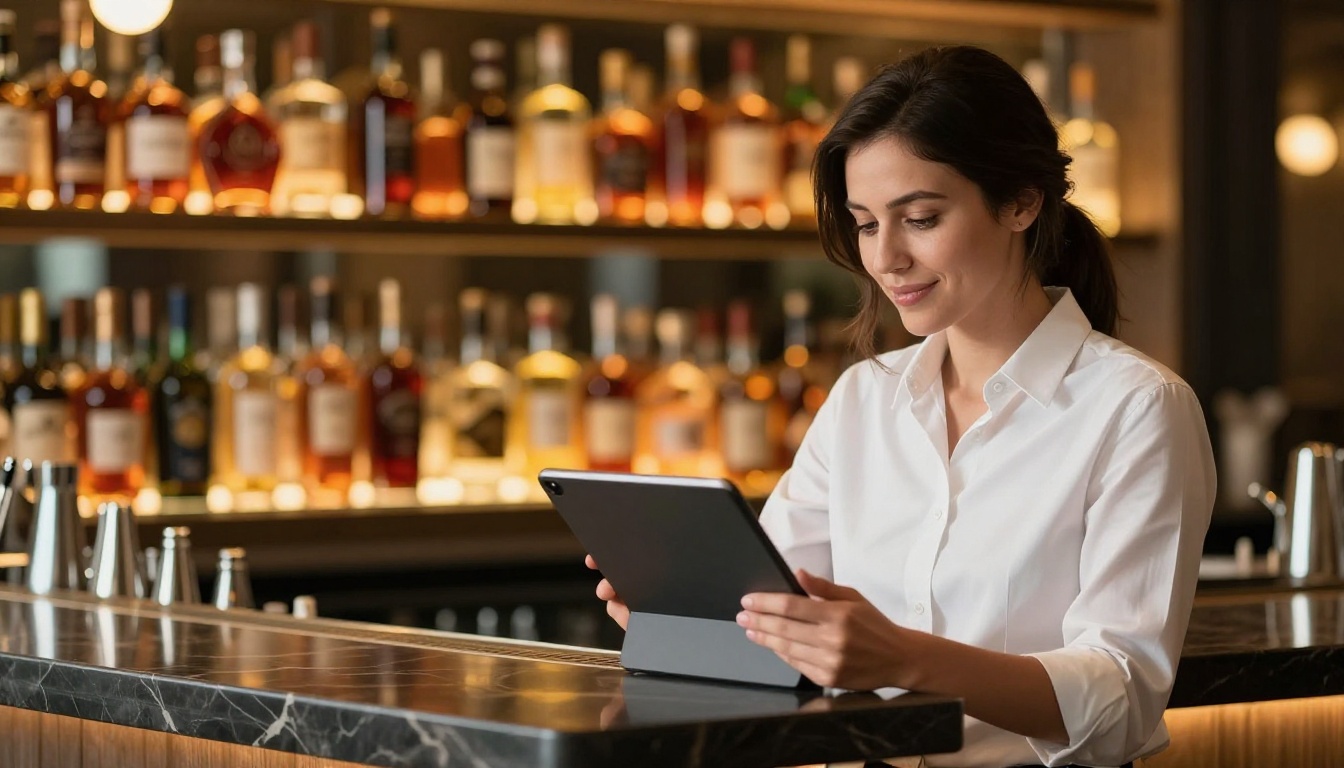
Updates happen in seconds
This is the most practical difference. A digital menu is a living document. Change a price? Done in 30 seconds. Add a new dish with photos and a description? Done in two minutes. Pull a dish that is 86'd? One tap.
Paper menus require lead time. You need to design the change, send it to a printer, wait for delivery, then physically replace every single menu in the restaurant. That process takes days at minimum and costs money every single time.
With platforms like Flipbooks AI, you upload your menu as a PDF and convert it into a beautiful, interactive flipbook. When you need to make changes, you update the PDF and re-upload. Every customer who scans your QR code gets the current version immediately, with no reprinting required.
Customers interact differently
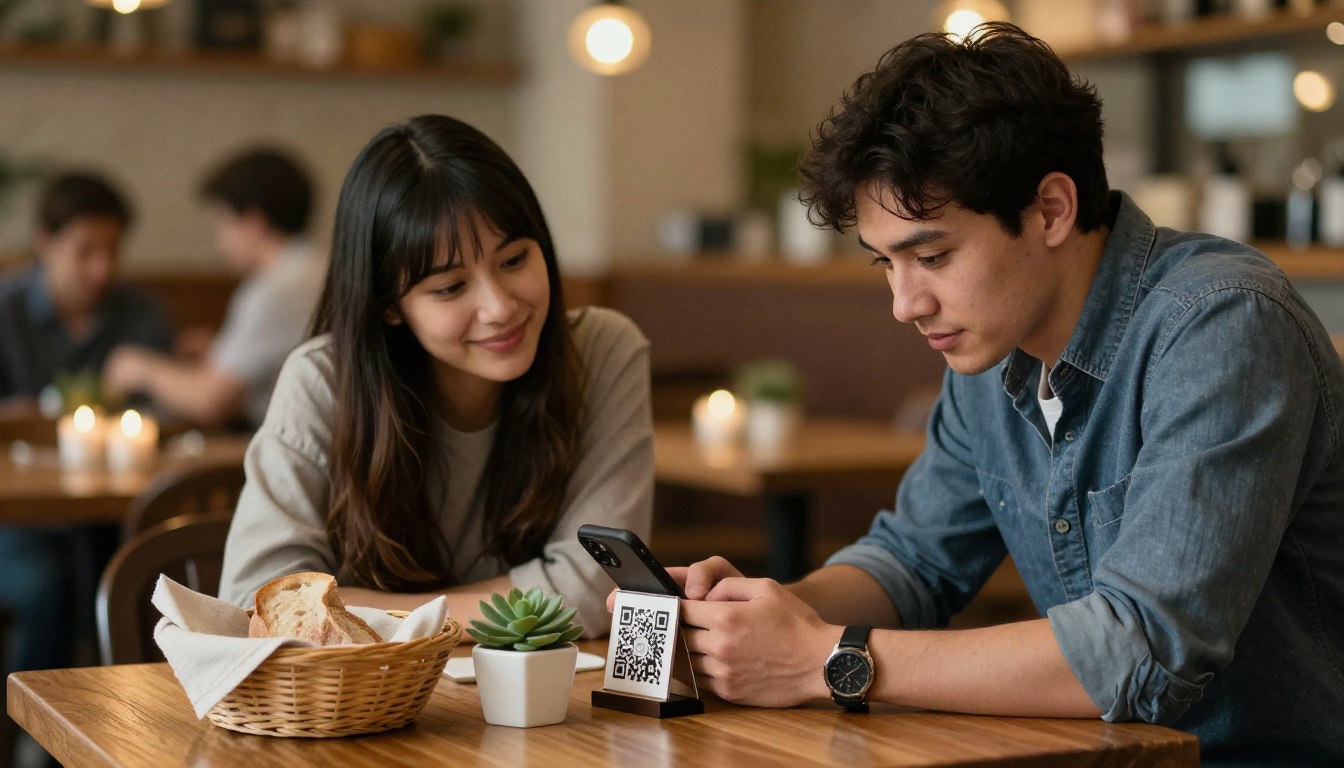
When a customer holds a paper menu, they scan it passively. When they interact with a digital menu on their phone or a tablet, they browse actively. They zoom in on food photos, read ingredient descriptions, filter by dietary preference, and spend more time engaging with what you are selling.
That extra engagement translates to higher average order values. Customers who spend more time with a menu are more likely to order additional courses, try a specialty cocktail, or add a dessert.
Digital menus also allow for something paper never could: embedded video. A 10-second clip of a dish being plated can be more persuasive than any description. Flipbooks AI supports embedded video and audio directly within the flipbook, turning a static menu into a full sensory experience.
💡 Pro tip: Restaurants that add high-quality photos of every dish report up to 30% higher order rates on photographed items compared to text-only listings.
Digital vs. Paper: A Direct Comparison
| Feature | Paper Menu | Digital Menu |
|---|
| Update speed | Days (reprint required) | Seconds |
| Cost per update | $150 - $2,400+ | $0 |
| Real-time availability | No | Yes |
| Food photography | Limited (print quality) | Full HD images |
| Video content | Not possible | Supported |
| Hygiene | High contact, hard to sanitize | Contactless via QR |
| Analytics and data | None | Full tracking |
| Seasonal changes | Expensive | Instant |
| Environmental impact | Paper, ink, lamination waste | Zero waste |
| Customer accessibility | In-person only | Any device, anywhere |
| Offline downloads | No | Yes (select plans) |
The Hygiene Argument Nobody Talks About
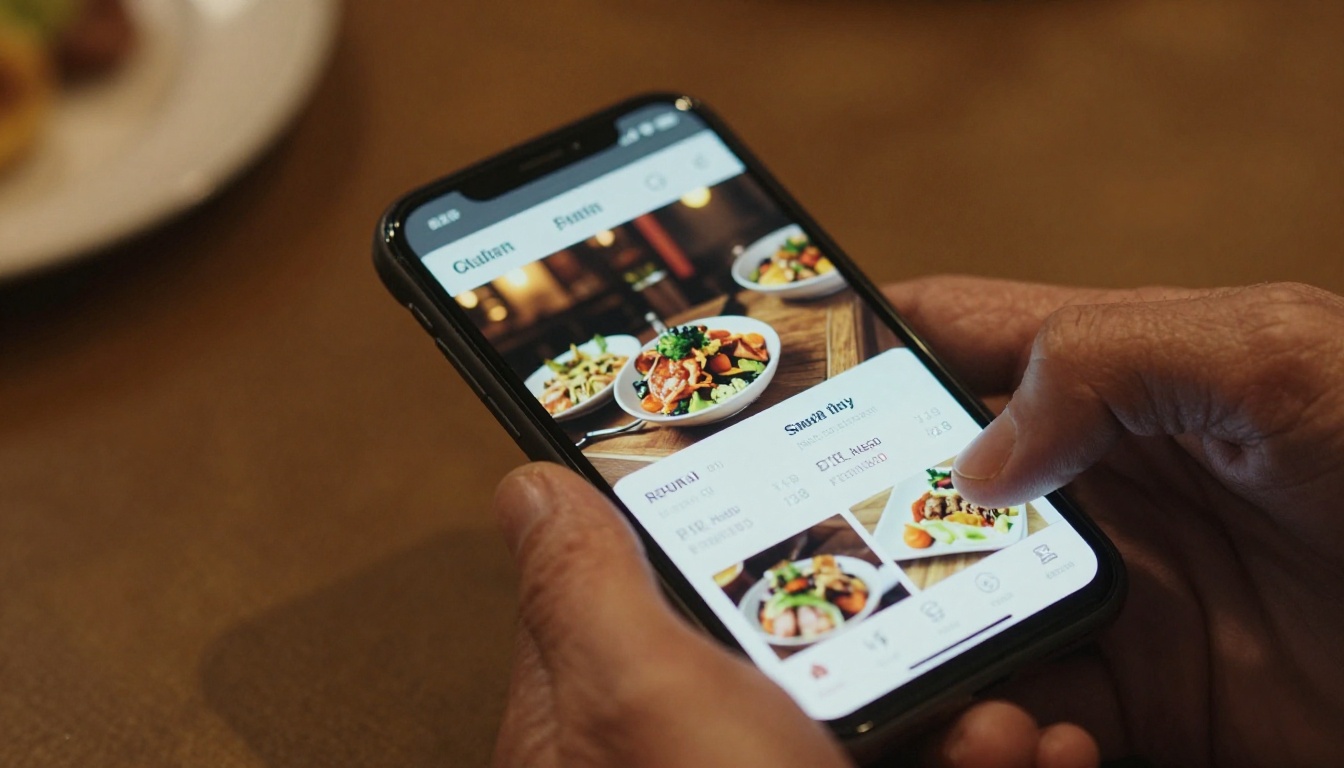
Research has shown that laminated restaurant menus carry more bacteria per square inch than many other high-touch surfaces in public spaces. Customers touch them before touching their food. They are handled by dozens of people per service, wiped down inconsistently, and rarely fully sanitized between sittings.
The pandemic made contactless everything a priority, and many restaurants discovered that QR code menus were not just safer, they were preferred. Post-pandemic, a significant portion of diners still prefer accessing menus on their own device rather than handling a shared physical object.
Why contactless menus matter
A QR code on the table means the customer uses their own phone. There is no shared surface, no bacteria from the previous table, and no laminated card with questionable hygiene history.
Beyond the health argument, QR code access means customers can browse the menu before they even sit down. They can check options while waiting in line, share the menu link with friends planning the visit, or review it at home when making a reservation. Paper menus cannot do any of this.
✅ Best practice: Place your digital menu QR code in three spots: on the table, at the entrance, and in your social media bio. Make it impossible to miss.
If you have a PDF of your current menu, you are already most of the way there. Flipbooks AI converts PDF menus into beautiful, page-turning digital flipbooks in minutes. Here is the full process:
1. Create your account
Go to Flipbooks AI and sign up. The platform offers plans starting from free, with the Standard plan giving you unlimited flipbooks with no watermarks ever.
2. Upload your PDF menu
Use the Restaurant Menu Creator tool, built specifically for hospitality businesses. Drag and drop your PDF. The tool converts each page into a high-quality digital format that preserves your design and typography exactly as intended.
3. Customize the experience
- Add your restaurant's brand colors and logo for a fully branded presentation
- Set a custom background texture or color to match your interior aesthetic
- Enable the page-flip animation for a premium, tactile feel
- Embed food photography videos directly within the pages
- Add clickable links to reservation systems or online ordering platforms
4. Set up sharing
Copy the QR code generated for your flipbook and place it on your tables, at the entrance, and in your digital communications. You can also get an embed code to add the interactive menu directly to your restaurant's website. For private events or prix fixe dinners, enable password protection to share exclusive menus only with the right guests.
5. Track performance
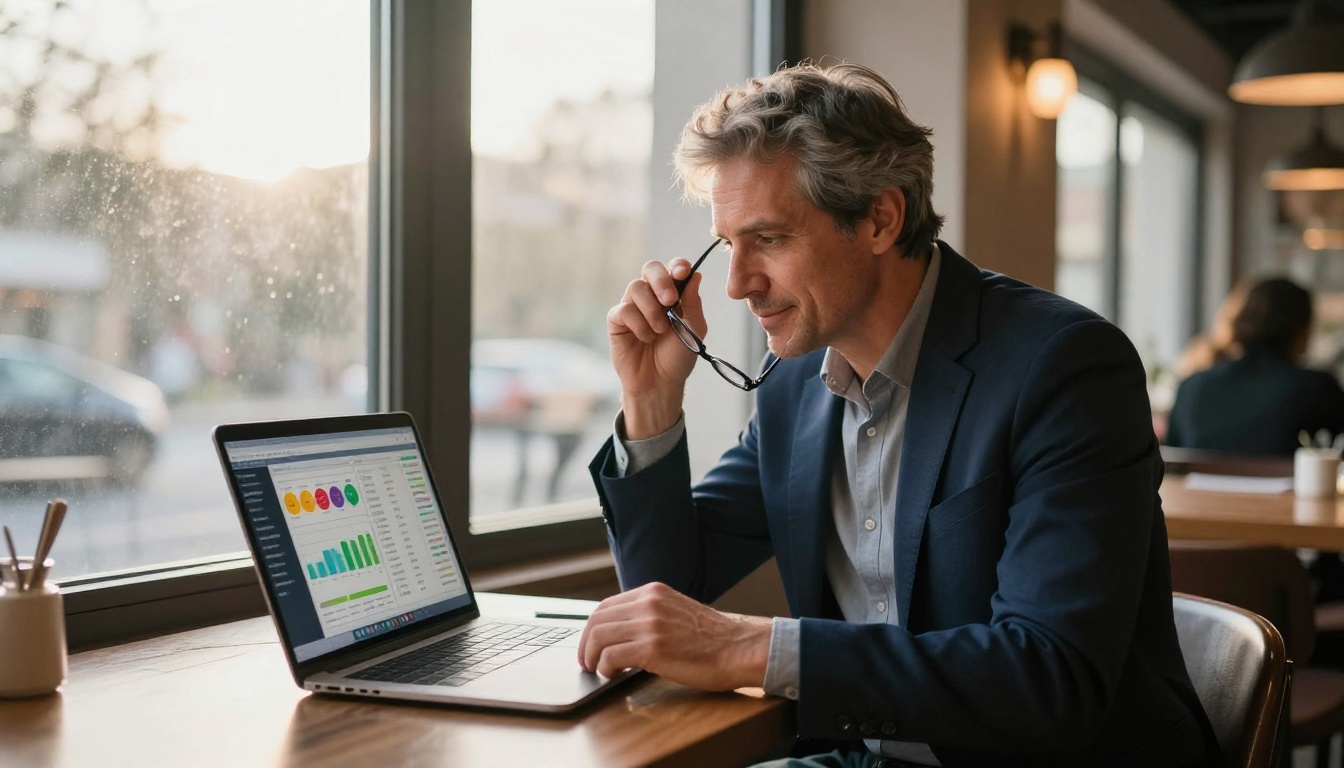
On the Professional plan, you get full analytics: how many people viewed your menu, which pages got the most attention, and lead generation forms that let customers request reservations or special offers directly through the menu.
💡 Pro tip: Use the Menu Flipbook Designer for full creative control over layout, typography, and brand presentation across every page.
Flipbooks AI Plan Comparison for Restaurants
| Feature | Free | Standard | Professional |
|---|
| Flipbooks | 1 | Unlimited | Unlimited |
| Watermark | Yes | No | No |
| Password protection | No | Yes | Yes |
| Analytics | No | No | Yes |
| Lead generation forms | No | No | Yes |
| Offline downloads | No | Yes | Yes |
| Custom branding | Limited | Full | Full |
| Embedded video and audio | No | Yes | Yes |
| Mobile-responsive design | Yes | Yes | Yes |
No other format offers this level of flexibility for a restaurant's front-of-house experience. Browse pricing plans to see what fits your operation.
Real Results from Real Restaurants
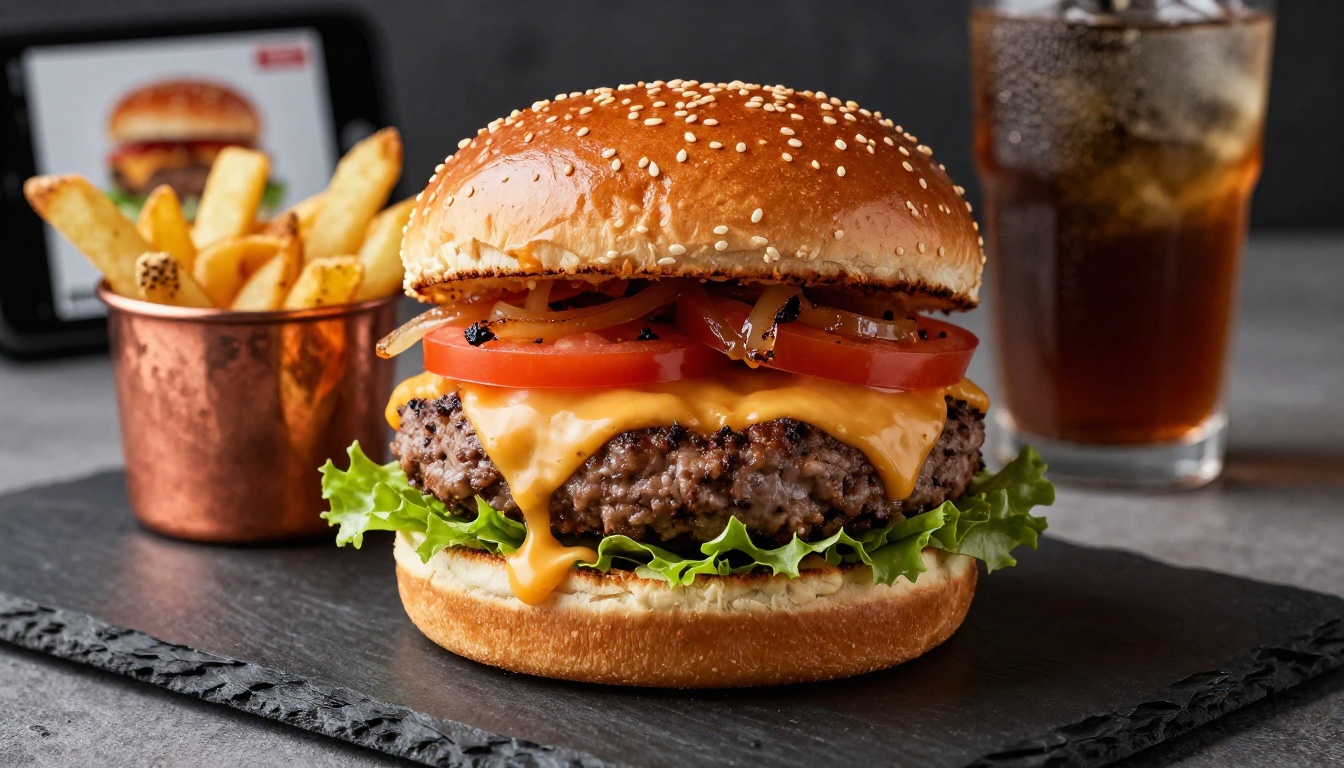
The shift from paper to digital is not theoretical. Restaurants across every category have made the move and seen measurable results.
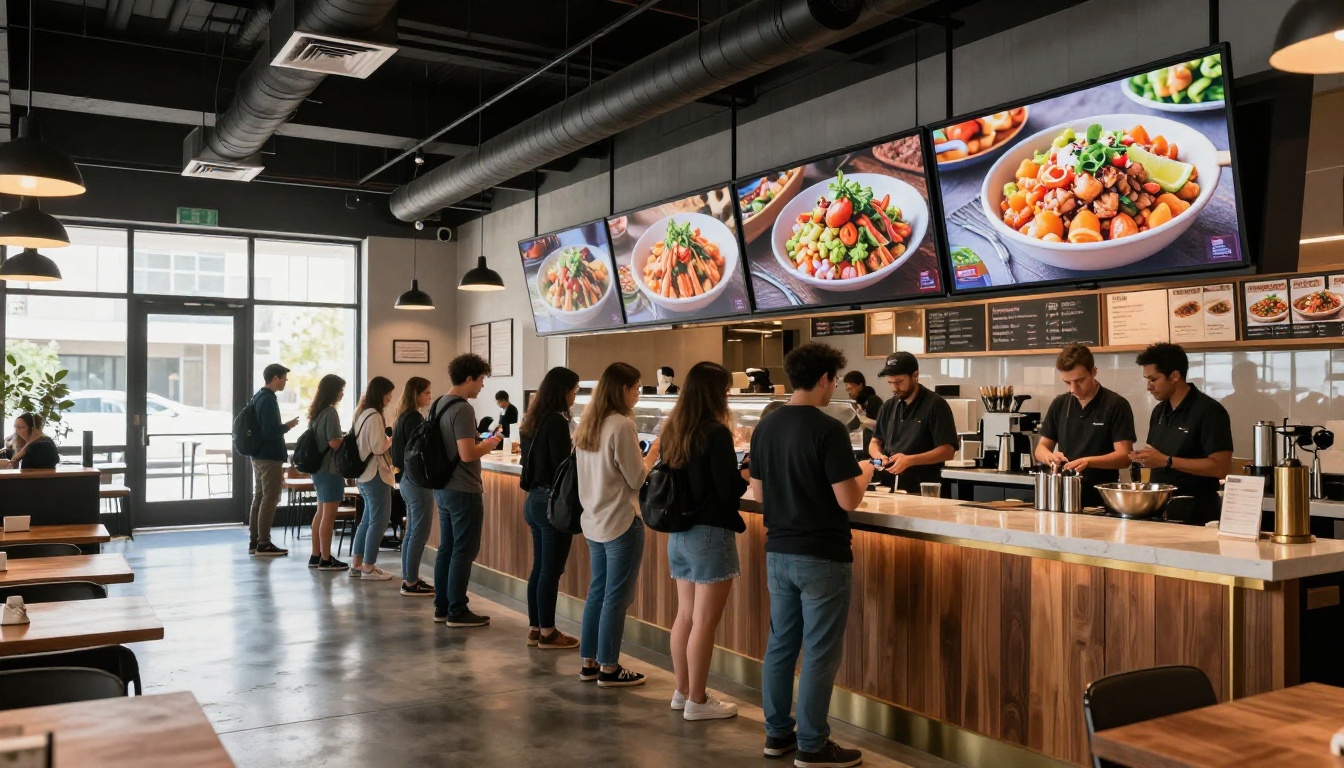
Quick-service restaurants eliminated reprinting costs entirely by switching to digital boards and QR menus. A mid-size burger chain operating 12 locations saved over $40,000 annually in print costs alone after the first year of switching.
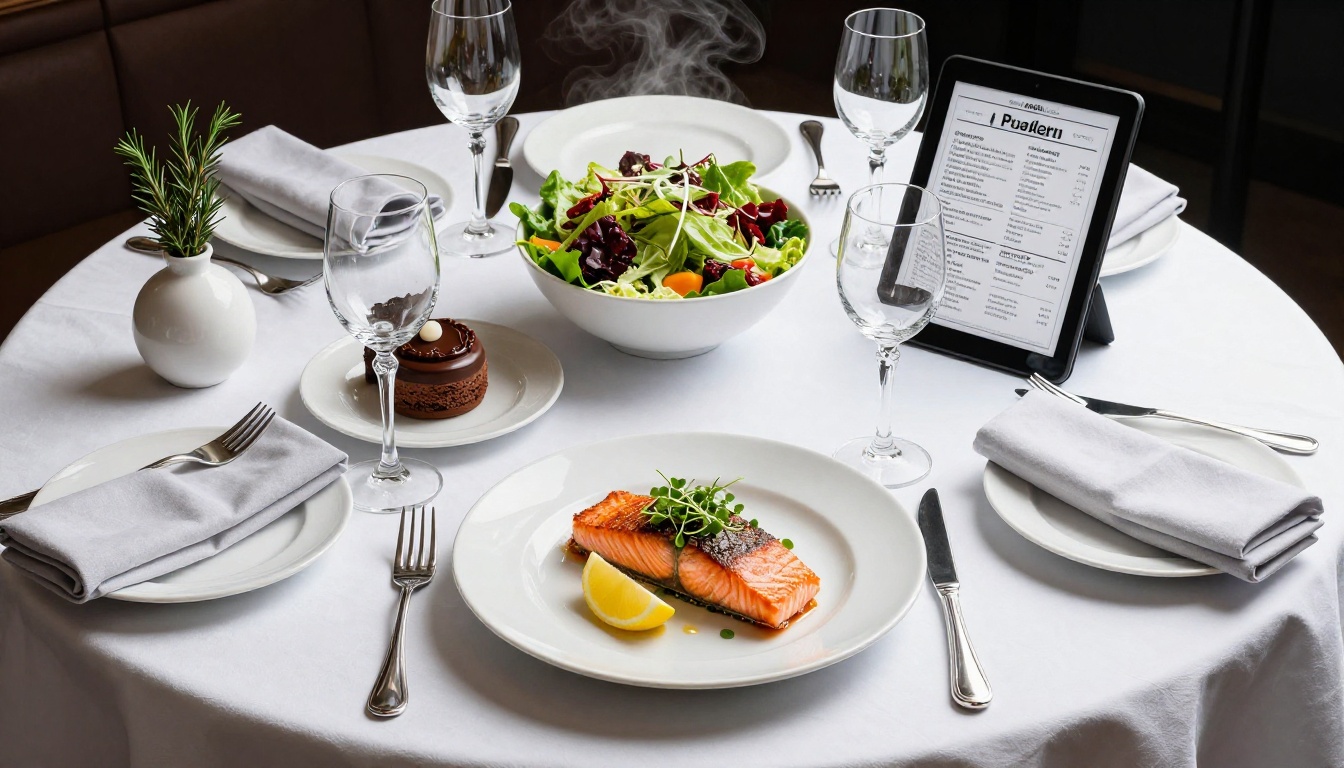
Fine dining establishments use digital menus to tell the story behind each dish, embedding the wine pairing rationale, the provenance of ingredients, and the chef's creative process. A folded card with 8-point font cannot compete with that.
Food trucks and pop-ups use QR code menus exclusively because they change their offerings daily or even twice daily based on what they sourced that morning. A digital menu makes this viable in a way paper never could be.
Hotels and resorts use tools like the Spa & Wellness Menu Creator alongside their restaurant menus to create a cohesive digital guest experience accessible on any device in any part of the property.
✅ Best practice: Update your digital menu in real time as items sell out during service. Customers appreciate transparency, and it eliminates the "I'm sorry, we actually ran out of that" conversation entirely.
The Environmental Case
Paper menus carry a real environmental cost that rarely gets discussed. Each print run consumes paper, ink, and lamination chemicals. When menus wear out or become outdated, they go to landfill. A restaurant reprinting 200 laminated menus four times per year generates significant material waste over the lifetime of the business.
Digital menus eliminate all of that. There is nothing to print, nothing to laminate, and nothing to throw away. For restaurants that position themselves as sustainable or eco-conscious, the switch to digital menus is a visible, credible commitment to that value, not just a marketing claim.
When customers see a QR code instead of a laminated card, many of them notice. It is a small signal that carries real weight with the growing segment of diners who factor sustainability into where they choose to eat.
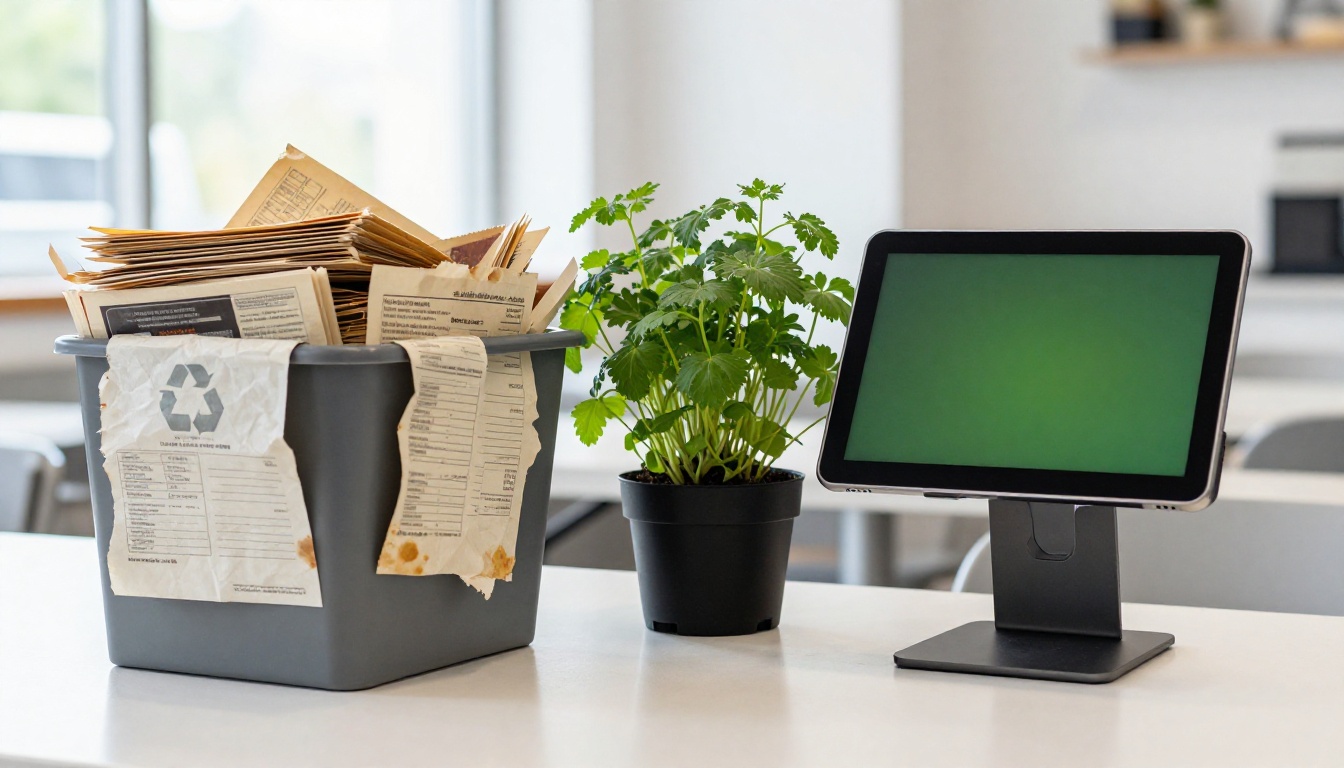
The restaurant industry moves carefully on technology adoption. But digital menus have crossed a threshold. They are no longer a novelty or a pandemic-era workaround. They are the standard that customers increasingly expect, and the gap between expectations and paper menus is widening every year.
A paper menu in 2026 signals that a restaurant has not updated its operations. A digital menu signals that it cares about the customer experience, cares about operational efficiency, and cares about presenting its food in the best possible light. Those signals matter when customers are choosing where to spend money.
The restaurants still printing paper menus are not saving money. They are paying more, getting less, and leaving valuable data on the table that could help them run a better business.
The advantages of going digital are clear:
- Zero ongoing print costs
- Instant updates from any device
- High-quality food photography that drives orders
- Contactless, hygienic customer experience
- Full analytics on what customers are viewing
- Embedded video and multimedia content
- Password-protected options for private events
- A lower environmental footprint
None of those advantages exist with paper.
Make the Switch Today
The path from paper to digital is shorter than most restaurant owners expect. If you have a PDF of your current menu, you can have a fully functional digital flipbook live within the hour.
Flipbooks AI is built specifically for this. The Restaurant Menu Creator handles the conversion, the customization, and the sharing in one place. No design experience required. No ongoing print costs. No more outdated menus frustrating your customers.
Paper had its moment. The restaurants winning right now have already moved on.



