Most people who have never published digitally assume there's a massive technical mountain to climb first. There isn't. The idea that digital publishing requires designers, developers, expensive software, and weeks of setup is a myth that the industry left behind years ago. Today, Flipbooks AI and platforms like it have made the whole process something you can start, finish, and share in a single afternoon, without writing a single line of code or hiring a single specialist.
The Myth Holding Most People Back
The fear around digital publishing usually comes from comparing it to the wrong thing. People picture old-school web development, or they imagine learning complex design tools that take months to get comfortable with. That's not what digital publishing looks like today.
The real barrier isn't skill or budget. It's the mental model people carry about what publishing "should" involve.
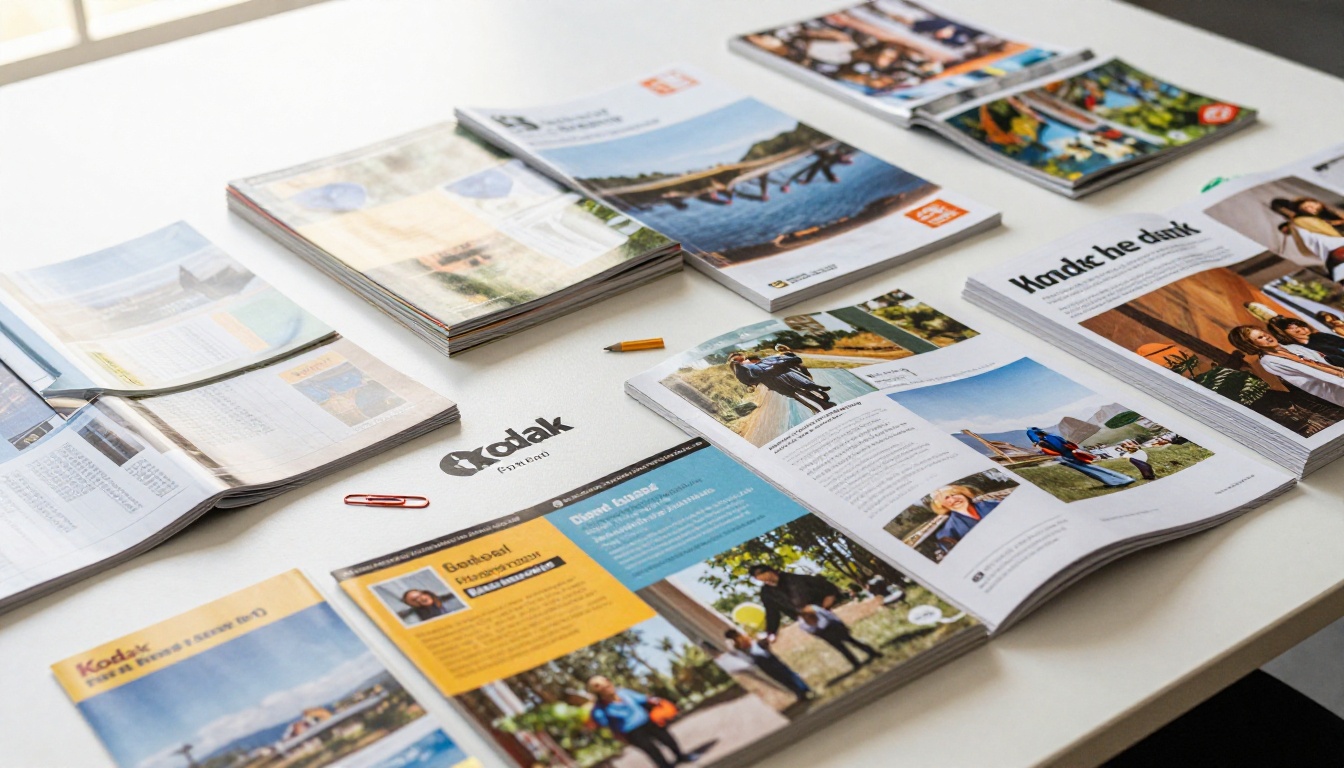
Traditional print publishing does require specialized knowledge. You need a graphic designer, a print shop, a distribution plan, a budget for physical copies, and lead times measured in weeks. Digital publishing requires none of that. You need a PDF and a browser.
💡 Pro tip: If you already have a document in Word, Google Docs, Canva, or InDesign, you're 90% of the way there. Export it as a PDF and you have everything you need to start publishing digitally today.
The other thing worth saying plainly: digital publishing doesn't mean building a website or managing servers. It means creating content in a tool you already know, converting it once, and sharing a link. That's the whole process.
What "Digital Publishing" Really Means
People often use the term "digital publishing" as if it refers to one specific complicated thing. It doesn't. It covers a broad range of formats and use cases, and most of them are far simpler than they sound.
At its core, digital publishing means making content available in an interactive, shareable digital format. That includes:
- A product catalog that customers browse on their phones
- A digital magazine with clickable sections and embedded media
- A restaurant menu that updates in real-time without reprinting anything
- A company annual report that stakeholders access via a private link
- A training manual that employees flip through on their tablets
- A personal portfolio that photographers or designers share with clients
- A recipe book for a food blog or a catering company
- A press kit that journalists download with a single click
All of these are digital publications. All of them are something a non-technical person can create in an afternoon using the right platform.

What makes digital publications different from a plain PDF is interactivity. A flipbook feels like reading an actual magazine: pages turn smoothly, content is laid out beautifully, and it works on any device without requiring any special software or app download.
5 Reasons It's Simpler Than Ever
The tools available today are categorically different from what existed even five years ago. Here's why the process is genuinely easy now, not just "easier than it used to be."
1. PDF Uploads Do the Heavy Lifting
You don't design anything from scratch inside a publishing tool. You design your document in whatever tool you already know, export it as a PDF, and upload it. The platform handles the conversion into an interactive flipbook automatically, page by page, in seconds. The page-turn animation, the zoom behavior, the mobile layout — all of it is handled without you touching a single technical setting.
2. No Code Anywhere in the Process
Zero HTML. Zero CSS. Zero JavaScript. You click, you drag, you choose colors. That's the full technical scope of what's involved. The platforms that handle digital publishing today are built for people who don't code, which means every decision is made through visual interfaces with immediate previews showing exactly how the final result will look.
3. Sharing Is Just a Link
Once your content is published, sharing it means copying a URL. Embedding it on a website means pasting a small snippet of code that takes about 15 seconds. There's no FTP, no hosting management, no domain configuration, no server maintenance to worry about after the initial upload.
4. Updates Are Instant and Cost Nothing
With print, a typo on page 4 means reprinting the entire run. Digitally, you fix it and republish in under a minute. No cost, no delay, no waste. If your pricing changes, your hours change, or your product lineup shifts, you update the source PDF, re-upload, and your live publication reflects the changes immediately.
5. Mobile Is Already Handled For You
Every digital publication created on modern platforms is automatically mobile-responsive. You don't need to create separate versions for desktop, tablet, and phone. The same flipbook scales and adapts to every screen size, ensuring every reader gets the same quality experience regardless of the device they're using.
✅ Best practice: Design your original PDF with mobile readability in mind. Keep body text at a comfortable size, use high-contrast color combinations, and avoid text boxes with tiny fonts that become unreadable when scaled to a small screen.
Not all digital publishing platforms are equal. The best ones remove friction at every step, from upload to sharing, and the difference shows clearly when you compare your options.

| Feature | Basic PDF Hosting | Desktop Software | Online Flipbook Platform |
|---|
| No installation needed | ✅ | ❌ | ✅ |
| Interactive page-flip effect | ❌ | ✅ | ✅ |
| Mobile-responsive | Partial | ❌ | ✅ |
| Embed on website | ❌ | Limited | ✅ |
| Password protection | ❌ | ❌ | ✅ |
| Analytics | ❌ | ❌ | ✅ |
| No watermarks | ❌ | Paid only | ✅ (Standard+) |
| Offline downloads | ❌ | ✅ | ✅ (Pro) |
| Shareable link | ✅ | ❌ | ✅ |
| Multimedia embedding | ❌ | Limited | ✅ |
Flipbooks AI combines the interactivity of desktop publishing software with the zero-friction convenience of a web app. You open a browser, upload a file, and within minutes you have something that looks genuinely professional and performs flawlessly on every device.
Specialized Tools for Every Use Case
One of the most underappreciated aspects of modern digital publishing is how purpose-built the tools have become. Instead of a generic publishing tool you have to force-fit to your situation, there are specific tools built for specific use cases.
Each tool is optimized for its specific format, which means the defaults already look appropriate for that content type. You're not starting from a blank slate and guessing how things should be arranged.
Who Is Already Publishing Digitally
The perception is that digital publishing is something big media companies or tech-forward brands do. The reality is that the majority of new digital publishers are small operations, individual creators, and local businesses.

Here are real-world scenarios where digital publishing is already happening across industries:
Small Businesses
A local bakery replaces its printed menu with a digital version that updates seasonally. No reprinting costs, no out-of-date menus sitting on tables. Customers scan a QR code and browse the full menu with photographs of every item, on any phone.
Freelancers and Creatives
A photographer shares their portfolio as an interactive flipbook instead of a static PDF. Clients flip through the work like a real magazine. The experience feels premium and intentional, and the photographer gets analytics showing which images clients spent the most time viewing.
Education Professionals
A course instructor publishes their course materials as an interactive e-book using the Course Material Publisher. Students access it on any device. The instructor tracks who viewed which sections using the analytics on the Professional plan.
Corporate Teams
A marketing team creates their company's annual report as an interactive digital publication using the Corporate Report Maker. Stakeholders receive a private link with password protection. The report includes embedded video content that plays directly inside the flipbook.
Real Estate Agents
Property brochures get published as interactive flipbooks with clickable floor plans and embedded virtual tour links. Prospective buyers flip through property listings on their phone from the comfort of their couch, exactly the way they'd flip through a magazine.

How to Create Your First Flipbook
This is the part where most people expect a long technical process. It isn't. Here's the actual step-by-step:
Step 1: Create your document
Use any tool you're already comfortable with. Canva, Google Slides, Microsoft Word, Adobe InDesign, Figma. Design your content and export it as a PDF.
Step 2: Create your account
Go to flipbooksai.com/account and sign up. The process takes about 90 seconds.
Step 3: Upload your PDF
Use the PDF to Flipbook Converter. Drag and drop your file. The platform automatically converts each page into a high-resolution flipbook page with smooth page-turn animations. No settings to configure, no technical decisions required.
Step 4: Customize the look
Choose your branding colors, upload your logo, select a page background style. You can embed videos or audio directly into specific pages for multimedia elements. Everything is controlled through a visual editor with instant preview so you see exactly what readers will see.
Step 5: Set your sharing preferences
Choose whether the flipbook is public, unlisted (accessible by link only), or password-protected for private audiences. You can also embed your flipbook on a website using a simple copy-paste embed code that works on any site builder or CMS.
Step 6: Share it
Copy your link and share it anywhere. Email, social media, messaging apps, printed QR codes, or embedded directly on your website. The flipbook opens on any device without any app download required.
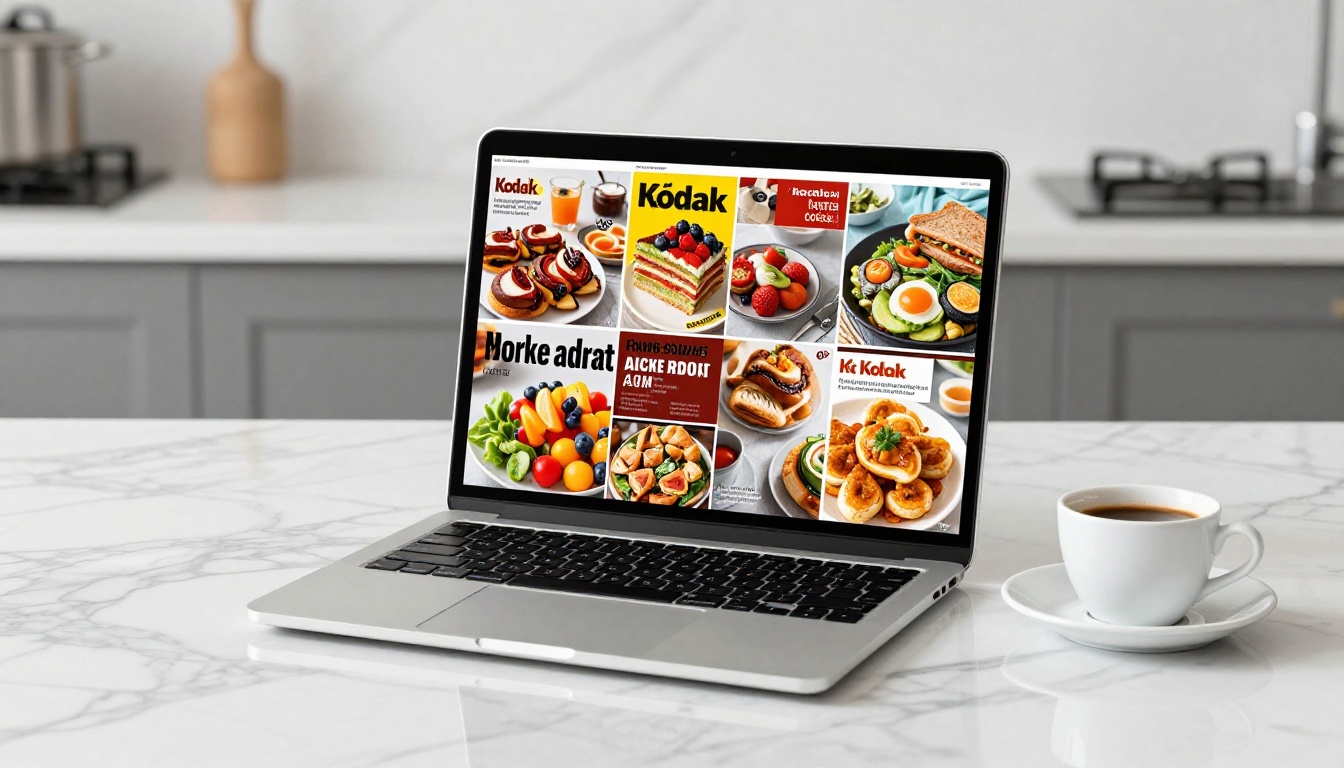
💡 Pro tip: Use the analytics available on the Professional plan to see exactly how readers engage with your content: which pages they spend the most time on, where they drop off, and whether they return for a second read. This data changes how you design your next publication.
Features at Each Plan Level
| Feature | Free | Standard | Professional |
|---|
| Flipbooks | Limited | Unlimited | Unlimited |
| Watermarks | Yes | No | No |
| Password protection | ❌ | ✅ | ✅ |
| Custom branding | ❌ | ✅ | ✅ |
| Offline downloads | ❌ | ❌ | ✅ |
| Analytics | ❌ | ❌ | ✅ |
| Lead generation | ❌ | ❌ | ✅ |
| Multimedia embedding | ✅ | ✅ | ✅ |
| Embed on website | ✅ | ✅ | ✅ |
Cost Breakdown: Digital vs. Print
One of the strongest arguments for going digital is financial. The math is not subtle.

| Cost Factor | Print Publishing | Digital Publishing |
|---|
| Design per piece | $500-$2,000+ | $0 (your existing tools) |
| Printing (500 copies) | $800-$3,000 | $0 |
| Distribution | $200-$1,000+ | $0 |
| Updates or reprints | Full cost repeated | $0 |
| Physical storage | Real space required | None |
| Shelf life | Weeks to months | Indefinite |
| Analytics | None | Included (Pro plan) |
| Monthly platform cost | N/A | $0-$29/month |
The savings scale dramatically with volume. A company printing 2,000 catalogs quarterly and updating them each season spends tens of thousands annually just on print and distribution. The same content published digitally costs a fraction of that and reaches more people across more devices simultaneously.
⚠️ Worth noting: Print still has a place in certain contexts, particularly luxury products where the physical tactile experience adds real perceived value. But for information-dense content that changes regularly, digital wins on every dimension: cost, reach, speed, and measurability.
The Learning Curve Is Actually Flat
People who have never used modern digital publishing tools often expect a steep learning curve. Here's what a typical first-time user's first session actually looks like:
- Minutes 1-5: Sign up, explore the dashboard, browse template examples
- Minutes 5-15: Upload their first PDF, watch it convert automatically
- Minutes 15-25: Customize brand colors, add a logo, preview on mobile
- Minutes 25-30: Publish, copy the link, share it
Half an hour from start to published. That's the real timeline for a first-time user with zero prior experience with digital publishing tools.

Compare that to arranging a print run, which involves briefing a designer, waiting for proofs, approving samples, waiting for the print run to complete, coordinating delivery, and then discovering the typo on page 3.
Digital publishing isn't just easier. In most use cases, it's objectively better on every metric that matters: cost, speed, flexibility, reach, and the ability to measure whether people actually read what you published.
Stop Waiting and Start Publishing
The only thing standing between most people and their first digital publication is the assumption that it's more complicated than it is. It isn't.
Whether you're a solo creator with a portfolio to share, a small business owner who needs a seasonal menu, a nonprofit producing a report, or a marketing team managing catalogs and brochures, there's a tool built for exactly what you need.
Browse all available flipbook tools and templates to find the format that fits your content. Compare pricing plans to see which tier fits your needs and budget. When you're ready to stop overthinking it and actually start, create your account and upload your first PDF today.
The technical mountain you imagined doesn't exist. Your audience is already waiting.



