Email marketing still delivers one of the highest returns of any digital channel, but the content formats most teams rely on are quietly working against them. PDFs get ignored. Plain-text newsletters get skimmed. And attachments? Most email clients block or bury them before the reader even sees them. The shift toward interactive digital content is real, and flipbooks are sitting right at the center of it. Flipbooks AI has made it easy to convert static documents into page-turning, click-ready experiences that fit perfectly inside any email campaign.

The Problem With Static Email Content
PDFs fail before readers even open them
Sending a PDF as an email attachment used to feel like a solid move. You had the full design, the layout, the branding. But the reality for most recipients is different: the file gets flagged by spam filters, the download feels like friction, and mobile devices render it poorly. Even when it opens correctly, readers rarely scroll past the first page.
The core problems with PDF attachments in email:
- Spam filters frequently flag emails with large attachments
- Downloads require user action, reducing completion rates significantly
- PDFs are not clickable or trackable in any meaningful way
- Mobile rendering is inconsistent across PDF viewer apps
- No analytics on what pages readers actually viewed or how long they spent
⚠️ Most email service providers recommend against attaching files over 1MB. A typical product catalog PDF runs 5–20MB, almost guaranteeing deliverability problems.
The attention span reality
Average email reading time sits around 9 seconds according to Litmus research. That is the window you have to make an impression. Static content, whether it is a flat newsletter layout or an embedded image of your catalog, cannot create the kind of micro-interaction that pulls someone deeper into the material. The format matters as much as the message.
What Makes Flipbooks Different
Page-turning interaction that holds attention
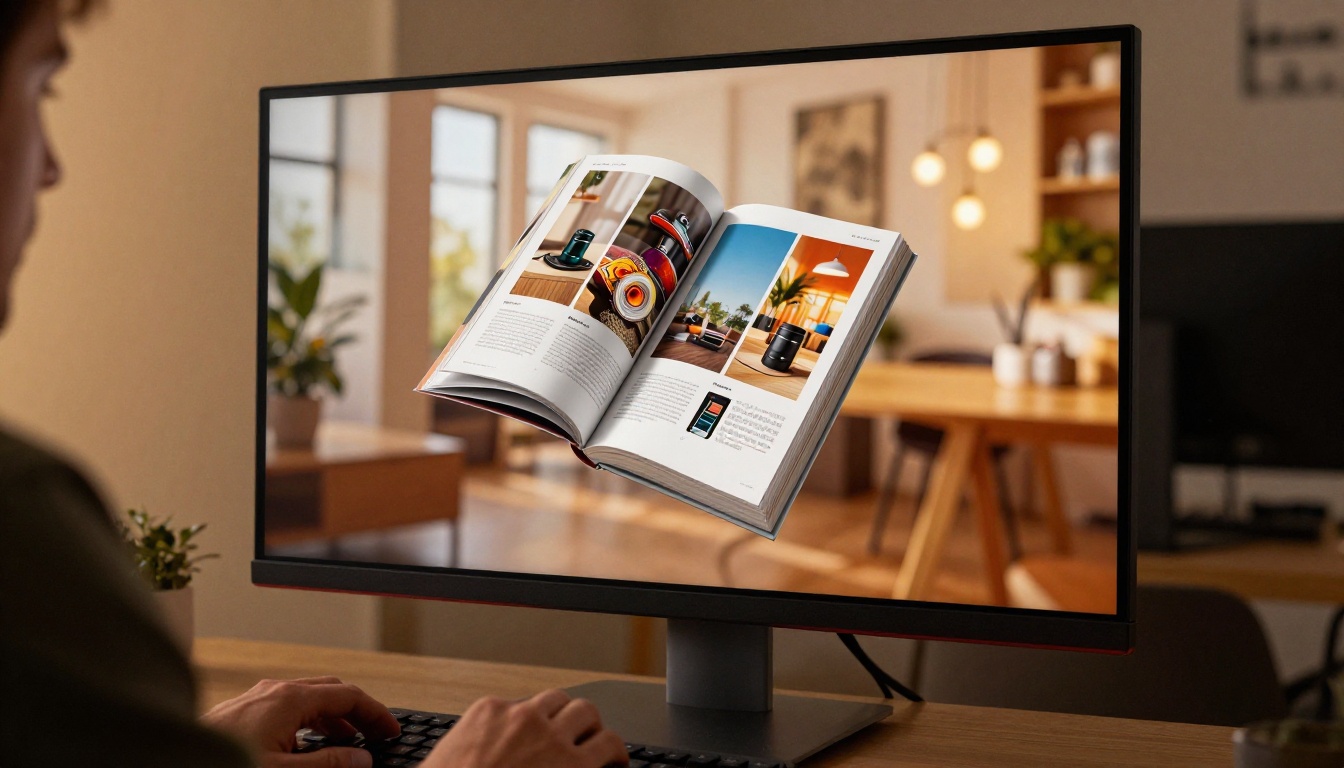
A flipbook is not just a PDF with a nicer wrapper. The page-turning animation creates a physical reading metaphor that readers respond to instinctively. When someone sees a page curl, they want to turn it. That is not a gimmick. It is a well-established UX principle: movement draws attention, and interaction creates investment.
When you share a flipbook link inside an email, the reader clicks through to a full reading experience. They can flip through pages, zoom in on details, click embedded links, and share individual pages. None of that is possible with a static PDF or an inline image.
Clickable links inside every page
This is one of the most underused advantages of the flipbook format. Inside a flipbook, every element of your original PDF, whether it is a product image, a price, a CTA button, or a highlighted section, can carry a live hyperlink. That means:
- A product catalog page links directly to the product listing
- A promotional offer links to the checkout or landing page
- A newsletter section links to the full article on your site
- A contact block links to a booking or inquiry form
💡 A flipbook with 20 pages of a product catalog can contain dozens of individually tracked links, turning a single email send into a measurable conversion funnel with page-level data.
How Flipbooks Affect Email Click-Through Rates

The link-vs-attachment gap
Compare what happens when you send the same campaign content in different formats:
| Format | Deliverability | Click Tracking | Mobile Experience | Embedded Links | Page Analytics |
|---|
| PDF Attachment | Often flagged | None | Poor | No | No |
| Image of Content | Good | Single click | Okay | No | No |
| Plain Text Link | Excellent | Basic | Good | Limited | No |
| Flipbook Link | Excellent | Per-link tracking | Excellent | Yes | Yes |
A flipbook arrives as a clean URL in your email, no attachment, no file weight. Deliverability stays intact. The reader clicks one link and enters a full reading environment. Every subsequent click inside the flipbook can be tracked, giving you data on which products, sections, or offers generated real interest.
What campaign teams report after switching
Teams that move from PDF attachments to flipbook links in their email campaigns consistently see improvements across several metrics:
- Higher open-to-click ratios: The novelty and interactivity of flipbooks draws more clicks than a static image link
- Longer time-on-content: Readers who click through spend more time with the material because the format rewards browsing
- Better mobile completion: Flipbooks are built for mobile, meaning readers on phones do not bounce the way they do with PDF downloads
✅ Best practice: Use a thumbnail screenshot of your flipbook's first page as the clickable image in your email body. It sets expectations and increases click-through dramatically compared to a plain text link.
Flipbooks Work on Every Device
Mobile-first email opens
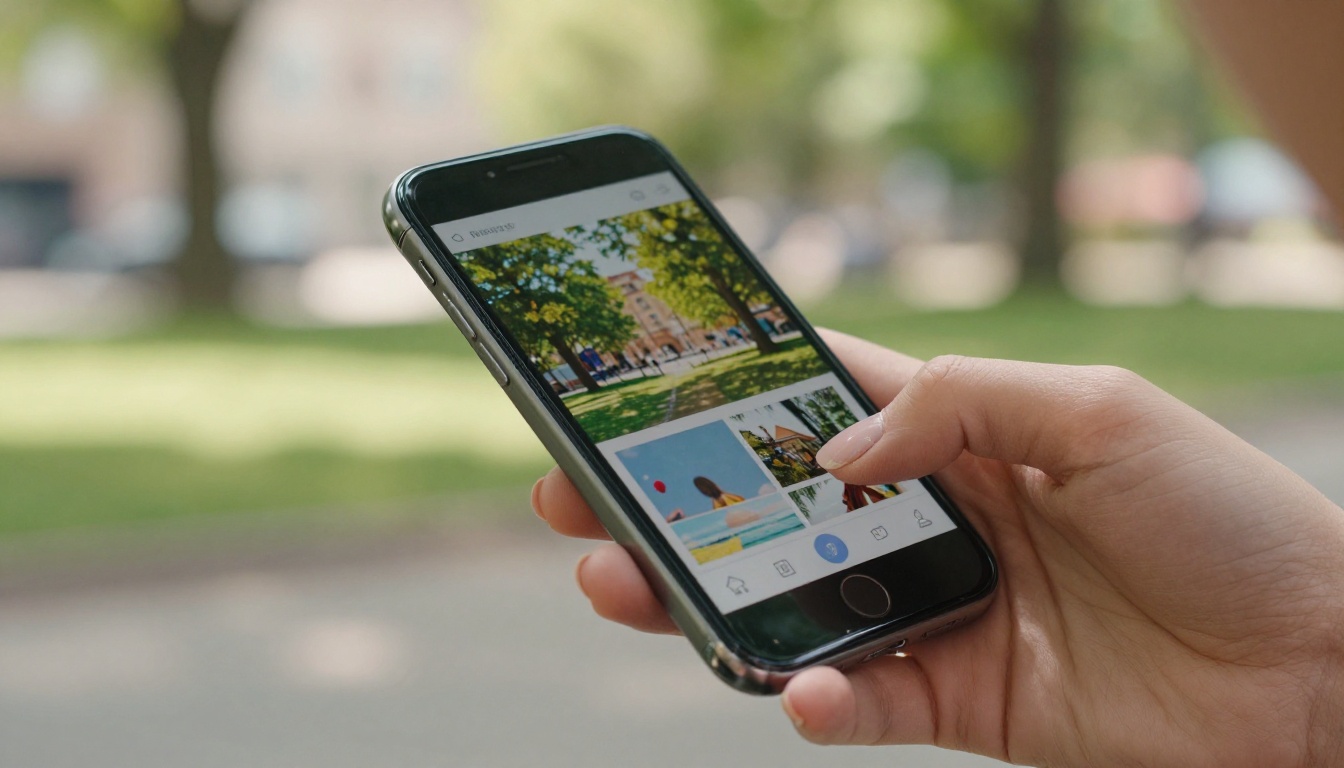
Over 60% of emails are now opened on mobile devices. If your email content, whether it is a catalog, newsletter, or promotional piece, does not render well on a phone, you are losing more than half your audience before they engage with the content.
Flipbooks created on Flipbooks AI are mobile-responsive by default. The layout adapts automatically to the screen size. Pages reflow for portrait and landscape viewing. The touch-swipe interaction feels native on phones and tablets. Readers do not need to pinch and zoom to read your content.
No downloads, no friction
One of the biggest hidden costs of PDF-based campaigns is the friction of the download step. On mobile especially, that friction kills completion. A flipbook link opens directly in the browser, no app required, no file save dialog, no waiting for a large file to transfer. The fewer steps between click and content, the more people who actually read it.
| User Action Required | PDF Attachment | Flipbook Link |
|---|
| Click to open | Yes | Yes |
| Download file | Yes | No |
| Open in a separate app | Often | No |
| Pinch to zoom | Usually | No |
| Navigate pages | Scroll only | Tap or swipe |
| Click embedded links | No | Yes |
| Share a specific page | No | Yes |
What You Can Send as a Flipbook

Newsletters and product catalogs
The most common use case is the product catalog. Instead of attaching a heavy PDF that no one downloads, you link to a beautifully rendered interactive catalog where every product image is clickable and every page is tracked. The Digital Catalog Maker on Flipbooks AI handles everything from fashion to furniture to seasonal collections.
For newsletters, the Newsletter Flipbook Publisher converts your designed newsletter PDF into a shareable interactive publication. Instead of trying to replicate your full newsletter layout inside an email template (which inevitably breaks on various clients), you design it properly, export to PDF, and publish as a flipbook.
Flipbook use cases by industry:
Seasonal promotions and lookbooks
Holiday campaigns, seasonal sales, and limited-time offers benefit enormously from the flipbook format. A beautifully designed lookbook sent as a flipbook link in an email has the visual weight of a print publication with the interactivity of a landing page. The Interactive Lookbook Designer lets you build these with custom branding, embedded video, and direct purchase links on every spread.
💡 Password-protect your seasonal flipbooks and include the password in the email body. This creates an exclusive, members-only feel that drives both open rates and click-throughs.
How to Create a Flipbook for Your Email Campaign
Using Flipbooks AI to create a flipbook for your next email campaign takes minutes. Here is the full process:
1. Create your account
Head to flipbooksai.com/account to sign up. The Standard plan gives you unlimited flipbooks with no watermarks, which is exactly what professional campaign use requires.
2. Upload your PDF
Click "New Flipbook" and upload your PDF. The PDF to Flipbook Converter processes your file and renders each page as a high-fidelity interactive spread. The page-turning animation is applied automatically.
3. Customize branding and appearance
In the editor, you can:
- Apply your brand colors to the viewer interface
- Add your logo to the flipbook viewer frame
- Choose page-turn effects (soft curl, hard flip, slide)
- Set a background color or texture behind the pages
- Set the cover thumbnail that appears in link previews when sharing
4. Add interactive links to pages
Click on any element of any page to add a live hyperlink. Product images, price labels, CTA buttons, and contact blocks can all become clickable. Every link is tracked individually in the analytics dashboard.
5. Set your sharing options
- Public link: Copy the direct URL to paste into your email
- Password protection: Set a password for exclusive or member-only campaigns
- Embed code: Embed a preview widget into a landing page for cross-channel reinforcement
- Custom domain: Use your own branded domain for the flipbook URL (Professional plan)
6. Drop the link into your email
Paste the flipbook URL into your email as a text link, a button, or a clickable thumbnail image. Send a test first to verify the preview renders correctly across email clients.
✅ Best practice: Use the first page of your flipbook as a static preview thumbnail in the email body. Overlay a "View Catalog" label or a simple play-button icon. This approach consistently outperforms plain text links in click-through performance.

Analytics built into the platform
One of the strongest reasons to use flipbooks in email campaigns is the analytics layer that PDF attachments simply cannot provide. On the Professional plan at Flipbooks AI, you get:
- Page-by-page view data: See exactly which pages readers spent the most time on
- Individual link click tracking: Know which products or offers generated actual clicks
- Lead generation forms: Capture reader information directly inside the flipbook reading experience
- Offline downloads: Allow readers to save the flipbook for offline access while still tracking the interaction
This data feeds directly back into your campaign optimization. If page 8 of your catalog gets the most time but the lowest click-through, that is a clear signal to improve your CTA placement on that page. If your holiday promotion shows most readers drop off after page 3, your opening spreads need to carry more urgency.
Plan comparison for email marketers
| Feature | Free | Standard | Professional |
|---|
| Flipbooks per month | Limited | Unlimited | Unlimited |
| Watermarks | Yes | No | No |
| Custom branding | No | Yes | Yes |
| Password protection | No | Yes | Yes |
| Analytics dashboard | No | Basic | Advanced |
| Lead generation forms | No | No | Yes |
| Offline downloads | No | No | Yes |
| Custom domain | No | No | Yes |
For email marketing specifically, the Standard plan removes watermarks and adds password protection, both of which are essential for professional campaign use. The Professional plan adds the analytics that make every campaign measurably smarter over time.
Explore pricing plans to choose the right tier for your campaign volume and goals.
A Real Workflow Change

Consider how a mid-sized retail brand runs its monthly email campaigns before and after switching to flipbooks:
Before: The design team exports a 12MB PDF catalog. The marketing team attaches it to the email. Deliverability rates drop. Mobile users open the email but skip the download. There is no data on what readers looked at. The campaign team guesses at what worked.
After: The design team exports the same PDF and uploads it to Flipbooks AI. The catalog is live in minutes with all product links active and tracked. The marketing team drops a single URL into the email with a thumbnail preview. Deliverability stays high. Mobile users swipe through the catalog in their browser without any friction. Analytics show 70% of readers reached page 6, and the offer on page 4 generated the most clicks.
Same content. Completely different outcome.
The format change costs nothing extra in design time. The PDF already exists. The only step added is the upload and publish, which takes under five minutes. The data gained in return is worth the entire investment.
Start Sending Smarter Campaigns

The argument for flipbooks in email marketing is not theoretical. It comes down to simple mechanics: better deliverability, more interaction, real analytics, and a reading experience that works on every device without asking readers to do anything extra. The teams getting the most from their email programs are the ones pairing strong content with formats that actually reward browsing.
If you have a newsletter, catalog, lookbook, brochure, or promotional piece sitting as a PDF, it is already ready to become a flipbook. The conversion takes minutes, and the difference in how your audience interacts with it is immediate.
Ready to create your first flipbook? Get started for free on Flipbooks AI and see what your next email campaign looks like when the content actually gets read.
Explore all available tools and templates to find the format that fits your campaign type. Compare pricing plans and pick the tier that works for your team's volume and ambitions.



