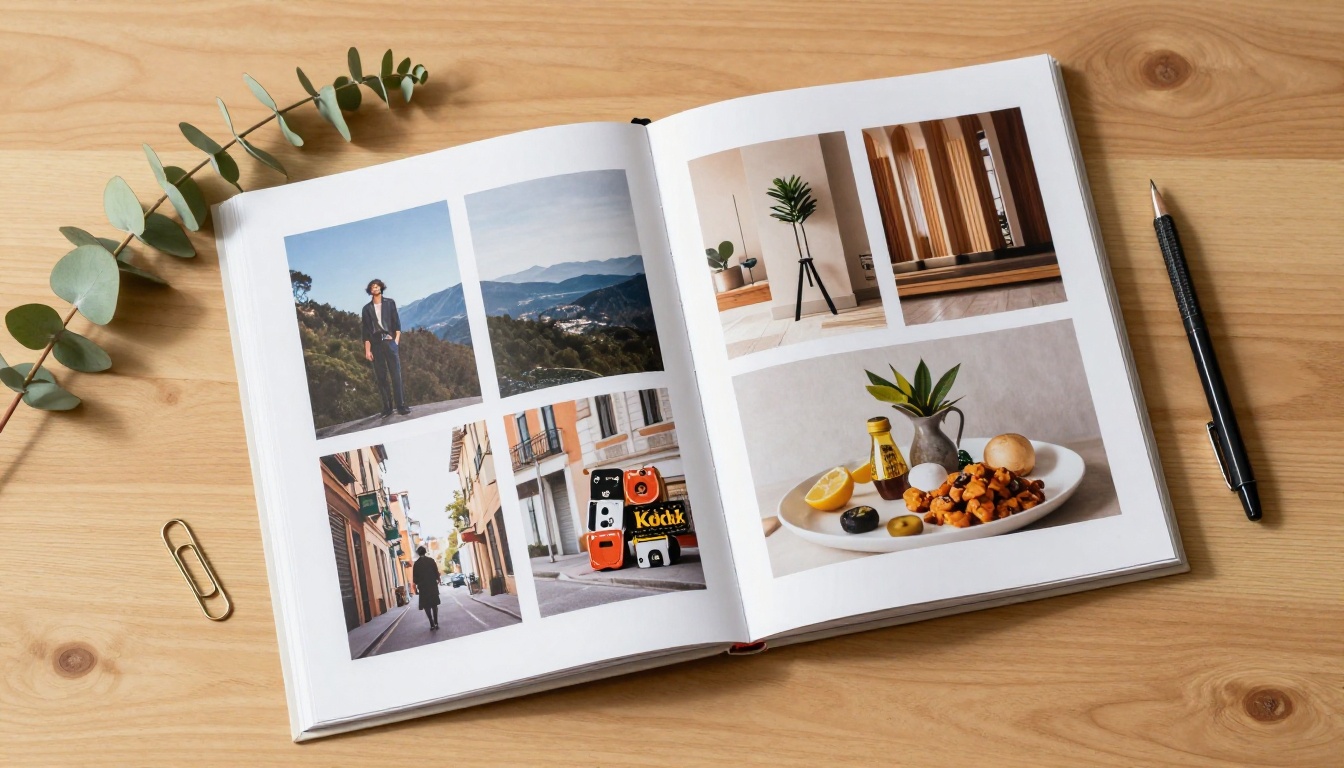
Showing your work in a folder, a static PDF, or a plain website used to be enough. Today, those formats are invisible. The creatives getting noticed, hired, and called back are the ones presenting their portfolios as interactive flipbooks: rich, page-turning digital publications that feel like a real magazine or printed book, but live entirely online and open on any device in seconds. Flipbooks AI has made this format accessible to any creative professional, and the results speak for themselves.
Static Portfolios Are Costing You Clients
Most creatives put enormous effort into their actual work, then deliver it in the least impressive format possible. A 14-page PDF attached to an email. A Google Drive link buried in a message. A website with a slow-loading gallery that breaks on mobile. None of these formats respect the quality of the work inside them.
The problem is rarely the photography, design, or illustration itself. The problem is the container that work lives in. Clients, art directors, and hiring managers make snap judgments in the first ten seconds. A flat PDF signals "this person did the minimum." An interactive flipbook signals "this person cares about every detail, including how they show up."
First impressions in a creative field are not just important; they are the pitch. Your portfolio format is part of your creative statement before a single image is evaluated.
The PDF Problem Nobody Talks About
PDFs are functional, not experiential. They do not scroll naturally. They open slowly on mobile. They sit in downloads folders and get forgotten. They get blocked by spam filters when attached to cold emails. And most critically, they give you zero feedback: you have no idea whether someone opened your portfolio, which pages they spent time on, or where they stopped reading.
⚠️ A PDF portfolio sent as an email attachment has an average open rate under 40%. You are reaching less than half your audience and have no way of knowing it.
When you cannot see how your portfolio is performing, you cannot improve your outreach. You are working blind.
What Clients Actually Notice First
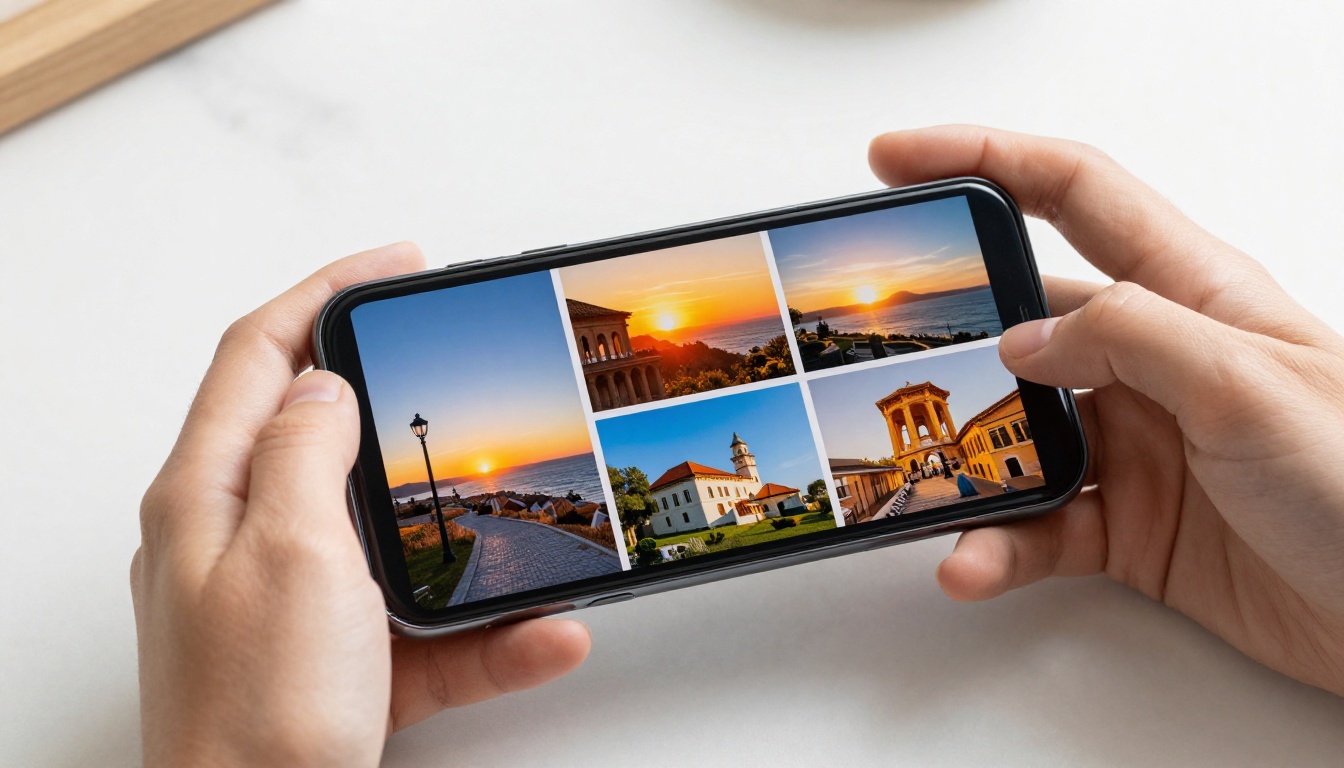
When a client receives a flipbook link, they click and the portfolio opens directly in their browser. No download required. Pages turn with a smooth physical animation. Images load crisp and fast. The whole experience feels intentional and polished before the client has evaluated a single piece of work.
That first impression carries real weight. It immediately signals that you take quality seriously across every detail, not just the images themselves. In industries where two photographers or two designers have similar work quality, the one with the better presentation wins consistently.

What Makes a Flipbook Portfolio Different
A flipbook is not just a PDF with a page-turn effect added on top. It is a fully interactive digital publication that behaves like premium printed material while remaining completely shareable and trackable. The difference goes deeper than aesthetics.
The Page-Turn Effect Is Not Just Pretty
The physical page-turn animation creates a meaningful psychological shift in how viewers experience your work. It slows them down. It creates a natural reading rhythm. Instead of scrolling past images in two seconds as they would on Instagram or a standard gallery website, clients read through a flipbook the way they would a coffee-table book or a printed editorial spread.
This translates directly into more time spent with your work, more pages viewed per session, and a stronger emotional impression when the viewing is finished. The format itself does the selling before the content even starts.
Every Device, Every Screen
A flipbook portfolio built with Flipbooks AI is fully mobile-responsive out of the box. Whether a client opens it on their phone during a commute, on a tablet in a client meeting, or on a widescreen monitor in their studio, the experience is seamless, sharp, and consistent.
No pinch-and-zoom frustration. No missing fonts. No layout that breaks at certain screen widths. The portfolio simply works, everywhere.
💡 Pro tip: Send your portfolio link in the body of an email rather than as an attachment. Click-through rates on inline links are significantly higher than download rates for attachments, and a link never triggers spam filters.

Who Gets the Most from a Flipbook Portfolio
Flipbooks work across every creative industry, but certain disciplines see an outsized benefit from the format. The table below shows who benefits most and the specific tool available to them on Flipbooks AI.
✅ Best practice: Match your flipbook layout style to your industry. Fashion photographers benefit from full-bleed spread layouts. Architects benefit from wide two-page spreads that let spatial images breathe without cropping.
How to Build Your Portfolio on Flipbooks AI
The process is fast and requires no design or technical experience beyond having a PDF of your portfolio ready. Here is the exact workflow from PDF to live shareable link.
Step 1: Create your account
Go to Flipbooks AI and sign up. The platform is free to start with no credit card required.
Step 2: Prepare your portfolio PDF
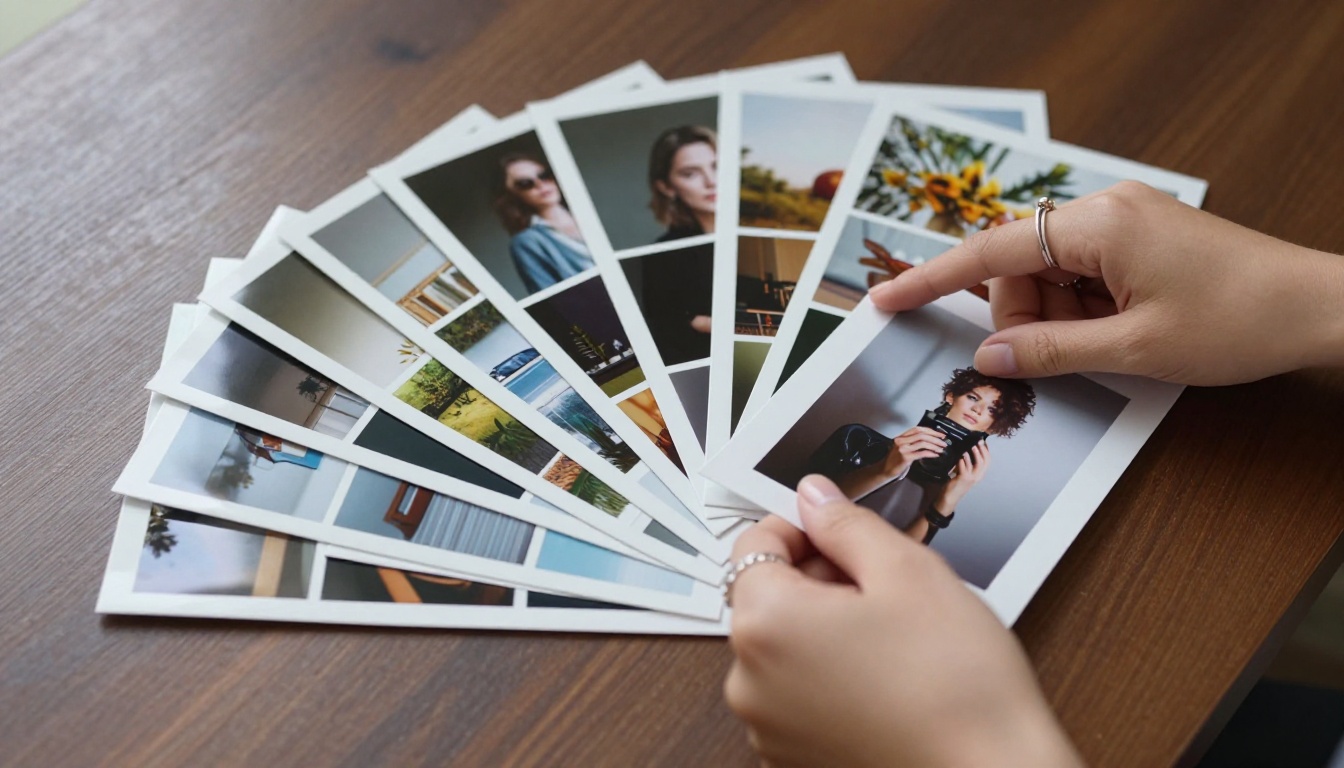
Design your portfolio in your preferred tool: InDesign, Canva, Figma, or any layout software. Export as a high-resolution PDF at 150 to 300 DPI. Landscape orientation works best for portfolio spreads, as it mirrors how printed editorial books are designed and read.
Step 3: Upload and convert
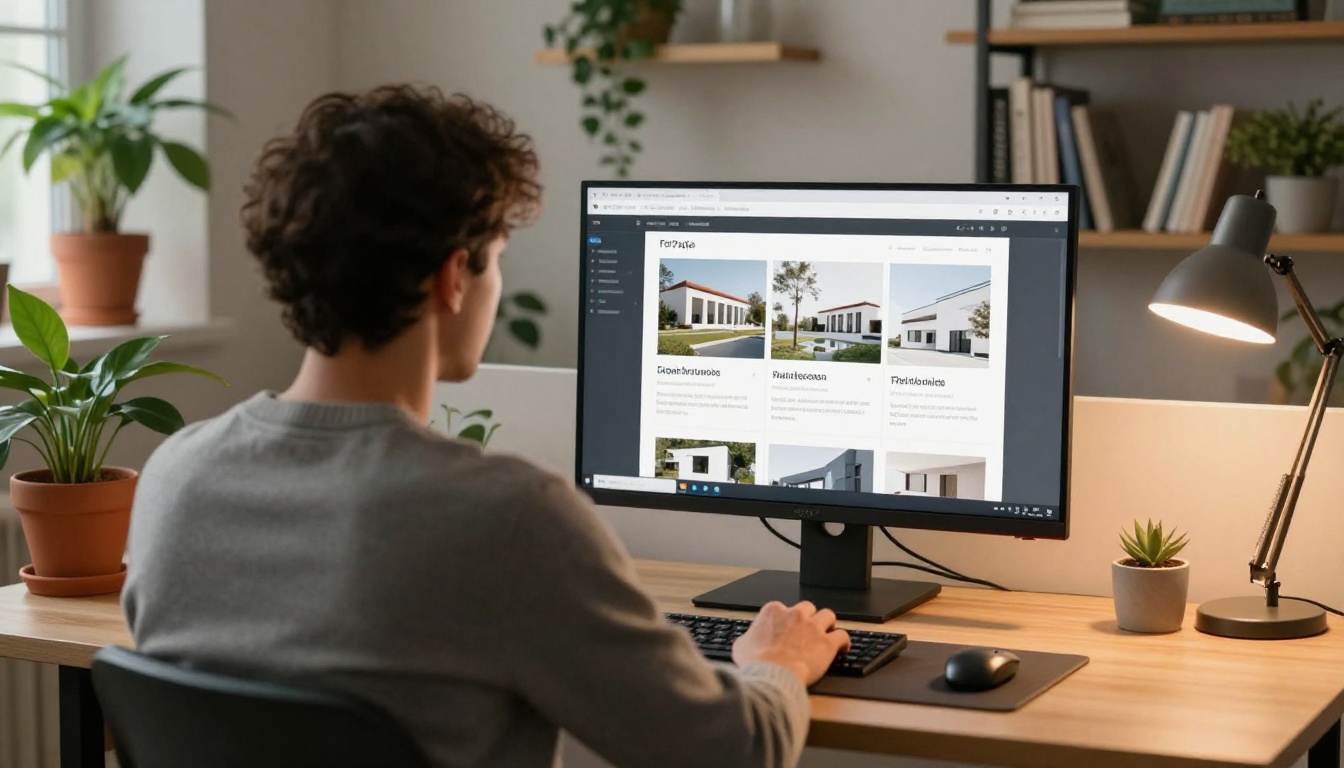
Click "New Flipbook," upload your PDF, and the platform converts every page automatically into a fully interactive flipbook. Most portfolios process in under 60 seconds.
Step 4: Apply your branding
Customize colors, upload your logo, set a background, and adjust the cover page appearance to match your personal or studio brand. On Standard plan and above, there are no watermarks. The flipbook carries only your identity.
Step 5: Add multimedia
Use the Portfolio Flipbook Builder to embed video clips directly into portfolio pages. A 30-second video reel embedded into your portfolio adds depth that no static PDF can replicate. Audio narration is also supported for portfolios where explanation adds context.
Step 6: Set sharing and privacy
For sensitive client pitches or proposal-stage work, activate password protection so only the intended recipient can view your portfolio. For public promotion, use the embed code to place the flipbook directly on your website or Linktree.
Step 7: Share the link and track results
Copy your portfolio link and send it via email, LinkedIn message, or Instagram bio. On the Professional plan, built-in analytics show you how many people opened your portfolio, how long they spent on each page, which spreads held attention longest, and whether viewers completed the full flipbook.
That data changes how you send portfolios. You learn which work resonates, which pages cause drop-off, and which outreach campaigns actually work.
Flipbooks AI Plan Comparison
Not every portfolio has the same needs. Here is how the Flipbooks AI plans compare for creative professionals at different stages of their career.
| Feature | Free | Standard | Professional |
|---|
| Number of Flipbooks | 1 | Unlimited | Unlimited |
| Watermark | Yes | No | No |
| Password Protection | No | Yes | Yes |
| Custom Branding | Limited | Full | Full |
| Embed on Website | Yes | Yes | Yes |
| Video and Audio Embed | No | Yes | Yes |
| Analytics | No | No | Yes |
| Lead Generation Forms | No | No | Yes |
| Offline Downloads | No | No | Yes |
| Mobile-Responsive | Yes | Yes | Yes |
💡 For most freelance creatives and independent photographers, the Standard plan covers everything needed for professional portfolio sharing: no watermarks, unlimited flipbooks, full branding, and password protection for private work.
See every plan detail on the Flipbooks AI pricing page.

Every format has its context. The comparison below makes the trade-offs clear so you can choose the right tool for the right situation.
| Format | Shareable via Link | Mobile-Friendly | Page-Turn Experience | Analytics | Professional Feel |
|---|
| Flipbook (Flipbooks AI) | ✅ Yes | ✅ Yes | ✅ Yes | ✅ Yes | ⭐⭐⭐⭐⭐ |
| PDF email attachment | ✅ Yes | ⚠️ Poor | ❌ No | ❌ No | ⭐⭐ |
| Personal portfolio website | ✅ Yes | ✅ Yes | ❌ No | ⚠️ With GA | ⭐⭐⭐ |
| Behance or Dribbble | ✅ Yes | ✅ Yes | ❌ No | ⚠️ Basic | ⭐⭐⭐ |
| Physical printed portfolio | ❌ In person only | ❌ No | ✅ Yes | ❌ No | ⭐⭐⭐⭐⭐ |
| Google Slides | ✅ Yes | ⚠️ Poor | ❌ No | ❌ No | ⭐⭐ |
The physical printed portfolio scores perfectly on experience but fails on shareability. The digital flipbook is the closest equivalent to a physical book that can be sent anywhere in the world and opened in under three seconds.
Real Scenarios Where Flipbooks Win
The advantages become concrete when applied to specific real-world situations that every creative faces.
Sending a Portfolio to a Client
A photographer receives an inquiry from a brand. Instead of attaching a 28MB PDF that may trigger spam filters or take minutes to download, they send a single link in the reply. The brand's marketing director opens it on her phone during lunch, flips through 20 pages of editorial work in under four minutes, and sends a meeting request by the end of the day.
The link worked because it removed all friction between the client and the work.
Embedding on a Website or LinkedIn Profile
The Embed Flipbook on Website tool generates a clean iframe embed code in seconds. A graphic designer adds it directly to their portfolio website homepage. Visitors flip through the work without clicking away to another service. Time on page increases. The portfolio becomes an experience, not a gallery.
On LinkedIn, sharing the flipbook as a featured link with a strong preview image stops mid-feed scrollers in a way that a plain text post never could.
Live Presentations and Client Pitches
A freelance art director is in a studio pitch. They open their portfolio on a tablet and pass it across the table. The client director spends two minutes flipping through it herself, at her own pace, pausing on her favorite spreads. That direct physical interaction with the work, turning pages, making her own choices about what to look at, creates a sense of ownership and involvement that a projected slideshow never achieves.
✅ Best practice: For live pitches or presentations where internet connectivity is uncertain, activate the offline download option (Professional plan) and have the portfolio saved locally on your device before you walk into the room.
Details That Separate Good Portfolios from Great Ones
The difference between a competent flipbook portfolio and a genuinely impressive one comes down to a few deliberate choices made during the design stage.
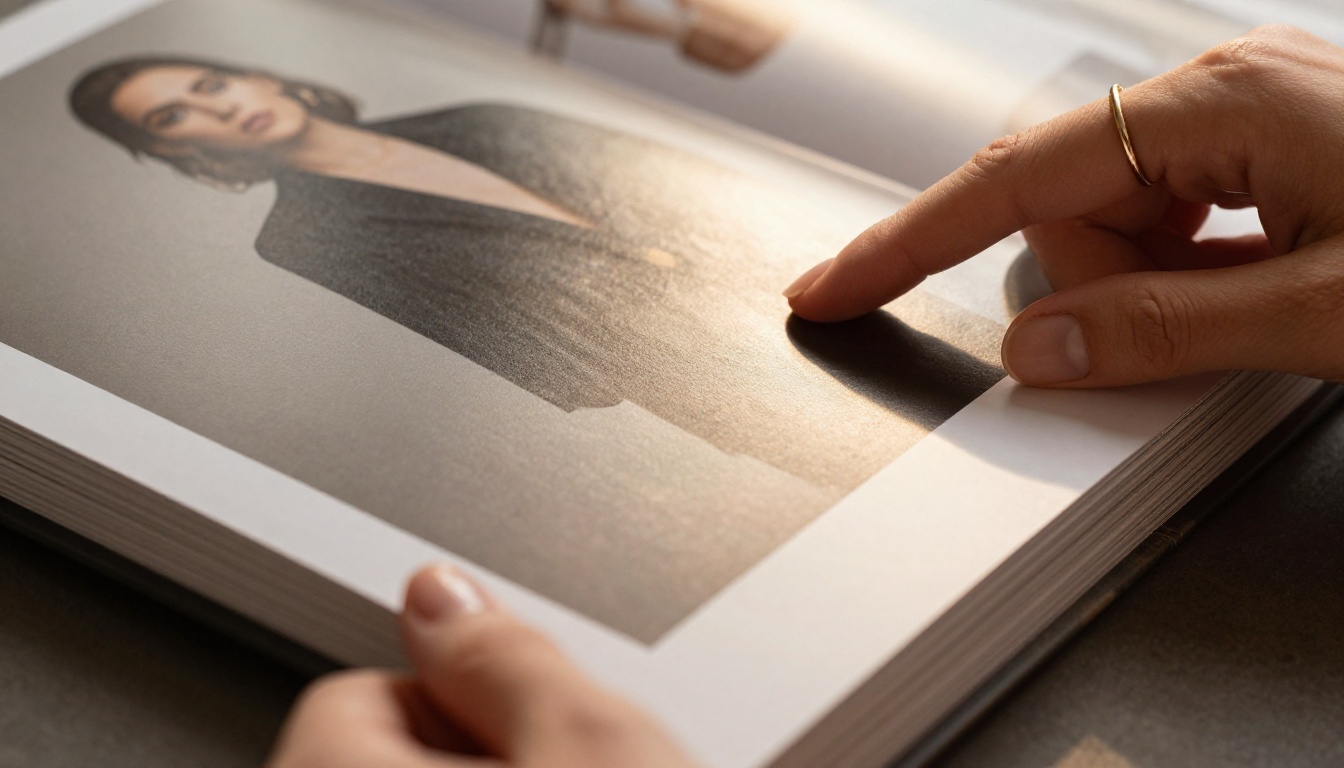
Design for two-page spreads: Build your PDF with spreads in mind, not single pages. Images that bleed across both pages look cinematic in flipbook format and use the full visual real estate the format provides.
Treat the cover as a book jacket: The first page is your most important impression after the link click. Use a powerful single image, clear typography, and your name or studio name in a readable font. Avoid cramming multiple images onto the cover.
Minimize text in the body: A portfolio flipbook is a visual experience. Captions should be short. Project titles should be concise. Let images carry the weight. Avoid walls of text that interrupt the visual flow.
Use brand colors consistently: Apply your personal or studio colors in the Flipbooks AI customization panel. A cohesive visual identity across the publication signals professionalism and intentionality.
Lead with your strongest piece: The second and third pages, after the cover, receive the highest dwell time in every flipbook analytics report. Put your most impressive and attention-commanding work there.
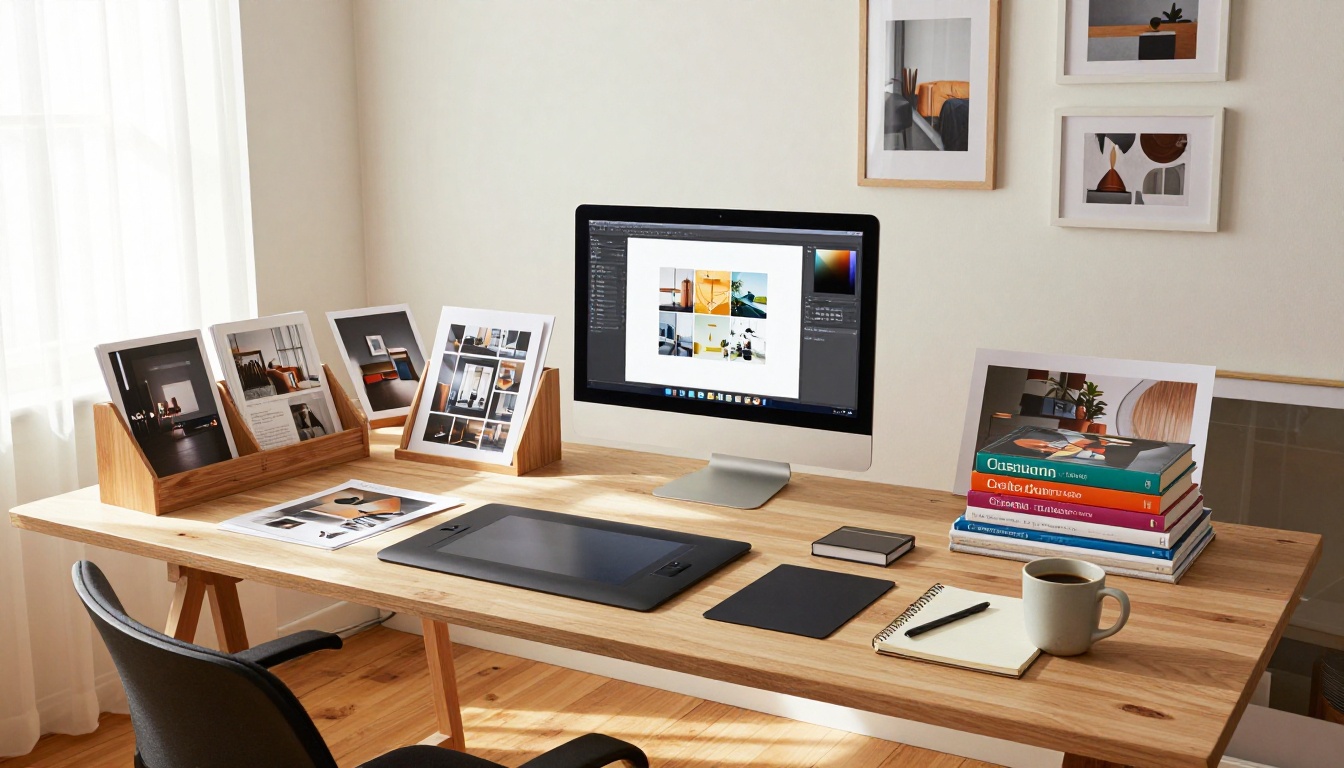
The flipbook format adapts naturally to nearly every creative discipline. Here are the most common portfolio types with the specific tools available on Flipbooks AI:
Every one of these formats benefits from the same core advantage: the portfolio arrives instantly, opens beautifully, and works flawlessly on any device without friction, downloads, or extra steps from the recipient.
Stop Sending Forgettable Portfolios
Your work deserves a format that matches its quality. A flipbook portfolio is the highest-leverage change most creative professionals can make to how they share their work, and it requires no additional design effort beyond converting what already exists into the right container.
The photographers booking more clients, the designers landing bigger projects, and the creatives getting callbacks are not necessarily doing better work than their competition. Many are simply presenting the same quality of work in a format that commands attention, earns trust, and stays in the recipient's memory.
Ready to present your work the way it deserves? Create your portfolio flipbook on Flipbooks AI and send your first link today.
Browse the full collection of creative portfolio tools to find the right format for your work, or compare plans to choose the features that fit your needs and budget.



