Hand-lettering artists spend years developing dozens of distinct styles, each with its own weight, rhythm, and personality. A single screenshot on a social media profile cannot convey that range. Clients who land on a flat gallery page often cannot tell the difference between a beginner's brush lettering and a seasoned pro's copperplate. That gap costs commissions. Flipbooks close it.
The format works because it mirrors something familiar: the physical act of flipping through pages. A client who thumbs through a well-built flipbook portfolio does not just see lettering samples; they experience the body of work as a sequence. That sequence tells a story about skill, versatility, and attention to detail that a static PDF never can. Flipbooks AI has become the go-to platform for artists who want that experience without building a custom website.

The Problem with Static Portfolios
Most hand-lettering artists start with the same set of options: a PDF sent by email, a static website, or an Instagram grid. Each of these has a ceiling.
One Screenshot Never Tells the Whole Story
A PDF attached to an email requires the client to download a file they may never open. A website takes time and money to build, and most artists without a web development background end up with something that loads slowly or looks broken on mobile. Instagram works for discovery, but it is not where buying decisions happen.
The deeper problem is that lettering work is inherently sequential. A copperplate alphabet, a set of wedding quote prints, and a series of brand logos for the same client tell three completely different stories about the same artist's range. Presented as isolated images, that range collapses into a single impression that rarely does the work justice.
Clients Do Not Know What to Ask For
When a potential client cannot see the full scope of what a lettering artist does, they default to describing something vague. "I want something elegant" or "I like the rustic feel" are hard briefs to work from. A flipbook portfolio that walks a client through distinct style sections, each clearly labeled, gives them vocabulary. They stop saying "elegant" and start saying "I want that script you used on page 8."
That specificity is worth more than any hourly rate negotiation. It means fewer revision rounds, clearer contracts, and clients who understand exactly what they are paying for.

What Makes Flipbooks Work for Lettering Artists
Flipbooks are not just PDFs with a page-turn animation. The format changes how content is consumed.
Scroll Replaces the Sketchbook Feel
When a client receives a flipbook link, they open it in a browser. The page-turn interaction replicates the tactile memory of flipping through a physical sketchbook or portfolio binder. That association matters. It positions the artist as a craftsperson rather than a content creator. The work feels deliberate, curated, and worth paying for.
💡 Pro tip: Structure your flipbook so the first three pages make an immediate impression. Lead with your strongest style, not your most recent work.
Every Style Gets Its Moment
A well-structured lettering portfolio flipbook might include:
- Section 1: Brush lettering samples on colored backgrounds
- Section 2: Copperplate and pointed nib calligraphy on cream paper
- Section 3: Sans-serif and mixed-media layouts for brand clients
- Section 4: Wedding suite work (invitations, envelope addressing, signage)
- Section 5: Custom illustrated lettering with botanical or geometric elements
- Section 6: Client testimonials and process spreads
Each section flows naturally into the next. The client does not need to scroll a website menu or click through folders. They just flip.
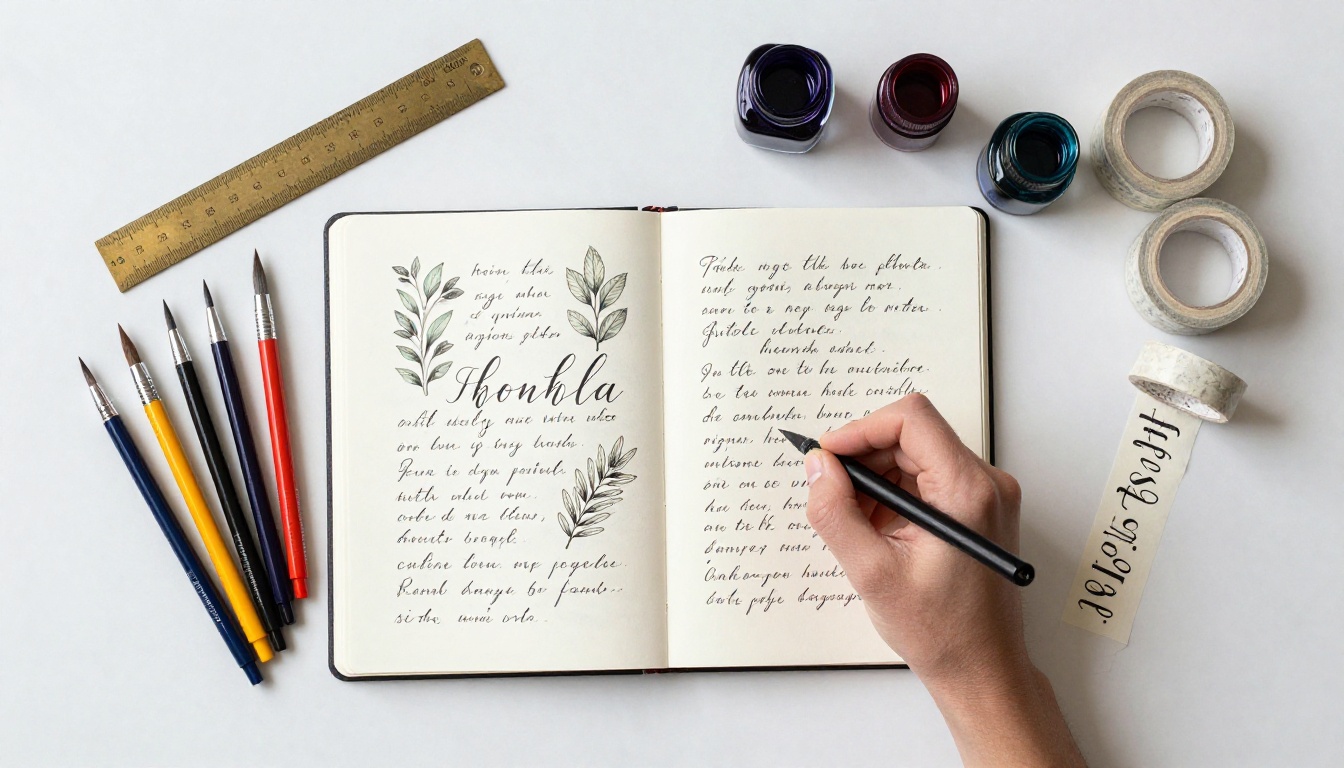
Building a Lettering Portfolio That Gets Commissions
The structure of a portfolio matters more than most artists realize. What you include, and in what order, directly affects whether a client contacts you or clicks away.
What to Put in Each Section
| Portfolio Section | What to Include | Why It Works |
|---|
| Hero Spread | Your single best piece, full bleed | First impression anchors perceived quality |
| Style Range | 4-6 samples per style category | Proves versatility, helps clients self-select |
| Client Work | Real projects with context and industry labels | Builds trust, shows commercial experience |
| Process Spread | Sketches to final, side by side | Justifies pricing, shows depth of expertise |
| Pricing Cue Page | Starting rates or project types | Pre-qualifies clients before they reach out |
| Contact Spread | Your booking link, email, social handles | Makes the next step obvious and easy |
✅ Best practice: Never include everything you have ever made. A focused portfolio of 30 strong pages beats a 90-page dump every time.
Organizing by Script Type vs. by Client Industry
This is a real decision for working lettering artists, and it depends on the client base you are targeting.
Organize by script type if:
- You are building a name in the calligraphy and stationery world
- Your primary clients are brides, event planners, and stationery brands
- You want to attract buyers who know lettering terminology
Organize by client industry if:
- You are positioning for brand and packaging work
- You pitch to agencies, food brands, and hospitality companies
- Clients are buying outcomes (a wine label, a packaging system) not a lettering style
Many working artists maintain two separate flipbooks: one style-first, one industry-first. Sending the right version to the right prospect takes 10 seconds and significantly increases reply rates.
How to Create a Hand-Lettering Flipbook Portfolio
Flipbooks AI is built for creators who need a professional digital portfolio without spending time on web development. Here is how to get one live in under an hour.
Step 1: Set Up Your Account
Go to Flipbooks AI and create a free account. No credit card needed for the first flipbook. The dashboard is designed around upload-first workflows, which means you are not navigating settings menus before you have seen what the tool actually does.
Step 2: Upload Your Portfolio PDF
Prepare your portfolio as a single PDF. Most lettering artists already have this from sending work to clients by email. If your portfolio is a collection of individual image files, export them from Canva, Adobe InDesign, or a formatted Google Slides deck. Then drag the PDF into the upload zone.
The PDF to Flipbook Converter handles conversion automatically. Pages become flippable spreads. Image quality is preserved. The whole process takes under two minutes for most portfolio-sized documents.
⚠️ Watch out: Export your PDF at 300 DPI minimum. Lower resolution files look pixelated on retina displays, which undercuts the premium impression your work deserves.
Step 3: Customize Branding and Colors
Once uploaded, open the editor. You can:
- Set your brand colors across background, UI elements, and page borders
- Add a custom cover image or title overlay
- Upload your logo to the corner of every page
- Choose a page-turn style (smooth scroll, flip, or fade)
- Enable or disable the table of contents sidebar
For lettering artists, the cover customization matters most. Your cover is the first thing a client sees before they even start flipping. Use it to show one of your strongest pieces with your name or studio name in your own handwriting, scanned and overlaid.
Step 4: Share and Embed Your Flipbook
When your flipbook is ready, Flipbooks AI gives you several sharing options:
- Direct link: A clean URL you paste into emails, DMs, or proposals
- Embed code: Drop your flipbook directly into your website using the Embed Flipbook on Website tool
- Password protection: Lock the flipbook with a password for private client previews or pricing decks
- Analytics: See which pages clients spend the most time on (available on the Professional plan)
The Digital Portfolio Creator and Portfolio Flipbook Builder are specifically designed for creative professionals who need a sharp, linkable portfolio without a full website build.
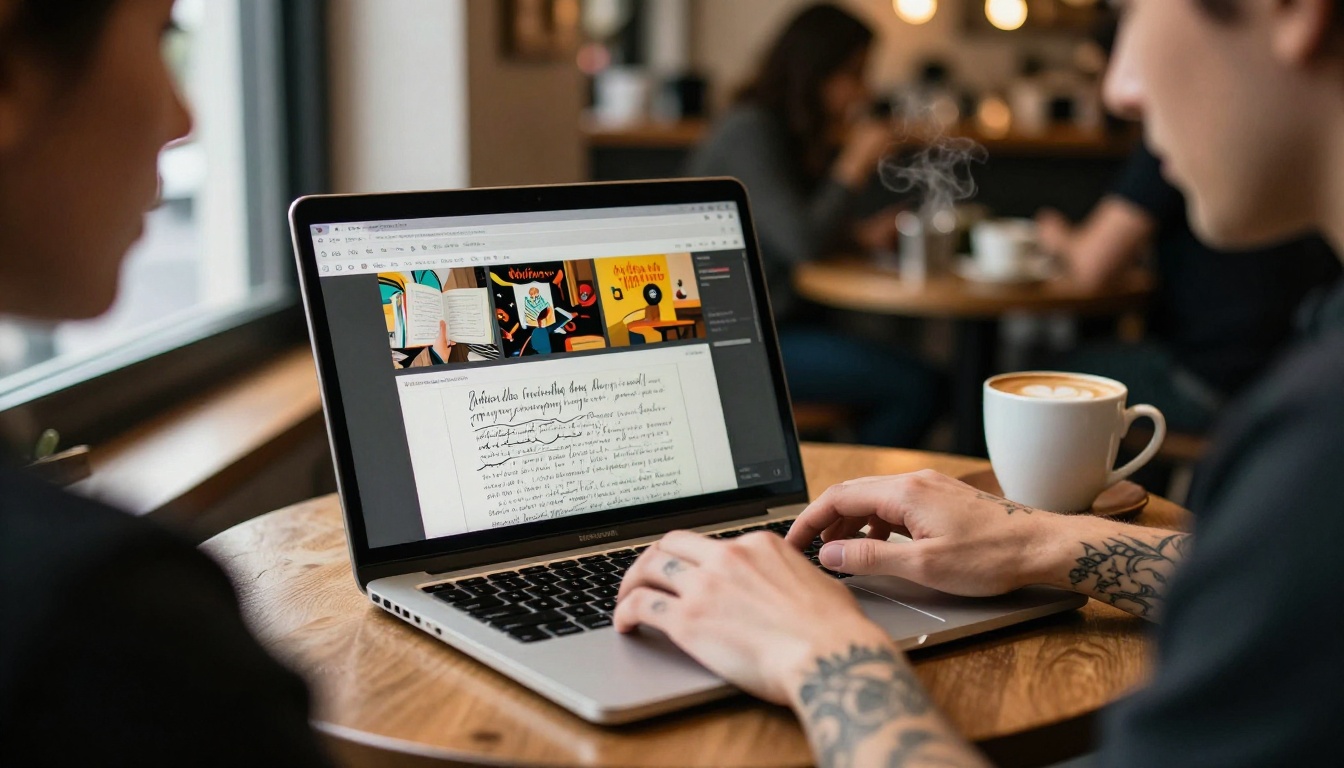
Not all portfolio formats serve lettering artists equally. Here is how the most common options stack up:
| Format | Setup Time | Mobile-Friendly | Interactive | Easy to Update | Cost |
|---|
| Flipbook (Flipbooks AI) | Under 1 hour | Yes | Yes | Minutes | Free to start |
| PDF via email | 30 min | No (requires app) | No | Re-send required | Free |
| Static website | Days to weeks | Varies | Limited | Requires editing | $10-50/month |
| Instagram grid | Ongoing | Yes | No | Continuous effort | Free |
| Behance/Dribbble | Hours | Yes | Limited | Easy | Free |
| Google Drive folder | Minutes | Partial | No | Easy | Free |
💡 The real cost of a PDF portfolio: Every time you update your work, you re-export and re-send to every contact. With a flipbook, you update once and the link stays the same.
The flipbook format wins on the combination of interactivity, mobile readability, and zero maintenance overhead. Once you have built your flipbook, you share one link everywhere. Updating a piece takes minutes, not a full re-export cycle.
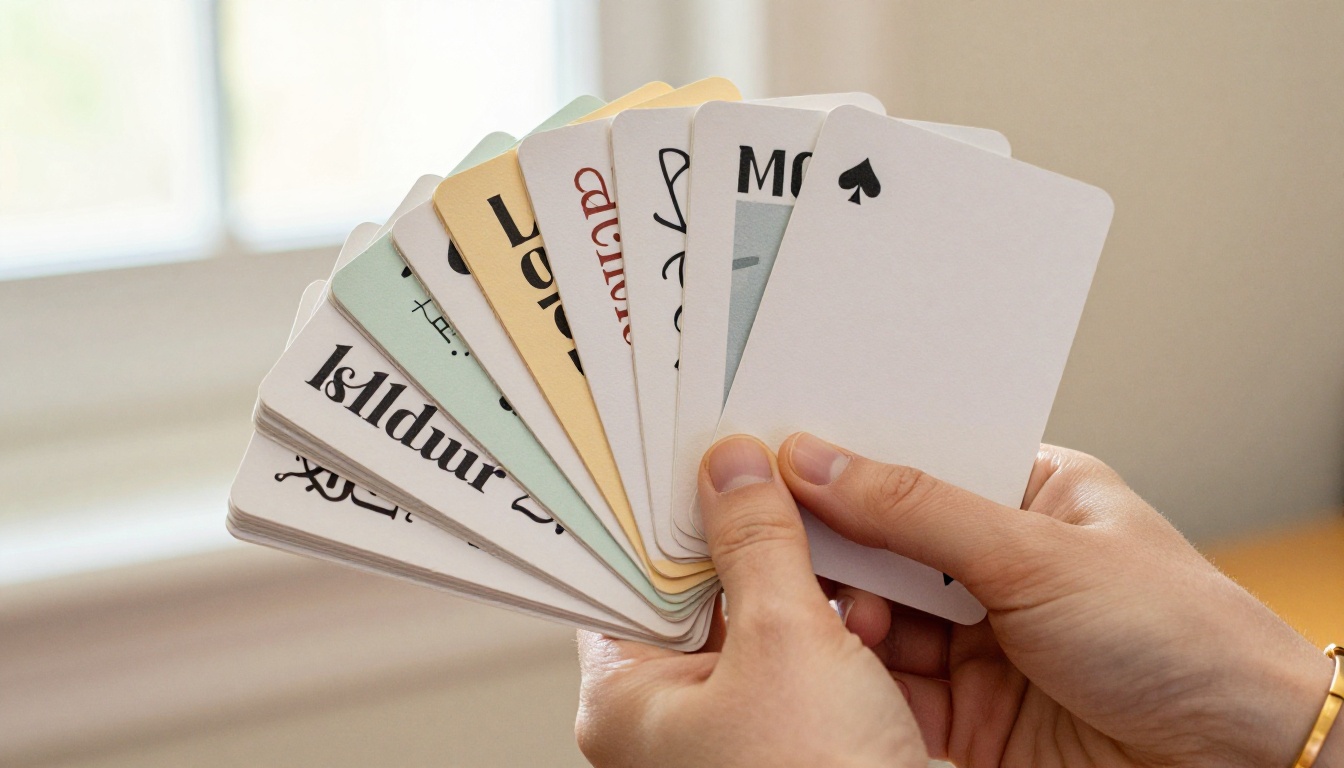
How Freelancers Use Flipbooks to Win Clients
The practical applications go beyond having a portfolio live somewhere online. Working freelancers use flipbooks at specific points throughout the client sales process.
Sending the Right Flipbook to the Right Client
A wedding stationery client does not need to see your packaging work. A spirits brand does not need to see your envelope-addressing samples. With flipbooks, you can build multiple tailored versions of your portfolio without maintaining multiple websites.
The workflow looks like this:
- Build a master flipbook with all your work organized by category
- Create targeted mini flipbooks (10-15 pages) for specific industries or project types
- Send the relevant mini flipbook when reaching out to a new prospect
- Link to your master flipbook in your email signature for general discovery
This level of targeting makes cold outreach feel warm. The client sees exactly what is relevant to their business, and nothing that distracts from that focus.
Password Protection for Private Work
Many lettering artists do client work under NDA or have pieces they want to show selectively before public release. The password protection feature on Flipbooks AI means you can share work-in-progress with a specific client without that work being publicly indexed or stumbled upon by others.
This is also useful for pricing decks and custom quote presentations. Instead of attaching a PDF to an email where it might be forwarded without context, you send a link with a password and a short expiry note. It creates a sense of exclusivity that reinforces the premium nature of your work.

Pricing Your Work Better With a Better Portfolio
There is a direct relationship between how a portfolio is presented and what a client is willing to pay. This is not theory; it is something working lettering artists observe consistently.
The Psychology of Perceived Value
When a client opens a polished, interactive flipbook portfolio, they make immediate assumptions about the artist behind it. They assume organization, professionalism, and attention to detail. These are the same assumptions that justify higher rates.
A client who opens a Google Drive folder full of JPGs makes different assumptions. The work inside might be identical in quality, but the presentation signals "hobbyist" rather than "professional." The budget offered follows that signal.
| Presentation Format | Client Perception | Typical Rate Outcome |
|---|
| Google Drive / Dropbox folder | Informal, early-stage | Pushback on rates, requests for discounts |
| Static PDF | Competent, semi-professional | Standard market rates |
| Website portfolio | Professional | Rates accepted without much negotiation |
| Interactive Flipbook | Premium, detail-oriented | Rates accepted, repeat bookings more likely |
✅ Best practice: Include a "Starting at $X" page in your flipbook. It pre-qualifies clients and stops low-budget inquiries from taking up your time.
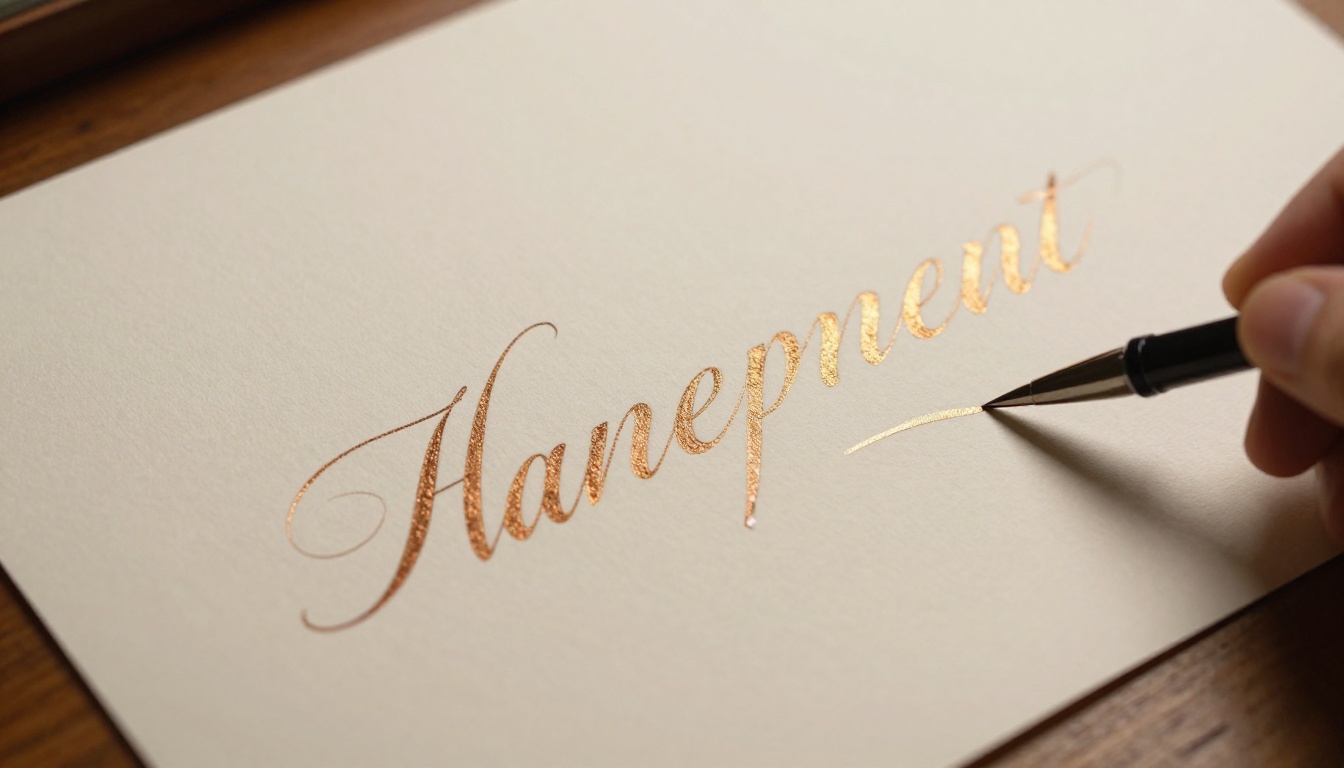
Flipbooks AI includes a set of tools designed for exactly this kind of creative professional use case. The ones most relevant to lettering artists:
The platform's Standard plan includes unlimited flipbooks, which means you can build as many targeted mini-portfolios as your client base requires. The Professional plan adds analytics so you can see exactly which pages a client spent time on, a real advantage when tailoring follow-up conversations. See all pricing options to find the right fit.
Why This Matters for the Hand-Lettering Business
Hand-lettering is a skill that takes years to build. The market for it, from wedding stationery to brand packaging to murals, is real and growing. But the artists who work consistently are not always the most technically skilled. They are the ones who make it easy for clients to say yes.
A flipbook portfolio removes friction at every stage of the client relationship. It loads in a browser. It works on a phone. It shows range without requiring explanation. It updates without re-sending. It looks premium without requiring a web developer.
For a freelance lettering artist managing client work, commissions, and their own creative practice, that combination of professionalism and low maintenance overhead is exactly what the format delivers.
Build Yours Today
Your lettering work deserves a presentation that does it justice. A flat PDF or an Instagram grid is not that presentation.
Ready to create your first flipbook portfolio? Get started for free on Flipbooks AI. Upload your existing portfolio PDF, customize your branding, and have a shareable link live today.
Want to see all available tools? Browse the full tools directory to find templates built for creative professionals. When you are ready to add analytics and lead generation to your portfolio, compare pricing plans and choose what fits your practice.
Your next commission is one good first impression away.



