Something is happening quietly inside libraries everywhere. The smell of old paper is fading. In its place: the soft glow of screens, the quiet tap of fingers on tablets, and an ever-growing catalog that never runs out of shelf space. Libraries are going digital, and flipbooks are at the heart of that shift. Platforms like Flipbooks AI are giving institutions a practical, polished way to move their collections, programs, and publications online without losing the familiar page-turning experience patrons love.
This isn't just a trend driven by budget cuts. It's a structural change in how people want to consume information, how libraries want to serve their communities, and what "a library resource" even means in 2027. The numbers tell the story clearly: digital library usage has climbed year over year while physical visits have plateaued or declined in most regions. Libraries that once resisted the shift are now leading it.
Why Physical Collections Are Straining
The real cost of print
Maintaining a physical library collection is expensive in ways that aren't always visible. A single academic journal subscription can cost thousands of dollars per year. Textbooks go out of date in 18 months. Magazines pile up faster than they can be cataloged. Every new acquisition requires physical space, which most libraries simply don't have anymore.
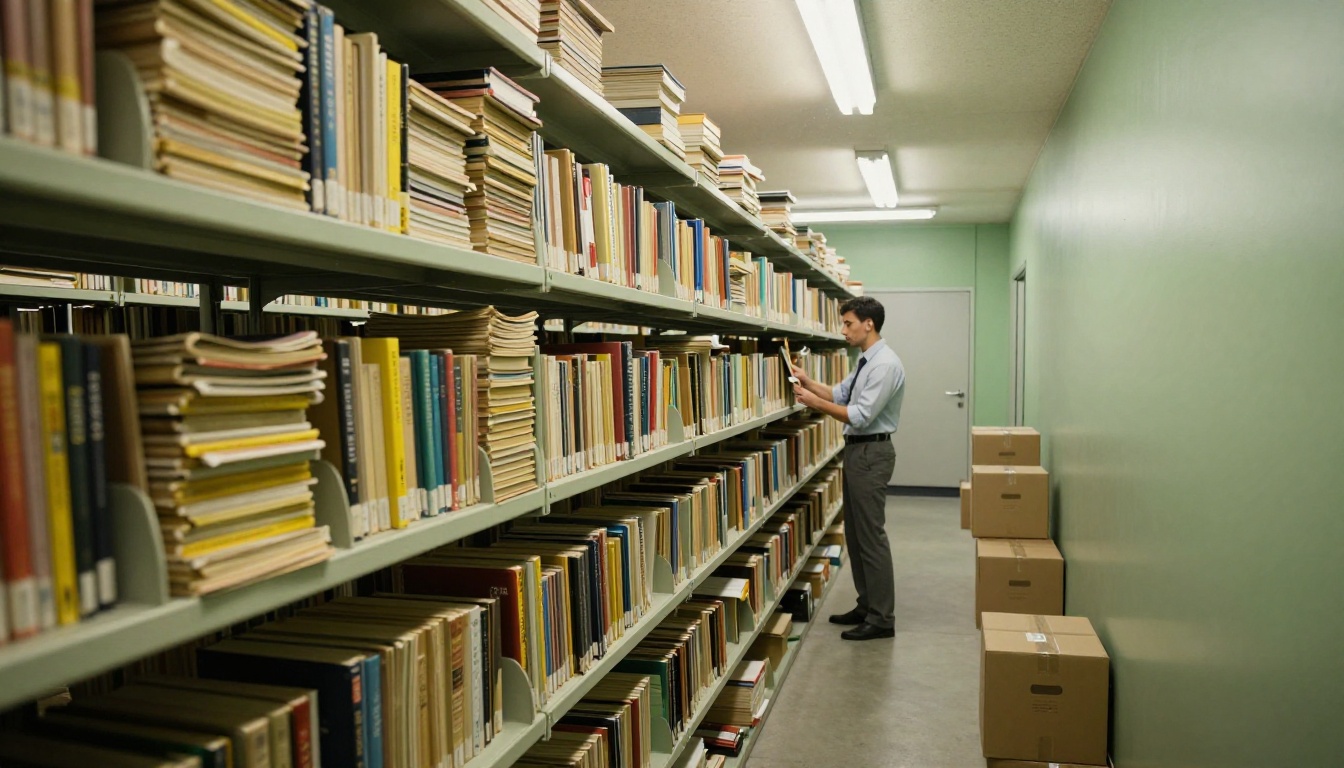
Budget pressures have forced many public and academic libraries to make hard choices: buy fewer titles, reduce hours, or cut staff. Digital alternatives eliminate several of these costs at once. A PDF uploaded once can serve ten thousand readers simultaneously without ever wearing out its binding.
Space is running out fast
Many library buildings were designed decades ago, before digital collections were even a concept. Today, the shelving units that once held proud rows of encyclopedias sit nearly empty, while storage rooms overflow with outdated volumes that cannot be discarded for policy reasons but are not being read either.
Converting those materials to digital flipbooks doesn't just free up space. It preserves them. A deteriorating 1970s pamphlet can be scanned, converted, and made searchable in ways the paper original never could be.
⚠️ Physical materials degrade over time. Paper yellows, ink fades, and water damage is permanent. A digital copy sidesteps all of these risks entirely.
The environmental argument
Printing thousands of newsletters, catalogs, and informational brochures every month has a real environmental footprint. Paper production, ink, shipping, and eventual disposal add up. Libraries with sustainability mandates are increasingly citing this as a concrete reason to shift their publications to digital formats. One flipbook, published once, eliminates an entire print run.
What Flipbooks Actually Bring to Libraries
The page-turn experience online
One of the most underrated aspects of the flipbook format is psychological. People are accustomed to reading in pages. Scrolling through a PDF feels clinical and impersonal. Turning a page, even a digital one, engages a different part of the brain. It signals: "I'm reading something." That tactile metaphor matters more than most UX designers give it credit for.
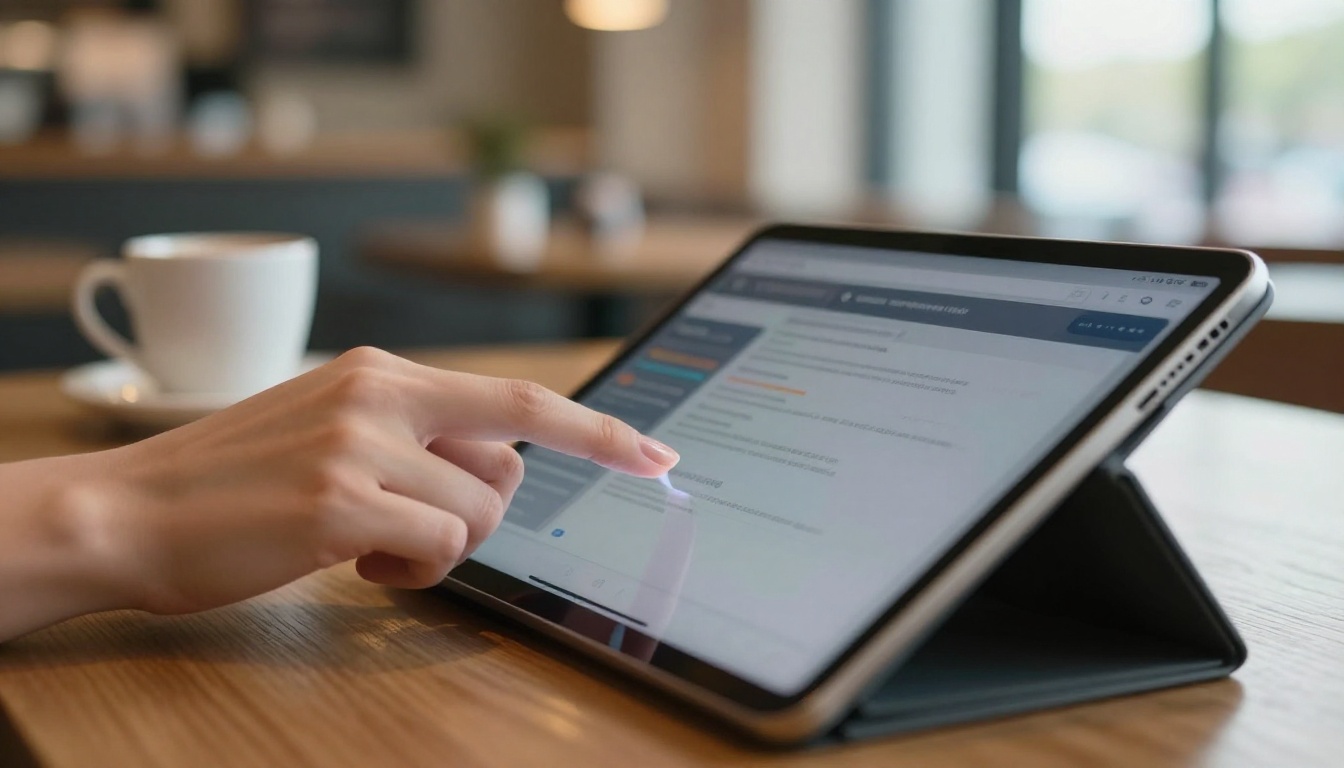
Flipbooks replicate that experience on any device, from a desktop browser to a phone screen on the subway. The content feels like a publication, not a file. For library patrons who grew up reading physical books and magazines, that continuity matters.
Embedded multimedia and interactivity
Static PDFs cannot play video. They cannot include embedded audio, clickable table-of-contents links, or pop-up annotations. A digital flipbook can do all of this. For libraries publishing research bulletins, community newsletters, course materials, or reading programs, that interactivity opens up possibilities that simply do not exist in print.
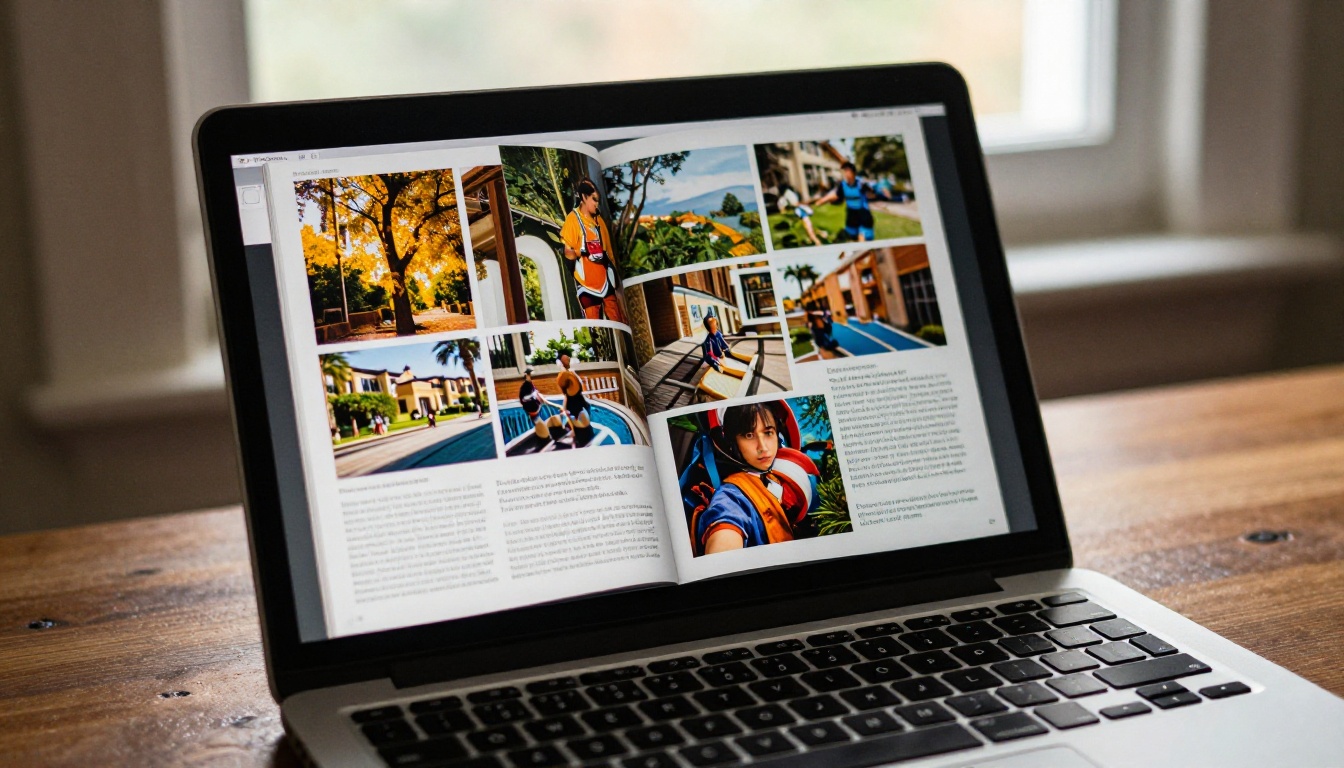
A children's library can embed read-aloud audio directly in a picture book. A university library can link citations directly to source materials. A public library can include video introductions from authors inside their literary magazine. These aren't hypothetical features. They're available right now.
💡 Libraries that embed video and audio in their flipbook publications consistently see higher time-on-page and patron return rates compared to standard PDF downloads.
24/7 access without staff present
A physical library closes at 8pm. A digital collection doesn't. For students studying late, working adults with no daytime availability, or patrons in rural areas far from a branch, that around-the-clock access isn't a convenience. It's the difference between having access to resources and not having it at all.

Digital flipbooks hosted on a platform like Flipbooks AI can be embedded directly on the library's website, shared via direct link, or password-protected for patron-only access, all without requiring staff to be physically present.
The Patron Accessibility Factor
Reaching people with disabilities
Print materials present real barriers for patrons with visual impairments, motor difficulties, or cognitive differences. Digital flipbooks can be paired with screen readers, zoomed without distortion, and formatted with high-contrast modes. That alone is a compelling reason for institutions focused on equal access to make the shift.
Serving multilingual communities
A physical library needs to buy separate editions in each language it wants to serve. A digital collection can offer the same publication in multiple languages, with minimal additional cost, serving increasingly diverse communities without proportional increases in budget.
| Patron Need | Physical Library | Digital Flipbook |
|---|
| Visual impairment access | Limited (large-print editions only) | Screen reader compatible, zoomable |
| Multilingual editions | Expensive, space-intensive | Low-cost, fast to publish |
| 24/7 availability | Closed nights and weekends | Always accessible |
| Remote access | Not possible | Available from anywhere |
| Searchable content | Manual index only | Full-text search built in |
| Damaged copy replacement | Costly reorder process | Instant, zero cost |
| Accessibility tools | Very limited | Zoom, contrast, screen readers |
How Different Libraries Are Using Flipbooks
Public libraries and community publishing
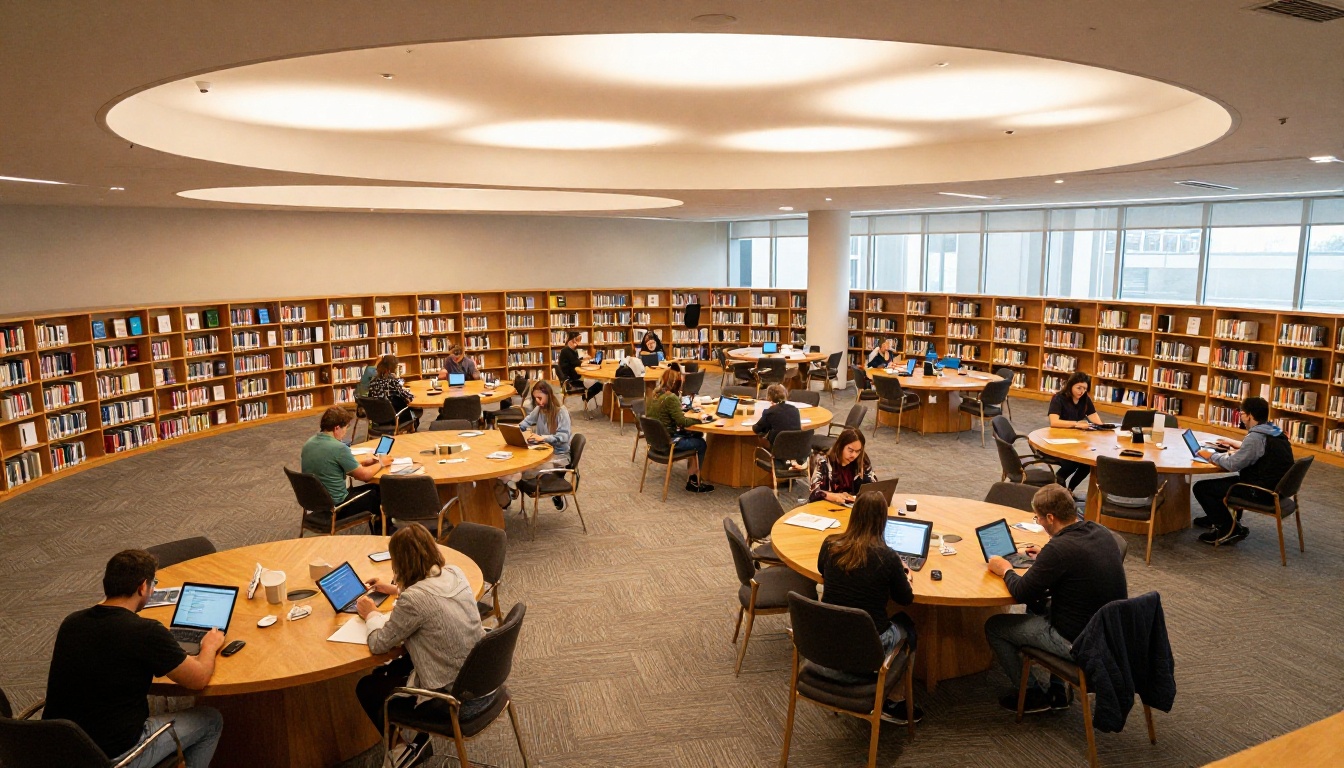
Public libraries are among the most active adopters. They're publishing community newsletters, event programs, local history archives, and reading club materials as interactive flipbooks. Rather than printing 500 copies of a monthly newsletter and hoping patrons pick them up, the library posts one digital version that gets shared across social media and email lists, reaching far more people at a fraction of the cost.
The Newsletter Flipbook Publisher and E-Magazine Publishing Tool are well-suited for exactly this kind of recurring publication workflow.
School and academic libraries
School libraries are converting curricula, yearbooks, and reading lists to interactive digital formats. Academic libraries are publishing research digests, thesis collections, and subject resource documents. The Course Material Publisher and Yearbook Flipbook Maker handle these use cases directly, without requiring any design expertise from library staff.
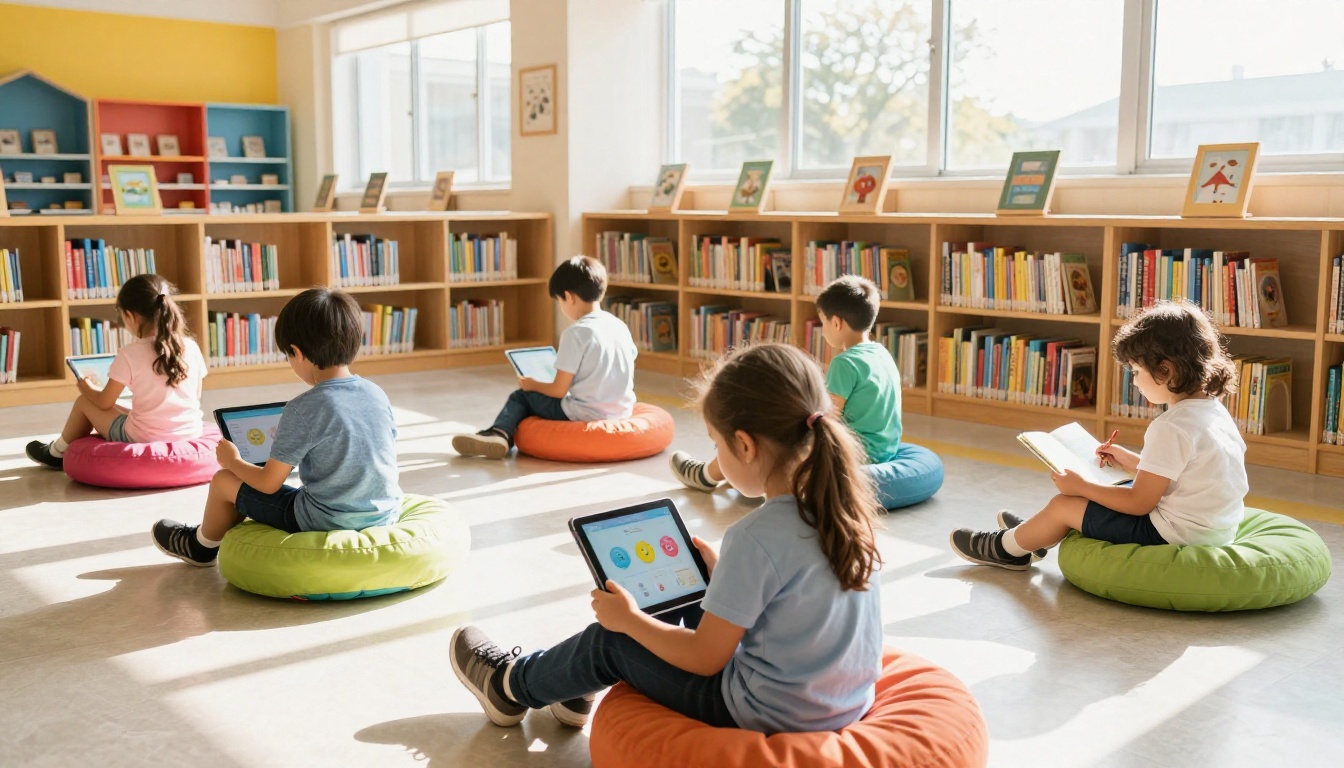
A university library publishing a research bulletin no longer needs to hire a designer or print 1,000 copies. The workflow is: create a PDF, upload it, customize the branding, and share a link. The whole process takes less than an hour.
Archives and special collections
Libraries with rare or fragile materials are using digital flipbooks to make those collections accessible without risking the originals. A 100-year-old city directory that cannot be handled by patrons can be digitized and shared as a browsable flipbook, preserving both the material and the access. Communities that have never been able to visit the archive in person can now browse it from home.
✅ Digitizing archival materials as flipbooks preserves access and protects originals from handling damage simultaneously.
Digital vs. Print: The Real Trade-offs
Before committing to a fully digital approach, it helps to see the comparison clearly.
| Feature | Print | Digital Flipbook |
|---|
| Upfront cost | High (printing, binding) | Low (PDF upload) |
| Distribution cost | High (postage, handling) | Near zero |
| Update or revision | Reprint entire run | Edit and republish instantly |
| Multimedia support | None | Video, audio, clickable links |
| Analytics | None | Page views, dwell time, clicks |
| Accessibility tools | Very limited | Screen readers, zoom, contrast |
| Storage requirement | Physical space needed | Cloud-hosted |
| Environmental impact | Paper, ink, shipping | Minimal |
| Patron reach | Local walk-ins only | Global |
| Password protection | Not possible | Standard feature |
| Offline access | Always | Available on Professional plan |
The advantages column for digital flipbooks is decisive. For most library publishing purposes, the digital format wins on every practical metric while costing less.
How to Publish a Library Resource with Flipbooks AI
This is where it gets concrete. Here's a step-by-step process for a library looking to publish its first digital resource using Flipbooks AI.
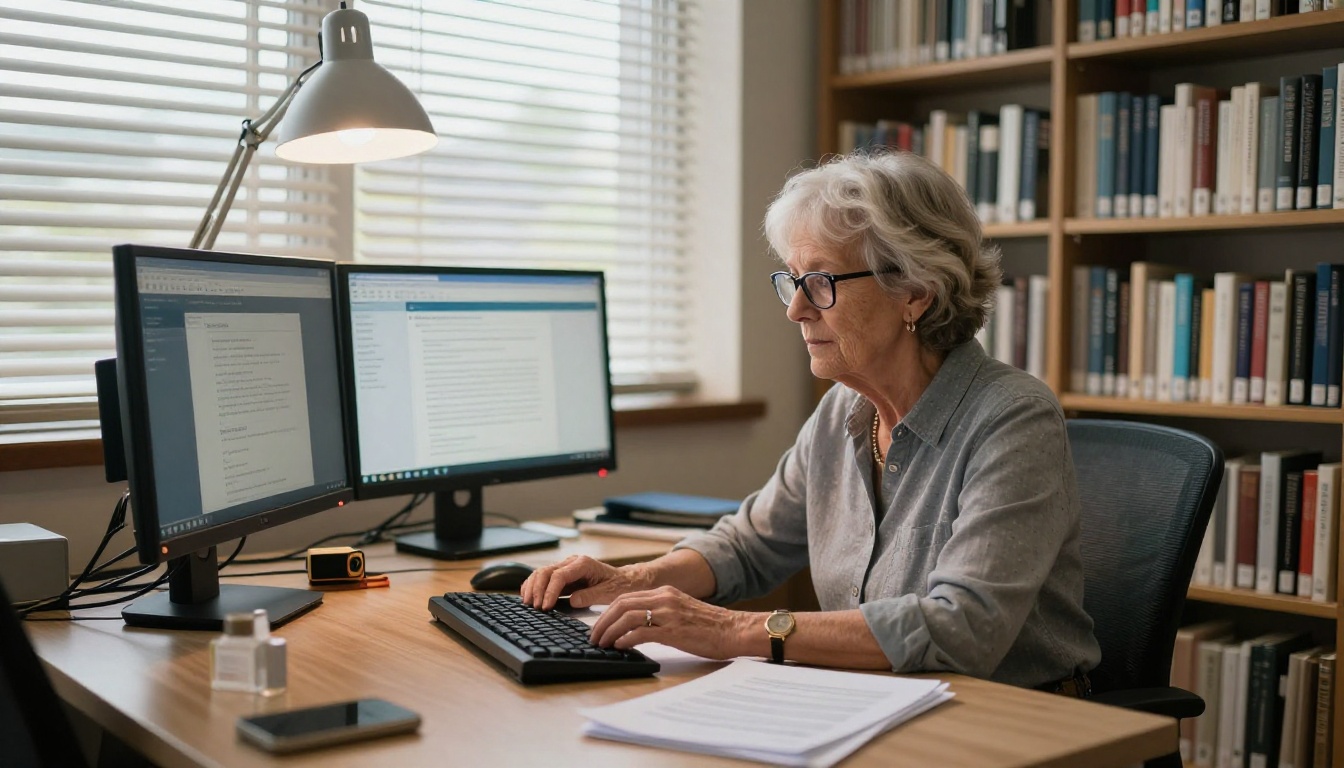
Step 1: Create your account
Head to flipbooksai.com and create a free account. No credit card is required to start. The platform supports Standard and Professional plans for institutions with higher volume needs.
Step 2: Prepare your PDF
Export your document (newsletter, catalog, course packet, yearbook, archive scan) as a PDF. Make sure fonts are embedded and images are at print resolution. The PDF to Flipbook Converter handles everything from that point forward.
Step 3: Upload and convert
Drag your PDF into the upload interface. Conversion takes under a minute for most documents. The platform automatically generates a page-turning flipbook with responsive layout for all screen sizes, from desktop monitors to mobile phones.
Step 4: Customize your branding
Add your library's logo, choose accent colors, set a custom thumbnail, and write a description. You can adjust page effects and transition styles without touching any code. The result looks professionally designed without any design budget required.
Step 5: Set access controls
For public-facing resources, share a direct link or use the Embed Flipbook on Website tool to integrate the flipbook directly into your library's portal. For restricted collections (patron-only archives, course reserves, age-gated materials), enable password protection with a single click.
Step 6: Publish and track
Your flipbook is live. Share the link via email, social media, or your library's catalog system. Libraries on the Professional plan gain access to detailed analytics showing which pages are being read, how long patrons spend on each section, and total visit counts. That data is invaluable for planning future publications.
💡 Libraries using the Professional plan can add lead generation forms directly inside flipbooks, capturing patron registrations for reading programs or event sign-ups without sending them to a separate page.
Not all flipbook tools are built for institutional use. Here's what matters most when evaluating options for a library setting.
| Feature | Why It Matters for Libraries |
|---|
| No watermarks | Professional appearance for all published materials |
| Unlimited flipbooks | Publish entire back catalogs without hitting caps |
| Password protection | Restrict patron-only or age-gated content |
| Embed on website | Integrate with existing library portals |
| Analytics | Understand what patrons actually read and for how long |
| Mobile-responsive design | Serve patrons across phones, tablets, and desktops |
| Offline downloads | Support patrons with intermittent connectivity |
| Custom branding | Match institutional identity standards |
| No design skills required | Library staff can publish without outside help |
Flipbooks AI covers every item on that list. Standard plans include unlimited flipbooks and no watermarks. The Professional plan adds analytics, lead generation tools, and offline download capabilities. See the full breakdown on the pricing page.
The Broader Shift in Library Culture
Libraries have always been about access, not just to books, but to information in whatever form it takes. Scrolls became codices. Manuscripts became printed books. Print became microfilm. Microfilm became CD-ROMs. Each transition preserved the mission while updating the medium.
Flipbooks are the current chapter in that story. They preserve the publication format that readers recognize and trust, while adding the accessibility, distribution reach, and interactivity that print never had.
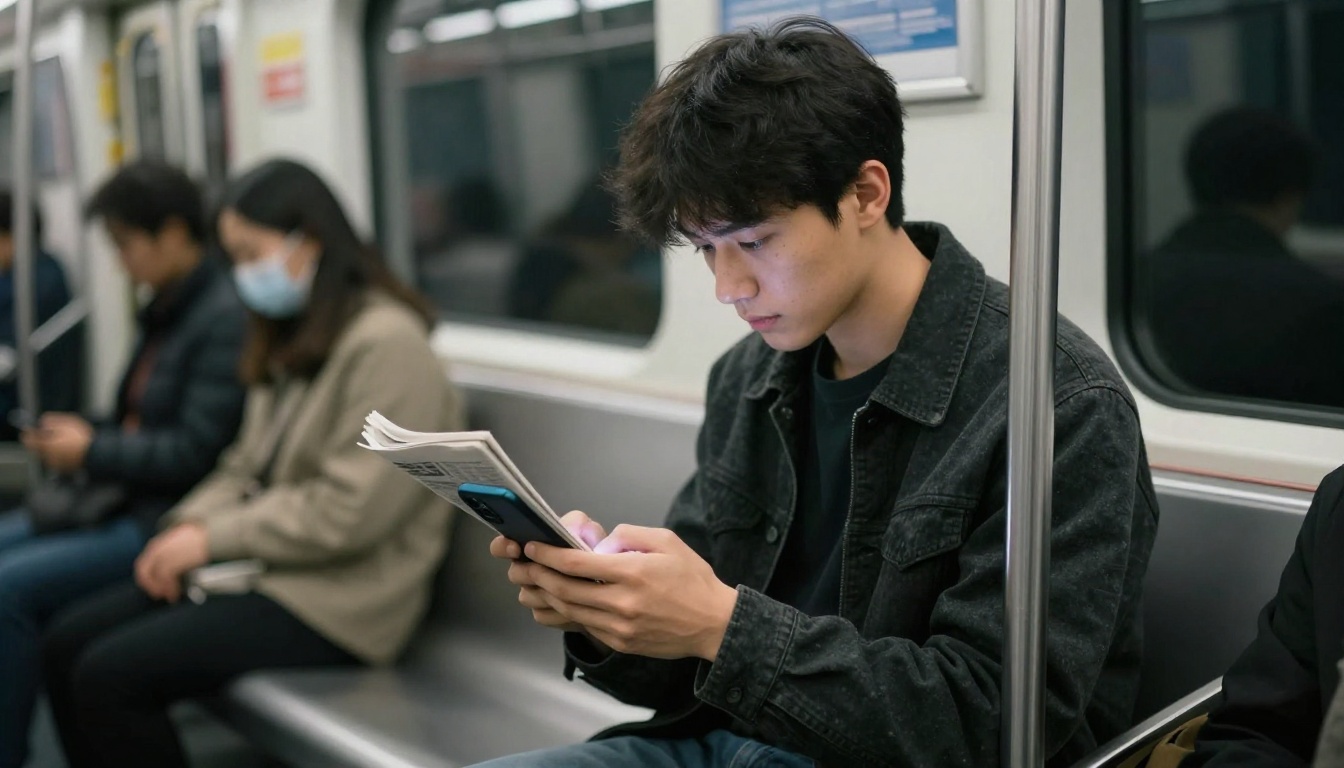
The libraries adopting this shift aren't abandoning their identity. They're extending it. A patron who couldn't visit a branch because of distance, disability, or schedule now has access to the same resources. A rare archival document that used to require a special appointment can now be browsed from a phone. A student looking for course materials at midnight can find them.
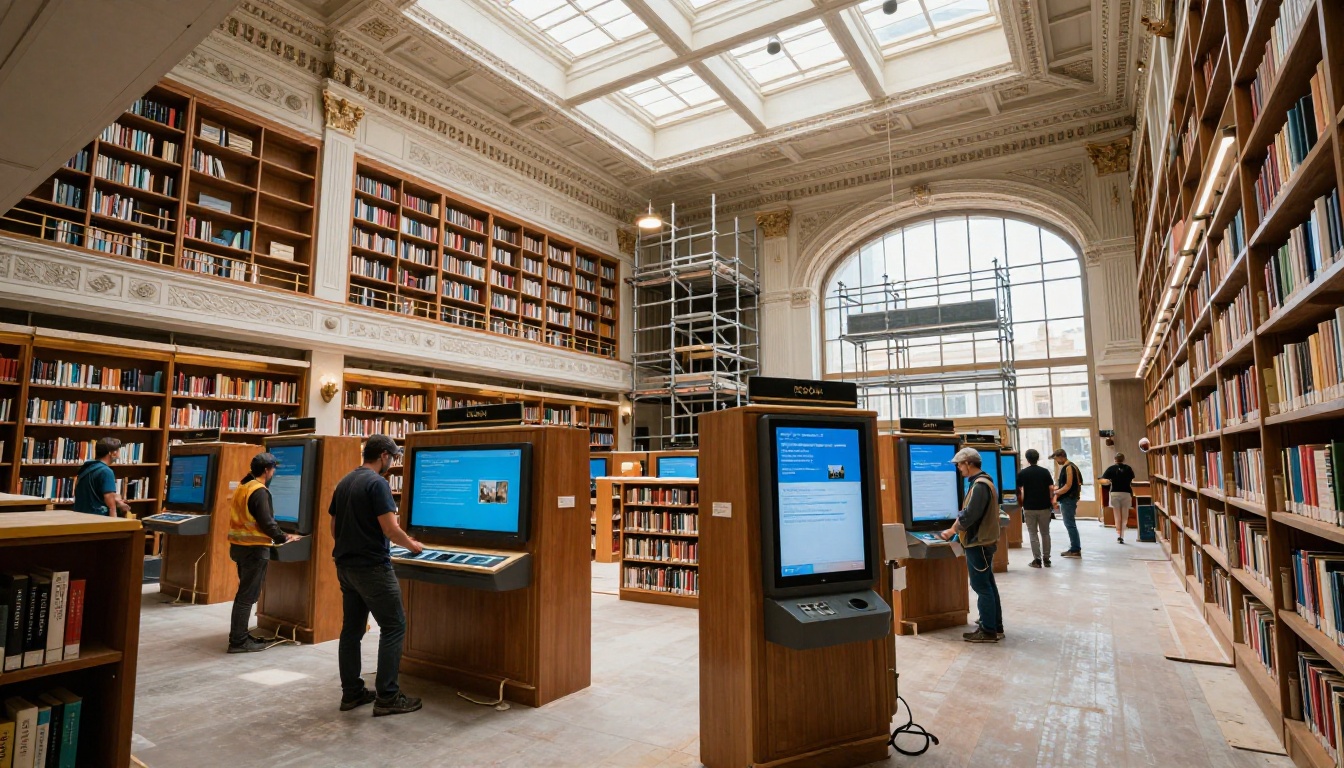
That's not a departure from what libraries stand for. That's exactly what libraries stand for.
Start Publishing Today
If your library, school, or institution is still distributing printed newsletters, paper catalogs, or static PDFs, the tools to change that are already available and affordable. Get started for free on Flipbooks AI and publish your first digital resource today.
Browse all available flipbook tools and templates to find the right fit for your use case, whether it's a community newsletter, an academic journal, a course packet, or a historical archive. Compare pricing plans to find the option that works for your institution's size and publishing volume.
The reading public is already online. Your collection should be too.



