Marketing automation runs on content. The drip sequences, the triggered emails, the nurture campaigns — they all need something worth clicking. That's where most marketing stacks hit a wall: the content itself is boring. PDFs sit unopened, static documents don't convert, and links to download files lose readers before they even start. Flipbooks AI changes that equation entirely. Interactive flipbooks are the content format that marketing automation has been waiting for: trackable, embeddable, brandable, and genuinely engaging.
What Makes Flipbooks Different From Static PDFs
There's a reason every major platform reports declining engagement with email attachments. Static files ask readers to do too much work: download, open, scroll, close. The experience is flat, and flat experiences don't convert.
The Interactivity Factor
Flipbooks recreate the tactile feeling of turning physical pages inside a browser or email. Readers tap, swipe, and click through content rather than scrolling endlessly. That shift in interaction changes behavior. When people actively engage with content instead of passively skimming it, they retain more, stay longer, and take action at higher rates.
Interactive flipbooks average 3-5x longer session times than static PDF downloads. That's not a small difference. In marketing automation terms, it means your nurture content actually gets consumed rather than downloaded and forgotten.

Built-In Analytics and Tracking
Static PDFs are black boxes. You know someone downloaded the file. You have no idea if they opened it, which pages they read, or how long they spent on any section. Flipbooks fix this completely.
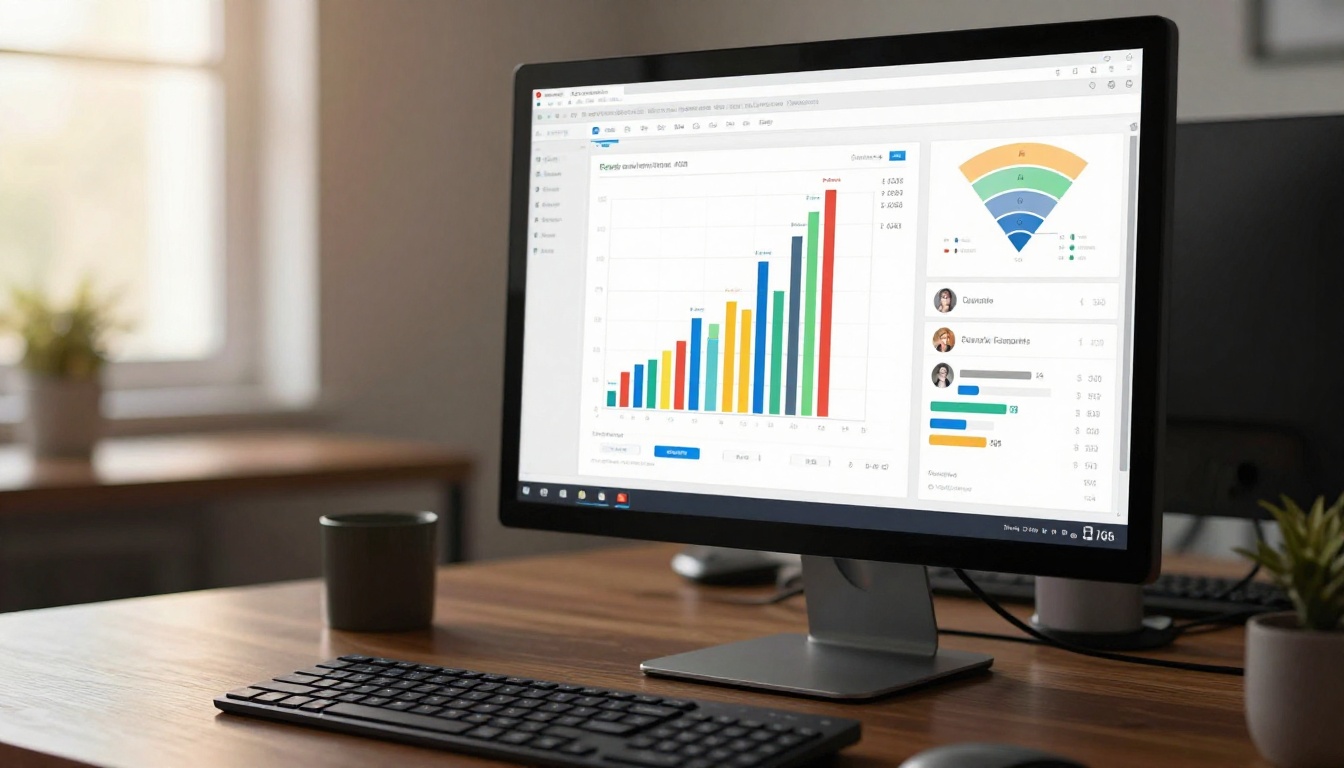
With Flipbooks AI, every reader interaction generates trackable data:
- Page views per session: See exactly which pages held attention
- Time on page: Identify where readers slow down or drop off
- Total read time: Qualify leads based on actual content consumption
- Return visits: Know when a prospect comes back to review content again
This data feeds directly back into your automation stack. A reader who spends 8 minutes on your pricing page flipbook behaves differently from one who glanced at page 1. Your automation should treat them differently too.
How Flipbooks Slot Into Automation Workflows
The reason marketing automation loves flipbooks is architectural. Flipbooks live at a URL. A static PDF needs to be downloaded; a flipbook is just a link. And links are the native currency of every marketing automation platform on the market.
Email Campaign Integration
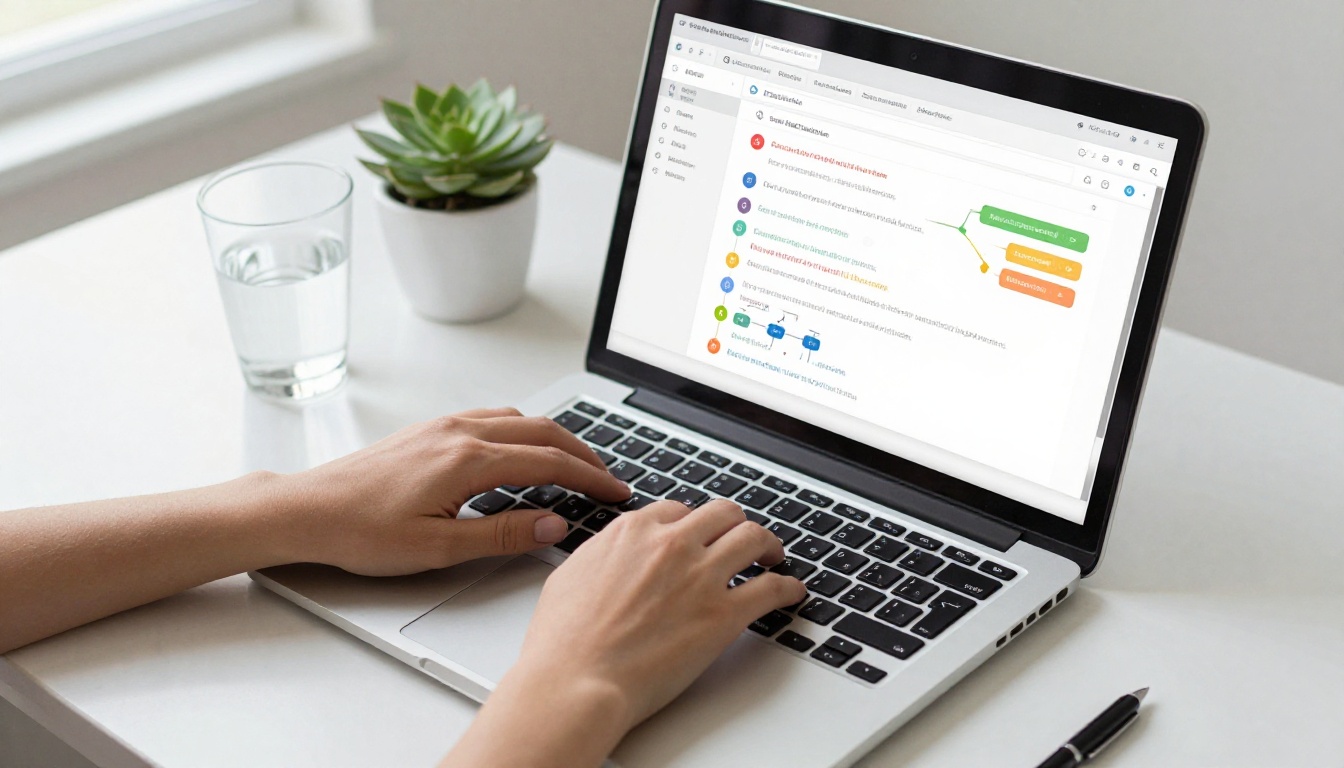
Drop a flipbook link into any email sequence and it behaves exactly like any other tracked link: click data flows back to your platform, opens trigger follow-up sequences, and non-openers enter re-engagement branches. The difference is what happens after the click. Instead of landing on a static page or triggering a file download, the reader enters an immersive, page-turning experience.
Real example: A SaaS company running a 5-email onboarding sequence embeds their interactive product walkthrough as a flipbook in email 3. Click-through rates rise because the preview image looks like content worth reading. The automation tags anyone who clicks as "engaged" and routes them to a demo-booking sequence.
💡 Pro Tip: Create a dedicated flipbook for each stage of your funnel. Top-of-funnel flipbooks should educate; mid-funnel flipbooks should compare and qualify; bottom-of-funnel flipbooks should close.
CRM-Triggered Content Delivery
Modern CRM platforms like HubSpot, Salesforce, and ActiveCampaign can trigger content delivery based on contact properties, deal stages, and behavioral events. Flipbooks are the ideal content asset for this kind of triggered delivery because they're:
- Always up to date: Edit the flipbook once, and every link already shared updates automatically
- Zero friction: No login required for the reader by default
- Shareable: Sales reps can forward flipbook links directly from any device
- Measurable: Engagement data can flow back into the CRM as contact activity
Lead Capture Inside the Flipbook
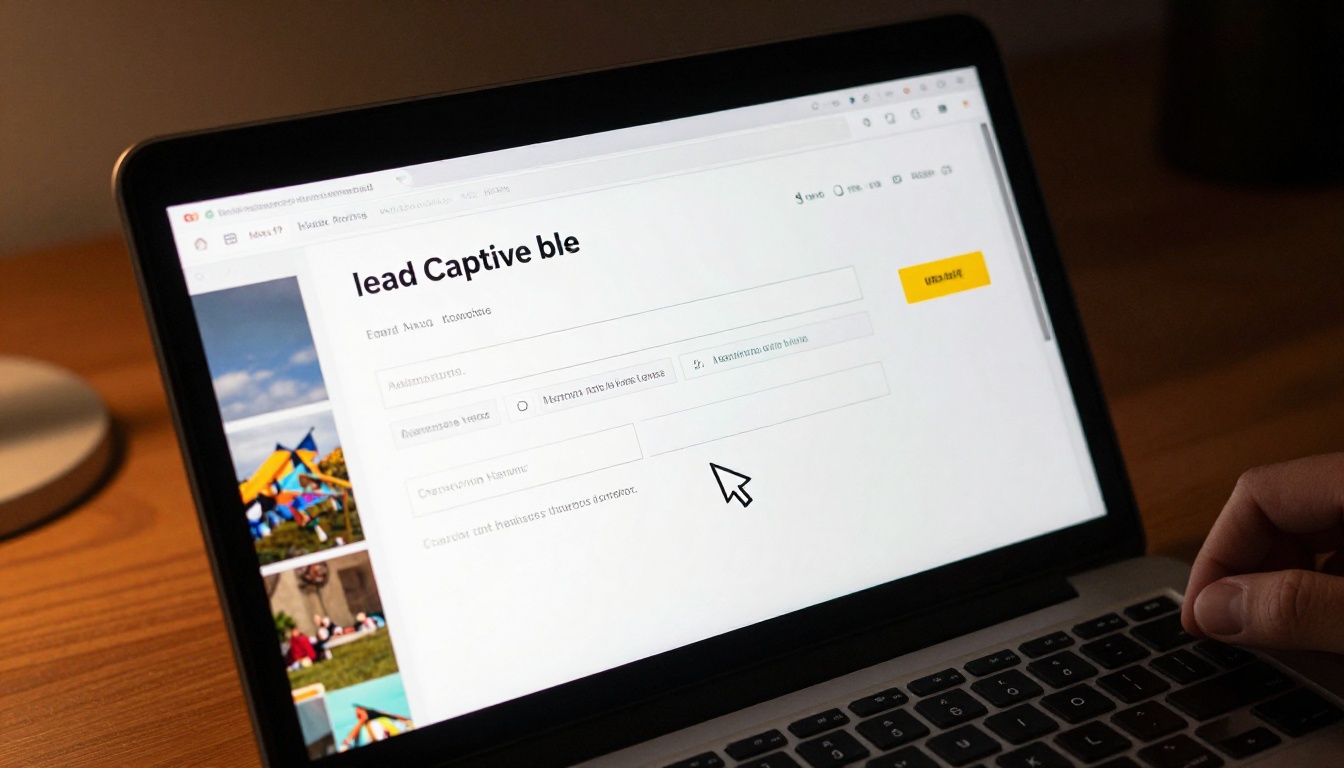
This is where flipbooks go beyond passive content. The Professional plan on Flipbooks AI includes embedded lead generation forms that appear within the flipbook itself. Instead of driving traffic to a landing page and hoping for a conversion, you capture the lead at peak interest: while they're already inside your content.
A reader is on page 4 of your product catalog, genuinely interested. A form appears: "Want pricing for your team size?" They fill it in without leaving the experience. That lead arrives in your CRM with full context: which flipbook they were reading and how far they got before converting.
Real-World Use Cases by Industry
B2B Sales and Product Catalogs
B2B sales cycles are long. Prospects receive proposals, read them once, and forget where they saved the file. A flipbook proposal lives at a permanent URL that the prospect can bookmark, share with colleagues, and return to at any point. Sales teams using Flipbooks AI to convert their proposals report faster decision cycles because stakeholders can review the content together on any device.
The Product Catalog Generator and Sales Presentation Flipbook tools make this straightforward. Upload your PDF, apply brand colors and logo, and share a clean link instead of a bulky attachment.

E-Commerce and Fashion Brands
Seasonal lookbooks, product launches, promotional catalogs: fashion and e-commerce brands produce a constant stream of visual content. Static PDFs don't do justice to this material. Flipbooks with page-turn animations and embedded video clips turn a seasonal catalog into an experience that readers actually share.
The Fashion Catalog Creator and Interactive Lookbook Designer tools are built specifically for this. Automation teams can set up triggered sends: new collection published, automation fires, lookbook link goes to the segmented subscriber list.

Real Estate and Property Listings
Real estate marketing lives on visual content. A property brochure that loads instantly on a smartphone, turns pages smoothly, and includes embedded video walkthroughs is a fundamentally different tool from a PDF attachment. Agents using the Real Estate Brochure Creator can trigger automated brochure delivery the moment a new listing goes live, with the contact's saved search preferences dictating which properties they receive.

Flipbooks vs. Static PDFs in Automation
The comparison below reflects what marketing teams actually report when they switch from PDF attachments to interactive flipbook links in their automation sequences.
| Feature | Static PDF | Interactive Flipbook |
|---|
| Trackable page-by-page engagement | No | Yes |
| Embeddable in email without download | No | Yes |
| Mobile-optimized reading experience | Limited | Fully responsive |
| Embedded lead capture forms | No | Yes (Professional plan) |
| Real-time content updates | No | Yes |
| Shareable permanent URL | No | Yes |
| Analytics per reader session | No | Yes |
| Password protection | No | Yes |
| Offline access | Yes | Yes (download option) |
| CRM integration via link tracking | Partial | Full |
The gap is significant. PDFs are fine for archival purposes. For active marketing automation, they introduce friction in every direction.
Flipbooks AI Plans at a Glance
Choosing the right plan depends on how deeply you want to integrate flipbooks into your automation stack.
| Feature | Free | Standard | Professional |
|---|
| Flipbooks | 3 | Unlimited | Unlimited |
| Custom branding | No | Yes | Yes |
| Password protection | No | Yes | Yes |
| Embedded videos and audio | No | Yes | Yes |
| Lead generation forms | No | No | Yes |
| Analytics dashboard | No | No | Yes |
| Offline downloads | No | Yes | Yes |
| Watermarks | Yes | No | No |
⚠️ Note: Lead generation forms and analytics, the two features most critical for marketing automation, are exclusive to the Professional plan. If you're building automation workflows around flipbook engagement data, that's the tier to evaluate first.
For teams just getting started, the Standard plan removes watermarks and unlocks unlimited flipbooks, which is enough to begin integrating flipbook links into email sequences. Compare all plans in detail before committing.
How to Create a Flipbook for Your Automation Stack
Flipbooks AI makes the process short enough to complete in under 10 minutes on a first attempt. Here's the workflow:
Step 1: Create your account
Go to flipbooksai.com/account and sign up. The free tier lets you test the creation process before committing to a paid plan.
Step 2: Choose your tool
Select the tool that matches your use case. For B2B, start with the PDF to Flipbook Converter. For specific use cases, browse all flipbook tools.
Step 3: Upload your PDF
Drag and drop your existing PDF. The converter handles the page-by-page transformation automatically. No design software required.
Step 4: Apply branding
Add your logo, select brand colors, and configure the page-turn style. The flipbook preview updates in real time.
Step 5: Add interactive elements
On Standard and above, embed video clips, audio tracks, and hyperlinks. On Professional, add lead capture forms at the pages where conversion intent peaks.
Step 6: Publish and copy the link
Hit publish. Copy the permanent URL. Drop it into your email template, automation trigger, or CRM workflow. Every click is now tracked.
Step 7: Monitor engagement
On Professional, open the analytics dashboard to see which contacts are reading which pages, how long they spend, and when they return. Feed this data back into your segmentation logic.
✅ Best Practice: Create a separate flipbook for each major content asset (product catalog, case study, onboarding guide) rather than one long document. Shorter flipbooks generate cleaner engagement data and make automation branching more precise.

Analytics That Feed Your Automation
The analytics flipbooks generate are not just reporting data. They're behavioral signals that can directly trigger automation actions.
Consider what page-level engagement data tells you:
- A contact who reads your pricing flipbook for 12 minutes and returns twice is a hot lead. An automation rule can flag them for immediate sales follow-up.
- A contact who opens your onboarding flipbook and stops at page 2 may need a different entry point. An automation branch can send them a shorter version.
- A contact who shares your product catalog with two colleagues (visible in session data) represents an expansion opportunity worth a targeted sequence.
Static PDFs provide none of this. Every flipbook interaction is a data point that makes your automation smarter over time.

Three Content Types Worth Automating With Flipbooks
Not every content type benefits equally from the flipbook format. These three consistently outperform their static equivalents in automation contexts:
What the Automation Stack Gains
Bringing flipbooks into your marketing automation stack changes three specific things:
-
Content quality signals: Instead of click data alone, you get read-depth data. A contact who read 80% of a case study is a fundamentally different lead from one who clicked and left in 10 seconds.
-
Reduced friction in the buyer journey: Flipbooks load instantly in browser, require no downloads, and work on every device. Every removed friction point increases conversion probability at each automation stage.
-
Content longevity: A flipbook published in January can be updated in March without changing the URL. Every automation sequence pointing to that link automatically delivers the updated version. No broken links, no outdated attachments in inboxes.
💡 Pro Tip: Password-protect flipbooks containing sensitive pricing or internal training materials. Share the password via a separate automated email to segment authenticated readers from general traffic.
Start Automating With Flipbooks Today
The best automation stacks are only as strong as the content inside them. Swapping static PDFs for interactive flipbooks is one of the highest-leverage content improvements a marketing team can make without rebuilding their entire workflow.
Ready to see what your automation sequences look like with real engagement data behind them? Create your first flipbook for free on Flipbooks AI and connect it to your next email campaign. If you're evaluating the full feature set including lead generation and analytics, review the pricing plans to find the right fit for your team's needs.
Browse all available tools and templates to find the format that fits your next content asset, from product catalogs and brochures to annual reports and training guides.



