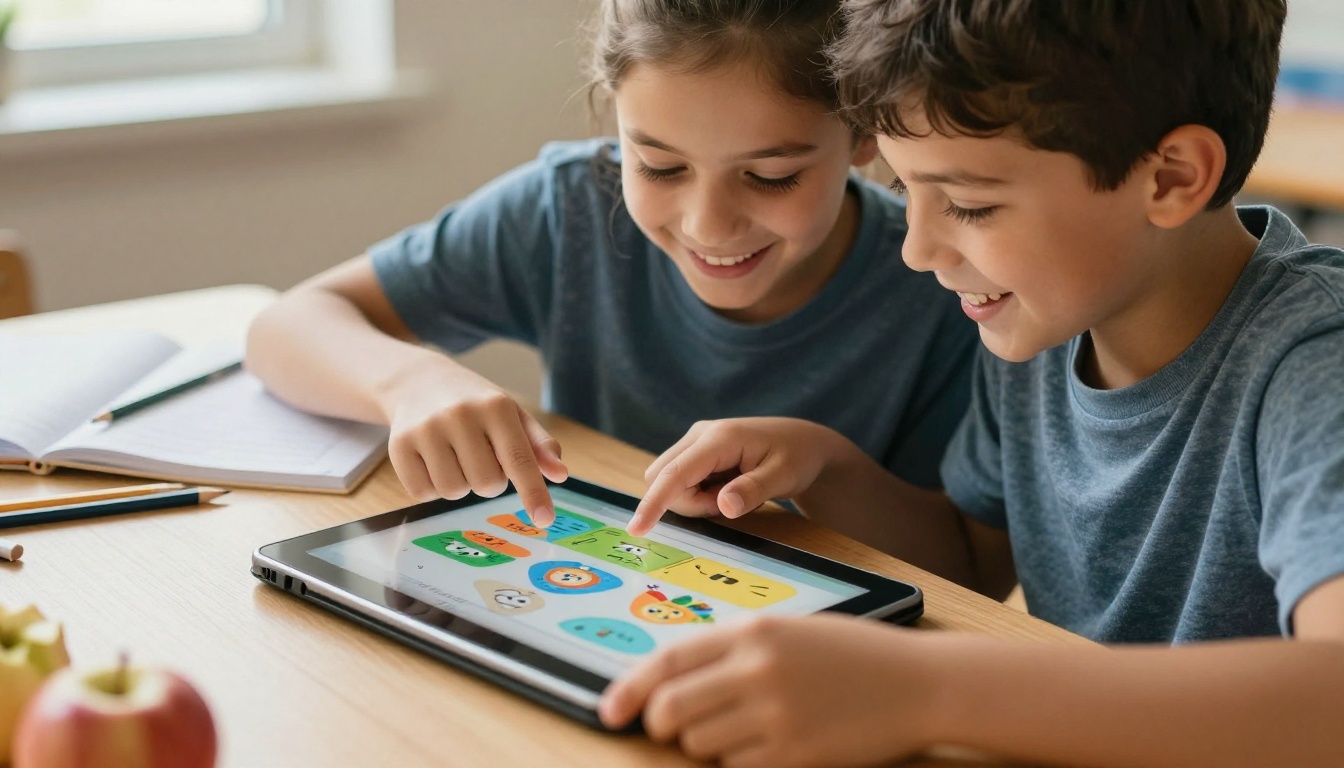
Something has been shifting in classrooms over the past few years. Teachers who used to hand out printed packets and PDF attachments are now sharing interactive digital flipbooks that students scroll through on tablets, laptops, and even phones. It is not a trend pushed by school administrators or tech companies. It is something teachers themselves are adopting because it actually works. Flipbooks AI has become a go-to tool for educators who want to turn their existing materials into something students genuinely read.
The reasons behind this shift are practical, not philosophical. Less printing. Faster distribution. Better student response. And once teachers see the difference in how students interact with a well-made flipbook versus a flat PDF, most never go back.
What Is a Digital Flipbook, Exactly?
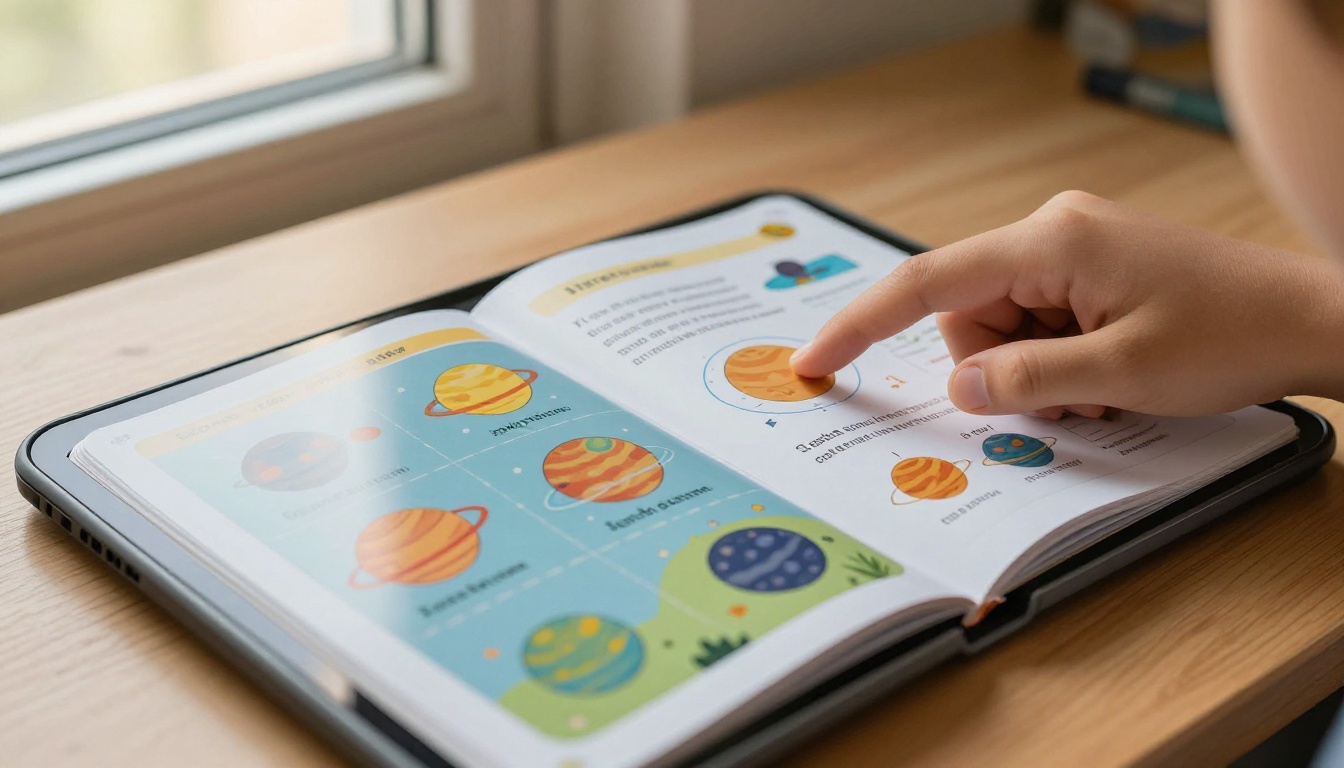
A digital flipbook is an interactive document that mimics the physical sensation of flipping through a real book. Pages turn with smooth animations, content can include embedded videos and audio, and the whole experience feels more like reading a magazine than staring at a flat PDF.
From PDF to Interactive Reading Experience
The process is simple. You take a PDF, upload it to a flipbook platform, and within seconds you have a publication with page-turn animations, zoom features, and sharing options. No design skills needed. No special software to install. The conversion happens automatically.
This is why teachers are adopting it at such a high rate. There is no new skill to acquire. If you already have your lesson materials in PDF format, you are already 90% of the way there.
Why It Feels Different from a Flat PDF
Flat PDFs feel passive. You scroll down, you read, you close the tab. A flipbook creates a sense of paging through something real. That tactile metaphor, even in a digital space, changes how readers approach the content. Students are more likely to go back a few pages, flip ahead out of curiosity, or zoom in on a diagram because the interaction itself is more natural.
There is also a perception shift. When students receive a link to a formatted, visually polished flipbook, it signals that the material is worth reading. A PDF feels like a draft. A flipbook feels like a publication.
The Real Reasons Teachers Are Switching
Ask any teacher who has made the switch and you will hear the same things. It is not about having the newest technology. It is about outcomes that matter in the classroom.
Students Actually Finish the Reading
One of the biggest frustrations in teaching is assigning reading that students never actually do. A printed packet gets stuffed in a backpack. A PDF link gets ignored. A flipbook shared via link looks different enough from the usual homework routine that students actually open it. And once it is open, the page-turn experience keeps them going.
💡 Pro tip: Share a short flipbook link instead of a PDF attachment and watch your "did you read it?" conversations drop significantly.
Less Printing, Less Cost, Less Hassle
The average American teacher spends around $500 of their own money on classroom supplies each year, and printing costs are a significant part of that. Going digital with flipbooks eliminates that expense entirely. No printer jams. No running out of toner the morning of a test. No laminating packets at 7am before class.
Beyond the cost savings, the time savings matter too. Printing 30 copies of a 12-page reading packet takes time and effort. Sharing a flipbook link takes three seconds.
Works on Any Device, Anywhere
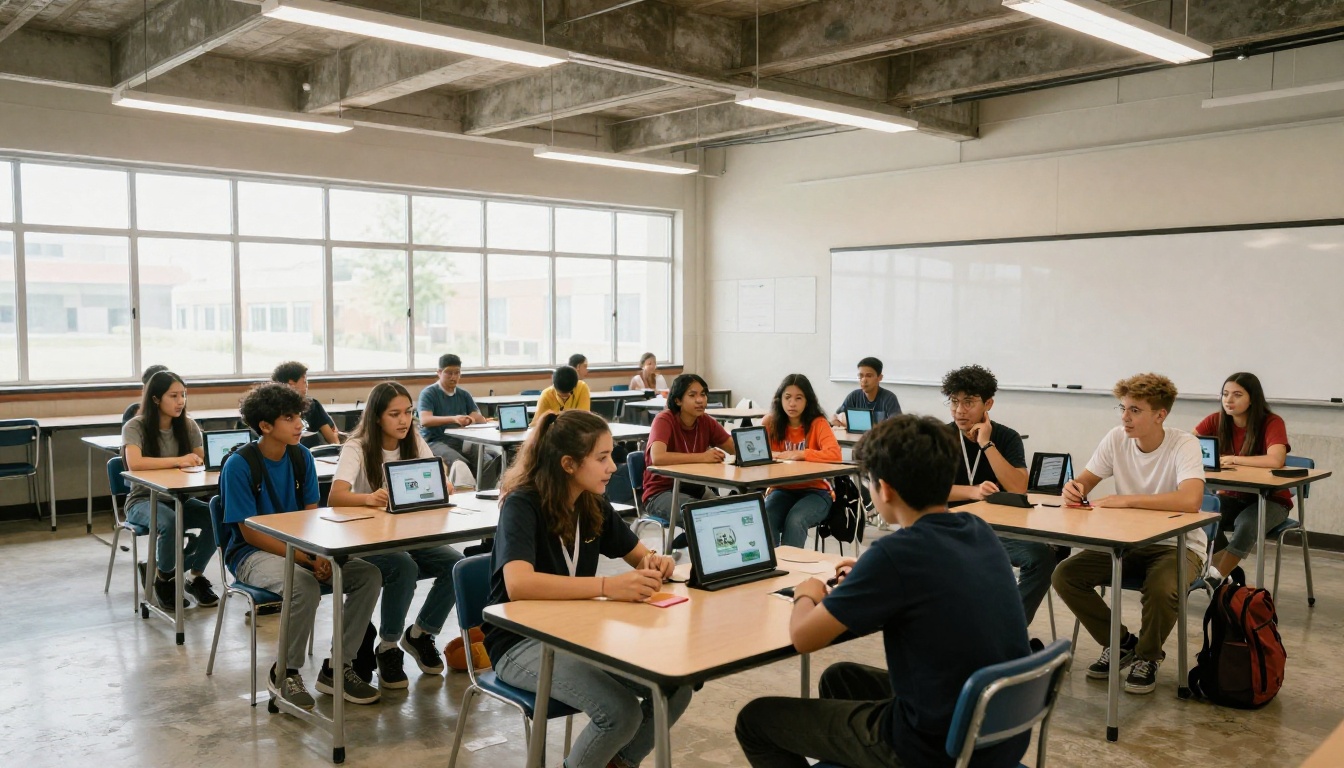
A flipbook link opens in any browser. Students on a Chromebook at school, an iPad at home, or a shared family computer can all access the same material without downloading anything. This matters enormously for classrooms with mixed technology setups or students with limited home technology access.
Instant Updates Without Reprinting
Found a typo after distributing your materials? With a PDF or printed packet, that typo is already in every student's hands. With a flipbook, you update the source file, re-upload, and the link automatically shows the corrected version. Students who have not read it yet see the right content without any extra steps on your end.
What the Research Says About Interactive Content
There is solid educational research behind why interactive digital formats work better than static documents for many types of learners.
Retention Rates Go Up
Studies on multimedia learning consistently show that combining visual layout, navigation, and text increases retention compared to plain text. When students can control the pace of reading, flip back to review something, and zoom in on visuals, they process information more actively. Active processing leads to better retention.
The ability to embed videos directly into flipbook pages adds another retention layer. A science teacher explaining cell division in text is one thing. The same explanation with an embedded animation on that exact page is significantly more effective for most students.
The Visual Learning Connection
Around 65% of students are primarily visual learners. Flipbooks are inherently visual. The two-page spread layout, the ability to include large images, infographics, and charts, and the overall magazine-style presentation all cater to how the majority of students actually absorb information.
Even for students who are not primarily visual learners, the structured layout of a flipbook, with clear page breaks and section headings, helps with reading comprehension and recall.
✅ Best practice: Use full-page images or large infographics at the start of each chapter in your flipbook. Visual anchors help students recall what they read in that section.
Subject-Specific Benefits
Different subjects benefit in different ways:
- Science: Embed videos, include labeled diagrams that students can zoom into
- History: Use timeline layouts, include primary source images in context
- Literature: Present texts with annotations and discussion questions on facing pages
- Mathematics: Step-by-step worked examples with visual breakdowns between each step
- Languages: Embed audio pronunciation, include cultural image context for vocabulary
How Teachers Are Using Flipbooks Right Now
The applications are broader than most teachers initially expect. Here is a breakdown of the most common classroom use cases.
| Use Case | What It Replaces | Primary Benefit |
|---|
| Lesson materials and reading packets | Printed handouts | No printing costs, accessible from any device |
| School newsletters | Paper newsletters | Higher read rates, embedded links and videos |
| Student digital portfolios | Binders or folders | Shareable link, professional presentation |
| Field trip reference materials | Printed brochures | Interactive maps, embedded videos |
| Class yearbooks | Printed yearbooks | Unlimited distribution, no per-copy cost |
| Lab reports and assignments | Word documents | Structured, visually consistent format |
| Parent information packets | Mailed or handed-out pamphlets | Instant delivery, no printing or postage |
Lesson Plans and Course Materials
This is the most direct application. A teacher converts their existing lesson materials, reading passages, or study packets into a flipbook using the Course Material Publisher tool. Students get a link. They open it on any device. Done.
Teachers in flipped classroom models find this especially useful. They assign the flipbook as pre-class reading, then use class time for discussion and application rather than basic content delivery.
School Newsletters and Parent Communication
School newsletters sent as flipbooks have significantly higher open and read rates than PDF attachments. Parents receive a link, see a polished publication with photos and announcements, and actually read it. The School Newsletter Creator makes this fast and the results look professional with minimal effort.
Student Projects and Portfolios
Teachers are now assigning flipbook creation as a project format. Students compile their work, design a layout, and publish a shareable link. The Digital Portfolio Creator gives students a professional-looking format that is far more impressive than a Word document and much easier to share with parents or scholarship committees.
How to Create a Class Flipbook
Flipbooks AI is designed to be accessible to educators who are not designers or tech specialists. The workflow takes minutes, not hours.
Step 1: Upload Your PDF
Head to Flipbooks AI and create your free account. Once inside, click "Create New Flipbook" and upload your existing PDF. The PDF to Flipbook Converter handles the conversion automatically. Your file becomes a fully interactive flipbook in seconds.
⚠️ Note: Make sure your PDF is text-readable (not just a scanned image) for the best results. If you have scanned documents, convert them with OCR first before uploading.
Step 2: Customize Your Flipbook
Once uploaded, you can:
- Add your school branding (logo, colors, custom title page)
- Set page transition effects (realistic page flip, slide, or fade)
- Embed videos or audio directly into specific pages
- Add hyperlinks to external resources or additional reading
- Set the background color and theme to match your class aesthetic
This is where flipbooks move beyond static PDFs. You can embed a YouTube explanation video right into a chapter, link to additional reading resources, or add audio narration for students who benefit from hearing text read aloud.
Step 3: Share With Students
Click "Publish" and you receive a direct link that you can post in your LMS (Google Classroom, Canvas, Schoology), email, or share via QR code. No login required for students to view. No app to download. The flipbook opens instantly in any browser.
You can also embed the flipbook directly on your school website if your school or class has its own page. The embed code copies in one click.
Step 4: Password-Protect Private Materials
For tests, answer sheets, or materials you do not want publicly accessible, enable password protection. Only students with the password can view the flipbook. Share the password through your usual class communication channel and the material stays private.

Step 5: Track Student Interaction
With the Professional plan, you get analytics showing who opened your flipbook, how long they spent on each page, and where they dropped off. This data is genuinely useful for identifying where students are losing interest or struggling with content.
If you are in a department head, instructional coach, or administrator role, this kind of data at scale is invaluable. You can see which sections of your materials are working and which need revision before the next teaching cycle.
Plan Comparison for Educators
Not every teacher needs every feature. Here is how the plans compare:
| Feature | Free | Standard | Professional |
|---|
| Number of flipbooks | 3 | Unlimited | Unlimited |
| Custom branding | No | Yes | Yes |
| Password protection | No | Yes | Yes |
| Analytics | No | No | Yes |
| Lead generation forms | No | No | Yes |
| Offline downloads | No | Yes | Yes |
| Embed on website | No | Yes | Yes |
| Watermark on flipbooks | Yes | No | No |
For most classroom use cases, the Standard plan covers everything. If you are an instructional coach or department administrator creating materials for an entire school, Professional analytics are worth the upgrade. See the full pricing page for current rates.
Flipbooks Across Grade Levels
Digital flipbooks adapt well across all grade levels. Here is how the use cases shift by age group:
Common Questions Teachers Ask
Do Students Need an Account to View?
No. Students click a link and the flipbook opens directly in their browser. No signup, no app, no friction. This is one of the most commonly asked questions and one of the best features for classroom distribution.
Can I Password-Protect Class Materials?
Yes. Password protection is available on Standard and Professional plans. You set the password, share it with your class through your usual communication channel, and only those students can access the flipbook. This is useful for assessments, draft materials, and anything you do not want publicly accessible.
Does It Work Offline?
With the Standard plan and above, you can enable offline downloads. Students can save the flipbook to their device and read it without an internet connection. This matters for students in areas with unreliable connectivity or during school travel for field trips and events.
Can Students Create Their Own Flipbooks?
Absolutely. Teachers are assigning flipbook creation as a project format across subjects. A history project becomes a digital magazine. A science report becomes an interactive publication. The Training Manual Flipbook and Yearbook Flipbook Maker tools work particularly well for student-facing creative projects.
Why This Matters Beyond the Classroom
The shift toward digital flipbooks in classrooms is not about replacing teachers or reinventing education. It is about removing friction. Friction in distributing materials. Friction in student access. Friction in the reading experience itself.
Teachers have always known that presentation matters. A well-designed reading packet gets more attention than a disorganized one. A digital flipbook takes that principle and makes it easy to execute without design skills or a large budget. No graphic designer required. No desktop publishing software. Just your existing PDF and a few clicks.
The tools are accessible, the learning curve is minimal, and the student response is measurable. That combination is why so many educators are making the switch right now. As more schools move toward paperless and hybrid environments, digital flipbooks are becoming a standard part of the modern teacher's toolkit.
Start With One Flipbook
The best way to see whether this works for your classroom is to try it with one piece of existing material. Take your next reading assignment, your upcoming newsletter, or a set of class notes, and convert it to a flipbook. Share the link. Watch how students respond.
You do not need to overhaul everything at once. Start small, see the difference, and build from there.
Create your first flipbook on Flipbooks AI in under five minutes. No design experience required, no credit card needed to start.
Browse all education-focused tools to find the right format for your subject and grade level, or check pricing plans to see which tier fits your classroom needs.



