PDFs were supposed to make document sharing simple. In 1993, that promise made perfect sense. Today, handing someone a PDF is the digital equivalent of giving them a printed map in an era of GPS. The format was never designed for mobile screens, social sharing, or the short attention spans of online audiences, and the results are visible in every bounce rate report that nobody wants to show in a meeting.
If your business relies on PDFs to share catalogs, brochures, menus, annual reports, or any other content, you are almost certainly losing a significant portion of your audience before they reach page two. Flipbooks AI exists precisely to solve this problem, and the shift from PDF to interactive digital format is far less complicated than most teams assume.
The Real Problem with PDFs Today
The core issue is not that PDFs are badly designed. For their original purpose, printing consistent documents across different operating systems, they are excellent. The problem is that the way people consume content has changed completely, and PDFs have not changed with it.
Mobile Broke the PDF Format
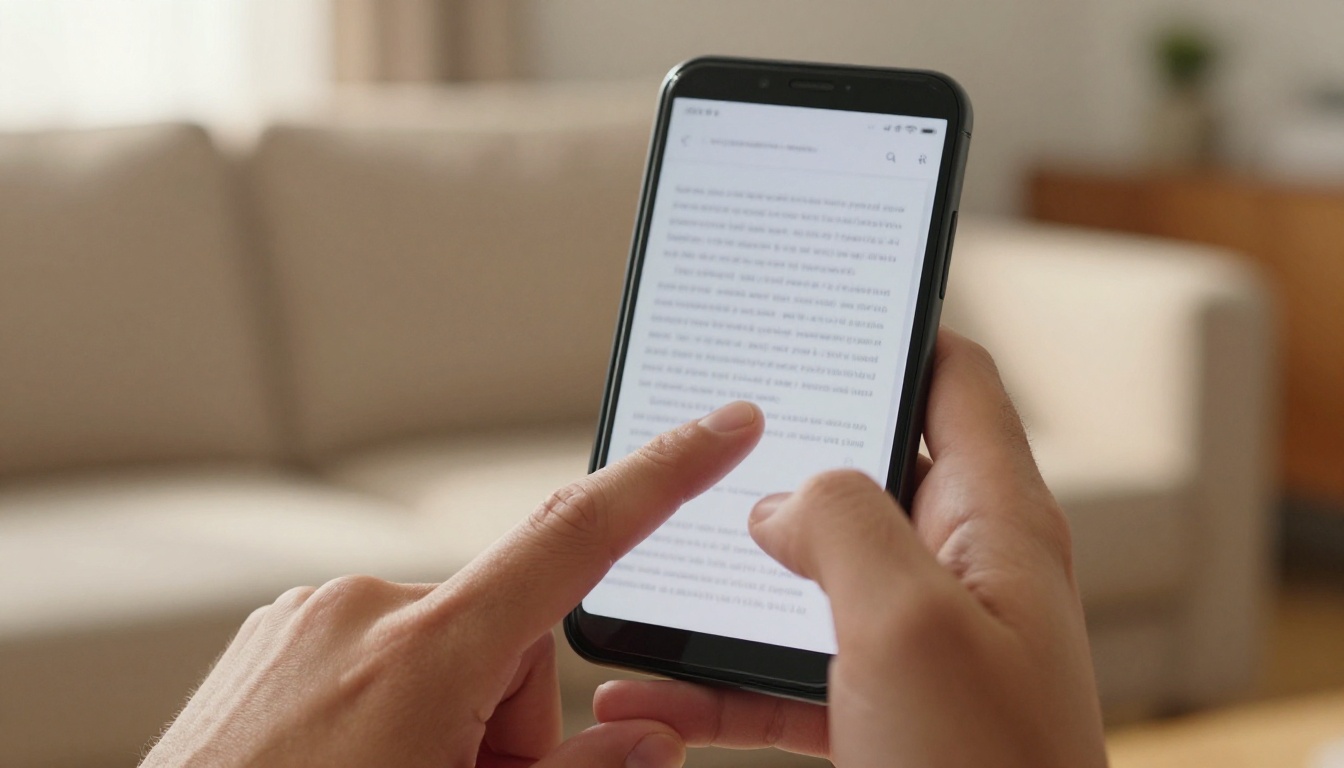
More than 60% of web traffic now comes from mobile devices. PDFs are built around the dimensions of a printed page, which means they display as tiny, zoomed-out text on a phone screen. The user has to pinch, zoom, scroll horizontally, lose their place, and repeat. Most people do not bother. They close the file within the first 30 seconds and move on.
This is not a user problem. It is a format problem.
Static Content in a Dynamic Web
Every major content channel today rewards motion, interaction, and visual richness. Email newsletters have clickable images. Social media posts have video and carousels. Websites have animations and embedded media. PDFs offer none of that. They are flat files that sit on a device and do nothing. No embedded video, no clickable navigation between sections, no analytics, no built-in sharing mechanism.
When a PDF leaves your hands, it disappears into the void. You have no idea if anyone read it, which sections held attention, or where people stopped.
The Bounce Rate Nobody Talks About
Research across content marketing studies consistently puts the average time a reader spends on a PDF at under 30 seconds before closing it, unless they have a highly specific reason to dig in. Long-form PDFs of 10 or more pages show completion rates in the low single digits when shared via email or social media. That is a near-invisible return on the hours spent producing them.
⚠️ Warning: If your PDF is longer than 5 pages and shared via email, statistically fewer than 10% of recipients will read past page two.
What the Numbers Say

The performance gap between PDFs and interactive digital formats is not subtle. It shows up clearly in time-on-page, completion, and sharing data across every industry that has made the comparison.
Open Rates vs. Completion Rates
A PDF can achieve a respectable open rate if it is well promoted. The problem is what happens after the first click. Most readers open the file, scroll to the first page, and close it within 60 seconds. Interactive flipbooks and digital publications consistently show page-through rates above 65%, compared to single-digit completion rates for PDFs of similar length and content quality.
Where Readers Stop Reading
Drop-off is fastest in the first 10 seconds, concentrated on mobile devices, and dramatically worse on documents with more than 8 pages. Interactive formats that guide the reader with visual cues, page-turn effects, and embedded media hold attention across all of these scenarios.
| Metric | PDF | Interactive Flipbook |
|---|
| Mobile readability | Poor | Excellent |
| Avg. time with content | Under 30 seconds | 3 to 5 minutes |
| Page completion rate | 5 to 12% | 65 to 78% |
| Shareable link | No | Yes |
| Tracking and data | None | Full analytics |
| Embeddable on website | No | Yes |
| Video and audio support | No | Yes |
| SEO indexable | Rarely | Yes |
💡 Pro tip: If you want to know which section of your content drives the most interest, PDFs cannot tell you. A flipbook with analytics shows you exactly where readers spend their time and where they stop.
Switching from PDFs does not require starting from scratch. The formats replacing them are designed to work directly with your existing content.
Interactive Flipbooks
A flipbook is a digital publication that mimics the physical experience of turning pages through a magazine or catalog, but with all the advantages of a web-based format: clickable links, embedded video and audio, mobile-responsive layouts, full analytics, password protection, and instant shareability. Platforms like Flipbooks AI convert an existing PDF into a polished interactive flipbook in minutes, without requiring any design or coding skills.
The page-turn effect is more than visual polish. It gives readers a spatial sense of where they are in the content, reducing cognitive load and keeping them reading longer. This is why magazine-style digital formats consistently outperform flat PDF equivalents across every industry.
HTML-Based Web Documents
HTML documents that live directly on a webpage load instantly, work on any device, and can be indexed by search engines. They are a strong option for content that should rank in search results. The downside is that building them from scratch requires development resources, and they lack the immersive, publication-style presentation that flipbooks provide.
Hosted Presentation Formats
Hosted slide decks published as web pages work better than PDFs on mobile and support basic hyperlinking. However, they are limited in customization, rarely support full custom branding, and do not provide the detailed analytics that modern content teams need to make data-driven decisions.
| Format | Mobile Friendly | Analytics | Video Support | Custom Branding | Ease of Setup |
|---|
| PDF | No | None | No | No | Easy |
| HTML Document | Yes | Basic | Yes | Limited | Hard |
| Hosted Slides | Yes | Basic | No | Limited | Medium |
| Interactive Flipbook | Yes | Full | Yes | Full | Easy |
✅ Best practice: For catalogs, menus, brochures, portfolios, and reports, interactive flipbooks offer the highest return with the lowest setup effort of any alternative to PDFs.
How to Create a Flipbook from Your PDF
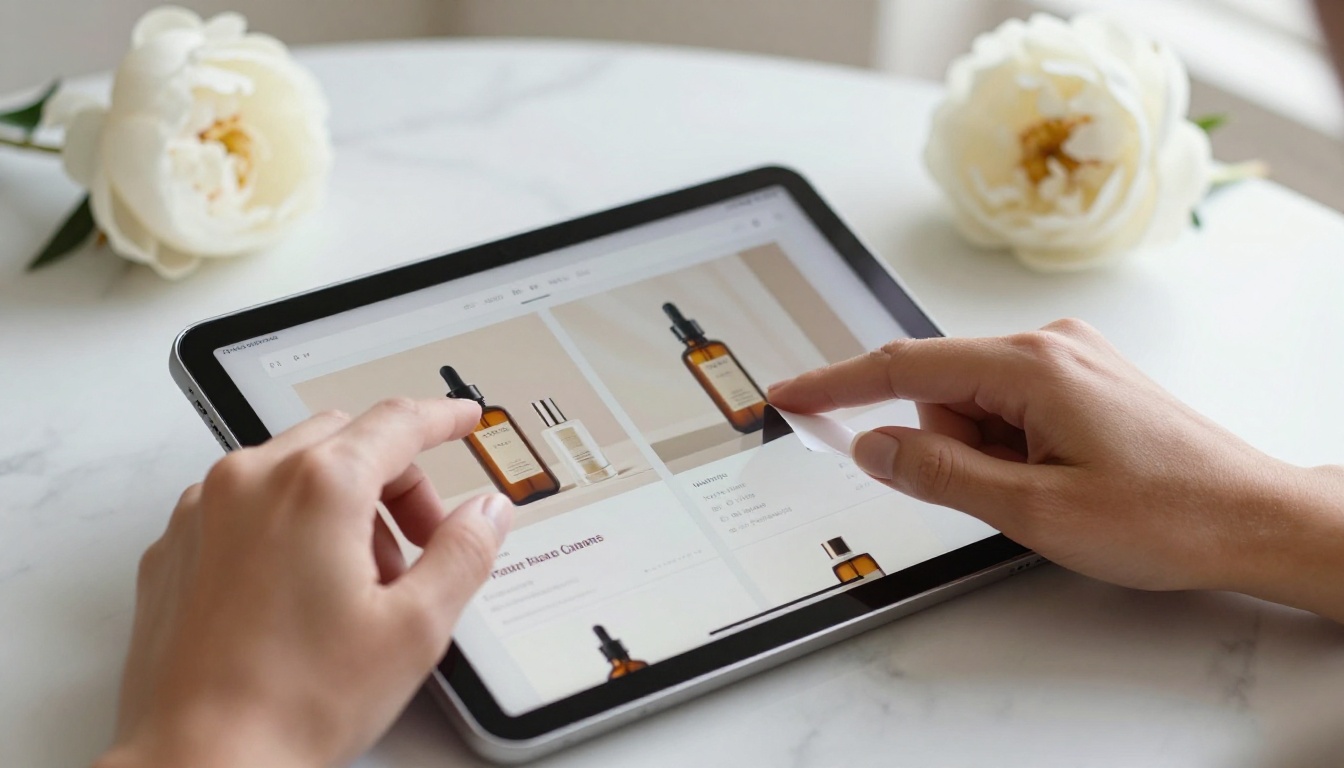
If you already have a PDF, you are most of the way to a polished interactive flipbook. Here is how the process works with Flipbooks AI:
- Create your account at flipbooksai.com/account. Signup takes less than a minute.
- Upload your PDF. Drag and drop your file directly into the dashboard. Flipbooks AI handles all conversion automatically, regardless of page count or layout complexity.
- Choose your page style. Select from page-turn effects, background colors, and front page options. Match your brand look exactly.
- Add custom branding. Upload your logo, set brand colors, and choose your typography. No watermarks on Standard plans and above.
- Embed video or audio (optional). Add product demo videos, background music, or audio narration directly to any page of the flipbook.
- Set your sharing options. Generate a shareable link, copy an embed code for your website, or activate password protection for private content.
- Activate reader tracking (Professional plan). See exactly which pages readers spend the most time on, where they stop reading, and how many people opened your flipbook.
- Publish and share. Your flipbook is instantly accessible on any device, any screen size, with no downloads required.
💡 For specific content types, Flipbooks AI offers dedicated creation tools: the PDF to Flipbook Converter, Product Catalog Generator, Restaurant Menu Creator, and dozens more in the tools directory.
What you get with Flipbooks AI that PDFs cannot offer:
- No watermarks, ever (Standard plan and above)
- Unlimited flipbooks on Standard plans
- Password protection for confidential content
- Full reader tracking and lead generation (Professional plan)
- Offline downloads for readers without internet access
- Embedded video and audio on any page
- Mobile-responsive design out of the box
- Full custom branding with no platform badges
Who Should Switch First
Not every team feels the pain of PDFs equally. Some industries are losing measurably more ground than others by staying with the format.
Marketing Teams
Marketing teams distribute PDFs constantly: campaign reports, media kits, whitepapers, onboarding decks. Every one of these is a missed opportunity when sent as a static file. Switching to interactive flipbooks gives teams real data on which pages drove interest, which sections were skipped, and what content to prioritize in the next version.
The Sales Presentation Flipbook and Press Kit Designer tools handle the most common marketing content formats with professional results.
Real Estate and Retail

A PDF property brochure shared via email rarely gets forwarded to others in the buyer's network. A well-designed flipbook with an embedded property tour video, clickable floor plans, and a direct contact button gets saved, shared, and revisited. The difference in how far the content travels is significant.
The Real Estate Brochure Creator and Digital Catalog Maker are purpose-built for these workflows.
Restaurants and Hospitality
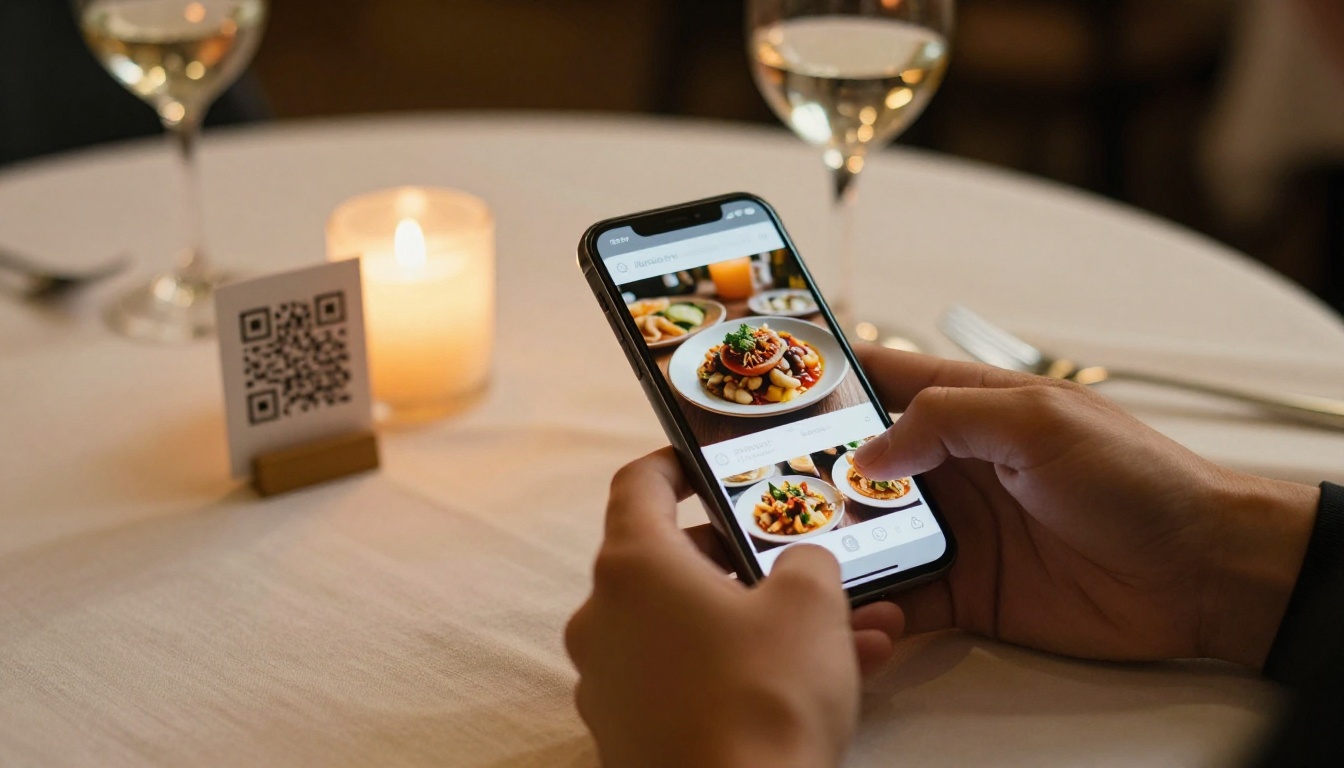
A printed or PDF menu is a static document that requires reprinting every time a price or item changes. A digital flipbook menu updates instantly, displays food photography beautifully, and is accessible via a QR code on any table. Guests can browse on their own devices at their own pace, without waiting for a physical menu.
The Restaurant Menu Creator and Spa and Wellness Menu Creator handle design and publication automatically.
Fashion and Creative Studios

Lookbooks and portfolios rely on visual storytelling that PDFs deliver poorly on small screens. An interactive lookbook with full-bleed imagery, smooth page transitions, and embedded video shows a brand's work the way it was meant to be seen, not squished onto a phone screen waiting to be pinched and zoomed.
The Interactive Lookbook Designer and Digital Portfolio Creator are built for exactly this use case.
Educators and Publishers

Course materials and training manuals distributed as PDFs get downloaded, maybe glanced at, and often ignored. Interactive flipbooks that students and trainees access from any device, with embedded video lessons and clickable sections, produce measurably better results in both retention and completion.
The Course Material Publisher and Training Manual Flipbook tools are designed for educators and corporate training departments.
| Industry | PDF Problem | Flipbook Solution |
|---|
| Marketing | No tracking, low read rate | Full analytics, high completion |
| Real Estate | Not shareable, no embedded video | Video tours, shareable links |
| Restaurants | Cannot update without reprinting | Instant updates via QR code |
| Fashion | Poor mobile visuals, no animation | Full-bleed, immersive layouts |
| Education | Students ignore email attachments | Interactive, mobile-accessible |
| Retail | Static catalog, no clickable items | Clickable products with analytics |
The Real Cost of Staying with PDFs
Every week a business sends out a PDF catalog, brochure, or report that very few people actually read is a week of content budget producing near-zero measurable return. The costs compound over time in ways that are easy to overlook.
- Lost readership: Content that is uncomfortable to read on mobile reaches less than half your potential audience before a single word is absorbed.
- No performance data: You cannot improve what you cannot measure, and PDFs give you nothing to work with.
- Weak sharing: PDFs are rarely forwarded or shared organically outside of email. Flipbooks with clean shareable links spread naturally across channels.
- Reprint costs: Physical documents require new print runs for every update. Digital flipbooks update in seconds at no extra cost.
- SEO invisibility: PDF content is poorly indexed by search engines. Web-based flipbooks can rank in search results and drive organic traffic to your content.
⚠️ Warning: If your competitors have already switched to interactive digital formats and you are still sending PDFs, you are at a measurable disadvantage in both reach and conversion.
The calculation is not complicated. If your content costs the same to produce but reaches five times more people in a format they actually want to read, the decision is already made for you.
Time to Stop Sending Files Nobody Opens
The PDF had a long run. For three decades it served its purpose well. But the way people consume content today, on phones, in short bursts, with high expectations for visual quality, has moved past what a static file format can deliver.
Ready to create your first interactive flipbook? Get started for free on Flipbooks AI and convert your first PDF in minutes. No design experience needed.
Browse all available tools and templates to find the format that fits your specific use case, from restaurant menus and real estate brochures to fashion lookbooks and corporate reports.
Compare pricing plans to see which tier works for your publishing volume and team size.



