Online education has a PDF problem. Not the format itself, but what happens when you hand a student a 40-page static document and expect them to engage with it the same way they engage with Netflix, YouTube, or Instagram. They don't. They scroll to the bottom, skim the headings, and move on, having absorbed roughly 20% of what you worked so hard to create. That's the silent failure rate inside most online courses today, and it's why a growing number of educators are making the switch to Flipbooks AI and interactive flipbooks.
This isn't a trend driven by technology for its own sake. It's a response to real dropout data, real learner behavior, and the very practical reality that the way people consume content in 2027 has nothing to do with static file downloads.

The PDF Problem Nobody Talks About
PDFs were revolutionary when they arrived in the early 1990s. The idea that you could preserve the exact visual layout of a document across any device or operating system was genuinely remarkable. But that was three decades ago. The web has evolved. Mobile has taken over. And yet course creators are still handing out the same static file format that was designed for printing.
Why Static Files Fail Modern Students
The average online learner accesses course content across at least three different devices: a laptop for focused sessions, a phone during commutes, and a tablet in the evening. A PDF that looks clean on a 1440p monitor becomes a nightmare on a phone screen. Students pinch, zoom, scroll sideways, and give up. The experience is frustrating before they've read a single word.
Beyond the screen-size issue, PDFs offer no feedback loop. You don't know if a student opened the file, how far they read, or whether they bounced at page 3 because the material wasn't landing. You're publishing into a black box.
The Hidden Cost of PDF-Only Courses
The cost isn't just in learner frustration. It's in your time. Every PDF update means exporting a new file, uploading it to your LMS, notifying students of the new version, and hoping they download the right one. For a course with ten modules and quarterly updates, that's a significant ongoing maintenance burden with no visibility into whether the update even reached your audience.
What Flipbooks Actually Do Differently
A flipbook isn't just a PDF with a page-turn animation, though that tactile interaction matters more than people expect. The real difference is in the infrastructure around the content: how it's accessed, how it behaves across devices, and what data it generates as students move through it.
Page-Turn Experience That Feels Natural
There's a reason physical textbooks, magazines, and novels have persisted alongside digital alternatives. The act of turning a page creates a psychological boundary between sections. It signals progress. Flipbooks replicate that behavior digitally, giving learners the same sense of forward motion that physical books provide, without any of the print costs.
💡 Use the natural page breaks in your flipbook to signal topic transitions. One major concept per page spread dramatically improves retention compared to one long scrollable document.
Embedded Media Changes Everything
Static PDFs cannot play a video. They cannot embed an audio explanation. They cannot include a clickable quiz or an interactive diagram. Flipbooks can do all of this natively. An educator teaching music theory can embed audio clips directly in the score. A fitness instructor can link workout demonstration videos at exactly the right moment in the text. A language teacher can include pronunciation recordings beside every new vocabulary word.
This isn't decoration. It's the difference between telling students about something and showing them at the exact moment of maximum relevance.
5 Real Reasons Educators Make the Switch
The shift from PDFs to flipbooks isn't happening because marketers say it should. It's happening because educators are running into the same five friction points repeatedly, and flipbooks solve all of them.
Mobile Access Without the Friction
Flipbooks are web-based. A student clicks a link and the content opens in their browser, fully formatted for whatever screen they're on. No app to download, no file to save, no confusion about which version is current. On mobile, the reading experience automatically reflows to fit the screen, and the page-turn gesture maps naturally to a swipe.
This matters enormously for courses with international students, learners in developing markets who primarily access the internet via smartphone, and any course that expects students to engage with material outside of a dedicated study session.
Students Actually Read More
Interactive formats hold attention longer. That's not a marketing claim. It's measurable with the right tools. When course materials include embedded questions, clickable table of contents, and multimedia content, students spend more time with each section and report higher satisfaction with the material. The novelty effect is real, but so is the functional improvement: content that is easier to navigate and more visually engaging gets more attention.
✅ Break your course PDFs into focused, single-topic flipbooks rather than converting one massive document. Smaller, focused publications have dramatically higher completion rates.
No More "File Not Found" Emails
Every educator who has used a PDF-based course knows the support ticket: "I can't open the file", "The PDF is corrupted on my device", "I accidentally deleted it, can you resend?" Flipbooks live at a permanent URL. You share the link once, and it works forever. Updates you make on the backend instantly reflect for anyone who opens the link, with no file redistribution needed.
Branding That Looks Professional
A plain PDF with your logo in the header is a baseline. A flipbook with your brand colors, custom cover design, interactive table of contents, and animated page transitions is a product. The perceived quality of your course materials directly affects how students value your course, which affects completion rates, referrals, and the price point you can sustain.
Flipbooks AI gives you full control over branding: colors, fonts, cover imagery, and the viewing experience, without needing a design degree or a dedicated development team.
Data You Can Act On
This is the capability that consistently surprises educators most when they first encounter it. With the Professional plan on Flipbooks AI, you get analytics on how students interact with each publication: which pages get the most time, where readers drop off, how many times a specific section is revisited. That data is directly actionable for course improvement in a way that PDF download counts simply are not.
PDF vs Flipbook: The Numbers That Matter
The functional differences between PDFs and flipbooks map directly to measurable outcomes for online courses.
| Feature | PDF | Flipbook |
|---|
| Mobile-optimized reading | No | Yes |
| Embedded video/audio | No | Yes |
| Real-time content updates | No (new file required) | Yes (instant) |
| Student analytics | No | Yes (Professional) |
| Shareable via permanent link | Limited | Yes |
| Custom branding | Basic | Full control |
| Password protection | No | Yes |
| Offline access | Yes (download) | Yes (Professional) |
| Interactive elements | No | Yes |
| Version control | Manual | Automatic |
This isn't a close comparison. The gap between what a PDF can do and what a flipbook can do is wide, and it widens further as your course grows in complexity.
⚠️ If you're selling high-ticket courses ($200+), delivering PDFs as your primary course material creates an immediate perception gap. Learners associate PDF handouts with free content, not paid programs.
How to Convert Your Course PDFs to Flipbooks
The conversion process is simpler than most educators expect. Here's the exact workflow using Flipbooks AI.
Step 1: Create Your Account
Go to Flipbooks AI and sign up. The Standard plan gives you unlimited flipbooks with no watermarks, which is the right starting point for most course creators.
Step 2: Upload Your PDF
From your dashboard, click "Create Flipbook" and drag your PDF into the upload area. The PDF to Flipbook Converter processes the file and generates your flipbook within seconds, preserving all your original formatting, fonts, and imagery exactly as designed.
Step 3: Customize the Viewing Experience
Once your flipbook is generated, open the editor to:
- Set your brand colors for the viewer interface
- Upload a custom cover image or use one of the existing pages
- Add your logo to the viewer header
- Choose a page-flip animation style
- Enable or disable the table of contents
Step 4: Add Multimedia Content
This is where flipbooks surpass anything a PDF can do. On specific pages, you can:
- Embed YouTube or Vimeo videos directly in the page
- Add audio recordings for lecture summaries or pronunciation
- Insert clickable links to additional resources
- Add embedded quizzes or forms
Step 5: Set Access Controls
For paid courses, use password protection to ensure only enrolled students can access your materials. You can also set expiry dates, restrict downloads, and configure whether students can print the content.
Step 6: Share with Students
Copy the shareable link from your dashboard and paste it into your LMS, email it to students, or use the embed code to display the flipbook directly within your course platform. The Embed Flipbook on Website tool makes integration seamless with any platform.

Which Plan Is Right for Your Courses?
Flipbooks AI pricing is structured to scale with how seriously you're using flipbooks in your courses.
| Feature | Free | Standard | Professional |
|---|
| Flipbooks | 3 | Unlimited | Unlimited |
| Watermark | Yes | No | No |
| Password protection | No | Yes | Yes |
| Analytics | No | No | Yes |
| Lead generation | No | No | Yes |
| Offline downloads | No | No | Yes |
| Custom branding | No | Yes | Yes |
| Embedded video/audio | No | Yes | Yes |
| Priority support | No | No | Yes |
For a solo course creator with one or two courses, the Standard plan provides everything needed: unlimited flipbooks, no watermarks, custom branding, and multimedia embedding. The Professional plan is the right choice if you're running multiple cohorts, want to understand exactly how students engage with your material, or need lead generation built into your publications.
💡 Use the Course Material Publisher to create optimized flipbooks specifically designed for educational content, with layouts that work particularly well for lessons, modules, and reference materials.
Real-World Use Cases for Online Educators
The shift to flipbooks plays out differently depending on the context, but the benefits are consistent across course types and formats.
Solo Course Creators
A solo creator selling a $497 copywriting course replaced their 12-module PDF workbook with 12 individual flipbooks, one per module. Each flipbook included the lesson content, embedded video walkthroughs, and a link to the next module. Course completion rates improved because the format itself guided students forward, and refund requests dropped because the material felt worth the price.
The Training Manual Flipbook and Interactive E-Book Publisher tools are particularly well-suited to this type of structured course delivery.
Corporate Training Teams
A mid-size technology company moved their 200-page employee onboarding documentation from a shared PDF on Google Drive to a set of branded flipbooks hosted on their company domain. HR managers could update policy sections in real time without redistributing files, and analytics revealed which sections new hires spent the most time on, exposing gaps in the documentation that were subsequently expanded.
Schools and Universities
A university professor teaching undergraduate economics converted their course reader from a 380-page PDF into a series of weekly flipbooks. Each flipbook covered one week's material, embedded lecture recordings, and included direct links to supplemental readings. Student survey scores for course material quality increased, and office hours requests related to "finding content" dropped substantially.
The Course Material Publisher and School Newsletter Creator tools support institutional publishing workflows at scale.
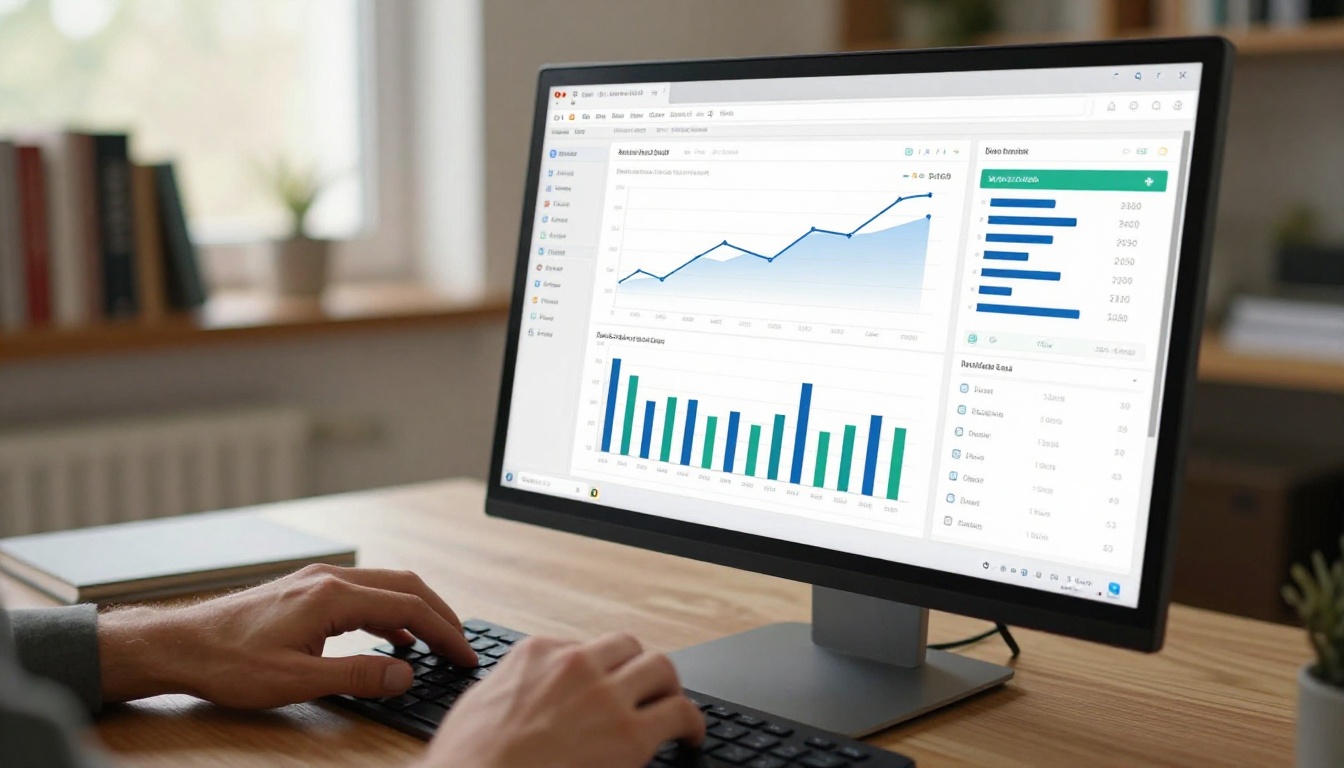
The range of educational content that works in flipbook format is wider than most educators initially assume.
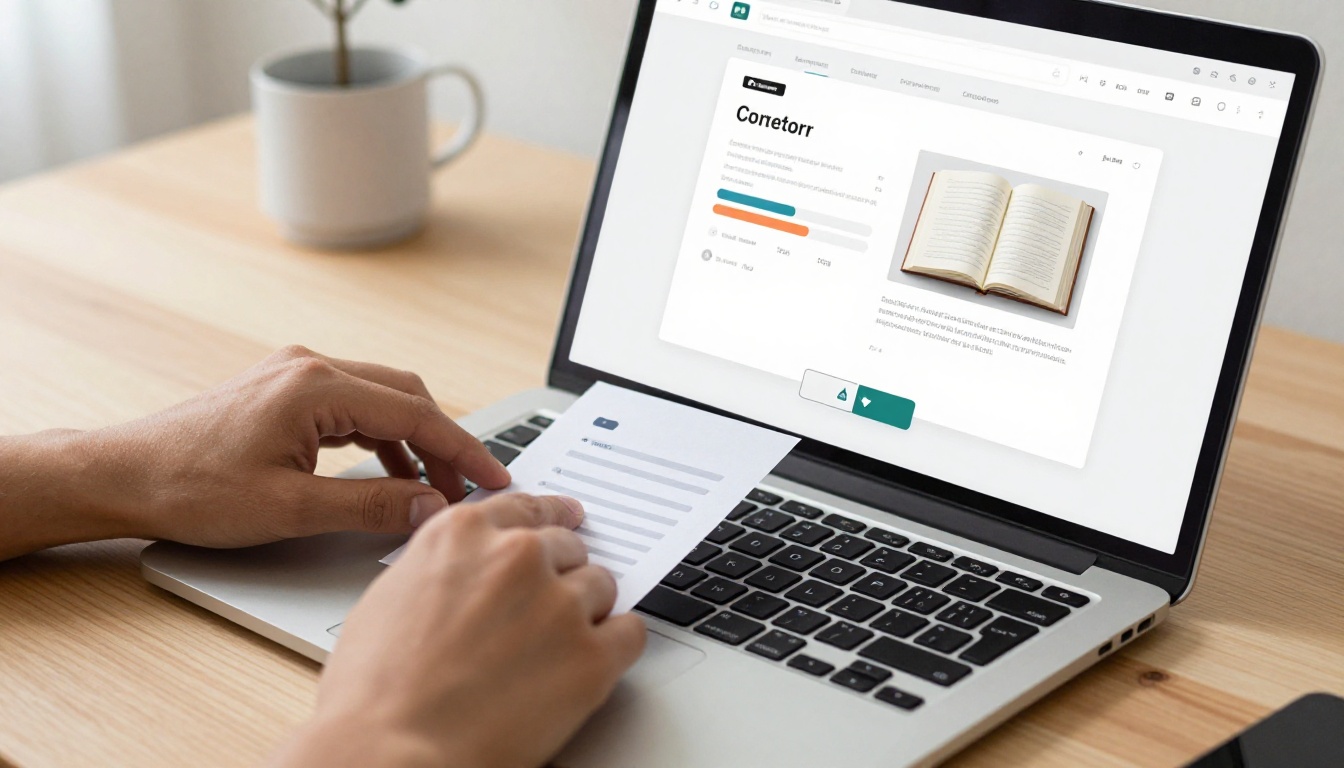
The Accessibility Factor
One area where flipbooks pull significantly ahead of PDFs is accessibility. Web-based flipbooks can be built to comply with WCAG accessibility guidelines in ways that PDFs, particularly older or image-heavy ones, cannot. Screen reader compatibility, keyboard navigation, and text scaling all work better in a properly configured web-based flipbook than in a standard PDF.
For educators serving students with visual impairments or other accessibility needs, this isn't a minor quality-of-life improvement. It's a material difference in who can actually use your course.
✅ After converting your PDF to a flipbook, test it on both a desktop browser and a mobile device before sharing with students. The few minutes of testing will catch formatting issues before they affect learners.
What Happens to Your Existing PDFs
The good news for educators with years of existing PDF content: you don't start from scratch. Every PDF you've created can be converted to a flipbook in minutes using the PDF to Flipbook Converter. Your formatting, imagery, and structure carry over exactly as designed.
The conversion workflow is straightforward:
- Upload the existing PDF
- Review the auto-generated flipbook preview
- Add any multimedia elements (videos, audio, links)
- Customize branding and viewer settings
- Publish and replace the old PDF link with the new flipbook link
Students who already have the old PDF link will need the new one, but this is a one-time transition. After that, all future updates happen on the flipbook backend, with no file redistribution required.
Take Your Course Materials Further
The shift from PDFs to flipbooks isn't a cosmetic upgrade. It's a structural change in how your content reaches students, how they experience it, and how you measure whether it's working. Every educator who has made the switch reports the same thing: they wish they had done it sooner.
The tools are available. The conversion process takes minutes. The results are measurable from the first cohort.
Ready to see what your course materials look like as a flipbook? Get started for free on Flipbooks AI and convert your first PDF today.
Browse the full collection of education tools to find the format that fits your course type. Compare pricing plans to choose the tier that matches where your course business is right now.
The students in your next cohort will notice the difference. So will your completion data.



