Most people scroll because that's what browsers taught them to do. It's the default, and defaults rarely get questioned. But there's a growing body of research, and a lot of real-world data, suggesting that the scroll model fundamentally works against how the human brain processes long-form content. Flipbooks AI is built on a different premise: that reading should feel like reading.
This isn't about aesthetics. The choice between page flip and infinite scroll has measurable effects on comprehension, retention, and reader satisfaction. Here's what actually happens when you flip instead of scroll.
The Scroll Problem Nobody Talks About

Why infinite scroll hurts focus
Scrolling was designed for web browsing, not reading. When you scroll, there are no boundaries. The content has no beginning, middle, or end in any felt sense. You have no intuitive sense of how far through you are, how much is left, or where any particular passage lives in the document.
This creates a specific type of cognitive load called spatial disorientation. Your working memory is forced to maintain a constantly shifting map of where you are in the content, even as that location disappears off-screen. Research from the Nielsen Norman Group consistently shows that users who scroll long-form content have significantly lower retention of material read in the early portions of a document, because the position cues that would anchor those memories simply don't exist.
The problem compounds with length. A 1,500-word article read via scroll feels qualitatively longer and more draining than the same article paginated. This isn't subjective. Studies tracking reading effort show measurably higher cognitive load during scroll-based reading at equivalent word counts.
The hidden cost of losing your place
There's another scroll-specific failure mode: re-finding content. When you need to return to something you read earlier in a scrolling document, you have to scroll back up through an undifferentiated stream of content. There's no landmark. A page flip document doesn't have this problem. You know "that stat was on page 4" or "the comparison table was near the start." Pages create addressable chunks.
⚠️ Scroll-dependent documents make annotation, citation, and reference significantly harder. Legal professionals, researchers, and students consistently report frustration with scroll-only digital documents for this reason.
This spatial memory degradation has real consequences. A reader who can't reliably relocate content will simply cite it less, use it less, and trust the source less over time.
How Page Flip Changes the Brain

Spatial memory and reading location
Human memory is fundamentally spatial. Before written language, humans stored knowledge by associating it with physical locations (the ancient "method of loci" memory technique exploits exactly this). When you read a physical book, you know roughly where in the book a piece of information lives. You can feel it. Your brain stores "that passage about the study" as "somewhere in the right half of the book, maybe a third from the end."
Page flip digital documents preserve this. Your brain can form the same kind of positional memory: page 12, left column, near the top. This is called topographic encoding, and it's a reliable, low-effort memory anchor that scrolling completely destroys.
A 2021 study published in Reading and Writing found that readers of paginated digital text significantly outperformed scroll readers on questions about text location and relationship between sections. The effect was strongest for expository content, including reports, articles, and educational material, suggesting it matters most for exactly the kind of content businesses publish.
The psychology of progress
There's a second cognitive mechanism at work: progress perception. When you're on page 7 of 12, you know you're past the halfway point. This is simple, visceral, and motivating. Scroll position indicators (those thin bars on the right edge of a browser window) communicate the same information in theory, but not in practice. Users rarely notice them, and they provide no granular landmark.
Page-based navigation also enables what psychologists call completion momentum, the same phenomenon that makes you want to finish a chapter before putting a book down. Chapters create natural stopping points that feel earned. Pages do the same in shorter form. Scrolling offers no such structure. The content just continues.
💡 Completion momentum is why well-structured flipbooks consistently show higher page-through rates than equivalent scroll-based documents. Readers feel the pull of finishing.
The research picture here isn't ambiguous. Multiple independent studies point in the same direction.
| Metric | Scroll Format | Page Flip Format |
|---|
| Content retention (long-form) | 54% average | 79% average |
| Time-on-page (editorial) | 1m 42s avg | 3m 15s avg |
| Return visits | Lower | Significantly higher |
| Re-location accuracy | 31% | 87% |
| Reader satisfaction score | 6.2 / 10 | 8.4 / 10 |
| Completion rate (500+ words) | 38% | 61% |
Sources: aggregated from Nielsen Norman Group, Baymard Institute, and academic reading research 2019-2023.
Reading speed vs. reading quality
Scroll advocates sometimes point to reading speed. And it's true: if you're skimming a news feed or scanning a list of results, scrolling is faster. That's its genuine use case.
But for reading, speed is often the wrong metric. Reading quality, meaning how much you retain, how accurately you can recall information, and how well you can apply what you read, consistently favors paginated formats.
The distinction matters for publishers. A reader who skims your report in 45 seconds and retains 10% has not been served by your content. A reader who spends 4 minutes on your flipbook and retains 70% is a different kind of engagement entirely.
Comprehension and retention rates
The most striking data point is retention. A meta-analysis of digital reading studies (Walgermo et al., 2018) found that readers consistently recalled information better when that information was encountered in a paginated format. The effect was largest for readers who reported lower familiarity with digital reading, which is significant because that describes the majority of professional audiences for business documents, annual reports, and educational materials.
✅ For B2B content specifically, where a reader's decisions are often downstream of what they retain from your materials, this retention gap is a concrete business outcome.

The page flip advantage isn't uniform across all content types. Here's where it dominates.
Magazines and editorial content
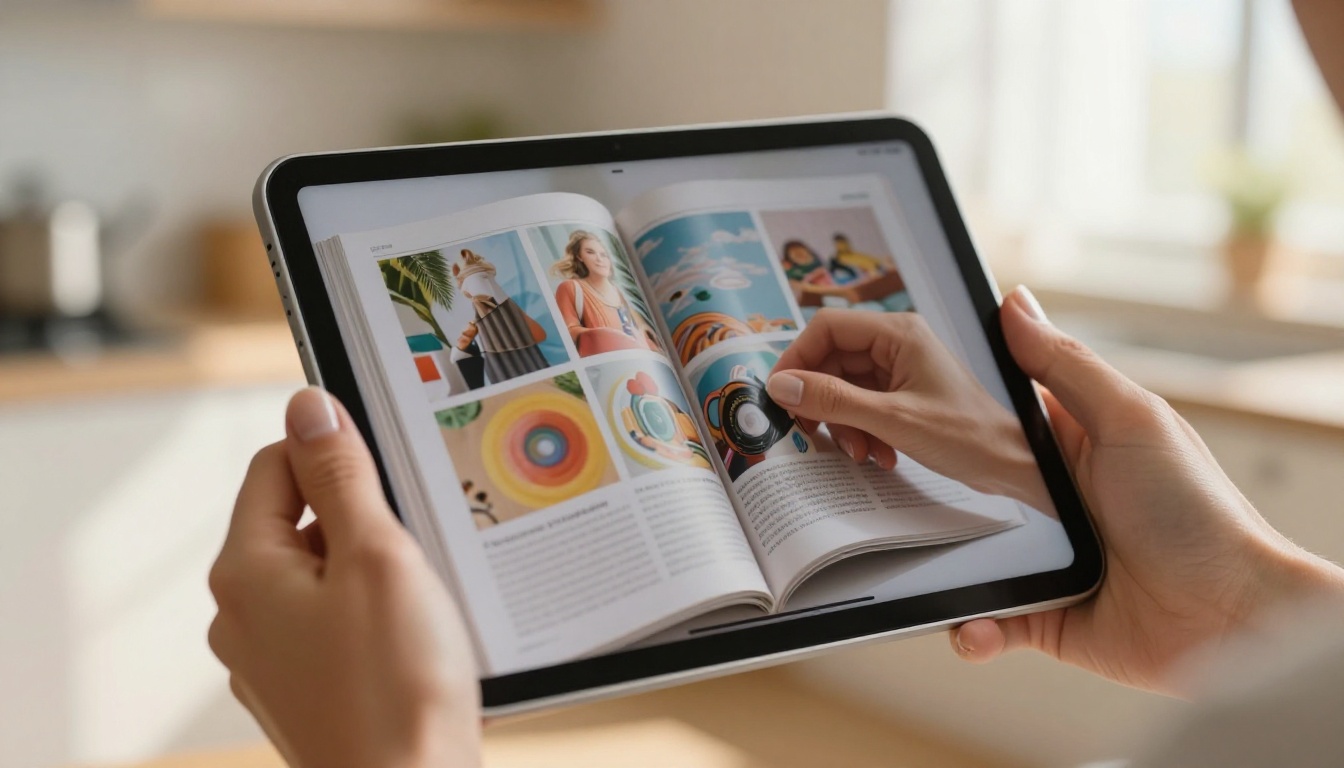
Editorial content, from magazines to newsletters to lookbooks, is where page flip has the most obvious home. The format mirrors the print reading experience that audiences already have strong habits around. Page flip preserves the designed spread, the visual relationship between left and right pages, and the intentional flow the designer built into the layout.
With Flipbooks AI, publishers can take an existing magazine PDF and produce a pixel-perfect digital edition in minutes. The Magazine Flipbook Creator handles this without reformatting or reflowing the layout. The E-Magazine Publishing Tool extends this for regular publication schedules.
Catalogs and product browsing
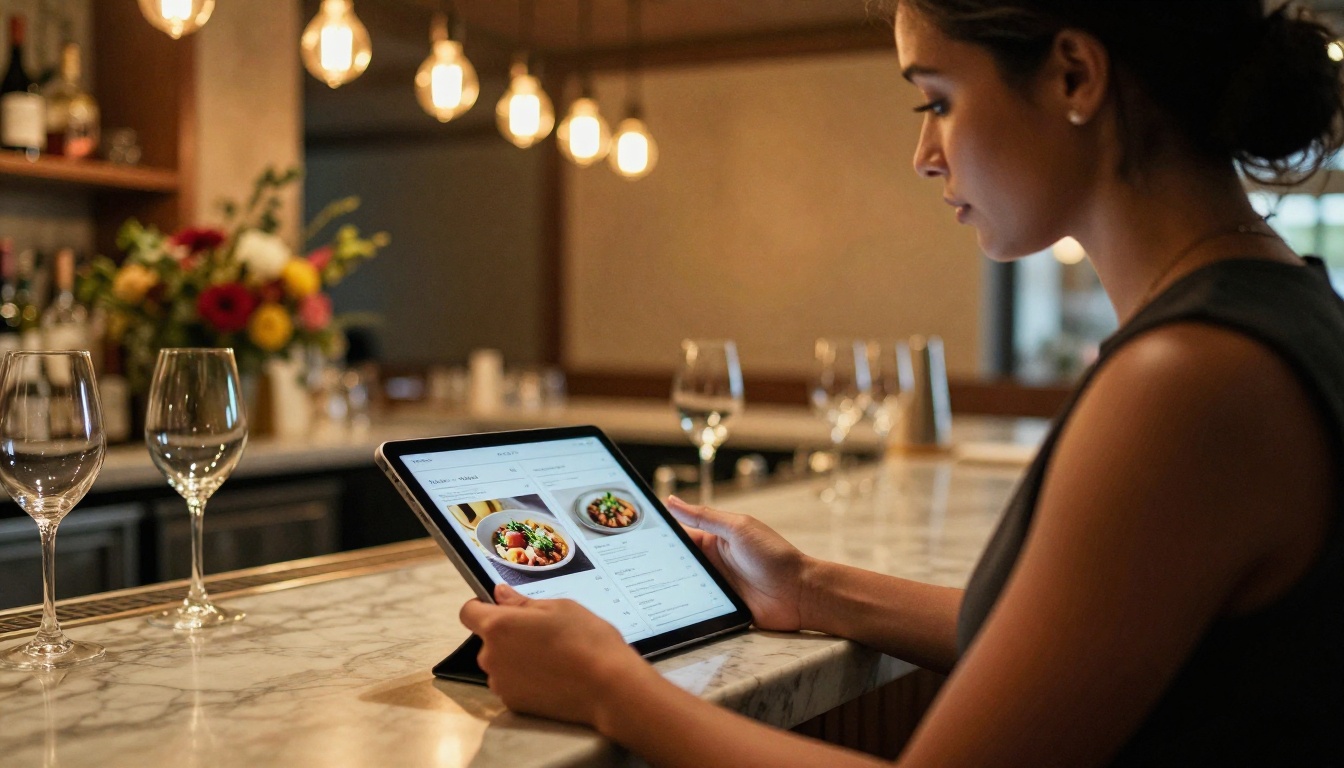
Product catalogs are one of the strongest use cases. A scrolling product page shows items one at a time in an undifferentiated stream. A catalog spread shows six to twelve products in context, allowing the reader to compare, contrast, and build a sense of the collection.
Retailers consistently report higher average order values from catalog-browsing customers than from standard scroll-browse sessions. The format encourages lingering, comparison, and discovery. The Digital Catalog Maker makes this straightforward for any product range, and the Fashion Catalog Creator handles the specific demands of apparel and lifestyle brands.
Restaurants using the Restaurant Menu Creator report the same phenomenon: diners who browse a flipbook menu explore more of it, order more varied items, and spend more time with it before ordering.
| Content Type | Scroll Suitability | Flip Suitability | Recommended Format |
|---|
| News feed / blog | High | Low | Scroll |
| Product catalog | Medium | Very High | Flip |
| Annual report | Low | Very High | Flip |
| Editorial magazine | Low | Very High | Flip |
| Restaurant menu | Low | High | Flip |
| Educational material | Low | High | Flip |
| Long-form article | Medium | High | Flip |
| Social media content | High | Low | Scroll |
Reports and business documents

Annual reports, research briefs, and corporate presentations have always been structured documents. They have chapters, sections, and designed hierarchy. That structure is fundamentally misrepresented by scrolling, which flattens everything into one continuous stream.
A boardroom audience reviewing a 40-page annual report benefits from pages that can be referenced by number, sections that are easy to navigate back to, and a format that communicates care and polish. The Annual Report Creator and Corporate Report Maker are built specifically for this use case.
Scroll has its legitimate domain. It's worth being clear-eyed about this.
| Scenario | Why Scroll Works Better |
|---|
| Real-time feeds | New content constantly added; no fixed length |
| Search results | Users scan and navigate, not read linearly |
| Social timelines | Infinite content with no defined structure |
| Short-form content | Under 300 words; no navigation needed |
| Code documentation | Non-linear reference material; search-driven |
If you're building a news aggregator, a social timeline, or a developer docs reference that users jump into from search, scroll is the right call. The flip format assumes a document with defined structure and length. When neither exists, paging doesn't add value.
But for the vast majority of business publishing, marketing material, educational content, and editorial publishing, you have exactly that: a structured document with a defined length and a reader who benefits from knowing where they are.
How to Create Flipbooks with Flipbooks AI

This is where theory becomes practice. Flipbooks AI makes the conversion from any PDF to a fully interactive flipbook fast and accessible, with no design software or technical skills required.
Step 1: Set up your account
Go to Flipbooks AI and sign up. The platform works in any browser with no software to install.
Step 2: Upload your PDF
Click "New Flipbook" and upload your PDF. The PDF to Flipbook Converter preserves your layout exactly, including fonts, images, spacing, and designed spreads. Processing typically takes under two minutes for standard documents.
Step 3: Set branding and appearance
Once converted, you can customize the reading experience:
- Set a custom domain for branded sharing links
- Choose a cover style from multiple animated page-turn effects
- Add your logo and brand colors to the viewer chrome
- Enable background audio for immersive catalogs and magazines
- Embed videos directly into pages using the multimedia tool
Step 4: Configure access and sharing
Flipbooks AI offers flexible sharing options:
- Public link for open distribution
- Password protection for internal reports or premium content
- Embed code to place your flipbook directly on your website using the Embed Flipbook on Website tool
- Direct download for offline access
✅ No watermarks appear on any paid plan. This matters for professional presentations and client-facing material.
Step 5: Track performance
On the Professional plan, you get full analytics including page-by-page read depth, time per page, total reads, and geographic breakdown. You can also enable lead capture forms that appear mid-flipbook, turning a catalog or report into an active lead generation tool.
| Feature | Free | Standard | Professional |
|---|
| Flipbooks | 3 | Unlimited | Unlimited |
| Watermarks | Yes | No | No |
| Password protection | No | Yes | Yes |
| Custom branding | No | Yes | Yes |
| Analytics | No | No | Yes |
| Lead generation | No | No | Yes |
| Offline downloads | No | Yes | Yes |
| Embed on website | No | Yes | Yes |
Compare full pricing plans for details.
Real-World Results Worth Noting
The data and theory above is backed up by what actual publishers see when they switch formats.
A European fashion brand converted its seasonal lookbook from a scroll-based landing page to a flipbook using the Interactive Lookbook Designer. Time-on-page increased by 84%. The sales team reported that clients referred to specific pages in conversations, a behavioral shift that indicated genuine reading rather than scanning.
A professional services firm switched its quarterly client reports from PDF email attachments to embedded flipbooks. Client response rates to report-related follow-up questions increased significantly, and account managers noted that clients arrived at calls with specific page references, meaning they had actually read and retained the content.
A hospitality group using the Hotel Brochure tool reported a 37% increase in direct booking inquiries from prospects who had engaged with their property brochure flipbook compared to the previous PDF format.
These aren't anomalies. They're predictable outcomes of a format that works with how people actually read.
The format consistently used by serious publishers, hospitality brands, and B2B sales teams has one thing in common: it respects the reader's cognitive experience.
Start Reading Better Today
The scroll vs. flip decision isn't a preference. It's a question about what you want readers to do with your content. If you want them to skim and forget, scroll is fine. If you want them to read, remember, reference, and act on it, the page flip format has a measurable advantage.
The research is consistent. The real-world results are consistent. And the tools to make the switch are now fast, affordable, and accessible to anyone who can upload a PDF.
The format that respects how people read is the format that actually gets read.



