Photographers spend years perfecting their eye, their lighting, their timing. Then they compress that work into a PDF and send it off to a client who can't open it on mobile, sees washed-out colors, and never scrolls past the third page. That gap between the work and the delivery has frustrated photographers for over a decade, and a growing number of them are closing it with interactive flipbooks. Flipbooks AI sits at the center of that shift, offering a fast, no-watermark way to turn any PDF portfolio into something clients actually want to look at.
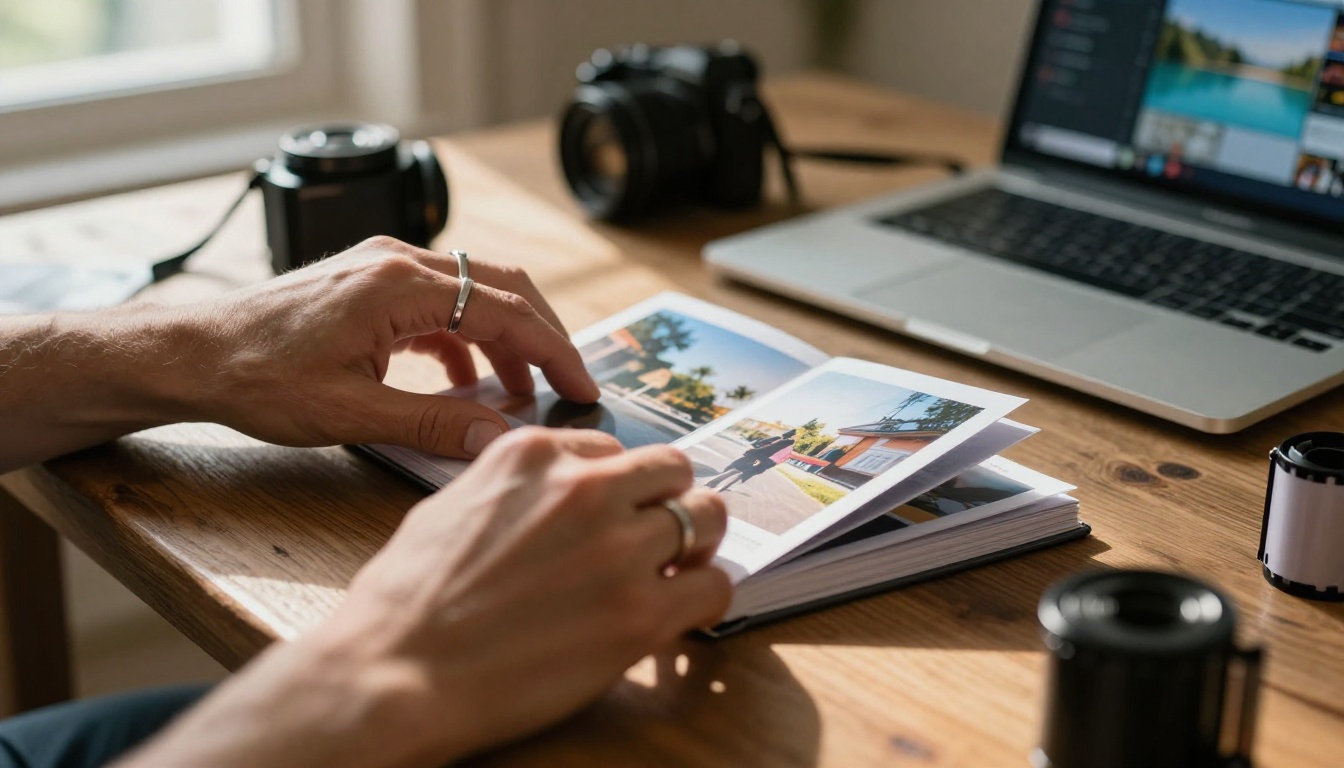
The PDF Problem Most Photographers Ignore
PDFs were designed for printed documents. They were not built to showcase photography. That distinction matters more than most photographers realize, and the consequences show up in every client interaction.
Color Profiles Get Destroyed
When a photographer saves a file as a PDF, the color management process often converts a carefully calibrated Adobe RGB or ProPhoto RGB color space down to sRGB, sometimes with additional compression layered on top. By the time a client opens that file in a browser PDF viewer or a phone's native reader, the colors can look nothing like the originals. Vibrant greens flatten out. Skin tones drift toward orange. Deep blacks lose their density.
This isn't a minor issue. For photographers who bill thousands of dollars per shoot, having a client see degraded versions of their work creates a credibility problem before the conversation even starts. The photographer knows the original looked stunning. The client sees something that looks a little off and can't explain why.
Nobody Opens PDF Attachments Anymore
Open rates on email PDF attachments have been declining for years. Clients treat them like spam. They hit download, the file sits in a folder, and the conversation goes cold. There's no way to know if the client ever actually looked at the portfolio. Following up requires guesswork. Did they see the beach series? Did they miss the indoor lighting work?
That uncertainty costs photographers jobs they should have won.
Mobile Viewing Is a Disaster
Try opening a multi-page PDF portfolio on an iPhone. Pinch and zoom, sideways scroll, pages that won't load properly. The experience is hostile. But most clients are checking their emails and clicking links on mobile devices throughout the day. A portfolio that works on a desktop and breaks on a phone means losing first impressions with the majority of the audience.
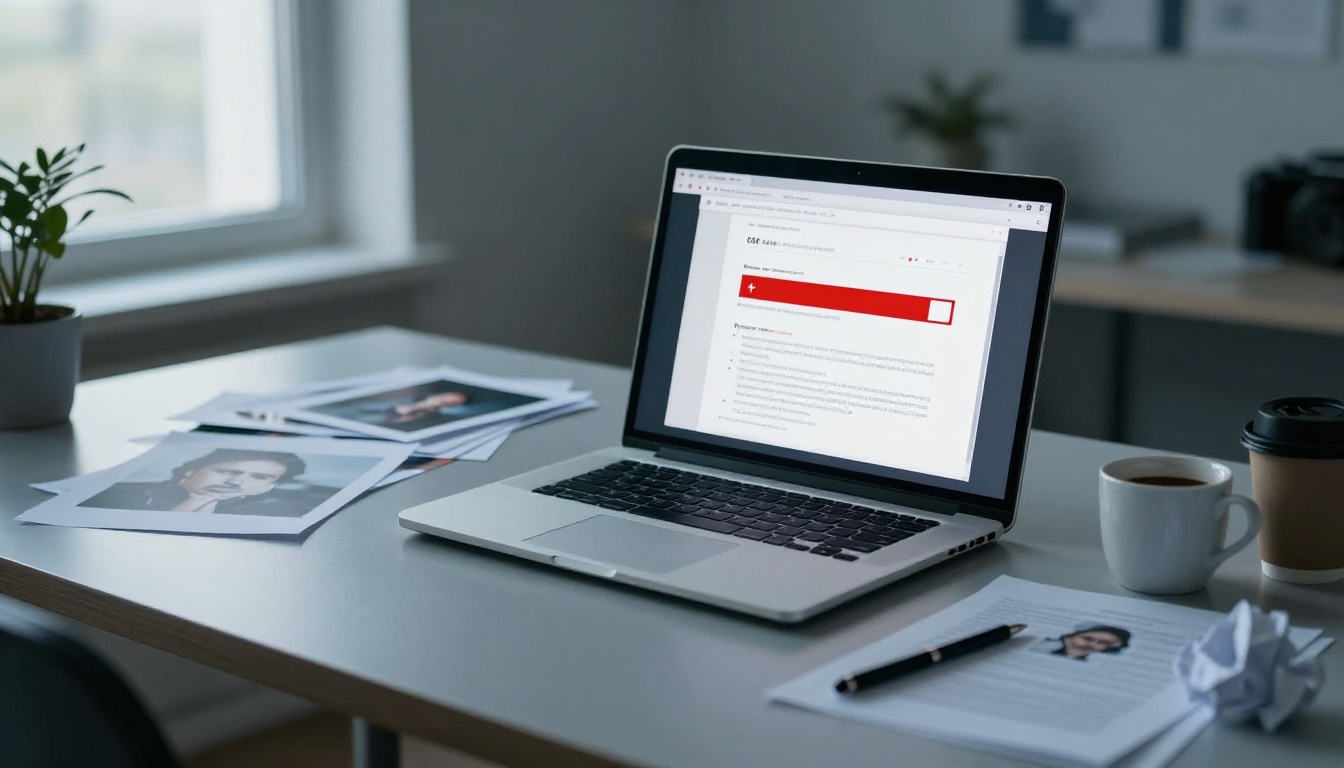
What a Flipbook Actually Does Differently
A flipbook is a web-based document viewer that replicates the physical sensation of turning pages. Unlike a static PDF reader, it runs in a browser with no download required and adapts its layout to any screen size automatically. The result is a portfolio that behaves the way clients expect modern digital content to behave.
The Page-Turn Experience Changes Behavior
There's something about a page-turn animation that makes people want to keep going. It creates a sense of progression that scrolling through a PDF never does. Clients spend more time inside a flipbook. They flip back to images they liked. They share it by copying a single URL and pasting it into a text, a DM, or a family group chat.
For photographers, that behavioral difference is enormously valuable. A portfolio isn't just a list of images. It's a narrative, and the page-turn format honors that structure in a way PDF scrolling never does.
Images Display at Full Quality
When a flipbook is built from a high-quality PDF, the images inside retain their original quality. There's no secondary compression step applied to the visuals. The viewer loads pages progressively, so a client on a fast connection sees crystal-clear images while someone on mobile still gets a smooth experience without waiting for the entire file to load.
The Mobile-First Reality
The majority of email opens and link clicks now happen on smartphones. Flipbooks are built specifically for this reality. They resize intelligently, offer swipe gestures for page turning, and load individual pages rather than forcing the entire document to download before anything displays.
PDF vs. Flipbook: The Real Comparison
Here's where the formats actually differ when measured against what photographers need day to day:
| Feature | PDF | Flipbook |
|---|
| Mobile-friendly viewing | Poor | Excellent |
| Color accuracy | Often degraded | Preserved |
| Download required | Yes (usually) | No |
| Page-turn interaction | No | Yes |
| Shareable via link | Clunky | Single URL |
| Analytics and view tracking | None | Available (Professional) |
| Password protection | Limited | Built-in |
| Embed on website | Complex | One-click embed code |
| Loading speed on mobile | Slow | Optimized |
| Custom branding | None | Full control |
| Viewer zoom for detail | Basic | Supported |
| No third-party branding | Depends on reader | No watermarks (paid plans) |
The evidence stacks up in one direction. PDFs win in zero categories that matter to modern photography delivery.
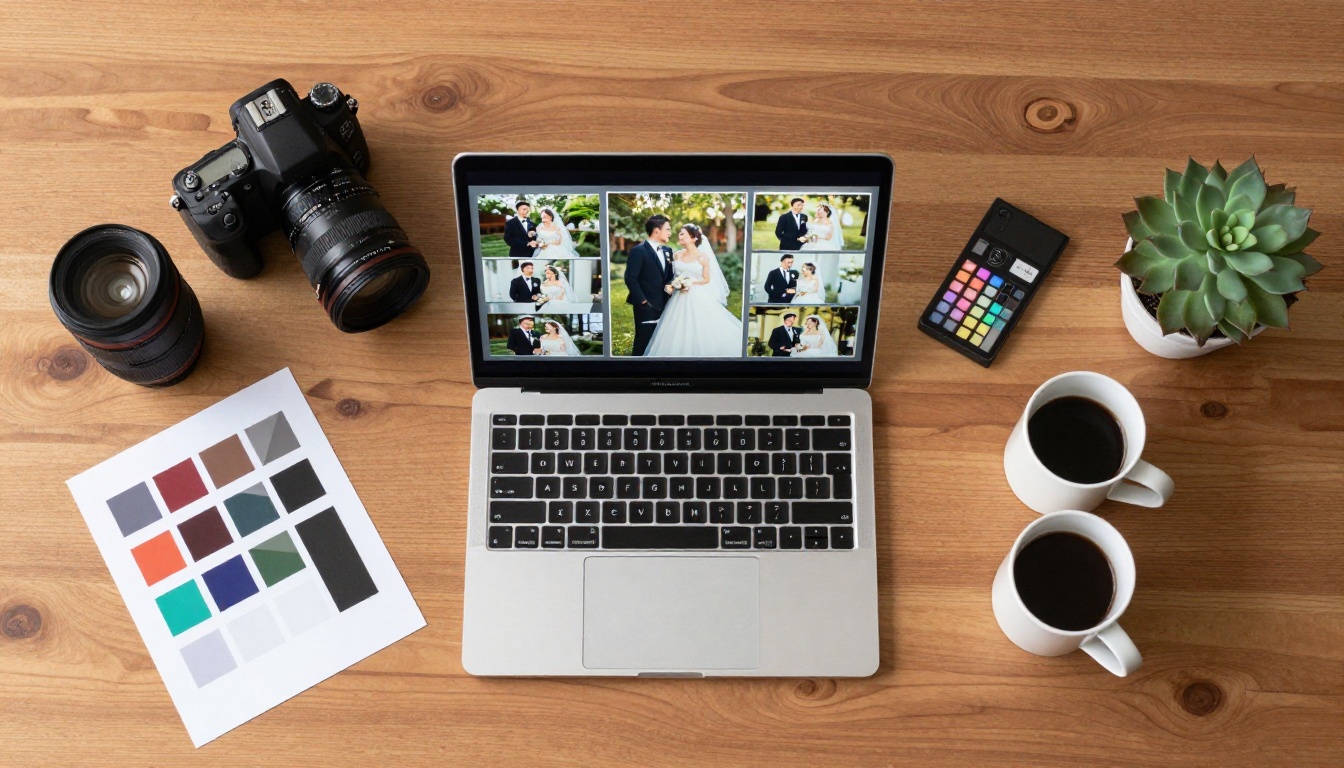
Who's Actually Making the Switch
The move away from PDFs isn't happening uniformly across photography. Some niches are moving faster, and the reasons vary by specialty and client type.
Wedding Photographers
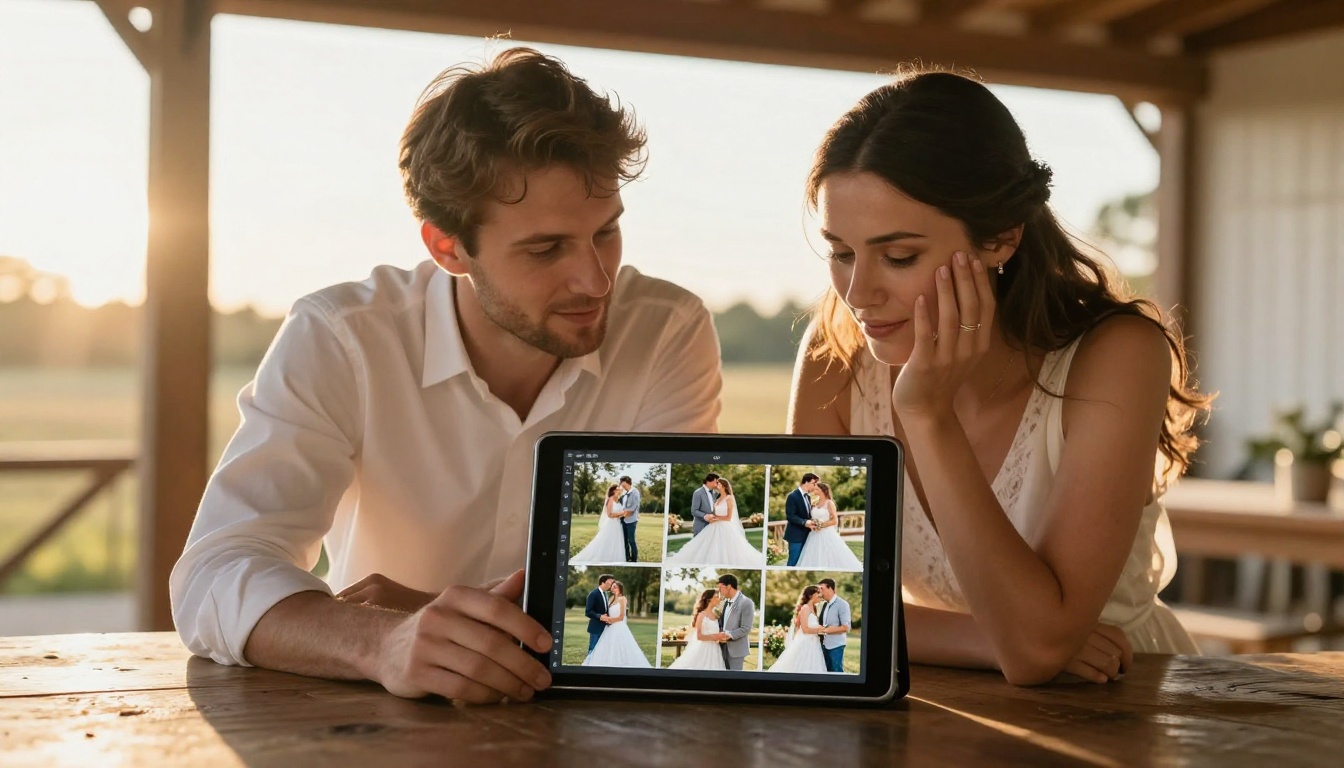
Wedding photographers are among the fastest adopters. Their clients view materials almost exclusively on mobile devices, share links with family members, and expect a premium experience from someone charging premium prices.
A wedding photographer who sends a PDF gallery proofing document looks dated. One who sends a link to an interactive portfolio with the couple's names on the cover, page-turn animations through every spread, and a private password for family access is immediately differentiating from competitors who haven't made the switch. The perceived value of the service goes up without changing a single photograph.
Fashion and Commercial Photographers
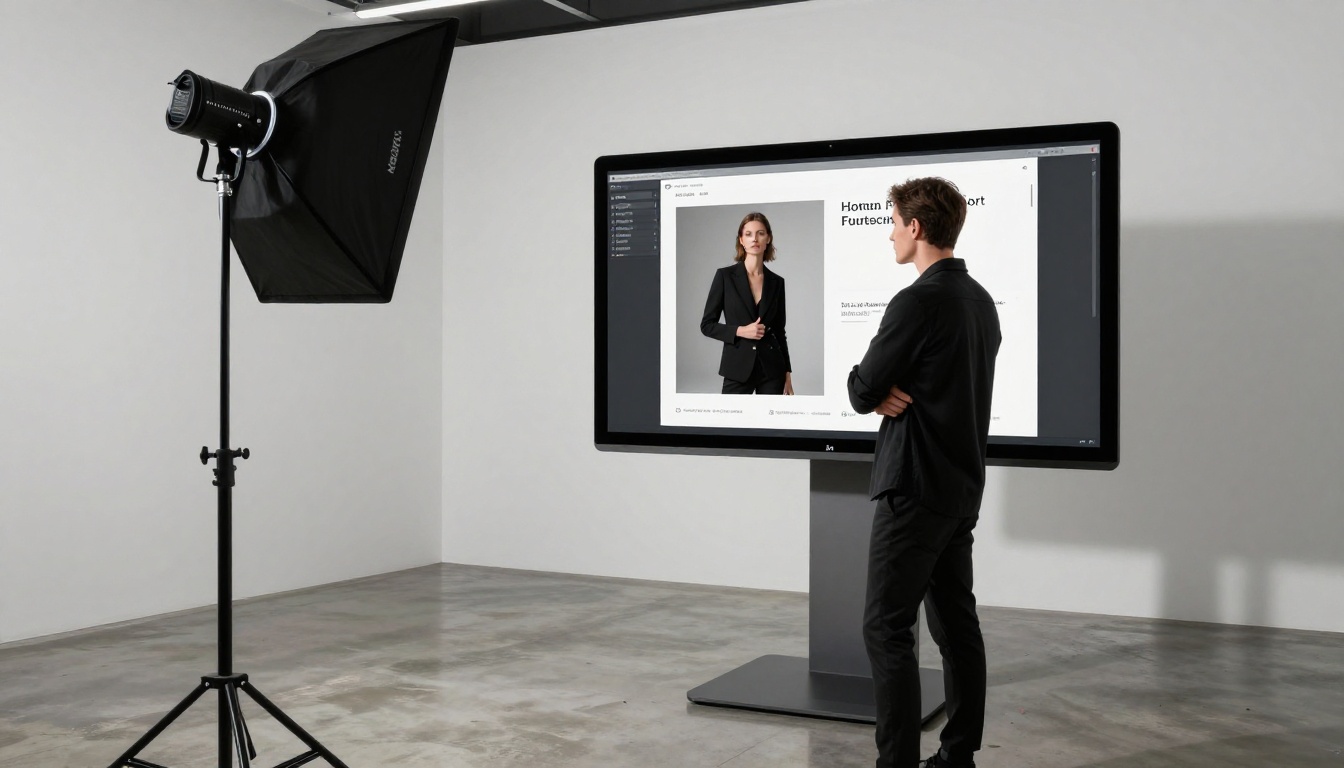
For fashion and commercial shooters, the flipbook replaces the tear sheet PDF that used to go to art directors and brands. A fashion lookbook built as an interactive flipbook, with the photographer's branding, contact information, and organized by campaign or client, is a shareable asset that keeps working long after it's sent.
Art directors at agencies are used to browsing content on screens. A page-turn lookbook feels familiar and signals that the photographer thinks carefully about presentation, not just capture. The Interactive Lookbook Designer makes building this kind of asset straightforward, without needing a designer involved.
Landscape and Fine Art Photographers
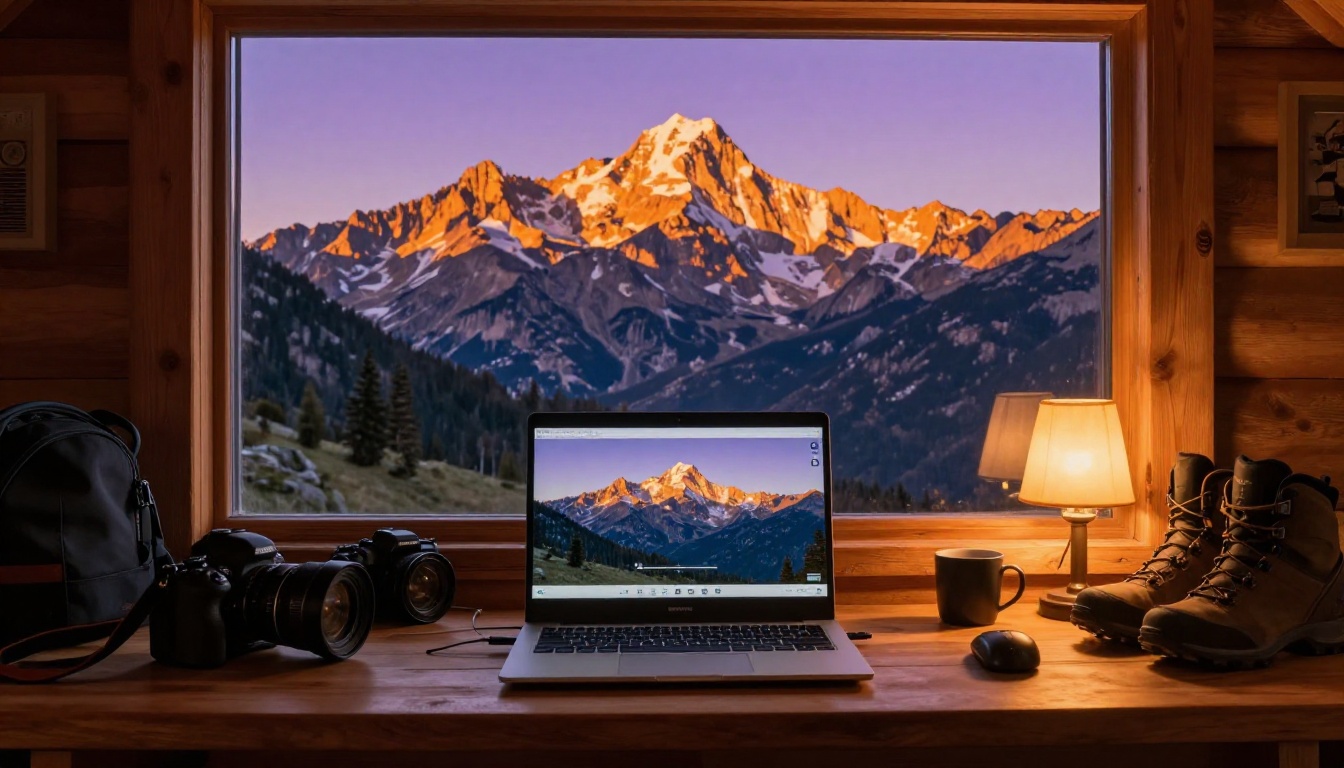
Fine art photographers selling prints and licensing work have a specific challenge: they need to show large-format images at their best quality while keeping the file accessible. A PDF compressed enough to email loses exactly the detail that makes fine art photography worth licensing.
A flipbook loads images progressively and allows the viewer to zoom in on texture and detail, which is something a static PDF can't match. For a landscape photographer selling editorial licenses to magazines or hotels, that zoom capability alone justifies the format change.
How to Build a Photography Portfolio with Flipbooks AI
Flipbooks AI directly addresses the photography delivery problem. Here's how to set up a professional portfolio flipbook from scratch.
Step 1: Create Your Account
Go to Flipbooks AI and create your account. The process takes about two minutes. Once inside the dashboard, everything is organized around creating, managing, and sharing your flipbooks. The interface doesn't require any design or technical background.
Step 2: Prepare Your PDF
Before uploading, make sure your PDF is optimized for digital display rather than print. Use RGB color mode, not CMYK. Export at 150 to 200 DPI rather than 300, since screen resolution doesn't benefit from print-level DPI and a lighter file converts faster. Organize your images so the narrative flows the way you want clients to experience it: strongest image first, consistent with your brand voice throughout.
Step 3: Upload and Convert
Click "Create Flipbook" and upload your PDF. The PDF to Flipbook Converter processes the file and generates a fully interactive flipbook within seconds to a few minutes depending on page count. Each page becomes a high-quality rendered spread with the page-turn animation applied automatically. No manual formatting required.
Step 4: Apply Your Branding
This is where the flipbook separates completely from any PDF viewer. In the customization panel you can:
- Add your photography studio logo to the cover
- Set a custom background color or texture behind the viewer
- Choose from multiple page-flip animation styles
- Add your name, website, and contact link to the footer of every spread
- Set accent colors to match your website palette
The result is a portfolio that looks like it was built by a professional creative director, not assembled in a free PDF tool.
Step 5: Set Sharing and Privacy Options
The Photography Portfolio tool gives you three sharing modes:
- Public link: A single URL you can paste into any email, text, or DM. No login required for the viewer.
- Password protected: Ideal for wedding clients who want privacy, or for proofing sessions before final delivery.
- Embedded on your website: Copy a single line of code from the Embed Flipbook on Website tool and the flipbook appears directly on your portfolio page, fully interactive.
Step 6: Track What Clients Actually Look At
On the Professional plan, you get analytics on every flipbook. You'll see how many times the link was opened, how many pages were viewed, and how long visitors spent on each spread. For a photographer, this data is genuinely actionable. If a client spent four minutes on your landscape work and skipped through the portrait section, you know exactly what to lead with in the follow-up.
💡 Pro tip: Use password protection for client proofing sessions. Send clients a link with a personalized password. It feels exclusive and prevents your work-in-progress spreads from being shared publicly before final delivery.
✅ Best practice: Create a separate flipbook for each major shoot type rather than one massive portfolio. A wedding-focused flipbook, a commercial flipbook, and an editorial flipbook will each connect better with their specific audience than a single generic document trying to serve everyone.
Features That Actually Matter for Photographers
Not all flipbook platforms are the same. Here's what to evaluate, and what Flipbooks AI provides across plans:
| Feature | Why It Matters |
|---|
| No watermarks | Client-facing materials look professional |
| Unlimited flipbooks | One portfolio per client or project |
| Password protection | Proofing sessions stay private |
| Custom branding | Your logo and colors on every share |
| Mobile-responsive | Clients view on phones without problems |
| Analytics | Know what clients are actually viewing |
| Lead generation forms | Capture inquiry details from portfolio viewers |
| Offline downloads | Clients can save a copy for offline reference |
| Embed code | Portfolio lives directly on your website |
| Video and audio support | Add behind-the-scenes content or music |
⚠️ Watch out: Some flipbook platforms add their own branding or watermarks to your flipbook unless you pay for a premium tier. Flipbooks AI includes no watermarks on paid plans, which means your work is always presented cleanly.
Plan Comparison: What You Actually Get
Flipbooks AI pricing is structured around volume and features. Here's how the plans compare for photographers at different stages:
| Plan | Flipbooks | Watermarks | Analytics | Lead Gen | Password Protection | Best For |
|---|
| Free | Limited | Yes | No | No | No | Testing the platform |
| Standard | Unlimited | No | No | No | Yes | Freelance photographers |
| Professional | Unlimited | No | Yes | Yes | Yes | Studios and commercial work |
For most photographers doing client work, the Standard plan covers the essentials: unlimited flipbooks without any watermarks. Photographers running studios or doing high-volume commercial work will benefit most from the Professional plan, where analytics and lead generation turn a portfolio into an active sales tool.
Real Scenarios Where Flipbooks Change the Outcome
The Client Proofing Session
A portrait photographer who used to email a 25MB PDF for client selection now sends a single link. The client opens it on their phone during lunch, turns through the pages, sees the images at full quality, and responds within hours. The photographer didn't need to send a follow-up email asking if the file came through or if the download worked.
The Art Director Portfolio Review
A commercial photographer applying for an editorial assignment sends a link instead of attaching a PDF. The art director clicks it on their iPad during a commute, reviews the work with full-quality images, and notices the portfolio is organized by shoot type. The page-turn format keeps them engaged through twenty spreads instead of the five they'd skim in a PDF before closing the tab.
The Social Media Share
A photographer posts a link to their flipbook in Instagram bio or Stories. Viewers tap through to a mobile-optimized portfolio that feels like a real magazine. There's no "download required" step that kills the momentum. Some viewers share the link with other photographers or potential clients, extending reach without any additional effort from the photographer.

The Shift Is Already Happening
The photography industry runs on first impressions. Clients are choosing photographers before they ever send an inquiry, based on how work is presented in outreach emails and online. A PDF is a static artifact from a pre-mobile world. A flipbook is a living portfolio that behaves the way modern clients expect digital content to behave.
The photographers moving to interactive flipbooks aren't doing it to be trendy. They're doing it because it's getting them better responses, faster decisions, and cleaner client relationships. Clients don't ask "did my download work?" anymore. They just open the link and flip through the pages.
The format shift is a small operational change with outsized results on how work is perceived and how quickly deals close.

Make the Switch Today
If you're ready to stop sending PDFs that clients might never open, create your account on Flipbooks AI and convert your first portfolio in under five minutes. The Digital Portfolio Creator and Portfolio Flipbook Builder are both built specifically for photographers who want professional results without a complicated setup.
Browse the full tools directory to find options built for specific photography niches, from wedding albums to fashion lookbooks to fine art catalogs. Or compare pricing plans to find the tier that fits your volume and the features your client work actually needs.
Your photography deserves a format that does it justice. The flipbook is that format.



