Real estate is a visual business. Buyers decide on a property within seconds of seeing the first photo, and your brochure is often the first piece of marketing they hold, whether at an open house, a listing appointment, or in their inbox at midnight. But printed brochures have a short lifespan: they get folded into a bag, left in a car, or thrown away after the first viewing. The money spent on design, printing, and distribution disappears just as quickly. Interactive flipbook pages for real estate brochures fix all of that, and more agencies across every market segment are making the move every month. Flipbooks AI makes it fast, professional, and completely free to start.
The shift is not just about looking modern. It is about meeting buyers where they actually are: on their phones, browsing listings during a commute, forwarding links to their partner before they even reach the agent. A paper brochure cannot follow that journey. A well-built digital flipbook can, and it does it while tracking exactly how buyers interact with every page.
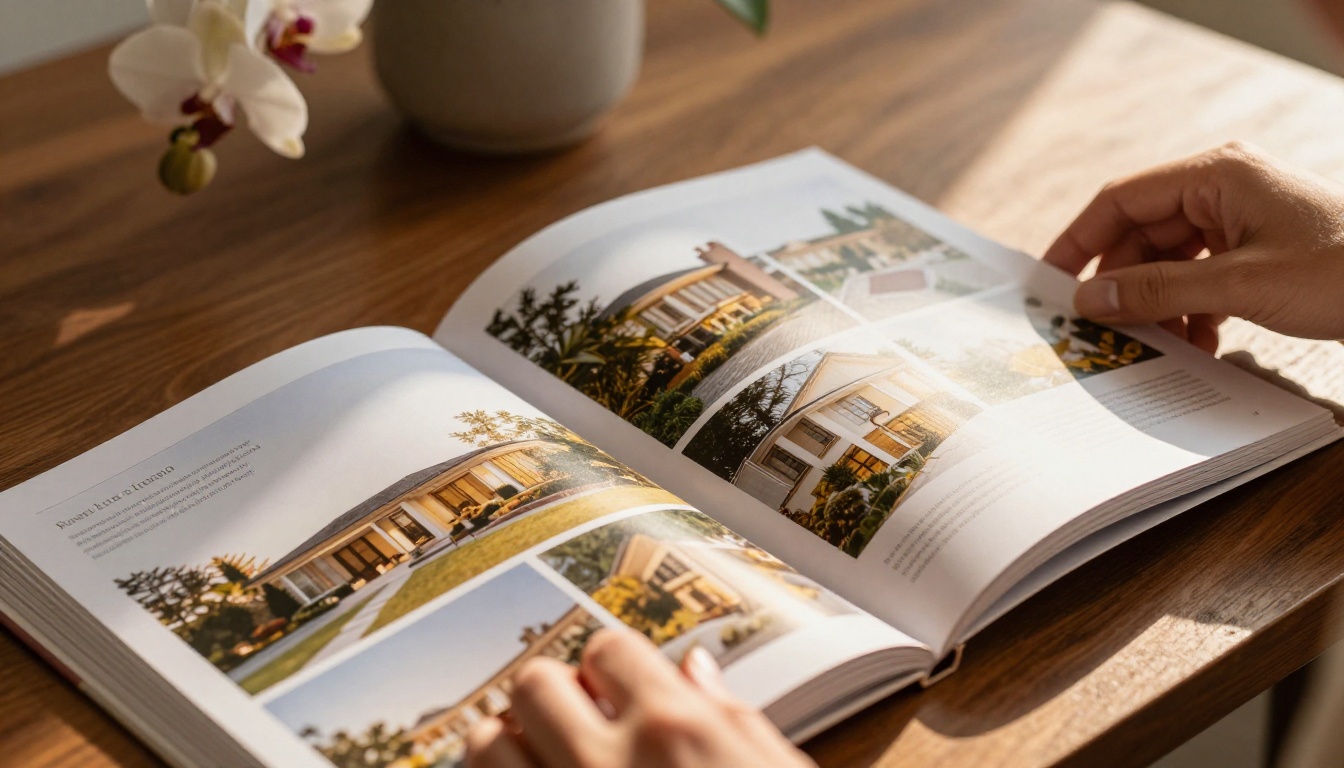
The Problem with Printed Property Brochures
Printed property brochures have been the industry standard for decades, but that standard has significant cracks in it. Most buyers today begin their property search online, swipe through listings on portals, and share finds with friends and family via messaging apps. A paper brochure cannot participate in any of that behavior, no matter how beautifully it is designed.
Print Costs Add Up Fast
Consider what a typical print run costs a mid-size real estate agency running three to five active listings at any given time:
| Item | Approximate Cost |
|---|
| Design (per brochure template) | $150 - $400 |
| Print run (500 copies, full color, coated stock) | $300 - $700 |
| Distribution and postage | $100 - $250 |
| Reprint after price change or photo update | Full cost again |
| Total per campaign | $550 - $1,350+ |
A single price reduction forces a full reprint. New staging photos require a new version. A sold status makes every distributed copy irrelevant overnight. For agencies managing multiple listings simultaneously, these costs compound to thousands of dollars per quarter, with no reliable way to measure whether any buyer actually read the brochure.
Buyers Browse on Their Phones
Industry data consistently shows that over 95% of property searches now begin online, and more than 60% happen on mobile devices. A PDF attachment that does not load cleanly on a phone, or a printed flyer left on a counter at an open house, simply does not reach buyers in the moments when they are most engaged with their search.
⚠️ Warning: A buyer who receives a PDF attachment on mobile will often give it three seconds before closing it. If your brochure is not immediately readable on a 6-inch screen without zooming, you are losing their attention before they see the first bedroom photo.
What a Flipbook Page Actually Does
A flipbook is not a PDF with a page-flip animation pasted on top. It is a fully interactive digital publication that replicates the premium tactile experience of a high-quality printed magazine, but in a browser or on mobile, with additional interactive layers that no printed document can offer.
The Page-Turn Experience
The defining feature of a real estate flipbook is the animated page-turn. When a buyer swipes or clicks to move between pages, the content moves with the physical weight and momentum of a real page, complete with a subtle shadow and curl effect. This motion triggers a different kind of attention than scrolling through a flat PDF. It feels deliberate, premium, and personal, which matters in a business where emotional connection to a space drives buying decisions.
More Than Just a PDF
Where a PDF is a frozen document, a flipbook is a living one. Embedded links can direct buyers to virtual tours. Floor plans can be clicked to reveal larger views. A contact button on the final page opens a form or calendar booking directly. A video embedded in the tour section automates the presentation of features that photography cannot capture, like ceiling height, natural light movement, and the feel of moving through the space.
💡 Pro tip: Include an embedded video walkthrough on page 3 or 4 of your flipbook. Buyers who watch a video of a property are significantly more likely to request an in-person viewing than those who only see static photos.
5 Reasons Real Estate Teams Are Switching
Real estate professionals are pragmatic. If something does not save time, reduce cost, or close more deals, it does not last. Here are the five reasons digital flipbook pages are replacing printed brochures across residential, commercial, and luxury real estate markets.
Instant Sharing, No Printing
A flipbook lives at a URL. Send it in an email, paste it into a WhatsApp conversation, post it to Instagram Stories, or embed it directly in a property portal listing. No printing, no courier, no waiting. A buyer in another city, or another country, receives your full property presentation in seconds and can pass it along to their family with a single tap.
This matters particularly during the early stages of a buyer's search, when they are evaluating ten or fifteen properties simultaneously and forwarding the most interesting ones to their network. A shareable link competes in that shortlist. A printed brochure sitting on an open house table does not.

Interactive Floor Plans and Virtual Tours
Static floor plans printed on paper are flat and difficult to interpret for most buyers who are not trained to read architectural drawings. Inside a digital flipbook, floor plans become interactive: rooms can be labeled with clickable detail popups, different levels can be toggled, and an embedded 360-degree virtual tour link can take buyers from looking at a diagram to walking through the space in under three seconds.
This spatial understanding matters enormously in purchase decisions. A buyer who can mentally place their furniture in a floor plan, and virtually walk through the living spaces, arrives at a physical showing already pre-sold on the layout.
Trackable Buyer Behavior
This is the feature that fundamentally changes how real estate agents follow up with prospects. On a platform like Flipbooks AI, the Professional plan provides analytics showing which pages buyers spent the most time on, how many times the brochure was opened, and whether it was shared onward. That data is invaluable for a sales conversation.
💡 Pro tip: If a buyer opened your flipbook four times and spent three minutes on the master suite spread each visit, your follow-up call should lead with the master suite, not the asking price. Analytics turns cold follow-up into warm, personalized conversations.
Always Up to Date
A price reduction on a Tuesday means the flipbook reflects it on Tuesday. No reprints. No outdated copies distributed at last week's open house. No buyer calling with the wrong number because they received a flyer from three weeks ago. Every person who has ever been sent the link sees the updated version automatically the next time they open it.
This is particularly powerful for long-listing properties where market conditions shift, or for new development projects where specifications and pricing evolve over months.
Professional First Impressions
In a competitive market where two comparable properties list the same week, presentation matters. A beautifully animated flipbook with full-bleed photography, consistent branding, and embedded multimedia signals that an agency takes its marketing seriously. That first impression shapes a buyer's perception of both the property and the agent representing it.
Print vs. Digital Flipbook: Side by Side
Here is a direct feature comparison for real estate teams evaluating the switch:
| Feature | Printed Brochure | Digital Flipbook |
|---|
| Cost per update | Full reprint required | Free, instant edit |
| Sharing method | Physical handout only | URL, email, social, embed |
| Mobile experience | Requires scanning or PDF zoom | Native mobile design |
| Video embedding | Not possible | Fully supported |
| Interactive floor plans | Static image only | Clickable and zoomable |
| Analytics and tracking | None | Page views, time spent |
| Password protection | None | Available |
| Environmental impact | Paper and ink waste | Zero print waste |
| Lead capture | Agent follow-up only | Built-in lead generation forms |
| Update frequency | Costly and time-consuming | Real-time, no reprints |
The difference is not marginal. A digital flipbook outperforms printed materials on every metric that matters to a modern real estate operation, while costing less over any period longer than a single month.
How to Build a Real Estate Flipbook with Flipbooks AI
The Real Estate Brochure Creator from Flipbooks AI is purpose-built for property marketing. Here is how to create your first interactive property brochure in under ten minutes.

Step 1: Create your account
Visit flipbooksai.com/account and sign up. The free plan lets you publish your first flipbook immediately with no credit card required.
Step 2: Prepare your PDF brochure
Design your property brochure in Canva, Adobe InDesign, PowerPoint, or any design tool you already use. Export it as a PDF. This is your source file. Include high-resolution property photos, detailed floor plans, property stats, neighborhood information, agent contact details, and a clear call-to-action page at the end.
Step 3: Upload to the PDF to Flipbook Converter
Use the PDF to Flipbook Converter to upload your PDF. The platform converts it automatically and applies the page-turn animation across all pages. The process takes under sixty seconds for a standard twelve-page brochure.
Step 4: Customize your branding
Apply your agency's brand colors to the flipbook interface, add your logo to the cover, and customize the background color or texture. The Online Brochure Designer puts full visual control in your hands without requiring a web developer or additional software.
Step 5: Add multimedia and interactive elements
Embed your property walkthrough video directly on the tour page. Add clickable hyperlinks to your contact booking form. Insert a map embed for the neighborhood section. Each of these additions takes two to three minutes and dramatically increases the time buyers spend with your content.
Step 6: Set sharing and privacy options
For exclusive or pre-market listings, enable password protection so only pre-qualified buyers can access the full brochure. For public listings, copy the shareable URL and use the Embed Flipbook on Website tool to place it directly on your property listing page.
Step 7: Activate analytics and lead generation
On the Professional plan, activate the analytics dashboard and place a lead generation form on your final call-to-action page. You will receive notifications when buyers open the brochure and can see exactly which sections drew the most attention.
✅ Best practice: Add a "Book a Viewing" button on the last page that links to your calendar booking tool. This converts passive readers into active leads without any manual follow-up friction.
Flipbooks AI Plans for Real Estate Teams
Choosing the right plan depends on your agency's volume and feature requirements:
| Plan | Monthly Price | Flipbooks | Analytics | Lead Forms | Password Protection | Offline Downloads |
|---|
| Free | $0 | 3 | No | No | No | No |
| Standard | From $9 | Unlimited | No | No | Yes | No |
| Professional | From $19 | Unlimited | Yes | Yes | Yes | Yes |
💡 Pro tip: The Professional plan pays for itself after a single qualified lead captured through the built-in form. Compare full pricing plans to find the right tier for your agency.
Real-World Use Cases
Not every real estate scenario calls for the same flipbook structure. Here is how different professionals are applying digital property brochures right now.
Luxury Property Listings
High-net-worth buyers expect premium presentation at every touchpoint, from the first email to the final contract. A luxury property flipbook with full-bleed photography, cinematic page transitions, and an embedded aerial drone video positions the listing as exceptional before the buyer even steps through the door.

A password-protected flipbook sent exclusively to buyers who meet qualifying criteria adds another layer of perceived exclusivity. Scarcity and controlled access are powerful psychological triggers in the luxury segment, and a digital flipbook makes them easy to implement.
What to include: Full-page hero property photo, architect's statement, neighborhood lifestyle spread, detailed floor plans per level, and a private showing request page protected by password.
New Development Projects
Developers launching off-plan projects sell based on renders, specifications, and trust. A flipbook is the ideal format for this scenario: specifications can be updated as the build progresses, new interior render options can be added as they are finalized, and pricing can be adjusted per unit type without distributing a new document to every prospect in the pipeline.
What to include: Project overview, building specifications, floor plan variations by unit type, development timeline, investment return projections, and a reservation inquiry page.
Open House Follow-Ups
An open house ends and most visitors take a printed flyer that sits in a bag for three days. With a digital flipbook follow-up, the agent sends a personalized link within an hour of the open house closing, while the property is still vivid in each visitor's memory. Analytics then show exactly which visitors returned to browse the brochure again, flagging the warmest prospects for priority follow-up.

What to include: A recap of the property's top features, a testimonial from a satisfied buyer in the same neighborhood, a comparative market analysis page, and a direct booking link for a second viewing.
What to Include in Your Real Estate Flipbook
A well-structured property flipbook follows a clear narrative that moves a buyer from curiosity to action. Use this checklist when building yours:
| Section | Content | Recommended Page |
|---|
| Cover page | Hero photo, property address, asking price | Page 1 |
| Property overview | Bedroom count, bathrooms, lot size, property stats | Page 2 |
| Photo gallery spread | 4 to 6 professional interior and exterior shots | Pages 3-5 |
| Floor plans | Annotated or interactive plans per level | Pages 6-7 |
| Neighborhood section | Local amenities, school ratings, transport links | Page 8 |
| Video tour embed | Walkthrough or aerial drone footage | Page 9 |
| Agent profile | Professional photo, credentials, contact details | Page 10 |
| Call-to-action page | Viewing booking link, lead capture form | Page 11 |
⚠️ Warning: Do not load your first three pages with legal disclaimers and compliance text. Buyers will close the brochure before they see the property. Move all compliance content to an appendix or the very last page.
Take Your Listings to the Next Level
Real estate brochures that still rely entirely on print are leaving buyers behind. Buyers want instant access on their phones, a premium visual experience, and the ability to share a listing with their network in a single tap. Digital flipbook pages deliver all three, at a fraction of the ongoing cost of print production, with the added advantage of real-time analytics that printed materials can never provide.
Whether you are presenting a single boutique listing or managing a portfolio of fifty properties, the tools exist to make every brochure work harder and reach further. The Brochure Flipbook Maker and the dedicated Real Estate Brochure Creator give you everything needed to build and publish a professional, interactive property presentation today, with no technical skills required and no watermarks on your content.

Ready to replace static printed brochures with something buyers actually open, read, and share? Create your first flipbook for free and see the difference before your next listing appointment. Browse all available tools and templates for every real estate use case, or compare pricing plans to choose the option that fits your agency's size and goals.



