Schools have been handing out printed PDFs for decades, and most educators know the problems that come with them. Paper runs out, ink cartridges drain budgets, files refuse to load on older phones, and students abandon long PDF documents the moment they realize scrolling through 40 black-and-white pages is their homework. The shift to interactive flipbooks is not a trend rooted in novelty. It is a practical response to problems that have been building in education for years. Flipbooks AI has become one of the go-to platforms for schools making this transition, and the reasons are worth examining in detail.
The Real Problem with PDFs in Schools
Static Pages in a Dynamic World
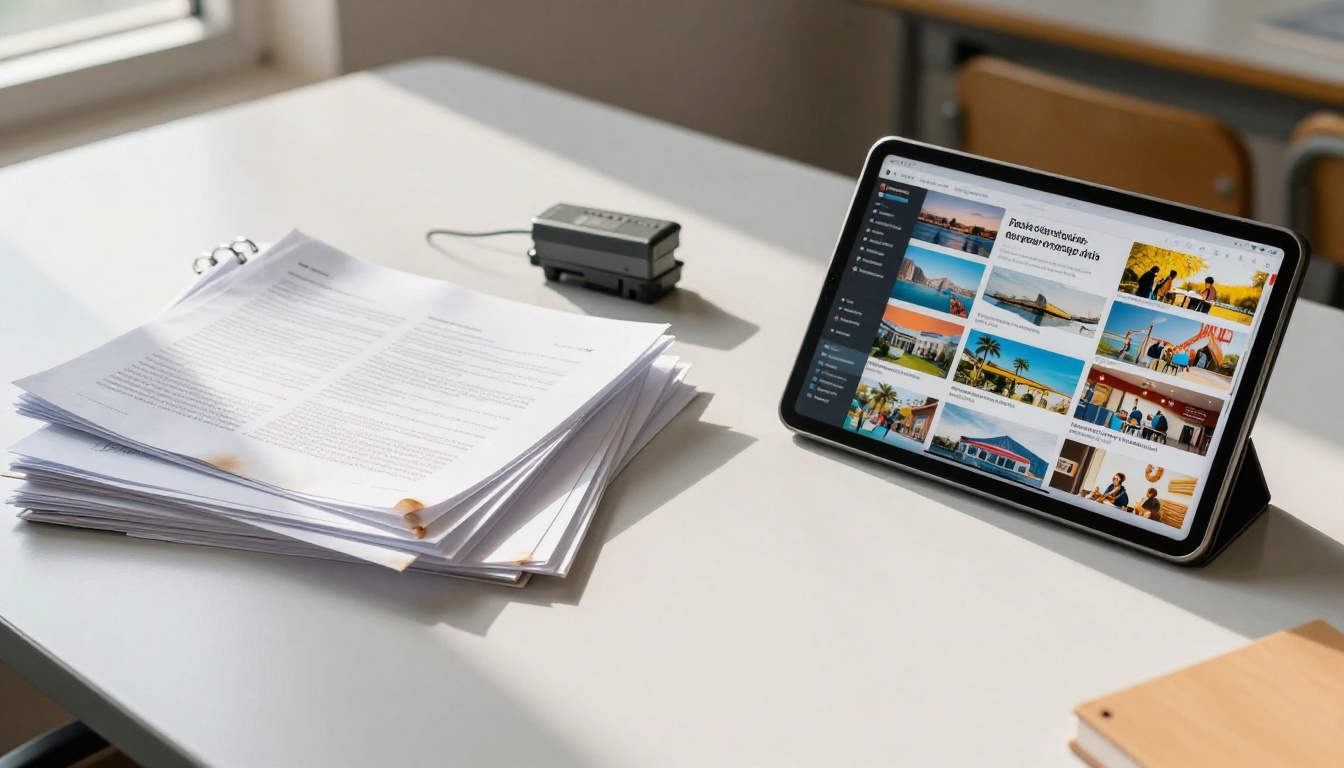
PDFs were designed for printing. That is their origin, their purpose, and their limitation. A PDF document displays exactly as it was formatted when created, with no animation, no embedded interactivity, and no adaptation to screen size. When a teacher uploads a PDF to a learning management system, students receive a file that renders beautifully on a desktop but becomes a pinch-and-zoom frustration on a phone.
The average student today consumes content through video, social media, and apps that respond to touch, swipe, and scroll. A flat, scrollable PDF sits at odds with how most students interact with information outside school. That is not a criticism of students. It is an observation about format fit.
Printing Costs That Add Up Fast
The financial argument against PDFs is straightforward once the numbers are examined. Schools that print course materials, syllabi, newsletters, and handbooks spend significant portions of their supply budgets on paper and ink. A single school printing 500 copies of a 20-page course packet spends money that compounds across every class, every semester, every year.
Beyond raw material cost, there is the time cost: printing delays, paper jams, running out of toner mid-job, and the administrative overhead of managing printer maintenance. Digital flipbooks eliminate all of these friction points entirely.
Accessibility Fails Students
A PDF distributed via email or a shared drive assumes every student has a device capable of rendering it properly, a stable internet connection to download it, and a screen large enough to read it comfortably. These assumptions fail a meaningful portion of students, particularly those in under-resourced districts.
Mobile-first flipbooks load instantly in any browser, resize to any screen, and do not require downloading. Students on a shared family smartphone can access the same material as a student on a school-issued laptop.
What Flipbooks Do Differently
Page-Turn Effects That Hold Attention
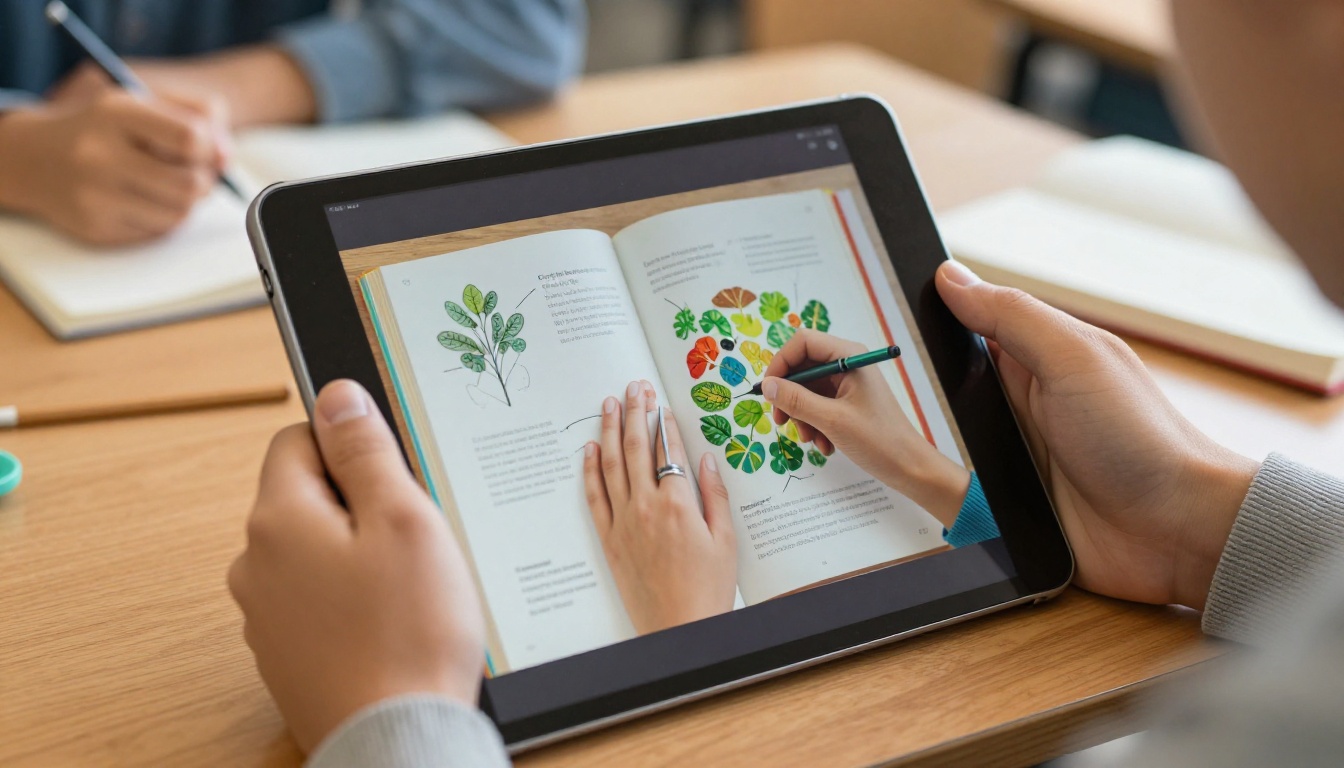
The page-turn animation in a digital flipbook is not decoration. It provides a familiar, book-like reading experience that orients readers spatially within the document. Users know where they are in the material because they can feel the weight of pages already turned, just as they would with a physical book. This spatial awareness reduces the cognitive disorientation that often comes with scrolling through long PDF files.
Research in educational technology consistently shows that familiar reading metaphors improve comprehension rates. The flipbook format bridges the gap between the physical reading experience students grew up with and the digital medium they use daily.
Embedded Video, Audio, and Links
A PDF cannot play a video. It cannot stream audio. It cannot adapt its content based on what a student clicks. A flipbook can do all three. Science teachers embed lab demonstration videos directly into course material pages. Music teachers include audio clips alongside sheet music. History teachers link primary sources within the narrative.
This is the fundamental capability gap. A PDF distributes text and images. A flipbook distributes experiences.
Works on Any Device, Any Time
Flipbooks created on Flipbooks AI are mobile-responsive by design. They render correctly on a 6-inch smartphone screen and a 27-inch classroom monitor without requiring the teacher to create separate versions. The same flipbook shared via a link works everywhere, for everyone, instantly.
PDF vs Flipbook: A Side-by-Side Look
| Feature | PDF | Digital Flipbook |
|---|
| Interactive elements | None | Video, audio, links, forms |
| Mobile experience | Poor (pinch-to-zoom) | Fully responsive |
| Page-turn animation | No | Yes |
| Branding options | Limited | Full custom colors and logos |
| Analytics and tracking | None | Page views, read time, clicks |
| Sharing method | File download | Link or embed code |
| Update after sending | Impossible | Real-time updates |
| Printing required | Often yes | Never |
| Password protection | Basic | Advanced per-flipbook control |
| Embed on website | No | Yes, with one line of code |
💡 The single most impactful difference for school administrators is real-time updating. When a syllabus changes, a PDF must be reprinted and redistributed. A flipbook updates for every student who has the link, instantly, with zero distribution effort.
How Schools Are Actually Using Flipbooks
Science Labs and Course Materials
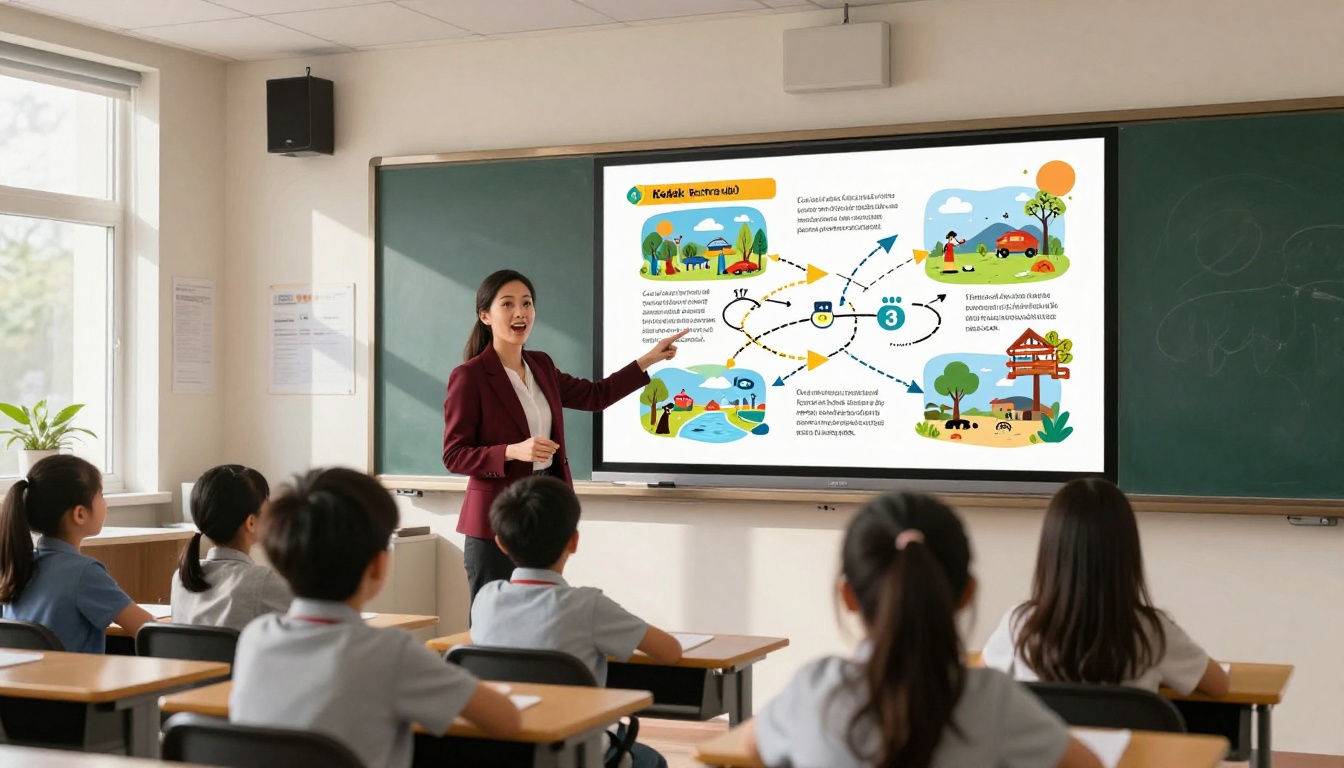
Science departments were among the first to adopt flipbooks for course materials. Lab manuals that previously required printing now live as interactive flipbooks with embedded safety videos, clickable glossary terms, and visual step-by-step instructions that students can access on any device during lab time.
The Course Material Publisher tool on Flipbooks AI is specifically built for this use case, allowing teachers to convert existing PDFs into fully interactive course materials without any design experience required.
School Newsletters and Yearbooks
The school newsletter is a document that lived and died as a PDF for years. It was emailed as an attachment, ignored by parents who did not open attachments, and forgotten by the time it might have been relevant. A flipbook newsletter is a different object entirely. It arrives as a clickable link, opens immediately in a browser, and can include photo galleries, video clips from school events, and highlighted announcements in a format that actually invites reading.
The School Newsletter Creator and Yearbook Flipbook Maker tools handle exactly these formats, with templates designed for educational institutions and adapted for every screen size.
Student Handbooks and Course Catalogs
Student handbooks are among the most important documents a school distributes and among the most ignored. Printed handbooks end up in lockers, lost in backpacks, or never opened. A flipbook handbook can be pinned to the top of a school's website or learning management system, shared via QR code at orientation, and updated when policies change without reprinting a single page.

| School Document Type | PDF Problem | Flipbook Solution |
|---|
| Course syllabus | Cannot update after printing | Edit anytime, updates live |
| Lab manual | No video support | Embed demo videos per step |
| School newsletter | Low open rates as attachment | Higher open rates as shared link |
| Student handbook | Lost or ignored | Always accessible via link or QR |
| Yearbook | Expensive to print | Digital with photos and video |
| Course catalog | Outdated fast | Real-time updates, always current |
| Training materials | One-size-fits-all | Interactive, self-paced modules |
The Cost Reality: Print vs Digital
The financial comparison between printing and digital distribution is not subtle. Below is a realistic estimate for a mid-sized school:
| Expense Category | Annual Print Cost | Annual Digital Cost |
|---|
| Paper (reams per school) | $2,400 | $0 |
| Ink and toner cartridges | $3,800 | $0 |
| Printer maintenance | $1,200 | $0 |
| Staff time (printing, sorting, distributing) | $4,000 estimated | $200 (upload time only) |
| Storage and physical filing | $600 | $0 |
| Redistribution when updates needed | $1,800 | $0 |
| Total (estimated per school) | $13,800/year | ~$200/year |
⚠️ These are directional estimates based on typical mid-sized school usage. Actual figures vary. The core point holds: the cost differential between print and digital is not incremental. It is structural.
The pricing plans for Flipbooks AI start at a fraction of even a single month's printing costs for most schools, making the financial case essentially automatic once the comparison is laid out.
What Teachers Are Seeing in Their Data
Reading Rates Go Up
One of the most consistent findings from schools that have switched to flipbooks is that students actually read the material. This sounds obvious but is not. PDF documents distributed digitally have low voluntary open rates. A flipbook shared as a link, embedded in a class page, or sent with a preview thumbnail performs measurably better in every comparison.
Teachers using the analytics features available on the Professional plan can see which pages students spent time on, which pages they skipped, and how long they stayed in the document. This data changes how teachers write and structure their materials over time.
Sharing Becomes Instant
A PDF requires the student to open their email, download the attachment, locate it in their downloads folder, and open a PDF reader. A flipbook is one click from anywhere the link appears. Teachers share flipbooks in chat messages, on class websites, via QR codes posted at the classroom door, or embedded directly into their school's learning management system.
This reduction in friction is not trivial. Every additional step between a student and the content is a dropout point. Flipbooks remove almost all of those steps.

How to Create School Flipbooks with Flipbooks AI
Flipbooks AI makes converting school PDFs into interactive flipbooks a process that takes minutes, not hours. Here is how it works in practice.
Step 1: Set up your account
Go to flipbooksai.com/account and create a free account. No credit card is required to start. You can upload your first flipbook and see the result before committing to any plan.
Step 2: Upload your existing PDF
Use the PDF to Flipbook Converter. Click "Upload PDF," select your file, and the platform handles the conversion automatically. A 20-page course document converts in under 60 seconds. The page layout, images, and text from the original PDF carry over without reformatting.
Step 3: Add your school's branding
In the customization panel, upload your school's logo, set your institution's colors, and choose a background style that fits your aesthetic. This step takes most users under five minutes and produces a result that looks professionally designed without any design background needed.
Step 4: Embed interactive elements
On each page, add embedded YouTube or Vimeo videos, clickable hyperlinks, audio clips, or contact forms using a drag-and-drop interface. Science teachers add lab demonstration videos on the relevant procedure pages. History teachers link primary source documents in the margins. The interface requires no technical skill whatsoever.
Step 5: Share with students
Once published, your flipbook has a permanent link you can share anywhere: email, class chat, QR code, or embedded on your school's website using the Embed Flipbook on Website tool. Students access it from any browser-capable device with no login on their end.
✅ For school newsletters and yearbooks specifically, the School Newsletter Creator and Yearbook Flipbook Maker include pre-built educational templates that cut production time dramatically and require no layout experience.
Step 6: Track who reads what
On the Professional plan, the analytics dashboard becomes available after sharing. Within 24 hours of distribution, you have data on how many students opened the flipbook, which pages they read, and how long they spent on each section. This level of insight is simply not possible with any PDF.
Which Schools Are Moving Fastest?
The institutions moving most aggressively to flipbooks share a few characteristics: they have administrators who recognize that reducing friction for students directly affects outcomes, they have teachers willing to try a one-time conversion process for materials they already have, and they operate in environments where device availability is no longer a barrier.
Charter schools have been early adopters because they tend to have fewer administrative layers between a teacher's idea and its implementation. Community colleges have adopted flipbooks for their course catalogs and program brochures because the cost of printing thousands of enrollment-period catalogs is a visible, measurable expense that digital directly eliminates.
High schools with active journalism or yearbook programs have found that the Yearbook Flipbook Maker solves a longstanding problem: printed yearbooks cost significant money per copy, take weeks to produce, and cannot include video or audio from the school year. A digital flipbook yearbook includes all of those things, can be distributed instantly to every family, and costs a fraction of the print version.
For schools with training programs or continuing education departments, the Training Manual Flipbook tool offers a purpose-built solution for professional development materials that would otherwise be printed and distributed at every session.
Make the Switch at Your School
The schools seeing the clearest results from this shift are not those that made a grand institutional commitment to digital publishing. They are the ones where a single teacher converted one syllabus, shared the link with students, and received better reading rates and fewer "I didn't get the handout" messages than they had in an entire semester.
The barrier to starting is lower than most administrators expect. You already have the PDFs. The conversion takes minutes. The first flipbook is free.
Ready to see what your school's materials look like in flipbook format? Create your first flipbook for free and have it ready to share with students today. Browse all available education tools to find templates built specifically for schools, including course materials, newsletters, yearbooks, and training manuals. When you are ready to scale across departments, review pricing plans to find the option that fits your institution's size and budget.



