Freelance translators spend years building expertise across language pairs, industries, and text types, yet most of them still share their best work as a PDF attachment in an email. That single format choice is quietly costing them clients. In an industry where first impressions often happen in under 30 seconds, the way you present your language samples matters as much as the samples themselves. Flipbooks AI has become the tool of choice for translators who want their portfolios to stand out, and this article breaks down exactly why the switch makes sense.
The Problem with PDF Samples
What happens when a client opens your PDF
A client receives your email, downloads the file, opens it in a viewer, scrolls through several pages of plain text, and closes it. There is no interactivity, no visual hierarchy, no easy way to jump between language pairs or specializations. If your portfolio covers legal, medical, and marketing translation across four languages, a PDF forces the reader to wade through all of it linearly, or get lost trying to navigate with basic bookmarks.
Attachments signal less professionalism than you think
In 2027, sending a file attachment to a prospective client carries subtle friction. Many corporate email systems flag or quarantine attachments automatically. Some clients simply do not open files from unknown senders. Others open the PDF on a phone and see small, unformatted text that strains their eyes. You can have brilliant translation samples and still lose the job because the delivery method felt dated.

⚠️ Studies on freelance proposal conversion rates consistently show that interactive, web-based portfolios outperform static file submissions by 30 to 60 percent in terms of follow-up rates.
The format gap no one talks about
Graphic designers have Behance. Photographers have Squarespace galleries. Developers have GitHub. Translators, historically, have had nothing purpose-built for their work, so they default to PDFs or plain-text email excerpts. Flipbooks fill that gap in a way nothing else does: they take your existing translation documents and turn them into polished, interactive digital publications that anyone can open in a browser with one click.
Why Flipbooks Work So Well for Language Samples
Pages that feel like a real document
The page-turning metaphor matters more than it might seem. When a client views your translation samples as a flipbook, they instinctively treat it like a publication, not a word processing file. That psychological shift raises the perceived quality of your work before they have read a single word. The typography looks intentional. The layout looks deliberate. Your samples feel curated.
One link instead of multiple attachments
A translator working across three language pairs and two specialties might otherwise send three separate PDFs. With a flipbook, that becomes one link. The client clicks it, lands on your portfolio, and can flip between French legal translation samples and Spanish marketing copy without downloading anything or switching files. That seamlessness reads as professionalism.

Mobile-first viewing
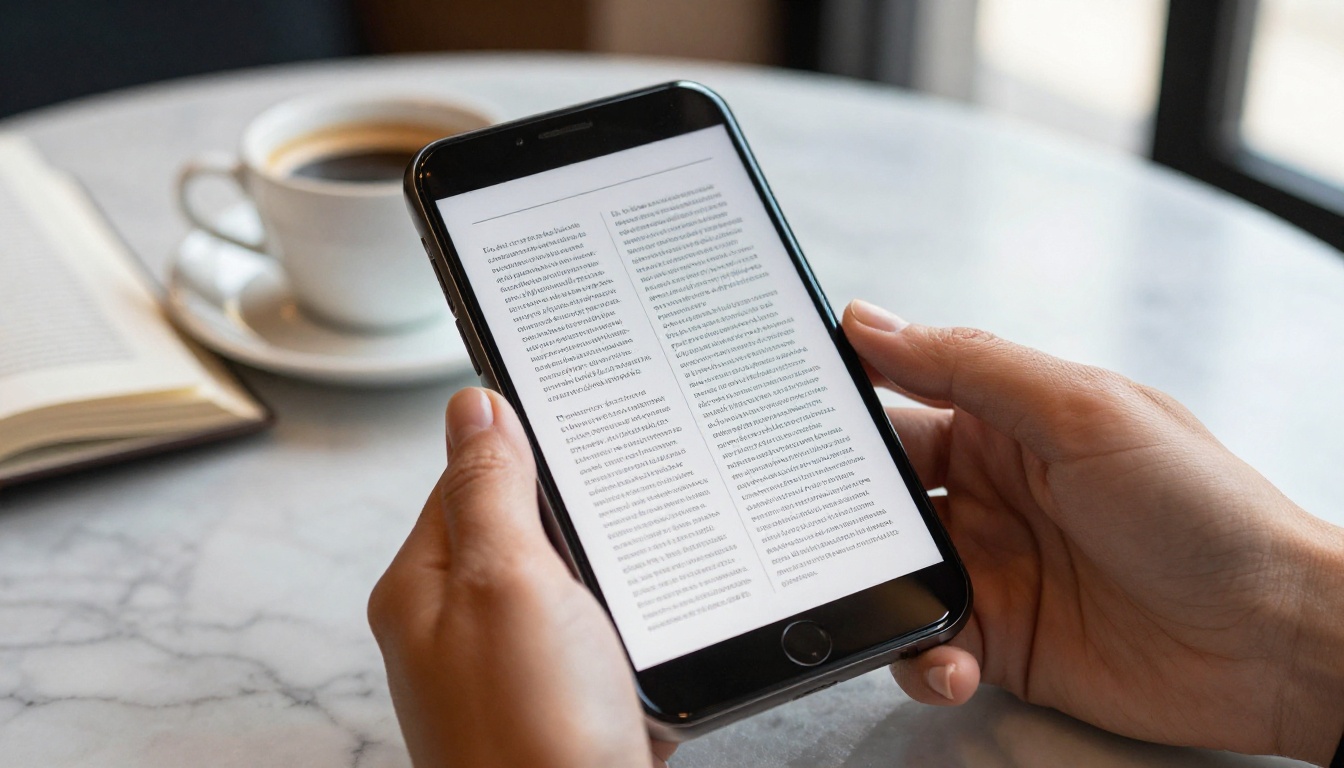
A huge percentage of agency hiring managers and direct clients review freelancer materials on mobile devices. PDFs on mobile are notoriously awkward: pinch-to-zoom, landscape rotation issues, font rendering problems. A flipbook built on Flipbooks AI is fully mobile-responsive by default. The layout adapts to the screen, the text stays legible, and the page-turning interaction works on touch screens just as smoothly as on desktop.
💡 Include a cover page in your flipbook with your name, language pairs (e.g., "FR > EN | ES > EN"), and a brief positioning statement. Clients often share portfolios internally, and a self-identified cover means your name travels with the document.
Real Use Cases by Translation Specialty
Legal translators: credibility through presentation
For legal translation, credibility is everything. Clients commissioning contracts, court documents, or patents need to trust that the translator understands the precision required. A well-formatted flipbook with samples organized by document type (contracts, judgments, legislation) communicates that precision through its structure alone. You can include bilingual page spreads where the source and target text appear side by side, which is exactly how professional legal translation documents look in real-world use.

Marketing and creative translators: tone matters
For transcreation and marketing translation, the sample itself needs to feel alive. Static PDFs strip that energy away. A flipbook lets you present samples with proper formatting, including bold headers, pull quotes, and visual spacing that mirrors how the final content actually appears. A Spanish landing page translation looks far more compelling presented with its original formatting intact than as a wall of plain text in a Word document.
Technical and medical translators: organization by domain
Technical and medical translators often cover dozens of document types across years of work. The challenge is helping clients find the specific sample that proves your competence in their domain quickly. A flipbook organized with clear chapter breaks ("Software Localization," "Medical Devices," "Clinical Trials") lets clients navigate directly to the section relevant to their project. That targeted navigation is simply not possible with a flat PDF.

| Feature | PDF | Personal Website | Flipbook |
|---|
| No download required | No | Yes | Yes |
| Mobile-optimized | Rarely | Depends | Always |
| Page-turning interaction | No | No | Yes |
| Setup time | Minimal | Days to weeks | Minutes |
| Shareable via single link | No | Yes | Yes |
| Password protection | Limited | Complex | Built-in |
| Analytics (who viewed it) | No | Maybe | Yes (Pro) |
| Custom branding | No | Yes | Yes |
| Embed on website | No | N/A | Yes |
| No technical skills needed | Yes | No | Yes |
The table above makes the tradeoffs clear. PDFs win only on setup simplicity, but flipbooks match or exceed them on every metric that actually affects client conversion. Personal websites require technical knowledge, hosting costs, and ongoing maintenance. Flipbooks hit the middle: professional output with minimal setup friction.
Build Your Translation Portfolio Step by Step
Creating a translation portfolio flipbook takes under 30 minutes if your samples are already in PDF form. Here is exactly how the process works.
Step 1: Prepare your translation samples
Collect your best samples and organize them into a single PDF. Structure the document with clear headers for each section (language pair, document type, or specialty). Good typography in the source document translates directly into a polished flipbook. Keep the PDF under 50 pages for the best reading experience.
Step 2: Create your account
Go to Flipbooks AI and sign up. The process takes under two minutes and does not require a credit card to start.
Step 3: Upload and convert your PDF
Use the PDF to Flipbook Converter to upload your file. The tool converts it automatically, preserving your formatting, fonts, and layout. You will see a preview within seconds.
Step 4: Customize your branding
Add your name, logo, and brand colors to the flipbook interface. You can set a custom cover image, configure the background color, and choose the page-flip animation style. This is where your portfolio starts to feel like a professional publication rather than a converted document.

Step 5: Configure sharing settings
Generate a shareable link and optionally set a password for sensitive samples. If you work with translation agencies that have confidentiality requirements, password protection lets you share sample excerpts without exposing full documents publicly.
Step 6: Share and track
Send the link directly in emails, add it to your LinkedIn profile, or embed it in your personal website using the provided embed code. On the Professional plan, you can track who opened your portfolio, how long they spent on each section, and which pages held their attention. That data is genuinely useful for following up with prospects.
✅ Create separate flipbooks for different client types: one for direct clients (informal, accessible), one for agencies (formal, thorough), and one for a niche if you specialize. The Digital Portfolio Creator is built for exactly this use case.
Sharing Strategies That Actually Win Clients
Where to put your flipbook link
| Platform | Where to Add It | What to Say |
|---|
| LinkedIn Profile | "Featured" section | "Translation Portfolio (FR > EN, ES > EN)" |
| Email Signature | After your name and contact | "View samples: [link]" |
| ProZ / TranslatorsCafe | Bio or profile link | "Full portfolio" |
| Direct email to agency | Body of email, not attachment | "View my samples here" |
| Personal website | Homepage and Services page | Embedded or linked |
| Upwork / Fiverr | Portfolio section | Flipbook link or screenshot |
Every platform where translators typically share their credentials is a potential home for a flipbook link. Once the link exists, adding it takes seconds.
Password protection for agency samples
Many translation agencies ask for samples that contain proprietary content from previous clients. You cannot share that publicly, but you can share it with a password in a proposal context. Flipbooks AI supports password-protected publications, which means you can include confidential samples in your portfolio while controlling who accesses them.
Embedding on your website
If you have a personal website, the embed feature is particularly powerful. Instead of a "Download my CV" button, you can have an interactive portfolio embedded directly on your Services page. Visitors never have to leave your site or download a file. They see your work immediately, in context, with the full flipbook experience.
💡 Add a lead generation form to your flipbook (available on the Professional plan) so clients who view your portfolio can submit their project details directly. It turns a passive portfolio into an active inquiry form.
Why Clients Respond Better to Flipbooks
First impressions in under 10 seconds
Research on portfolio reviews consistently shows that evaluators form a strong impression within the first 10 seconds. A PDF takes time to download, open, and orient within. A flipbook is immediately visual, immediately navigable, and immediately impressive. That 10-second window is where the flipbook format wins.
Analytics tell you who is actually interested
On the Professional plan, Flipbooks AI provides analytics on every view. You can see when your portfolio was opened, how much time the viewer spent, and which sections held their attention. For a translator following up with an agency after sending a proposal, that data is invaluable. If you can see they spent four minutes on your legal translation section, you know exactly what to lead with in your follow-up email.

The psychological effect of publication format
There is a reason professional translators who publish books or articles look more credible than those who do not. Publication implies a quality threshold. When you present your language samples in flipbook format, you borrow that same credibility signal. Your samples are not just files: they are a publication. That subtle framing shifts how clients perceive the work before they even read it.
Pricing Plans at a Glance
| Plan | Flipbooks | Watermark | Password Protection | Analytics | Offline Download |
|---|
| Free | 3 | Yes | No | No | No |
| Standard | Unlimited | No | No | No | No |
| Professional | Unlimited | No | Yes | Yes | Yes |
For most freelance translators, the Standard plan is the right starting point: unlimited flipbooks with no watermarks. If you want password protection and analytics (which are genuinely useful for agency sales), the Professional plan is worth the upgrade. You can compare full plan details on the pricing page.
✅ Start with the free plan to convert one portfolio and test the format with a few prospective clients. Once you see the response rate improve, upgrading to Standard or Professional pays for itself quickly.
Beyond language sample portfolios, several other flipbook formats are directly relevant to translators who want to build their professional presence:
The Competitive Edge in a Crowded Market
Freelance translation is competitive. Platforms like ProZ, Upwork, and Fiverr have thousands of translators listing the same language pairs and often competing on price. The translators who consistently win higher-value clients are the ones who have systematically built a more professional presence. Sending a flipbook link instead of a PDF attachment is one of the smallest changes with one of the largest visible impacts.
When you send a flipbook, the client does not just see your translation samples. They see that you are someone who thinks carefully about how you present yourself. That inference carries weight, especially in an industry where attention to detail and quality of presentation are directly correlated with the quality of the work itself.
Translators who make this shift report two consistent changes. First, response rates from agencies improve because the portfolio opens without friction and looks polished before they read a word. Second, the quality of client inquiries improves because a professional presentation attracts clients who value quality over price. Those two changes compound over time.

The format of your language samples is not a minor detail. It is a signal that clients read before they read your actual translation. A flipbook says: this person is professional, organized, and attentive to quality. A PDF attachment says: this person uses the same format everyone else uses.
Build Your Portfolio Today
Your language samples deserve a presentation that matches their quality. The switch from PDF to flipbook takes one afternoon and produces a shareable link you can use in every proposal, email, and profile from that point forward.
Create your portfolio for free on Flipbooks AI and have your first flipbook live within the hour. Browse all available portfolio tools to find the right format for your specific needs, and check the pricing page when you are ready to access analytics and password protection for your agency proposals.



