Every marketer has been there. You pour hours into a beautifully designed PDF, craft the perfect email to go with it, hit send, and then nothing. Your analytics show it was opened maybe twice. Nobody clicked. Nobody shared it. Nobody came back. The painful truth is that the problem is almost never the content inside your PDF. It is the format itself.
This is something most marketing teams avoid confronting because the PDF feels safe. It is the format everyone knows, the one that works for print, the one your boss has always approved. But in 2025, the static PDF is quietly killing your marketing performance. Knowing why is the first step toward fixing it, and Flipbooks AI offers a direct, practical solution once you do.

The PDF Problem Nobody Talks About
Static files in a scrolling world
The internet is built on interaction. Every platform your audience uses, from Instagram to LinkedIn to TikTok, is designed around dynamic, scrollable, clickable experiences. When someone receives a PDF attachment or clicks a PDF link, they are pulled completely out of that experience. They are handed a document designed for paper, in a world that lives on screens.
This friction is enormous. Research consistently shows that people abandon static files within seconds, especially on mobile. The moment a PDF requires zooming, scrolling sideways, or downloading, you have already lost most of your audience.
What happens when someone opens your PDF
Most PDF viewers, whether built into a browser or a phone, are functional but deeply uninspiring. There is no animation, no interactivity, no sense of flow. The reader is confronted with pages that were designed to be printed, scaled down to fit a phone screen, and stripped of any clickable elements that might actually drive action.
The result is a passive experience. Readers skim the first visible page and close it. They do not click your product links. They do not fill out your forms. They do not share it. They just close it and move on.
7 Reasons Your PDF Gets No Clicks
Knowing the specific failure points helps you fix them strategically rather than just redesigning the same broken format.
It triggers a download, not a preview
Many email clients and mobile browsers still treat PDF links as file downloads rather than inline previews. When a reader clicks your carefully crafted PDF link and a download dialog appears instead of your content, the friction is enough to make most people abandon it entirely.
⚠️ Warning: PDF download prompts on mobile have an abandonment rate estimated at over 60%. If your link triggers a download, expect the majority of mobile clicks to result in zero content views.
Mobile makes it completely unreadable
PDFs are designed with fixed page dimensions, typically A4 or letter-sized. On a smartphone screen, this creates a tiny, illegible document that forces readers to pinch, zoom, and scroll horizontally. This is not just inconvenient, it is a user experience failure.
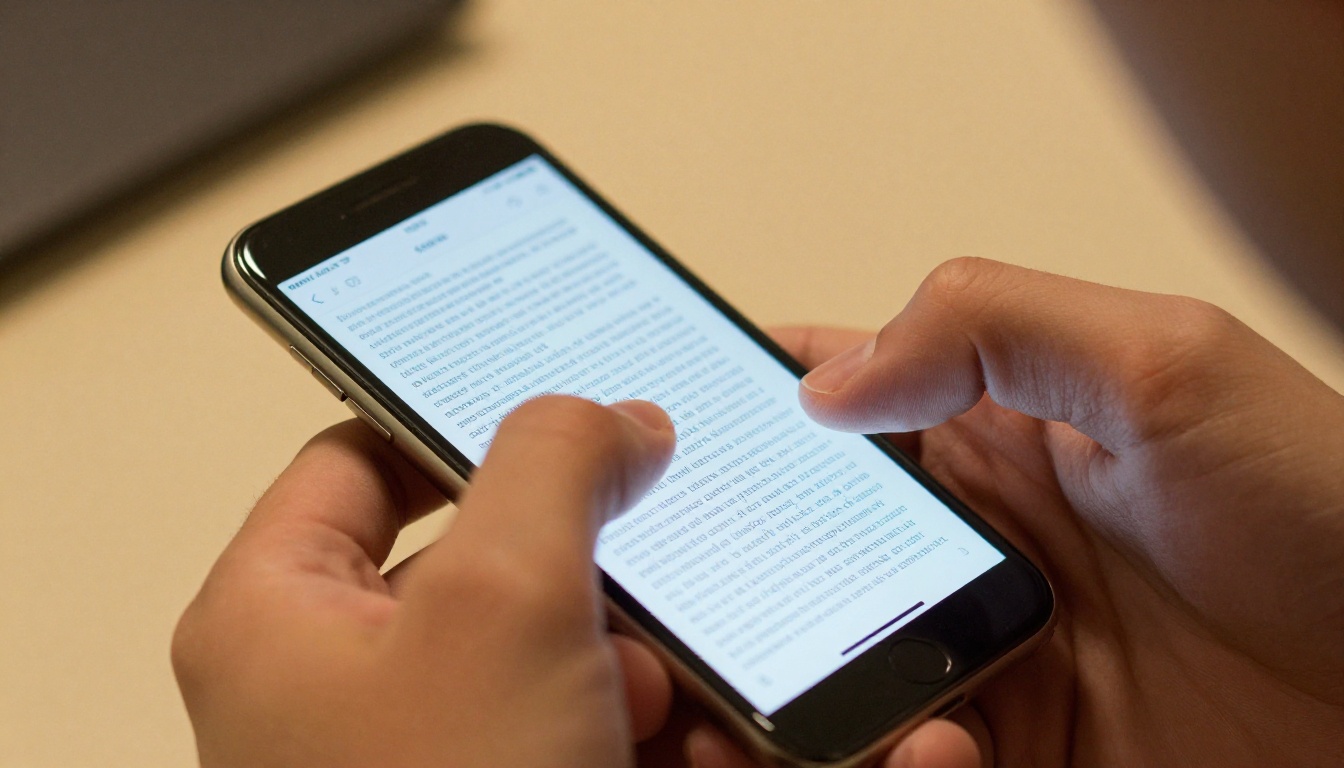
Over 60% of all digital content is now consumed on mobile devices. A format that renders poorly on mobile will be ignored by the majority of your audience, regardless of how good the content inside actually is.
You have zero analytics or feedback
When you send a PDF, you know if someone opened the email. That is it. You have no idea:
- How far they scrolled
- Which page they spent the most time on
- Which links they clicked (or skipped entirely)
- Whether they shared it with a colleague
- Whether they came back a second time
Without data, you cannot optimize. And without optimization, your marketing materials never improve.
It is almost impossible to share socially
Try sharing a PDF link on Twitter, Instagram, or LinkedIn. At best, you get a text link with no preview thumbnail, no description, and no visual hook. At worst, the platform flags it or the link behavior breaks entirely on mobile. PDFs are not designed for social virality, and it shows.
It feels like homework
This is the one nobody says out loud, but it matters enormously. When a prospect receives a PDF, the psychological experience is of being handed a report to read. Reports require effort. Effort requires motivation. Most casual prospects do not have enough motivation yet. So they set it aside, intending to read it later, and later never comes.
💡 Pro tip: The format of your content shapes how your audience feels about consuming it. A flipbook that animates and invites interaction signals that this will be enjoyable. A PDF signals that this will be work.
Hyperlinks inside PDFs often break
Embedded links in PDFs can behave unpredictably depending on the reader app being used. Some apps strip all link functionality entirely. Others open links in inconvenient or broken ways. Your carefully placed call-to-action button in the PDF may simply not function for a significant portion of your audience.
It is invisible to search engines
While Google has made progress indexing PDF content over the years, the reality is that PDFs are far less visible to search engines than standard HTML pages. Your product brochure, your white paper, your catalog: all that content is essentially invisible to organic search if it lives only as a PDF file.

What the Numbers Actually Show
PDF vs. flipbook real performance data
The performance gap between static PDFs and interactive digital publications is not subtle. Across industries, teams that switch from PDFs to interactive flipbooks consistently report dramatic improvements in every meaningful metric.
| Metric | Static PDF | Interactive Flipbook |
|---|
| Average time on document | 8 seconds | 3.5 minutes |
| Mobile readability | Poor | Excellent |
| Social shareability | Very low | High |
| Link click-through rate | Under 2% | 8 to 15% |
| Analytics available | None | Full page-level data |
| SEO visibility | Minimal | Strong |
| Download required | Often | Never |
| Embed on website | No | Yes |
The difference is not marginal. It is the difference between content that works and content that disappears entirely from your audience's attention.
💡 Pro tip: Teams using interactive formats report that prospects spend 25 times longer with their marketing materials compared to PDF equivalents. More time means more brand exposure, more trust, and higher conversion rates down the funnel.
Why interactive content wins
Interactive content creates what behavioral psychologists call a "pull" experience rather than a "push" experience. Instead of forcing information at a passive reader, interactive formats invite readers to click and move through at their own pace. This fundamentally changes the psychological relationship between your content and your audience.
A digital flipbook recreates the tactile, satisfying experience of flipping through a physical magazine or catalog, but with all the advantages of digital: clickable links, embedded video, tracking analytics, instant sharing, and mobile-responsive design.

The psychology behind page-turning
There is a reason physical magazines and catalogs have remained compelling despite decades of digital competition: the page-turn creates anticipation. Each turn reveals something new. The reader is always one gesture away from the next thing. This micro-reward loop is deeply satisfying on a neurological level.
Digital flipbooks replicate this experience on screen. The animated page-turn, the visual spread, the sense of "there is more on the next page": all of this creates a reading experience that static documents simply cannot replicate. It is not a gimmick. It is a fundamentally better way to deliver sequential visual content to a modern audience.
PDF vs. Flipbook: Full Feature Comparison
Not all digital document formats are equal. Here is a direct side-by-side comparison across the features that matter most for marketing teams choosing between formats:
| Feature | PDF | Basic HTML | Digital Flipbook |
|---|
| Mobile-responsive | No | Varies | Yes |
| Page-turn animation | No | No | Yes |
| Analytics per page | No | Limited | Yes |
| Embedded video | No | Yes | Yes |
| Password protection | Limited | No | Yes |
| Lead capture forms | No | Yes | Yes |
| Social sharing | Poor | Good | Excellent |
| Custom branding | Limited | Yes | Yes |
| Offline access | Yes | No | Yes (download) |
| Embed on website | No | Yes | Yes |
| No download required | No | Yes | Yes |
| SEO-friendly URL | No | Yes | Yes |
The digital flipbook format wins on almost every dimension that matters for marketing performance.

How to Turn Your PDF Into Something People Click
Flipbooks AI makes the conversion from a dead PDF to an interactive flipbook remarkably straightforward. Here is exactly how to do it:
Step 1: Create your account
Go to Flipbooks AI and sign up. The process takes under two minutes. No credit card is required to start exploring the platform.
Step 2: Upload your existing PDF
From your dashboard, click "Create New Flipbook" and upload your existing PDF file directly. Flipbooks AI accepts standard PDF files and converts them automatically. You do not need to redesign anything. Your existing design is preserved exactly as intended.
Step 3: Set the branding
Once converted, you can customize:
- Opening page design: Choose how your flipbook appears before a reader opens it
- Color scheme: Match your brand colors for the interface elements
- Page-turn effects: Select from realistic page-turn animations
- Background: Set the visual backdrop behind your pages
This is where a plain PDF brochure becomes a fully branded experience rather than just a file attachment.
Step 4: Add interactive elements
This is where the real power kicks in. Using the Flipbooks AI editor, you can add:
- Clickable links: Make every call-to-action in your document actually functional on any device
- Embedded video: Drop in product demos, testimonials, or explainer clips directly on any page
- Audio: Narration or background music for immersive presentations
- Lead capture forms: Collect contact information before or during the reading experience
Step 5: Publish and share
When your flipbook is ready, Flipbooks AI gives you everything you need for distribution:
- A direct URL you can share in emails, social posts, or SMS campaigns
- An embed code to place the flipbook directly on your website or landing page
- Password protection for exclusive, gated, or internal content
- Full analytics to see exactly which pages get the most attention and where readers drop off
✅ Best practice: Share your flipbook URL in email campaigns instead of attaching a PDF. Your click-through rates will improve immediately, and for the first time, you will be able to see how far people actually read before losing interest.
Who Benefits Most From Ditching the PDF
Sales teams with product catalogs
B2B sales teams typically live or die by their collateral. A product catalog sent as a PDF attachment almost never gets read. The same catalog as an interactive flipbook, with clickable product names, embedded demo videos, and a lead capture form at the back, becomes a sales tool that actively works for you around the clock.
The Digital Catalog Maker and Product Catalog Generator tools on Flipbooks AI are built specifically for this use case, with templates optimized for B2B sales cycles.
Real estate agents and property teams
A property brochure as a PDF gets downloaded, glanced at, and forgotten. As an interactive flipbook, it can embed virtual tour videos, clickable floor plans, neighborhood maps, and direct contact forms. Buyers connect with the property emotionally long before they ever pick up the phone.
The Real Estate Brochure Creator handles this specific workflow with purpose-built templates and property-focused formatting.

Restaurants and hospitality businesses
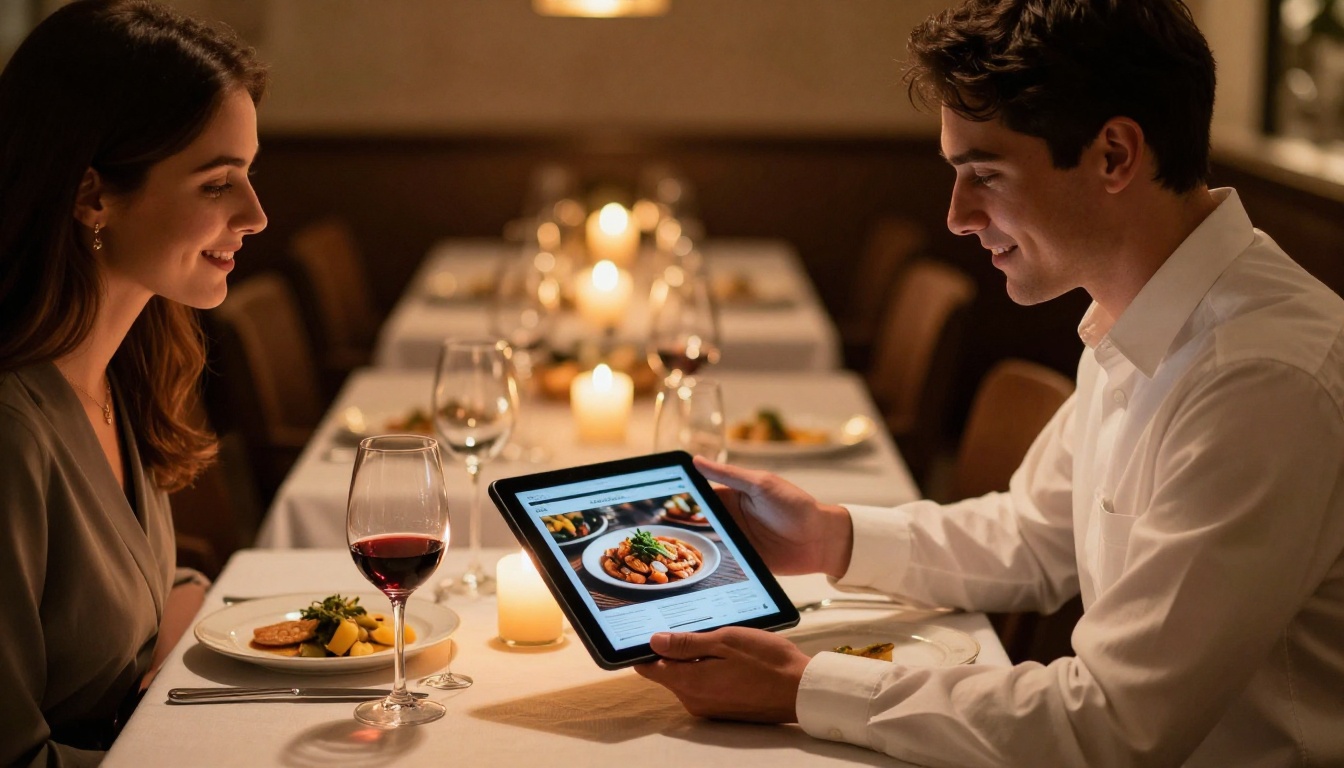
A PDF menu emailed to guests before a reservation is almost universally ignored. An interactive digital menu displayed on a tablet at the table, or linked from a reservation confirmation email, creates an appetizing preview of the dining experience that builds anticipation rather than adding friction.
The Restaurant Menu Creator and Menu Flipbook Designer tools let hospitality teams create stunning digital menus in minutes, with rich food photography and clickable sections.
E-commerce brands with lookbooks and campaigns
Seasonal lookbooks, campaign launches, new collection announcements: these are all traditionally PDF-heavy formats. As interactive flipbooks with shoppable links, embedded styling videos, and social sharing built in, they become marketing assets that actually drive traffic and sales rather than sitting unread in a downloads folder.
The Interactive Lookbook Designer and Fashion Catalog Creator tools are designed for exactly this use case.
Flipbooks AI Plan Comparison
Flipbooks AI offers tiered plans to match different team sizes and publishing volumes. Here is what each tier includes:
| Feature | Free | Standard | Professional |
|---|
| Flipbooks | 1 | Unlimited | Unlimited |
| Watermark | Yes | No | No |
| Custom branding | No | Yes | Yes |
| Analytics | No | Basic | Full page-level |
| Lead generation | No | No | Yes |
| Password protection | No | Yes | Yes |
| Offline downloads | No | Yes | Yes |
| Embed on website | No | Yes | Yes |
| Custom domain | No | No | Yes |
For teams serious about marketing performance, the Professional plan's analytics and lead generation features pay for themselves almost immediately. Compare all plans in detail to find the right fit for your team size and publishing frequency.

Stop Sending Content Nobody Reads
Your marketing PDF is not failing because the design is bad or the writing is weak. It is failing because it is a static file in a dynamic world. The format is the problem, and the format is the fix.
Switching to an interactive flipbook does not require redesigning your content from scratch. It requires uploading what you already have and letting a platform like Flipbooks AI do the heavy lifting. In minutes, you can have a mobile-responsive, analytics-enabled, fully branded interactive document that people actually want to open, read, and share.
Ready to stop sending content that gets ignored?
The difference between a PDF that nobody opens and a flipbook that drives real results is one upload away.



