Most online stores are leaving money on the table. Not because their products are bad, but because the way they present them is. A list of product pages with isolated images and a short description is not a catalog. It is a database. And databases do not sell.
A digital catalog changes that entirely. It gives your store a narrative, a browsable experience that mimics the tactile pleasure of flipping through a physical catalog but with the speed, analytics, and shareability that only digital can offer. This article breaks down exactly why your online store needs one, which store types benefit the most, and how you can build yours today with Flipbooks AI.
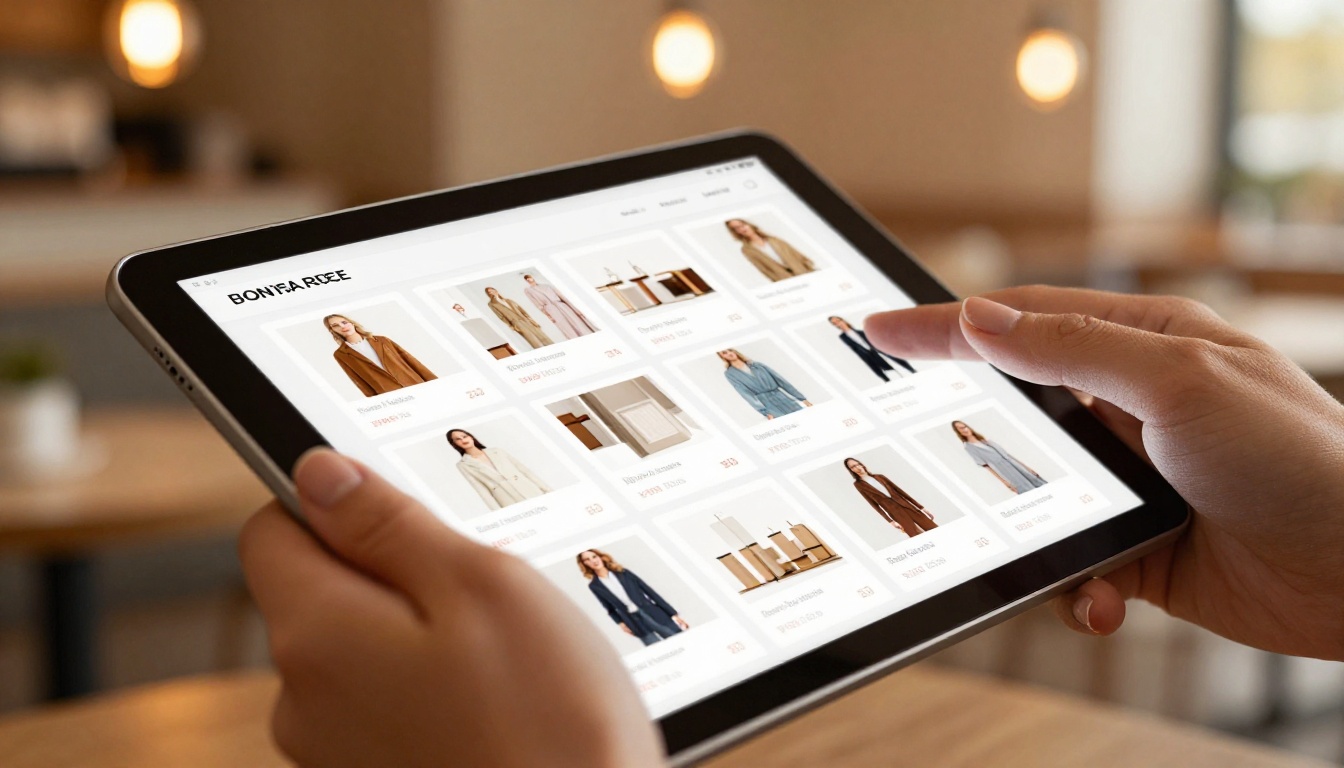
The Problem with Standard Product Pages
Single product pages are built for one thing: completing a transaction. They are not designed for browsing, discovery, or storytelling. When a shopper lands on an isolated product page, they have zero context. There is no collection, no narrative, no sense of how one item relates to the next.
Think about what happens in a physical store. A customer walks in and sees the full range: colors, combinations, price tiers, seasonal themes. They touch things, compare them side-by-side, and get inspired by what they see. That tactile browsing behavior drives sales that solo product pages simply cannot replicate.
Research consistently shows that shoppers who browse product catalogs spend significantly more per session than those clicking through standard grids. They view more items, stay longer on-site, and return more often for future purchases. A digital catalog captures that browsing behavior and brings it online without friction.

Why Static PDFs Fall Short
Many businesses respond to this problem by emailing PDF versions of their catalog. That solves the browsing problem partially but creates a new set of issues:
- PDFs are not optimized for mobile devices
- They cannot track who viewed what, or for how long
- They have no embedded links to product pages
- They feel dated on modern smartphones and tablets
- Sharing them requires a download, adding friction to every interaction
An interactive digital catalog fixes all of these in one move. It loads in any browser, works on any device, tracks viewer behavior in real time, and connects directly to your store's product pages.

What a Digital Catalog Actually Does for Sales
A well-built digital catalog is an active sales tool, not a passive showcase. Here is what it does that a standard product grid cannot.
It Creates a Browsing Journey
When a customer opens a catalog, they follow a curated path through your products. You control the sequence: seasonal collections up front, best-sellers in prime positions, complementary items placed side-by-side. This is digital merchandising done right, and it shapes purchasing decisions before the customer even reaches a product page.
It Reduces Decision Fatigue
Presenting 400 products in a flat grid overwhelms buyers. A catalog organizes them into chapters: by category, season, price tier, or use case. Customers know where they are in your range and feel in control of the experience, which leads to more confident purchases and fewer abandoned carts.
It Builds Brand Perception
A beautifully designed catalog signals quality. It tells the customer that you have invested in how you present your products, which implies you have invested in the products themselves. That perception directly affects willingness to pay and long-term trust in the brand.

It Travels Farther Than a Product Page
A link to a digital catalog is something people share with friends, colleagues, and family. A product page URL rarely gets forwarded. That organic sharing loop is free marketing your product grid will never generate. One wholesale buyer who loves your catalog can forward it to ten others without any effort from you.
💡 Pro Tip: Add a password-protected version of your catalog for wholesale buyers or pre-launch collections. Flipbooks AI supports password protection on any flipbook without requiring buyers to create an account.
Real Business Types That Benefit Most
Digital catalogs are not a one-size-fits-all tool. Some business types see dramatically higher returns than others. Here is a breakdown of who benefits and how:
| Business Type | Primary Catalog Use | Main Benefit |
|---|
| Fashion and Apparel | Seasonal lookbooks, collections | Visual storytelling, outfit combinations |
| Furniture and Home Decor | Room scene presentations | Lifestyle context raises average order value |
| Beauty and Cosmetics | Shade range and kit catalogs | Color accuracy, tutorial integration |
| Food and Beverage | Wholesale order catalogs | Clean pricing tables, SKU organization |
| B2B and Wholesale | Full product range with pricing | Professional presentation, easy forwarding |
| Electronics | Spec comparison catalogs | Side-by-side feature breakdowns |
| Real Estate | Property portfolio catalogs | High-resolution photography, location details |
| Hospitality | Amenity and seasonal catalogs | Promotional offers, direct booking links |
Fashion brands use the Fashion Catalog Creator to build seasonal lookbooks that drive pre-season orders. Furniture retailers use the Furniture Catalog Maker to present full room scenes rather than isolated product shots. B2B wholesalers use the Product Catalog Generator to send polished order forms to buyers who need to make quick purchasing decisions.
Digital Catalog vs. Print vs. Static PDF
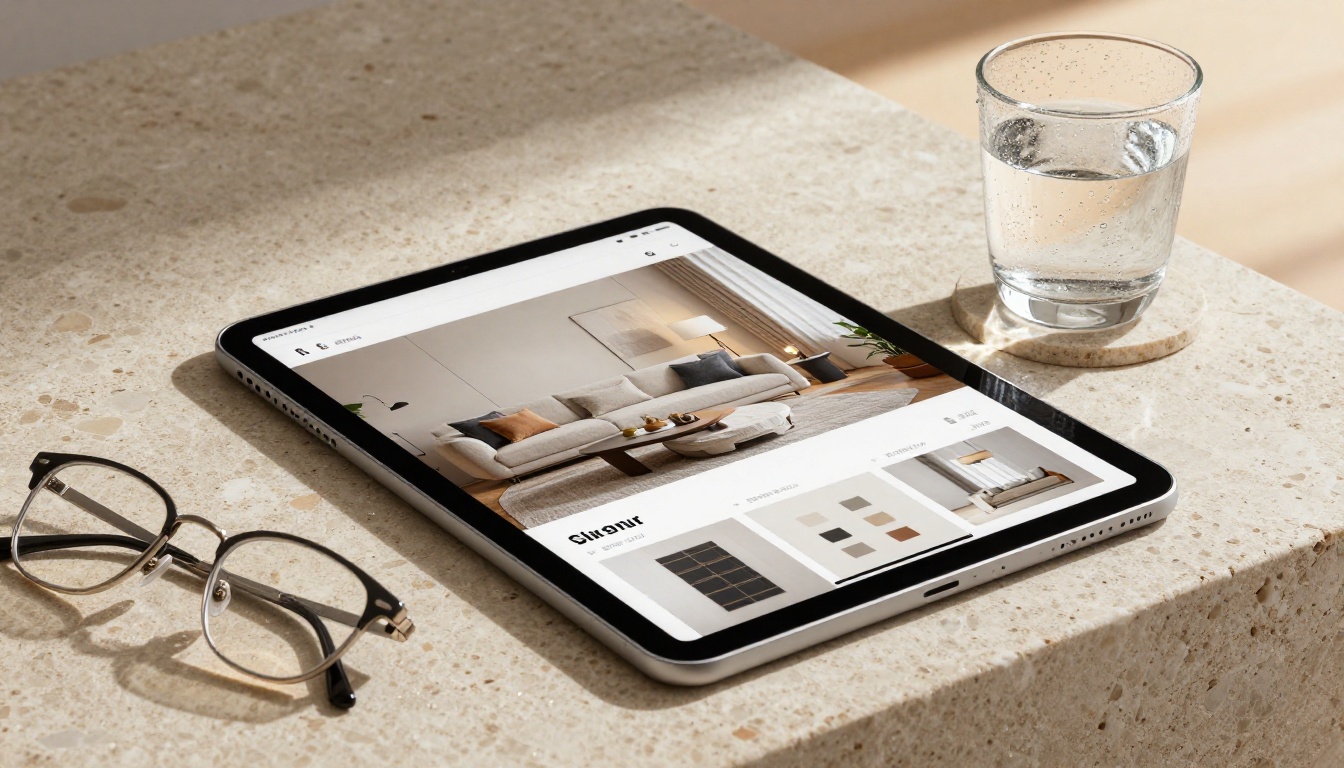
Before committing to a format, it helps to see the tradeoffs laid out clearly:
| Feature | Printed Catalog | Static PDF | Digital Flipbook |
|---|
| Mobile-Friendly | No | Partial | Yes |
| Analytics and Tracking | No | No | Yes |
| Clickable Product Links | No | No | Yes |
| Cost to Update | High (reprint) | Low | Zero |
| Sharing Options | Physical only | Email only | Link, embed, QR code |
| Brand Impression | High | Medium | High |
| Video and Audio Support | No | No | Yes |
| Lead Generation | No | No | Yes (Professional plan) |
| Environmental Impact | High | Low | Zero |
| Time to Distribute | Days to weeks | Hours | Instant |
A digital flipbook wins across almost every dimension. The only area where print holds a genuine edge is in tactile experience, but for an online store that advantage is irrelevant since your customers are already on a screen when they find you.
How to Build Your Catalog with Flipbooks AI
Creating a professional digital catalog does not require a design team, a developer, or months of preparation. Flipbooks AI provides everything you need in a single platform, from PDF upload to branded interactive flipbook in under an hour.

Step 1: Build Your PDF
Start by designing your catalog in any tool you already use: Canva, Adobe InDesign, PowerPoint, or Google Slides. Export as a PDF. A solid catalog PDF should include:
- A strong opening spread with your brand name and collection label
- Clear category sections with visual dividers between segments
- Individual product spreads with high-resolution photography
- Pricing information (optional, or create a separate wholesale version)
- Contact details and ordering instructions on the final pages
The quality of your input PDF determines the quality of your final catalog. High-resolution images at 300 DPI or above will produce the sharpest results after conversion.
Step 2: Upload and Convert
- Go to flipbooksai.com and sign up for your account
- Click New Flipbook from your dashboard
- Drag and drop your PDF into the upload area
- The platform converts every page into a high-resolution interactive spread with a realistic page-turn effect, typically in under 60 seconds for a 50-page catalog
No technical configuration required. The conversion handles resolution optimization, mobile rendering, and the page-flip animation automatically.
Step 3: Add Your Branding
Once uploaded, you can customize the entire viewer experience to match your brand:
- Brand Colors: Match the background, controls, and loader to your palette
- Logo: Place your logo directly in the viewer interface
- Custom Domain: Publish the catalog on your own domain for a seamless brand experience
- Embedded Videos: Insert product videos directly into specific catalog pages
- Background Audio: Add ambient sound that plays while customers browse (optional)
For fashion brands, the Interactive Lookbook Designer offers pre-built templates built specifically for apparel and lifestyle presentations.

Step 4: Choose Your Sharing Method
Your catalog can be distributed in multiple ways at the same time:
- Direct Link: Share a clean URL via email, WhatsApp, or social media
- Embed Code: Place the flipbook directly on your website using the Embed Flipbook on Website tool
- QR Code: Generate a QR code for packaging inserts, print ads, or in-store signage
- Password Protection: Restrict access for wholesale buyers or private pre-launch catalogs
✅ Best Practice: Embed your catalog on your homepage above the product grid. Visitors who interact with the catalog first tend to browse more products and spend more per session before checking out.
Step 5: Track Performance with Analytics
On the Professional plan, you unlock access to:
- Page-level heatmaps: See exactly which pages receive the most attention
- Session tracking: Know how many people opened your catalog and how long they stayed
- Lead capture forms: Add a name and email gate before viewers access the catalog, building your contact list automatically
- Click tracking: See which product links were clicked and how often
This turns your catalog from a passive document into a live sales intelligence feed that informs your next collection, your pricing decisions, and your marketing spend.
What Makes a Catalog Worth Sharing
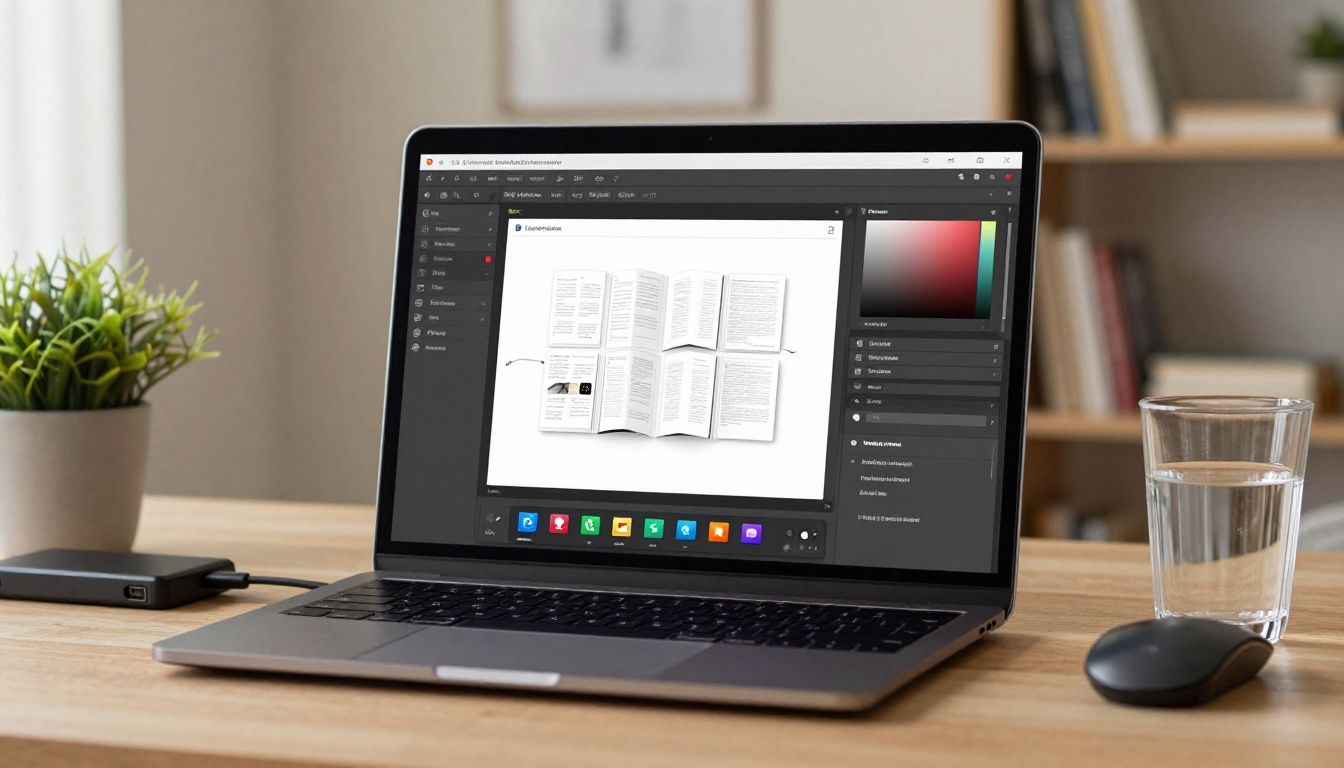
Not all digital catalogs get forwarded and linked to. The ones that do share a few consistent characteristics.
A Strong Opening Spread
The opening spread is your catalog's first impression. It needs to communicate the collection theme instantly: one strong visual, minimal text, and a clear visual hierarchy. If the opening does not grab attention in two seconds, the catalog will be closed.
Products Shown in Context
Isolated product images on white backgrounds work well on marketplace listings. In a catalog, they feel flat and uninspiring. Show products in use, in styled environments, worn or arranged by real people in real settings. Context sells because it helps buyers picture the product in their own lives.
A Logical Pricing Architecture
When your catalog includes pricing, organize it clearly. Use tables for SKU-level details. Separate retail pricing from wholesale pricing if both audiences will see the catalog. Make it easy for buyers to find the number they need without searching through paragraphs of text.
⚠️ Warning: Avoid overloading individual pages with too much text. A catalog is a visual medium first. If any page looks more like a report than a product spread, redesign it with more imagery and less copy.
One Clear Action Per Spread
Every spread should have one obvious next step: "Order Now," "Request a Sample," "See the Full Range," or "Book a Consultation." Link these actions directly to the relevant product pages using clickable hotspots. Spreads without a call to action are browsing dead-ends that break the sales momentum.
What to Put in Your First Catalog
If you have never built a digital catalog before, start focused and small. A 20 to 30 page debut catalog is consistently more effective than an overwhelming 200-page document. Buyers actually finish a shorter catalog, which means they reach your ordering information and call to action at the end.
Here is a practical structure for a first catalog:
| Section | Pages | Purpose |
|---|
| Opening Spread | 1 | Brand name, collection name, season or year |
| Brand Story | 1 to 2 | Two or three sentences on your origin and values |
| Hero Products | 4 to 6 | One or two products per spread, full-bleed photography |
| Category Sections | 6 to 10 | Three or four products per page, organized by type |
| Pricing or Order Form | 2 to 3 | Clean table layout, minimum order details |
| Contact Page | 1 to 2 | Website, email, social handles, wholesale contact |
Once you see how viewers interact with the first catalog using the built-in analytics, refine the next version based on which sections receive the most attention and which pages get clicked through most often.

What Your Competitors Are Already Doing
Digital catalogs are standard practice in wholesale, fashion, furniture, and hospitality. What is different now is how accessible the tools have become. You no longer need a developer, a designer on staff, or an enterprise software contract to produce something that looks polished and professional.
Brands that adopted digital catalogs early consistently report three outcomes:
- Higher average order value from buyers who browsed the full catalog before placing an order, because browsing exposes them to products they would not have searched for individually
- Fewer customer service questions because the catalog answers sizing, compatibility, and availability details upfront in a format buyers can reference anytime
- Stronger wholesale relationships because buyers receive a professional, polished document instead of a spreadsheet with thumbnail images and a price column
The Digital Catalog Maker on Flipbooks AI is built specifically for this use case, whether you are a solo retailer managing a few dozen SKUs or a brand handling multiple buyer relationships across different regions.
💡 Pro Tip: Use the Catalog Flipbook Creator to build separate catalogs for different buyer segments. One for retail customers, one for wholesale buyers, and one for press or media coverage. Each audience gets an experience tailored to their needs and buying behavior.
Your Store Deserves a Better Presentation
Your online store already has the products. What it needs is a better way to show them. A digital catalog is that presentation layer, and it takes far less time to build than most store owners expect.
The difference between a store that browsing customers linger in and one they bounce from is rarely the products. It is almost always the experience. A well-built digital catalog creates that experience, and it is one of the highest-return investments you can make in your online retail presence.
Ready to build yours? Get started for free on Flipbooks AI and have your first catalog live in under an hour. No technical skills required, no watermarks on any plan, and unlimited flipbooks on Standard plans and above.
Browse all available catalog tools and templates to find the right starting point for your store type. From fashion lookbooks to wholesale order forms, from furniture showrooms to cosmetic shade catalogs, every format has a purpose-built tool waiting.
Compare pricing plans to choose the tier that fits your volume and feature requirements. The first catalog costs nothing to try.



