Most whitepapers share the same fate: downloaded, skimmed for thirty seconds, and abandoned in a Downloads folder. The problem is rarely the content. It is almost always the format. A dense, unstyled PDF does nothing to signal that the information inside is worth reading. Flipbooks AI changes that calculation completely, and once you see the difference side by side, going back to static PDFs feels like sending a fax.
The Problem with Static PDFs
Nobody Finishes a 20-Page PDF
According to content analytics research, the average reader drops off a PDF whitepaper within the first three pages. The format offers no visual reward for continuing. Every page looks identical: dense paragraphs, maybe a chart buried on page eleven, and no sense of how far through the document you are. There is no momentum, no rhythm, and no reason to turn the next page.
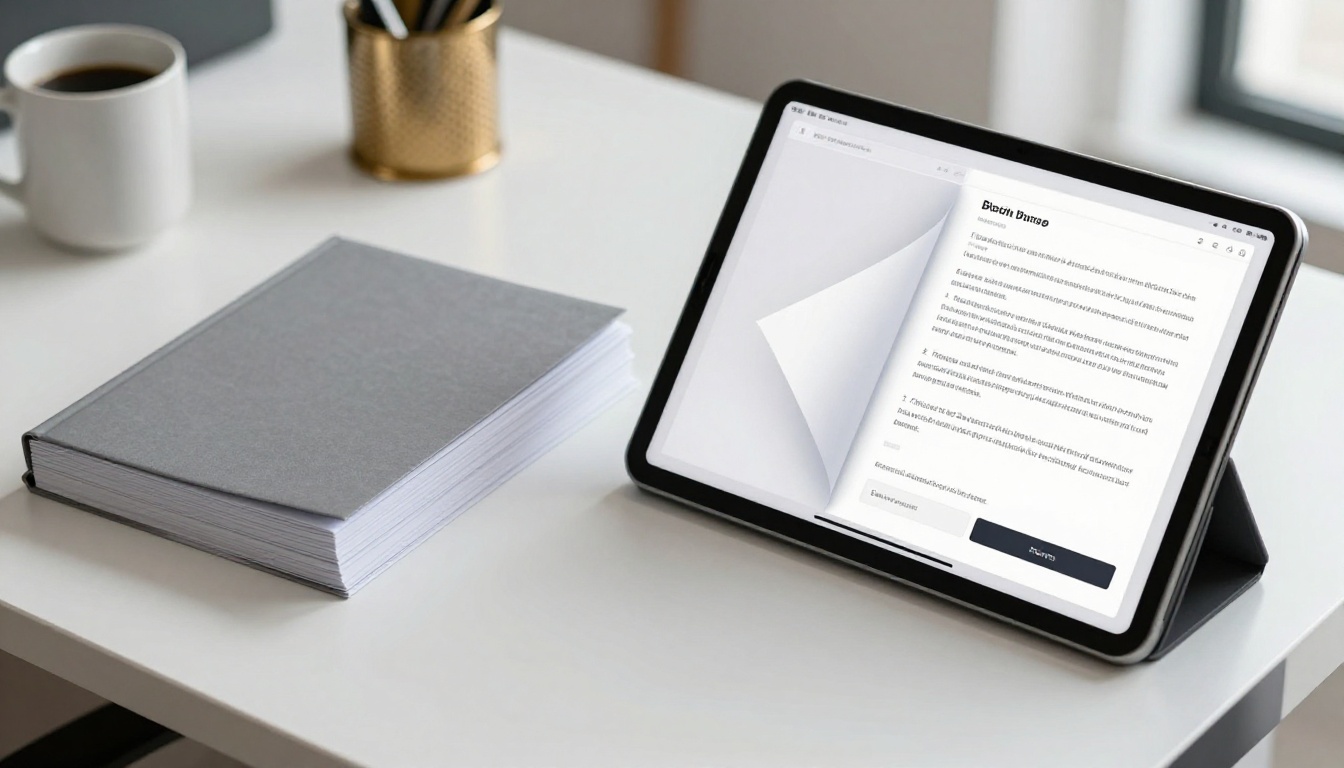
A flipbook changes the reader's psychological relationship with the document. The animated page-turn creates a tactile, book-like experience that signals progression. Readers can see the thickness of remaining pages, feel the rhythm of the content, and get visual variety with every section. That structural difference alone is enough to hold attention significantly longer than a flat PDF.
Mobile Readers Are Left Behind
A standard PDF forces mobile users to pinch, zoom, and scroll in ways that destroy reading flow. On a 390px wide phone screen, a whitepaper designed for A4 print becomes a hostile document. Text becomes unreadable. Charts become tiny. Readers bounce immediately.
Flipbooks built on Flipbooks AI render as fully mobile-responsive layouts. The content reflows intelligently, images scale correctly, and the page-turn interface works beautifully on touchscreens. Your whitepaper becomes something people can actually read on the train, in a waiting room, or between meetings without any friction.

What Changes When You Go Flipbook
Page-Turn Physics That Keep Readers Scrolling
The page-curl animation is not just a visual flourish. It creates a psychological loop: the curiosity of what is on the next page, combined with the satisfying feedback of the turn itself. Publishers have used this mechanic in print for centuries. Digital flipbooks bring that same mechanic to content marketing, and it works just as reliably in a browser as it does with physical paper.
💡 Pro tip: Place your strongest data visualization or most surprising statistic at the top of a right-hand page. The moment readers flip to it feels like a reveal, which makes the data more memorable and shareable.
Visual Hierarchy Done Right
A whitepaper flipbook encourages better design discipline. Because each two-page spread is a visual unit, content teams pay more attention to the parts that make a document worth reading:
- Section breaks that feel like chapters rather than arbitrary page stops
- Pull quotes that break up text and reward readers who skim before committing
- Data charts positioned where they support the surrounding narrative
- Color blocks that signal transitions between major topics
- Numbered callouts that guide the reader's eye through complex information
The result is a document that looks considered and professional, even if the source PDF started fairly plain. The flipbook wrapper does a significant amount of visual heavy lifting without requiring a redesign from scratch.

PDF vs. Flipbook: A Direct Comparison
| Feature | Static PDF | Flipbook |
|---|
| Mobile reading experience | Poor (zoom required) | Excellent (responsive layout) |
| Reader retention | Low (no visual reward) | High (page-turn, visual flow) |
| Embedded video support | No | Yes |
| Read analytics and tracking | None | Page-level data |
| Lead capture | Requires external form | Built-in (Professional plan) |
| Password protection | Limited | Native support |
| Sharing method | File attachment | Shareable link or embed |
| Brand customization | None | Full logo, color, font control |
| Offline access | Yes (saved file) | Yes (download option) |
| Update without redistribution | No | Yes (live document) |
The gap is not subtle. In almost every metric that matters for B2B content marketing, the flipbook format wins outright. The only scenario where a static PDF holds an edge is that it requires no platform, but that advantage disappears the moment you want any kind of tracking or lead capture.
⚠️ Warning: If you are gating whitepapers behind a form and relying on a PDF download as the delivery mechanism, you are losing visibility the moment that file leaves your server. A flipbook link keeps the conversation active and measurable.
Real Business Impact
Time-on-Document Goes Up
B2B content teams using interactive flipbooks consistently report longer average reading times compared to PDF equivalents. The reasons are structural. A flipbook gives readers a reason to keep going: the visual rhythm, the sense of progress, and the embedded media all serve as micro-rewards that delay drop-off.
When a prospect spends eight minutes inside your whitepaper flipbook instead of thirty seconds with your PDF, that changes how your sales team can qualify and follow up. Page-level analytics, available through Flipbooks AI's Professional plan, tell you exactly where readers spent the most time and where they stopped. That data is worth considerably more than a raw download count.

Lead Capture Without a Landing Page
One of the biggest operational advantages of a flipbook whitepaper is the ability to embed lead generation directly inside the document. Instead of asking prospects to fill out a form before reading, you let them start reading and prompt them at a natural stopping point, typically after the executive summary or before the final section.
This is a fundamentally better conversion sequence:
- Prospect finds your whitepaper via search or social sharing
- They open the flipbook immediately with zero gate friction
- They read through two or three sections and recognize the value
- The built-in lead capture form appears at the right moment
- They convert because they are already invested in the content
The Annual Report Creator and Report Flipbook Creator tools on Flipbooks AI are built precisely for this kind of high-stakes business document where capture timing matters.
Different industries use whitepaper flipbooks in different ways. Here is how the format maps to real-world use cases across sectors:
| Industry | Primary Use | Primary Benefit |
|---|
| Technology / SaaS | Product research reports, benchmark studies | Embeds demos and video walkthroughs |
| Financial Services | Market outlook reports, investor briefs | Password protection, offline downloads |
| Healthcare / Pharma | Clinical summaries, compliance documents | Audit trail via page-level read data |
| Consulting | Thought leadership, methodology papers | Brand customization, shareable link |
| Education | Research publications, course materials | Mobile-first reading, no app required |
| Real Estate | Market reports, investment briefs | Visual-heavy layouts, embedded media |
| Non-profit | Impact reports, donor communications | Professional presentation at minimal cost |
✅ Best practice: Match the flipbook template style to the whitepaper's audience. A financial services brief benefits from restrained, dark-navy branding. A technology research paper can afford bolder data visualization colors and embedded video clips.

How to Create Your Whitepaper Flipbook with Flipbooks AI
The process on Flipbooks AI is built for speed: most users have a live flipbook within five minutes of uploading their PDF. Here is the full workflow from upload to published document.
Step 1: Create Your Account
Go to flipbooksai.com/account and sign up. The platform requires no credit card for the free tier, so you can test the conversion before committing to a plan. Your dashboard is ready immediately after signup.
Step 2: Upload Your Whitepaper PDF
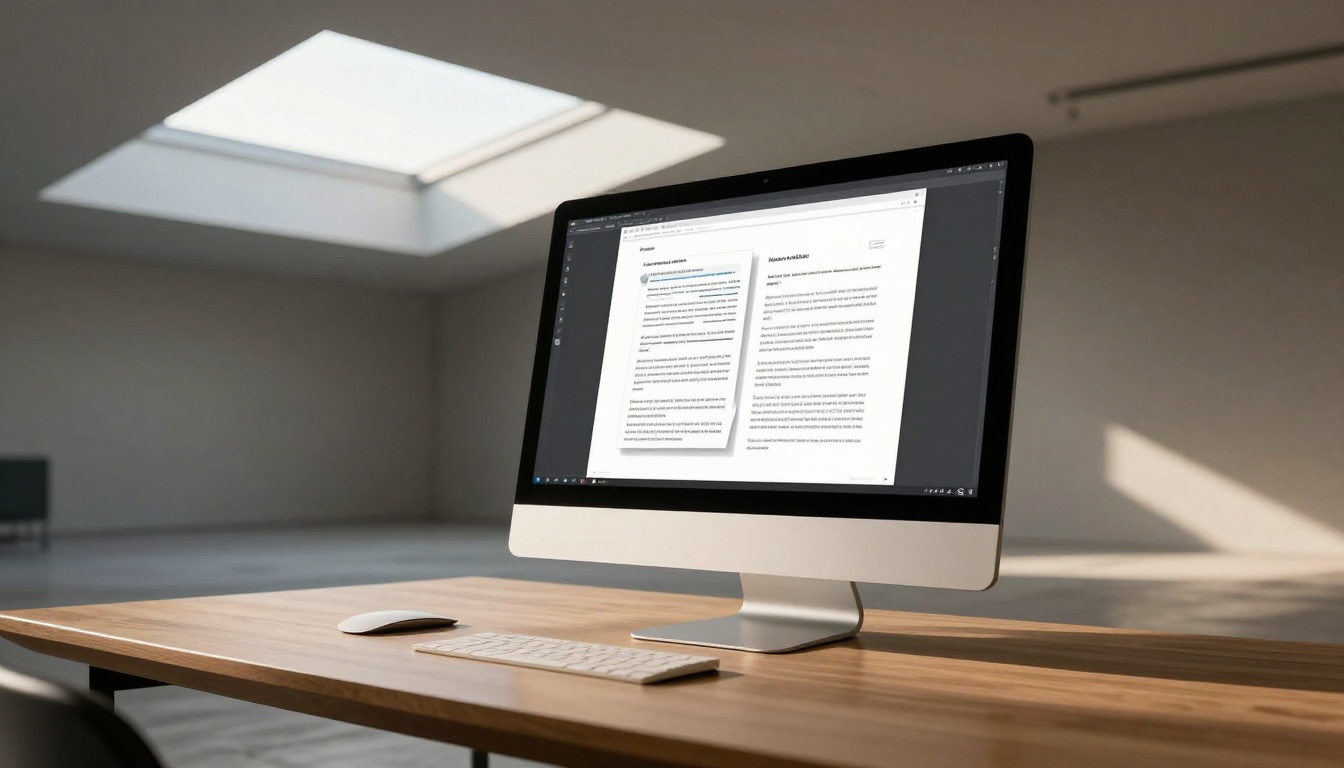
From your dashboard, click New Flipbook and upload your whitepaper PDF. The platform accepts files up to several hundred pages with no degradation in rendering quality. The conversion engine preserves all fonts, charts, and layout fidelity from the original document. You will see a live preview within seconds.
Step 3: Apply Your Brand
Once converted, open the customization panel. Here you can:
- Upload your logo and set its position within the flipbook viewer
- Apply your brand colors to the interface chrome and navigation controls
- Set a custom domain (Professional plan) so the flipbook lives at your own URL
- Choose a background texture or color for the reading environment
- Add a favicon matching your brand identity for browser tab recognition
Step 4: Embed Video and Multimedia
This is where a whitepaper flipbook separates from any PDF equivalent entirely. Inside specific pages, you can embed:
- Product demo videos that play when readers reach a designated page
- Audio commentary from subject matter experts
- Clickable hyperlinks that open references in a new tab without leaving the flipbook
- Interactive charts that respond to hover states
A whitepaper that cites a statistic can now link directly to the source. A section on product capabilities can include a sixty-second demo clip instead of describing the demo in words. That is a different category of content experience.

Step 5: Configure Sharing and Protection
Before publishing, decide on your distribution strategy:
- Public link: Anyone with the URL can read the flipbook immediately
- Password protected: Readers must enter a password before access is granted
- Embed code: Drop the flipbook directly into your website or blog post using a one-line iframe via the Embed Flipbook on Website tool
- Lead capture gate: Set a prompt to appear after a defined number of pages (Professional plan only)
Step 6: Track What Readers Actually Do
After publishing, the analytics dashboard shows:
- Total views and unique reader counts
- Average time spent on each individual page
- Geographic distribution of your readers
- Traffic source breakdown
- Device types used (desktop, tablet, mobile)
This level of insight does not exist for a PDF download. It transforms your whitepaper from a passive asset into an active data source that feeds directly back into your content and sales strategy.

Flipbooks AI Plans at a Glance
The right plan depends on how many whitepapers you publish and which features matter most for your distribution and conversion strategy.
| Feature | Free | Standard | Professional |
|---|
| Number of flipbooks | 3 | Unlimited | Unlimited |
| Watermark | Yes | No | No |
| Custom branding | No | Yes | Yes |
| Password protection | No | Yes | Yes |
| Read analytics | No | Basic | Detailed (page-level) |
| Lead capture | No | No | Yes |
| Offline downloads | No | No | Yes |
| Custom domain | No | No | Yes |
| Embedded video and audio | No | Yes | Yes |
| Priority support | No | No | Yes |
For most B2B teams publishing three or more whitepapers per year, the Standard plan removes the watermark and unlocks unlimited flipbooks, which is a solid baseline. Companies that need lead generation and detailed analytics should look at Professional. Compare all plans to find the right fit for your publishing volume and budget.
What Your Next Whitepaper Should Look Like
The format decision shapes everything downstream. A whitepaper published as a flipbook gets shared differently, read differently, and tracked differently in CRM data. Before you upload, a few design choices will make the conversion significantly more effective:
- Use consistent section headers so the flipbook's visual rhythm is clear on every spread
- Include at least one full-bleed visual per major section to give the page-turn a visual payoff
- Keep body text at 11pt or larger so it reads cleanly at 100% zoom without pinching on mobile
- Use numbered callouts instead of footnotes, since footnotes do not translate elegantly to flipbook spreads
- Include a contents page as page one so readers can jump directly to the sections most relevant to them
💡 Pro tip: Use the Sales Presentation Flipbook tool if your whitepaper doubles as a sales enablement asset. It adds interactive elements specifically designed for persuasion and conversion at each stage of the buying process.
A static PDF is a finished object. A flipbook is a living document. You can update the source content without changing the distribution link, which means every prospect who bookmarked or shared your whitepaper automatically receives the updated version. For whitepapers covering fast-moving topics like market data, compliance requirements, or product capabilities, that alone justifies the format switch.

The PDF to Flipbook Converter handles the technical conversion in seconds. What you do with the distribution, analytics, and lead capture features after that is where the real business value compounds over time.
Ready to publish your next whitepaper in a format people will actually read? Create your account on Flipbooks AI and have your first flipbook live in under five minutes. Browse all flipbook tools to find the right template for your document type, or check all pricing options to choose the plan that matches your publishing volume.



