A 2 page flip book is the smallest publication that still feels like a book. One spread, one page turn, and a reader who actually sees everything you put in front of them. No scrolling past page 14, no skimming a 60 page PDF. If you want to build one fast, Flipbooks AI turns a simple PDF into a realistic page turning flipbook in a few minutes. But before you open any tool, the layout and the size decide whether your two pages look polished or cramped.
This article walks through how to lay out two pages, which sizes to pick for print and screen, how free makers compare, and what real examples look like for menus, weddings, portfolios and property listings.
What a 2 Page Flip Book Really Is
The phrase means slightly different things to different people, so let's pin it down first.
Two pages, one spread
In most cases a 2 page flip book is a single spread: a left page and a right page that sit side by side, joined at a center fold called the gutter. The reader opens it, sees both pages as one canvas, and flips to close it or move to the next sheet.
The second reading is a single sheet printed on both sides. The reader sees page one, turns it, and sees page two. This version works well for a short announcement, a thank you note, or a teaser before a longer publication.
Both versions follow the same rule: every element on the page has to earn its place, because there is nowhere to hide weak content.
Why the format works
Short formats win for three reasons:
- Low effort to read. People finish what they open. A two page piece has a near 100% completion rate by design.
- Fast to produce. You can finish a draft in an afternoon instead of a month.
- Easy to share. A single link or embed on a website replaces an attachment nobody opens.
| Format | Pages | Best for | Production time |
|---|
| Single spread | 2 facing pages | Menus, offers, listings, lookbook teasers | 1 to 3 hours |
| Double sided sheet | 2 pages, front and back | Invitations, flyers, thank you notes | 1 to 2 hours |
| Short booklet | 4 to 8 pages | Price lists, mini catalogs | 1 to 2 days |
| Full flipbook | 20+ pages | Catalogs, magazines, reports | 1 to 4 weeks |
💡 Pro tip: If you are unsure whether to go with 2 pages or 4, write your content first. If it fits comfortably in two spreads of white space, stay with two.
Layout Rules That Work
Good layout is mostly about restraint. With only two pages, you can see every mistake at once.
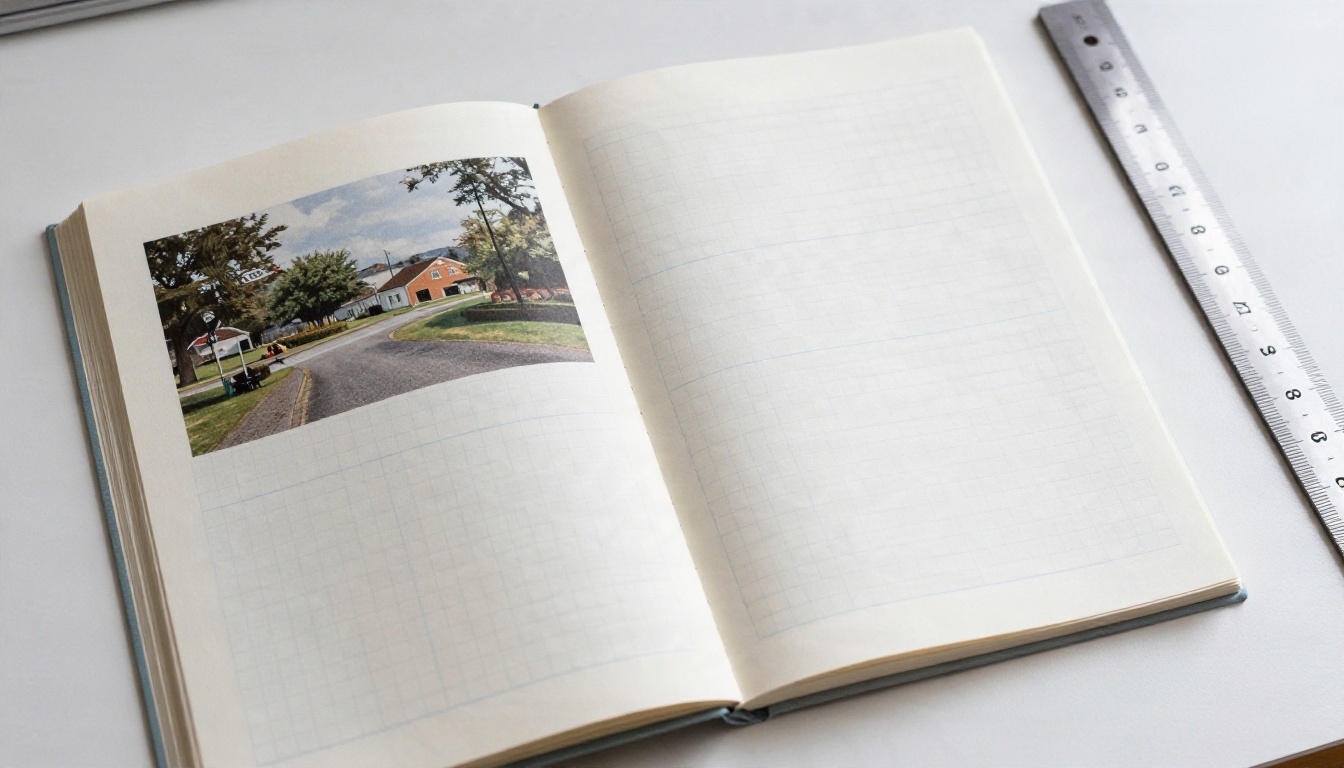
Margins and the gutter
The gutter is the zone where the two pages meet. In print, part of the paper disappears into the binding, and on screen the page curl effect adds a soft shadow there. Either way, keep important content away from it.
- Inner margin (gutter side): 15 to 20 mm, or 0.6 to 0.8 in
- Outer margin: 10 to 15 mm, or 0.4 to 0.6 in
- Top margin: 12 to 18 mm
- Bottom margin: 15 to 22 mm, slightly larger so the page does not look like it is sliding off
Grid and text placement
A simple grid saves you from guessing. Two layouts cover nearly every case:
- Two column grid per page. Best for text heavy content such as a program or a short article.
- Single column with a wide margin. Best for elegant, photo led pages where a short caption sits beside the image.
Keep body text between 9 and 11 pt for print, and at least 16 px equivalent for screens. Limit yourself to two typefaces, one for headings and one for body copy.
Image placement across the fold
A photograph that crosses the gutter looks dramatic, but the fold can slice through a face or a product. Follow these rules:
- Never let a face, a logo or a headline sit on the gutter line.
- Use a full bleed photograph on one page and text on the other for the cleanest result.
- If you want a panoramic image across both pages, shift the focal point at least 25% away from the center.
| Layout style | Left page | Right page | Works best for |
|---|
| Image and text | Full bleed photo | Headline and short copy | Travel, weddings, lookbooks |
| Mirror grid | 3 product images | 3 product images | Product catalog teasers |
| Panorama | Left half of one image | Right half of one image | Real estate, landscape photography |
| List and visual | Menu items or prices | Hero photo | Restaurants, spas, services |
| Before and after | Original image | Result image | Renovation, design, beauty |
⚠️ Warning: Do not place small body text closer than 10 mm to the gutter. Even a flat screen display with a page curl will make it feel tight.
Best Sizes for Every Use
Size is the second decision, and it is tied to where people will read your piece.
Print sizes
If anyone might print the PDF later, design at a standard trim size so nothing gets cropped or scaled oddly. Add a 3 mm (0.125 in) bleed on every outer edge when you want images to run to the edge of the paper.
| Page size | Dimensions per page | Spread width | Pixels at 300 dpi (per page) | Typical use |
|---|
| A5 portrait | 148 x 210 mm | 296 x 210 mm | 1748 x 2480 | Menus, programs, mini lookbooks |
| A4 portrait | 210 x 297 mm | 420 x 297 mm | 2480 x 3508 | Reports, brochures, price lists |
| US Letter | 8.5 x 11 in | 17 x 11 in | 2550 x 3300 | North American business documents |
| Square 8 x 8 in | 203 x 203 mm | 406 x 203 mm | 2400 x 2400 | Photo booklets, portfolios, wedding teasers |
| Landscape A5 | 210 x 148 mm | 420 x 148 mm | 2480 x 1748 | Wide photography, travel pieces |
Screen sizes and pixel dimensions
For screen only, you do not need 300 dpi. A page of roughly 1200 x 1600 px (3:4 portrait) or 1600 x 1600 px (square) is sharp on a laptop and loads quickly on a phone. Anything beyond 2000 px per side adds file weight without a visible gain.
Think about how the reader will view it:
- Desktop: Both pages sit side by side, like a physical book.
- Phone: The viewer usually shows one page at a time, so your layout has to survive being split in half.
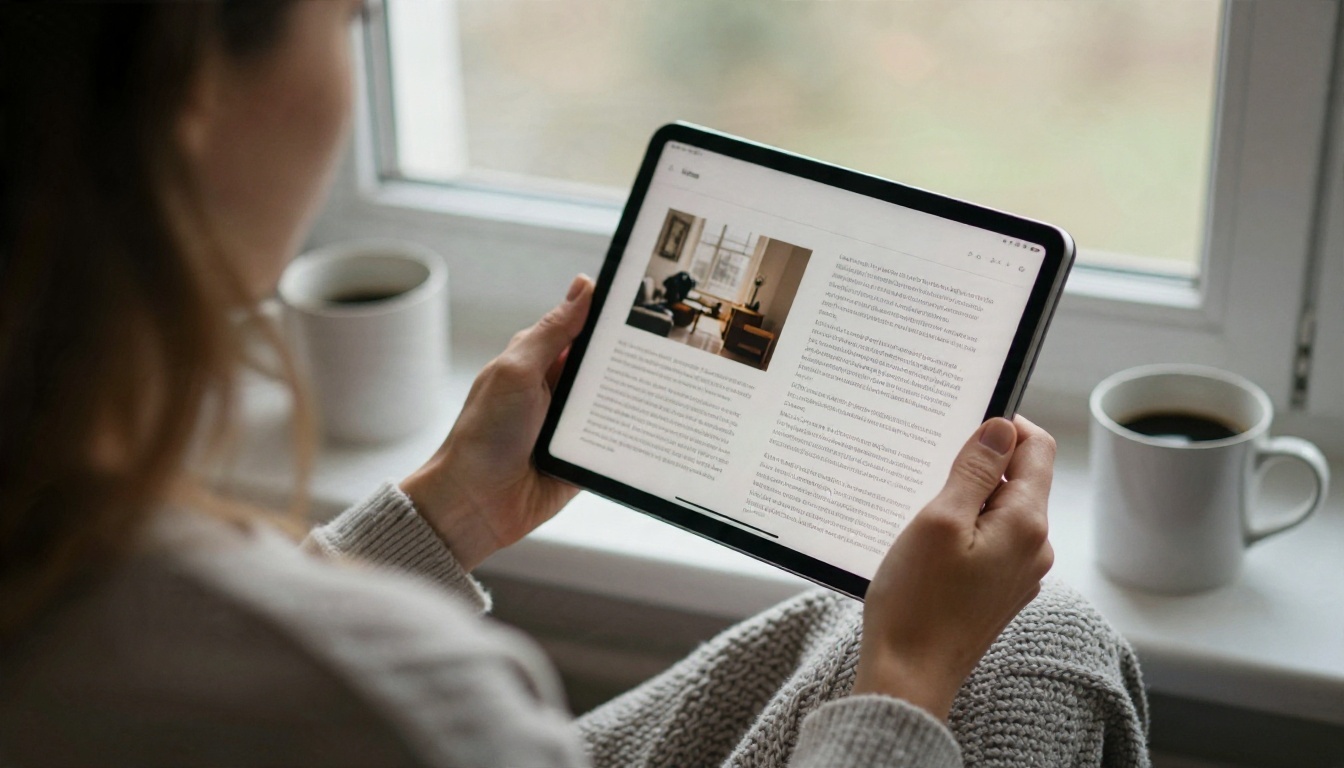
- Tablet: Landscape shows the spread, portrait shows a single page.
💡 Pro tip: Design each page so it works alone. If the left page makes no sense without the right one, phone readers will get a confusing experience.
How to Create a 2 Page Flip Book with Flipbooks AI
If you already have your two pages in a PDF, you are minutes away from a finished flipbook. Here is the full process on Flipbooks AI, with no watermark added at any point.
Upload your PDF
- Go to Flipbooks AI and create an account.
- Click to start a new flipbook and drop in your PDF. Export it from Canva, InDesign, Figma, Word or Google Slides as a high quality PDF with your spread as two separate pages.
- Wait a few seconds while the PDF to Flipbook Converter turns each page into a realistic, page turning layout.
- Check the preview. Page one should sit on the right, the way a real book opens.
Customize the look
The editor lets you shape how the finished piece feels:
- Branding: Add your logo, pick a background color that matches your site, and choose a toolbar style.
- Page effects: Adjust the curl, shadow and turning speed. For a two page piece, a slower turn feels more premium.
- Multimedia: Embed a video, add an audio clip, or place links on buttons and images. A menu can link straight to a booking form, and a wedding teaser can play a short song.
- Mobile layout: Preview the single page phone view and fix anything that looks cramped.
Share it anywhere
Once you publish, you get several ways to put it in front of people:
- Direct link for email, messages and social posts
- Embed code to place it inside any page of your website (see the Embed Flipbook on Website tool)
- QR code for printed material, table cards and storefront windows
- Password protection for private offers, client previews and internal documents
Use the Pro features
On the Professional plan, you get tools that matter once you start sending your flipbook to real audiences:
- Analytics: See how many people opened it, how long they stayed and which page they viewed.
- Lead generation: Ask for a name and email before the flipbook opens.
- Offline downloads: Let readers save the flipbook and open it without a connection.
The Standard plan and above also include unlimited flipbooks, so you can build a separate two page piece for every offer without worrying about a cap.
✅ Best practice: Always test the link on a phone before sharing. Open it on both Wi-Fi and mobile data, and check that the fold looks right.
Free Maker Options Compared
You can build a 2 page flip book in several ways. Here is how the typical choices compare for a short project.
| Option | Cost | Watermark | Page turn effect | Embed on website | Best for |
|---|
| Design app plus PDF export only | Free tier | No | None, static PDF | Not really | Print only |
| Basic free flipbook tool | Free tier | Often yes | Yes | Limited | Quick tests |
| Slide deck exported as images | Free | No | None | Awkward | Simple internal sharing |
| Flipbooks AI | See pricing | No watermarks, ever | Realistic curl | Yes, with embed code | Branded, shareable, trackable pieces |
A few things to check before you commit to any free maker:
- Does it add a watermark or a banner ad? That ruins a client facing piece.
- Can you remove third party branding? Custom branding is what makes a flipbook feel like yours.
- Does it work well on phones? More than half of your readers will likely open the link on a mobile device.
- Can you track results? Without analytics, you are guessing.
💡 Pro tip: If you only need the two pages for printing, a design app is enough. Once you want a page turn, a link and some analytics, a dedicated flipbook platform saves hours.
Real Examples You Can Copy
Theory is useful, but examples make decisions easier. Here are four layouts that work well with two pages.
Wedding photo teaser
Left page: one large portrait of the couple, full bleed, with a soft light and no text. Right page: a short line of text, the date, and a thank you message to guests. Add a soft audio clip that plays when the flipbook opens.
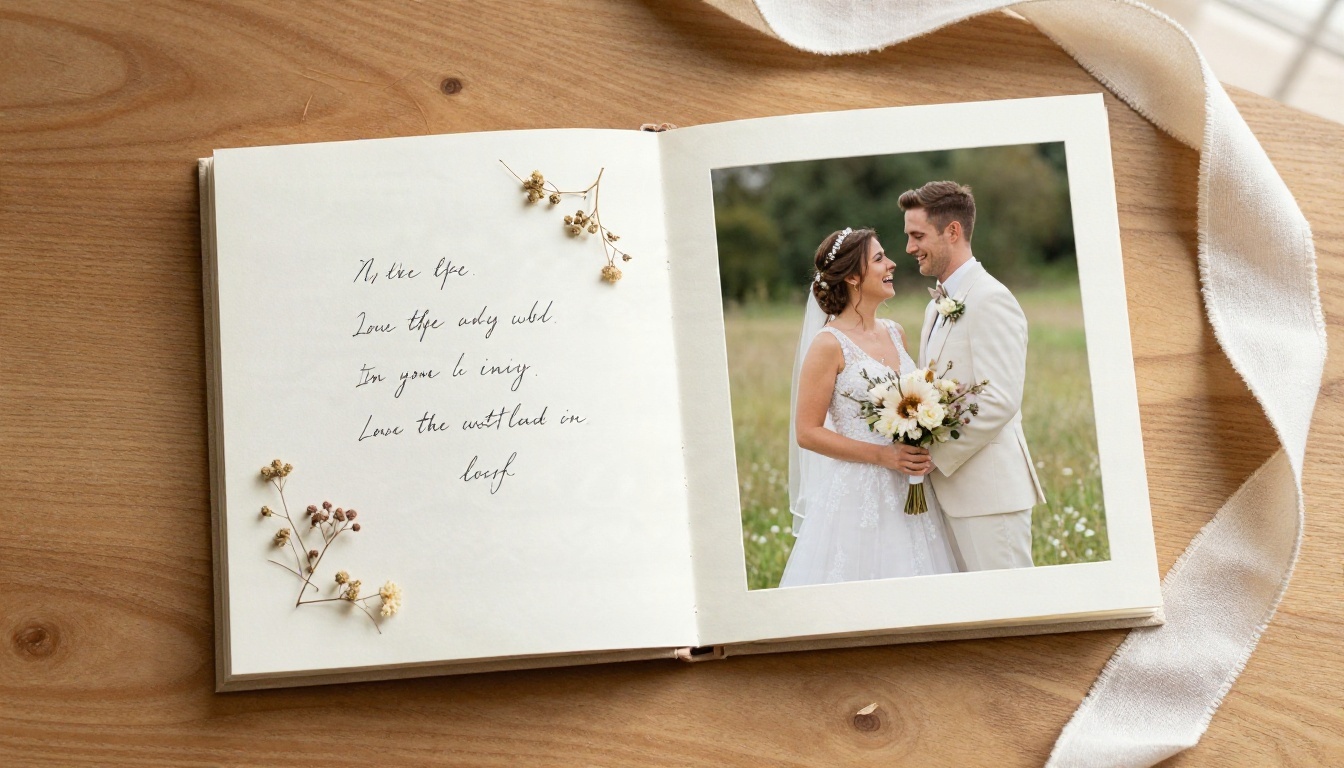
Photographers can scale this idea with the Wedding Album Flipbook tool, then send a private, password protected link to each couple.
Restaurant menu
Left page: starters and mains with short descriptions and prices aligned in one column. Right page: a hero photograph of your signature dish, plus a booking button and opening hours. Put a QR code on every table that opens the flipbook, so you can update prices in seconds without reprinting.
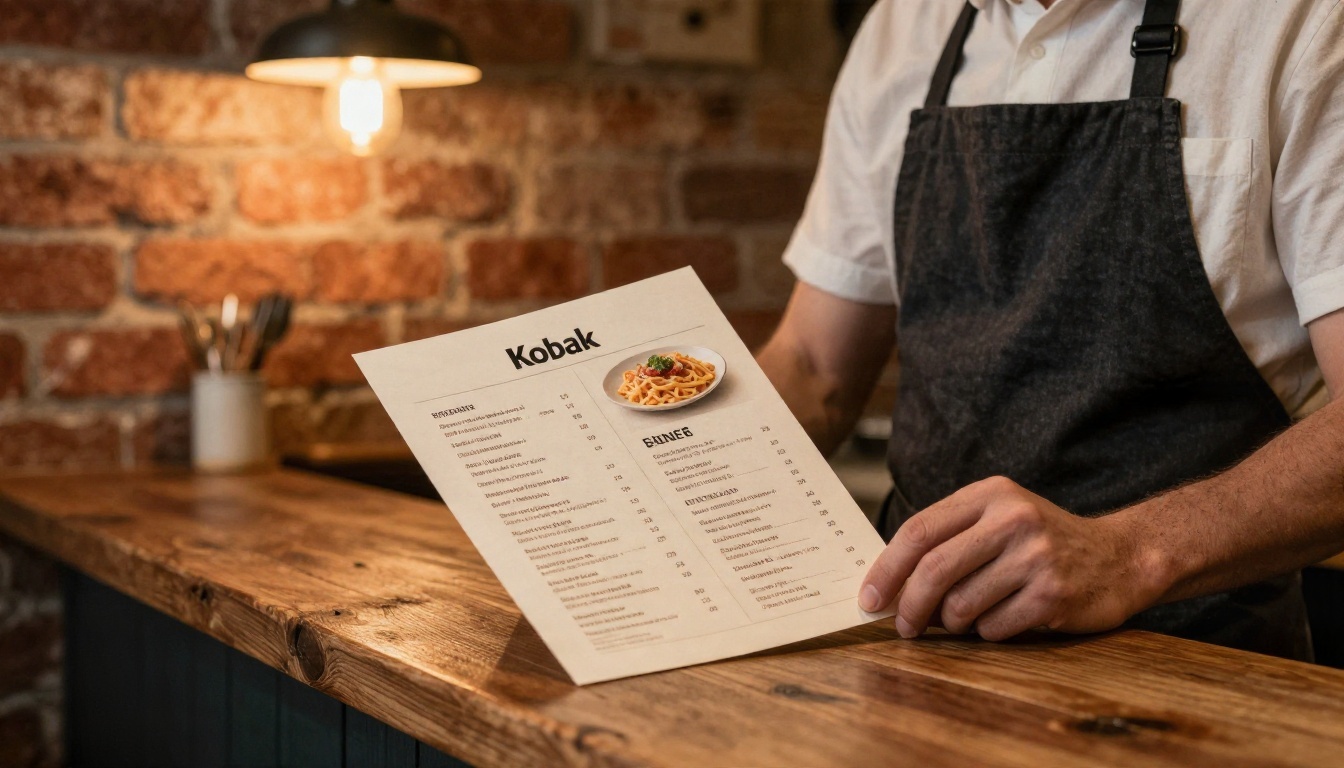
The Restaurant Menu Creator and the Menu Flipbook Designer are built for exactly this setup.
Property listing
Left page: the exterior photograph and a short headline with the price. Right page: a floor plan, three interior photos, and a contact button. An agent can send the link right after a viewing, and a couple can read it on a tablet in the same evening.
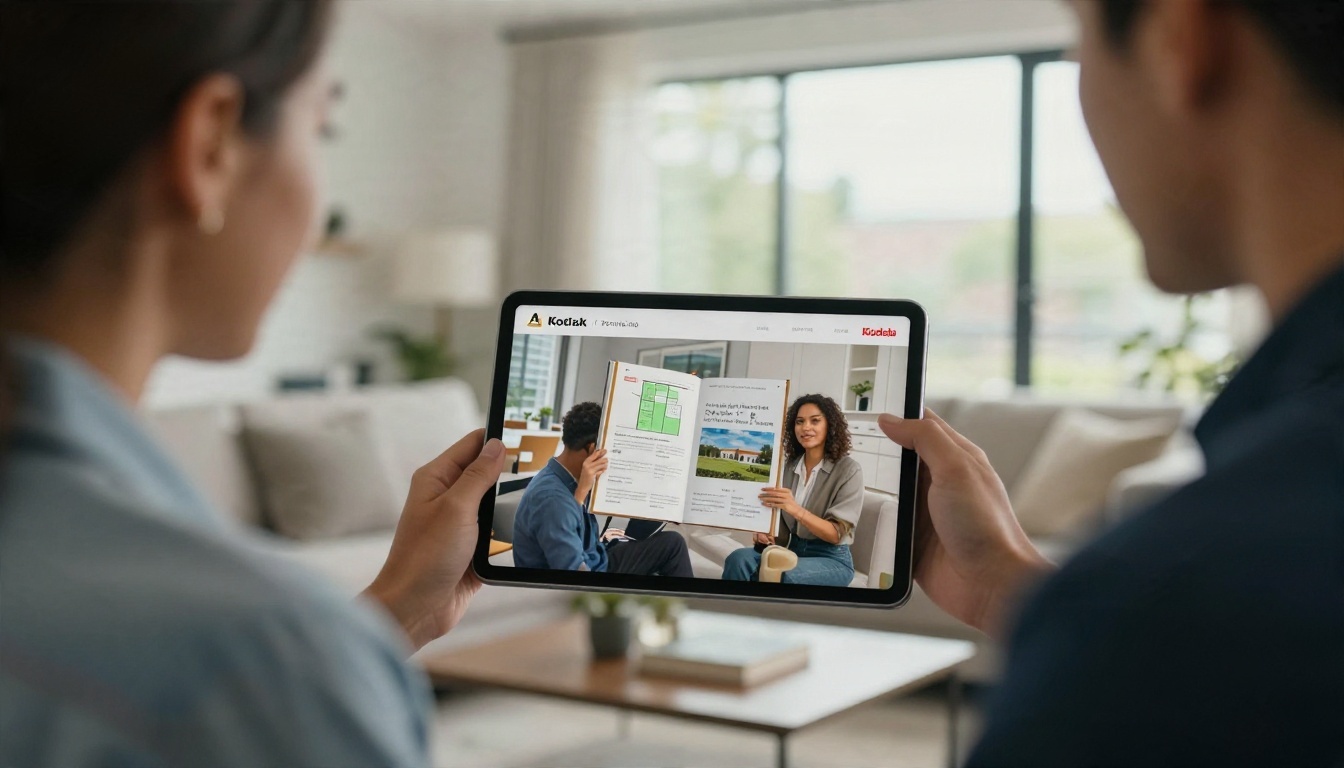
Try the Real Estate Brochure Creator to speed up the process across multiple listings.
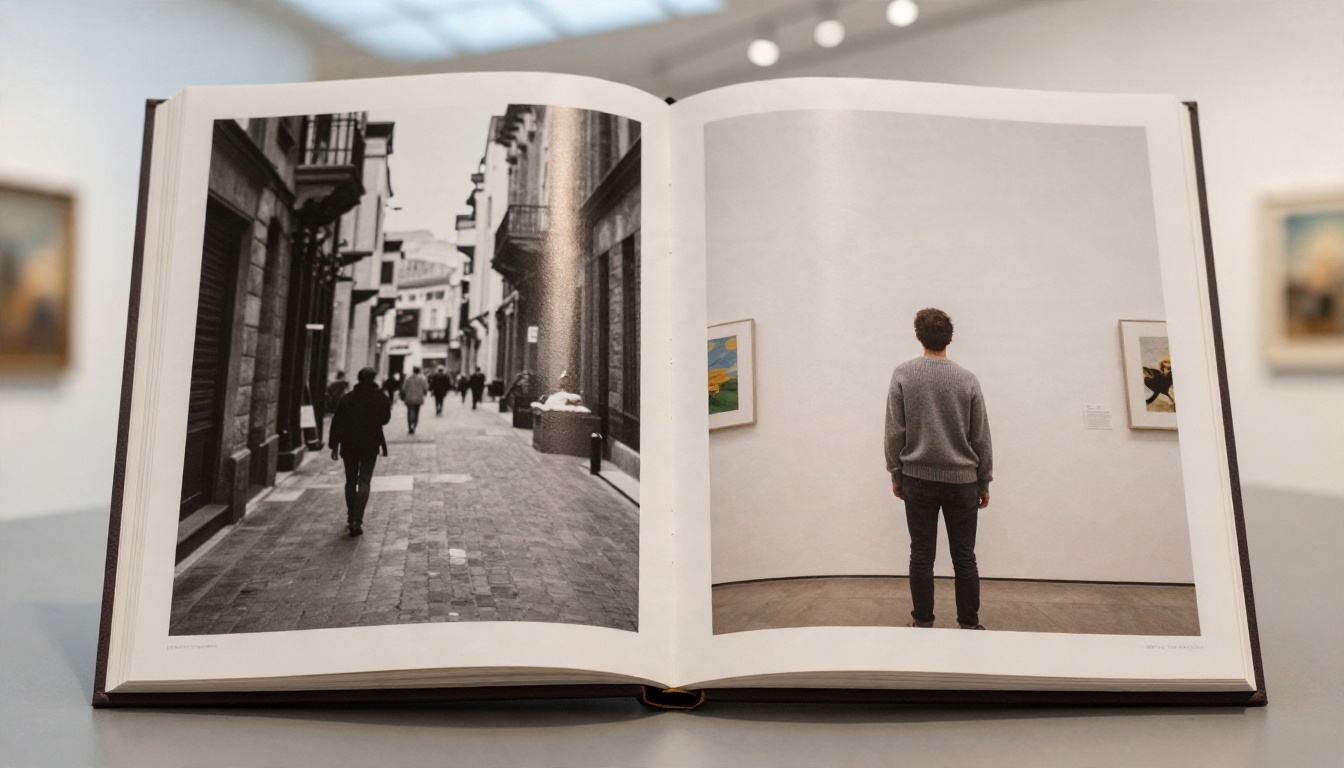
Photography portfolio
Left page: a black and white portrait. Right page: a colour landscape, with the photographer's name in small type at the bottom. It reads like a gallery wall, and it is easy to send to an editor or a client. The Photography Portfolio tool is made for this exact use.
| Use case | Left page | Right page | Interactive add on | Suggested size |
|---|
| Wedding teaser | Portrait | Date and thanks | Audio clip | Square 8 x 8 in |
| Restaurant menu | Dish list | Hero photo and booking | QR code, booking link | A5 portrait |
| Property listing | Exterior and price | Floor plan and photos | Contact button | A4 landscape or portrait |
| Portfolio | Black and white image | Colour image | Link to full site | Landscape A5 |
| Price list | Product table | Offer and terms | Order button | A4 portrait |
Mistakes to Avoid
Most weak two page pieces fail for the same few reasons:
- Cramming too much onto both pages. If you need to shrink the text below 9 pt, you have too much content. Cut it, or add a third and fourth page.
- Ignoring the phone view. A layout that depends on seeing both pages together will confuse people on a small screen.
- Placing text on the gutter. The fold will swallow letters in print and shadow them on screen.
- Using low resolution photos. A blurry image looks worse on a page than a missing one. Use at least 150 dpi at the final size for screens, and 300 dpi for print.
- Forgetting a next step. Every spread needs one clear action: call, book, buy, visit or share.
- Skipping a test. Open the final link on a phone, a tablet and a laptop before you send it anywhere.
⚠️ Warning: Do not export with crop marks if you plan to convert the PDF into a flipbook. The marks will show up inside the page.
Build Yours Today
A 2 page flip book is quick to make and easy to get right once you control three things: a clean layout with safe margins around the gutter, a size that suits where it will be read, and a maker that does not slap a watermark on your work.
Ready to build one? Create your account on Flipbooks AI, upload a PDF, and publish your first flipbook in a few minutes. Browse all flipbook tools to find a template for menus, portfolios, brochures or lookbooks, and compare the pricing plans when you are ready for analytics, lead capture and unlimited flipbooks. You can also go straight to pricing from your account and pick the plan that fits.



