The TikTok link page is one of the most clicked pieces of real estate on any creator's profile, yet most people fill it with nothing but flat, forgettable links. If you sell products, run a brand, teach a course, or simply want to impress your audience, adding a flipbook changes everything about that first tap.
A flipbook is an interactive digital publication that mimics the feel of flipping through a real magazine or catalog. When someone clicks your TikTok link and lands on a beautiful, animated page-turning experience, the difference in impression is immediate. Flipbooks AI makes the whole process surprisingly fast, even if you've never built a digital publication before.
Why Your TikTok Link Page Needs a Flipbook
Static Links Don't Do the Work
Most link pages on TikTok look identical: a profile photo, a short bio, and three to five plain text links stacked vertically. There's nothing wrong with the format, but there's also nothing that holds attention beyond the first second. Visitors scan, maybe click one link, and leave.
The problem isn't the tool. It's that plain links force your audience to imagine what they'll find on the other side. A flipbook shows them before they even commit to tapping.
What Followers Actually Click
Data from social media link analytics consistently shows that visual, branded links outperform plain text. When your TikTok bio leads to a link page where one of the options is a beautifully designed flipbook thumbnail, curiosity takes over. People tap it. They flip through pages. They spend time with your content.
This is the core advantage: a flipbook doesn't just link somewhere, it delivers an experience right inside the browser, no app download required, no friction.
💡 TikTok's own algorithm rewards profile visits that result in longer session time. A flipbook that keeps visitors browsing is one of the few tools that can improve both your off-platform reach and your on-platform performance signal.
What Is a TikTok Link Page
TikTok's Native Link Feature
TikTok now allows accounts, especially business accounts and creator accounts above certain follower thresholds, to add a clickable link directly in their bio. When clicked, this can open a simple link page that TikTok hosts natively, listing multiple destinations. The interface is clean but extremely limited in visual customization.
Third-Party Link Page Tools
Most serious creators use a third-party tool to build their link page. These platforms give you more design control, click analytics, and the ability to embed richer content. The most common options include:
| Platform | Custom Branding | Analytics | Free Plan | Best For |
|---|
| Linktree | Limited (free) | Yes | Yes | General creators |
| Beacons | Yes | Yes | Yes | Monetization-focused |
| Stan Store | Yes | Yes | Paid | Course/product sellers |
| Carrd | Full | No | Yes | Portfolio-style pages |
| Bio.site | Limited | Basic | Yes | Aesthetic-focused |
Each of these platforms lets you add any external URL as a link button. That means you can paste your flipbook's direct link in as one of the buttons, and anyone who taps it will open the interactive publication instantly.
How to Create Your Flipbook in Minutes
This is where Flipbooks AI handles the hard part. The process from PDF to published, shareable flipbook takes under five minutes.
Step 1: Upload Your PDF
Start by creating a free account on Flipbooks AI. Once inside your dashboard, click the upload button and select your PDF file. This could be:
- A product catalog
- A lookbook or fashion editorial
- A service menu
- A digital portfolio
- A course syllabus or reading material
- A press kit or media package
The PDF to Flipbook Converter processes the file and converts every page into a smooth, animated flipbook within seconds. No design skills needed at this step.
Step 2: Brand and Customize
Once converted, you can customize the flipbook before sharing it:
- Colors: Match your brand palette across the viewer controls
- Logo: Add your logo to the top bar so every visitor sees your brand
- Background: Choose from solid colors, gradients, or subtle textures
- Page effects: Enable realistic page-curl animations
- Auto-play: Set the flipbook to start flipping automatically when opened
- Sounds: Add background audio for an immersive effect
✅ Mobile-responsive design is automatic. Your flipbook looks and functions perfectly on any phone screen, which matters since TikTok visitors are almost always on mobile.
Step 3: Publish and Copy Your Link
Hit publish and Flipbooks AI generates a permanent, shareable URL for your flipbook. Copy that link. That's the URL you'll drop into your TikTok link page.
The link looks clean, loads fast, and opens directly in the browser with no app required.
Adding the Flipbook Link to TikTok

On TikTok's Native Link Feature
If you're using TikTok's built-in link in bio:
- Open TikTok and go to your profile
- Tap Edit Profile
- Tap the Website or Add link field
- Paste your flipbook URL directly, or paste your link page URL if using a third-party tool
- Save changes
TikTok's native system only supports one link at a time for most accounts, so if you want multiple links, a third-party link page is the better route.
On Linktree, Beacons, and Similar Tools
- Log in to your link page platform
- Click Add New Link or the equivalent button
- Paste your flipbook URL in the destination field
- Give it a clear, click-worthy label: "Shop the Catalog", "View the Lookbook", "Download the Menu"
- Save and preview
- Copy your link page URL
- Paste that into your TikTok bio
Done. Everyone who taps your TikTok bio link now has access to your flipbook alongside your other links.
💡 Put your flipbook link near the top of your link page. Most visitors only tap one or two links, so position what matters most at the very top where eyes land first.
Best Flipbook Types for TikTok Creators

Product Catalogs
If you sell physical goods through TikTok, a digital catalog is the single most effective thing to put in your bio link. Instead of sending followers to a cluttered product page, you give them a curated, page-by-page shopping experience.
Fashion sellers can use a Fashion Catalog Creator to build seasonal lookbooks that read like editorial spreads. Home goods sellers can use the Furniture Catalog Maker. Any product category benefits from the format.
Fashion Lookbooks
TikTok's fashion community is enormous, and a lookbook flipbook lets you show off styling, storytelling, and product in one seamless flow. Followers tap in expecting a link and get a ten-page fashion story. The wow factor is real.
Use the Interactive Lookbook Designer to build it, embed video clips directly into the pages, and link each product to its buy page.
Portfolios and Media Kits
Creators pitching to brands need a professional, branded media kit. A Digital Portfolio Creator turns your rate card, audience stats, and past collaboration examples into a polished PDF-to-flipbook presentation.
Photographers benefit from the Photography Portfolio Flipbook format, where high-resolution images display edge to edge with no compression.
Menus and Service Lists
Restaurants, spas, and service businesses that use TikTok for marketing can link directly to their restaurant menu or spa and wellness menu as a flipbook. It's a frictionless way to show pricing and offerings without making followers hunt through a website.
Flipbook vs PDF vs Image Carousel on TikTok
Creators often debate how to share visual content through their bio link. Here's how the three main options stack up:
| Format | Mobile Experience | Page-Turn Animation | Analytics | Embeddable | No App Needed |
|---|
| Flipbook | Optimized | Yes | Yes (Pro) | Yes | Yes |
| PDF Link | Varies by browser | No | No | No | Yes |
| Image Carousel | Good | No | Limited | No | Yes |
| Google Doc | Poor | No | Limited | No | Yes |
⚠️ Raw PDF links often trigger a download prompt on mobile instead of opening in-browser. This kills the experience for TikTok visitors who are on their phones. A flipbook avoids this entirely by loading in a dedicated, mobile-first viewer.
TikTok Link Page Platforms Compared
Choosing the right platform for your TikTok link page affects how well your flipbook link is presented and tracked:
| Platform | Custom Domain | Link Scheduling | Video Support | Pricing |
|---|
| Linktree | Paid | Paid | Yes | Free / $5-$9/mo |
| Beacons | Yes | Yes | Yes | Free / $10/mo |
| Carrd | Yes | No | No | Free / $9/yr |
| Stan Store | Yes | Yes | Yes | $29/mo |
| Bio.site | Yes | No | No | Free |
The right platform depends on your goals. For most creators adding a flipbook, any free tier will work perfectly. Paste your Flipbooks AI link, label it clearly, and you're set.
Real Creators Using Flipbooks on TikTok
Fashion and Beauty Creators
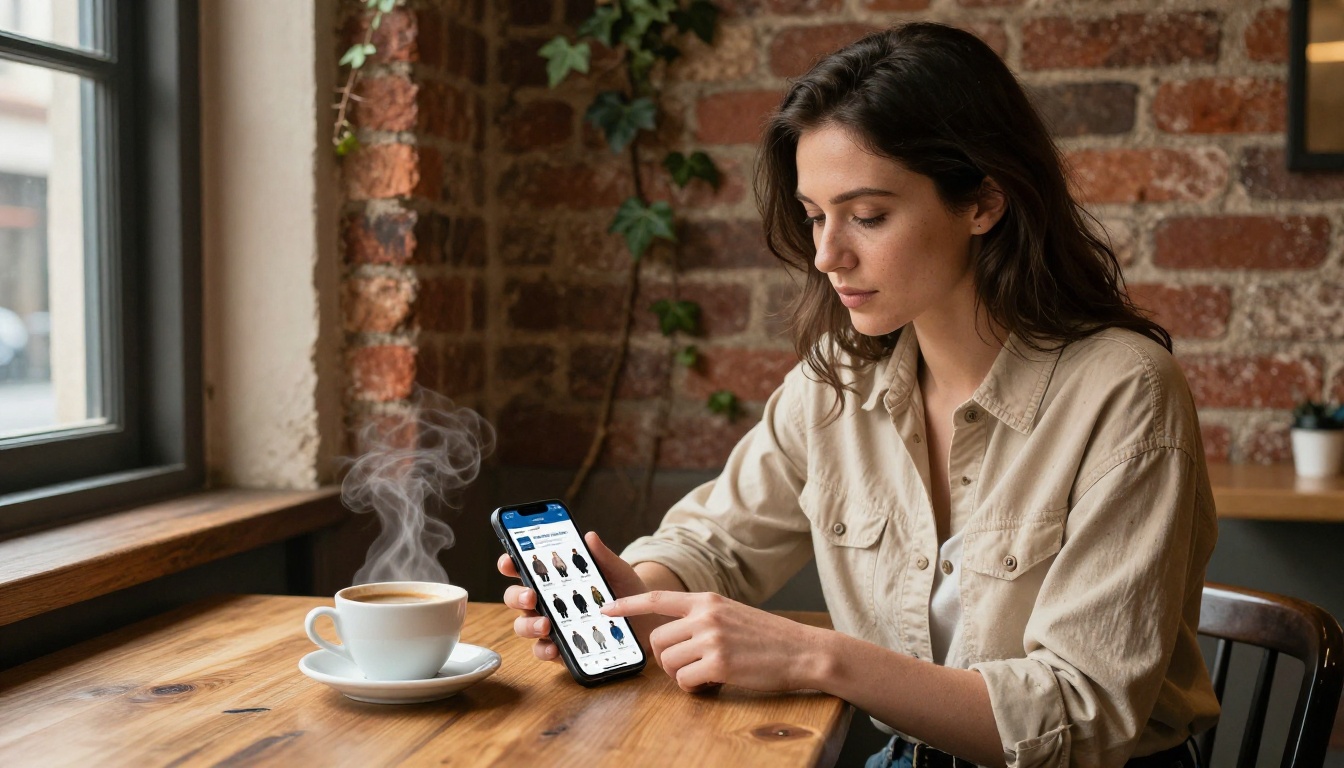
A fashion creator with 50,000 followers replaces their standard "Shop My Looks" link with a branded seasonal lookbook. Instead of dropping followers onto a static product page, they open a 12-page editorial where each spread tells a story and links out to specific products. Time-on-page triples. Conversion rate improves because buyers feel informed before they click.
Small Business Sellers
A handmade jewelry seller on TikTok creates a catalog flipbook every month showcasing new pieces with prices and materials. Instead of explaining each piece in a caption, they point followers to the catalog in their bio link. The catalog handles the selling.
Educators and Coaches

A business coach uses their TikTok link page to share a free resource flipbook with new followers. It might be a workbook, a step-by-step framework, or a reading list. The flipbook format makes it feel premium and keeps it on-brand, even when the content is free. This drives email sign-ups and creates the first touchpoint in a sales funnel.
Annual Reporting and Press Kits
Brands and nonprofits using TikTok for visibility can link directly to an annual report or press kit flipbook. Journalists, investors, and partners who land on the profile get instant access to professional-grade materials.
What to Put in Your TikTok Flipbook
Not every PDF makes a good flipbook for TikTok audiences. Here's what works best:
- Short and focused: 6-15 pages is the sweet spot. TikTok users have short attention spans, so a tight, well-edited flipbook performs better than a 60-page document.
- High-resolution visuals: TikTok is a visual platform. Every page of your flipbook should have strong imagery.
- Clear price points: If you sell anything, show prices. Followers who click from TikTok are often ready to buy; they just need the information.
- One clear action per page: Don't crowd each page with multiple calls to action. One product, one offer, or one idea per spread.
- Mobile-first layout: Design in portrait or square orientation when possible. Most TikTok bio visitors are on phones.
- Embedded links: Add clickable URLs on product images so readers can tap directly from within the flipbook to your shop, booking page, or contact form.

✅ Flipbooks AI Professional plan includes lead generation forms you can embed directly into flipbook pages, so visitors can leave their email without ever leaving the document.
Flipbooks AI Plans for TikTok Creators
Knowing which plan fits your workflow saves you from paying for features you don't need, or missing out on ones that make a real difference:
| Feature | Free | Standard | Professional |
|---|
| Flipbooks | 1 | Unlimited | Unlimited |
| Watermarks | No watermarks | No watermarks | No watermarks |
| Custom branding | Limited | Yes | Yes |
| Password protection | No | Yes | Yes |
| Analytics | No | No | Yes |
| Lead gen forms | No | No | Yes |
| Offline downloads | No | Yes | Yes |
| Embed video/audio | No | Yes | Yes |
For most TikTok creators starting out, the Standard plan covers everything needed to build and share a professional flipbook in your bio. The Professional plan adds the analytics and lead capture tools that matter once your audience scales.
Check all pricing plans to see which tier fits your current stage.
Make Every Bio Click Count
Your TikTok link page deserves more than a list of plain URLs. A flipbook turns a single click into a brand experience, whether that's a product catalog someone can shop from, a lookbook they'll save and share, or a resource that puts you in a different category from every other creator in your niche.
The setup takes minutes. Create your free account on Flipbooks AI, upload your first PDF, and have a live flipbook link ready to drop into your TikTok bio today.
If you're not sure what to create first, browse all available tools and templates to find the format that fits your content. And when you're ready to scale with analytics, lead generation, and unlimited publications, compare the pricing plans to choose what works best for your goals.



