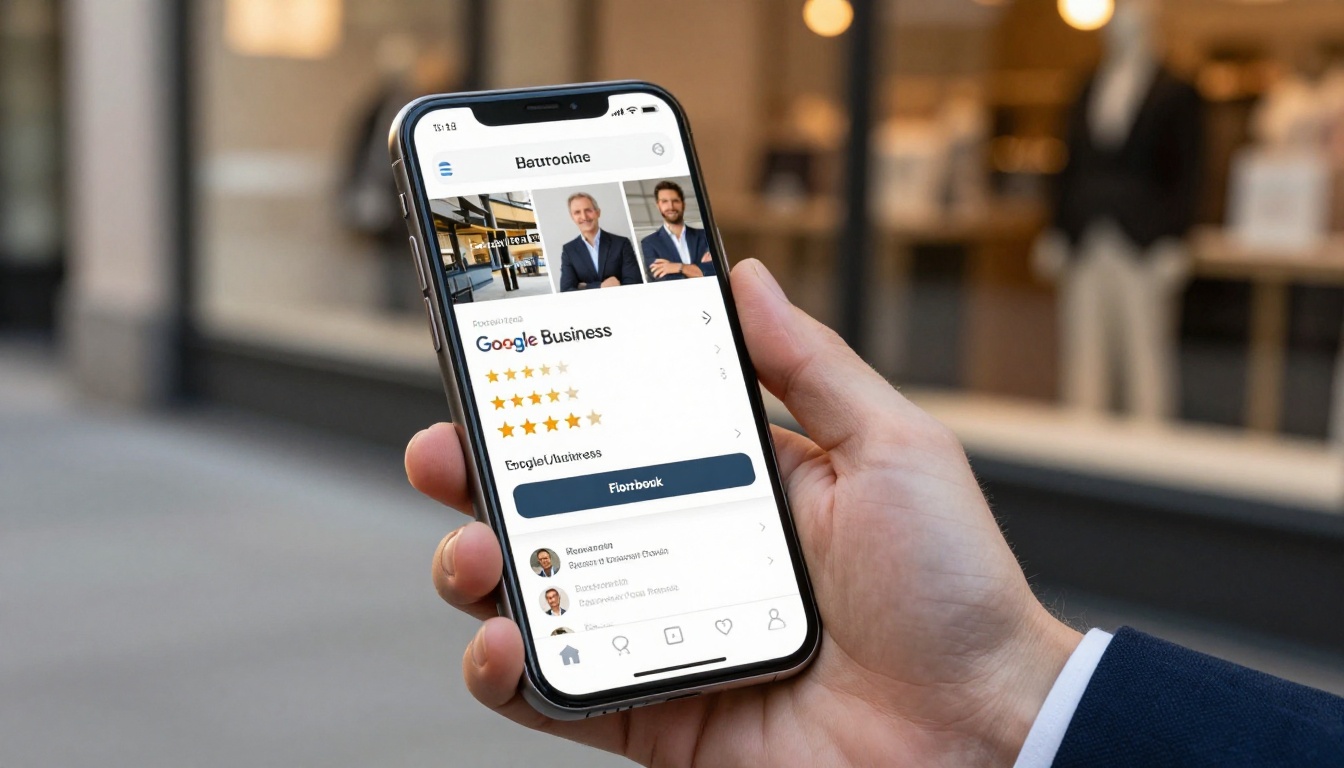
Your Google Business Profile shows up in local search results, Google Maps, and the knowledge panel whenever someone searches for your business or your category. Most owners upload a few photos, fill in their hours, and call it done. But there is a measurable gap between what customers see and what they actually need to see before committing to a visit or a call. Adding a flipbook to your Google Business Profile closes that gap by giving people something interactive, credible, and worth spending time on, directly inside your listing. Flipbooks AI makes this process straightforward, even if you have never created a digital publication before.
Why Your Google Listing Needs More Than Photos
The average Google Business Profile gets scanned in under 10 seconds. A prospective customer looks at your rating, checks your hours, glances at two or three photos, and decides whether to visit your website or your competitor's. Static photos can only do so much. They show what a place looks like, but they do not show what you offer, how much things cost, or what sets you apart.
This is exactly where a flipbook earns its place.
What Searchers Actually Want to See
People searching for a restaurant want to see the menu. People looking for a hotel want to browse the rooms. A prospective client considering a real estate agent wants to see properties. A digital flipbook, linked directly from your Google Business Profile, gives searchers exactly what they are looking for without asking them to dig through your website first.
💡 Pro tip: Listings that give customers useful information upfront, before they click away, tend to retain attention longer. Longer attention signals value to Google.
Static Photos vs. Interactive Documents
| Feature | Standard Photos | Flipbook Link |
|---|
| Shows specific products or services | Limited | Yes |
| Lets customers scroll through content | No | Yes |
| Includes pricing information | No | Yes |
| Updates without re-uploading to Google | No | Yes |
| Holds attention longer | Minimal | Significant |
| Works on mobile without app download | N/A | Yes |

What a Flipbook Does for Local SEO
Google Business Profile signals are a documented local SEO ranking factor. While Google does not publish a precise formula, the consensus among local SEO practitioners is that profiles with higher interaction rates, more thorough information, and stronger click-through rates tend to outperform thin profiles in the local pack.
A flipbook contributes to all three of these signals.
More Time on Your Listing
When someone clicks the link to your flipbook and spends three minutes reading your menu or catalog before calling you, that behavioral signal matters. It suggests your listing satisfied the searcher's intent. Google notices when people do not immediately bounce back to the search results, and profiles that hold attention consistently earn better placement over time.
The Click-Through Signal
A well-labeled flipbook link in your Google Posts section, described with copy like "See Our Full Menu" or "Browse Our Spring Catalog", produces a much higher click-through rate than a generic website link. Higher CTR on your GBP posts is a positive interaction signal, and it sends warm, primed traffic directly to content they already wanted to see.
✅ Best practice: Name your flipbook link with action-oriented copy that tells the reader exactly what they will see when they click. "View Menu" outperforms "Click Here" every time.
How to Build Your Business Flipbook
Before you can add a flipbook to your Google Business Profile, you need one. The process on Flipbooks AI takes less than five minutes for a basic document, and the result looks professionally produced without requiring a designer.
Step 1 - Sign Up and Create Your Account
Go to flipbooksai.com/account and sign up. The Free plan lets you create your first flipbook immediately with no credit card required. If you already know you will need multiple flipbooks or custom branding, check the pricing page to pick the plan that matches your volume.
Step 2 - Upload Your PDF
Your flipbook starts as a PDF. This can be your existing menu, your product catalog, your company brochure, or any document you already have. If you do not have a PDF yet, you can create one in Canva, Google Slides, or Microsoft Word and export it. Once you have it ready:
- Click Upload PDF from your dashboard
- Select the file from your computer
- Wait for the conversion, which typically takes 30 to 90 seconds
- Your flipbook preview will appear with page-turn animation ready
⚠️ Note: Make sure your PDF is formatted for the orientation you want. Landscape PDFs work best for menus and catalogs. Portrait works well for brochures and reports.
Step 3 - Brand It for Your Business
This is where your flipbook moves from generic to professional. In the editor:
- Set your brand colors so the flipbook header and controls match your business identity
- Upload your logo to appear in the top-left corner of the viewer
- Add a preview thumbnail that will serve as the front-page image in your Google Post
- Toggle on mobile-responsive mode so it looks clean on every device, including the phones most of your Google customers use
The Online Brochure Designer and other specialized tools come with pre-set layouts if you want something more structured than a raw PDF upload.
Step 4 - Get Your Shareable Link
Once you are satisfied with the look:
- Click Share or Publish in the top-right of the editor
- Copy the direct link (a URL like
flipbooksai.com/view/your-flipbook-name)
- Optionally add password protection if the document is for existing clients only
- Save the link somewhere accessible, you will use it in the next section
How to Add the Flipbook to Your Google Business Profile
Now that your flipbook is live and you have a shareable link, there are three practical places to put it in your profile. Each serves a slightly different purpose.
Using Google Posts
Google Posts are the most visible and most effective placement for your flipbook link. They appear directly in the local knowledge panel, right below your business name and contact details, in a format that Google actively shows to searchers.
How to post:
- Sign in to your Google Business Profile manager at business.google.com
- Click Add update or Create post
- Choose the Offer or Update post type
- Write a short, compelling description (e.g., "Our summer menu is live. Browse every dish before you visit.")
- Add a high-quality photo from your flipbook's front page or interior pages
- In the Button field, select Order online or Visit and paste your flipbook link
- Publish
💡 Pro tip: Google Posts expire after 7 days for standard updates. Set a recurring reminder to re-publish a fresh post each week so your flipbook link stays visible at all times.
Adding It to Your Website Link
In your GBP profile, you can include links to relevant resources. If your profile allows additional links:
- Go to Edit profile in your Business Profile manager
- Scroll to Website or Links
- Add your flipbook URL as the primary or secondary link
- Label it clearly so customers know what they are clicking
This works especially well if your business does not have a full website, or if your website is not mobile-optimized. Your flipbook becomes the destination instead.
Putting It in Your Business Description
Your Google Business Profile description supports plain text with no clickable links inside the field itself. But you can reference your flipbook by mentioning the short URL directly:
"Browse our full menu and seasonal specials at flipbooksai.com/view/..."
This approach works as secondary reinforcement. The primary placement should always be in a Google Post with a clickable button.

Not all flipbooks serve the same purpose. The right format depends on your industry and what your customers need to see before they commit. Below is a breakdown of effective flipbook types by business category.
Browse the full list of specialized tools at flipbooksai.com/tools to find the exact format your industry needs.
Which Plan Do You Actually Need
If you are adding a single flipbook to your profile and want to test the results before scaling, the Free plan on Flipbooks AI covers the basics. But if you manage multiple locations, run seasonal content updates, or want analytics on how many people are clicking through from Google, the higher-tier plans deliver a measurable return.
| Feature | Free | Standard | Professional |
|---|
| Number of flipbooks | 1 | Unlimited | Unlimited |
| Custom branding | No | Yes | Yes |
| No watermarks | No | Yes | Yes |
| Password protection | No | Yes | Yes |
| Analytics and lead generation | No | No | Yes |
| Offline downloads | No | No | Yes |
| Embed videos and audio | No | No | Yes |
For most small businesses placing a single flipbook on their Google profile, the Standard plan provides the cleanest result: no watermarks, custom branding, and unlimited flipbooks. For businesses tracking conversion from their Google Profile specifically, the Professional plan adds analytics that show exactly how many visitors arrived via your GBP link.
Review the full breakdown at flipbooksai.com/pricing.
Real-World Scenarios That Show Results
The abstract case for adding a flipbook makes sense, but what does it actually look like in practice? Here are specific scenarios where this approach produces clear results.
Restaurants and Cafes
A restaurant with a Google Business Profile that links to a full menu flipbook eliminates one of the most common reasons potential diners choose a competitor: not knowing what is on the menu before arriving. A flipbook with full-page food photography, pricing, and dietary labels answers every question the searcher has, and does it in a format visually compelling enough to make them hungry before they even call.
The Menu Flipbook Designer is built for this use case, with layouts that mirror the visual weight of a printed menu.
Real Estate Agents
Buyers searching for agents in a specific area make decisions fast. A Google Business Profile that links to an interactive property brochure flipbook, showing listings, floor plans, and neighborhood highlights, keeps the agent's profile in active consideration while the buyer evaluates options. This works especially well for agents listing luxury properties, where visual impact drives decision-making more than any other factor.
Retail and Boutiques
A boutique clothing store can link to a seasonal lookbook from their Google Profile. When a searcher clicks through to see the spring collection in a beautifully formatted digital publication, the store is no longer competing on hours and location alone. It competes on style and taste, which is the right battleground for a boutique.
The Lookbook Flipbook Builder provides the layout for exactly this type of content.
Service Businesses
A law firm, accounting practice, or marketing agency can link to their company brochure or services overview as a flipbook. A well-produced professional brochure available instantly from a Google search sets a credibility tone before the first meeting ever happens. It signals that the business is organized, polished, and serious.
Tracking What Happens After You Publish
Adding the flipbook is the first step. The second step is understanding what it is doing for your business.
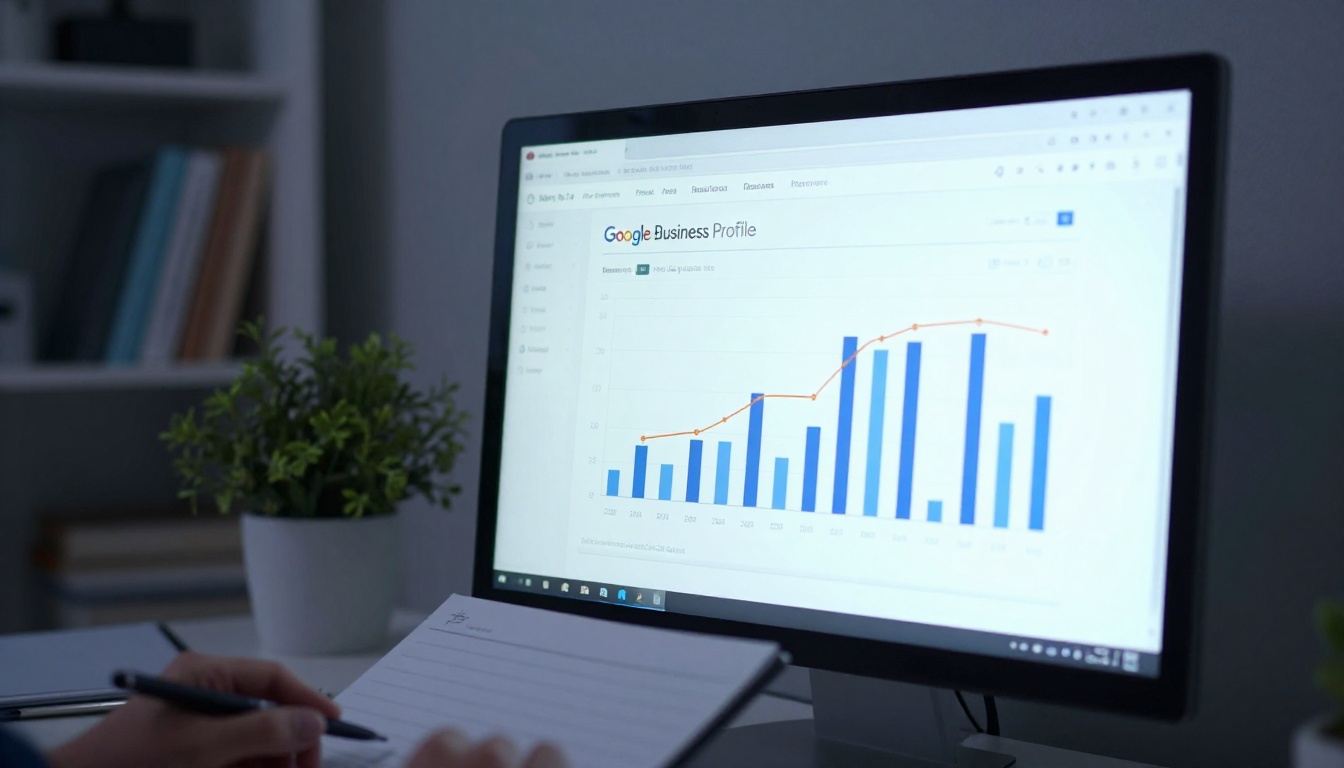
Within Google Business Profile manager, the Performance tab shows you how many people clicked on your posts and links in a given period. After adding your flipbook Google Post, check this tab weekly. Watch for:
- Direction requests: Do they increase in the week after publishing your flipbook?
- Website clicks: Are people clicking through to your full site after seeing your flipbook?
- Phone calls: Does call volume correlate with your flipbook post activity?
If you are on the Professional plan at Flipbooks AI, your flipbook dashboard shows view counts, page-depth metrics, and time spent inside the document. Combining both data sources gives you a picture of how many people found your flipbook via Google and how thoroughly they read it.
✅ Best practice: Refresh your flipbook content seasonally. A restaurant that updates its menu flipbook every quarter gives returning customers a reason to click the link again, which continues to reinforce the positive interaction signal on the profile.
Mistakes That Reduce Your Results
Most businesses that add a flipbook to their Google Profile and see no improvement made one of these errors:
- Generic link text: "Click here" or "Visit our website" produces lower CTR than descriptive copy like "See our full menu" or "Browse fall collection"
- Outdated content: A flipbook with last year's pricing or a discontinued menu creates a poor first impression and erodes trust
- No mobile check: Always view your flipbook on a phone before linking it from Google, since the majority of GBP traffic is mobile
- One post, never updated: A single post from six months ago has nearly no visibility. Google Posts require regular refresh to stay prominent
- Watermarked flipbook: A watermark from a free tool makes the publication look unprofessional. The Standard plan on Flipbooks AI removes watermarks for a clean, branded result
⚠️ Warning: Do not link to a raw PDF file directly in your Google Post. PDFs do not open correctly on all mobile devices and provide a poor experience. Always convert to a flipbook first so the content opens in a polished, mobile-friendly viewer.
Make Your Profile Work Harder Than Your Competitors

The businesses winning in local search are not necessarily the ones with the most reviews or the biggest budgets. They are the ones that give searchers the most useful, most compelling information at the moment of intent. Adding a flipbook to your Google Business Profile is one of the most direct ways to do that.
Create your first flipbook on Flipbooks AI and have it live on your Google Profile today. If you are not sure which type of flipbook fits your business, browse all tools and templates to find the right format. When you are ready to add analytics and custom branding, compare the pricing plans to choose what works for your volume.
Your Google listing already exists. The only question is whether it is doing everything it could be.



