Your catalog could be the most beautifully designed document in your industry, and it still won't drive traffic if no one can find it. The problem isn't your design. It's your keywords. Search engines don't read your catalog the way a human does. They look for signals: titles, descriptions, anchor text, and on-page copy that tells them exactly what your content is about. If those signals are missing or generic, your catalog gets buried. That's where AI keyword research changes everything, and where Flipbooks AI gives you a measurable edge over every competitor still uploading unoptimized PDFs.
Why Catalogs Disappear in Search
Most businesses upload a PDF catalog to their website and call it done. No title optimization, no descriptive metadata, no keyword-rich headings. The result? A file that search engines can't meaningfully index, sitting invisible on a server somewhere while competitors with properly optimized content rank above them.
The Visibility Problem Most Brands Miss
The gap between "uploaded" and "discoverable" is almost entirely a keyword gap. When a buyer searches for "affordable outdoor furniture catalog 2024," they're using specific, intent-driven language. If your catalog's file name is catalog_v2_final.pdf and its description reads "View our latest products," you're invisible to that search.
Digital catalogs published on platforms like Flipbooks AI have a structural advantage: they generate real web pages with indexable URLs, headings, and text. But that advantage only pays off if the right keywords are built into the content from the start.
How Buyers Actually Search for Catalogs
Understanding buyer search behavior is the foundation of any keyword strategy. Buyers don't search for your brand name unless they already know you. They search for what they need, right now.
- "spring collection lookbook 2025"
- "commercial kitchen equipment catalog PDF"
- "wholesale clothing price list download"
- "hotel room upgrade brochure"
- "real estate listing presentation digital"
These are transactional phrases. They signal purchase intent. The businesses that rank for these terms built their catalog content around them deliberately, not accidentally.

What AI Changes About Keyword Research
Traditional keyword research meant hours of manual work: pulling data from multiple tools, cross-referencing search volumes, guessing at intent. AI tools collapse that process into minutes and surface patterns that humans consistently miss.
Smarter Suggestions in Seconds
AI-powered keyword tools analyze billions of search queries and identify clusters of related terms. When you type "furniture catalog," an AI tool doesn't just return that phrase. It returns a full ecosystem of buyer intent:
- modern furniture catalog online
- furniture catalog with prices PDF
- downloadable furniture product catalog
- interactive furniture lookbook
- furniture catalog wholesale 2027
Each variation represents a different type of buyer at a different stage of the purchase journey. That granularity is something manual brainstorming can't consistently produce at scale.
Intent Mapping for Product Pages
One of AI's most valuable contributions to keyword research is intent classification. Every search query falls into one of four intent categories, and your catalog content should speak to all four:
| Intent Type | What the Buyer Wants | Example Query |
|---|
| Informational | Learning or researching | "what is a digital catalog" |
| Navigational | Finding a specific brand or site | "Flipbooks AI catalog platform" |
| Commercial | Comparing before buying | "best digital catalog makers 2025" |
| Transactional | Ready to act now | "create online product catalog free" |
Blog posts and landing pages serve informational intent. Tool pages and catalog pages serve transactional intent. Building content for all four positions you as an authority at every stage of the buyer journey, not just the moment of purchase.

AI Keyword Ideas by Catalog Type
Different catalog types attract buyers using different language. Below are AI-generated keyword clusters organized by industry. Use these as a starting point, then refine with actual search volume data from your preferred research tool.
Fashion and Apparel Catalogs
Fashion buyers are visual, trend-driven, and season-conscious. Keywords must reflect that specificity.
High-priority keywords:
- spring summer fashion catalog 2027
- women's clothing lookbook online
- fashion line sheet with prices
- wholesale fashion catalog PDF download
- fashion collection flipbook interactive
Long-tail opportunities:
- sustainable fashion brand catalog with prices
- plus size clothing wholesale catalog 2027
- boutique women's fashion lookbook spring
💡 Fashion catalogs built on Flipbooks AI can embed short video clips of runway looks, giving you an additional content type that ranks for video-heavy search terms alongside standard keyword queries.

Product and E-Commerce Catalogs
For product-heavy businesses, keywords must match the specificity of real product searches. Generic terms won't convert.
High-priority keywords:
- product catalog with prices 2027
- wholesale product catalog PDF download
- B2B supplier product catalog
- digital product catalog maker online
- printable product price list template
Long-tail opportunities:
- industrial tools catalog PDF free download
- home goods product catalog with specs
- electronics wholesale price list 2027
Real Estate and Property Catalogs
Real estate buyers search with location-specific intent. Broad terms won't reach the right audience.
High-priority keywords:
- real estate property brochure online
- luxury property listing presentation
- new development property catalog PDF
- real estate agent digital brochure template
Long-tail opportunities:
- Miami luxury condos property brochure 2027
- commercial real estate listing presentation PDF
- new build homes interactive catalog
✅ Use the Real Estate Brochure Creator to publish location-specific brochures with custom URLs, making it straightforward to rank for hyper-local keyword variations that generic competitors ignore.

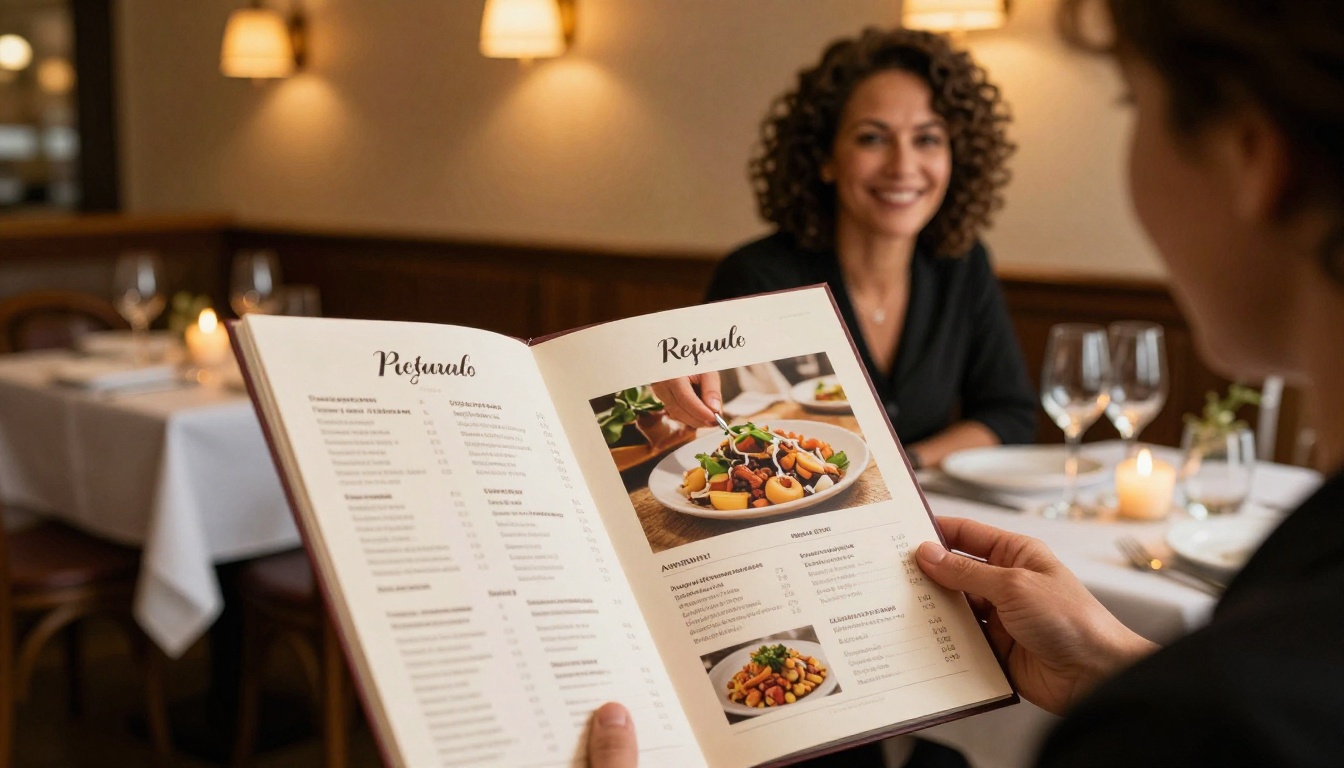
Restaurant and Hospitality Catalogs
Food and hospitality keywords combine discovery intent with local search signals. These buyers are often minutes away from a purchase decision.
High-priority keywords:
- restaurant menu PDF online
- hotel services brochure digital
- fine dining tasting menu flipbook
- spa treatment menu PDF download
Long-tail opportunities:
- vegan restaurant tasting menu PDF 2027
- boutique hotel room rates brochure
- cocktail bar menu digital flipbook
The Restaurant Menu Creator and Spa & Wellness Menu tools are built specifically for these keyword-rich catalog types, with page structures that map naturally to the way hospitality buyers search.
How to Use Keywords Inside Your Flipbook
Generating keyword ideas is only half the job. Placing them correctly inside your catalog content determines whether those keywords actually translate into search rankings.
Title and Description Optimization
The title of your flipbook and its meta description are the two highest-impact fields for search visibility. Every flipbook published on Flipbooks AI gets its own indexed web page. That page's title and description directly affect how it ranks and how many people click through from search results.
Title formula: [Primary Keyword] + [Differentiator] + [Year or Season]
Examples:
- Women's Spring Collection Lookbook 2027
- Wholesale Electronics Product Price List 2027
- Luxury Hotel Amenities Brochure Barcelona
Description formula: Lead with the primary benefit. Include one or two secondary keywords naturally. End with a soft call to action that motivates the click.
⚠️ Avoid stuffing five or more keywords into a single title. Search engines penalize this behavior, and it makes your catalog look unprofessional to human readers before they even click.
Where to Place Keywords in Digital Catalogs
Beyond the title and meta description, these are the highest-value keyword placement spots inside any digital catalog:
- First page heading: The first page of your flipbook functions like an H1 tag in terms of search weight
- Product category headings: Each section heading is a separate keyword opportunity
- Product descriptions: Natural language with specific material, use-case, and specification keywords
- Image file names and alt text: Descriptive text that search engines use to understand your visuals
- Embedded links and anchor text: Internal links with keyword-rich anchor text pass authority signals

AI Keyword Comparison by Catalog Industry
The table below compares keyword difficulty, search intent, and expected traffic potential across the main catalog industries. Use this as a reference when prioritizing which keywords to target first in your content strategy.
| Industry | Sample Keyword | Avg. Difficulty | Primary Intent | Traffic Potential |
|---|
| Fashion | "spring collection lookbook 2025" | Medium | Commercial | High |
| Furniture | "furniture catalog with prices" | Medium | Transactional | High |
| Real Estate | "property listing brochure PDF" | Low-Medium | Commercial | Medium |
| Restaurant | "restaurant menu online PDF" | Low | Transactional | High |
| E-Commerce | "wholesale product catalog 2025" | High | Transactional | Very High |
| Hospitality | "hotel amenities brochure" | Low | Informational | Medium |
| Education | "course materials digital flipbook" | Low | Informational | Low-Medium |
💡 Low-difficulty keywords are not low-value. For niche catalogs, a low-competition term with moderate volume often drives more qualified traffic than a high-volume generic term that attracts the wrong audience entirely.
How to Create a Keyword-Rich Digital Catalog with Flipbooks AI
If your business uses catalogs to attract buyers, here's how to build and publish one with SEO built into the process from the start.
Step 1: Create Your Account
Go to flipbooksai.com/account and sign up. The Standard plan gives you unlimited flipbooks with no watermarks, custom branding, and mobile-responsive output on every catalog you publish.
Step 2: Prepare and Upload Your PDF
Before uploading, audit your PDF for keyword placement. Add your primary keyword to the title page heading. Make sure product category headings are specific and descriptive rather than generic. Replace "Products" with "Wholesale Women's Apparel Spring 2025." Then upload the PDF to Flipbooks AI, which converts it to an interactive digital flipbook automatically.

Step 3: Optimize Title, Description, and URL
After uploading, set your flipbook's title, description, and custom URL using the keyword formulas above. This is the single highest-impact SEO action available to you at publish time. A title like "Wholesale Home Textiles Catalog 2025" will dramatically outperform "My Catalog" in every search scenario.
Use the Digital Catalog Maker or the Catalog Flipbook Creator if you're building from a template and want a structured foundation to layer your keywords onto.
Step 4: Customize Branding and Add Multimedia
Apply your brand colors, logo, and custom domain. For hospitality, fashion, or lifestyle catalogs, embed short video clips or background audio on relevant pages. Multimedia content increases average time-on-page, which is a positive ranking signal that compounds the longer your catalog stays live.
Step 5: Share, Embed, and Track Performance
Use the embed code to place your flipbook directly on product pages or landing pages across your site. Share the direct URL through email campaigns and social channels. On the Professional plan, activate analytics to track which catalog pages attract the most attention. This data informs your next round of keyword optimization with real behavioral evidence.
✅ Flipbooks AI includes password protection for private catalogs, offline download support, embedded multimedia, lead generation forms, and custom branding with no watermarks on Standard and above.

Flipbooks AI Plan Comparison for Catalog SEO
Choosing the right plan determines which SEO and analytics features you can access. Here's how the plans compare specifically for catalog publishers:
| Feature | Free Plan | Standard Plan | Professional Plan |
|---|
| Flipbooks | Limited | Unlimited | Unlimited |
| Custom URL slug | No | Yes | Yes |
| Watermarks | Yes | No | No |
| Custom branding | No | Yes | Yes |
| Password protection | No | Yes | Yes |
| Page analytics | No | No | Yes |
| Lead generation forms | No | No | Yes |
| Offline downloads | No | Yes | Yes |
| Website embed | Yes | Yes | Yes |
For catalog SEO, the Standard plan is the minimum effective option. The Professional plan adds the analytics and lead generation tools that let you measure keyword performance and convert catalog visitors into identifiable, trackable leads.
See the full breakdown at flipbooksai.com/pricing.
What Makes a Keyword Actually Work
Having a keyword isn't enough. The keyword has to match what your catalog actually delivers. Mismatched keywords drive visitors who leave immediately, which signals to search engines that your content isn't relevant, hurting your ranking more than no keyword at all.
Search Volume vs. Specificity
The most common mistake in catalog keyword strategy is chasing high search volume at the expense of specificity.
"Catalog" has enormous search volume. It's also completely useless because it could refer to a library catalog, a software catalog, or a retail product catalog. A visitor who lands on your fashion lookbook after searching "catalog" wasn't looking for you.
"women's wholesale fashion lookbook PDF 2025" has lower volume. But the person who searches that phrase is a buyer looking for exactly what you have. That's the keyword worth targeting.
3 Mistakes That Kill Catalog Visibility
- Generic file names:
catalog_v3_FINAL.pdf gives search engines nothing to work with. Use descriptive names like spring-2025-womens-fashion-catalog.pdf
- Missing meta descriptions: The summary text appearing below your link in search results is your first pitch to a potential buyer. Leave it blank and you lose that pitch entirely
- Ignoring long-tail variations: Most brands target only two or three top keywords. Long-tail keywords (four or more words) account for the majority of search queries and are significantly easier to rank for in competitive categories
One of the fastest ways to publish a catalog with built-in SEO structure is to use a purpose-built tool that already has the correct formatting for your catalog category. Flipbooks AI offers specialized creators for every major catalog type:
Each tool generates a structured flipbook with the right formatting for that catalog category, giving you a solid SEO foundation to build your keyword strategy on top of.
Put Your Catalog in Front of Real Buyers
Your catalog already has the products. It just needs the language that puts it in front of the right people at the right moment. AI keyword research has made that language faster to find, more accurate to target, and more adaptable to shifts in how buyers search over time.
The brands winning in catalog search right now treat keyword optimization as part of the publishing process, not an afterthought. They build it into every title, every description, every section heading before the catalog goes live.
Ready to publish your first fully optimized digital catalog? Get started for free on Flipbooks AI, or browse all catalog tools and templates to find the right fit for your industry. Want to see which plan fits your publishing volume? View pricing options and choose what works for you.



