Bad product photos cost real money. Not in some abstract way, but in the specific, measurable form of shoppers clicking away, carts going abandoned, and ad spend wasted on images that simply don't convert. The good news: AI prompts have fundamentally shifted what's possible for product photography, and you don't need a studio budget or a professional photographer to benefit. Whether you're working with Midjourney, DALL-E, Stable Diffusion, or another AI image tool, the difference between a weak output and a genuinely sales-ready shot almost always comes down to how precisely you write your prompt. Flipbooks AI users who present digital product catalogs know this firsthand. Stunning images are the first thing readers notice, and the last thing they forget.
This article breaks down the exact prompt structures, category-specific formulas, and lighting variables that reliably improve any product photo.
What Makes a Product Photo Actually Sell
Before getting into prompts, it's worth understanding what separates high-converting product images from forgettable ones. The answer isn't always resolution or expensive props. It's about directing attention.
The 3 Visual Elements Buyers Notice First
Eye-tracking studies on e-commerce pages consistently show that buyers notice three things in under two seconds:
- The product's silhouette: its shape and form against the background
- The primary light source: whether it reads as soft and approachable or hard and dramatic
- Texture believability: whether the material looks real enough to touch
If your prompt doesn't address all three of these, the image will feel generic regardless of how detailed your other instructions are.
Why Most Product Photos Underperform
Most AI-generated product images fail because prompts are too vague. "A bottle of perfume on a white background" returns something technically correct but visually boring. It's the equivalent of asking a photographer to "just take a nice photo." The better approach is to specify exactly what you want the image to communicate, not just what you want it to show.
💡 Pro tip: Think of your prompt as a creative brief. Describe the mood, the buyer, and the setting as much as you describe the product itself.
How AI Prompts Work for Product Photos
AI image models respond to language the way photographers respond to a shot list. The more specific your language, the more controlled your output. Vague prompts produce average images. Specific prompts produce images that look like they came from a real production shoot.
The Anatomy of a Strong Photo Prompt
Every high-performing product photo prompt contains these components:
| Component | What It Does | Example |
|---|
| Subject | Names the product clearly | "frosted glass serum bottle" |
| Surface/Setting | Grounds the product in space | "on white Carrara marble" |
| Lighting | Sets the mood and dimensionality | "soft octabox from camera-left" |
| Camera Specs | Controls perspective and depth | "85mm f/1.8, shallow DOF" |
| Texture Detail | Adds realism | "condensation micro-droplets on glass" |
| Style Directive | Prevents generic output | "RAW 8K, Kodak Portra 400, film grain" |
When all six components are present, you're giving the model enough information to make intentional decisions rather than guessing.
Prompt Variables That Change Everything
Small word choices create large visual differences. Here's how specific variables shift the output:
| Variable | Option A | Option B | Visual Effect |
|---|
| Light type | "soft diffused window light" | "hard directional spotlight" | Approachable vs. dramatic |
| Background | "white seamless paper" | "dark slate stone surface" | Bright and clean vs. moody |
| Camera angle | "bird's-eye aerial view" | "low ground-level angle" | Flat and graphic vs. heroic |
| Lens focal length | "24mm wide angle" | "100mm macro" | Context-rich vs. detail-focused |
| Film simulation | "Kodak Portra 400 grain" | "clean digital, no grain" | Organic warmth vs. clinical precision |
⚠️ Warning: Mixing incompatible variables creates visual noise. A "soft diffused" light with "sharp dramatic shadows" is contradictory. Pick a consistent mood and build the prompt around it.
Prompts for Background and Setting
The background is the most immediately changeable element of any product shot. It sets the price point, the aesthetic, and the target buyer in a single visual decision.
Clean Studio Look Prompts
Studio backgrounds signal professionalism and let the product breathe. These prompts work for any category:
White seamless (versatile, e-commerce standard):
[Product] on a smooth white seamless paper surface, curved background sweep, even overhead softbox lighting with no shadows, 50mm lens at f/5.6, photorealistic RAW 8K photography
Marble luxury (cosmetics, jewelry, premium goods):
[Product] centered on white Carrara marble slab with natural grey veining, soft octabox at 45 degrees from camera-left, 85mm lens at f/2.0, Kodak Portra 400 film grain, photorealistic RAW 8K
Dark moody studio (tech, spirits, automotive accessories):
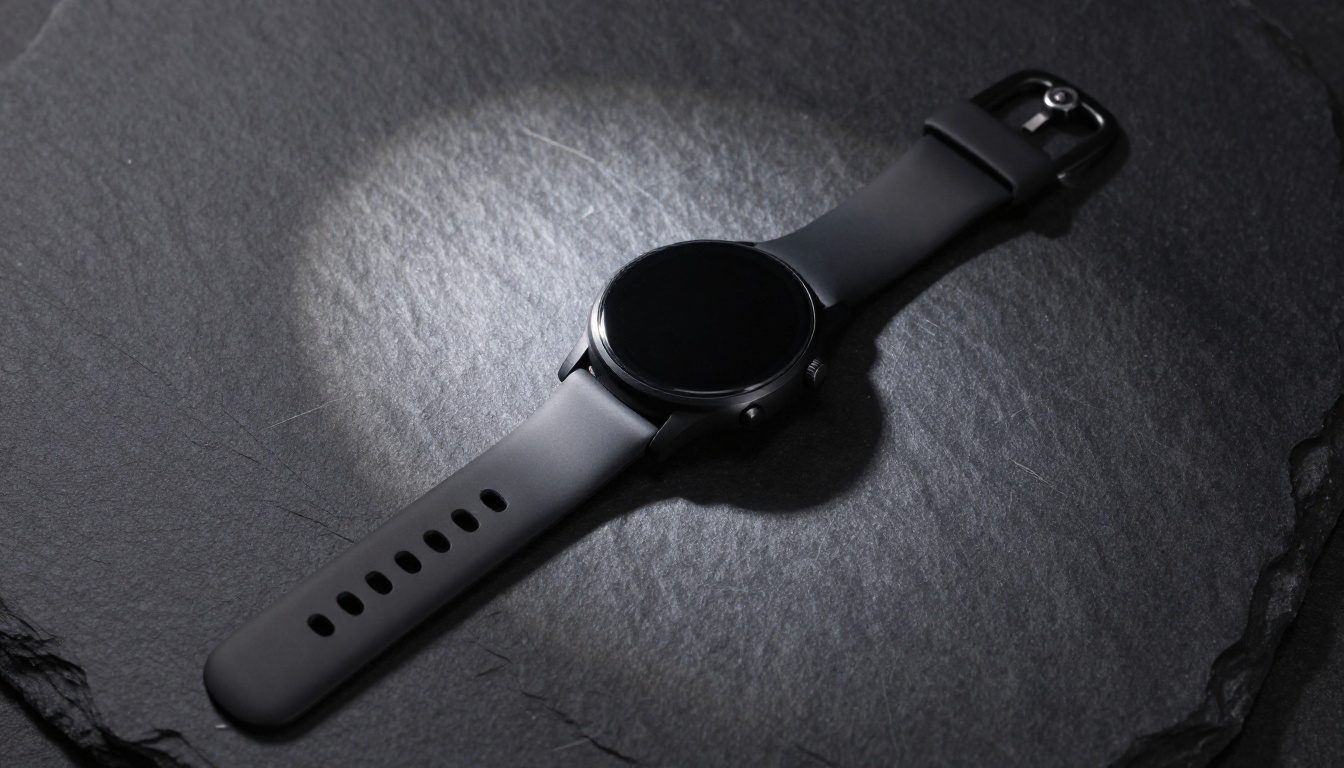
[Product] on rough dark slate stone surface, single hard directional spotlight from upper-left casting defined shadows, 35mm lens at f/4, bird's-eye view, deep blacks and crisp highlights, photorealistic RAW 8K
Lifestyle Context Prompts
Lifestyle backgrounds sell the aspiration, not just the object. They answer the buyer's unconscious question: "where does this fit in my life?"
Kitchen/home (food, beverage, home goods):
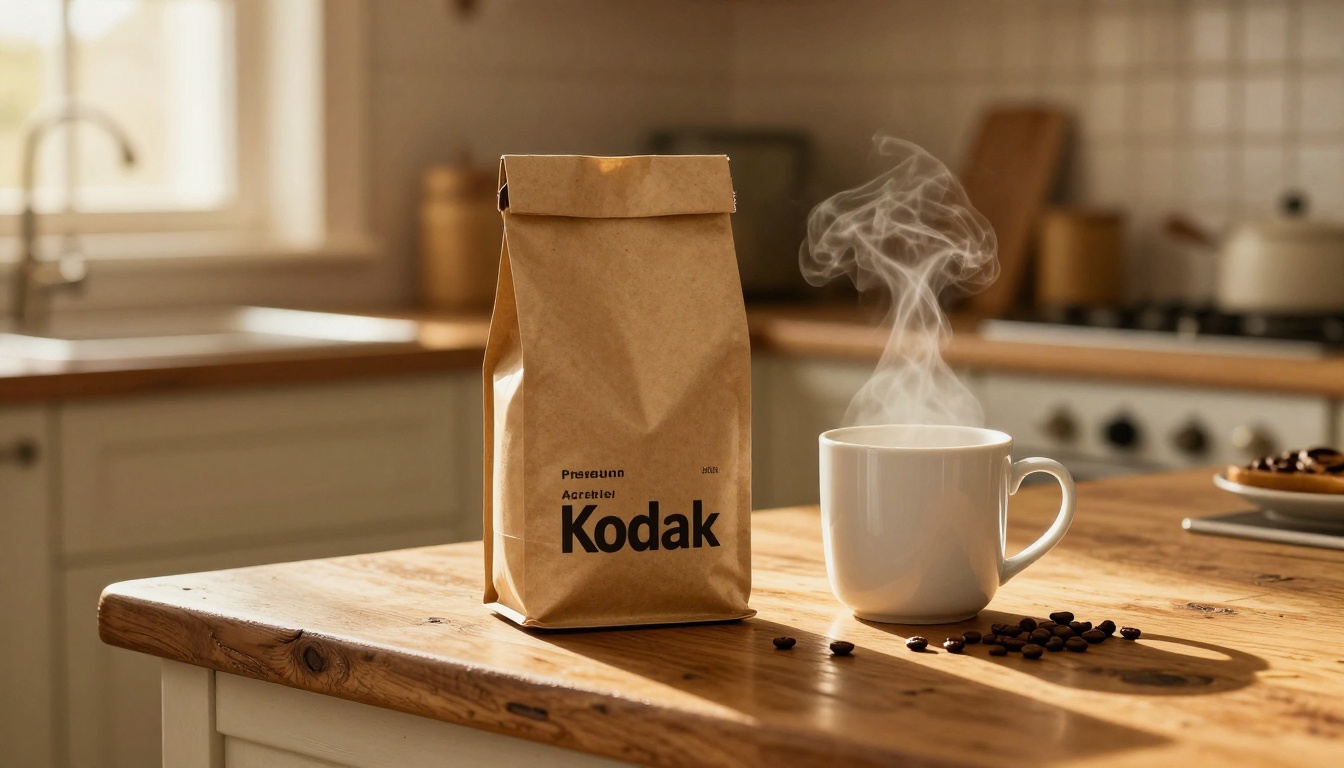
[Product] on worn oak kitchen counter, golden morning light from nearby window, 50mm lens at f/3.5, background of softly blurred kitchen interior, Kodak Portra 400 film grain, photorealistic RAW 8K
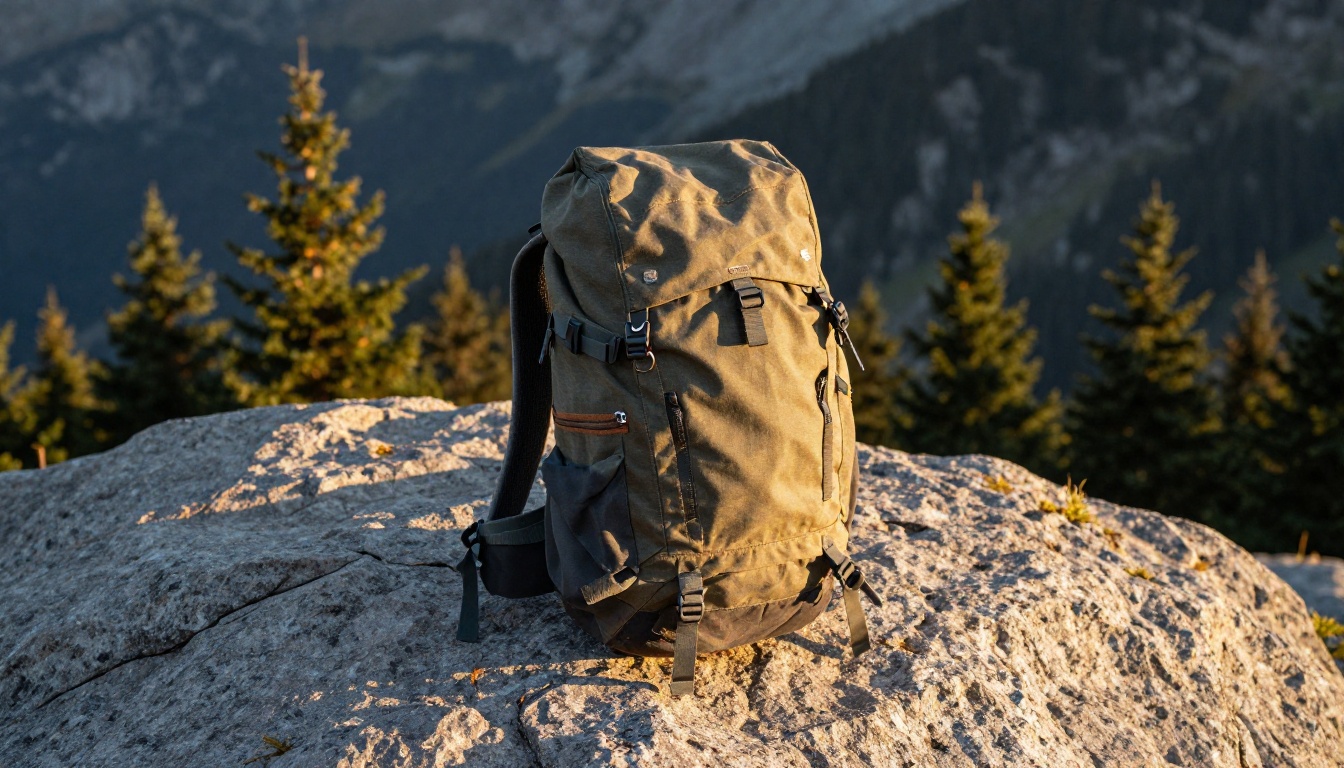
Outdoor/adventure (gear, apparel, supplements):
[Product] against a rough granite boulder on an alpine trail, late afternoon golden hour light from the right, 35mm lens at f/4, out-of-focus conifer forest background, photorealistic RAW 8K
Minimal home decor (ceramics, candles, soft goods):
[Product] on a solid walnut wood shelf against textured linen wall in warm greige, ambient skylight from above, 85mm lens at f/2.0, creamy background bokeh, photorealistic RAW 8K
Prompts for Lighting and Shadows
Lighting is the single most powerful variable in any product photo prompt. It shapes dimension, mood, and material believability more than any other element.
Soft Light for Skincare and Beauty Products
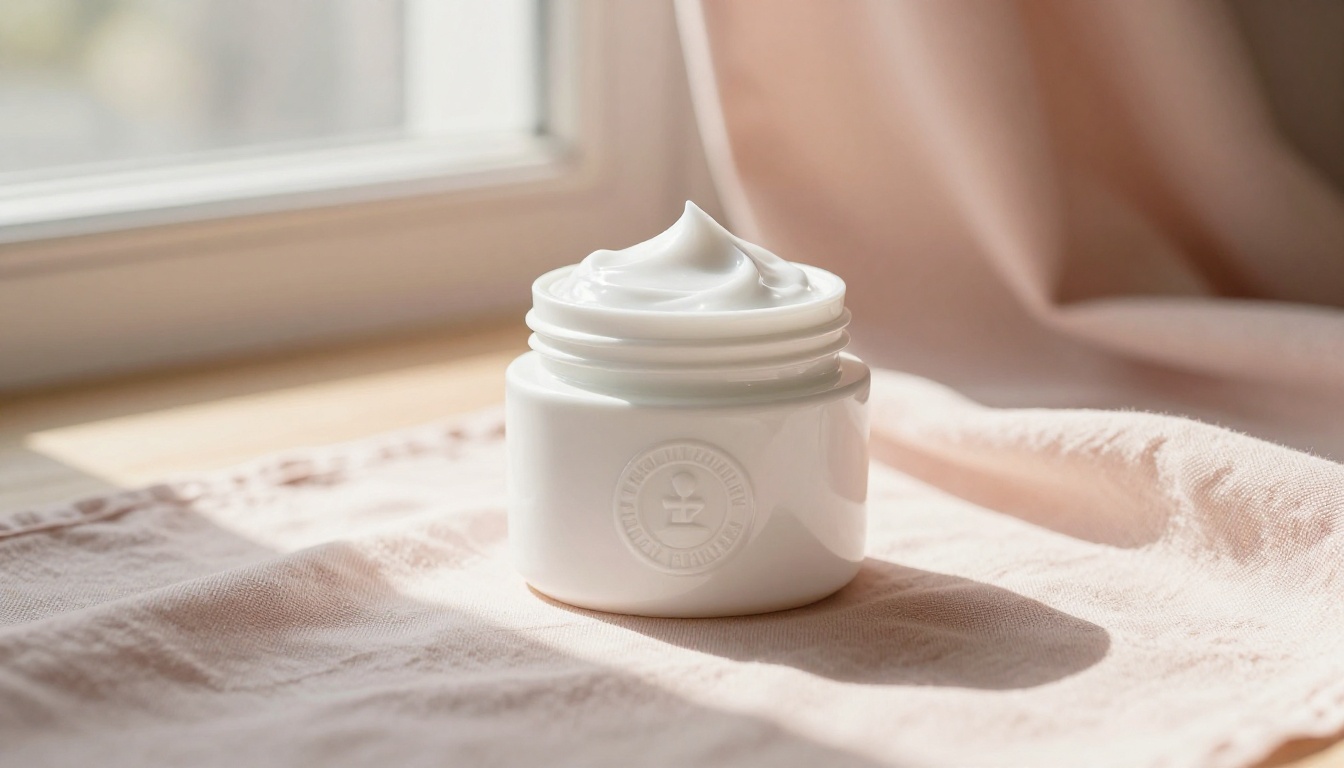
Soft, diffused light is the standard for anything that touches skin. It creates a warmth that reads as safe, gentle, and premium.
Prompt formula:
[Product] photographed with large north-facing window light from the left, long gentle graduated shadows across the surface, [camera specs], warm afternoon natural daylight with soft diffusion, Kodak Portra 400 film grain, photorealistic RAW 8K
The phrase "north-facing window light" signals a cool, even, consistently soft light source. "Graduated shadows" means the shadow transitions slowly from dark to light, which adds three-dimensionality without harshness.
✅ Best practice: For skincare and beauty, always include "warm afternoon natural daylight with soft diffusion" to prevent the cold, clinical look that cheap product photography produces.
Hard Light for Tech and Metal Products
Electronics, watches, and metal goods benefit from controlled hard light that creates specular highlights and defined shadows, making surfaces look premium and precisely engineered.
Prompt formula:
[Product] with single hard directional spotlight from upper-left, sharp defined shadows emphasizing surface texture and material details, [camera specs], deep blacks and crisp highlights, photorealistic RAW 8K
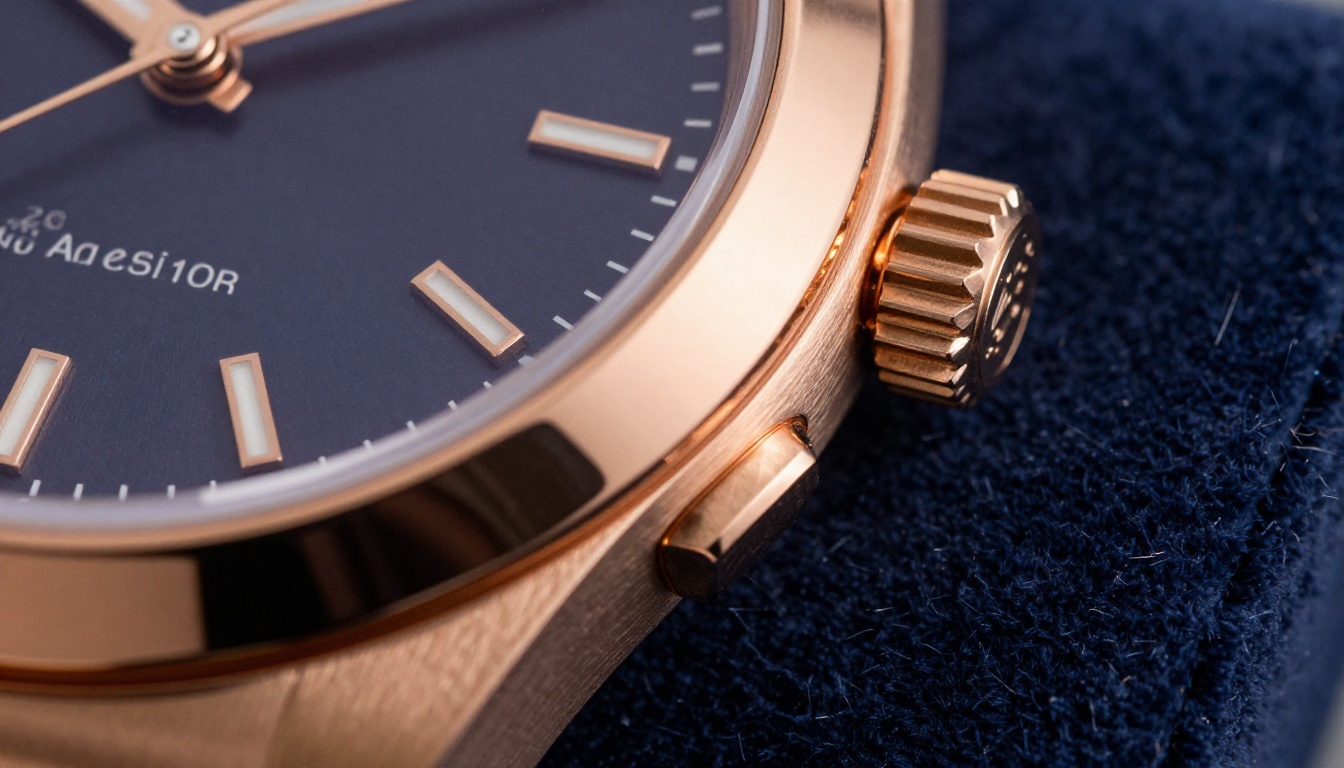
Adding "specular highlight tracing the polished edge" or "brushed metal band textures" tells the model to show the material's reflective properties rather than flattening them.
💡 Pro tip: For watches and jewelry, include "velvet surface rendered in individual fiber detail" in the base prompt. It adds tactile realism that subconsciously communicates quality to buyers.
Prompts by Product Category
Different product categories have established visual languages that buyers recognize. Using the right prompt formula for the right category means your images match buyer expectations, which builds trust before they even read the product description.
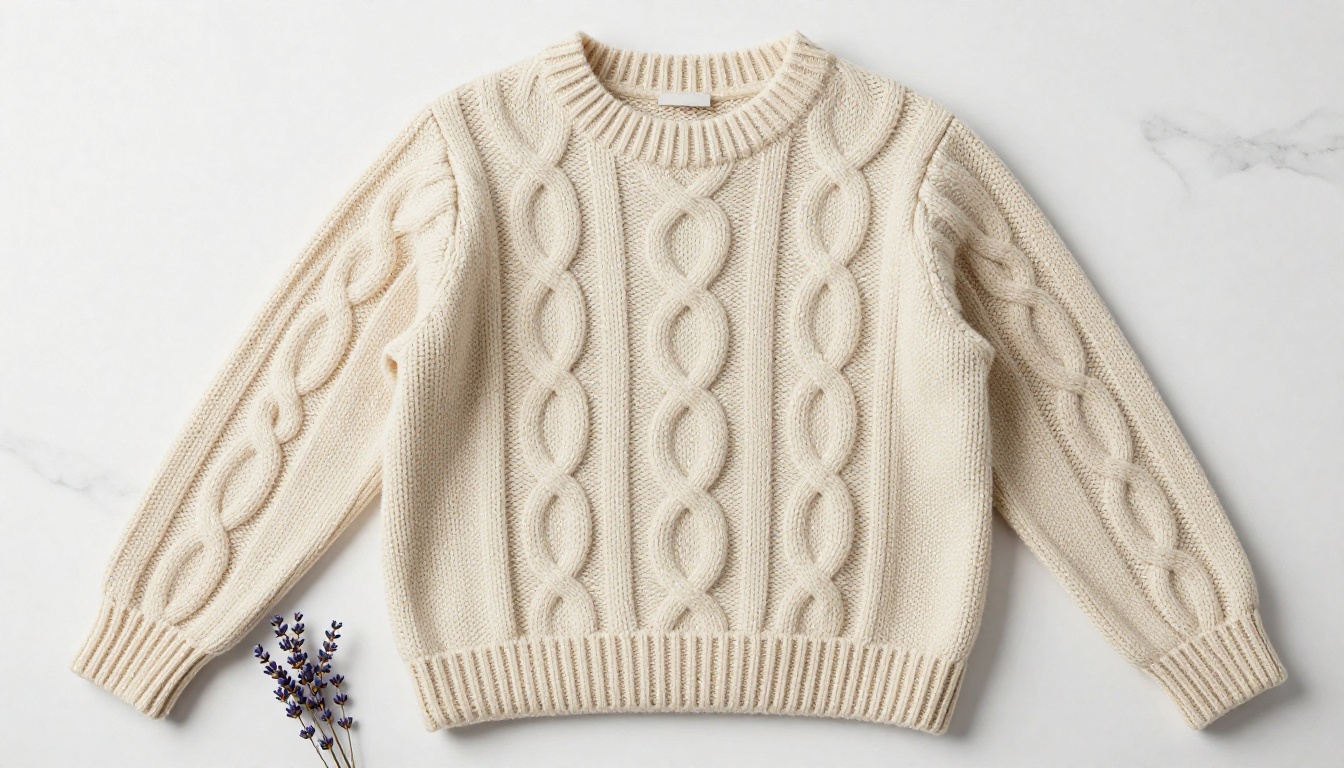
Fashion and Apparel
Apparel photography needs to communicate fit, fabric quality, and styling in a single frame.
Flat-lay formula:
[Garment] displayed flat on white marble surface, soft diffused overhead softbox, even shadowless illumination rendering every thread texture in perfect clarity, aerial composition with 24-70mm lens at f/5.6, [styling prop], photorealistic RAW 8K
On-body formula:
[Garment] worn naturally in a [setting] environment, [time of day] natural light, [camera specs], lifestyle fashion photography, photorealistic RAW 8K, Kodak Portra 400
Food and Beverage
Food photography is driven by appetite appeal. The goal is to make the product look fresh, real, and irresistible.
Modifiers that add appetite appeal:
- "steam rising naturally"
- "condensation on the surface"
- "golden hour ambient light"
- "scattered [ingredient] around the base"
Formula:
[Product] on [surface], [warm light description], [camera specs], [food styling element: mug, scattered ingredients, napkin], Kodak Portra 400 film grain, photorealistic RAW 8K
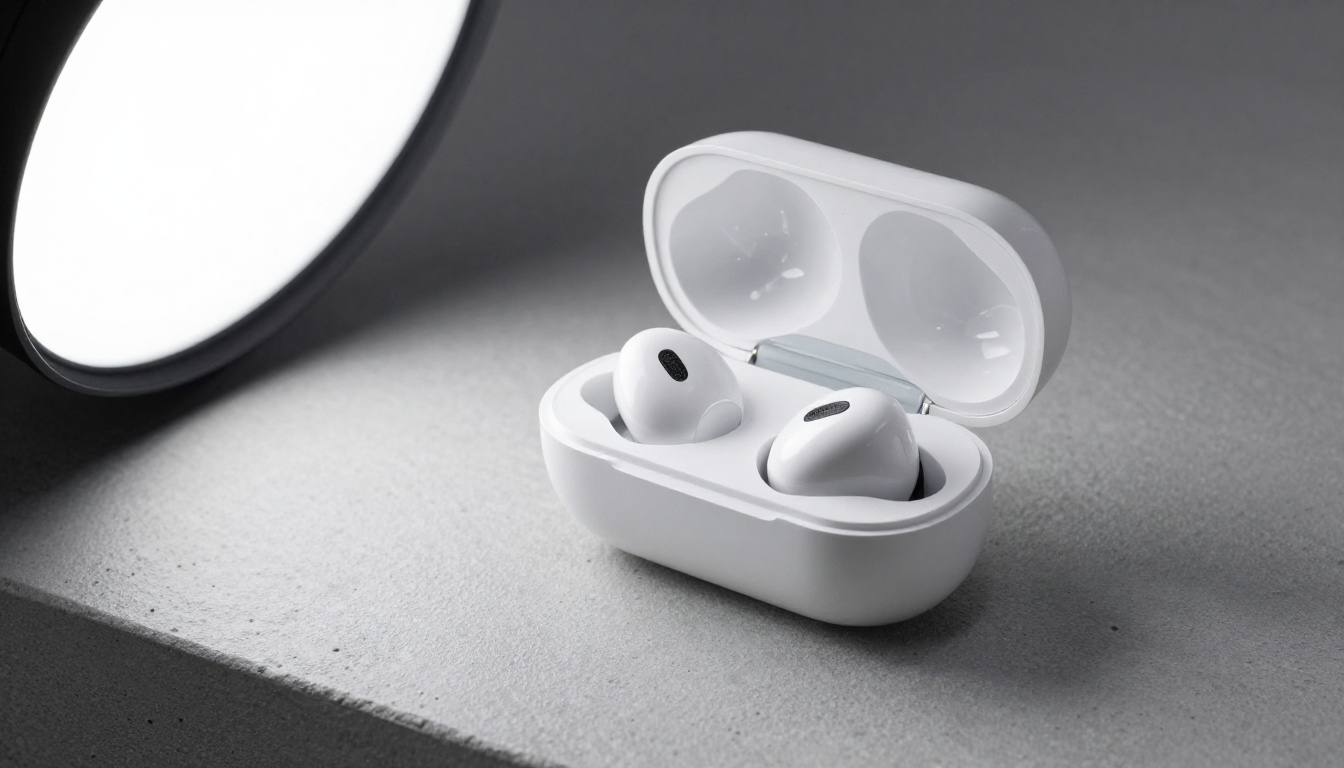
Electronics and Gadgets
Tech photography should feel precise, modern, and purposeful. Buyers want to see the product clearly, not buried in context.
Formula:
[Device] on [neutral surface: concrete, slate, brushed metal], single large softbox light from [direction], 50mm lens at f/3.5 from 45-degree elevated angle, fine specular highlights on [specific surface detail], minimalist composition, photorealistic RAW 8K
Home Decor and Furniture
Home goods need to be shown in context. Buyers aren't purchasing an object, they're buying what that object will look like in their home.
Formula:
[Product] placed on [surface material] in a [room environment] setting, [ambient light description], [camera specs], out-of-focus [background elements] visible, lifestyle home photography, photorealistic RAW 8K
The most effective addition for home goods: specify the wall texture and color. "Textured linen wall painted in warm greige" communicates far more to the model than "neutral background."

Putting Your Photos Into a Digital Catalog
Once you have a set of high-quality AI-generated product images, the next step is presenting them in a format that sells. A static PDF or image gallery loses most of its visual impact. A properly built digital flipbook holds attention, turns pages naturally, and works on any device.
Flipbooks AI is built specifically for this workflow. It converts your PDF product catalog into an interactive flipbook with page-turn animations, embedded video, and shareable links, with no design software required.
Step 1: Prepare Your AI-Enhanced Product Images
Before uploading, compile your AI-generated images into a PDF. Each product should have at least one hero shot and one lifestyle or detail image. For a catalog, aim for 2-4 images per product spread. Tools like Canva, Adobe Express, or InDesign work well for layout.
Step 2: Upload and Convert Your Catalog
Head to Flipbooks AI and create a free account. Once inside:
- Click Create Flipbook from your dashboard
- Upload your compiled PDF
- Wait for the automatic page-by-page conversion (typically under 60 seconds for a 20-page catalog)
- Preview the result in the live flipbook viewer
Your AI product photos will render at full quality with smooth page-turn animations. The Product Catalog and Digital Catalog Maker tools are purpose-built for this use case.
Step 3: Brand and Publish
Customization options include:
- Custom colors and logo: match your brand identity exactly
- Password protection: for wholesale catalogs or private client presentations
- Embed code: drop the flipbook directly into your website or landing page
- Direct shareable link: send to buyers, partners, or retail contacts
For brands that need analytics on who viewed a catalog, how long they spent, and which pages they stopped on, the Professional plan adds full lead generation and view tracking. There are no watermarks on any paid plan.
✅ Best practice: Use the Interactive Lookbook Designer for fashion catalogs. It's optimized for the full-spread visual layouts that apparel photography demands.
Common Prompt Mistakes to Avoid
Even with the right structure, a few consistent mistakes undermine otherwise well-built prompts.
Contradictory Instructions
Asking for "soft natural light" and "dramatic sharp shadows" in the same prompt creates a tug-of-war the model resolves by averaging both, giving you something mediocre from each direction. Commit to one lighting style per prompt.
Overloading Props
More props don't mean better images. Three props with specific descriptions almost always outperform six vaguely described ones. The model can only render so much detail before the composition becomes cluttered and unfocused.
Skipping the Camera Spec
"85mm f/2.0" is not optional decoration. Focal length determines spatial compression (how flat or dimensional the subject looks relative to the background) and aperture controls how much of the scene stays in focus. Without these, the model defaults to a generic perspective that typically looks neither wide enough nor intimate enough for a strong product shot.
Forgetting the Style Directive
Ending your prompt with "photorealistic RAW 8K photography, Kodak Portra 400 film grain, no text" is what separates results that look like a real photograph from results that look like a digital illustration. It's a one-line investment with significant return.
| Mistake | Result | Fix |
|---|
| Vague subject description | Generic, interchangeable output | Name materials, colors, surface finishes |
| Contradictory lighting | Averaged, flat result | Choose one mood and stick to it |
| No camera specs | Wrong perspective and depth | Always include focal length and aperture |
| No style directive | Illustration-like quality | End with "photorealistic RAW 8K, film grain" |
| Too many props | Cluttered, unfocused image | Limit to 2-3 well-described supporting elements |
⚠️ Warning: Avoid describing your product photo as "artistic" or "creative" in the prompt. These terms signal to the model that stylization is acceptable, which often means departing from photorealism.
Your Product Photos Are Ready. Now What?
The prompts in this article are functional starting points, not finished recipes. Every product has its own visual requirements, and the best results come from iterating on a base prompt until the output matches the specific material, setting, and buyer mood you're targeting.
Once your images are ready, the most common mistake is burying them in a static PDF or an unformatted image gallery. Product photography works hardest when it's presented in a format designed for browsing, and that's exactly what a properly built digital catalog delivers.
Flipbooks AI makes it straightforward to take your AI-generated product images from file to fully interactive digital catalog in minutes. No design experience needed, no watermarks, and the result works on every device. You can get started for free and have your first catalog live the same day.
For brands with larger catalogs or teams, the pricing plans include analytics, lead capture, and unlimited flipbooks from the Standard plan upward. Browse all tools and templates to find the format that fits your product line.



