Every organization has experienced it: the 80-page quarterly report that lands in inboxes Monday morning, gets skimmed for five minutes, and then sits unread for the rest of the quarter. The information is in there. The decisions that need to be made depend on it. But between dense footnotes, appendices, and paragraph-buried data points, most professionals simply don't have the bandwidth to dig through it all. AI summaries are changing that equation, and the platforms helping teams share those summaries in readable formats are changing it even further. Flipbooks AI sits at the intersection of both shifts.
Why Long Reports Stop Getting Read

The 80-Page Problem
The average annual report runs between 60 and 120 pages. The average professional reads about 200 words per minute. A 100-page corporate document with standard word density clocks in at roughly 50,000 words, which means reading it front-to-back would take over four hours. Nobody is doing that.
What actually happens is selective reading: executives jump to the financial summary, department heads skip to their sections, and junior staff skim the executive brief if one exists. The rest of the document becomes decorative.
This isn't a motivation problem. It's a format problem.
What Gets Buried in Dense Documents
The information that matters most is often the hardest to find. Performance indicators buried in paragraph three of page 47. Risk factors tucked into an appendix. Competitive intelligence woven into a footnote on page 83.
Three things get lost consistently in long-format reports:
- Actionable decisions that require cross-referencing multiple sections
- Time-sensitive alerts buried after extensive context-setting preamble
- Trend data that only becomes meaningful when pulled from across the document and viewed together
AI summaries fix all three by doing the cross-referencing, preamble-cutting, and trend-aggregation automatically.
How AI Summarization Actually Works
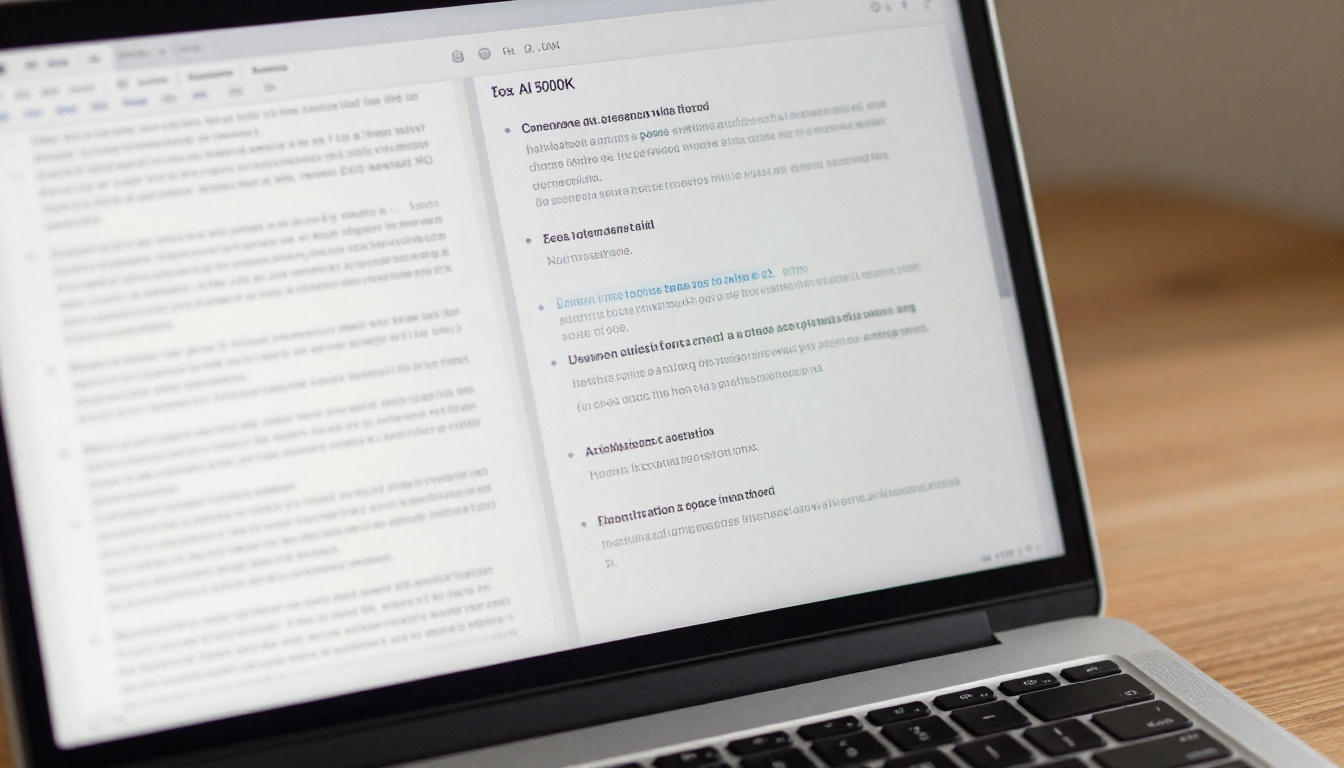
Extraction vs. Abstraction
There are two fundamentally different approaches AI takes when summarizing a report, and knowing the difference changes how you use the output.
Extractive summarization pulls sentences directly from the source document and assembles them into a shorter text. The words are unchanged, just curated. This approach is fast, transparent, and retains the original phrasing, which matters in legal or compliance contexts where rewording creates liability.
Abstractive summarization reads and rewrites. The AI generates new sentences that capture the meaning of passages without quoting them verbatim. This produces more natural, flowing summaries that read like they were written by a human analyst. The tradeoff: you need to verify accuracy more carefully since the model is paraphrasing.
Most professional-grade AI summarization tools combine both: extractive methods for data and figures (no rewriting the numbers), abstractive methods for narrative sections.
The Models Behind the Summaries
Modern document AI runs on large language models fine-tuned for long-context processing. The challenge with reports isn't language difficulty, it's context length. A 100-page PDF contains roughly 150,000 tokens. Until 2023, most models maxed out at 4,000 to 8,000 tokens, forcing crude chunking strategies that lost inter-section connections.
Current models from Anthropic, Google, and OpenAI handle 100,000 to 2 million tokens in a single pass, which means they can hold an entire annual report in context simultaneously. The summaries they produce reflect the whole document, not just isolated sections.
💡 Pro tip: For financial reports, use extractive-first settings to preserve numerical accuracy. Then apply abstractive summarization only to the narrative commentary sections.
5 Report Types Where AI Makes the Biggest Difference
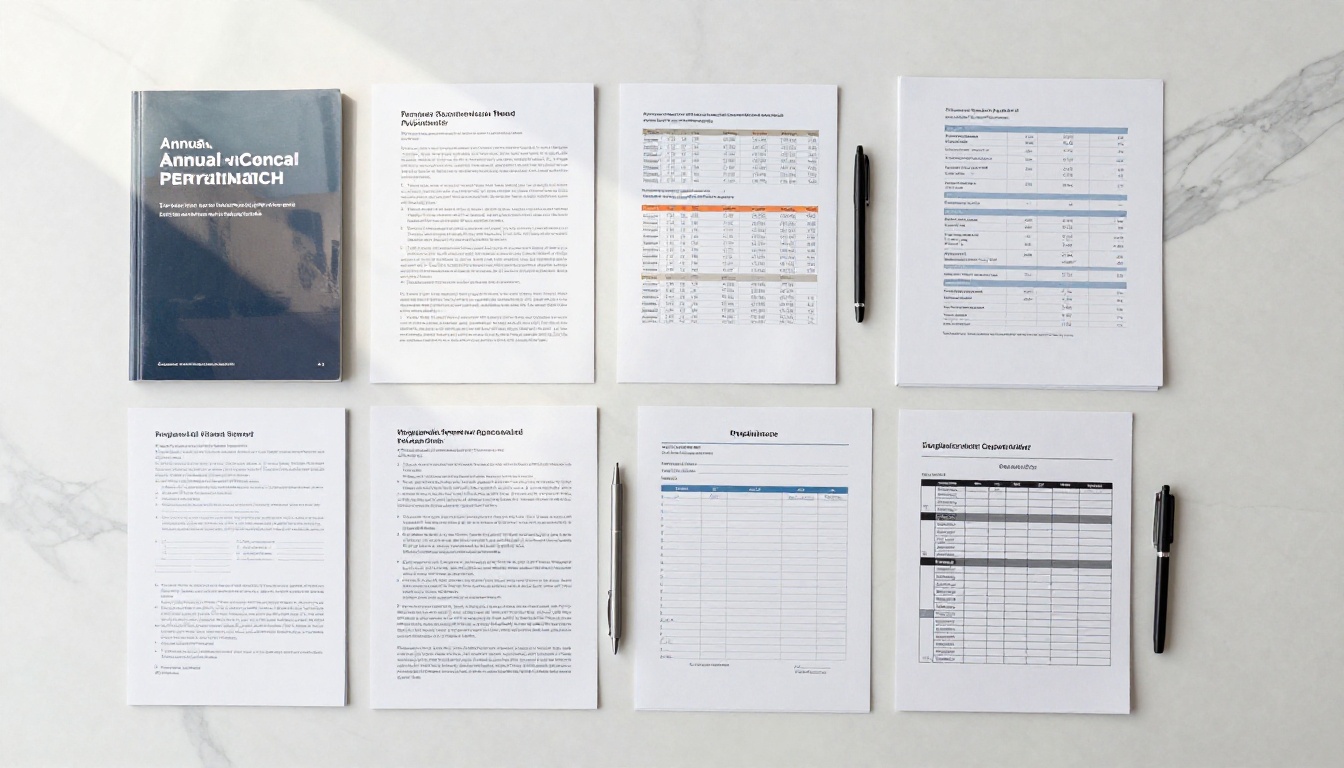
Not every document benefits equally from AI summarization. These five categories see the most dramatic improvement in readability and usage rates.
Annual Reports
Annual reports combine financial statements, management commentary, governance disclosures, and forward-looking statements into a single sprawling document. AI handles these well because the structure is predictable: audited financials get extracted with precision, narrative sections get abstracted into clear bullets, and risk factors get flagged with appropriate weight. The Annual Report Creator and Corporate Report Maker tools let you present these distilled summaries in a professionally formatted flipbook.
Research Papers and Whitepapers
Academic and technical papers bury their value in methodology sections. AI summaries pull the hypothesis, the central findings, and the practical implications into three to five sentences, which is often all a business audience needs.
Financial Quarterly Filings
10-Qs and 10-Ks are notoriously dense. Earnings call transcripts run 15,000 or more words. AI summarization cuts these down to the metrics that matter: revenue trajectory, margin movement, guidance revisions, and risk disclosures. Finance teams at mid-sized companies are using this to monitor 20 to 30 competitor filings per quarter without adding headcount.
Project Status Reports
Weekly or monthly project reports often recycle 80% of the same content with small delta updates. AI summarization identifies what changed since the last report and surfaces only the net-new information, plus any flagged blockers. This turns a 12-page status report into a one-page delta brief.
Compliance and Regulatory Documents
These are the reports that matter most and get read least, because they're written for regulators, not readers. AI summarization converts regulatory filings into plain-language briefs that non-compliance staff can actually act on.

The landscape of AI summarization tools ranges from free browser extensions to enterprise platforms charging per document. Here's how the main options compare:
| Tool | Best For | Accuracy | Cost | Long-Doc Support |
|---|
| GPT-4o (API) | Custom workflows | Very High | Pay-per-token | Up to 128K tokens |
| Claude 3.7 (API) | Long-context reports | Very High | Pay-per-token | Up to 200K tokens |
| Gemini 1.5 Pro | Massive documents | High | Pay-per-token | Up to 1M tokens |
| Notion AI | Internal docs | Medium | $10/mo add-on | Limited |
| ChatPDF | Quick reads | Medium | Free tier available | Up to 2,000 pages |
| Adobe Acrobat AI | PDF-native workflows | High | $23/mo | PDF-optimized |
⚠️ Warning: Free tools often apply aggressive chunking that breaks cross-section reasoning. For anything over 50 pages, use a model with native long-context support.
Free vs. Paid: What You Actually Get
Free tiers are useful for one-off summaries of short documents. Paid tiers matter when you need:
- Batch processing: Summarizing 50 filings overnight without manual intervention
- Citation tracking: Knowing which page each claim came from in the source document
- Custom output formats: Structured JSON, markdown tables, or named sections for consistent templates
- Privacy guarantees: Your document stays off training datasets
For teams doing regular report processing, the $20 to $40 per month range on a capable LLM API typically pays for itself within the first week of use.
The Format Problem Nobody Mentions

AI summarizes the content. But how you distribute that summary determines whether it actually gets read.
PDFs Kill Readability
A well-crafted AI summary saved as a PDF and emailed as an attachment faces the same fate as the original report. It becomes one more file in a folder that doesn't get opened. PDF is a print format. It was designed for documents that would be printed. In a screen-first world, it fights against how people naturally consume information.
PDFs don't resize automatically for mobile screens, don't support interactive navigation between sections, don't track who read what, and don't support embedded multimedia. They're static. Your AI summary deserves better.
Interactive Flipbooks vs. Static PDFs
Converting an AI-generated summary into an interactive flipbook changes the consumption experience entirely. Here's the direct comparison:
| Feature | Static PDF | Interactive Flipbook |
|---|
| Mobile reading experience | Poor | Excellent |
| Section navigation | Manual scroll | Click-through chapters |
| Distribution method | Email attachment | Direct shareable link |
| Read tracking | None | Full page-level analytics |
| Multimedia support | None | Video, audio, hyperlinks |
| Branding options | Basic headers | Full custom branding |
| Privacy control | Limited | Password protection |
| Offline access | Yes | Yes (supported plans) |
| Embed in intranet | Complicated | One-line embed code |
The difference in read-through rates between a PDF attachment and a link to an interactive flipbook is real. When your AI summary arrives as something people want to interact with, the information reaches more of the audience it was created for.
How to Turn an AI Summary into a Flipbook

Flipbooks AI makes converting a summarized report into a polished, shareable interactive document straightforward. Here's the full process.
Step 1: Generate Your Summary and Export to PDF
Run your long report through your preferred AI summarization tool. Request structured output: executive summary at the top, section-by-section bullets below, core figures in a table, and flagged action items at the end. Format this in a word processor or design tool, then export as a PDF.
💡 Pro tip: Use a clean, single-column layout with generous white space when formatting your summary PDF. This converts better to flipbook format than densely-packed multi-column layouts.
Step 2: Create Your Account and Upload
Head to Flipbooks AI and create your account. The free plan gets you started immediately with no watermarks and core conversion features. Once inside, upload your summary PDF. The PDF to Flipbook Converter processes most documents in under 60 seconds.
For annual reports and corporate documents, the Report Flipbook Creator provides specialized templates built for business document formats.
Step 3: Apply Branding and Customize
After conversion, customize the flipbook to match your organization's identity:
- Upload your logo and configure your brand color palette
- Choose a title page style (full-bleed image, solid color, or gradient)
- Set the page-turn animation and reading direction
- Add a clickable table of contents for longer summaries
- Enable or disable the download option based on your distribution needs
Step 4: Set Sharing and Privacy Options
This is where the flexibility shows:
- Public link: Anyone with the URL can view. Ideal for external stakeholder reports.
- Password protection: For board reports or confidential internal summaries
- Embed code: Paste directly into your intranet, Confluence, or Notion pages
- Domain restriction: Only users on your company domain can access
For teams that need read analytics, including who opened the flipbook and how long they spent on each section, the Professional plan includes full tracking plus lead capture forms.
Step 5: Share and Monitor
Send the direct link via Slack, email, or embed it in your existing tools. The link works on any device, requires no app download, and delivers the full interactive experience through the browser. Recipients open it in two clicks.
✅ Best practice: Include the flipbook link in the email body rather than attaching the PDF. Links consistently outperform attachments in open and read-through rates.
Real-World Use Cases

Finance Teams Handling Competitor Intelligence
A mid-sized technology company's finance team monitors 25 competitor quarterly filings every quarter. Previously, an analyst spent two full days manually reading through each filing. Now, each filing runs through a long-context LLM that generates a structured four-section summary: revenue and margin changes, product announcements, risk updates, and forward guidance. Each summary gets converted into a branded flipbook and shared with the executive team via a single link.
Time spent per filing dropped from two hours to under fifteen minutes. The executive team now reads all 25 summaries, rather than the three or four they previously had capacity for.
Consulting Firms Presenting Research
A boutique strategy consulting firm delivers client research in flipbook format instead of PDF decks. Their AI-summarized market research reports convert to flipbooks with embedded video commentary from the lead consultant. Clients navigate between sections non-linearly, go deeper on topics relevant to their decisions, and share the link with their own stakeholders. The Corporate Report Maker handles the templates for each client deliverable.
Non-Profits Making Grant Reports Readable
Non-profit organizations submit extensive grant impact reports that few funders read in full. AI summarization pulls the impact metrics, beneficiary stories, and financial accountability figures into a tight four-page brief. Converting that to a flipbook with the Non-Profit Annual Report tool gives funders a clean, mobile-friendly overview. Renewal rates improve when funders actually see the impact data laid out clearly.

Building a Repeatable Summary Workflow
The organizations getting the most out of AI summarization have built a repeatable pipeline rather than using it ad hoc:
- Ingestion: Documents arrive in a designated folder or shared inbox
- Processing: AI model runs summarization automatically on receipt
- Formatting: Summary output populates a consistent PDF template
- Conversion: PDF uploads to Flipbooks AI and becomes a shareable link
- Distribution: The flipbook link posts to the relevant Slack channel or email thread
- Tracking: Analytics show who read what, informing follow-up priorities
This end-to-end pipeline runs without manual intervention once set up. The AI handles the reading, the template handles the formatting, and the flipbook handles distribution. Human attention goes to the decisions the summary surfaces, not the hours of reading required to find them.
✅ Best practice: Use a consistent naming convention for flipbooks so archived summaries stay findable. A format like [Quarter]-[Company]-[Report Type] works well for quarterly intelligence libraries.
Choosing the Right Plan

For teams distributing AI-generated summaries, the Flipbooks AI pricing plans map directly to real needs:
| Plan | Best For | Included Features | Flipbooks |
|---|
| Free | Individual testing | No watermarks, basic sharing | Limited |
| Standard | Small teams | Unlimited flipbooks, custom branding | Unlimited |
| Professional | Departments and firms | Analytics, lead gen, offline downloads | Unlimited |
Teams distributing board-level or confidential summaries will want Professional for password protection and read tracking. Teams doing bulk competitor intelligence conversion will want Standard at minimum for unlimited flipbook creation.
Here's what makes Flipbooks AI worth choosing for summary-based report distribution:
- ✅ No watermarks on any plan
- ✅ Unlimited flipbooks (Standard and above)
- ✅ Password protection for confidential reports
- ✅ Full analytics on reader behavior (Professional)
- ✅ Offline download support for field teams
- ✅ Embed codes for internal wikis and intranets
- ✅ Mobile-responsive without additional configuration
- ✅ Custom branding on every flipbook
The combination of AI that does the reading and a platform that makes summaries worth sharing closes the gap between information existing and information being used. That gap costs organizations real money when decisions sitting inside unread reports don't get made in time.
Ready to convert your next AI-generated summary into something your team will actually read? Create your free account and upload your first document today. Browse the full collection of business report tools to find the right template for your document type, and compare pricing plans to choose what fits your team's workflow.



