It is 11 p.m., your guest has just landed, the door code works, and then the messages start: "What is the Wi-Fi password?" "Where do I put the trash?" "Is there a decent place still open nearby?" Every host has lived this. A well-built welcome book answers all of it before anyone has to ask. This article gives you a full Airbnb welcome book template, with sample wording for Wi-Fi, house rules and local picks, and shows how to turn it into a polished digital flipbook with Flipbooks AI.
Paper binders get stained, lose pages and never get updated. A digital welcome book fixes all three problems, and guests can open it on their phone in the taxi from the airport.
Why Every Listing Needs One
A welcome book is the quiet employee who works every check-in, never takes a day off and always gives the same correct answer. Hosts who use one typically report fewer repetitive messages, fewer small damages and better review comments about "communication" and "cleanliness".
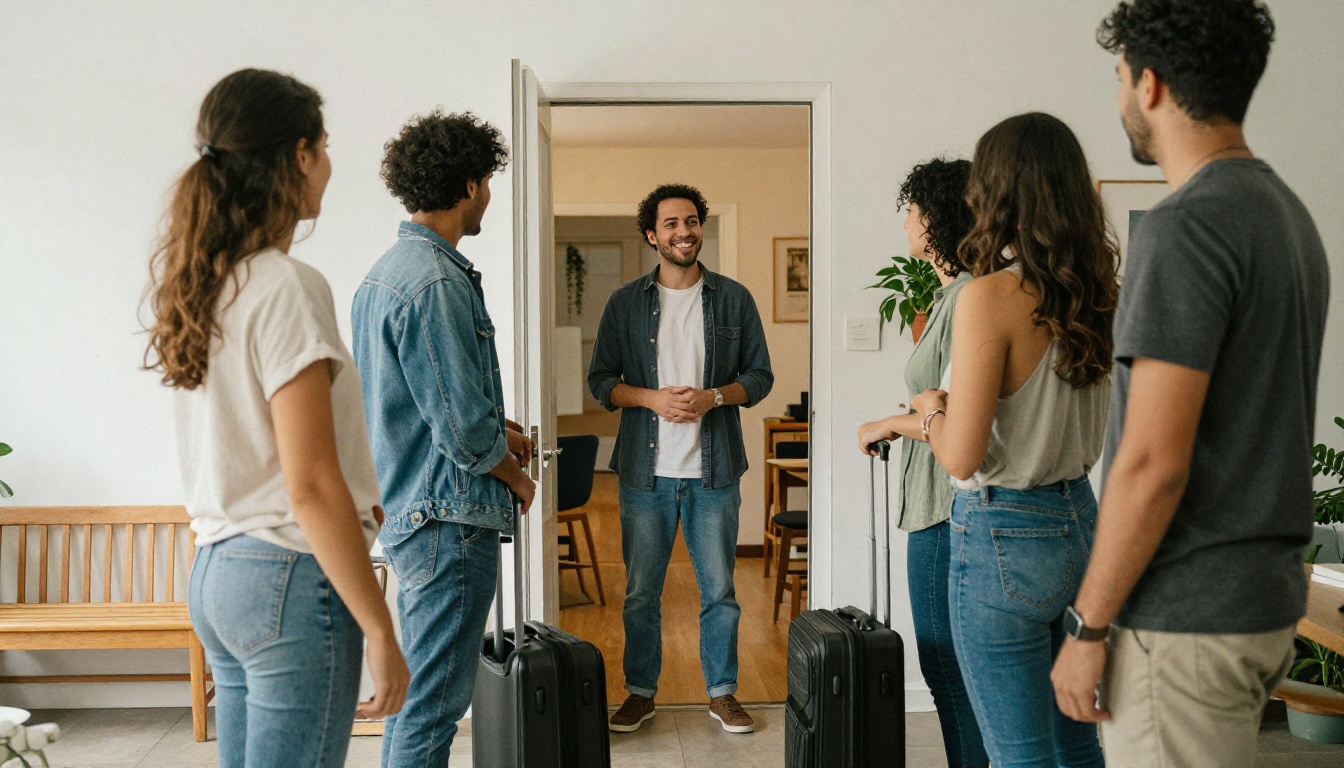
What Guests Really Want
Guests rarely read long documents. They scan for four things:
- Access: how to get in, park and find the unit
- Connection: Wi-Fi name and password
- Rules: quiet hours, smoking, extra visitors, checkout
- Experience: where to eat, walk and shop
If your book answers those in the first three pages, you have done 90% of the job.
What Hosts Gain
- Fewer late-night messages and phone calls
- Clear, written proof that rules were shared
- A place to upsell experiences, early check-in or late checkout
- A consistent brand across several listings
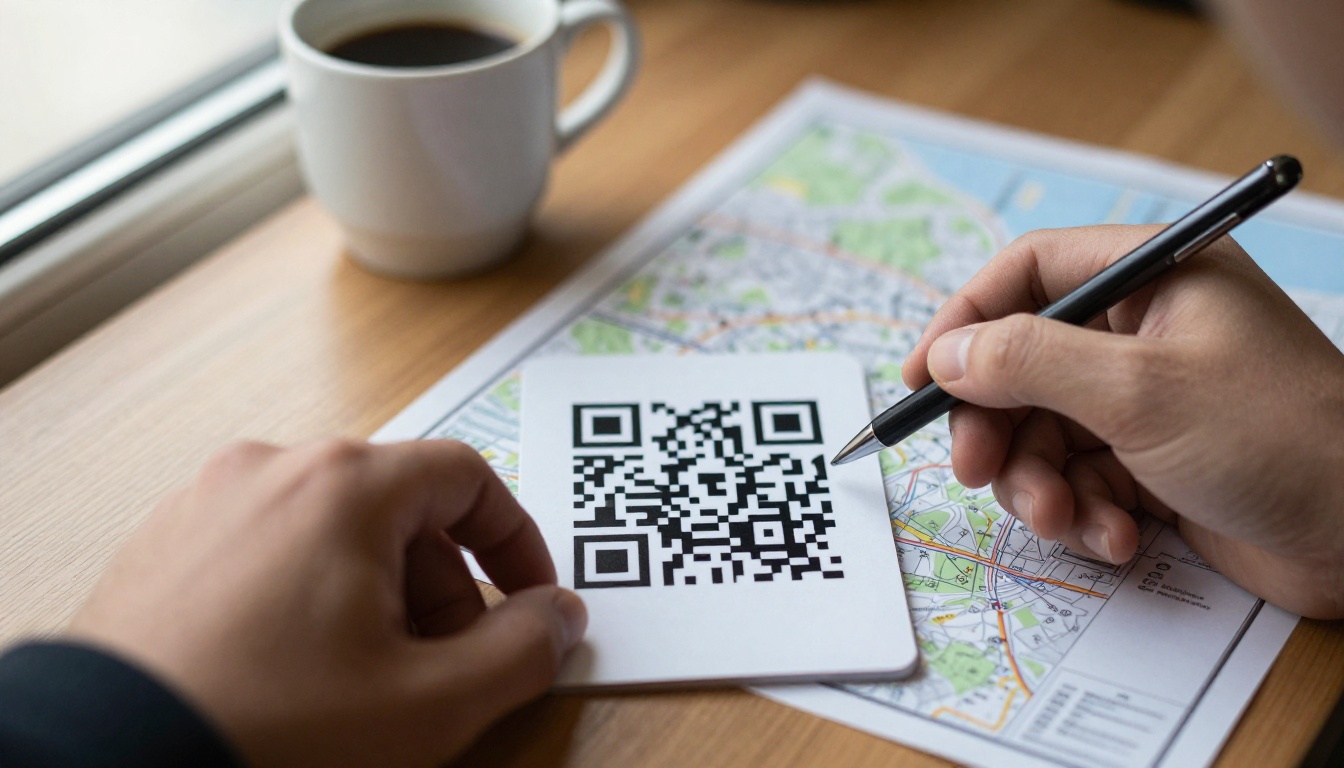
💡 Pro tip: Put a QR code card on the entry console and the fridge that opens the welcome book. Guests who skip the printed copy still find it in seconds.
The Template at a Glance
Here is the page order that works for most short-term rentals. Keep the whole book between 10 and 16 pages.
| Page | Section | What goes inside | Ideal length |
|---|
| 1 | Welcome cover | Property name, host photo, short greeting | 40 words |
| 2 | Arrival and access | Door code, parking, building entry | 80 words |
| 3 | Wi-Fi and devices | Network, password, TV and heating | 60 words |
| 4 | House rules | Quiet hours, smoking, visitors, pets | 120 words |
| 5 | Kitchen and appliances | Coffee machine, oven, trash and recycling | 100 words |
| 6 | Bedrooms and bath | Extra linens, hot water, hair dryer | 80 words |
| 7 to 10 | Local picks | Food, coffee, groceries, walks | 60 words each |
| 11 | Emergency info | Host phone, hospital, police | 50 words |
| 12 | Checkout steps | Simple checklist | 70 words |
Voice and Tone
Write as you would speak to a friend visiting your home. Short sentences, friendly commands and zero legal language. "Please keep voices low after 10 p.m." works better than "Guests shall refrain from excessive noise."
Wi-Fi Page: Make It Impossible to Miss
The Wi-Fi page is the most visited page in any welcome book. Give it its own spread, big type and almost no other text.
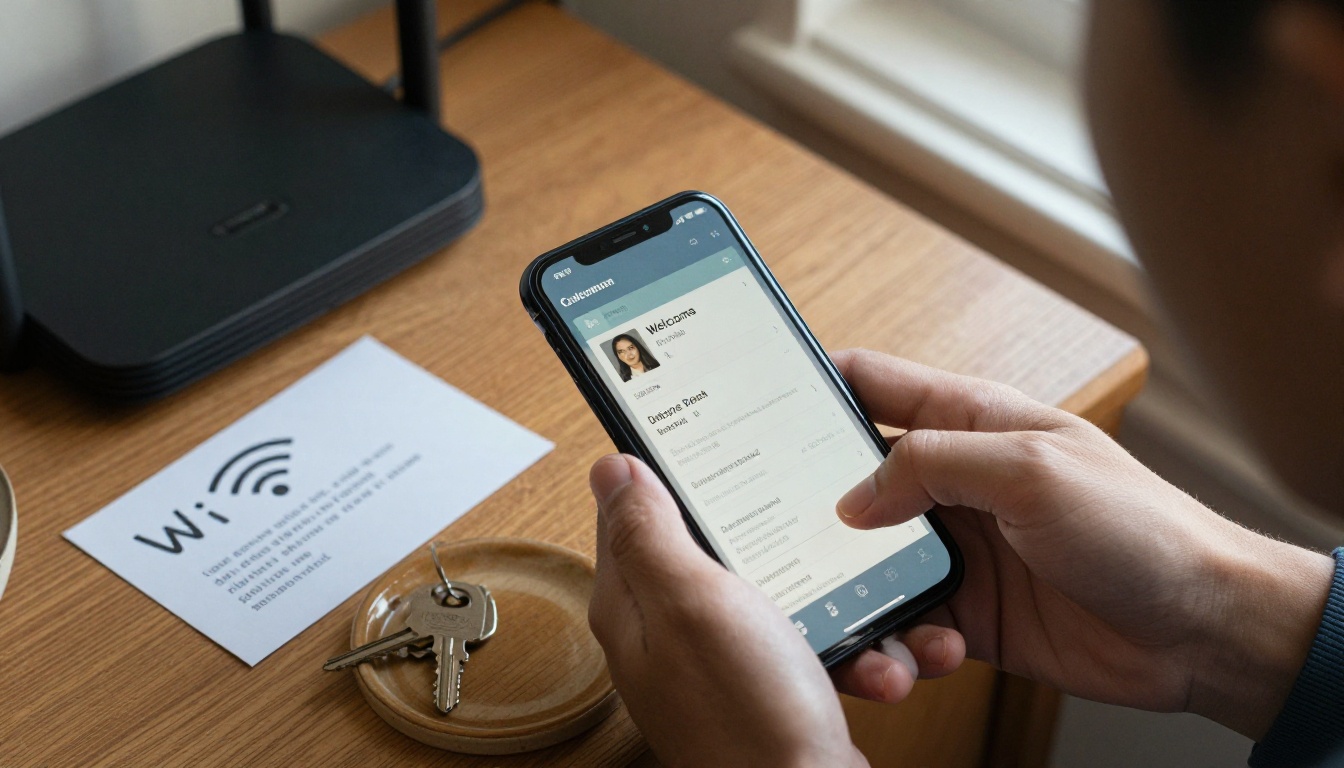
Sample Wi-Fi Copy
Network: CasaLuna_Guest
Password: sunnyday2026
Router location: on the console by the front door
Speed: around 300 Mbps, good for video calls
Add one line for troubleshooting: "If the connection drops, unplug the router for 10 seconds and plug it back in." This single sentence removes a large share of support messages.
Avoid Confusing Passwords
| Bad password | Why it fails | Better choice |
|---|
| 8f#Qz!0lO | Letters look alike, symbols are hard to type | sunnyday2026 |
| Guest | Too short and easy to guess | bluehouse88 |
| Your phone number | Privacy risk | Random two-word phrase |
⚠️ Warning: Use a separate guest network if your router allows it. It keeps your own devices and smart home gear away from strangers.
Other Device Notes
- TV: which input to use and how to open streaming apps
- Heating and cooling: the thermostat range you prefer
- Speaker or smart lights: voice commands that work
House Rules That Guests Follow
Rules feel harsh when they are a list of bans. They feel fair when they come with a reason. Compare the two approaches.
Rewrite Bans as Requests
| Cold version | Friendly version |
|---|
| No parties. | We love a quiet home. Gatherings of more than the booked guests are not allowed, so our neighbors can sleep. |
| No smoking. | Please smoke outside only, away from windows. An ashtray is on the balcony. |
| Checkout 11 a.m. | Checkout is at 11 a.m. so our cleaner can get the home ready for the next family. |
| No shoes inside. | Slippers are in the basket by the door, our floors say thank you. |
The Six Rules Worth Including
- Quiet hours: state the exact times, for example 10 p.m. to 8 a.m.
- Guest count: the number on the booking, plus a note about extra visitors
- Smoking and vaping: where it is allowed, if anywhere
- Pets: allowed or not, and where they may sleep
- Trash and recycling: the day, the bins and the sorting rules
- Damage and lost items: who to message, and when
Safety Basics
Mention the location of the fire extinguisher, first aid kit and the main water valve. Guests who know where these are react calmly if something goes wrong.
✅ Best practice: Keep house rules to one page. A rule buried on page nine is not a rule.
Local Picks That Feel Personal
This is the section guests remember. Anyone can search a map, but only you know the baker who sells out by 9 a.m.
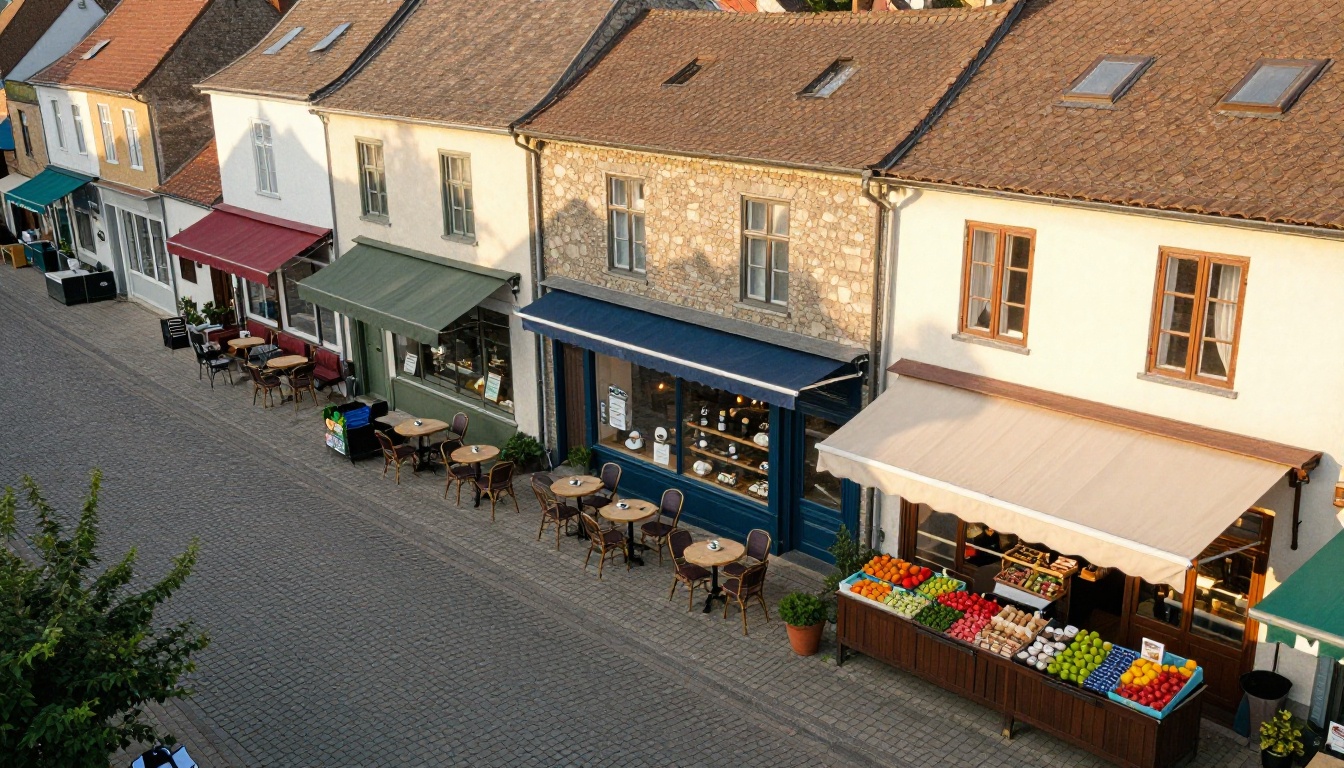
Pick a Few, Not Dozens
Three options per category beat twenty. Use a mini table for every group.
| Category | Place | Why you love it | Walk time |
|---|
| Breakfast | Panadería Sol | Warm pastries, local coffee | 4 min |
| Dinner | Casa Olivo | Family recipes, quiet terrace | 9 min |
| Late night | Bar Faro | Open until 1 a.m., friendly staff | 6 min |
| Groceries | Mercado Verde | Fresh produce, open Sundays | 3 min |
| Pharmacy | Farmacia Central | Open 24 hours | 7 min |
Add Tips Only a Local Knows
- The best sunset spot and what time to arrive
- Which days the farmers market runs
- The bus line that goes directly to the beach
- A shortcut that avoids the tourist crowds
Seasonal Notes
Add a short box for each season: winter markets, summer festivals, rainy day ideas. A digital book lets you update this in minutes, which a printed binder never could.
Kitchen, Bedrooms and Appliances
Most "how does this work" questions come from the same five objects. Give each one a short card.
The Five Usual Suspects
- Coffee machine: one photo and three numbered steps
- Oven or induction hob: how to turn it on and off
- Washer and dryer: which program you recommend
- Shower: how to get hot water without a cold surprise
- Air conditioning: remote control tips
Where Extras Live
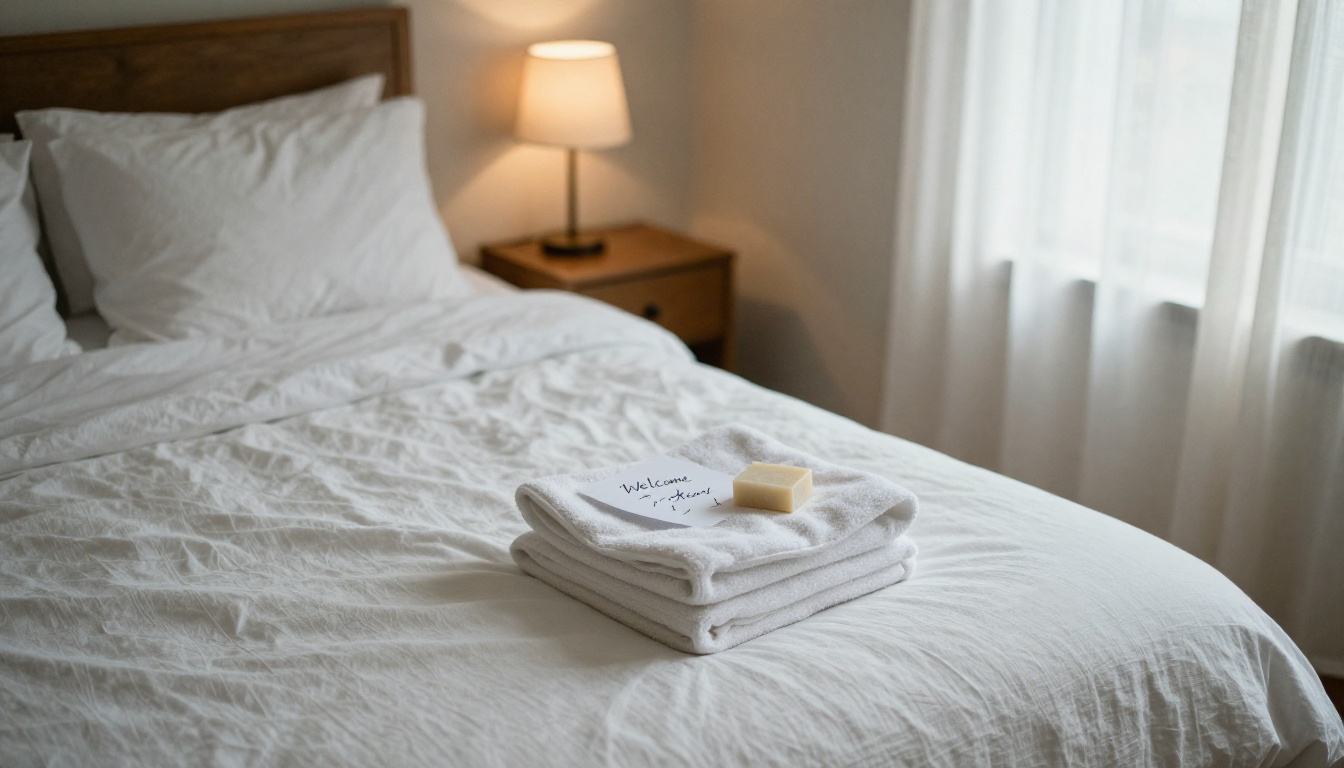
State where spare blankets, towels, toilet paper and a hair dryer are stored. Guests are shy about opening cupboards, so tell them they are welcome to.
Print, PDF or Flipbook?
You have three formats to pick from. Here is how they compare.
| Feature | Printed binder | Plain PDF | Flipbook |
|---|
| Update speed | Reprint needed | Re-send file | Instant, same link |
| Works on phones | No | Clumsy | Yes, mobile responsive |
| Embedded video or audio | No | No | Yes |
| QR code access | No | Possible | Yes |
| Password protection | No | Limited | Yes |
| Cost over time | Printing and wear | Low | Low |
| Feels premium | Sometimes | Rarely | Yes, page turn effect |
A flipbook keeps the charm of a book and the flexibility of a website. You send one link, and when your Wi-Fi password changes, every guest sees the new page.
How to Create Your Welcome Book with Flipbooks AI
Here is the full process from blank page to a shareable link.
Step by Step
- Draft the pages. Write the sections from the table above in Canva, Google Docs or Word. Use large headings and plenty of white space.
- Export to PDF. Keep the page size consistent, and compress photos so the file stays light.
- Create your account. Go to Flipbooks AI and sign in.
- Upload the PDF. The PDF to Flipbook Converter turns each page into a turnable spread in seconds.
- Customize. Add your colors, logo and background, and pick a page effect that suits the vibe of your listing.
- Add media. Embed a short video tour of the house or an audio greeting. This is where a digital book beats paper.
- Protect it. Turn on password protection so only booked guests can open it.
- Share. Copy the direct link, create a QR code for the entry console, or embed the flipbook on your website.
If you manage a boutique property, the Hotel Brochure Designer offers a handy starting layout, and the Travel Guide Flipbook tool suits the local picks section.
Features Worth Using
- ✅ No watermarks, ever
- ✅ Custom branding for each listing
- ✅ Password protection for private content
- ✅ Offline downloads for guests with weak signal
- ✅ Analytics to see which pages are opened, available on the Professional plan
💡 Pro tip: Analytics show whether guests open the Wi-Fi page or the local picks page most. Move the popular page earlier in the book.
Real Examples That Work
The City Apartment Host
A host with three downtown apartments builds one master template and swaps only the Wi-Fi page, the door code and the neighborhood picks. Unlimited flipbooks on the Standard plan make this affordable.
The Mountain Cabin
The cabin guide adds a page on wood stove safety, a trail map and a weather tip. Offline download matters here because cell service is weak.
The Beach Condo
This host includes a tide chart link, beach gear storage and a short audio clip welcoming families. Reviews started mentioning the "thoughtful book" within a month.

Common Mistakes to Skip
- Too much text. Guests scan on phones, so keep paragraphs to three lines.
- Outdated info. A closed restaurant recommendation hurts trust. Review local picks every quarter.
- No photos. Show the coffee machine, do not describe it.
- Hidden Wi-Fi. Never bury it behind other pages.
- Harsh tone. Rules written as threats get remembered for the wrong reasons.
- Forgetting checkout. A simple list saves you a messy turnover.
A Simple Checkout List
- Start the dishwasher
- Put used towels in the bathtub
- Turn off lights and heating
- Close windows and lock the door
- Leave the door code lockbox as you found it
Your Next Step
You already know what guests ask, because you answer it every week. Put those answers on twelve pages, add a few photos and a QR code, and your next check-in runs itself.
Ready to build yours? Get started for free on Flipbooks AI, browse all flipbook tools for more layouts, or compare pricing plans to pick the right fit for your portfolio of listings.



