You sit down, you reach for a menu, and all you find is a small square of black and white pixels glued to the table. A few years ago that felt clever. Today, a lot of guests sigh, pull out a phone, wait for a slow page to load, and pinch-zoom a PDF made for a letter-sized sheet of paper. So, are QR code menus going away? Not entirely, but the bare QR code on its own is losing its grip, and restaurants are quietly changing what they put in front of guests. If you run a dining room, a cafe or a bar, this article shows what is replacing the old setup and how tools like Flipbooks AI fit into the picture.
QR menus became standard almost overnight in 2020. Health rules made shared laminated menus a problem, printing costs were a headache for businesses already short on cash, and every guest already owned a smartphone. The code was free to generate and cheap to print.
For owners, the appeal was practical:
- No reprinting when a price or dish changed
- Zero cost per guest once the code was placed
- Fast rollout with nothing more than a PDF
- Contactless service during a time when that mattered
That mix explains why the format spread so quickly. It also explains why so many restaurants never revisited the decision. The code worked well enough, so it stayed.
💡 A QR code is only a door. What matters is the room behind it, and most restaurants never designed that room.
Why Guests Started Pushing Back
The pandemic reasons faded, but the habit remained. Guests now meet a different reality than owners imagined.
The Friction Is Real
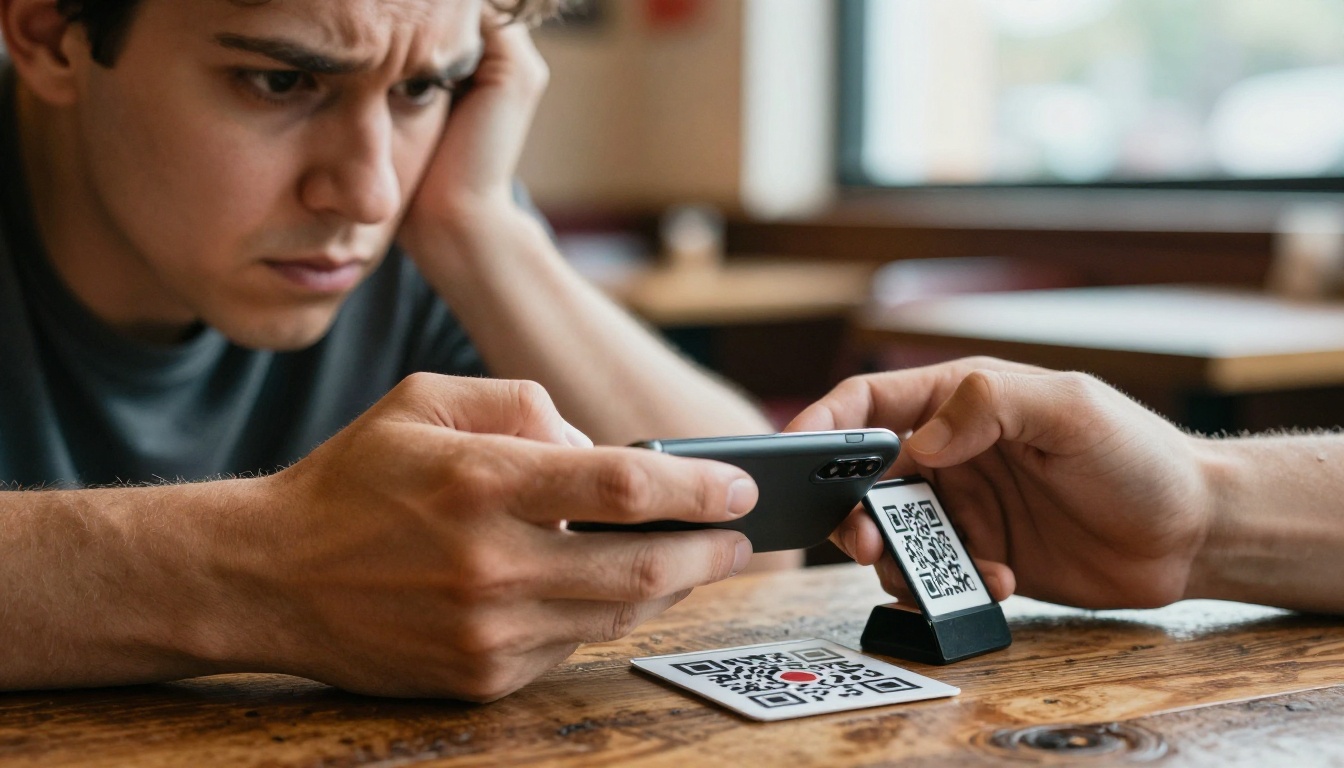
Scanning sounds easy until you watch it in practice. A diner has to unlock the phone, open the camera, aim at a code that may be scratched or sitting in poor light, wait for the page, and then deal with a layout that was never built for a small screen. Older guests and visitors from abroad struggle the most.
Phones at the Table Feel Wrong
Hospitality is about attention. When a couple sits down for an anniversary dinner and the first thing each person does is stare at a phone, the mood shifts. Many guests say they simply prefer to look up, talk, and hold something real.
Data and Battery Worries
Some guests do not want to open links from a table sticker, and others have a low battery or poor reception inside a thick-walled dining room. A menu that depends on a connection can fail at the worst moment.
Slow Pages Cost Sales
If the menu takes thirty seconds to load, guests order less. They skip the starter, they skip dessert, and they ask the server questions the page should have answered.
The Honest Case For Keeping QR Codes
It would be wrong to say QR menus are dead. Used well, they still solve real problems.
- Outdoor terraces and food trucks benefit from a quick link
- Large venues with rotating specials can update in seconds
- Multilingual cities can show several languages from one code
- Ordering and payment at the table can reduce wait times
The trouble is not the code itself. The trouble is the destination. A code that opens a heavy PDF is a poor experience, while a code that opens a clean, fast, page-turning menu is a very different thing.
What Restaurants Do Instead
Walk through a few dozen dining rooms today and you will see five patterns. Most venues combine two of them.
1. The Return of Printed Menus
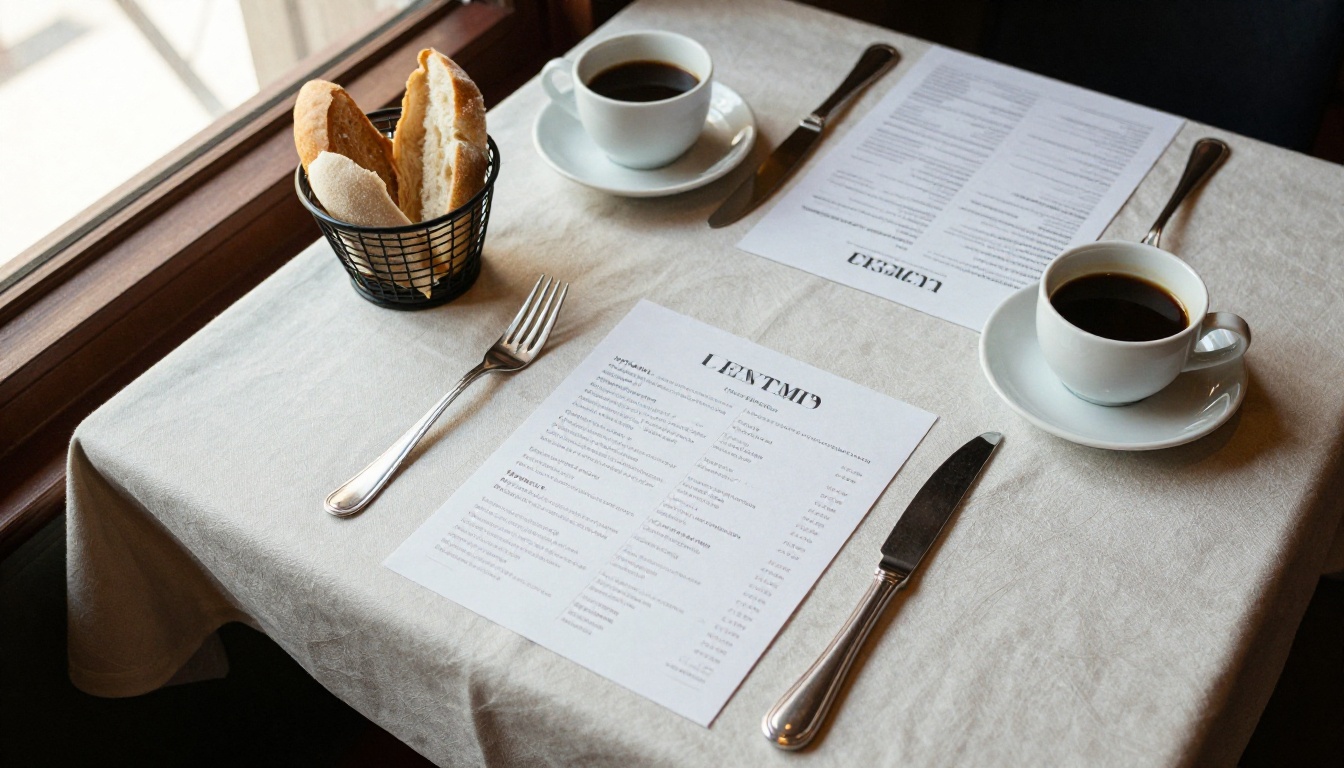
Many casual and fine dining restaurants have quietly brought back paper. A single printed card, a leather folder, or a chalkboard feels warm and instantly readable. Printing is no longer a heavy burden when a menu is short and seasonal.
2. Server-Led Menu Presentation
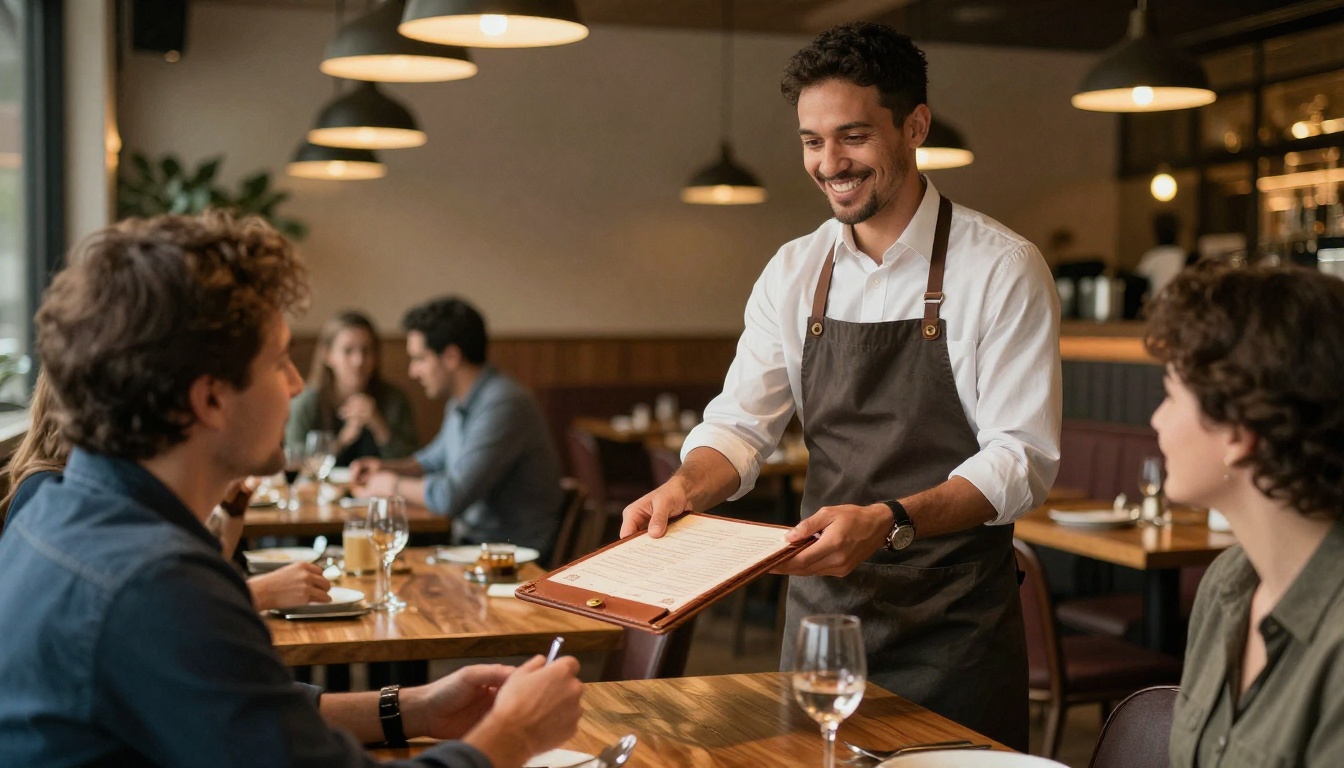
Some restaurants hand every guest a menu and train staff to describe the specials aloud. This slows service slightly, but it creates a human moment and raises average spend because servers can recommend pairings.
3. Tablets and Table Screens
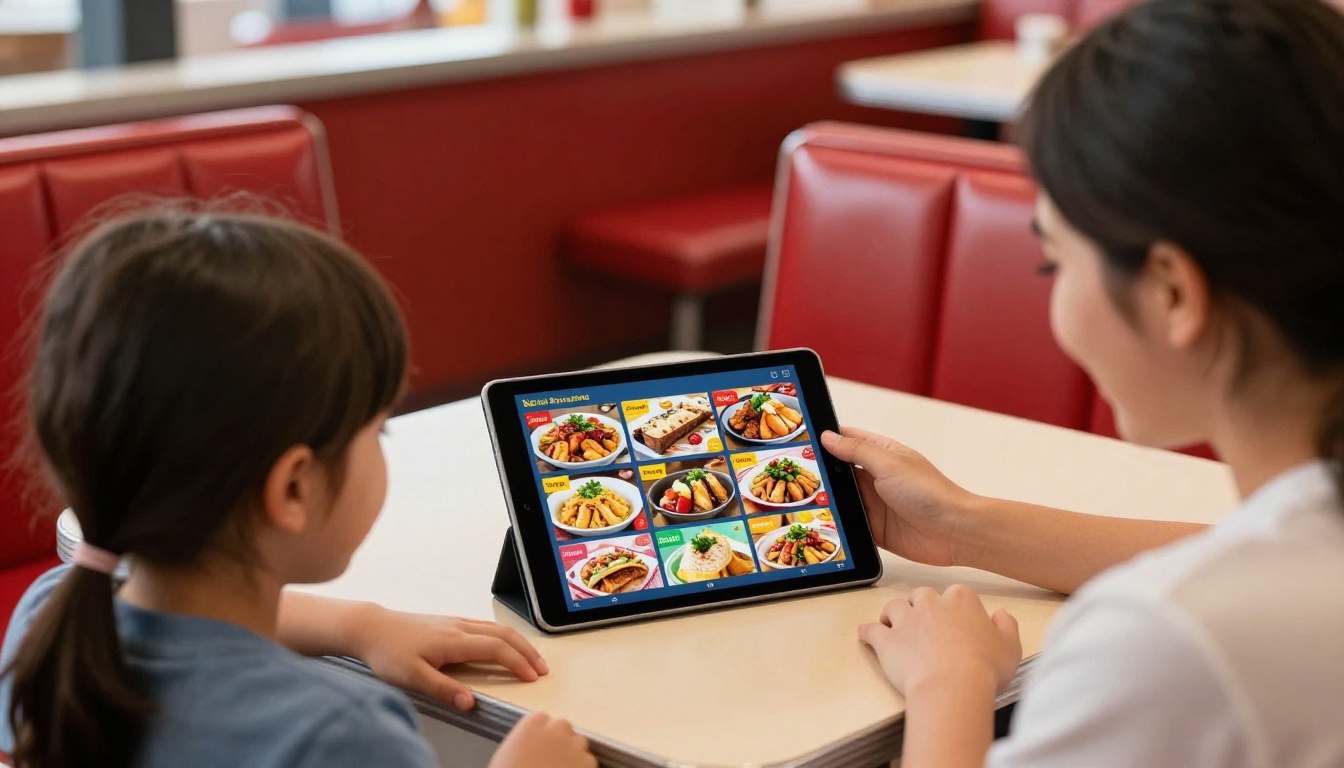
Fast casual spots and family diners often place tablets on tables. Photos help guests choose, and ordering can go straight to the kitchen. The cost is hardware, charging, cleaning, and the occasional dropped device.
4. Hybrid: Paper Plus a Digital Link
The most popular answer is a hybrid. Guests get a printed menu by default, and a small code or short link sits on the card for those who want the full version with allergen details, photos, or another language.
5. Page-Turning Flipbook Menus
A flipbook menu looks like a real booklet on a phone. Guests swipe from page to page, zoom without breaking the layout, and see the same design the restaurant printed. It keeps the feel of a designed menu while staying easy to update.
How the Options Compare
Here is a side-by-side look at the formats owners are weighing right now.
| Format | Setup Cost | Update Speed | Guest Experience | Best For |
|---|
| Bare QR to PDF | Very low | Fast | Often frustrating | Temporary setups |
| Printed menu only | Medium | Slow | Warm and familiar | Fine dining, short menus |
| Tablet at table | High | Fast | Good, needs upkeep | Fast casual, families |
| Paper plus digital link | Medium | Fast for digital | Flexible | Most independent restaurants |
| Flipbook menu | Low | Fast | Polished and familiar | Cafes, hotels, multi-location groups |
Notice that the cheapest option is not the best one. A restaurant that saves a little on setup but loses dessert orders every night is paying a hidden price.
⚠️ Do not judge a menu format by how easy it is for the owner to publish. Judge it by how easy it is for a hungry guest to read.
Owners rarely measure what a slow menu costs. A simple example shows the impact.
| Scenario | Tables per Night | Lost Order Value per Table | Nightly Loss |
|---|
| Slow PDF, guests skip extras | 40 | $4 | $160 |
| Clear, fast menu, normal ordering | 40 | $0 | $0 |
| Confusing layout, staff answer questions | 40 | $2 plus slower turns | $80 or more |
Over a month, a $160 nightly loss adds up to nearly $5,000. Even if your numbers are half that, the lesson holds: the menu is a sales tool, not an afterthought.
Real-World Examples
A neighborhood bistro. The owner replaced table stickers with a single printed card for the main menu and kept a small link for the wine list, which changes weekly. Guests ask fewer questions, and the wine list gets read.
A hotel restaurant. Breakfast, dinner, and room service menus live in separate digital booklets, all linked from one page. Front desk staff can send the right one to any guest in seconds. A hotel brochure designer works the same way for property information.
A coffee shop chain. Each location shares a master design, but local specials sit on the last page. The team updates a single file and every phone sees the new version.
If your digital menu is currently a plain PDF, this is the fastest upgrade. You can turn the same file into a swipeable booklet in a few minutes.
- Open your account. Go to Flipbooks AI and sign in or create an account.
- Upload your PDF. Drag the menu file into the PDF to Flipbook Converter. Pages convert automatically and keep their fonts and photos.
- Pick the right tool. The Restaurant Menu Creator and the Menu Flipbook Designer are built for this exact use.
- Customize the look. Add your logo, set brand colors, choose a page-turn effect, and embed short videos or audio of the kitchen if you like.
- Set sharing options. Copy a direct link, use an embed code on your site through the embed flipbook tool, or add password protection for private event menus.
- Place your code. Generate a QR code for the link and print it small on the menu card, the receipt, or the window, not as the only option.
- Track results. On the Professional plan, analytics show which pages guests open most, and lead generation can collect emails for a loyalty list.
✅ Best practice: keep the menu under 8 pages, put bestsellers on page one, and test it on an older phone before printing anything.
What You Get
- ✅ No watermarks, ever
- ✅ Unlimited flipbooks on the Standard plan and above
- ✅ Mobile-responsive design that fits any screen
- ✅ Custom branding with your logo and colors
- ✅ Offline downloads for guests with weak reception
- ✅ Password protection for private menus
See which plan fits your venue on the pricing page.
A Simple Checklist for Your Dining Room
Before you decide between paper, a link, or both, run through these questions.
- Who are your guests: tourists, regulars, older diners, or students?
- Is reception reliable inside your building?
- How often does your menu change: daily, weekly, or seasonally?
- Do you have staff who can present the menu with confidence?
- Do you need multiple languages or allergen details?
| If your answer is... | Then try... |
|---|
| Menu changes weekly | Flipbook menu plus printed core card |
| Many tourists | Flipbook menu with translated versions |
| Weak reception | Printed menu plus offline download |
| Small, fixed menu | Printed card only |
| Multiple locations | One flipbook per location, shared design |
Common Mistakes to Avoid
- Making the code tiny and hard to scan. Print it large with good contrast.
- Linking to a PDF that needs zooming. Use a layout built for phones.
- Forgetting to test. Scan your own code from the back booth on a bad day.
- Removing every printed option. Some guests will always want paper.
- Letting prices go stale. A wrong price online is worse than no menu at all.
The next few years will probably not belong to one format. Expect printed menus to return in better-designed forms, expect digital links to sit beside them, and expect guests to pick whichever feels easiest in the moment. The restaurants that win will treat the menu as part of the meal, with clear design, fast loading, and a human touch from the staff.
If your guests are tired of squinting at a PDF, give them something that feels like a real menu. Get started for free on Flipbooks AI, browse all flipbook tools to find the right template, and compare pricing plans to choose what works for your restaurant. You can also build a digital price list or a recipe book flipbook from the same dashboard. When you are ready for analytics and lead capture, upgrade to Professional.



